20

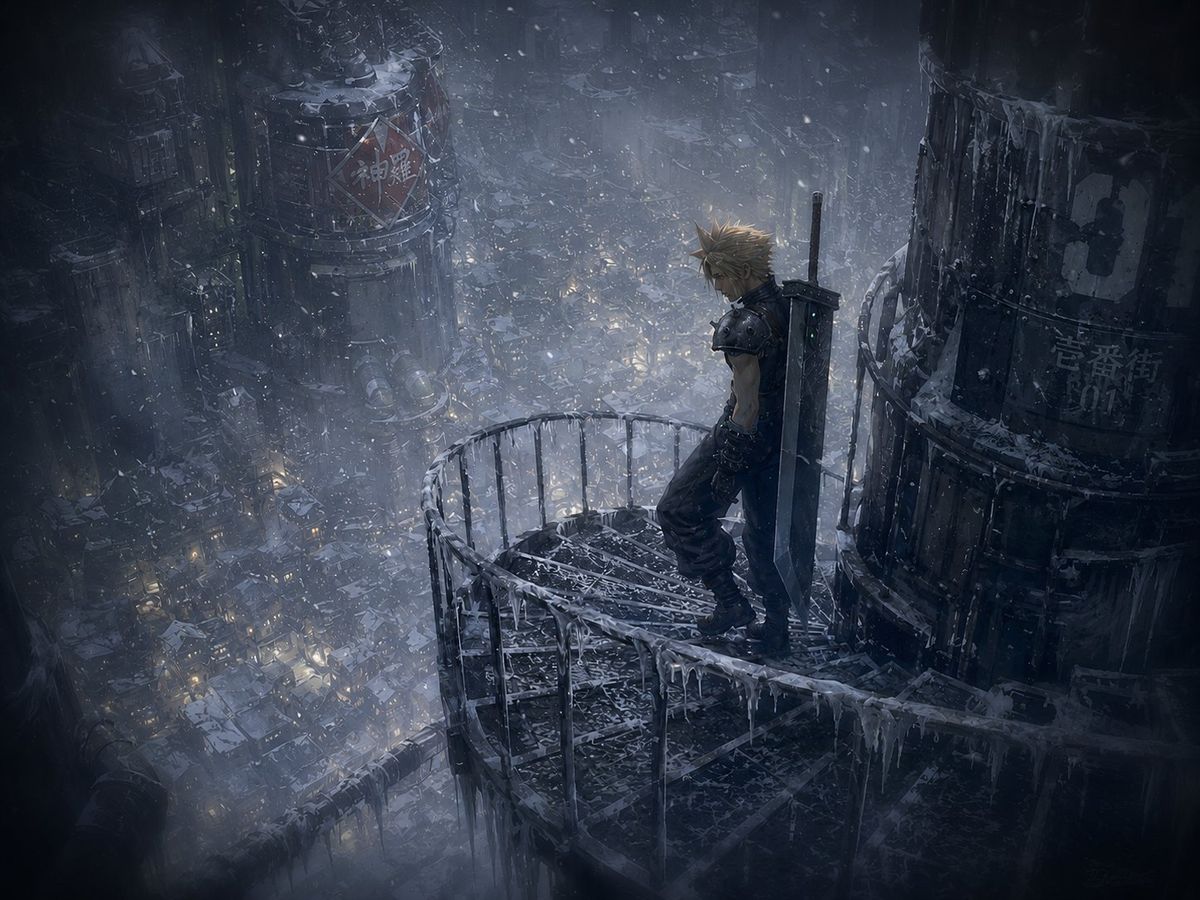
Winter Cyberpunk Balcony Over Midgar
Enlarge

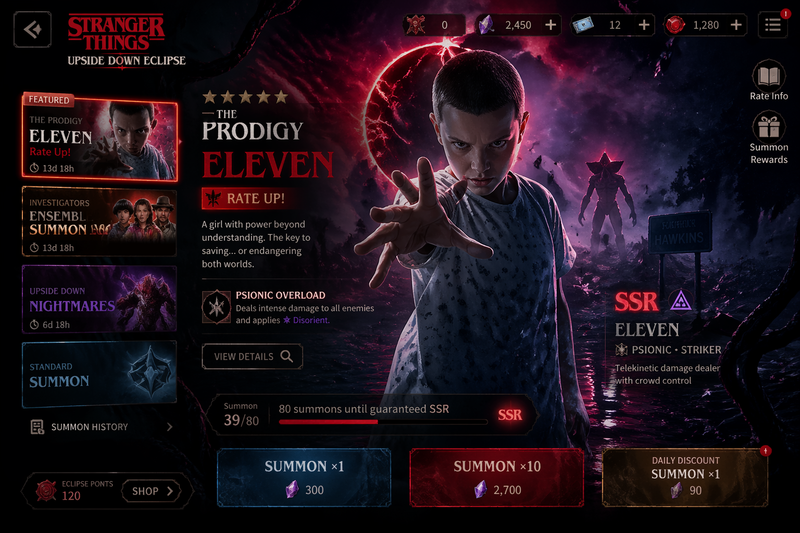
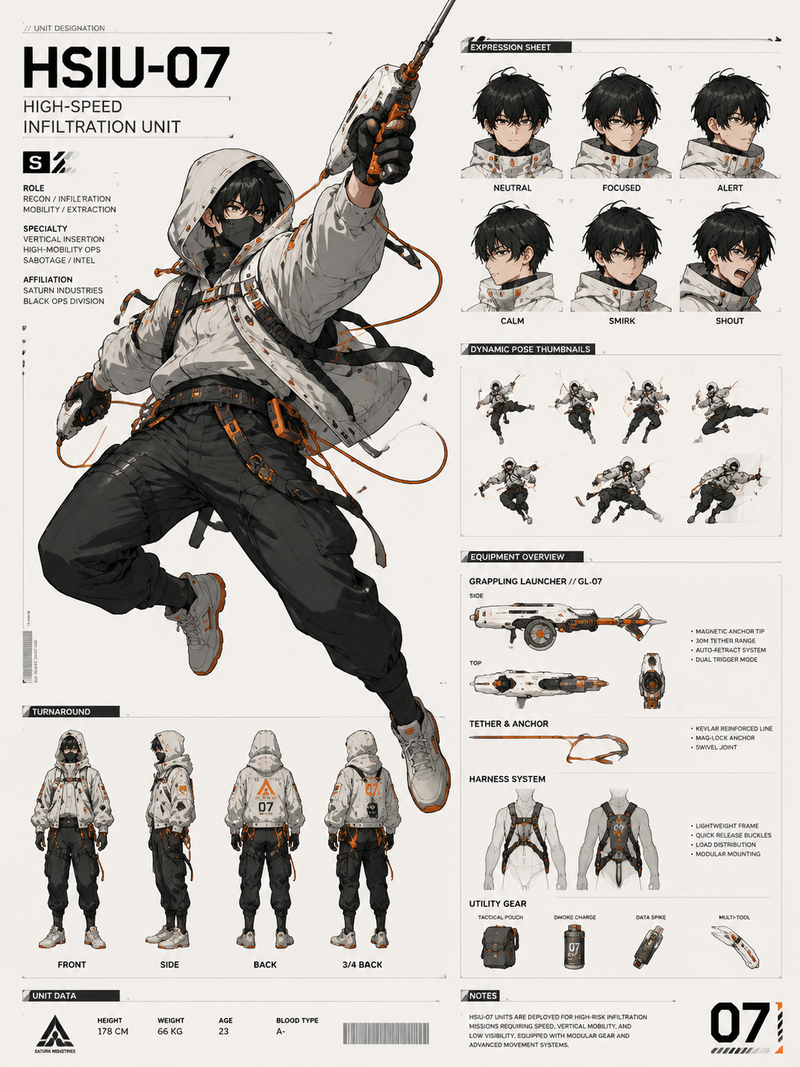
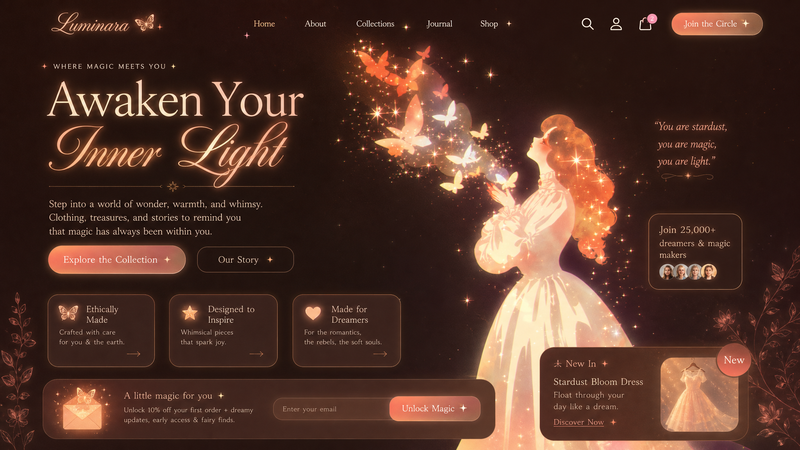
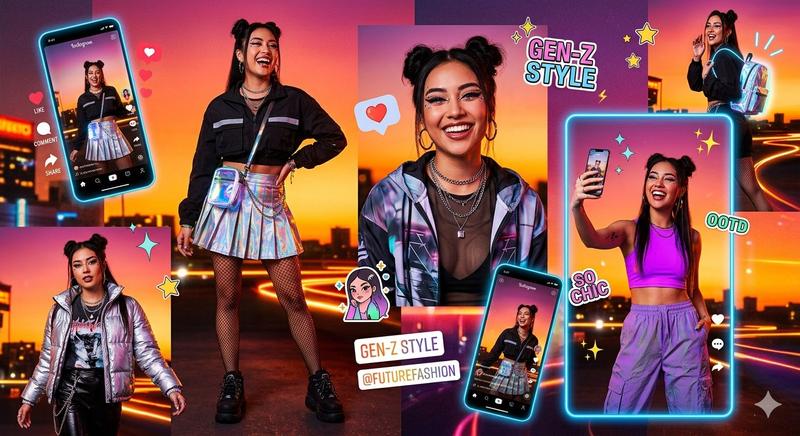
Example images

Winter Cyberpunk Balcony Over Midgar

Prompt
Create a dark cinematic winter scene in a dystopian cyberpunk industrial city inspired by Midgar: a lone {argument name="character description" default="spiky blond-haired fantasy mercenary in black sleeveless combat clothing with a massive rectangular broadsword strapped to his back"} stands on a high, curved metal balcony covered in snow and long icicles, leaning quietly against the railing and looking down over the city. The viewpoint is a wide high-angle shot from behind and slightly above, emphasizing vertigo and scale. Surround him with gigantic cylindrical reactor towers, rusted pipes, catwalks, railings, cables, and dense stacked slums far below, with countless tiny warm yellow window lights glowing through blue-gray fog. Heavy snow falls across the entire frame; surfaces are frosted, wet, corroded, and rimmed with ice. Add faint Japanese-style industrial signage painted on distant tanks, partially obscured by snow and grime. Use a moody palette of charcoal black, cold steel blue, desaturated gray, and small amber light accents. Lighting should be low-key and atmospheric, with volumetric haze, misty depth, soft bloom from city lights, and strong environmental storytelling. Style: ultra-detailed AAA fantasy game concept art, realistic materials, cinematic composition, dramatic scale, 16:9 landscape, no UI, no watermark, no readable modern logos, keep the character’s face mostly turned away or obscured by shadow.
Category
UI & Interfaces
Model
GPT Image 2
Creator
Vulcarbo
Views15
Source ID
24682
Published
Jun 7, 2026

Guide

About "Winter Cyberpunk Balcony Over Midgar"

What is this prompt for?

"Winter Cyberpunk Balcony Over Midgar" AI image prompt for GPT Image 2 (UI & Interfaces). A cinematic fantasy cyberpunk winter cityscape showing a lone swordsm…

The full copyable prompt and example visuals above are ready for AI image generation or one-click recreate in Picva.

How to use this prompt

  1. Step 1

    Open the prompt detail

    Review the example visuals, category, and full prompt text for "Winter Cyberpunk Balcony Over Midgar".

  2. Step 2

    Copy the prompt

    Copy the prompt body from this page, or load it directly in Studio.

  3. Step 3

    Pick a model (GPT Image 2)

    Prefer GPT Image 2. If you switch models, keep subject and composition and tweak style terms.

  4. Step 4

    Generate and export

    Recreate the look in Picva, or export into your workflow for editing and publishing.

FAQ

What is the "Winter Cyberpunk Balcony Over Midgar" prompt?
It is an AI image-generation prompt for GPT Image 2 in the UI & Interfaces category. This page includes the full prompt text, example visuals, and a one-click recreate path in Picva.
How do I use this prompt to generate an image?
Copy the prompt from this page, or use Generate / Studio. Paste it into a compatible image model, or recreate the look in Picva with optional reference images.
Which model is this prompt for?
This page lists GPT Image 2. Most descriptive prompts also transfer to nearby image models such as GPT Image, Flux, or Midjourney with light style tweaks.
Can I use the result commercially?
You can usually copy the prompt for creation, but commercial use of the final image depends on the model terms, reference-image rights, and the generated content. Follow the source author and platform rules.