17

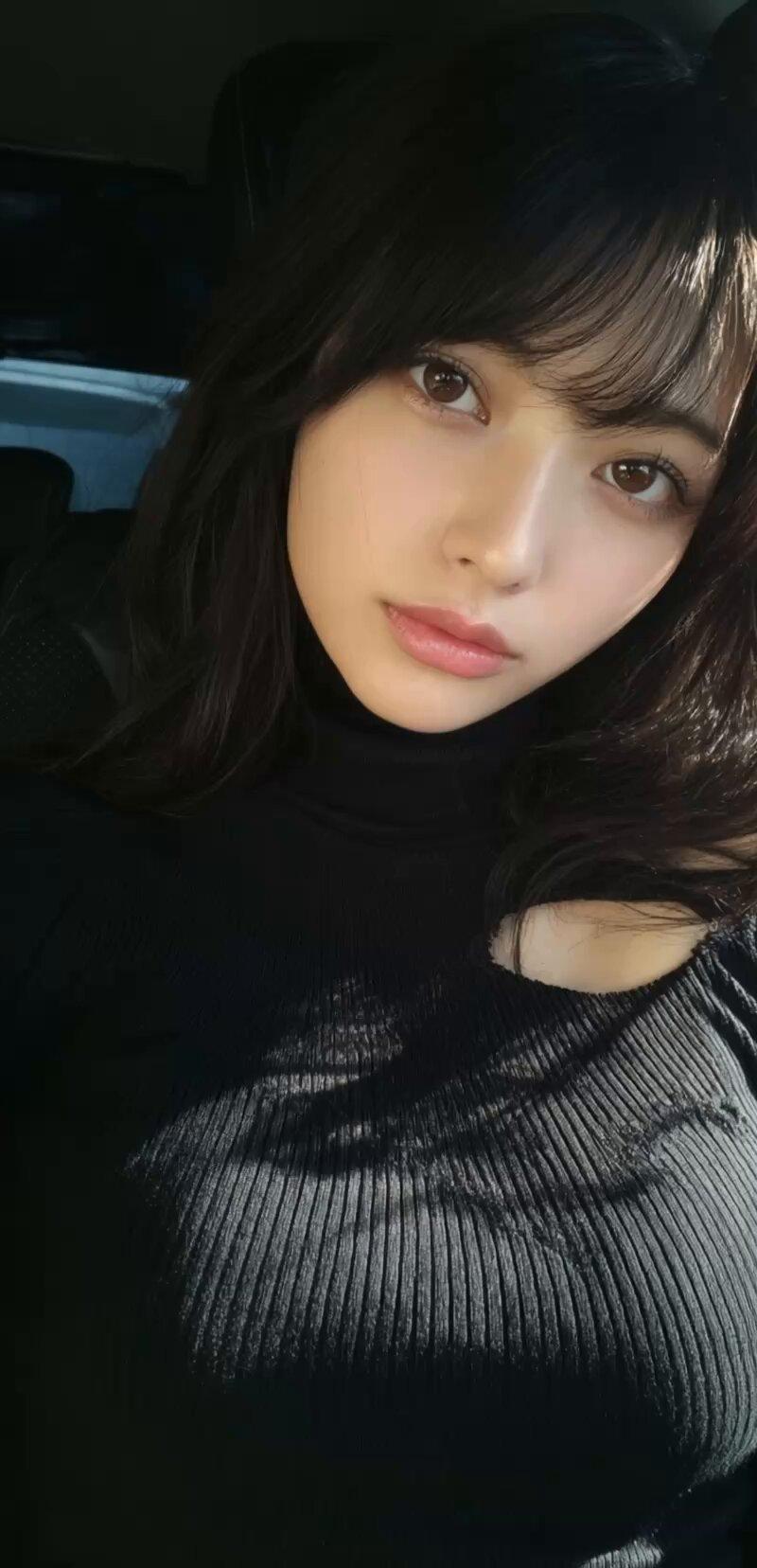
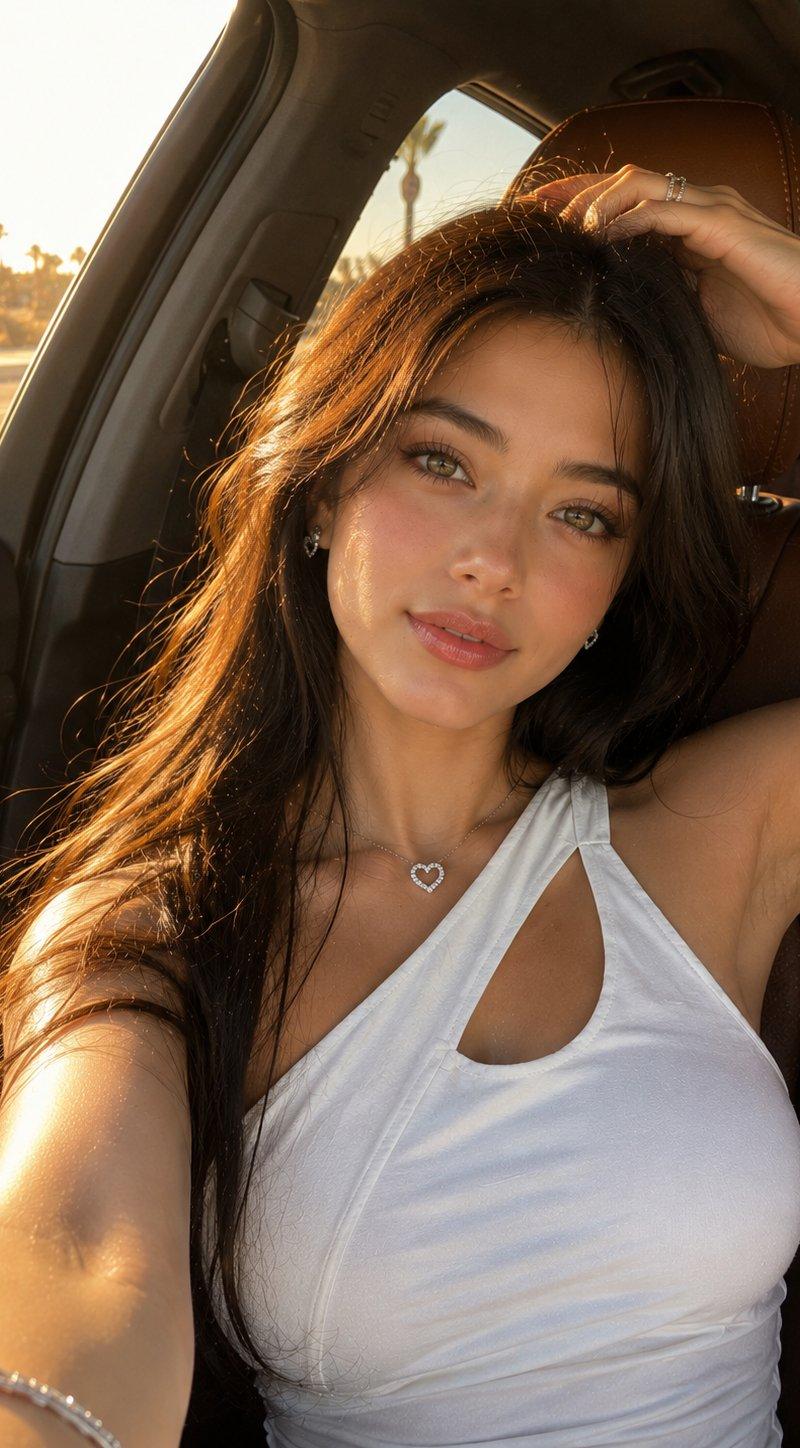
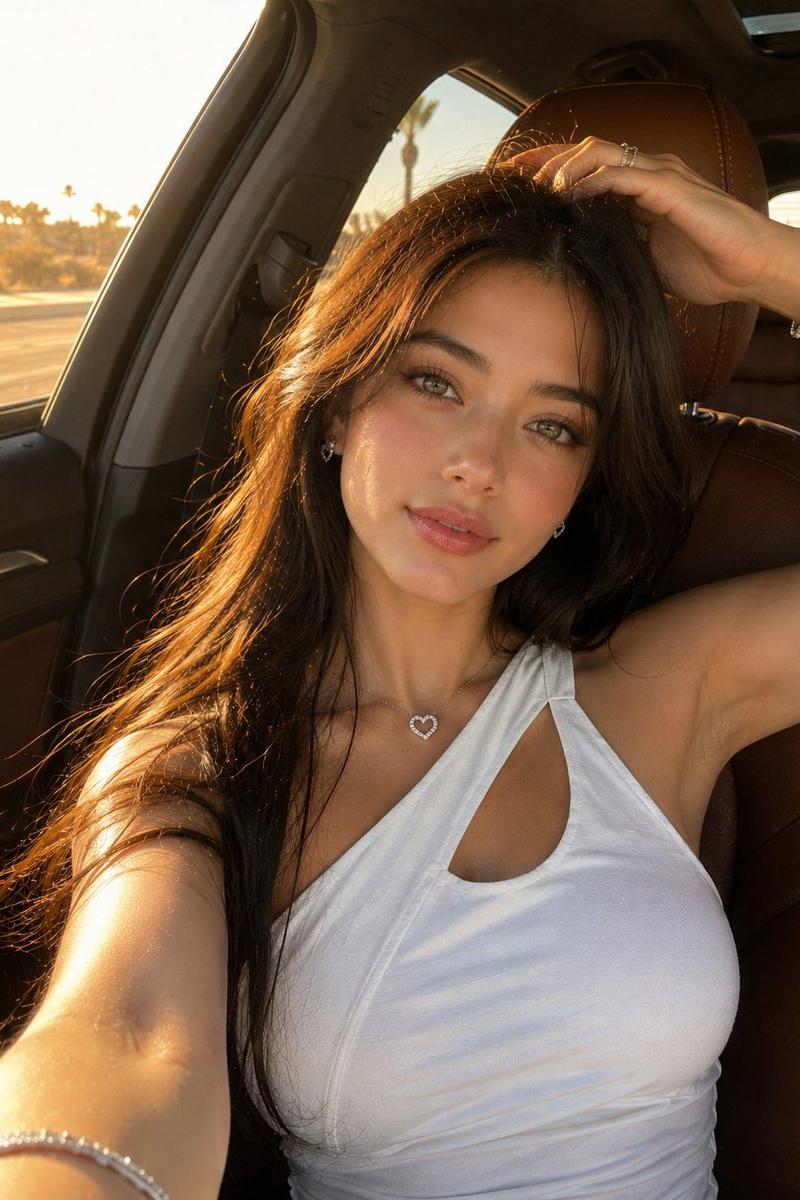
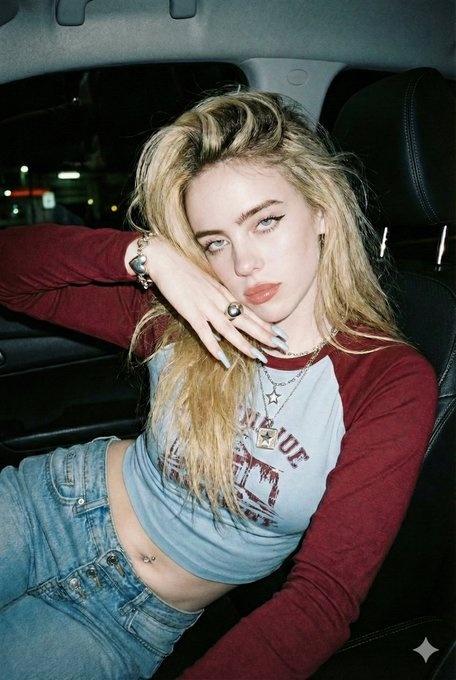
Korean Luxury Car Portrait
Enlarge

Example images

Korean Luxury Car Portrait

Prompt
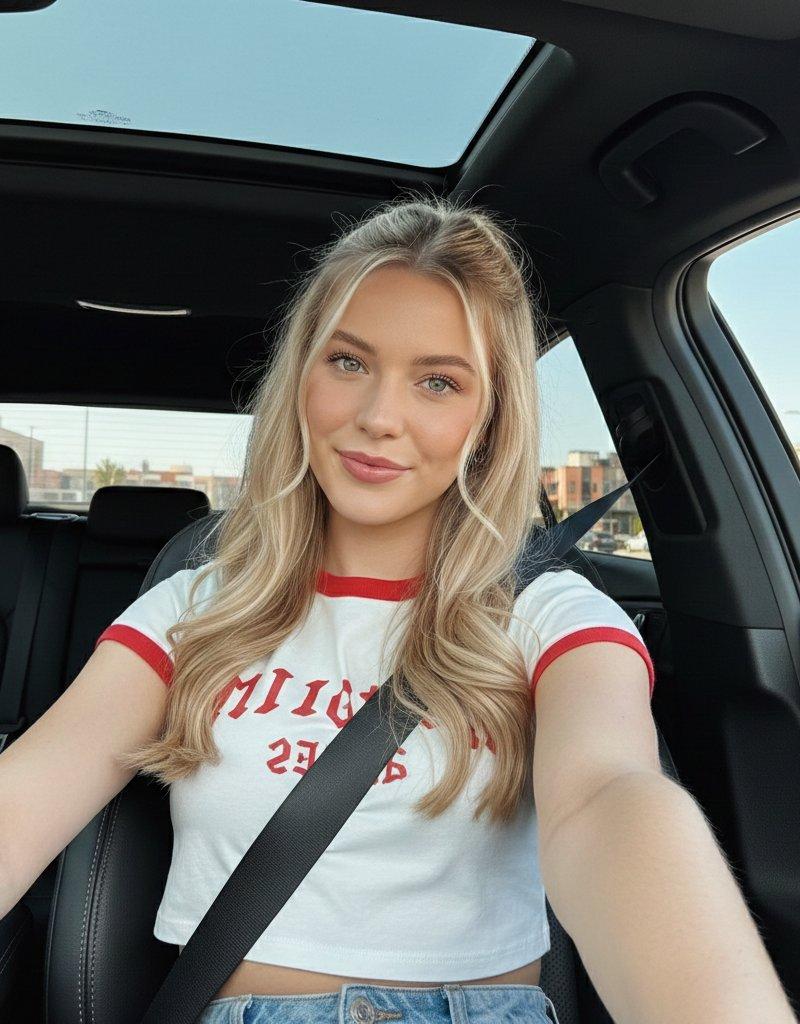
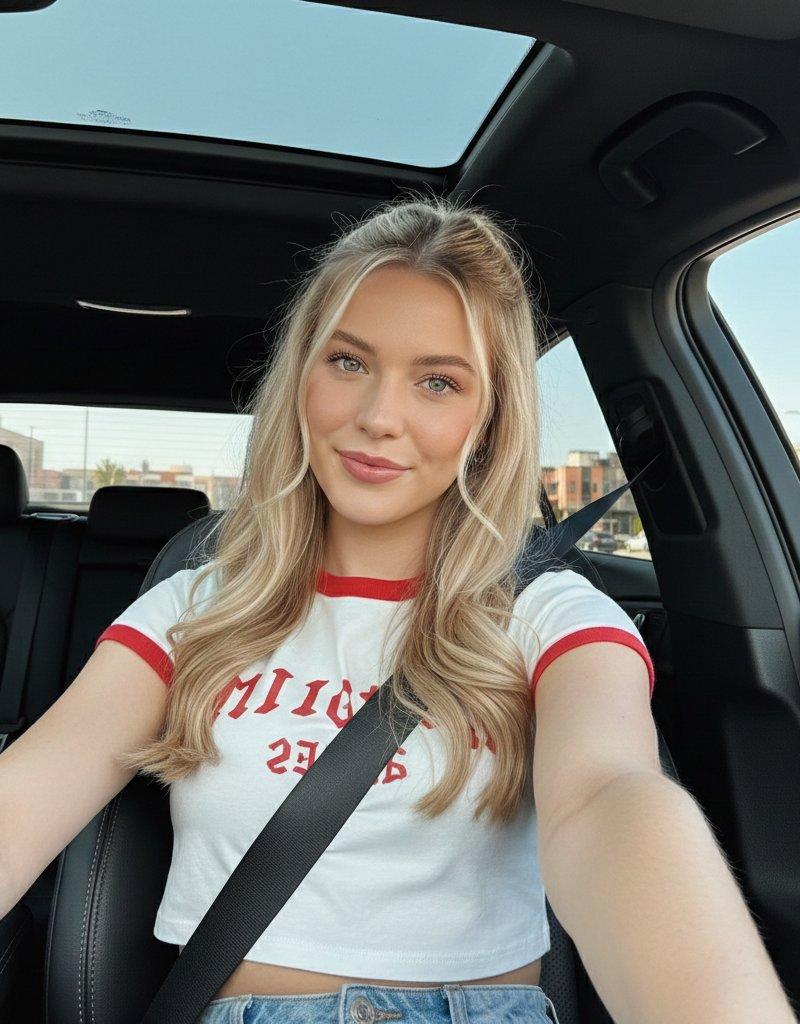
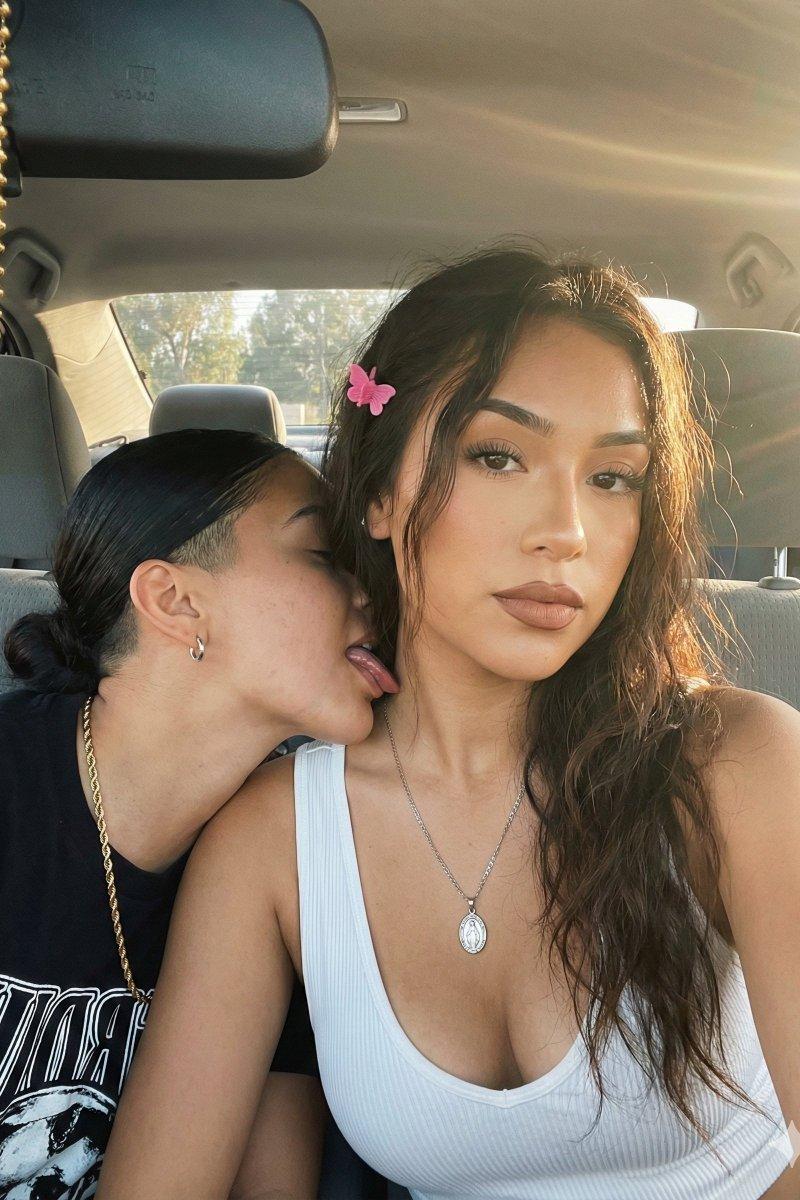
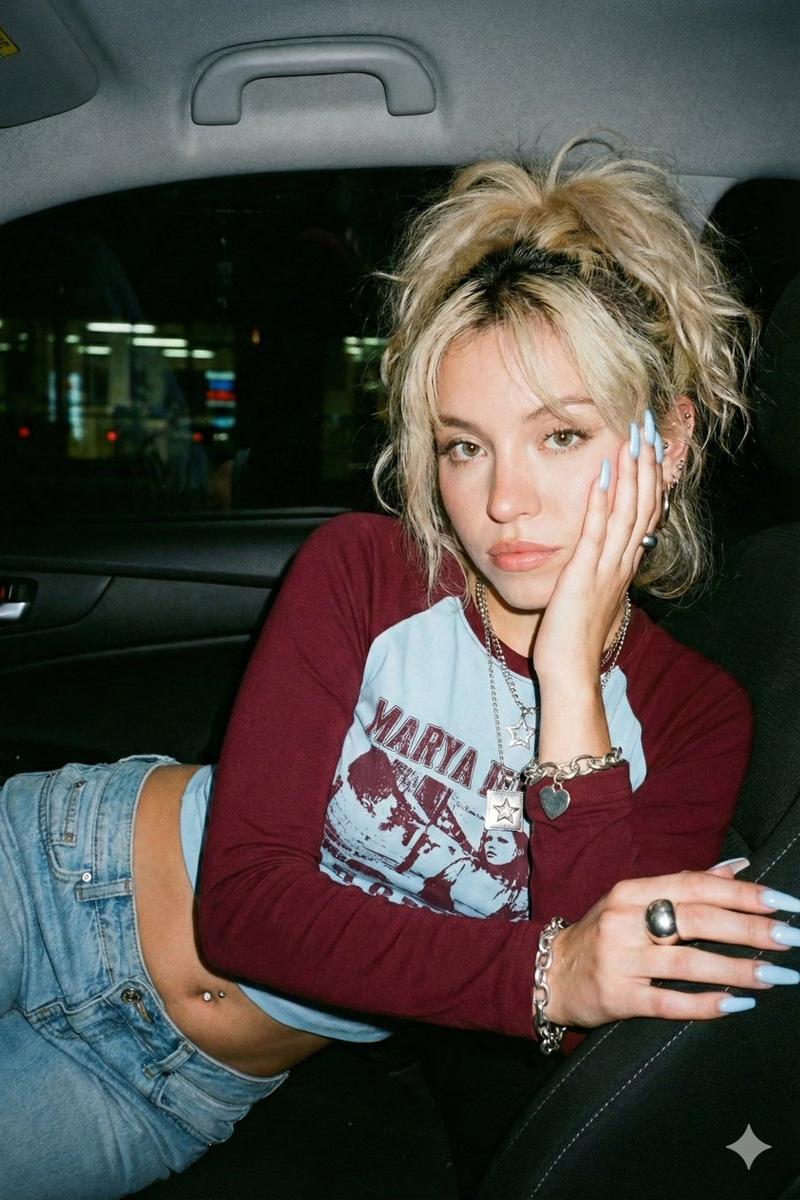
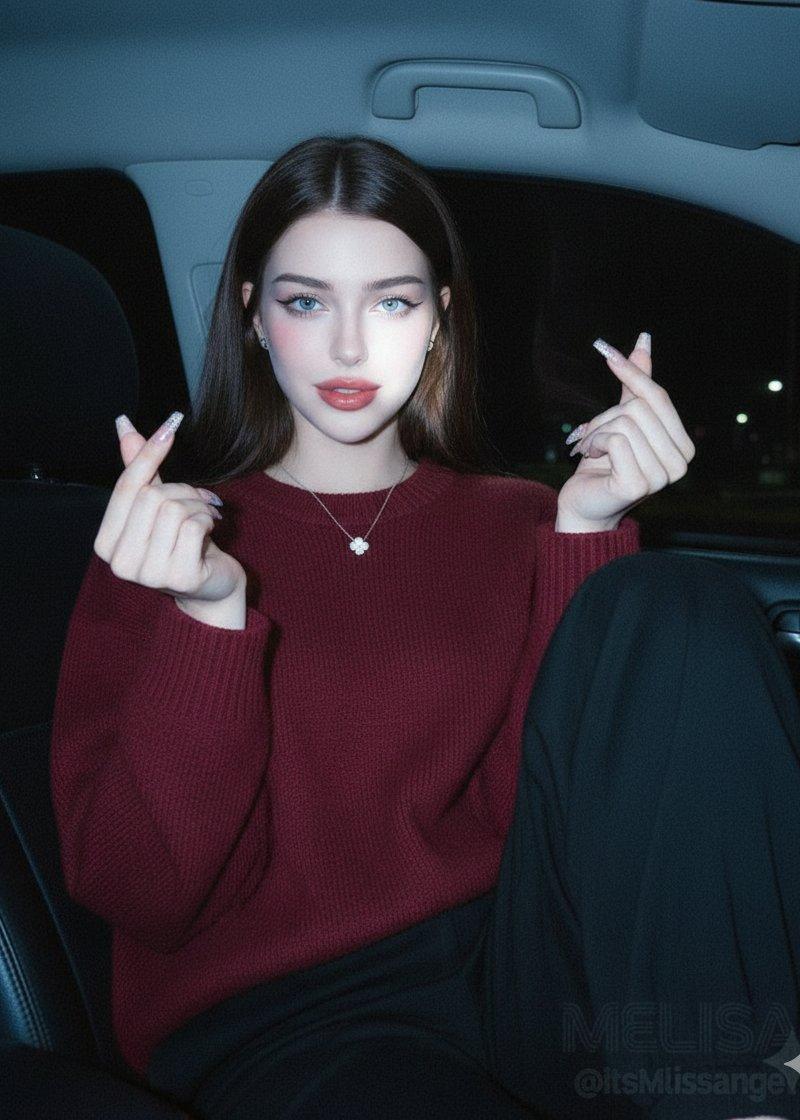
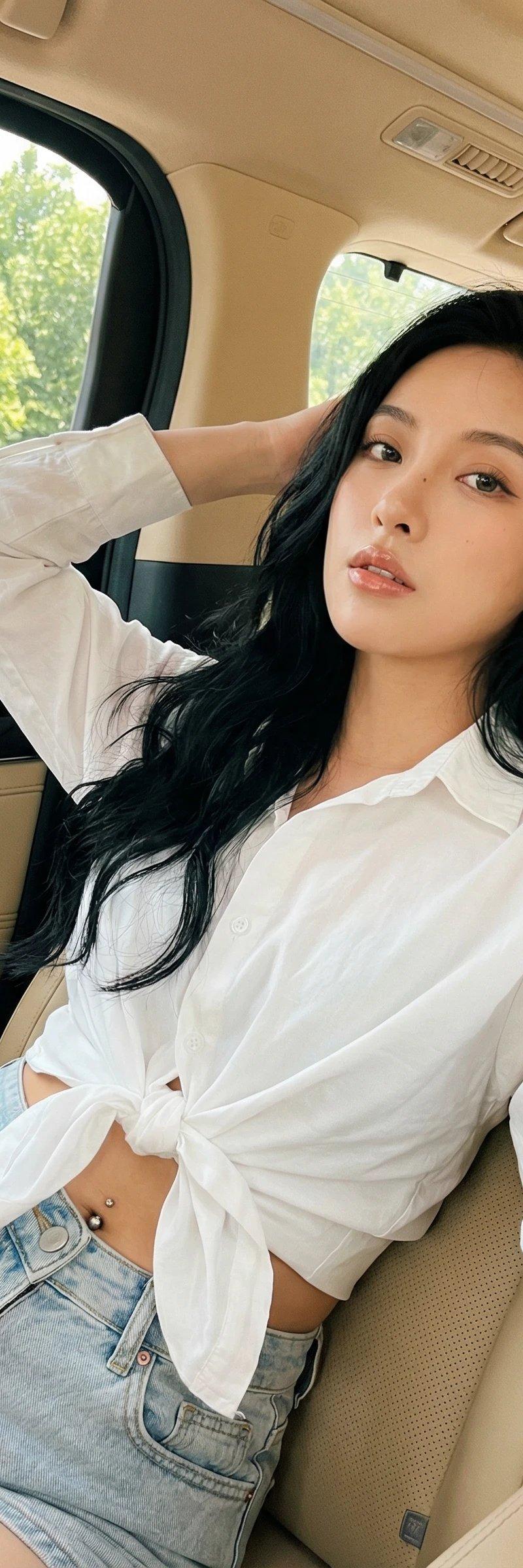
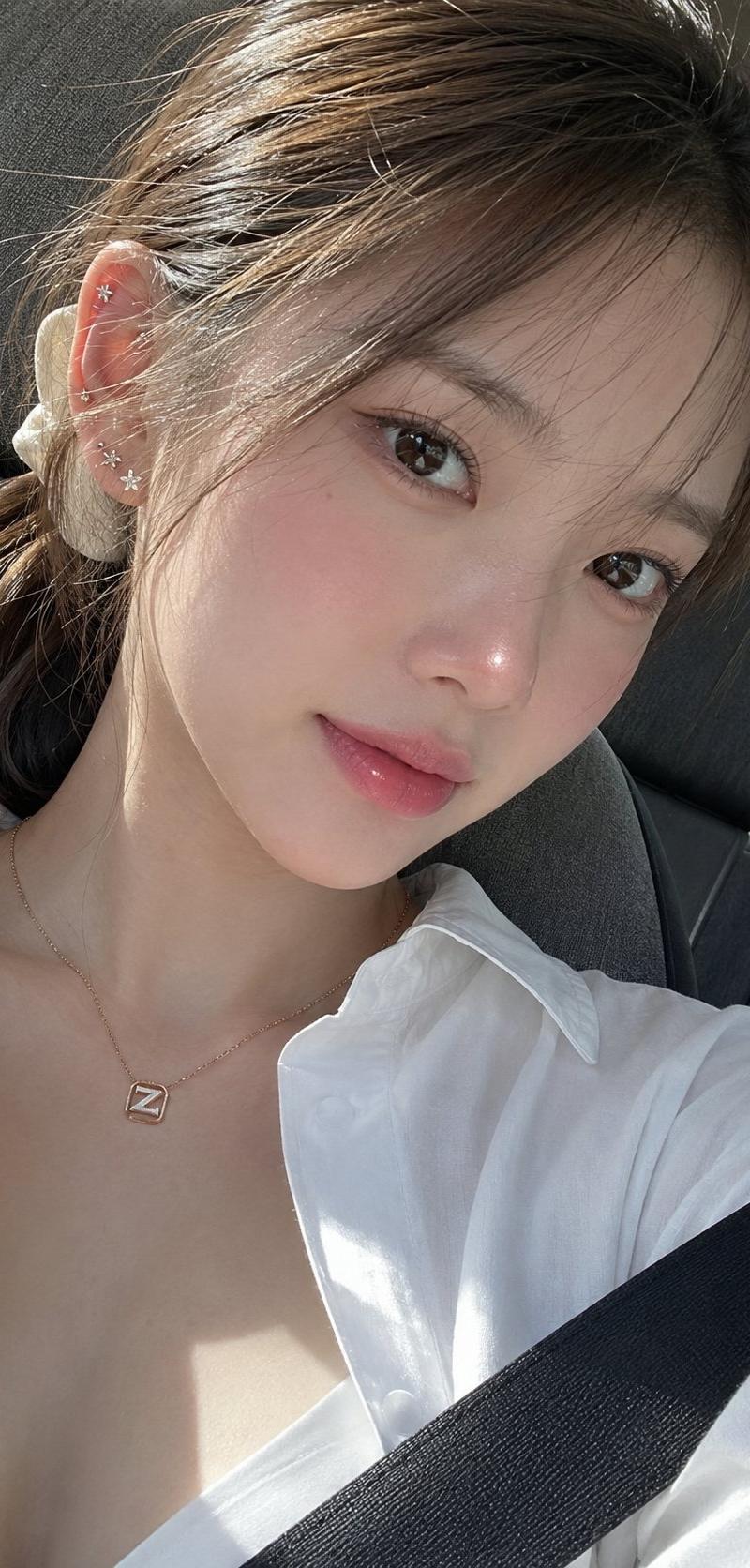
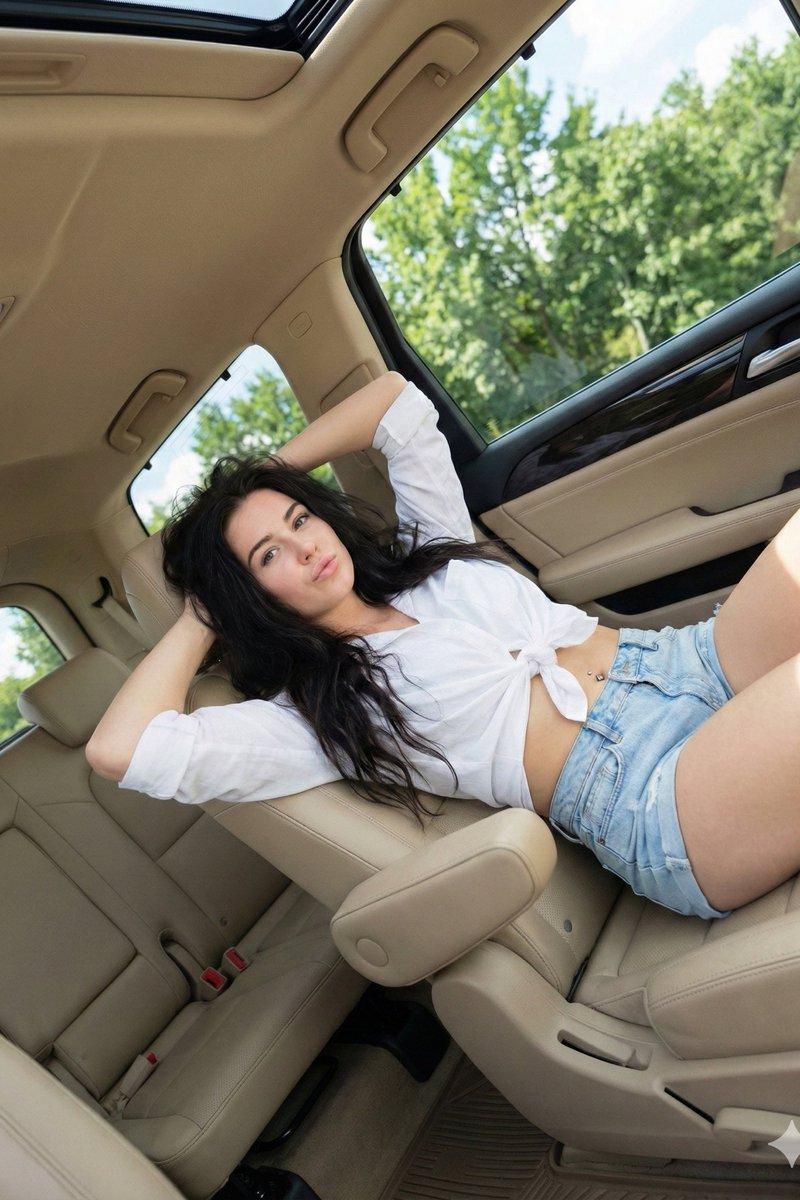
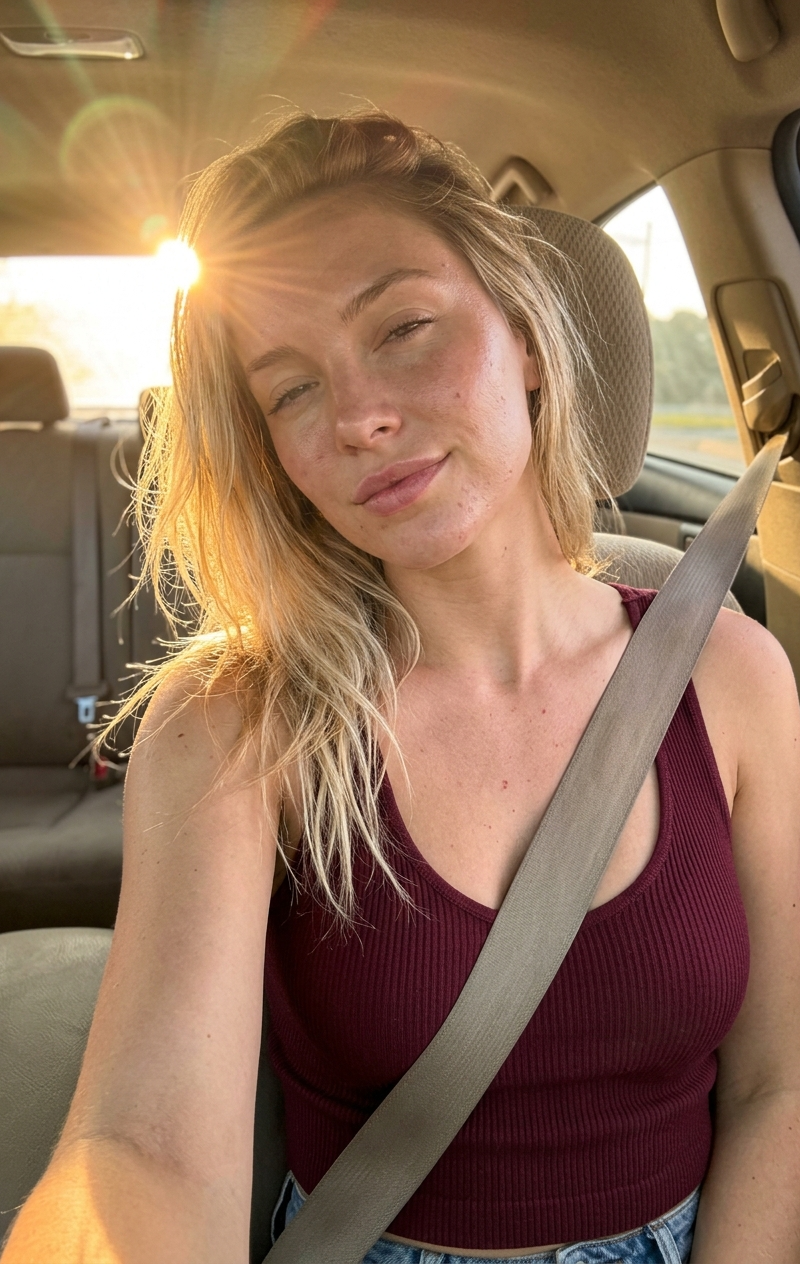
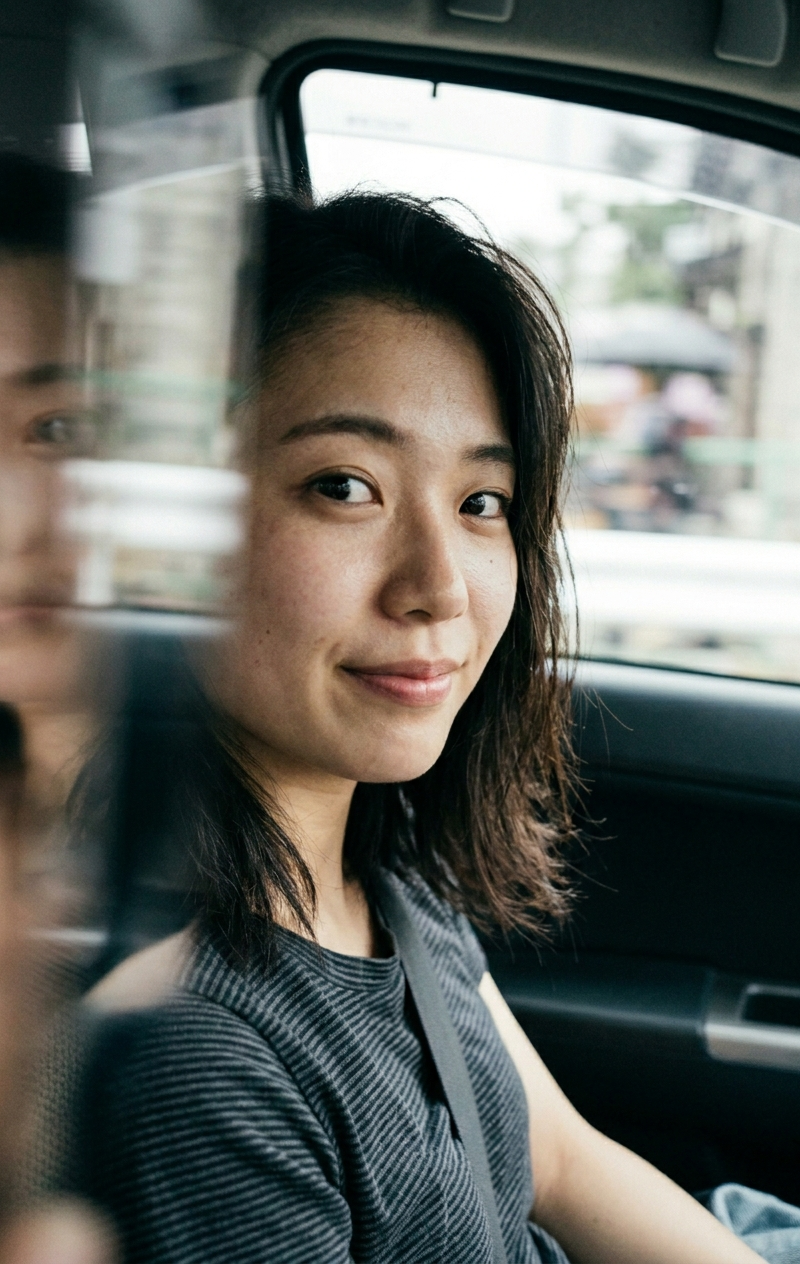
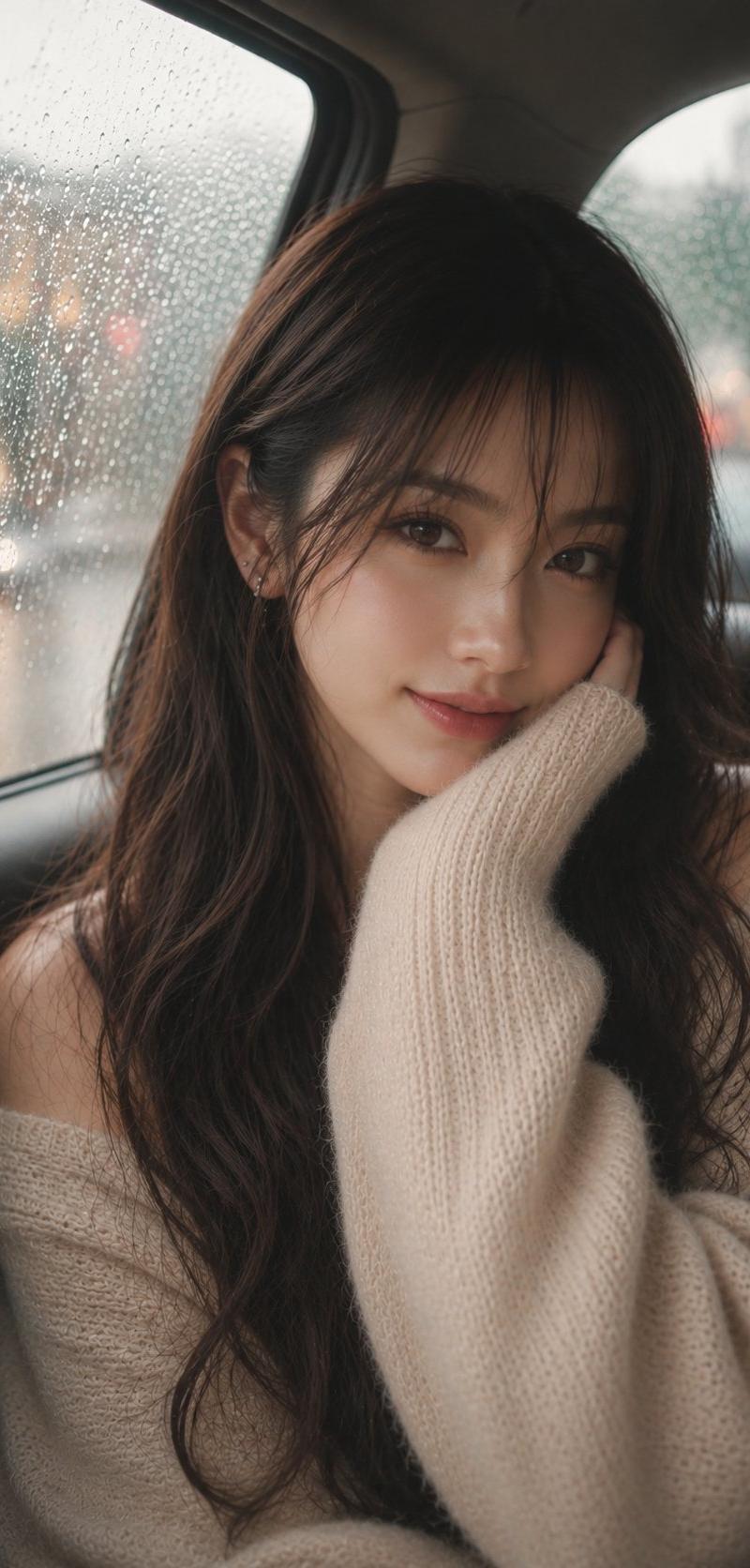
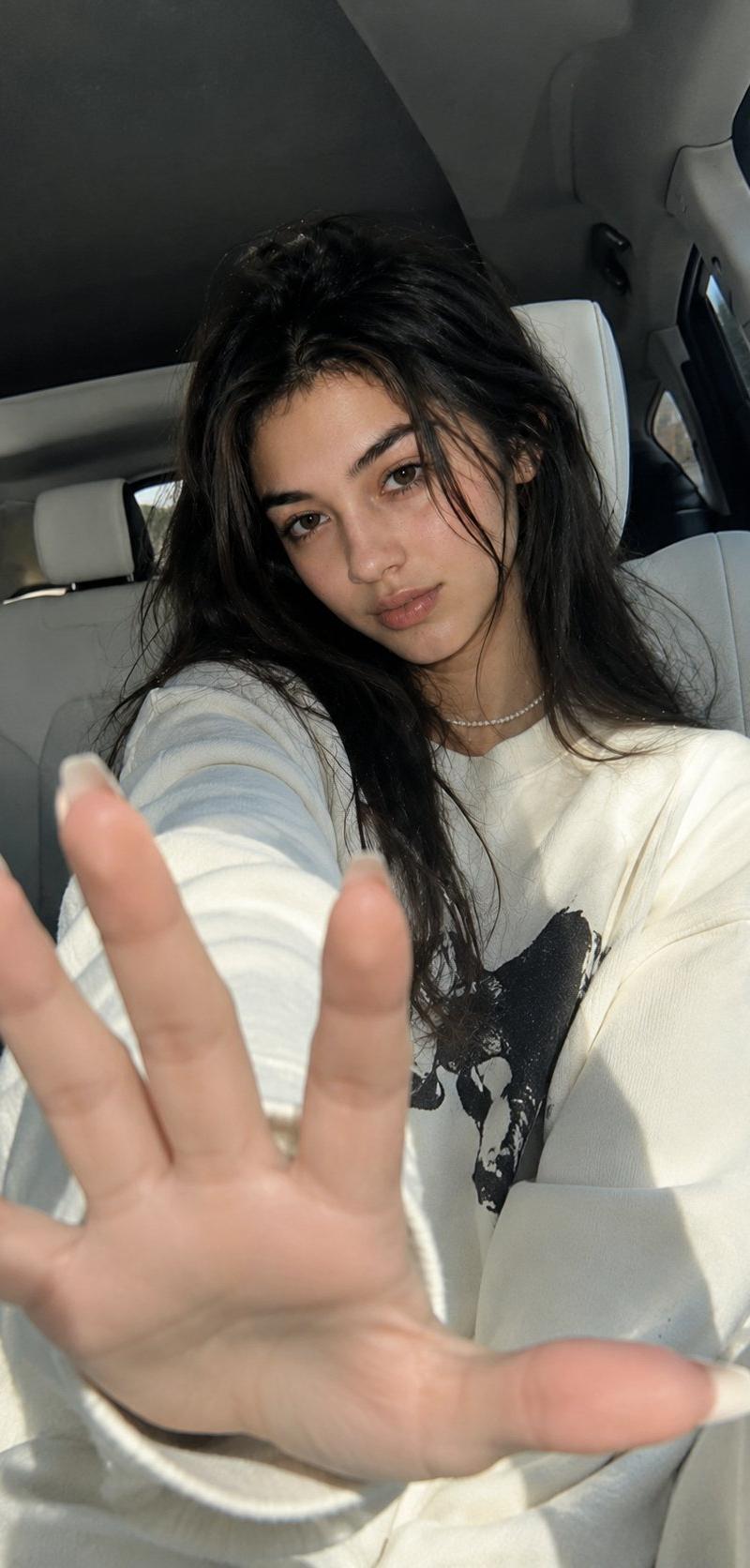
Use my uploaded face photo as the only facial identity reference and preserve the exact same person with 99–100% facial similarity. Do not change facial structure, skin tone, ethnicity, facial proportions, eyes, nose, lips, jawline, cheekbones, or natural skin texture. Create a {argument name="subject" default="young woman (23)"} with subtle glossy Douyin-style makeup, luminous realistic skin, soft peach blush, natural lashes, and coral-red lips. Match the reference image’s {argument name="hair style" default="long straight black center-parted hair"}, {argument name="clothing" default="cream-white oversized sweatshirt"}, pearl necklace, manicure, pose, camera angle, composition, luxury car interior, and daylight lighting exactly. The subject is seated inside a luxury vehicle, extending one hand toward the camera with strong foreground perspective, direct eye contact, and a calm confident expression. Professional DSLR photography, 24–35mm lens, RAW realism, ultra-sharp details, realistic pores, hair strands, fabric textures, shallow depth of field, clean HDR color grading, modern Korean luxury aesthetic, 8K commercial fashion quality. Remove all text, logos, watermarks, and AI artifacts. Negative prompt: anime, manga, cartoon, CGI, illustration, beauty filters, plastic skin, identity blending, face morphing, new facial features, outdoor scenery, flowers, sunset, lens flare, extra fingers, bad anatomy, blur, watermark, logo, text. --ar 9:16 --style raw --quality high --photorealistic --identity preservation maximum.
Category
Charts & Infographics
Model
GPT Image 2
Creator
𝗦𝗮𝗻𝗶𝗮
Source language
en
Views6.7K
Source ID
24738
Published
Jun 8, 2026
Studio

Guide

About "Korean Luxury Car Portrait"

What is this prompt for?

"Korean Luxury Car Portrait" AI image prompt for GPT Image 2 (Charts & Infographics). A high-fidelity prompt for studio-quality portraits inside a luxury car,…

The full copyable prompt and example visuals above are ready for AI image generation or one-click recreate in Picva.

How to use this prompt

  1. Step 1

    Open the prompt detail

    Review the example visuals, category, and full prompt text for "Korean Luxury Car Portrait".

  2. Step 2

    Copy the prompt

    Copy the prompt body from this page, or load it directly in Studio.

  3. Step 3

    Pick a model (GPT Image 2)

    Prefer GPT Image 2. If you switch models, keep subject and composition and tweak style terms.

  4. Step 4

    Generate and export

    Recreate the look in Picva, or export into your workflow for editing and publishing.

FAQ

What is the "Korean Luxury Car Portrait" prompt?
It is an AI image-generation prompt for GPT Image 2 in the Charts & Infographics category. This page includes the full prompt text, example visuals, and a one-click recreate path in Picva.
How do I use this prompt to generate an image?
Copy the prompt from this page, or use Generate / Studio. Paste it into a compatible image model, or recreate the look in Picva with optional reference images.
Which model is this prompt for?
This page lists GPT Image 2. Most descriptive prompts also transfer to nearby image models such as GPT Image, Flux, or Midjourney with light style tweaks.
Can I use the result commercially?
You can usually copy the prompt for creation, but commercial use of the final image depends on the model terms, reference-image rights, and the generated content. Follow the source author and platform rules.