15

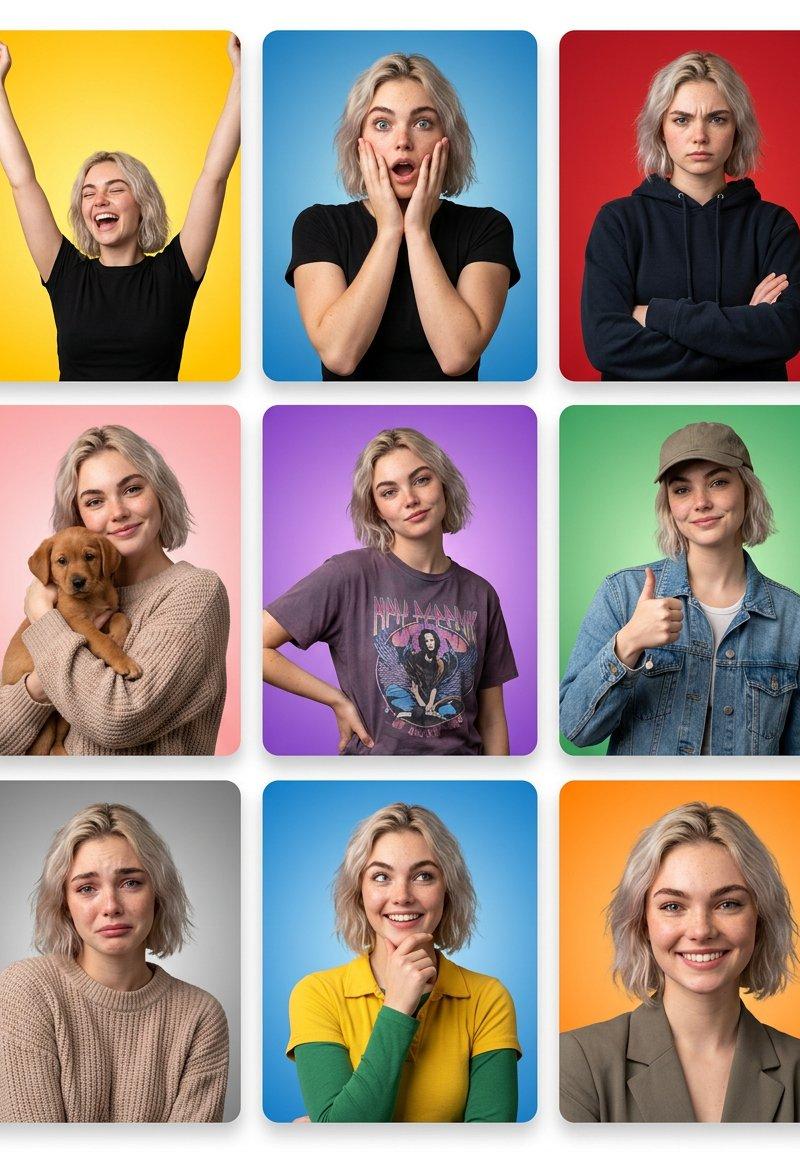
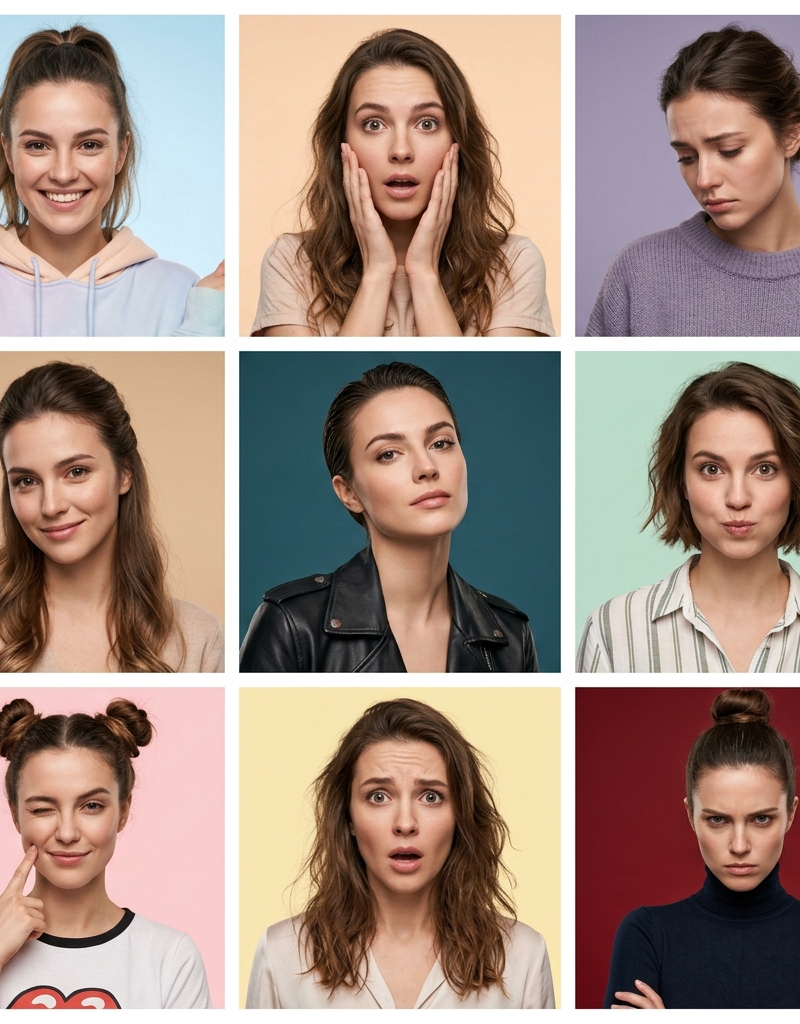
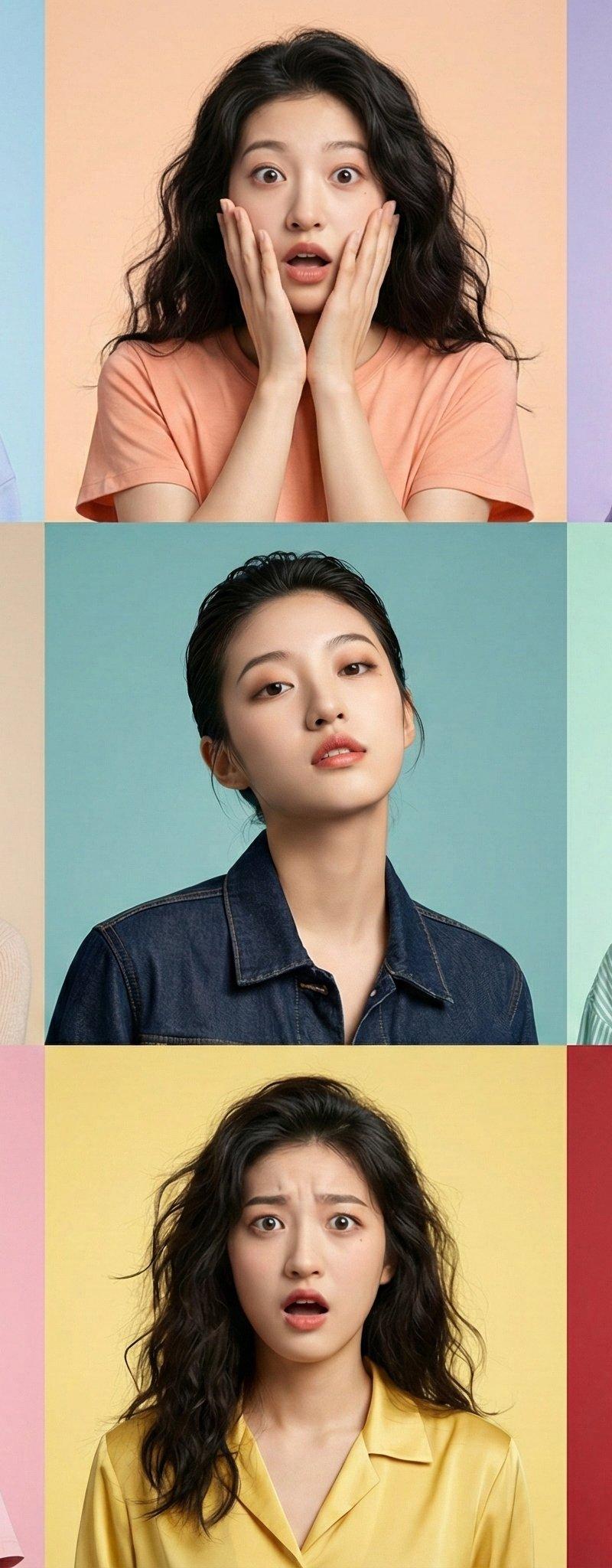
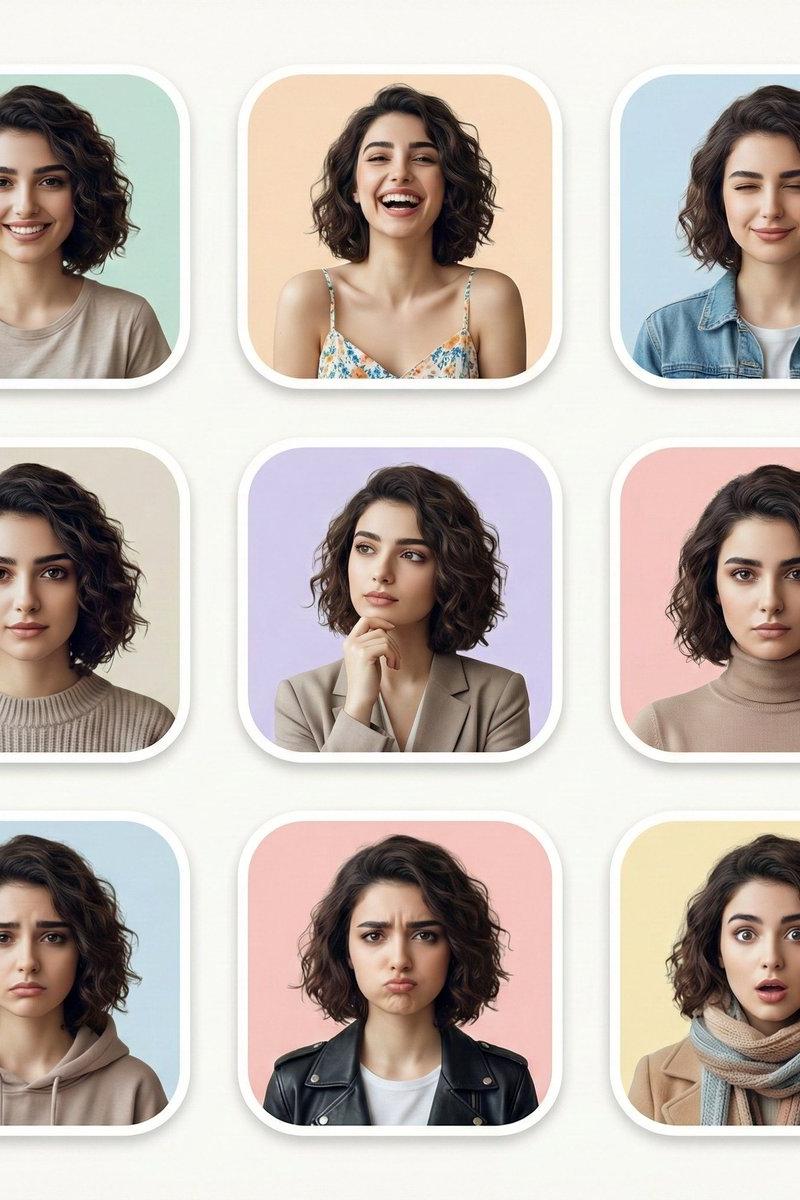
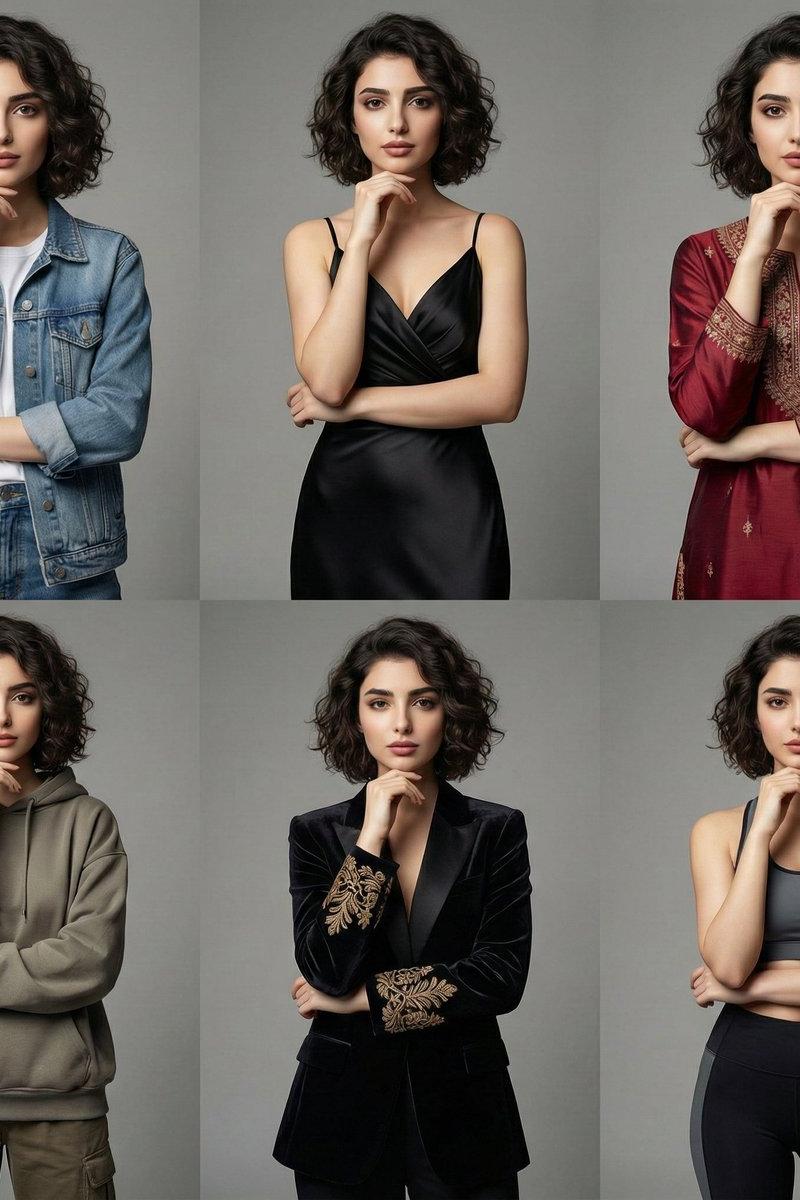
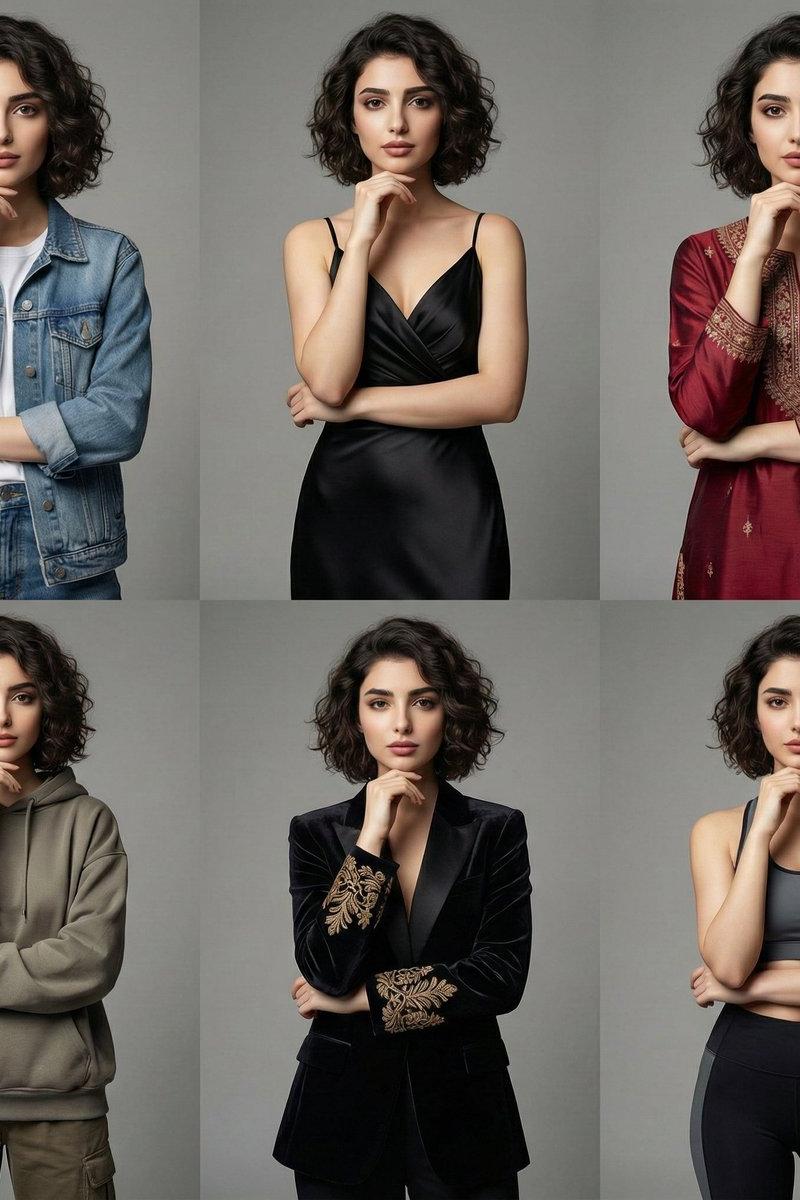
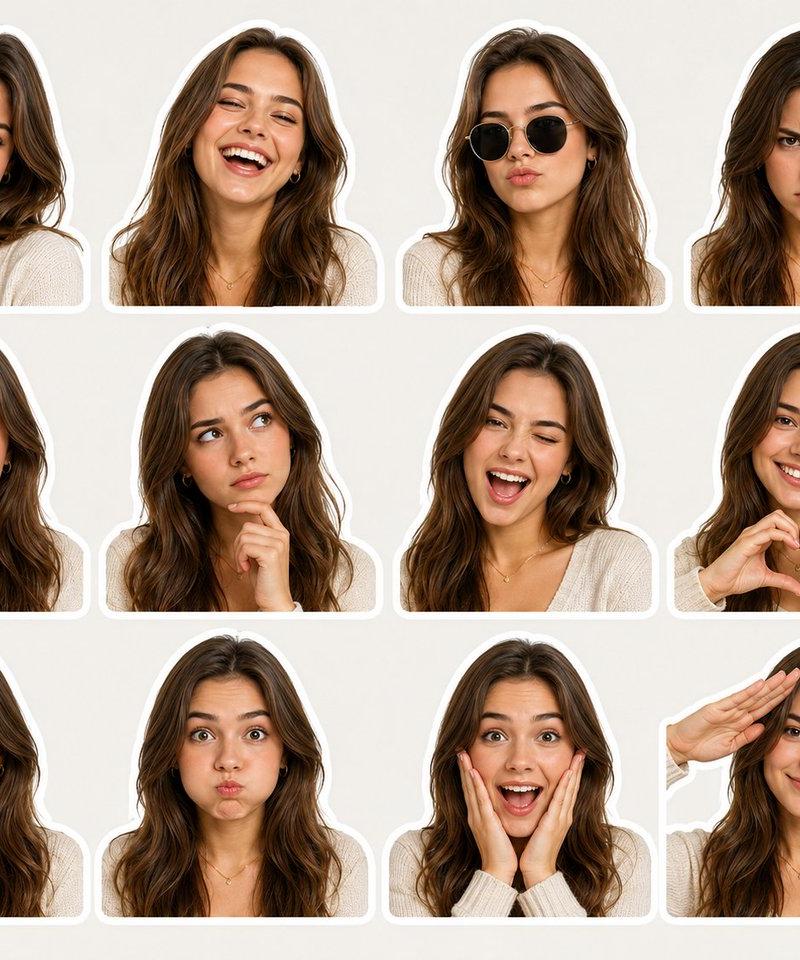
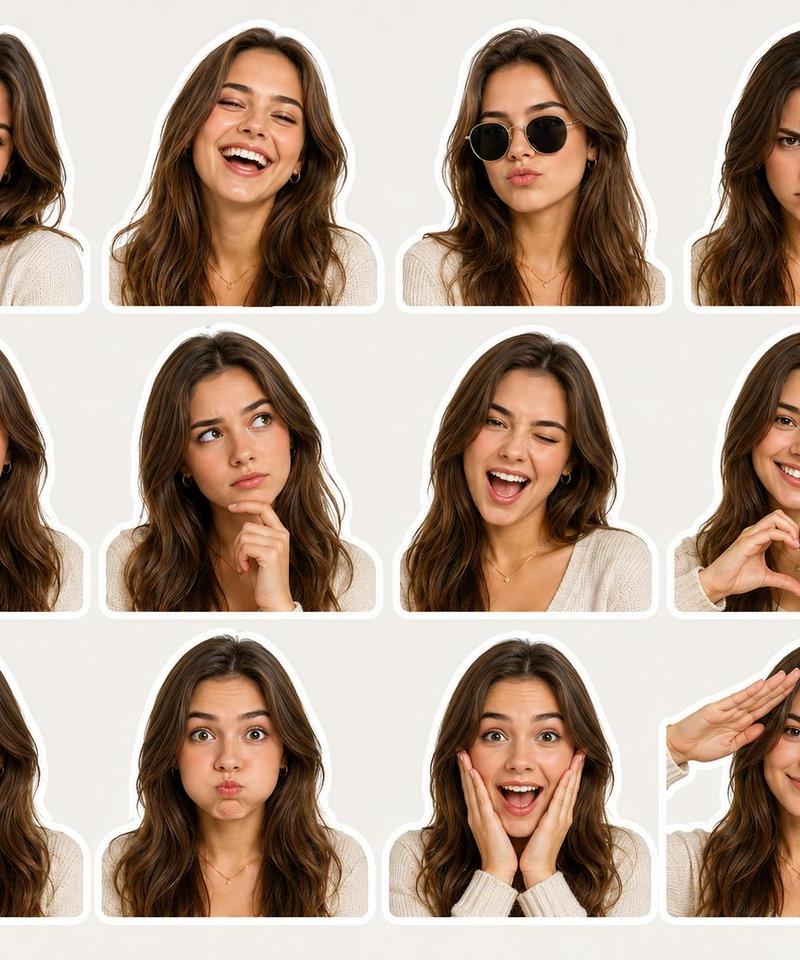
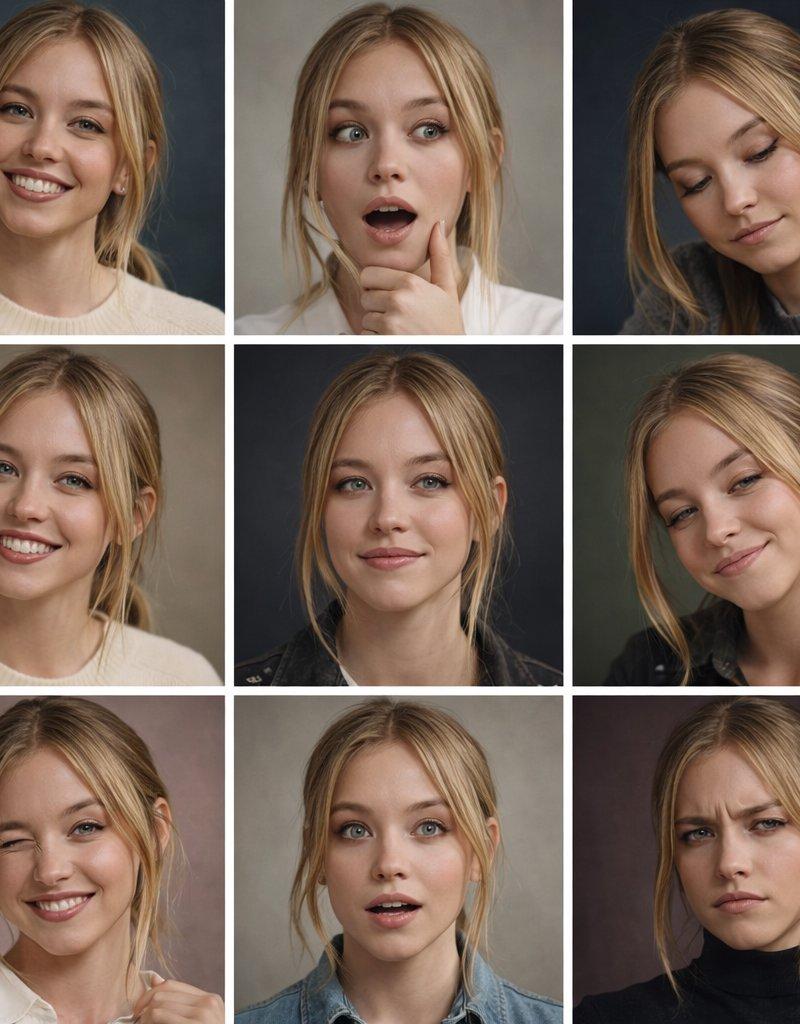
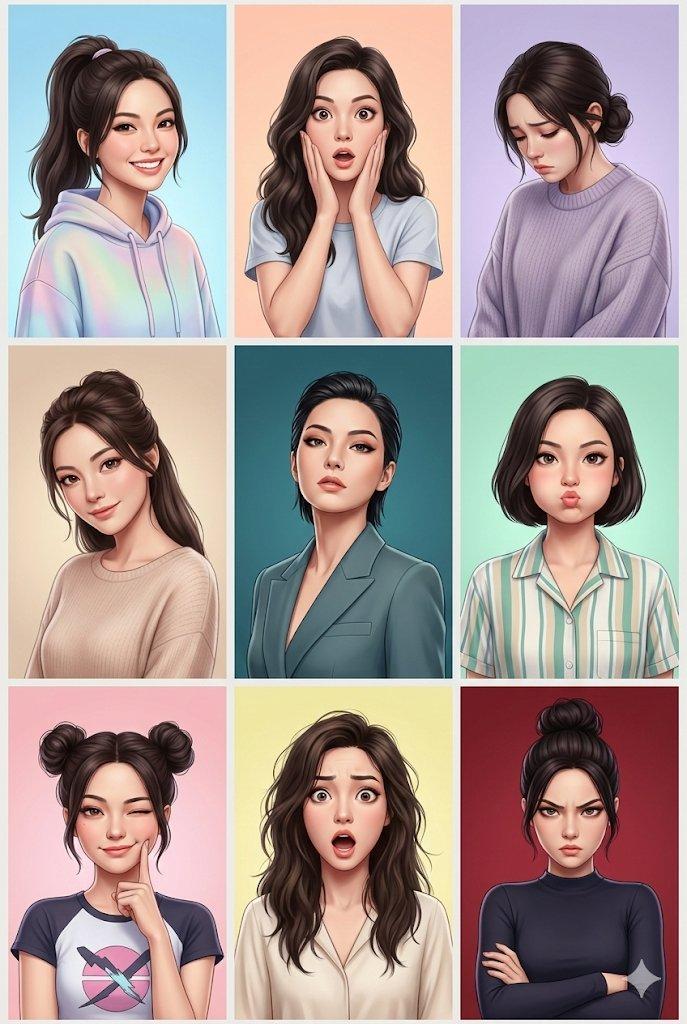
多面板情绪状态网格
Enlarge

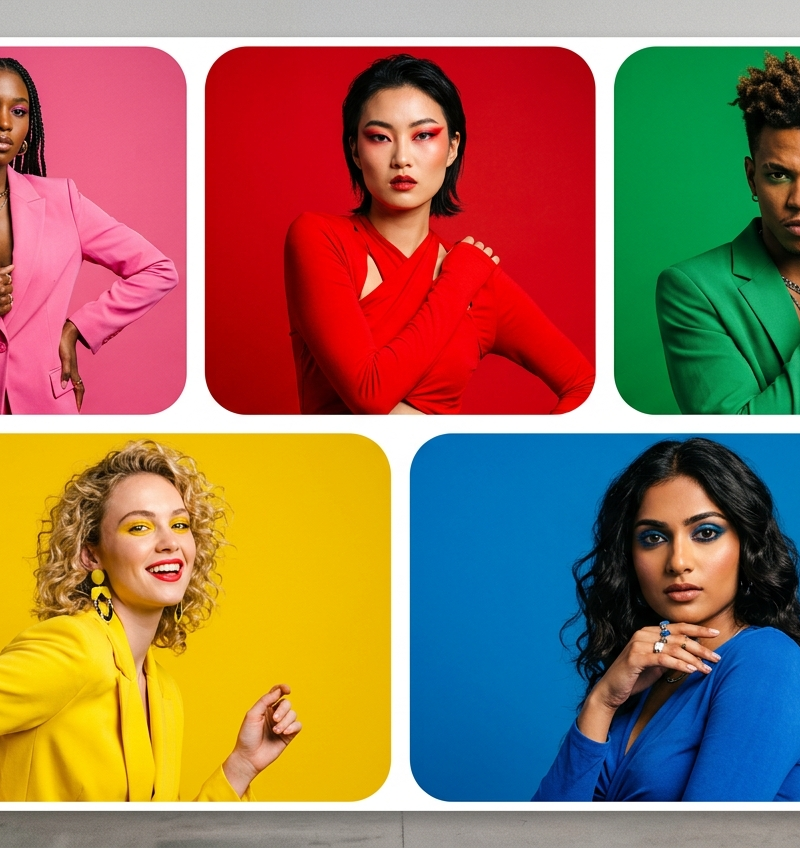
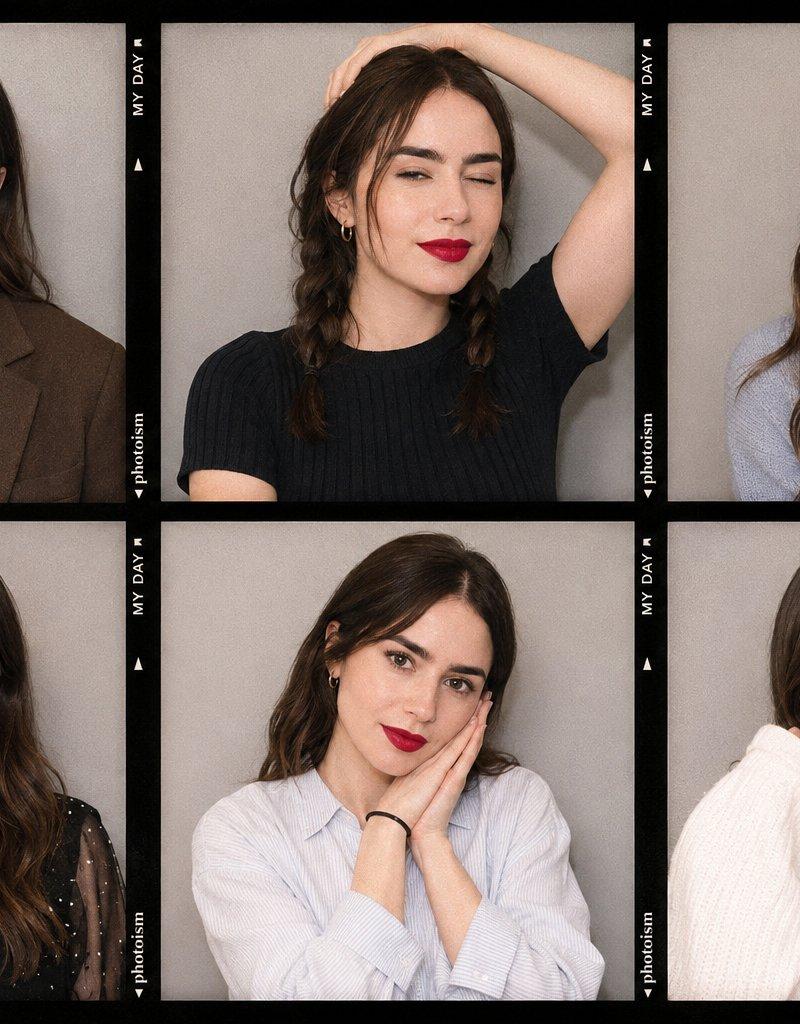
Example images

多面板情绪状态网格

Prompt
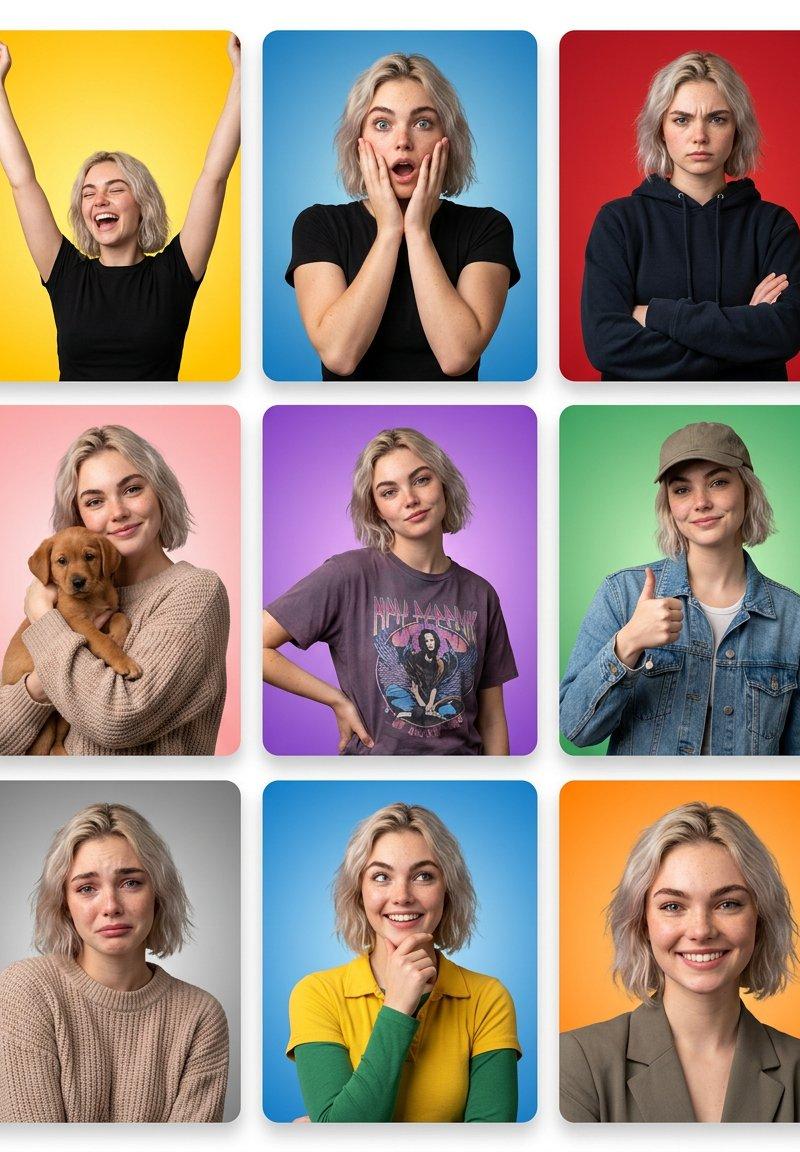
Grid layout with thin white gaps between panels and a subtle outer white border around the entire composition. Clean, modern UI aesthetic with slight rounded corners on every tile.

Panel 1: {argument name="emotion one" default="Joyful (Yellow)"}. Warm yellow gradient. Arms raised overhead. Eyes shut. Wide open laugh. High-energy pose.
Panel 2: {argument name="emotion two" default="Shocked (Blue)"}. Blue gradient. Both hands cupping cheeks. Eyes wide open. Mouth agape. Eyebrows arched high.
Panel 3: {argument name="emotion three" default="Stern (Red)"}. Solid red background. Arms folded. Brows furrowed. Lips pressed tight. Dark hoodie.
Panel 4: Affectionate (Pink). Soft pink gradient. Cradling a small brown dog. Gentle smile. Cozy knit sweater.
Panel 5: Confident (Purple). Purple gradient. One hand resting on hip. Slight smirk. Graphic tee. Easy, relaxed stance.
Panel 6: Approving (Green). Green gradient. Baseball cap and denim jacket. Thumbs up. Relaxed smile.
Panel 7: Melancholy (Gray). Gray gradient. Eyes angled slightly downward. Inner brows slightly raised. Lips gently curved down.
Category
UI & Interfaces
Model
GPT Image 2
Creator
PromptLab
Source language
en
Views0
Source ID
25161
Published
Jun 11, 2026
Studio

Guide

About "多面板情绪状态网格"

What is this prompt for?

"多面板情绪状态网格" AI image prompt for GPT Image 2 (UI & Interfaces). 一种现代 UI 风格的 7 面板网格,通过颜色编码的渐变和特定的肢体语言来表现不同的人类情绪。 Copy it on Picva and recreate the look in one cl…

The full copyable prompt and example visuals above are ready for AI image generation or one-click recreate in Picva.

How to use this prompt

  1. Step 1

    Open the prompt detail

    Review the example visuals, category, and full prompt text for "多面板情绪状态网格".

  2. Step 2

    Copy the prompt

    Copy the prompt body from this page, or load it directly in Studio.

  3. Step 3

    Pick a model (GPT Image 2)

    Prefer GPT Image 2. If you switch models, keep subject and composition and tweak style terms.

  4. Step 4

    Generate and export

    Recreate the look in Picva, or export into your workflow for editing and publishing.

FAQ

What is the "多面板情绪状态网格" prompt?
It is an AI image-generation prompt for GPT Image 2 in the UI & Interfaces category. This page includes the full prompt text, example visuals, and a one-click recreate path in Picva.
How do I use this prompt to generate an image?
Copy the prompt from this page, or use Generate / Studio. Paste it into a compatible image model, or recreate the look in Picva with optional reference images.
Which model is this prompt for?
This page lists GPT Image 2. Most descriptive prompts also transfer to nearby image models such as GPT Image, Flux, or Midjourney with light style tweaks.
Can I use the result commercially?
You can usually copy the prompt for creation, but commercial use of the final image depends on the model terms, reference-image rights, and the generated content. Follow the source author and platform rules.