18

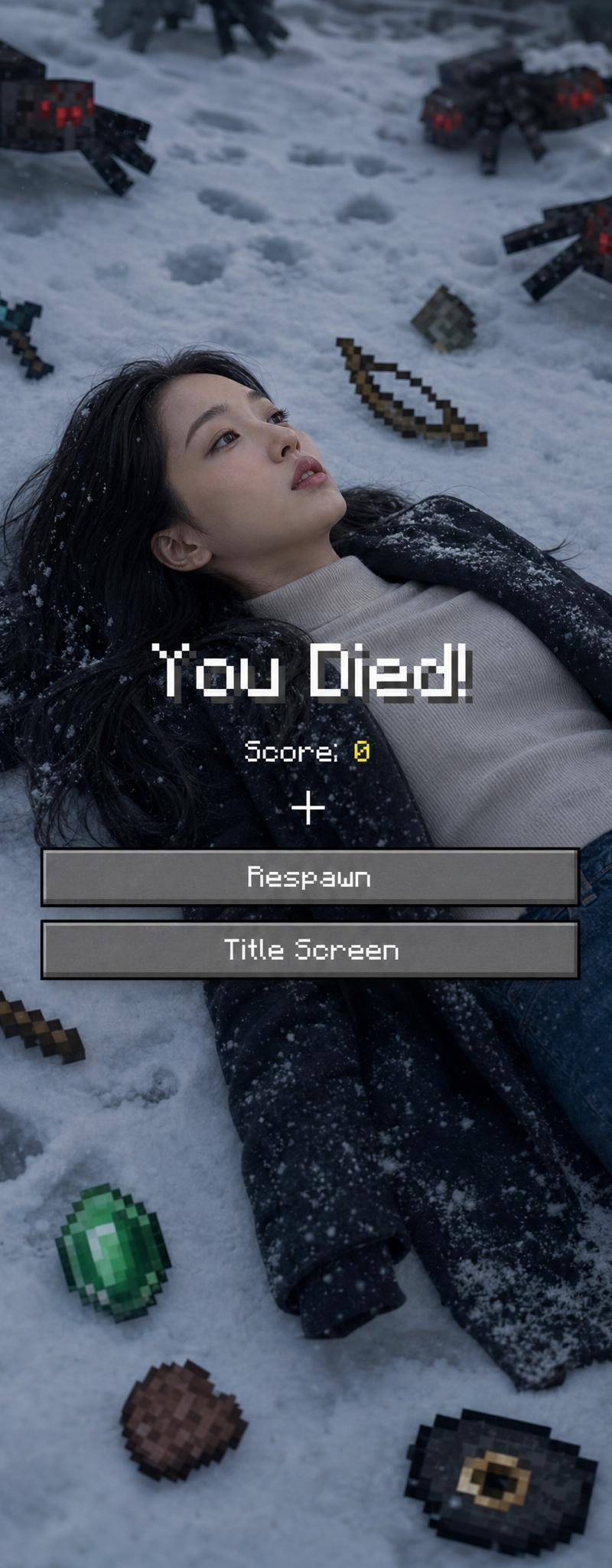
Minecraft 死亡界面肖像
Enlarge

Example images

Minecraft 死亡界面肖像

Prompt
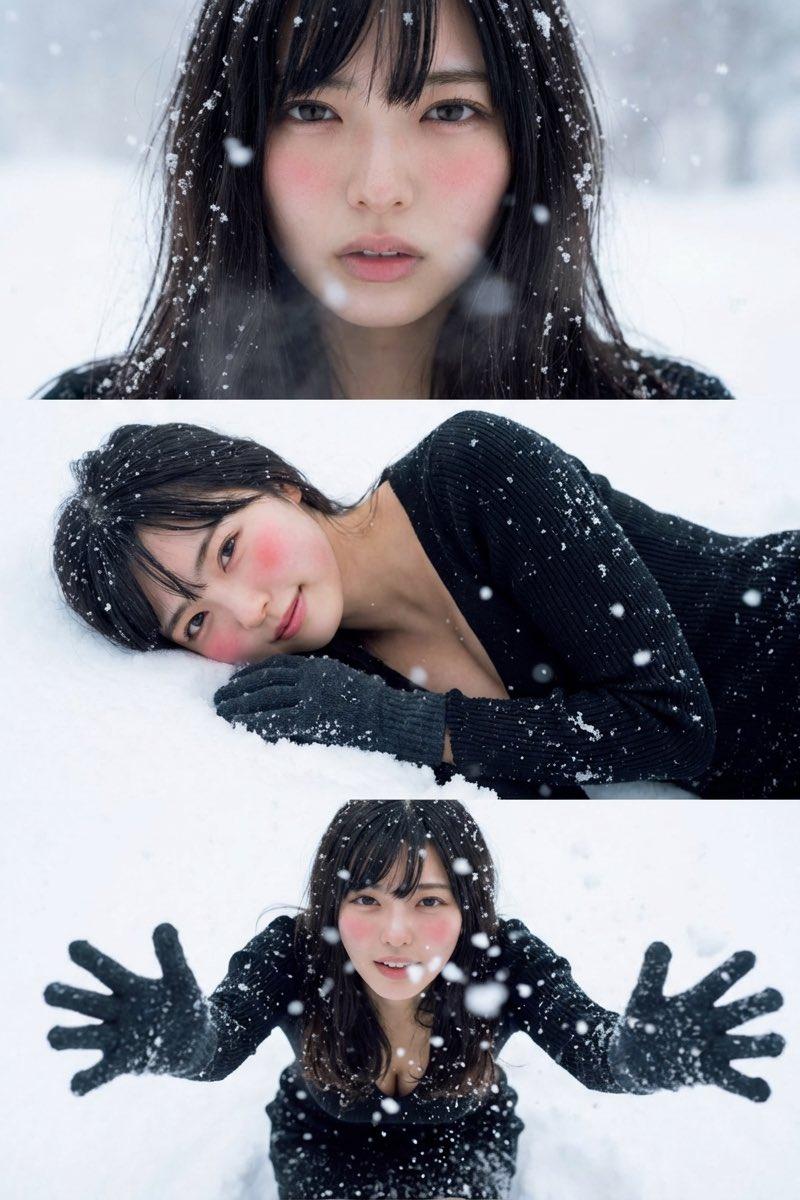
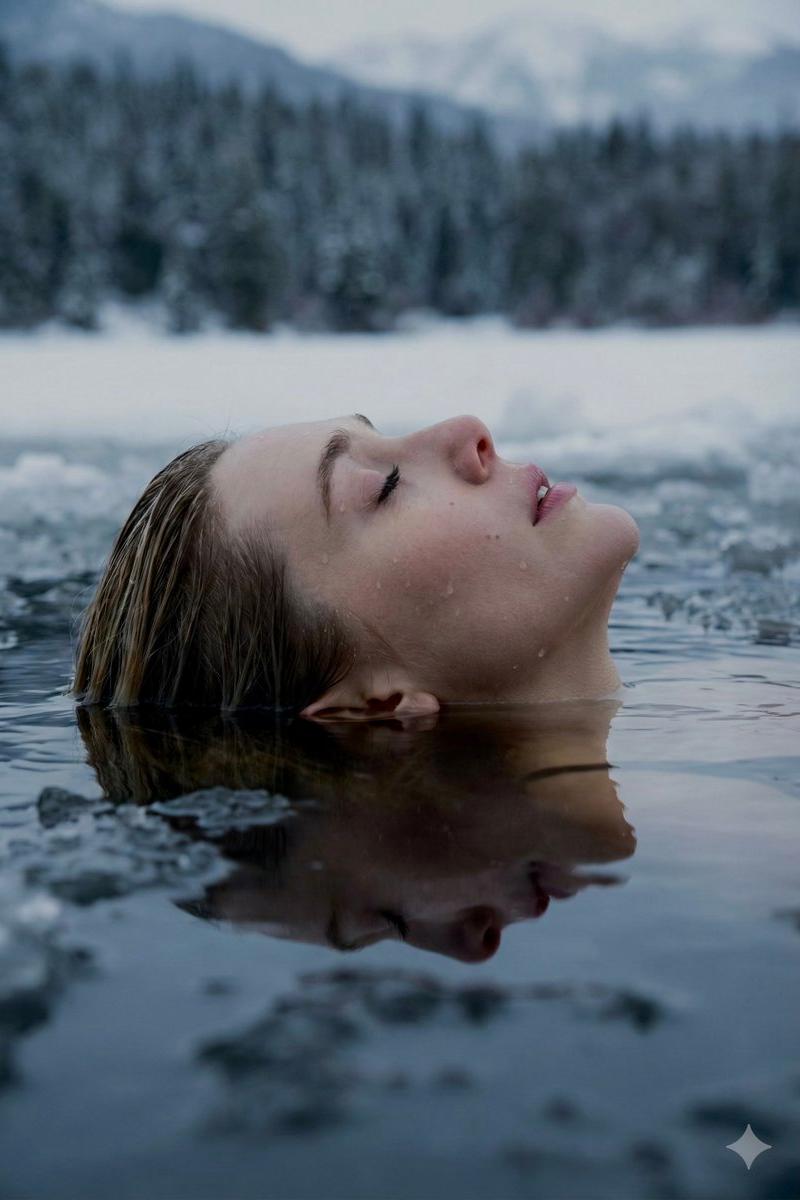
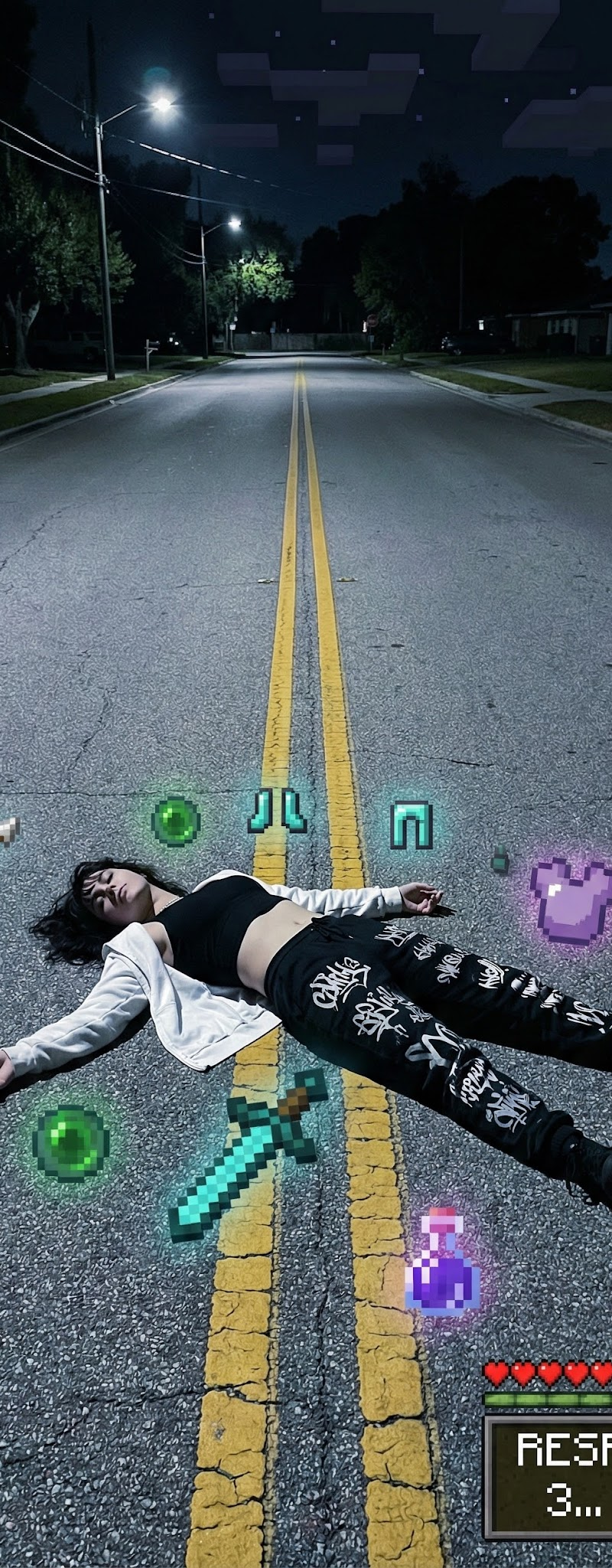
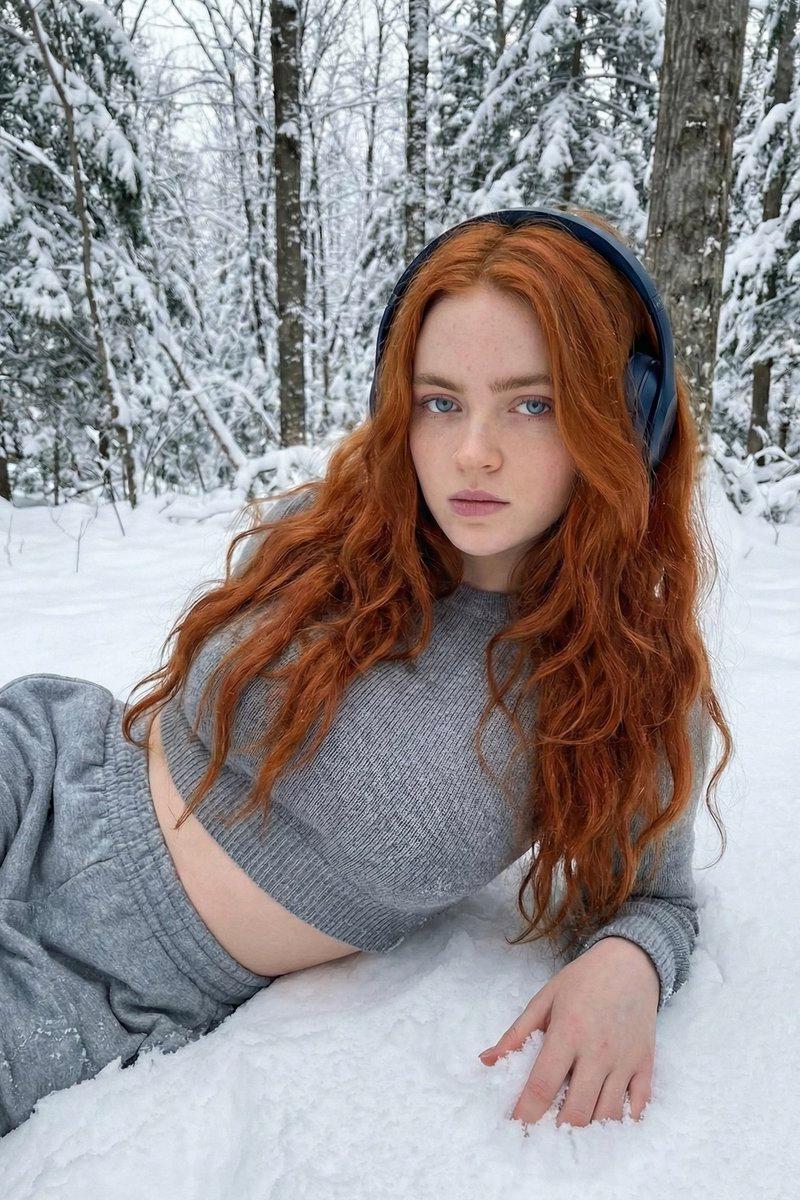
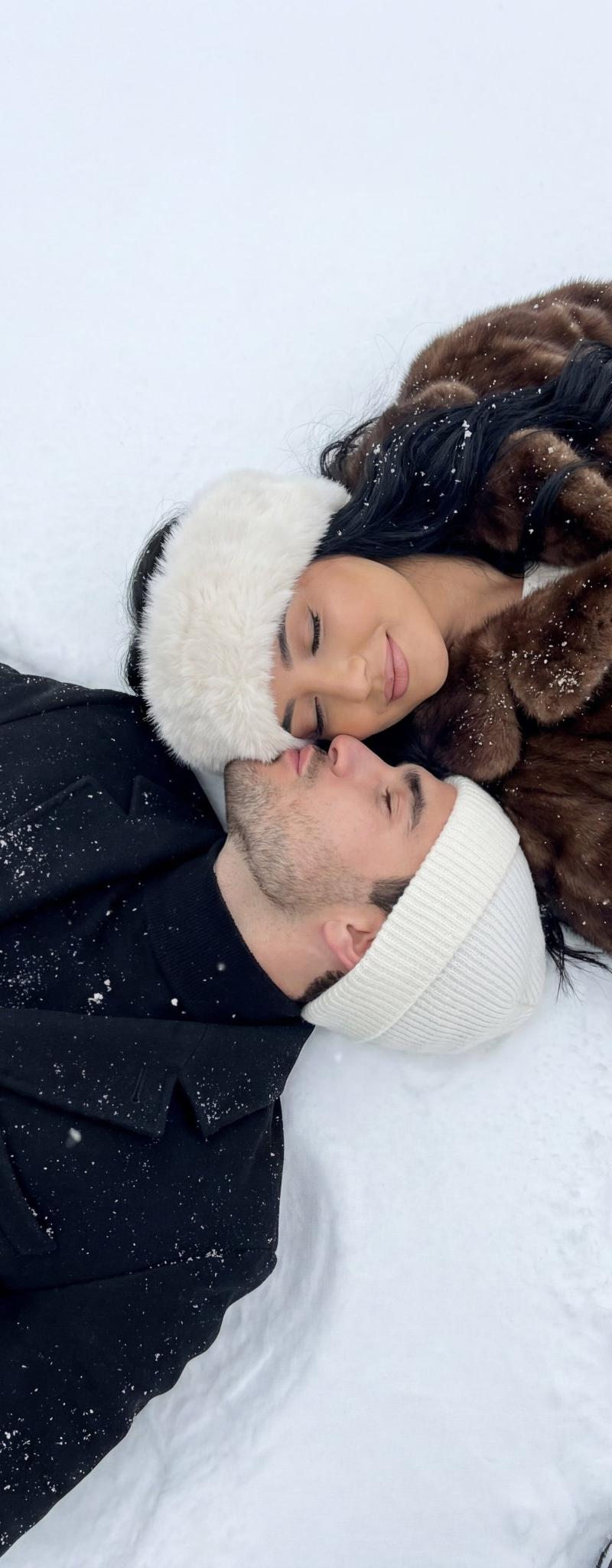
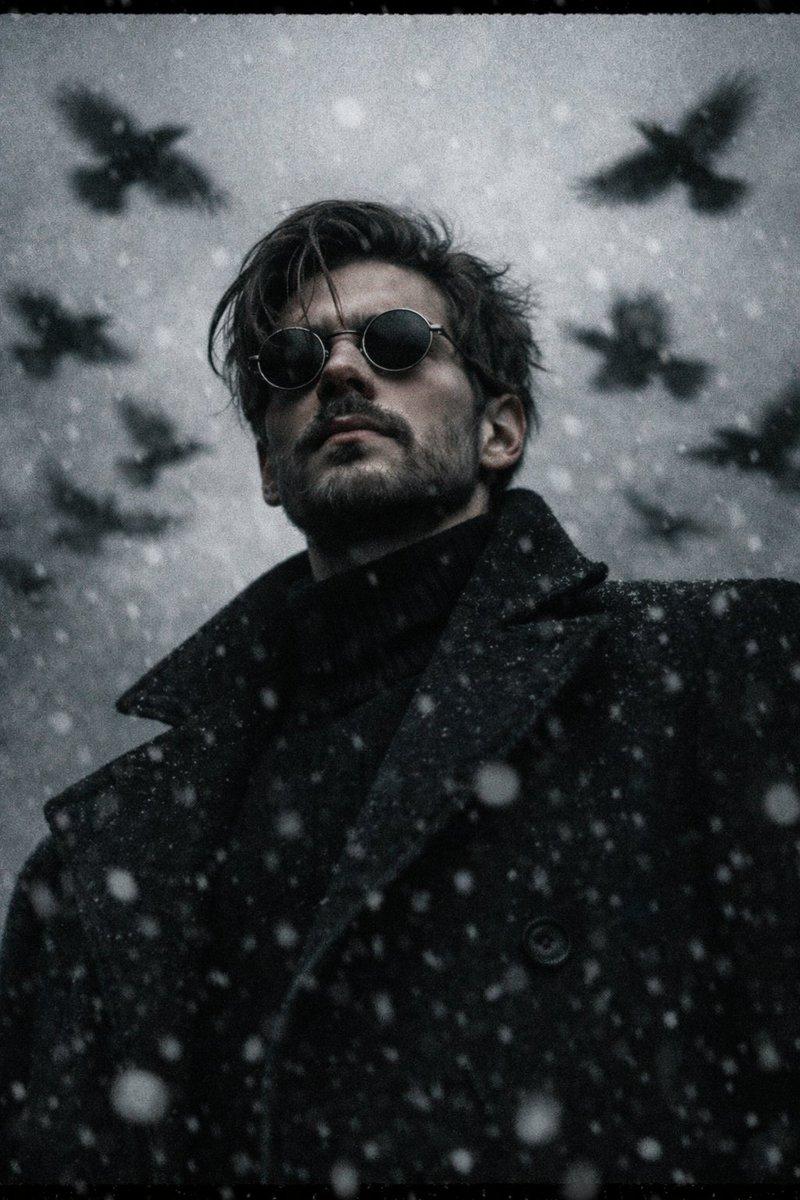
Use 100% of the face and body from my reference image. Create a cinematic winter scene with a side face close-up view, inspired by a Minecraft death screen. The person is lying face up in the snow, wearing {argument name="clothing" default="casual winter clothing"}, in a realistic pose, with cool atmospheric lighting, slightly desaturated tones, and visible footprints in the snow. Surround the person with floating or placed pixelated objects in the Minecraft style, including a {argument name="weapon" default="diamond sword"}, bow, pickaxe, emerald, steak, Eye of Ender, music disc, and a mob of spiders. Add a realistic Minecraft "You Died!" overlay on top with pixel font, including "Score: 0," the reticle symbol, and two retro UI buttons labeled "Respawn" and "Title Screen." Naturally blend the realistic photography with pixel-art game elements. Soft shadows, melancholic winter aesthetic, ultra-detailed, vertical composition, DSLR realism, subtle depth of field, high contrast, 9:16 aspect ratio.

Negative Prompt:

"Low quality, blurry face, distorted body, extra limbs, incorrect facial features, cartoonish body, unrealistic"
Category
UI & Interfaces
Model
GPT Image 2
Creator
CHAse
Source language
en
Views0
Source ID
25204
Published
Jun 11, 2026
Studio

Guide

About "Minecraft 死亡界面肖像"

What is this prompt for?

"Minecraft 死亡界面肖像" AI image prompt for GPT Image 2 (UI & Interfaces). 一个写实的冬季摄影提示词,将人像摄影与 Minecraft 游戏元素(如“You Died”界面和像素化物品)巧妙融合。 Copy it on Picva and recreat…

The full copyable prompt and example visuals above are ready for AI image generation or one-click recreate in Picva.

How to use this prompt

  1. Step 1

    Open the prompt detail

    Review the example visuals, category, and full prompt text for "Minecraft 死亡界面肖像".

  2. Step 2

    Copy the prompt

    Copy the prompt body from this page, or load it directly in Studio.

  3. Step 3

    Pick a model (GPT Image 2)

    Prefer GPT Image 2. If you switch models, keep subject and composition and tweak style terms.

  4. Step 4

    Generate and export

    Recreate the look in Picva, or export into your workflow for editing and publishing.

FAQ

What is the "Minecraft 死亡界面肖像" prompt?
It is an AI image-generation prompt for GPT Image 2 in the UI & Interfaces category. This page includes the full prompt text, example visuals, and a one-click recreate path in Picva.
How do I use this prompt to generate an image?
Copy the prompt from this page, or use Generate / Studio. Paste it into a compatible image model, or recreate the look in Picva with optional reference images.
Which model is this prompt for?
This page lists GPT Image 2. Most descriptive prompts also transfer to nearby image models such as GPT Image, Flux, or Midjourney with light style tweaks.
Can I use the result commercially?
You can usually copy the prompt for creation, but commercial use of the final image depends on the model terms, reference-image rights, and the generated content. Follow the source author and platform rules.