带有模糊时尚照片的 X 时间线
Prompt
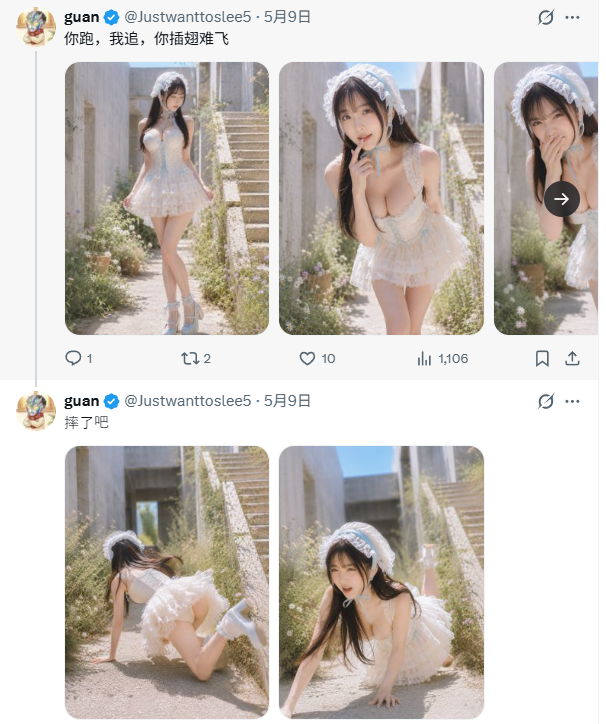
Goal: Create a realistic screenshot-style image of an X/Twitter timeline showing two stacked posts by the same verified account, featuring soft, sunlit fashion photo thumbnails with intentionally blurred faces.

Canvas: Vertical mobile screenshot, approximately 606 × 724 px, white X/Twitter interface background, thin pale divider lines, left-aligned timeline column, cropped as if captured from a phone or browser feed.

Layout: Show exactly 2 tweets stacked vertically from the same account. Each tweet has a small circular anime-style profile avatar on the far left, bold display name {argument name="display name" default="guan"}, blue verified check, handle {argument name="handle" default="@Justwanttoslee5"}, date {argument name="date" default="5月9日"}, a three-dot menu at the top right, and a small muted/visibility-style icon near the upper right edge. The tweet text is in Chinese: first tweet text {argument name="first tweet text" default="你跑,我追,你插翅难飞"}; second tweet text {argument name="second tweet text" default="摔了吧"}.

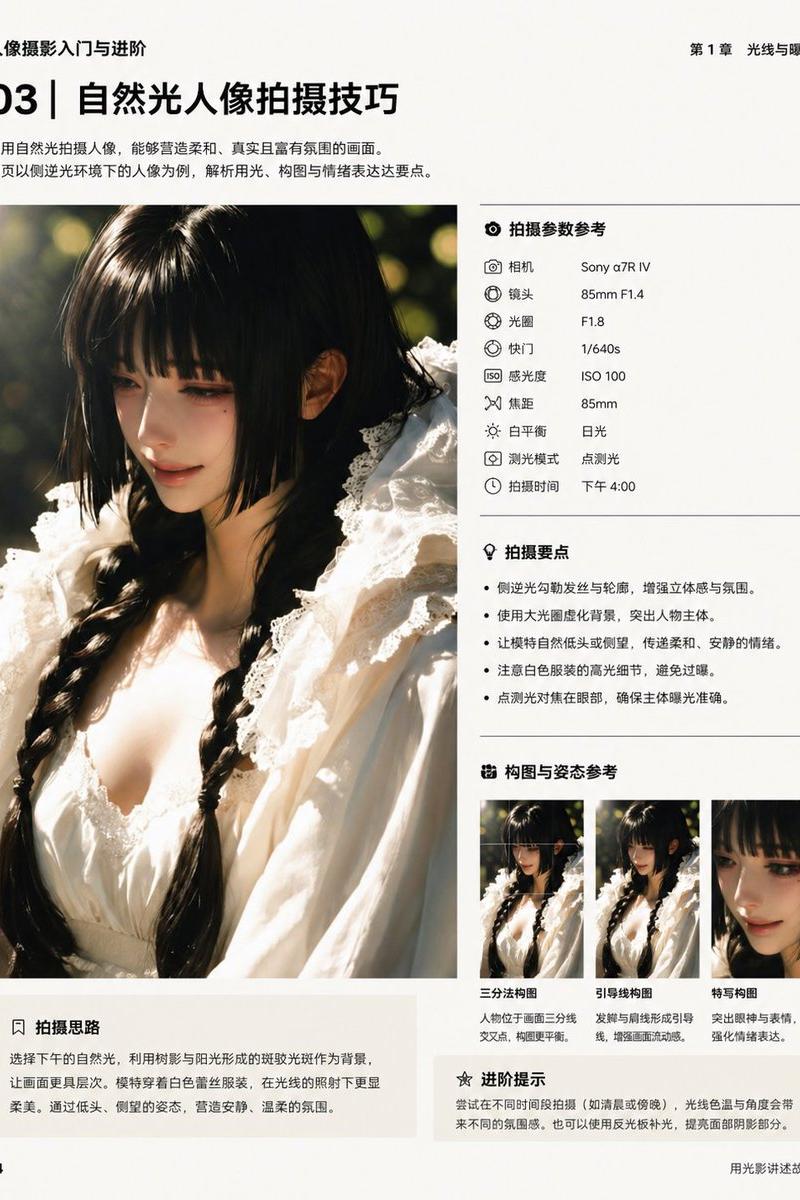
Top tweet media: Include exactly 3 rounded-corner image cards in a horizontal row. Card 1 shows a full-body outdoor portrait of a young woman in a frilly white lace mini dress, white headpiece, thigh-high socks or boots, standing on a sunlit garden path near concrete stairs. Card 2 shows a closer leaning pose in the same outfit with one hand near the chin, shallow depth of field, bright sunlight, plants and steps behind. Card 3 is partially cropped on the right edge, showing the same subject close-up with hands near the face; overlay a dark circular right-arrow button centered over this partial card. All visible faces must be strongly blurred with a square/soft mosaic blur.

Top tweet engagement row: Under the media row show exactly 5 engagement items/icons from left to right: reply icon with count 1, repost icon with count 2, heart icon with count 10, analytics bars icon with count 1,106, bookmark icon, and share/upload icon at the far right. Use muted dark blue-gray Twitter UI icon styling.

Second tweet media: Include exactly 2 rounded-corner image cards side by side below the second tweet text. Card 1 shows the same woman in the white lace outfit on all fours or falling forward on the sunny garden path, photographed from behind/side, with long dark hair moving and stairs/plants in the background. Card 2 shows a front/side crawling or fallen pose on the path, long dark hair falling forward, same outfit, concrete stairs and blue sky behind, with the face blurred by a square/soft mosaic.

Visual style: Make the UI crisp and realistic like an actual X/Twitter screenshot, while the embedded photos are soft, high-key, slightly dreamy, warm sunlight, shallow depth of field, pale beige concrete, green weeds and small flowers, outdoor stairway setting. The subject wears a white frilly lace dress, white lace bonnet/headband, and light-colored boots/socks. Keep skin and lighting natural, not glossy or plastic.

Constraints: Do not add extra tweets, extra media cards, extra buttons, watermarks, or unrelated text. Maintain the exact count of 2 tweets, 5 total visible media thumbnails, and the engagement counts listed above. Faces in all photo thumbnails must remain blurred and unidentifiable.- Category
- Charts & Infographics
- Model
- GPT Image 2
- Creator
- guan
- Source language
- en
- Source ID
- 25812
- Published
- Jun 15, 2026
Views0