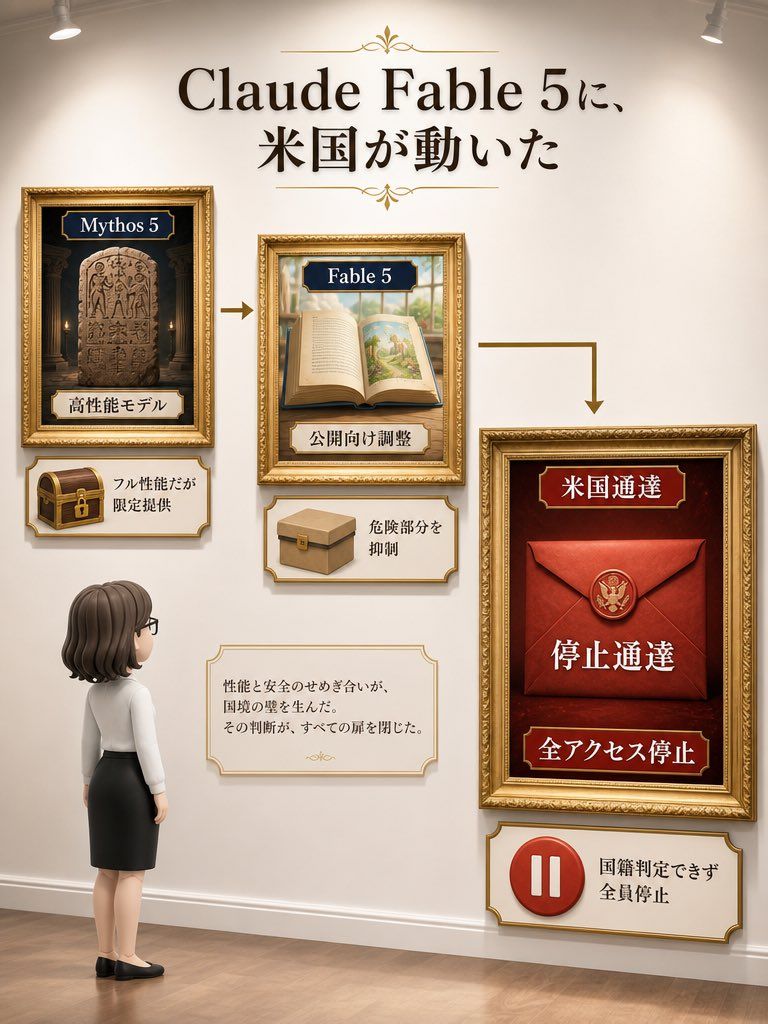
Museum Wall Claude Fable 5 信息图
Prompt
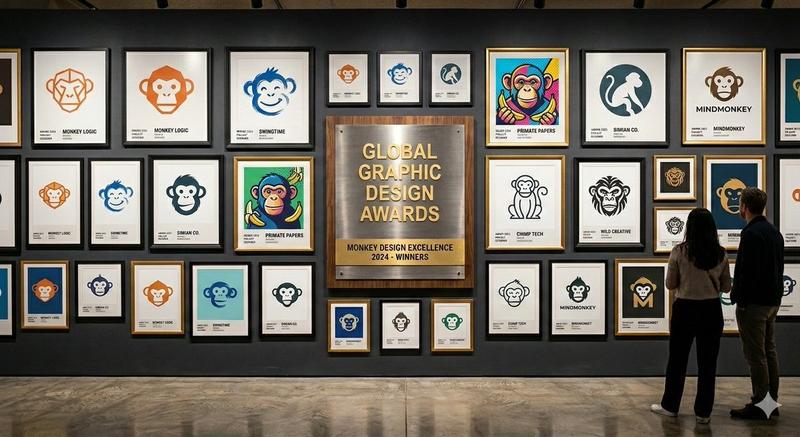
Goal: Create a vertical museum-gallery style Japanese explainer infographic about {argument name="headline text" default="Claude Fable 5に、米国が動いた"}, shown as a curated wall exhibit with ornate gold picture frames, warm spotlights, and a small viewer character observing the display.

Canvas: Portrait 3:4 composition, warm cream gallery wall, wooden floor, subtle shadows, two ceiling spotlights at the upper left and upper right, realistic 3D-rendered infographic style with elegant editorial lighting.

Layout: Large centered headline at the top in bold black serif Japanese typography, with small gold ornamental flourishes above and below. Beneath it, arrange exactly 3 main ornate framed exhibits connected left-to-right by exactly 2 gold arrows: one straight arrow from the left frame to the center frame, then an L-shaped arrow from the center frame down/right to the large right frame.

Main framed exhibits, exactly 3:
1. Left frame: small gold frame with a dark temple-like background and a carved stone tablet. Top navy label reads {argument name="left frame label" default="Mythos 5"}. Bottom ivory label reads 「高性能モデル」. Below this frame, attach one ornate ivory plaque containing a small brown treasure chest with a gold lock and the text 「フル性能だが限定提供」.
2. Center frame: medium gold frame showing an open illustrated storybook on a table, with a bright landscape illustration on the right page. Top navy label reads {argument name="center frame label" default="Fable 5"}. Bottom ivory label reads 「公開向け調整」. Below this frame, attach one ornate ivory plaque containing a simple cardboard box icon and the text 「危険部分を抑制」.
3. Right frame: largest gold frame on the right, deep red background, containing a sealed red envelope with a gold U.S. eagle seal. Top red label reads 「米国通達」, large central text reads 「停止通達」, and bottom red label reads 「全アクセス停止」. Below this frame, attach one ornate ivory plaque containing a red circular pause icon and the text 「国籍判定できず 全員停止」.

Additional text box: Place one small ornate ivory note card near the lower center-left, between the viewer and the right frame. It should contain exactly this Japanese body text: 「性能と安全のせめぎ合いが、国境の壁を生んだ。その判断が、すべての扉を閉じた。」 with a tiny gold ornament beneath.

Viewer character: Add exactly 1 chibi-style adult woman standing at the lower left, seen from behind in three-quarter view, looking up at the exhibit. She has {argument name="hair color" default="dark brown"} shoulder-length bobbed hair, glasses, a white blouse, black pencil skirt, and black flats. Keep her small relative to the wall display.

Visual style: Premium museum infographic, ornate gold frames, cream and burgundy palette, serif typography, soft realistic shadows, polished wood floor, balanced negative space, subtle depth-of-field, high-resolution vertical poster design.

Constraints: Use exactly 3 main framed exhibits, exactly 3 lower explanatory plaques attached to those exhibits, exactly 1 separate note card, exactly 2 directional arrows, exactly 1 viewer character, and exactly 2 ceiling spotlights. Preserve the Japanese text as written, avoid extra labels, avoid watermarks or logos, and keep all text legible.- Category
- Charts & Infographics
- Model
- GPT Image 2
- Creator
- 永野ヨウ
- Source ID
- 25817
- Published
- Jun 15, 2026
Views0