19

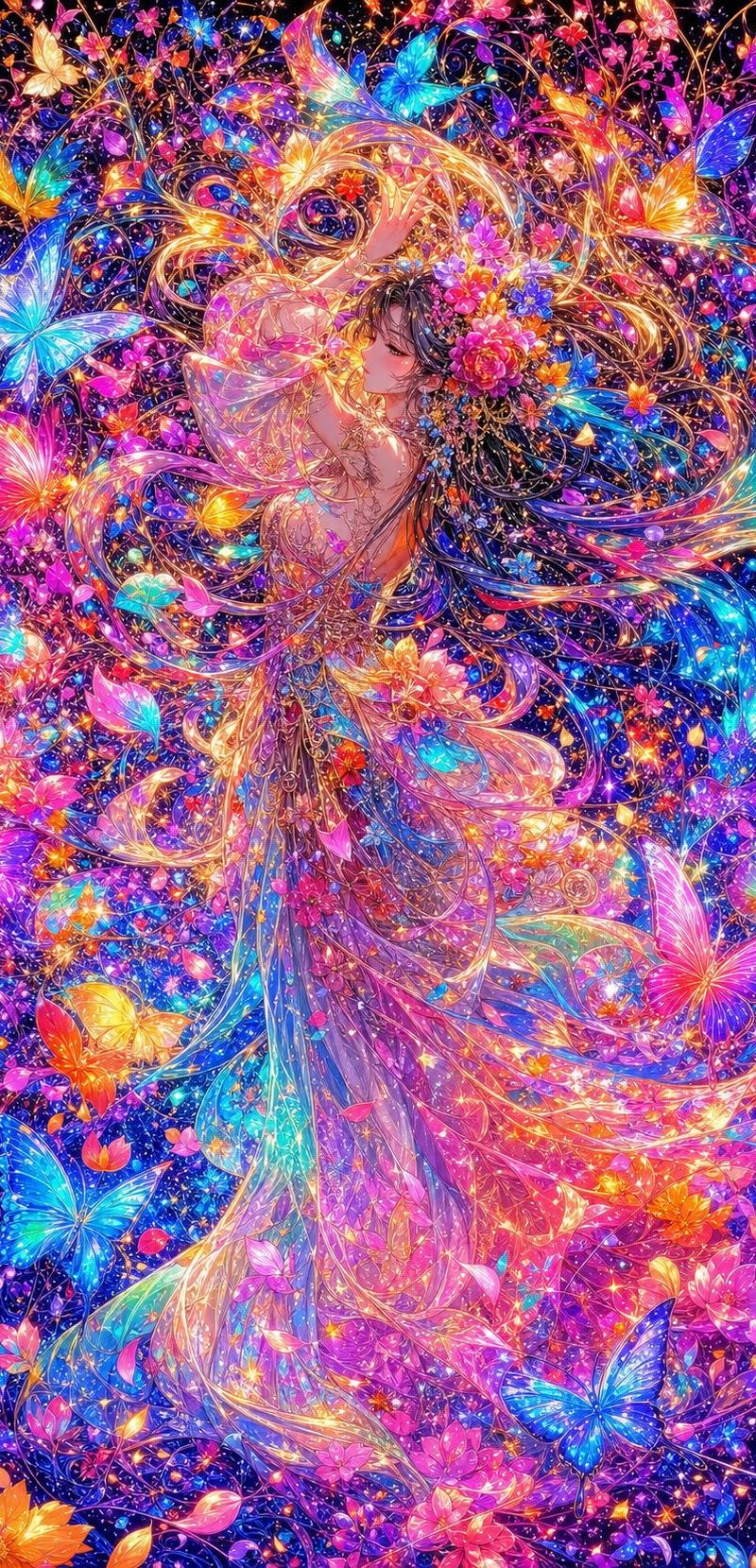
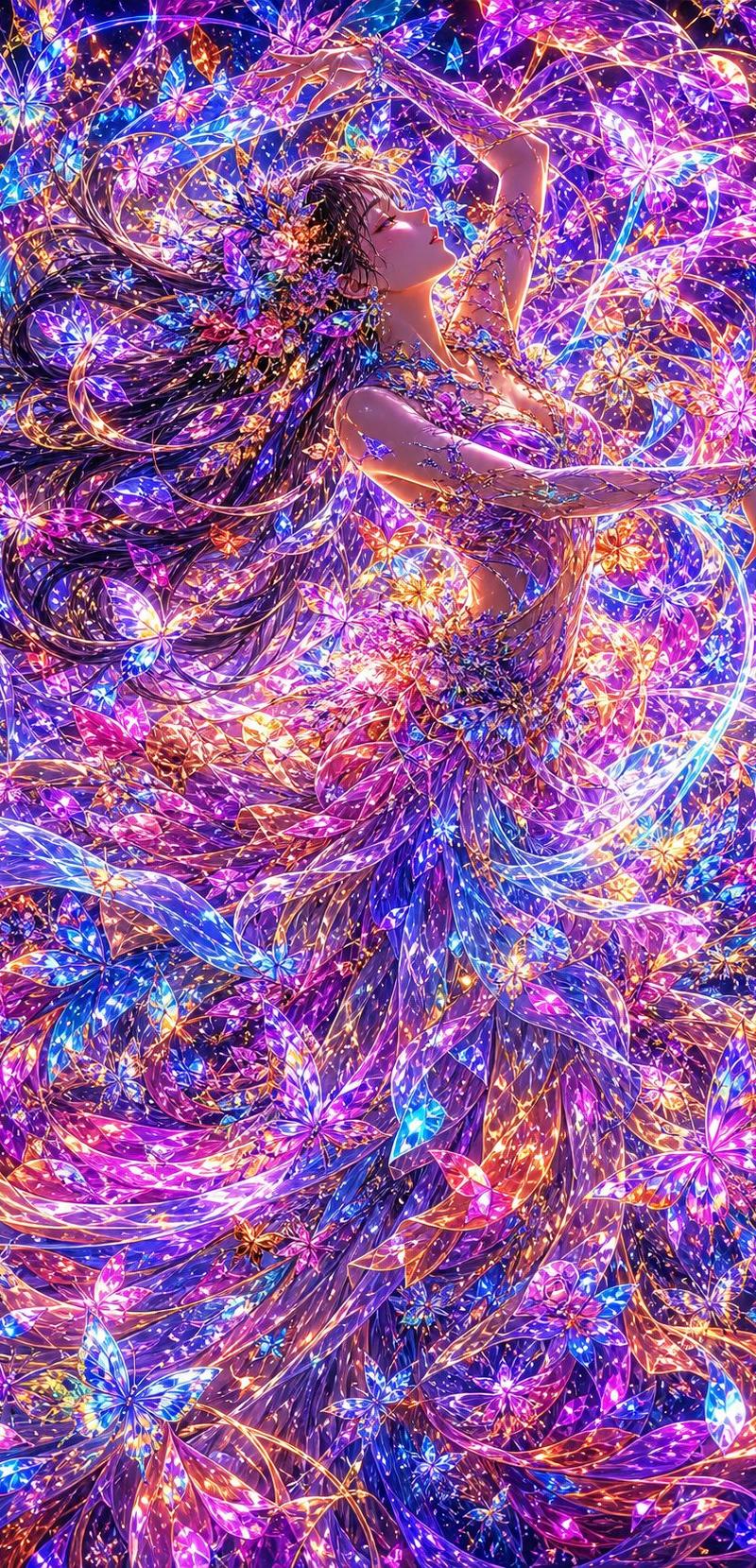
霓虹蝴蝶仙子舞者
Enlarge

Example images

霓虹蝴蝶仙子舞者

Prompt
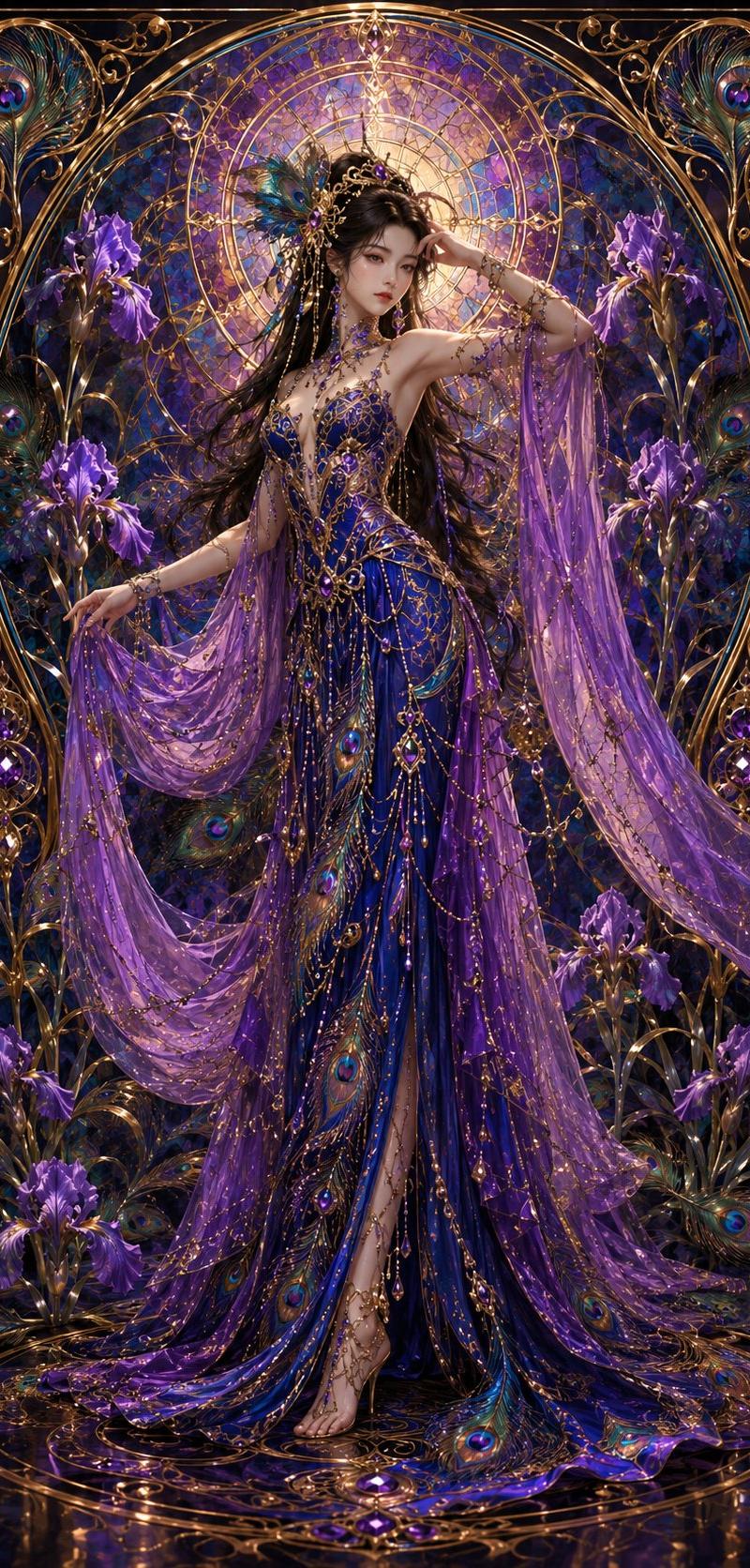
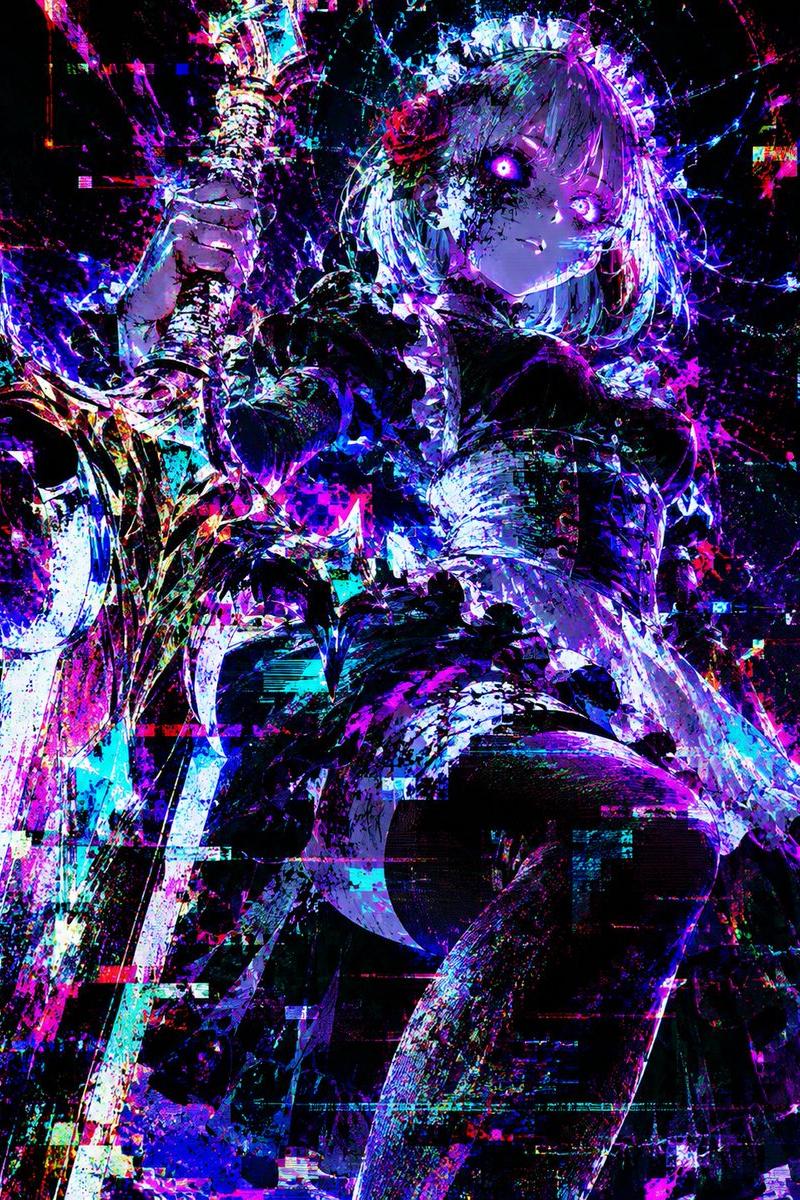
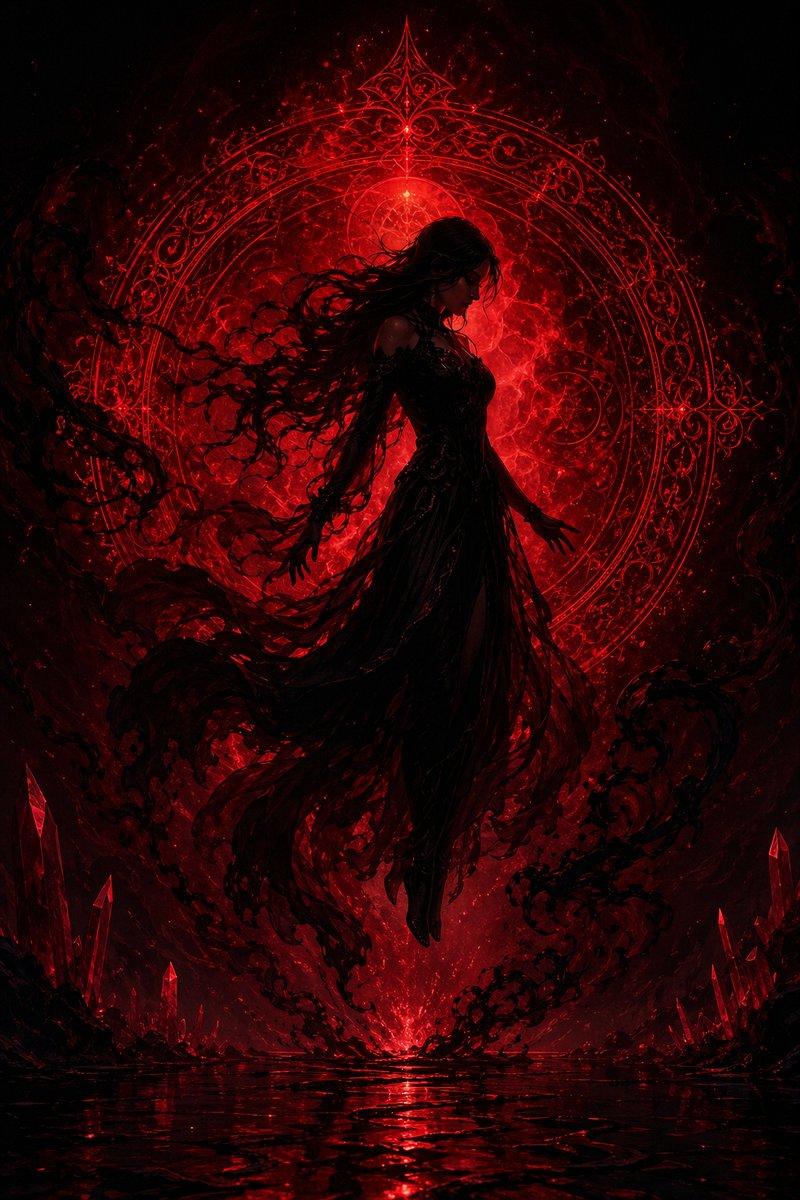
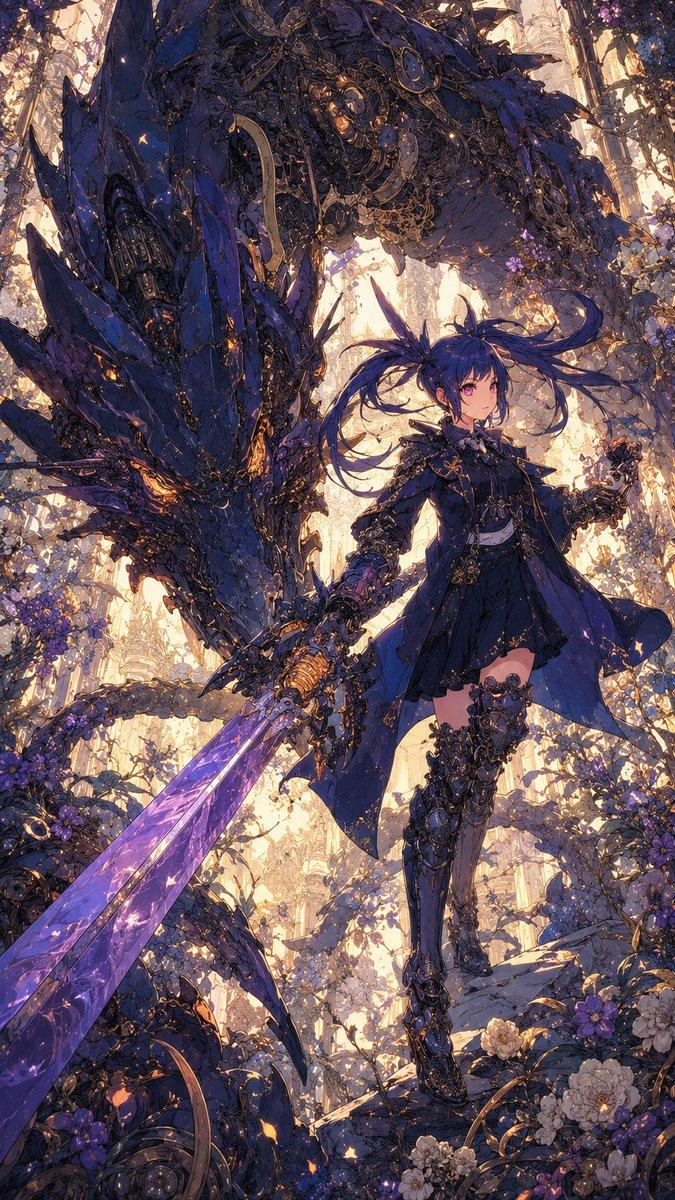
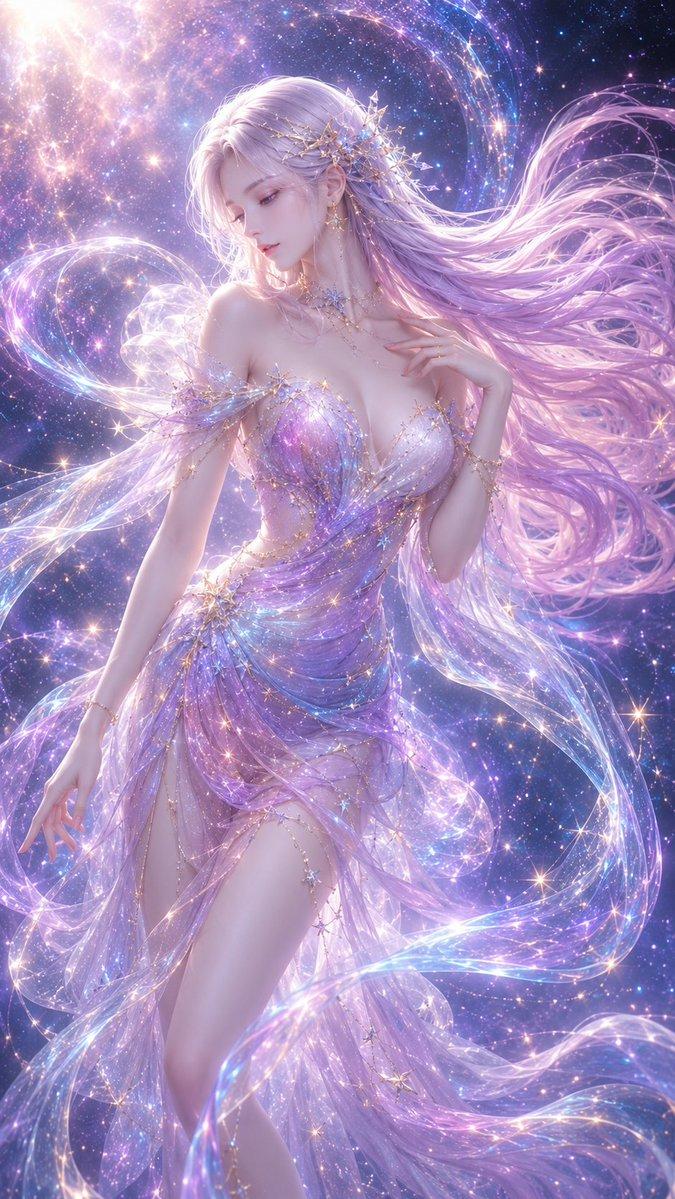
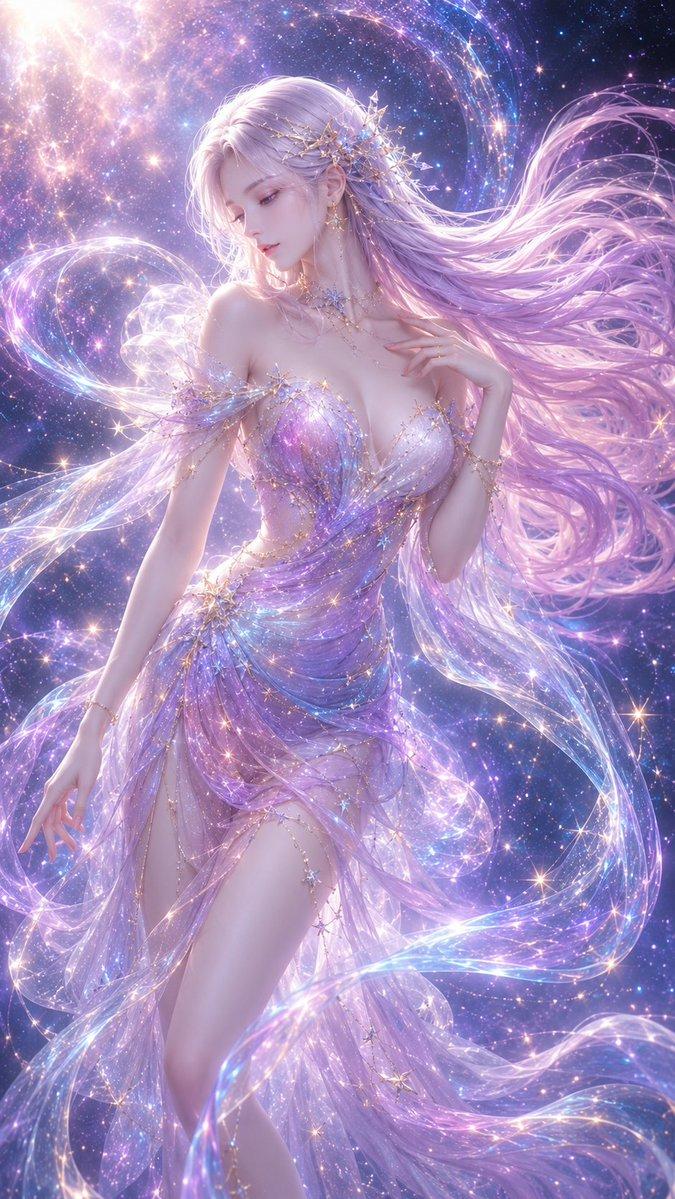
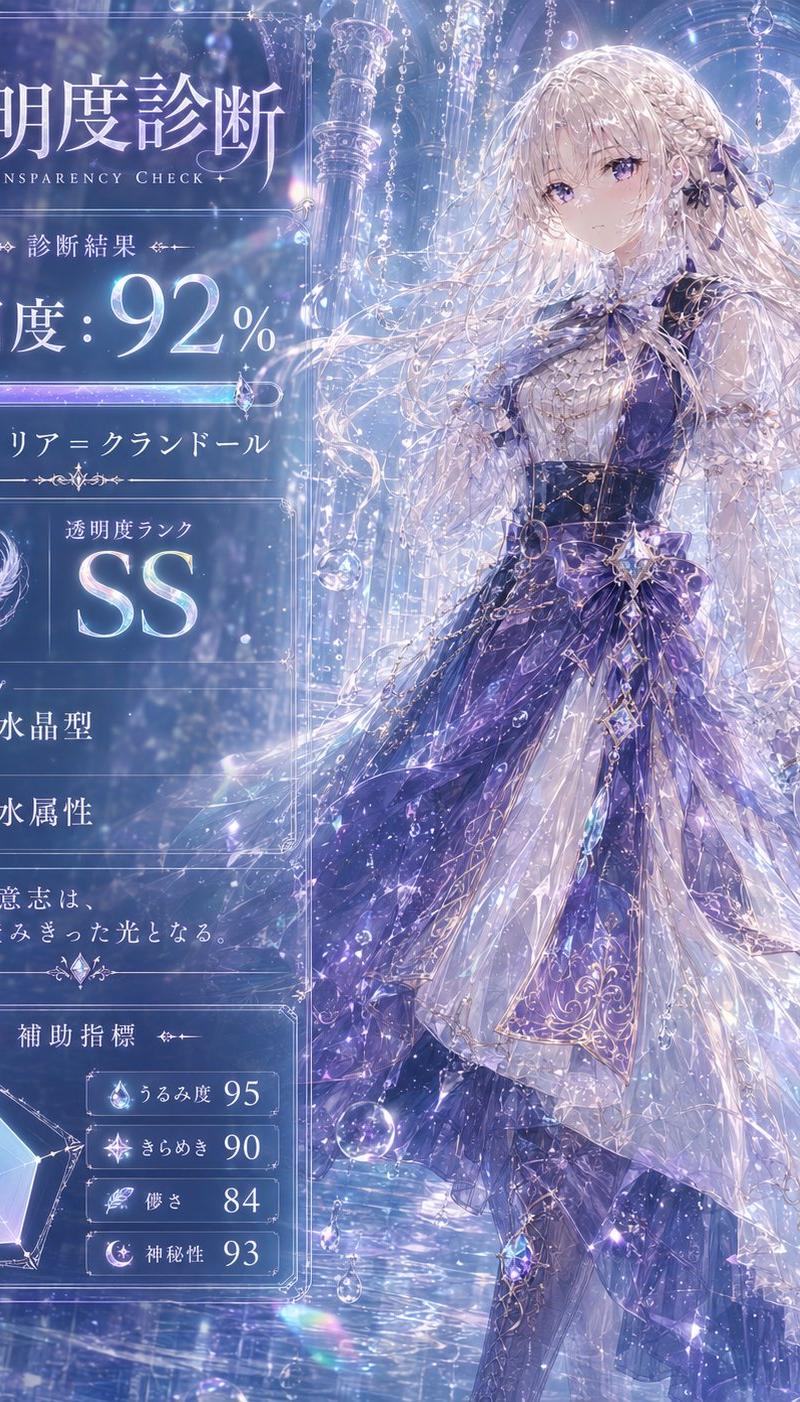
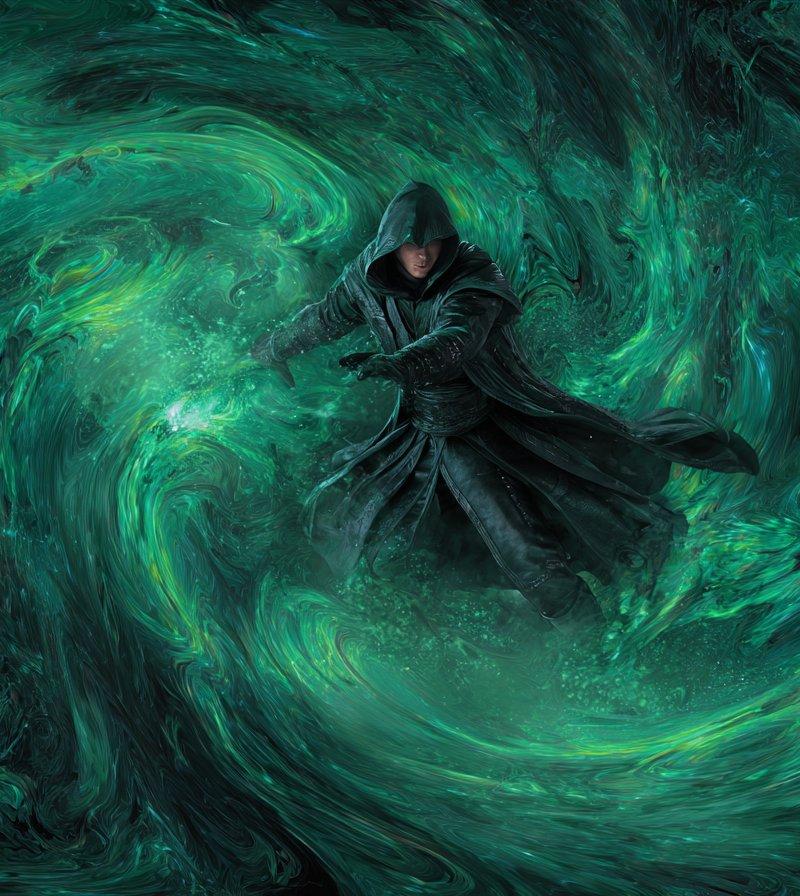
Create a vertical 2:3 ultra-detailed anime fantasy illustration of one ethereal dancing woman surrounded by a dense storm of luminous crystal butterflies, flower petals, and magical light trails. The single female subject has {argument name="hair color" default="long flowing dark brown hair"} streaming dramatically to the left, a serene upward-facing profile, closed or half-closed eyes, and a graceful arched pose with both arms extended above and outward as if floating in music. She wears an ornate floral fairy-dancer costume made of countless jewel-like blossoms, translucent petals, vines, and sparkling filigree, with a flowing layered skirt that dissolves into ribbons, butterfly wings, and glowing floral fragments. Fill the entire frame edge to edge with hundreds of radiant butterflies and flower shapes in {argument name="color palette" default="electric violet, magenta, cyan, sapphire blue, gold, orange, and hot pink"}, with swirling circular composition lines wrapping around her body and hair. Use intense neon bioluminescent lighting, glittering highlights, prismatic glass textures, iridescent wings, golden threadlike arcs, star-like sparkles, and maximalist detail. The mood is ecstatic, magical, and dreamlike, like a celestial flower festival or butterfly nebula. Make the image highly polished, sharp, vibrant, and intricate, with no text, no border, no watermark, and no extra characters.
Category
Characters & People
Model
GPT Image 2
Creator
魚谷真
Source language
en
Views0
Source ID
26053
Published
Jun 17, 2026
Studio

Guide

About "霓虹蝴蝶仙子舞者"

What is this prompt for?

"霓虹蝴蝶仙子舞者" AI image prompt for GPT Image 2 (Characters & People). 一个生动的竖版动漫奇幻插画提示词,用于创作一位被发光的蝴蝶、花朵和棱镜般魔法光芒所包围的璀璨仙子舞者。 Copy it on Picva and recreate the look in…

The full copyable prompt and example visuals above are ready for AI image generation or one-click recreate in Picva.

How to use this prompt

  1. Step 1

    Open the prompt detail

    Review the example visuals, category, and full prompt text for "霓虹蝴蝶仙子舞者".

  2. Step 2

    Copy the prompt

    Copy the prompt body from this page, or load it directly in Studio.

  3. Step 3

    Pick a model (GPT Image 2)

    Prefer GPT Image 2. If you switch models, keep subject and composition and tweak style terms.

  4. Step 4

    Generate and export

    Recreate the look in Picva, or export into your workflow for editing and publishing.

FAQ

What is the "霓虹蝴蝶仙子舞者" prompt?
It is an AI image-generation prompt for GPT Image 2 in the Characters & People category. This page includes the full prompt text, example visuals, and a one-click recreate path in Picva.
How do I use this prompt to generate an image?
Copy the prompt from this page, or use Generate / Studio. Paste it into a compatible image model, or recreate the look in Picva with optional reference images.
Which model is this prompt for?
This page lists GPT Image 2. Most descriptive prompts also transfer to nearby image models such as GPT Image, Flux, or Midjourney with light style tweaks.
Can I use the result commercially?
You can usually copy the prompt for creation, but commercial use of the final image depends on the model terms, reference-image rights, and the generated content. Follow the source author and platform rules.