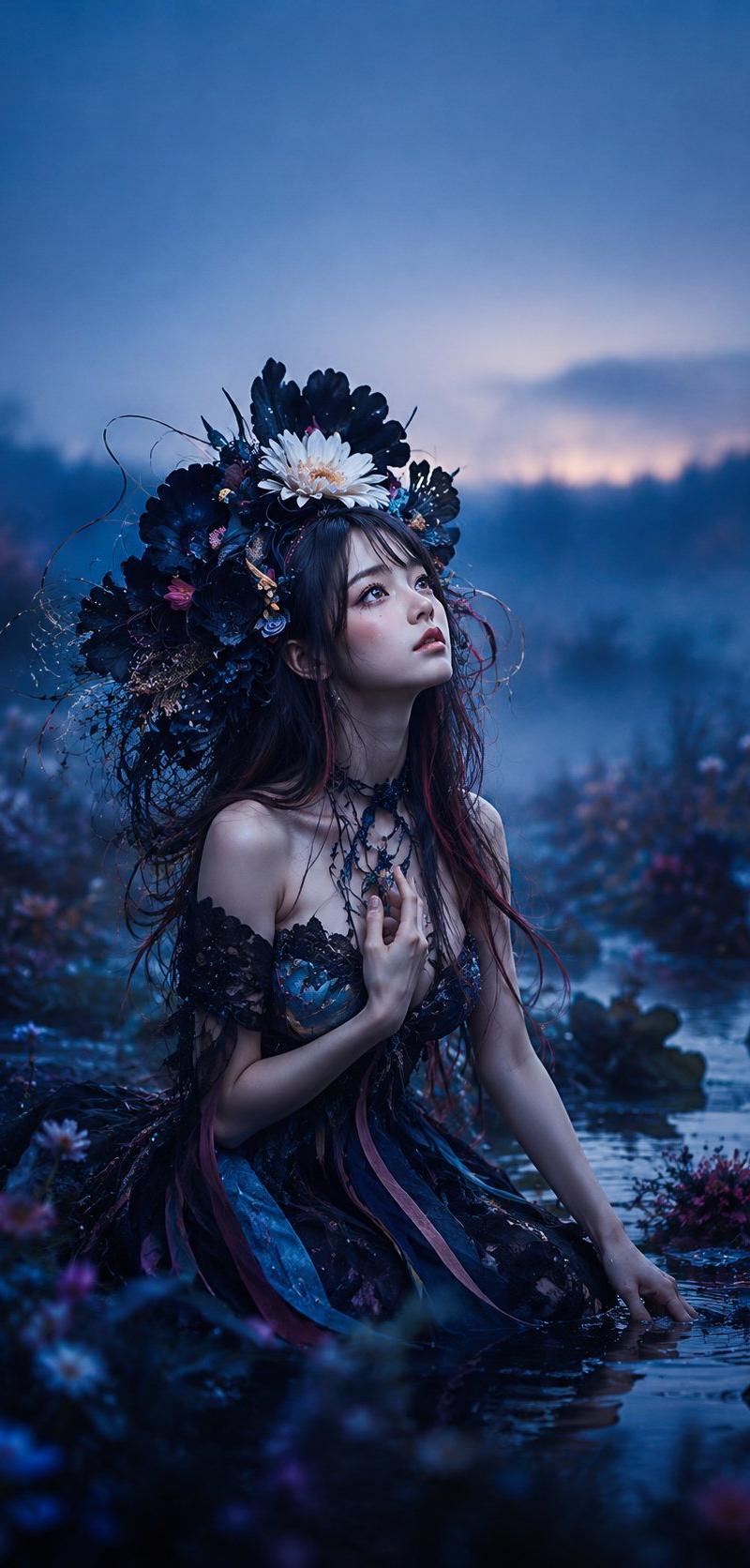
暮色池塘中的哥特精灵
Prompt
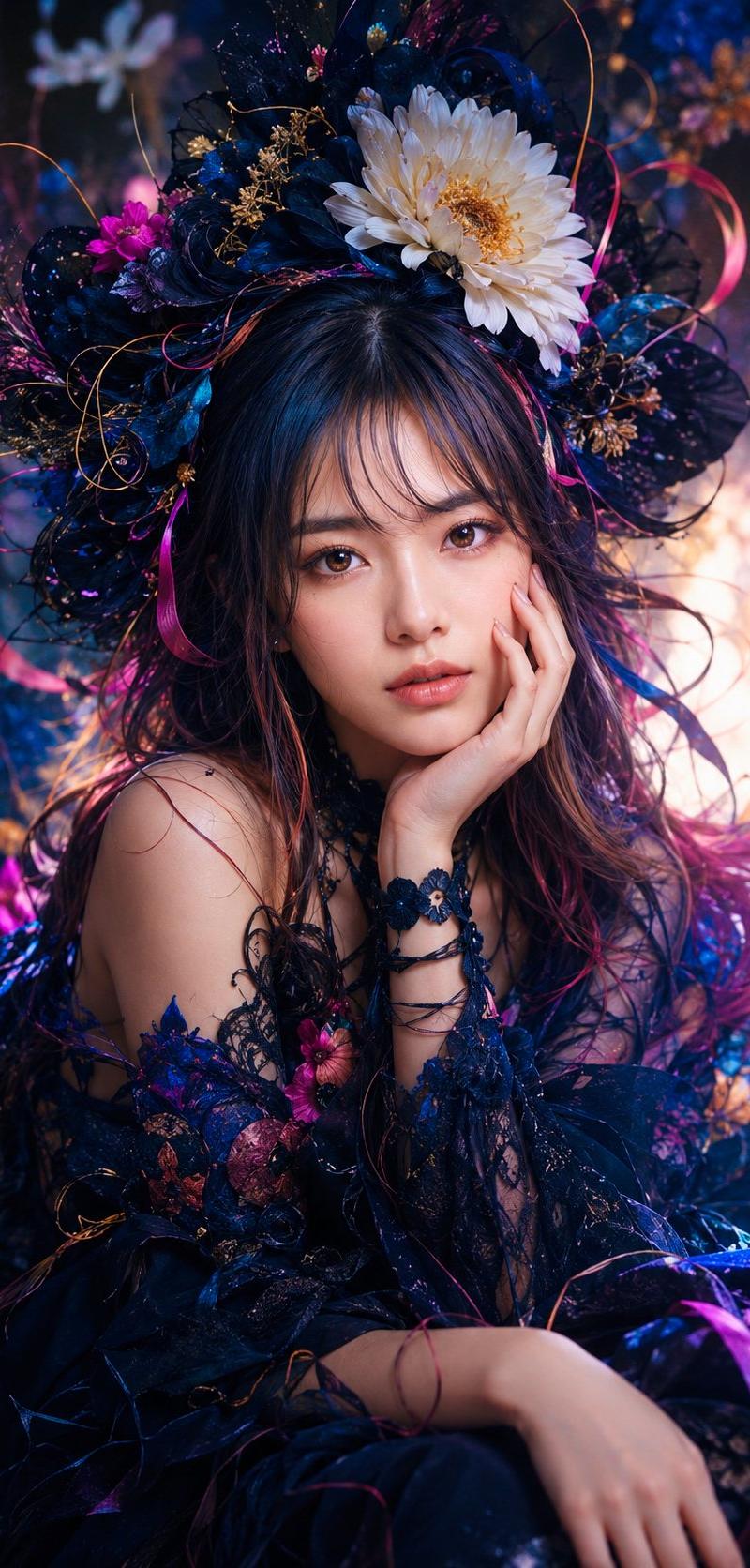
Create a vertical cinematic fantasy portrait of a young {argument name="character description" default="East Asian woman"} kneeling waist-deep in a shallow pond at twilight, surrounded by dark wildflowers and mist. She wears an elaborate gothic fairy dress: black lace off-shoulder bodice, layered dark blue and violet skirt, trailing ribbon strips in navy, teal, and muted magenta, and a delicate black floral choker necklace. Her long dark brown hair has subtle burgundy streaks and loose wet strands framing her face. She holds one hand gently to her chest and rests the other hand in the water, gazing upward to the right with a wistful, dreamlike expression, pale luminous skin, soft blush, glossy eyes, and slightly parted lips. Place an oversized ornate floral crown on her head made of many dark navy-black petals, tangled twigs, fine vines, tiny blue and pink blossoms, and one prominent {argument name="center crown flower" default="white daisy-like flower"} at the front top. The environment is a moody enchanted marsh or lakeside garden with reflective blue water, blurred foreground flowers, distant tree silhouettes, low fog, and a dusky blue-purple sky with a faint warm pink glow near the horizon. Use a deep cool color palette of midnight blue, indigo, violet, black, and small magenta accents. Style should be ultra-detailed fantasy photography, romantic gothic editorial, shallow depth of field, soft cinematic lighting, realistic skin texture, water reflections, volumetric mist, bokeh flowers, high detail, no text, no watermark, 9:16 vertical composition.- Category
- Charts & Infographics
- Model
- GPT Image 2
- Creator
- NIKKO
- Source language
- en
- Source ID
- 27078
- Published
- Jun 28, 2026
Views3