20

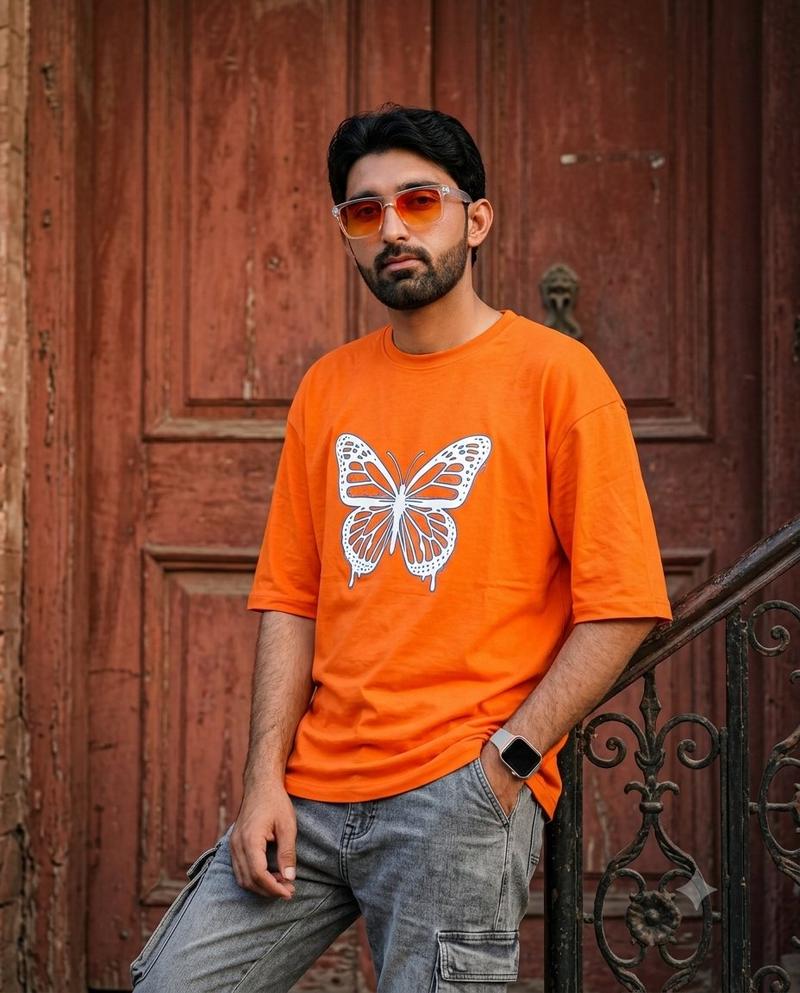
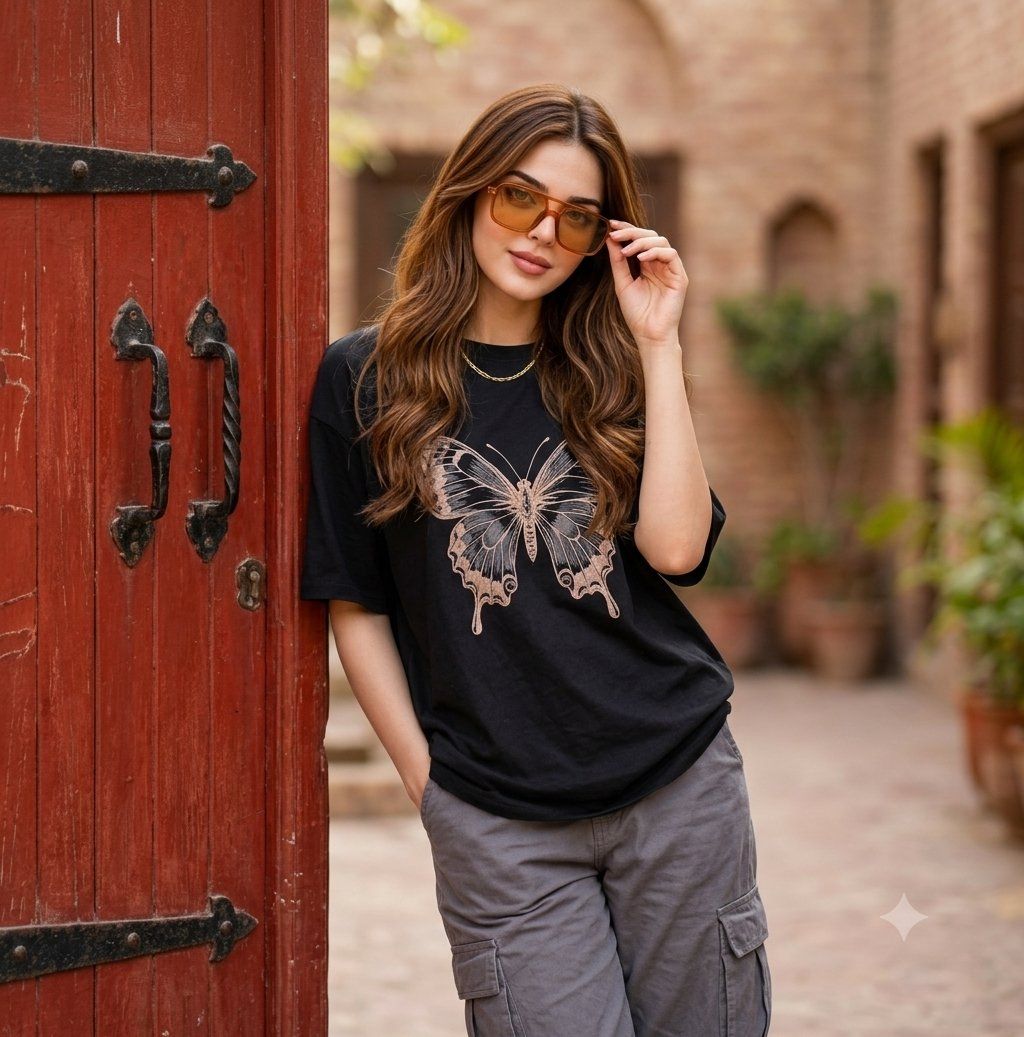
Fashion Street Butterfly Tee Portrait
Enlarge

Example images

Fashion Street Butterfly Tee Portrait

Prompt
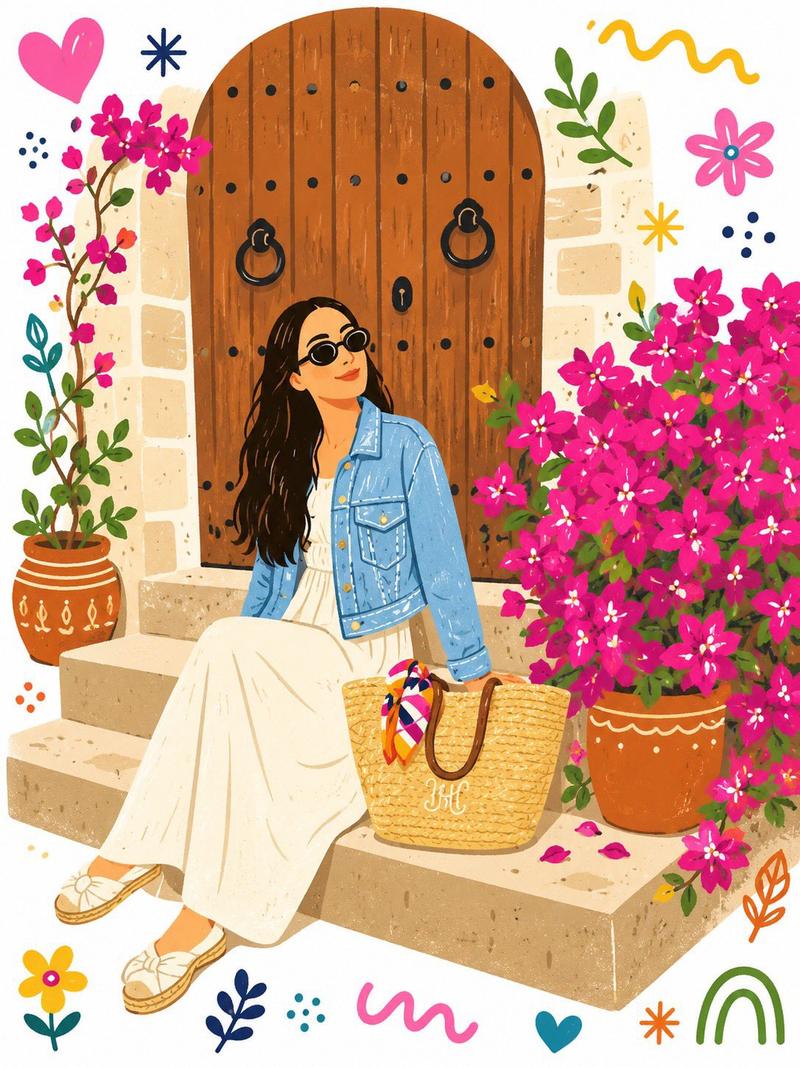
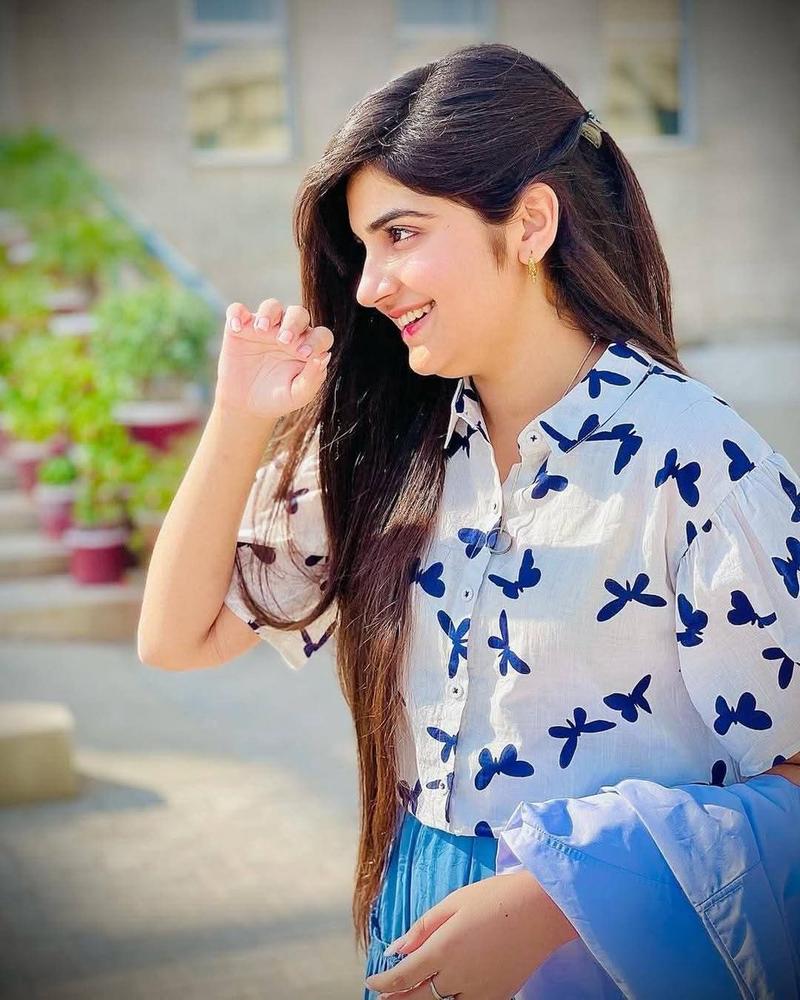
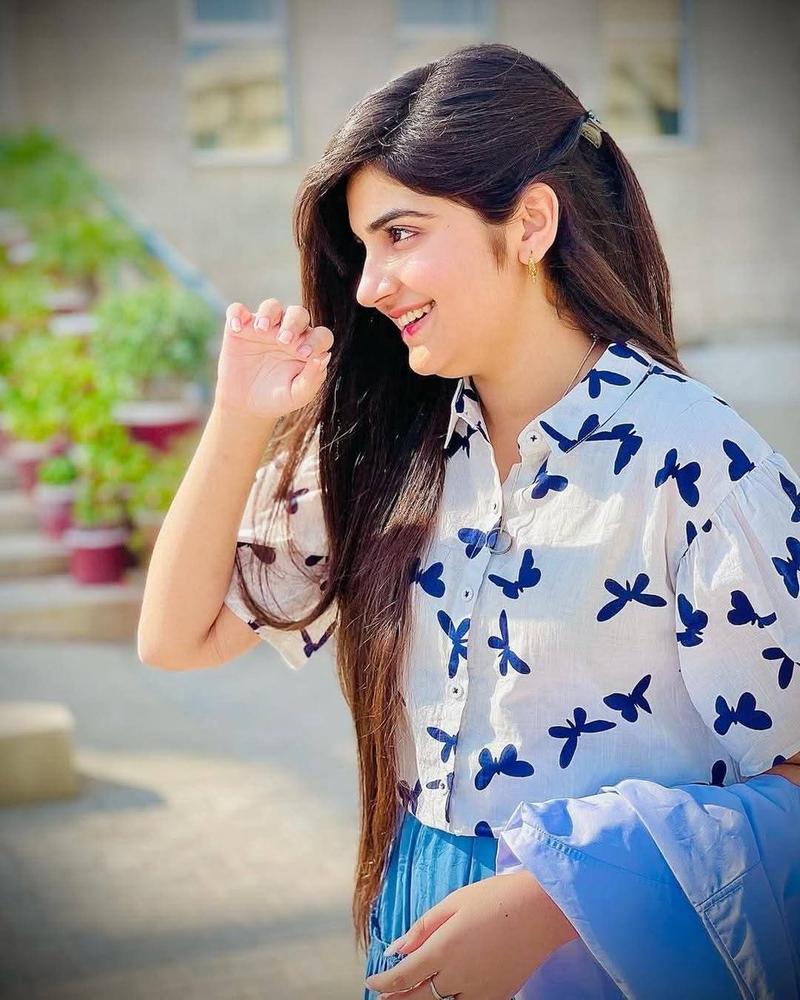
Ultra-realistic fashion street photography of a stylish {argument name="subject" default="young woman"} leaning casually against a {argument name="door color" default="rustic red wooden door"} with metal handle, outdoors in soft natural daylight. She has long wavy black hair with subtle brown/red highlights, wearing amber-tinted square sunglasses and a delicate gold chain necklace. Outfit: {argument name="outfit" default="oversized black t-shirt featuring a detailed butterfly graphic on the front, paired with loose-fit gray cargo pants"}. Relaxed confident pose, slight smile, natural skin texture. Background is softly blurred traditional building courtyard with warm earthy tones. Shallow depth of field, cinematic composition, 85mm lens look, high detail, editorial fashion style, soft shadows, premium lifestyle aesthetic.
Category
Charts & Infographics
Model
nano-banana-pro
Creator
ayzalnoor
Views14K
Source ID
24568
Published
Jun 7, 2026

Guide

About "Fashion Street Butterfly Tee Portrait"

What is this prompt for?

"Fashion Street Butterfly Tee Portrait" AI image prompt for nano-banana-pro (Charts & Infographics). An editorial fashion prompt for a stylish woman in a butte…

The full copyable prompt and example visuals above are ready for AI image generation or one-click recreate in Picva.

How to use this prompt

  1. Step 1

    Open the prompt detail

    Review the example visuals, category, and full prompt text for "Fashion Street Butterfly Tee Portrait".

  2. Step 2

    Copy the prompt

    Copy the prompt body from this page, or load it directly in Studio.

  3. Step 3

    Pick a model (nano-banana-pro)

    Prefer nano-banana-pro. If you switch models, keep subject and composition and tweak style terms.

  4. Step 4

    Generate and export

    Recreate the look in Picva, or export into your workflow for editing and publishing.

FAQ

What is the "Fashion Street Butterfly Tee Portrait" prompt?
It is an AI image-generation prompt for nano-banana-pro in the Charts & Infographics category. This page includes the full prompt text, example visuals, and a one-click recreate path in Picva.
How do I use this prompt to generate an image?
Copy the prompt from this page, or use Generate / Studio. Paste it into a compatible image model, or recreate the look in Picva with optional reference images.
Which model is this prompt for?
This page lists nano-banana-pro. Most descriptive prompts also transfer to nearby image models such as GPT Image, Flux, or Midjourney with light style tweaks.
Can I use the result commercially?
You can usually copy the prompt for creation, but commercial use of the final image depends on the model terms, reference-image rights, and the generated content. Follow the source author and platform rules.