20

Seedance 2.0 分镜到视频的转换

Prompt
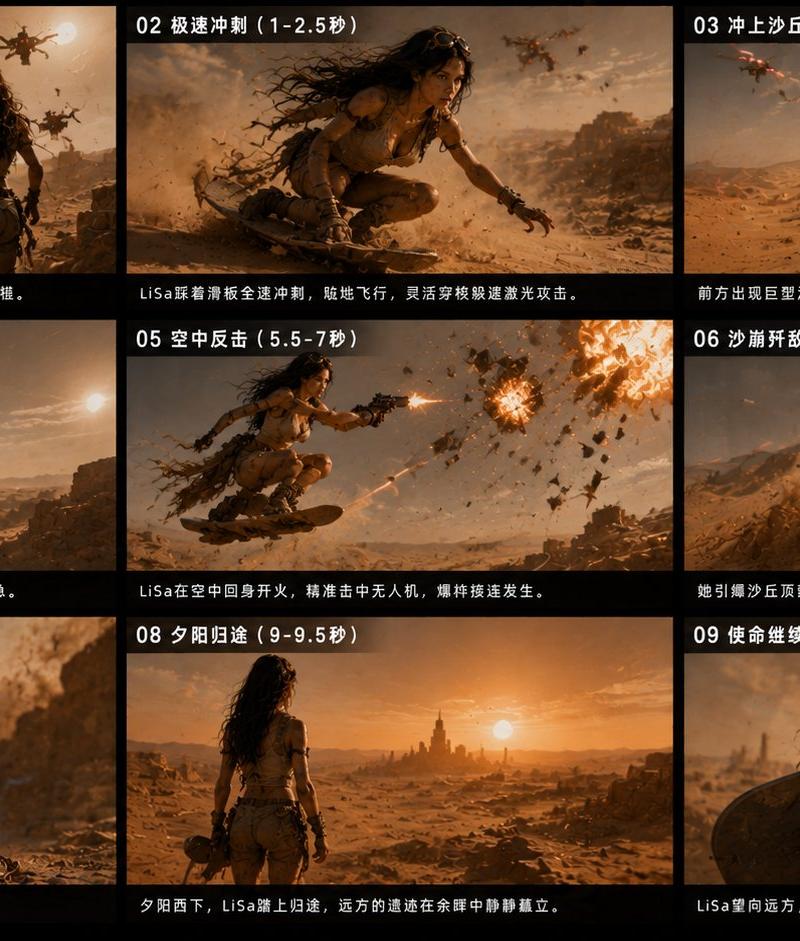
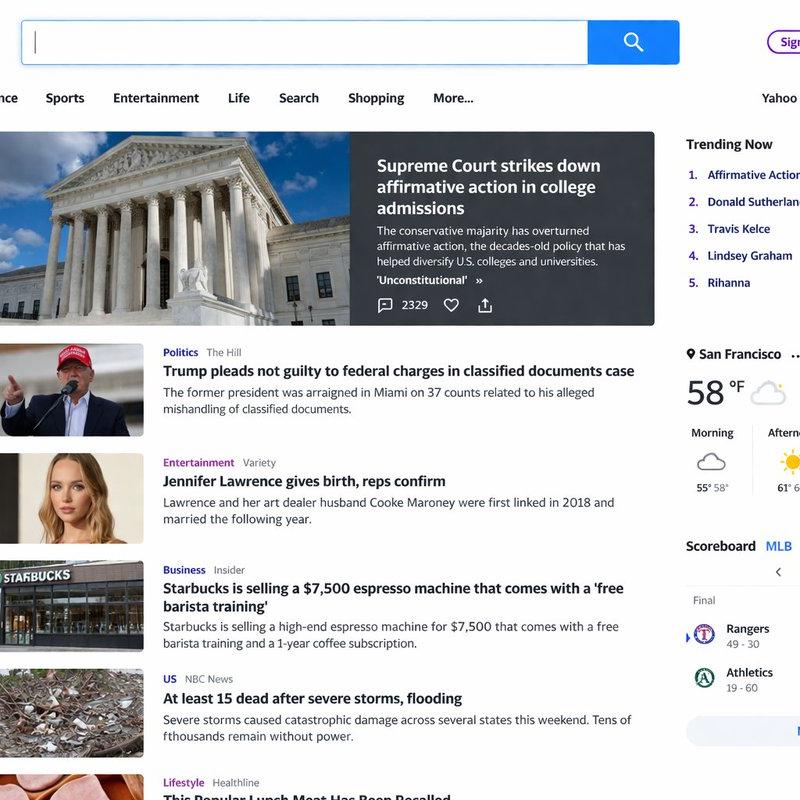
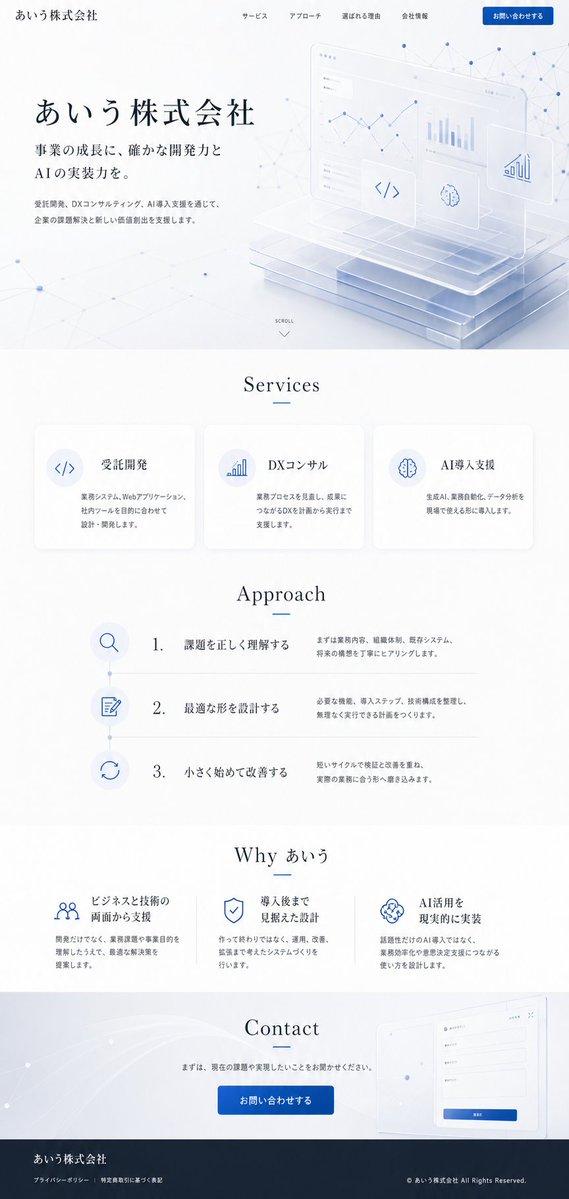
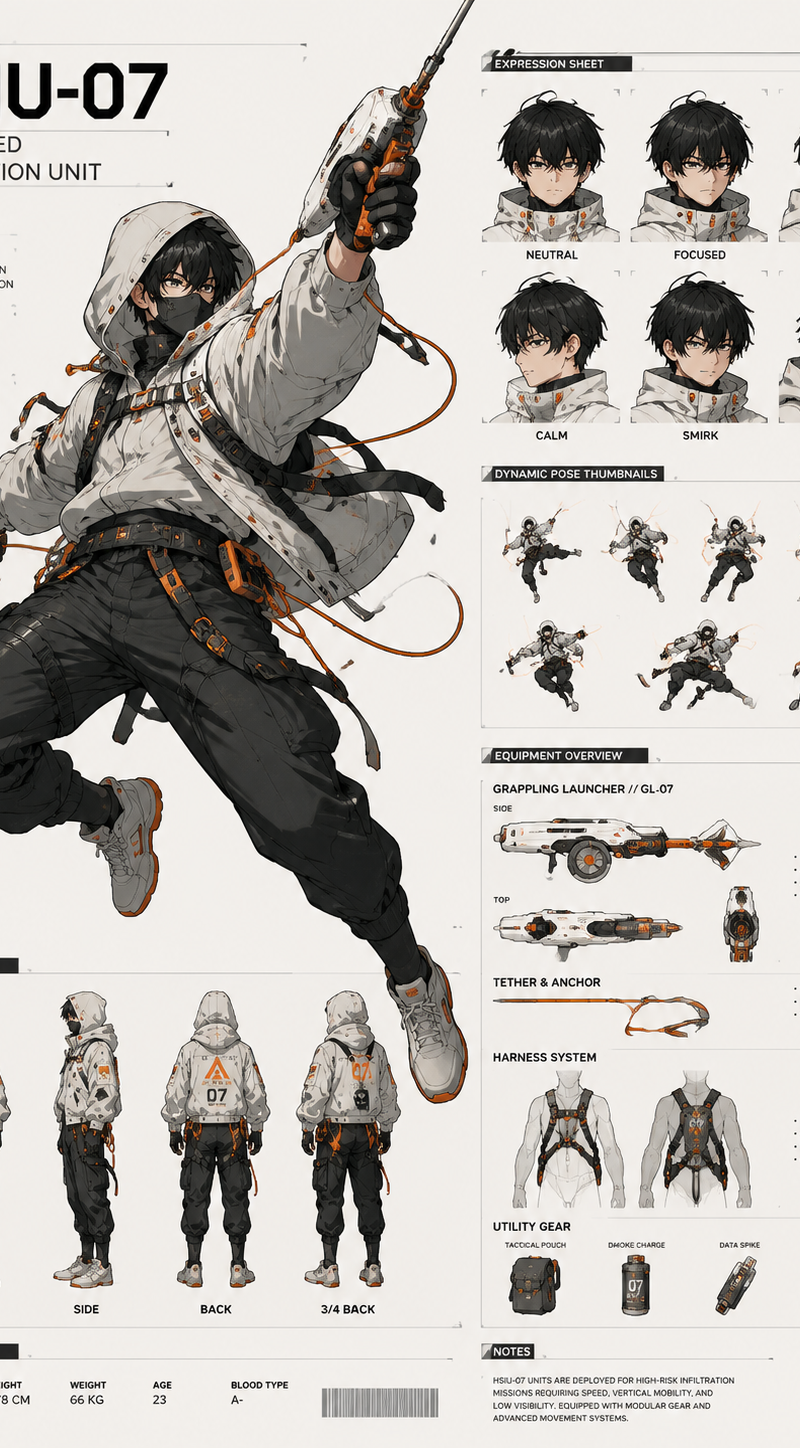
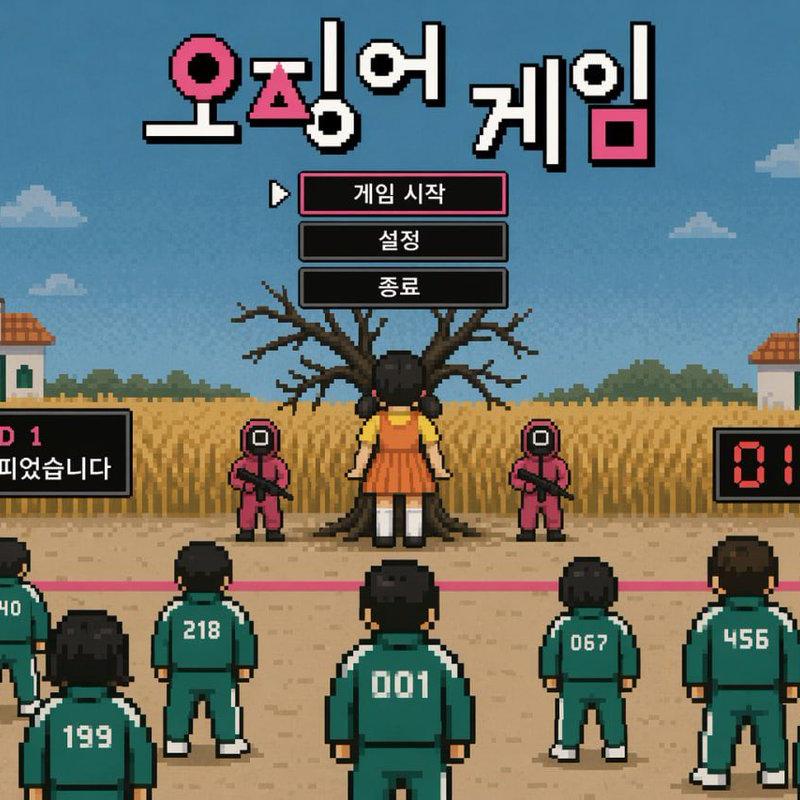
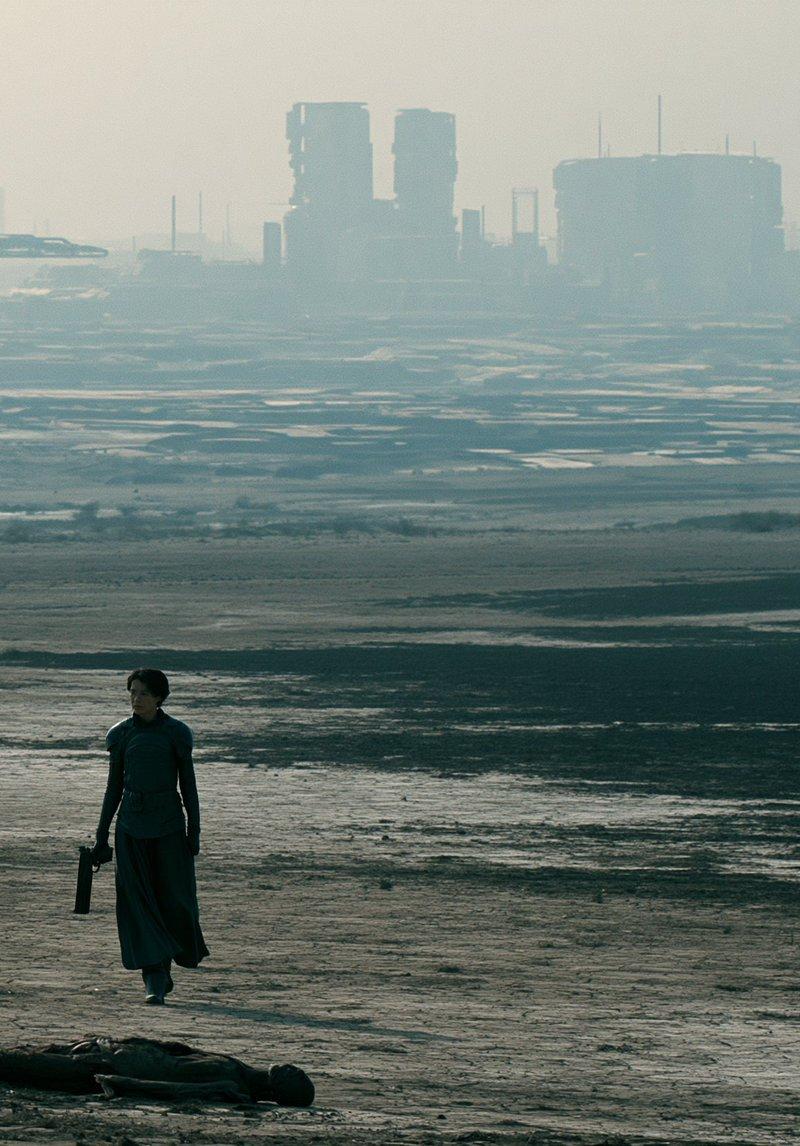
Use @[storyboard ref] as the authoritative shot blueprint. Do not render the storyboard sheet itself. Ignore all borders, panel frames, text, labels, headers, swatches, director-strip graphics and layout elements. Treat each panel as one sequential cinematic
Category
UI & Interfaces
Model
seedance-2.0
Creator
Kōda
Source language
en
Views0
Source ID
5586
Published
Jun 1, 2026
Studio

Guide

About "Seedance 2.0 分镜到视频的转换"

What is this prompt for?

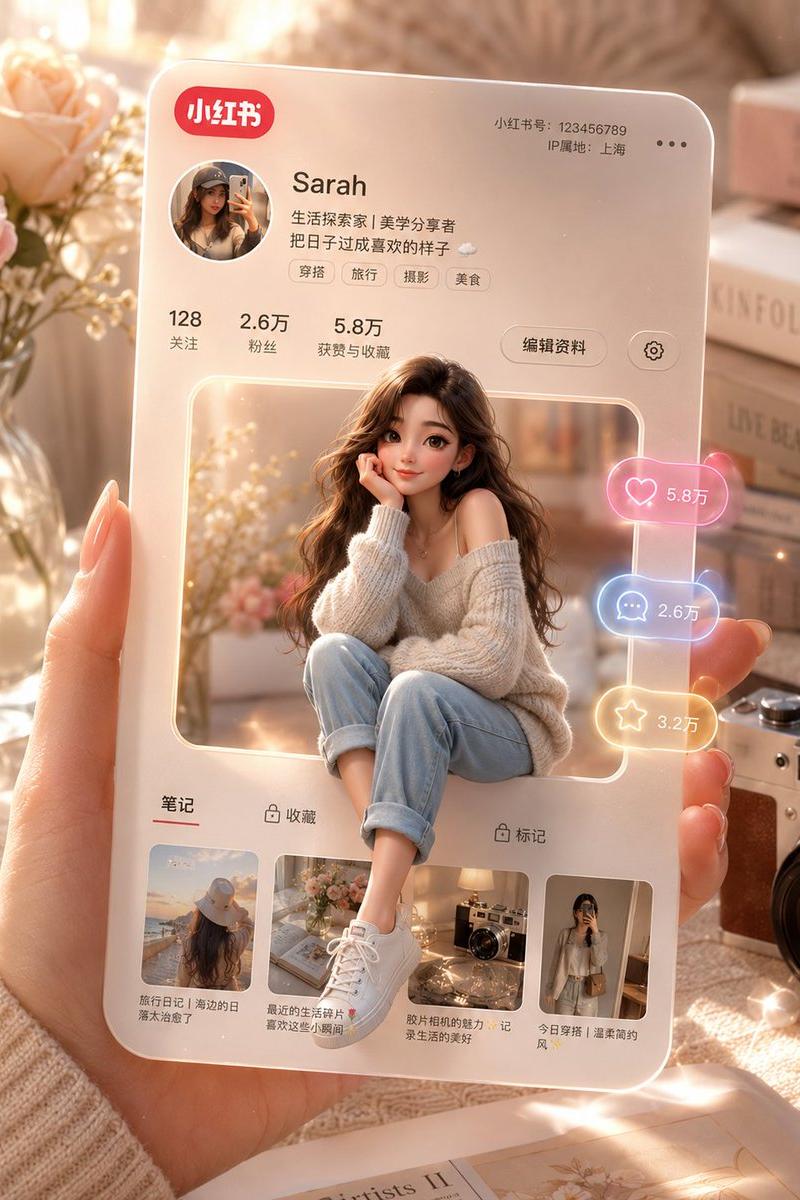
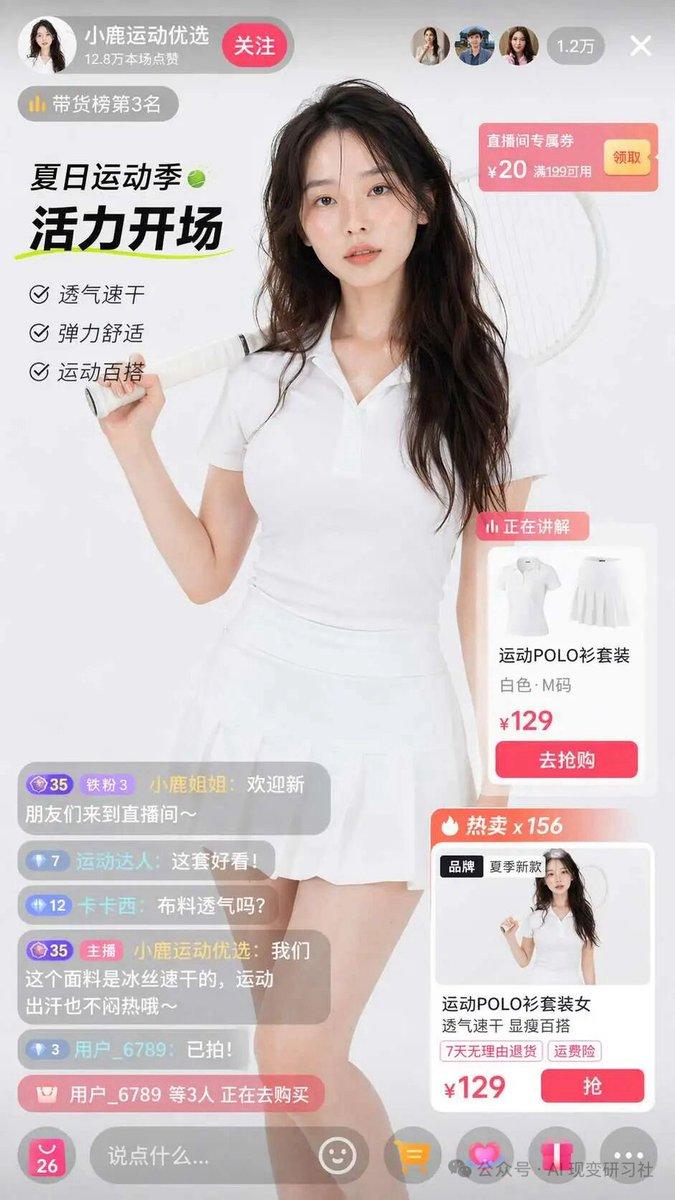
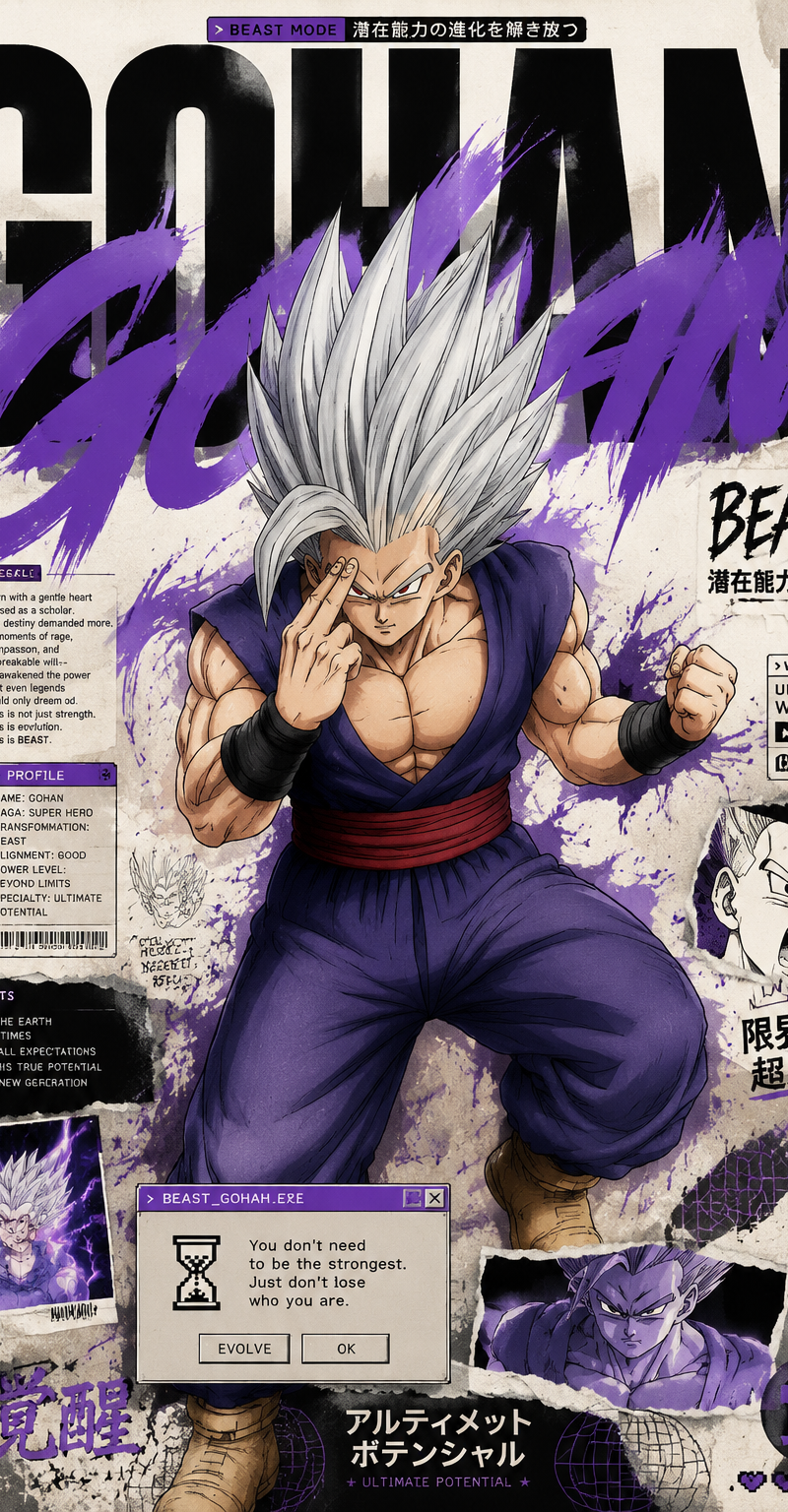
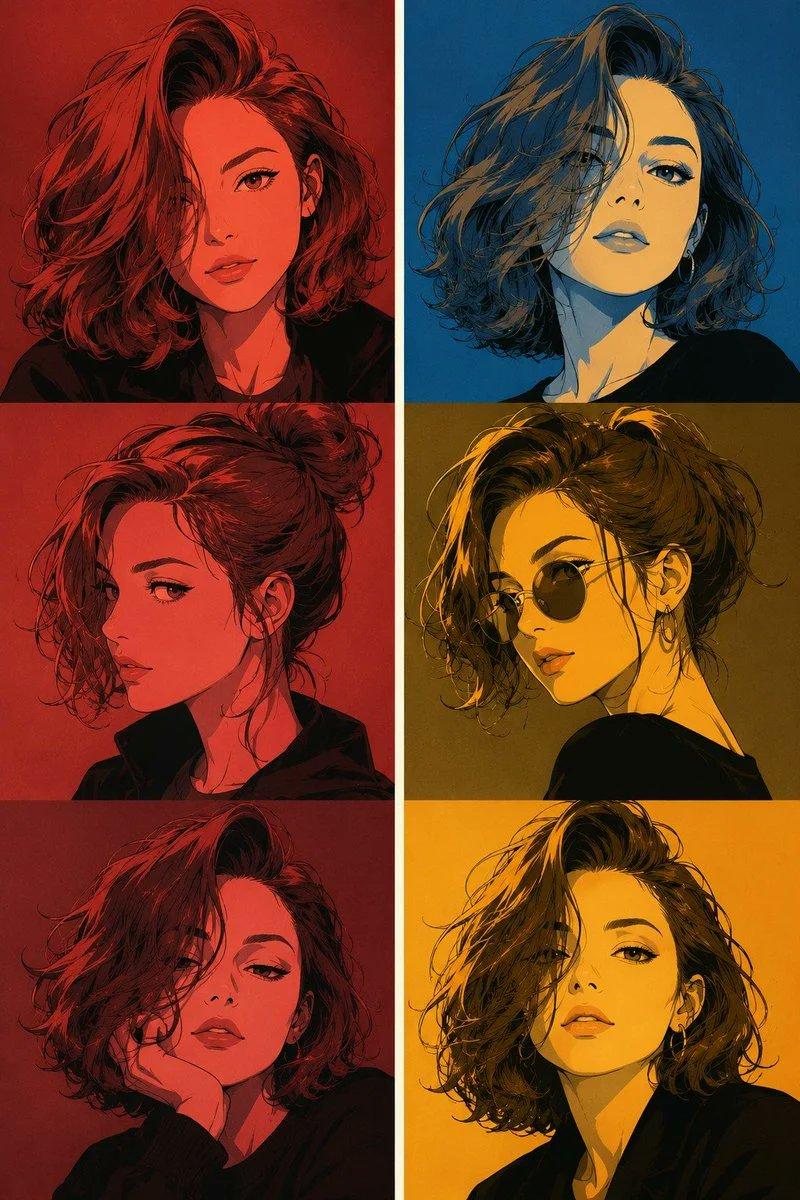
"Seedance 2.0 分镜到视频的转换" AI image prompt for seedance-2.0 (UI & Interfaces). 这是一个适用于 Seedance 2.0 的功能性提示词,旨在引导模型将分镜作为电影序列的结构蓝图,同时忽略界面和设计元素。 Copy it on Picva and…

The full copyable prompt and example visuals above are ready for AI image generation or one-click recreate in Picva.

How to use this prompt

  1. Step 1

    Open the prompt detail

    Review the example visuals, category, and full prompt text for "Seedance 2.0 分镜到视频的转换".

  2. Step 2

    Copy the prompt

    Copy the prompt body from this page, or load it directly in Studio.

  3. Step 3

    Pick a model (seedance-2.0)

    Prefer seedance-2.0. If you switch models, keep subject and composition and tweak style terms.

  4. Step 4

    Generate and export

    Recreate the look in Picva, or export into your workflow for editing and publishing.

FAQ

What is the "Seedance 2.0 分镜到视频的转换" prompt?
It is an AI image-generation prompt for seedance-2.0 in the UI & Interfaces category. This page includes the full prompt text, example visuals, and a one-click recreate path in Picva.
How do I use this prompt to generate an image?
Copy the prompt from this page, or use Generate / Studio. Paste it into a compatible image model, or recreate the look in Picva with optional reference images.
Which model is this prompt for?
This page lists seedance-2.0. Most descriptive prompts also transfer to nearby image models such as GPT Image, Flux, or Midjourney with light style tweaks.
Can I use the result commercially?
You can usually copy the prompt for creation, but commercial use of the final image depends on the model terms, reference-image rights, and the generated content. Follow the source author and platform rules.