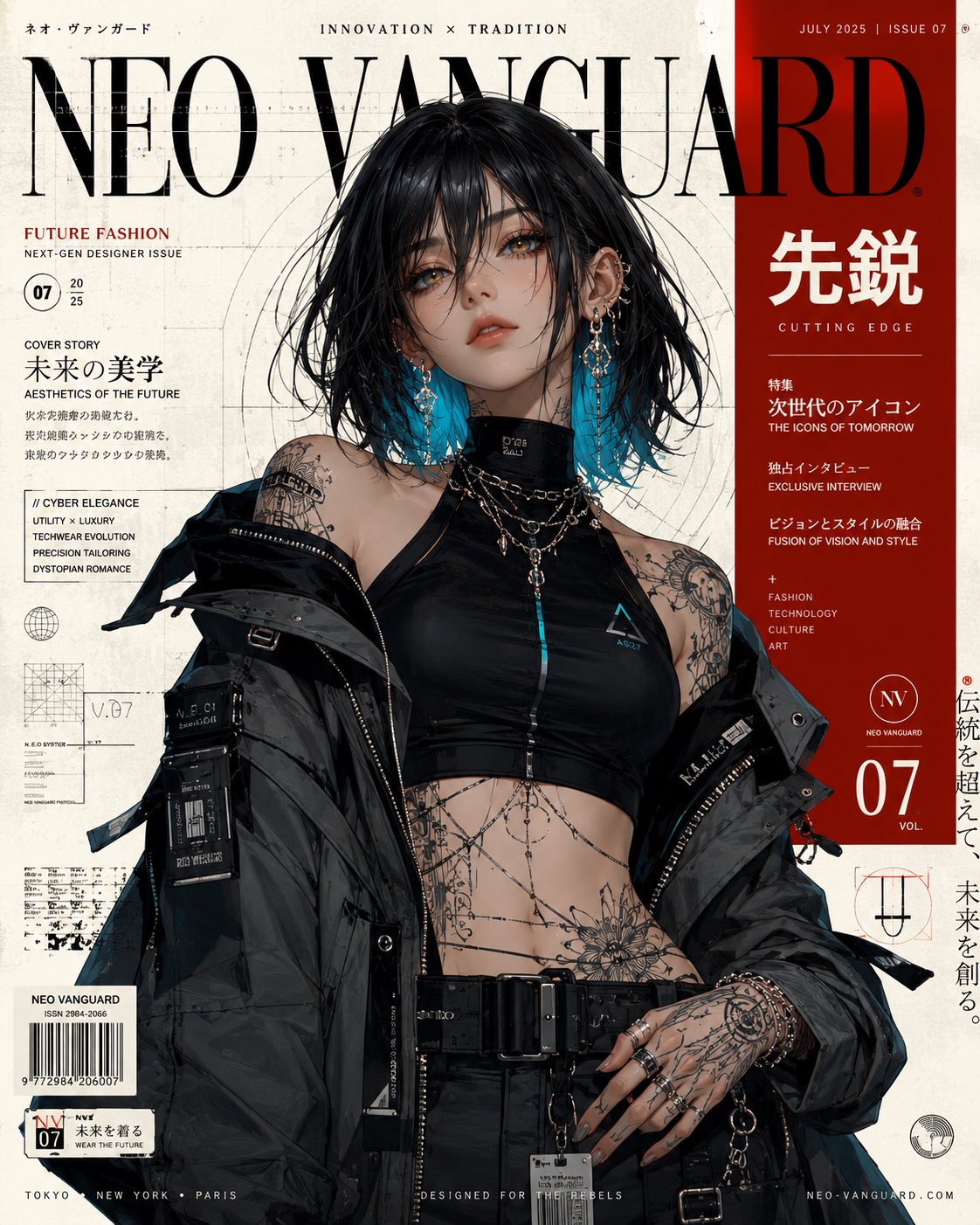
动漫快门特效动态图形
一个精致的多面板动漫动态图形提示词,通过连续的快门卡片插入和特定的色彩分级,营造出充满活力的音乐视频美学。
- Category
- UI & Interfaces
- Model
- seedance-2.0
- Creator
- Toshi@ニャルオAI
- Source language
- en
- Source ID
- 6687
- Published
- Jul 2, 2026
Full prompt
A Japanese full-color anime with no captions, no background music, rapid-fire editing, a high frame count, and 24 FPS.

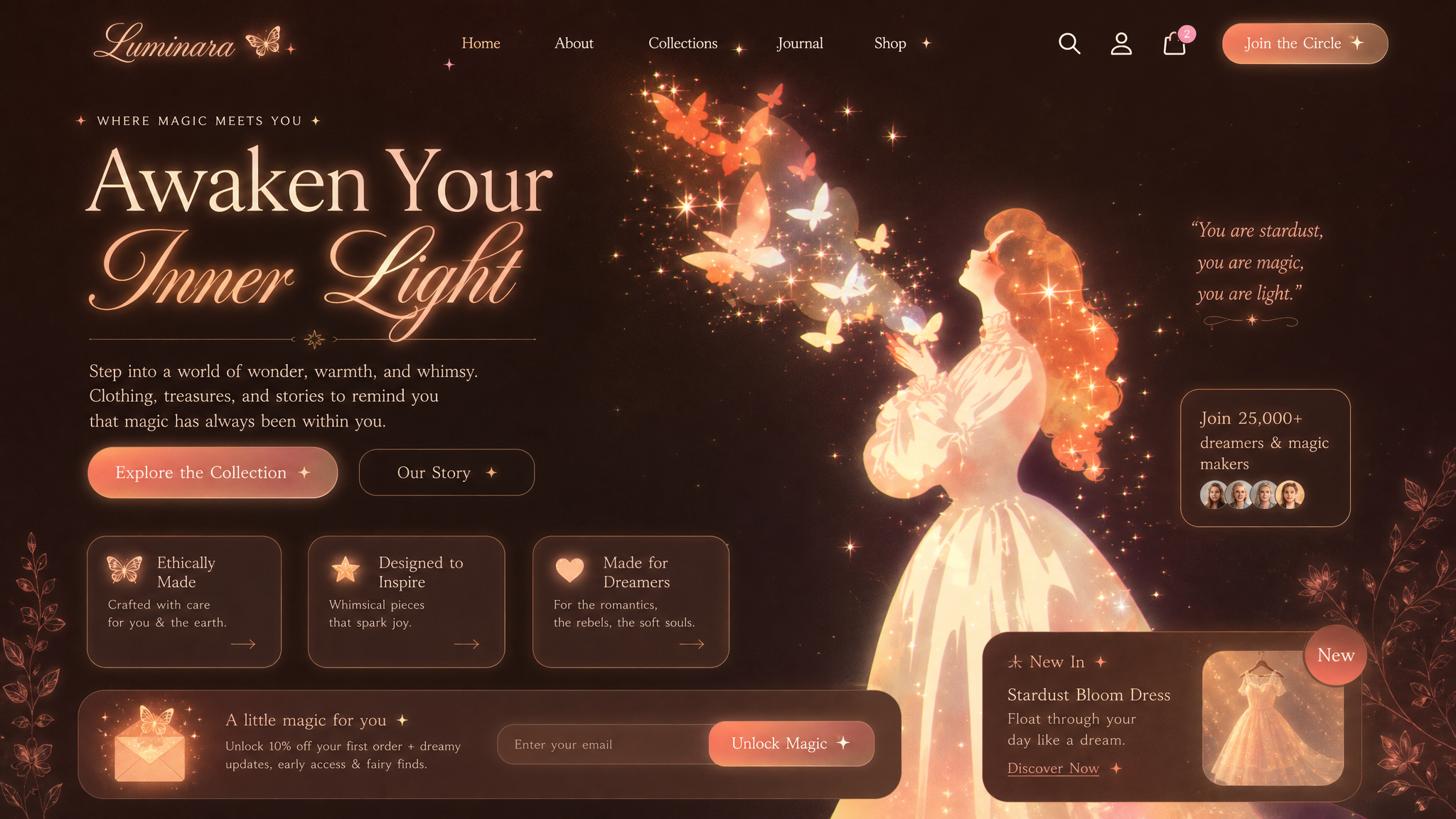
Use 「アット」imageA as the start frame and master layout reference.
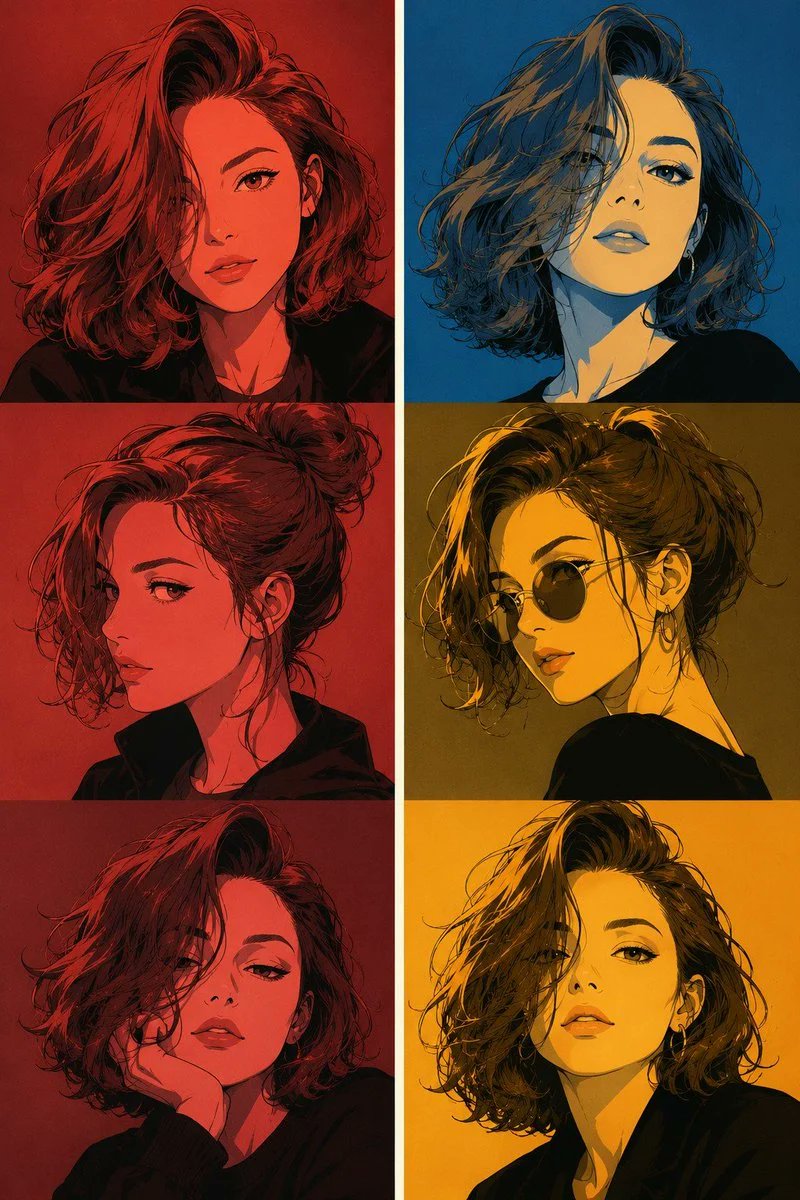
Use 「アット」imageA only for the opening composition, the four-panel vertical split layout, and the final poster-like arrangement.
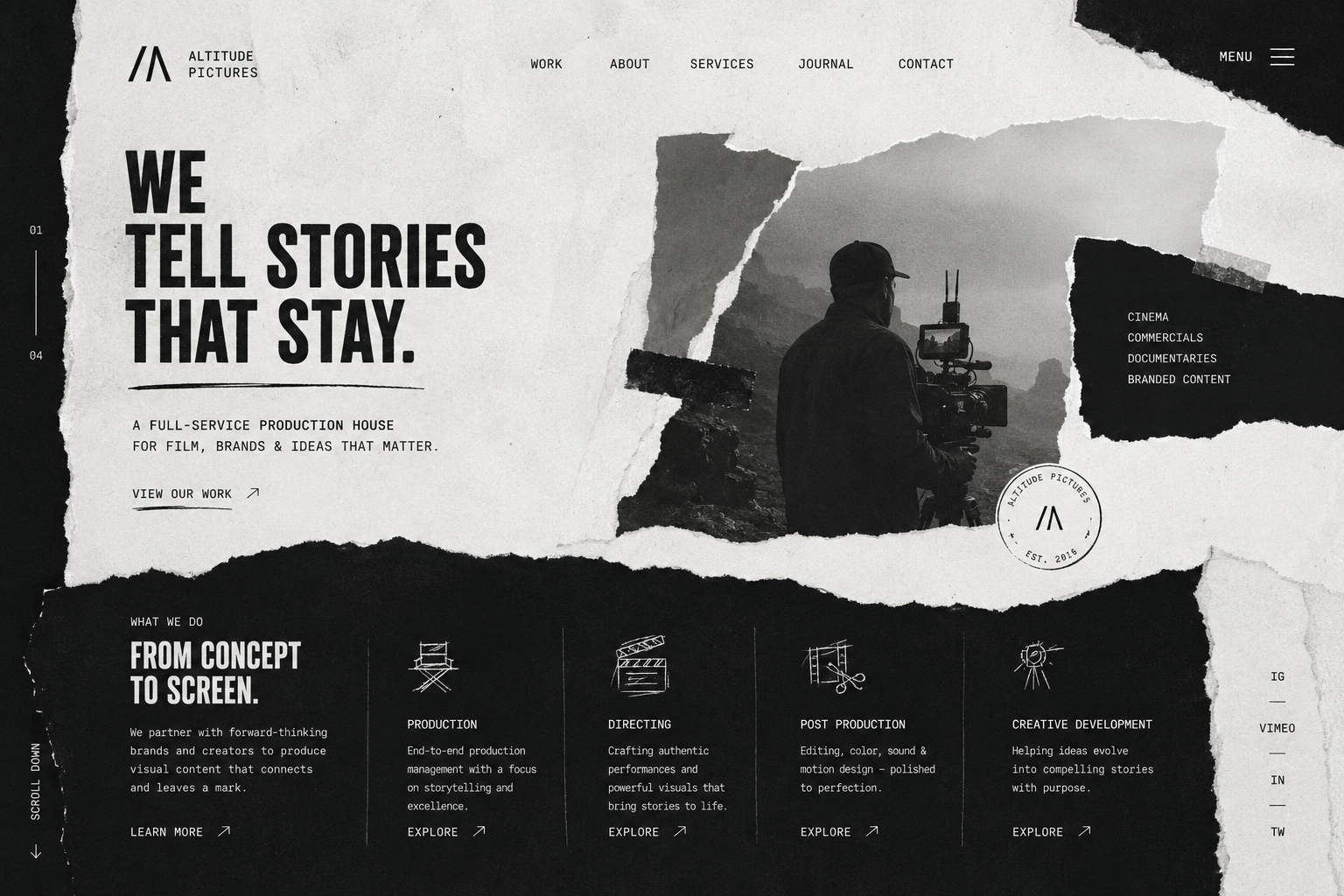
Use 「アット」imageB as the first panel content reference.
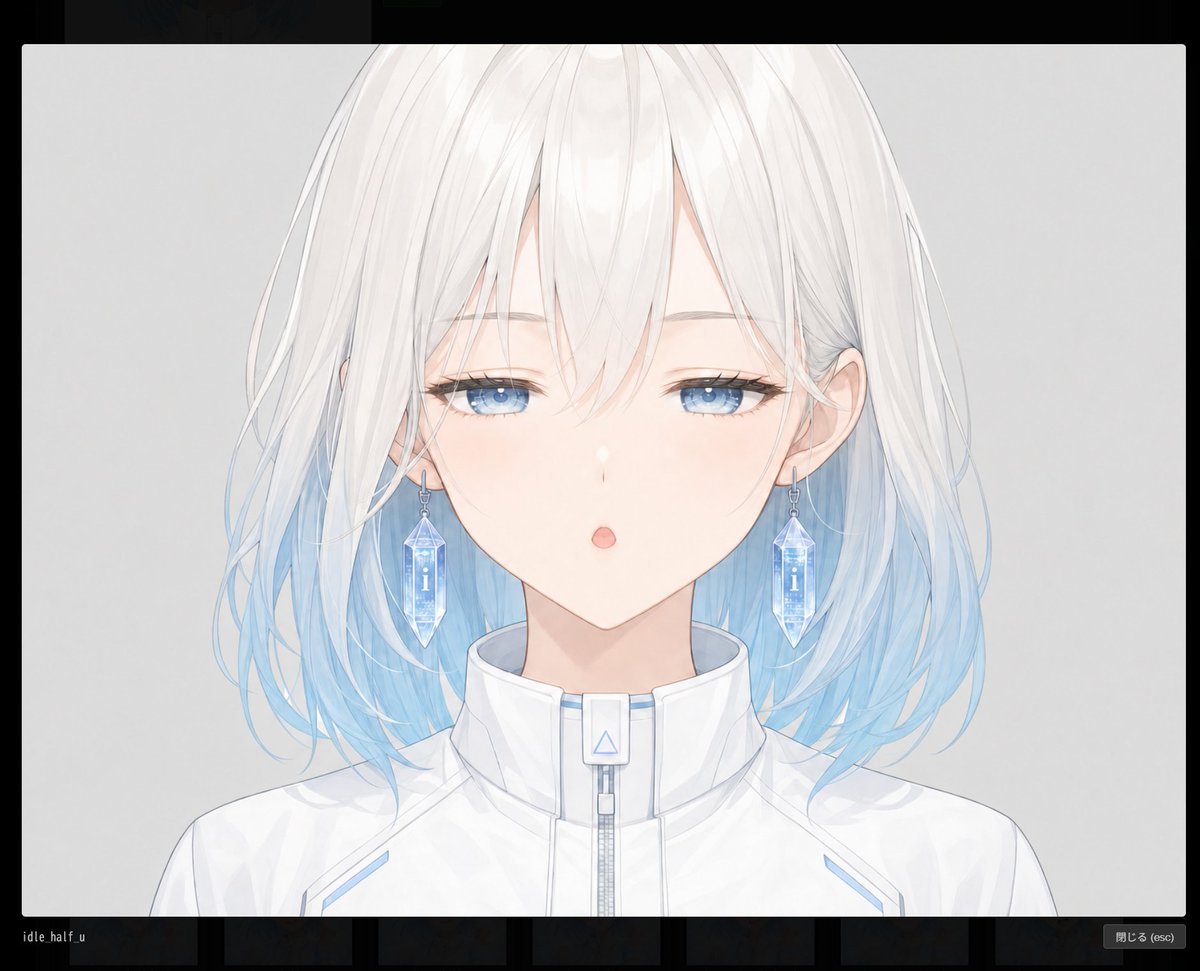
Use 「アット」imageC as the second panel content reference.
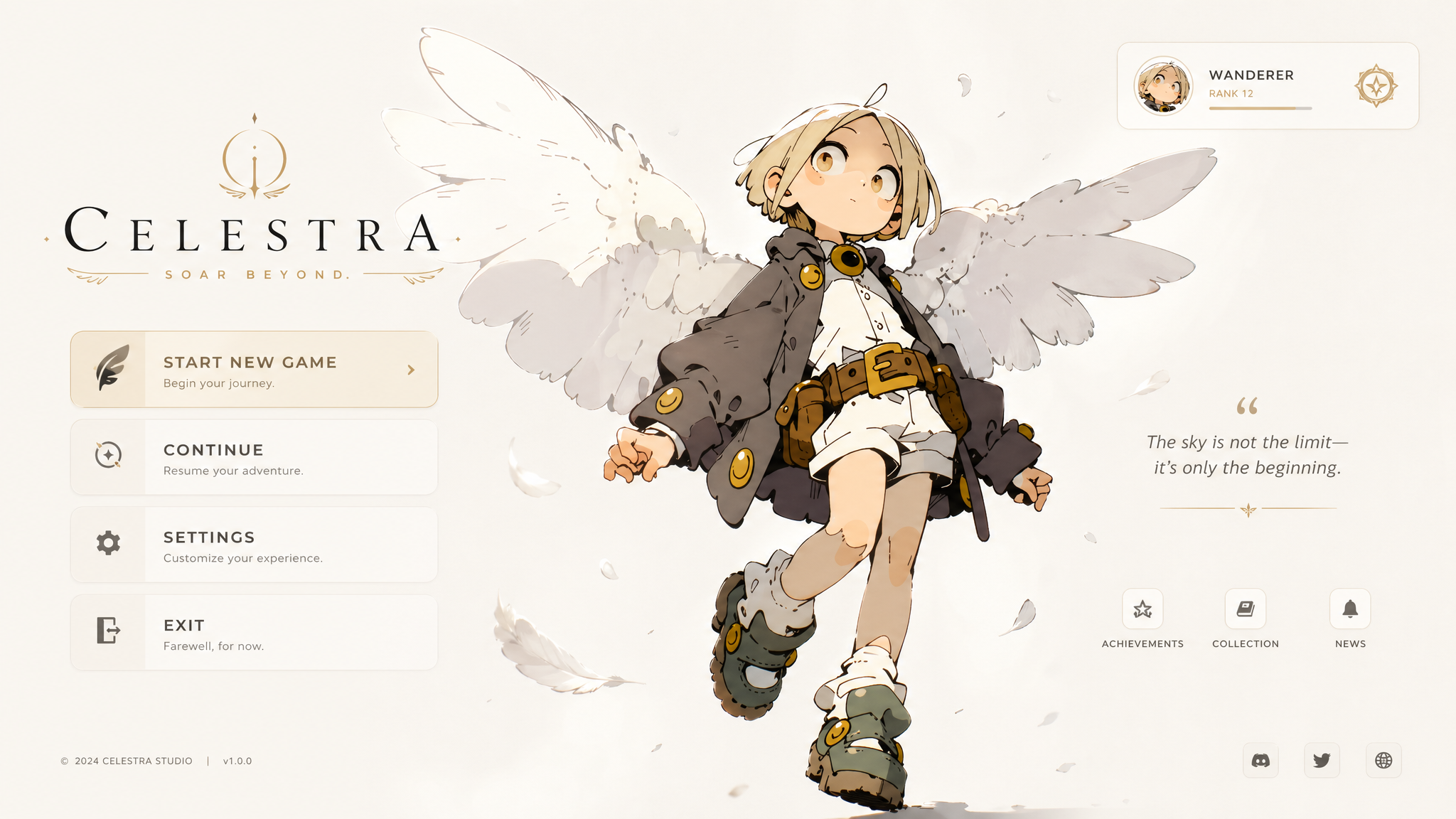
Use 「アット」imageD as the third panel content reference.
Use 「アット」imageE as the fourth panel content reference.
Preserve the original face structure, eye shape, hair silhouette, line quality, manga texture, collage texture, and graphic sliced-panel feeling of each image.

Goal:
Create a 10-second 480p anime-style motion graphic video in 16:9.
The video begins from 「アット」imageA as the opening frame.
The screen layout is a four-column vertical panel composition.
After starting from 「アット」imageA, the panels are reintroduced one by one from left to right with a crisp shutter-card insertion effect.
The panel content order must be strictly:
left panel = 「アット」imageB with orange color grading
second panel = 「アット」imageC with yellow color grading
third panel = 「アット」imageD with blue color grading
right panel = 「アット」imageE with green color grading

0-0.8s:
Start directly from 「アット」imageA full screen.
The first frame should clearly resemble 「アット」imageA.
Show the four tall vertical panel layout already arranged in 16:9.
Add a subtle push-in, faint glow, light grain, and slight scanline texture.
No text, no subtitles, no logos.

0.8-1.3s:
A sharp shutter blink passes across the frame.
The panel contents reset into dark or neutral placeholder slots while the four-column layout remains visible.
Keep the overall split-screen structure from 「アット」imageA intact.

1.3-3.0s:
The far-left panel activates first.
「アット」imageB slides in from the left edge and locks into the far-left column.
Apply strong orange color grading.
The motion should feel like a graphic card being inserted into place, not a fade.
Use a subtle push-in toward the eyes.

3.0-4.7s:
The second panel activates.
「アット」imageC slides in from the left and locks into the second column.
Apply vivid yellow color grading.
Keep the fragmented face-panel feeling.
Add a slight layered parallax effect and a tiny downward drift.

4.7-6.5s:
The third panel activates.
「アット」imageD slides in from the left and locks into the third column.
Apply deep blue color grading.
Preserve the monochrome manga texture and paper grain.
Use a slow dolly-in and keep the abstract collage feeling.

6.5-8.2s:
The fourth panel activates.
「アット」imageE slides in from the left and locks into the far-right column.
Apply rich green color grading.
Preserve the pose, peace sign, bob haircut, soft expression, rough ink texture, and geometric collage background.
Translations
动漫快门特效动态图形
enA Japanese full-color anime with no captions, no background music, rapid-fire editing, a high frame count, and 24 FPS. Use 「アット」imageA as the start frame and master layout reference. Use 「アット」imageA only for the opening composition, the four-panel vertical split layout, and the final poster-like arrangement. Use 「アット」imageB as the first panel content reference. Use 「アット」imageC as the second panel content reference. Use 「アット」imageD as the third panel content reference. Use 「アット」imageE as the fourth panel content reference. Preserve the original face structure, eye shape, hair silhouette, line quality, manga texture, collage texture, and graphic sliced-panel feeling of each image. Goal: Create a 10-second 480p anime-style motion graphic video in 16:9. The video begins from 「アット」imageA as the opening frame. The screen layout is a four-column vertical panel composition. After starting from 「アット」imageA, the panels are reintroduced one by one from left to right with a crisp shutter-card insertion effect. The panel content order must be strictly: left panel = 「アット」imageB with orange color grading second panel = 「アット」imageC with yellow color grading third panel = 「アット」imageD with blue color grading right panel = 「アット」imageE with green color grading 0-0.8s: Start directly from 「アット」imageA full screen. The first frame should clearly resemble 「アット」imageA. Show the four tall vertical panel layout already arranged in 16:9. Add a subtle push-in, faint glow, light grain, and slight scanline texture. No text, no subtitles, no logos. 0.8-1.3s: A sharp shutter blink passes across the frame. The panel contents reset into dark or neutral placeholder slots while the four-column layout remains visible. Keep the overall split-screen structure from 「アット」imageA intact. 1.3-3.0s: The far-left panel activates first. 「アット」imageB slides in from the left edge and locks into the far-left column. Apply strong orange color grading. The motion should feel like a graphic card being inserted into place, not a fade. Use a subtle push-in toward the eyes. 3.0-4.7s: The second panel activates. 「アット」imageC slides in from the left and locks into the second column. Apply vivid yellow color grading. Keep the fragmented face-panel feeling. Add a slight layered parallax effect and a tiny downward drift. 4.7-6.5s: The third panel activates. 「アット」imageD slides in from the left and locks into the third column. Apply deep blue color grading. Preserve the monochrome manga texture and paper grain. Use a slow dolly-in and keep the abstract collage feeling. 6.5-8.2s: The fourth panel activates. 「アット」imageE slides in from the left and locks into the far-right column. Apply rich green color grading. Preserve the pose, peace sign, bob haircut, soft expression, rough ink texture, and geometric collage background.
动漫快门特效动态图形
zh-CN一部日本全彩动漫,无字幕,无背景音乐,快速剪辑,高帧率,24 FPS。 使用 「アット」imageA 作为起始帧和主布局参考。 仅在开场构图、四面板垂直分割布局以及最终的海报式排列中使用 「アット」imageA。 使用 「アット」imageB 作为第一个面板的内容参考。 使用 「アット」imageC 作为第二个面板的内容参考。 使用 「アット」imageD 作为第三个面板的内容参考。 使用 「アット」imageE 作为第四个面板的内容参考。 保留每张图像原始的面部结构、眼睛形状、头发轮廓、线条质量、漫画质感、拼贴质感以及图形切片面板的感觉。 目标: 创建一个 10 秒的 480p 动漫风格 16:9 动态图形视频。 视频从 「アット」imageA 作为开场帧开始。 屏幕布局为四列垂直面板构图。 从 「アット」imageA 开始后,面板以清脆的快门卡片插入效果从左到右逐一引入。 面板内容顺序必须严格为: 左侧面板 = 带有橙色调色的 「アット」imageB 第二个面板 = 带有黄色调色的 「アット」imageC 第三个面板 = 带有蓝色调色的 「アット」imageD 右侧面板 = 带有绿色调色的 「アット」imageE 0-0.8 秒: 直接从 「アット」imageA 全屏开始。 第一帧应清晰地呈现 「アット」imageA 的样子。 展示已排列好的 16:9 四个高垂直面板布局。 添加细微的推入效果、淡淡的光晕、轻微的颗粒感和轻微的扫描线纹理。 无文字,无字幕,无 Logo。 0.8-1.3 秒: 一道锐利的快门闪烁掠过画面。 面板内容重置为深色或中性占位符,同时保持四列布局可见。 保持 「アット」imageA 的整体分屏结构完整。 1.3-3.0 秒: 最左侧面板首先激活。 「アット」imageB 从左边缘滑入并锁定在最左侧列中。 应用强烈的橙色调色。 运动感应像是一张图形卡片被插入到位,而不是淡入。 对眼睛使用细微的推入效果。 3.0-4.7 秒: 第二个面板激活。 「アット」imageC 从左侧滑入并锁定在第二列中。 应用鲜艳的黄色调色。 保持碎片化的面部面板感。 添加轻微的层叠视差效果和细微的向下漂移。 4.7-6.5 秒: 第三个面板激活。 「アット」imageD 从左侧滑入并锁定在第三列中。 应用深蓝色调色。 保留单色漫画质感和纸张纹理。 使用缓慢的推拉镜头,并保持抽象的拼贴感。 6.5-8.2 秒: 第四个面板激活。 「アット」imageE 从左侧滑入并锁定在最右侧列中。 应用浓郁的绿色调色。 保留姿势、剪刀手、波波头、柔和的表情、粗糙的墨水质感和几何拼贴背景。