Social Media Postawesome-gpt-image-2GPT Image 2Social Media Post

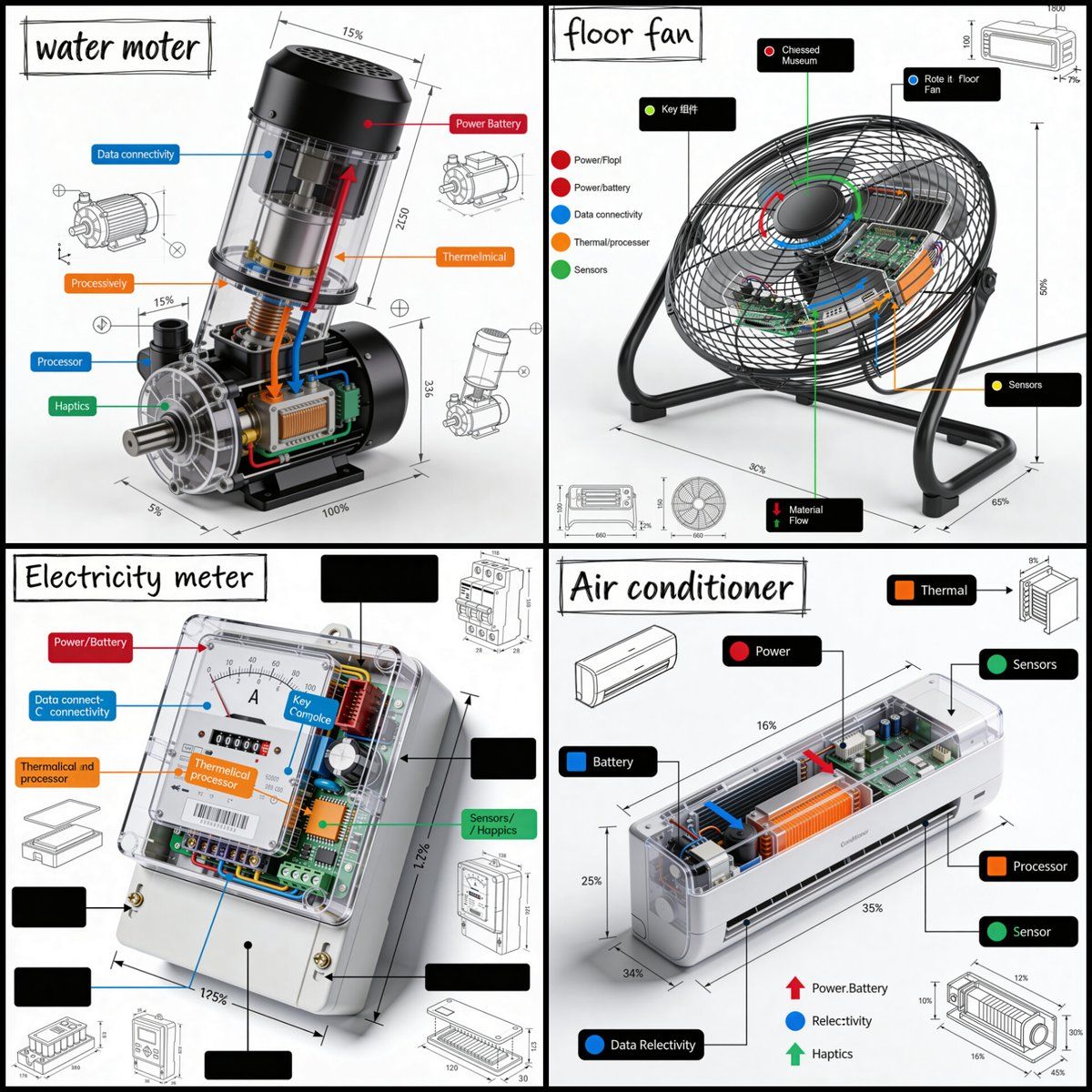
Social Media Post - Technical Product Teardown Infographic

A sophisticated prompt for creating professional technical infographics that blend realistic product renders with detailed engineering annotations, perfect for manuals or educational content.

Best used for
awesome-gpt-image-2, GPT Image 2, Social Media Post, social-media-post
Aspect ratios
9:16, 4:5, 1:1, 16:9
Styles
GPT Image 2 模板风, awesome-gpt-image-2, GPT Image 2, Social Media Post, social-media-post
Model
GPT Image 2
Language
Multi-language prompts supported

About this template

A sophisticated prompt for creating professional technical infographics that blend realistic product renders with detailed engineering annotations, perfect for manuals or educational content.

  • Highlight product features and key ingredients
  • Use soft natural lighting to enhance texture
  • Clean hierarchy for posters, ads, and ecommerce banners
  • Customize subject, brand, and scene details

Example results

Social Media Post - Technical Product Teardown Infographic example 1

Prompt (Multi-language)

Create a square 1080x1080 technical infographic for {argument name="object" default="OBJECT"}, shown from a 45-degree isometric 3D angle so the object is slightly tilted and its depth, dimensions, and internal architecture are easy to read. Blend a realistic photoreal product render with precise black-ink engineering annotations on a pure white background. Include labeled key components with color-coded callout boxes, transparent or cutaway areas that reveal internal parts, exact measurements and scale markers, material notes with quantities, and function-flow arrows using red for power or battery, blue for data or connectivity, orange for thermal or processor systems, and green for sensors or haptics. Add small schematic views or cross-section diagrams wherever they help explain the object. Place the title "{argument name="object title" default="OBJECT"}" inside a hand-drawn technical label box in the top-left corner. Style the artwork like a professional product teardown manual with architectural pen linework: sketched but accurate, clean, crisp, and educational. Keep the object clearly visible, use balanced negative space, make black the dominant color, and limit accents to about 10-15% of the composition. Overall mood: clean museum exhibit, premium engineering manual, ultra-crisp social-feed infographic, white background, sharp details, high clarity.

How to use this template

Choose this template

Browse templates and select this one.

Edit the prompt

Adjust product, brand, language, and details.

Generate image

Create a consistent AI image.

Download and use

Export a high-resolution asset for publishing.

Frequently asked questions

Can I use this template commercially?

Yes. Confirm final usage rights against your plan and model provider terms.

Do I need design skills?

No. Replace the product, scene, and copy in the prompt.

What image sizes are supported?

Common ratios such as 9:16, 4:5, 1:1, and 16:9 are supported.

Can I modify the prompt?

Yes. The template is designed for reusable composition, lighting, and style.