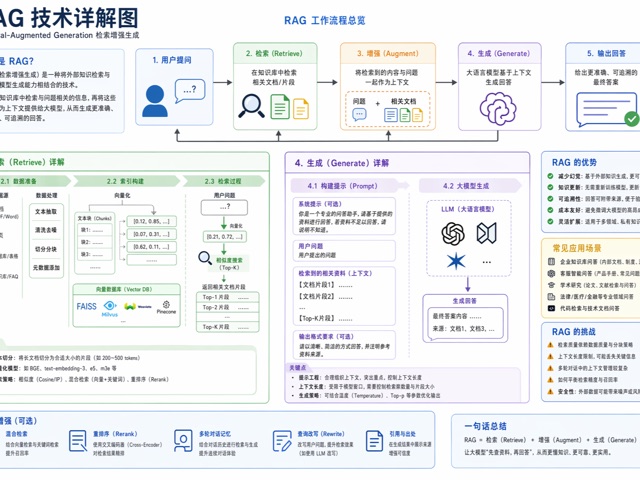
图表与信息可视化awesome-gpt-image-2GPT Image 2industrial-template

图表与信息可视化 - 尺度缩放科学信息图模板

为[主题]生成一张科学尺度缩放信息图。

Best used for
awesome-gpt-image-2, GPT Image 2, industrial-template, charts-infographics
Aspect ratios
9:16, 4:5, 1:1, 16:9
Styles
信息图表模板, awesome-gpt-image-2, GPT Image 2, industrial-template, charts-infographics
Model
GPT Image 2
Language
Multi-language prompts supported

About this template

为[主题]生成一张科学尺度缩放信息图。

  • Highlight product features and key ingredients
  • Use soft natural lighting to enhance texture
  • Clean hierarchy for posters, ads, and ecommerce banners
  • Customize subject, brand, and scene details

Example results

图表与信息可视化 - 尺度缩放科学信息图模板 example 1

Prompt (Multi-language)

为[主题]生成一张科学尺度缩放信息图。 结构:6-8 个圆形或六边形框,按从微观到宏观的尺度递进排列。 每个框包含:尺度名称、3-5 个词的洞察、测量单位或放大倍率,以及该尺度下的高细节 3D 渲染。 用细线连接各尺度,避免重复层级。标题使用“[主题]:AT EVERY SCALE”或“ZOOM: THE WORLD OF [主题]”。 风格:科学编辑信息图、精准微距光、清晰层级、文字短而可读。 约束:不要通用放大镜图标,不要把所有尺度画成同一大小,不要塞长段正文。

How to use this template

Choose this template

Browse templates and select this one.

Edit the prompt

Adjust product, brand, language, and details.

Generate image

Create a consistent AI image.

Download and use

Export a high-resolution asset for publishing.

Frequently asked questions

Can I use this template commercially?

Yes. Confirm final usage rights against your plan and model provider terms.

Do I need design skills?

No. Replace the product, scene, and copy in the prompt.

What image sizes are supported?

Common ratios such as 9:16, 4:5, 1:1, and 16:9 are supported.

Can I modify the prompt?

Yes. The template is designed for reusable composition, lighting, and style.