16

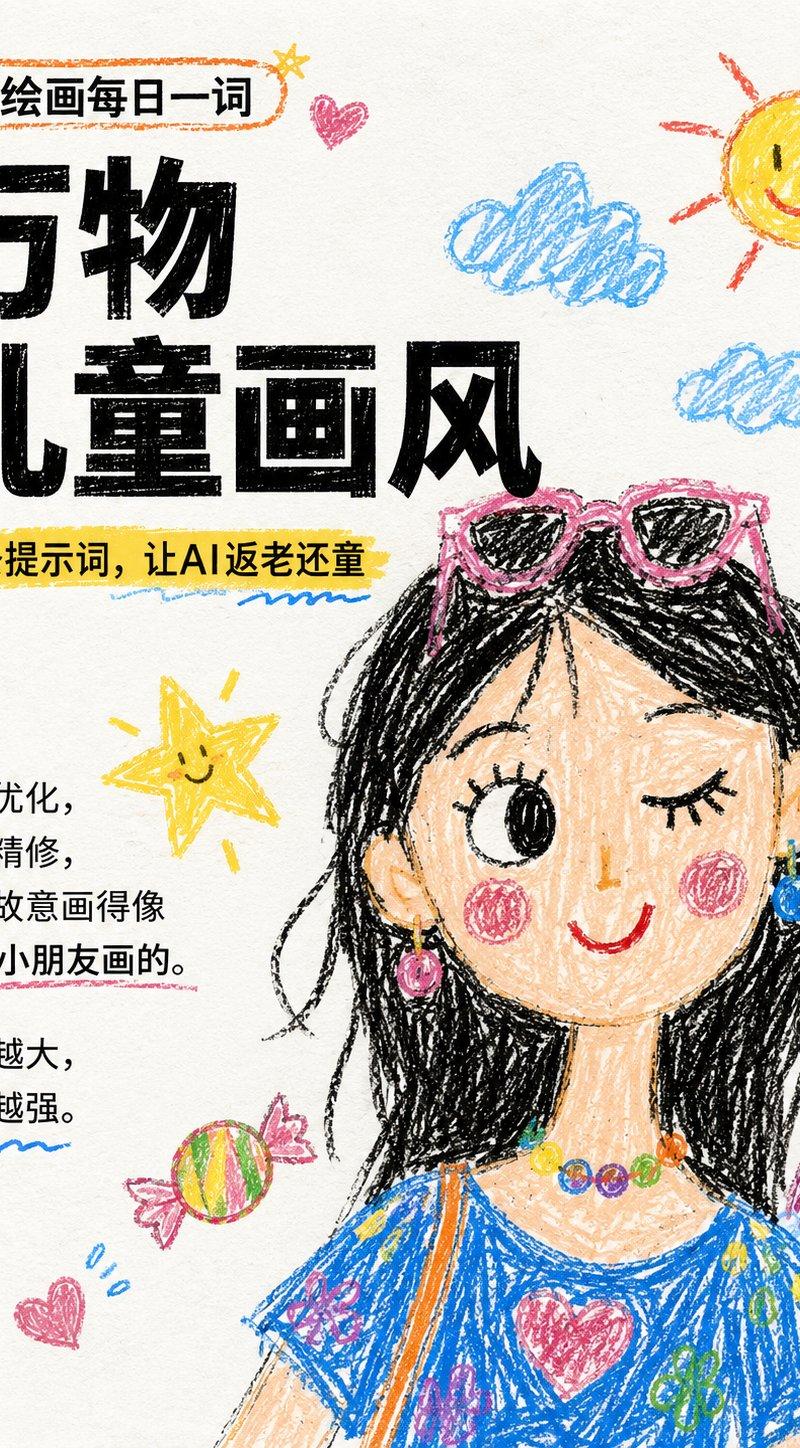
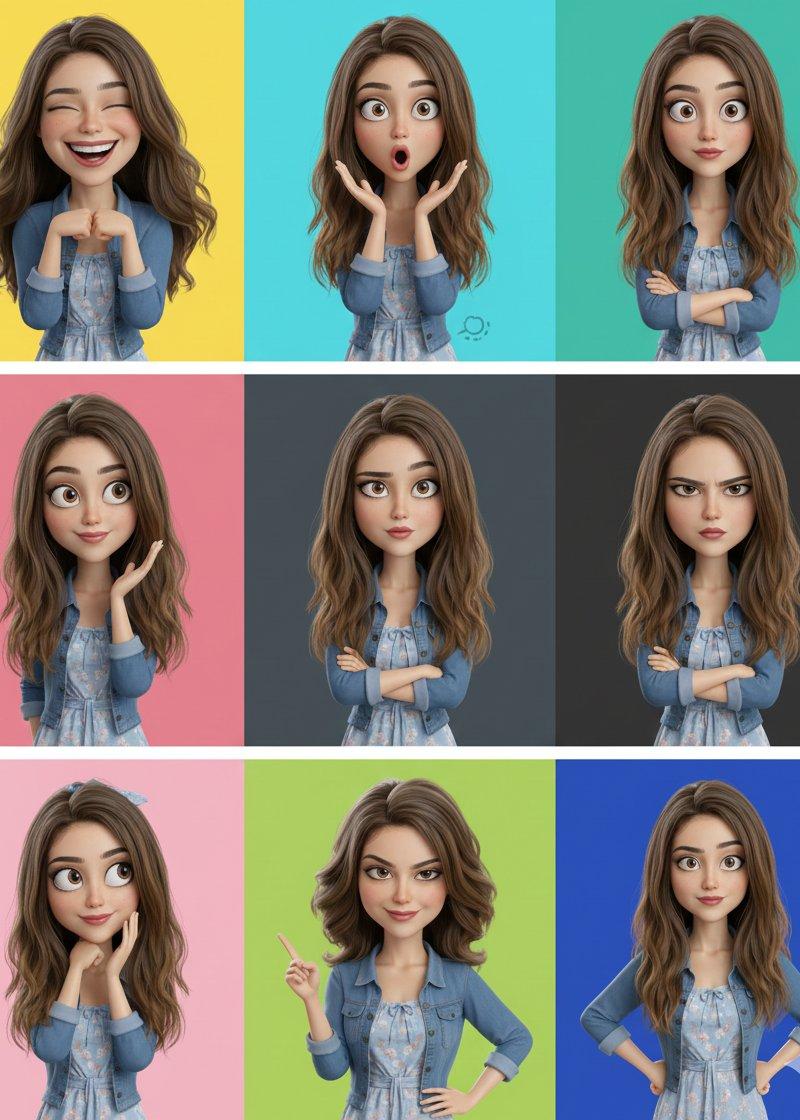
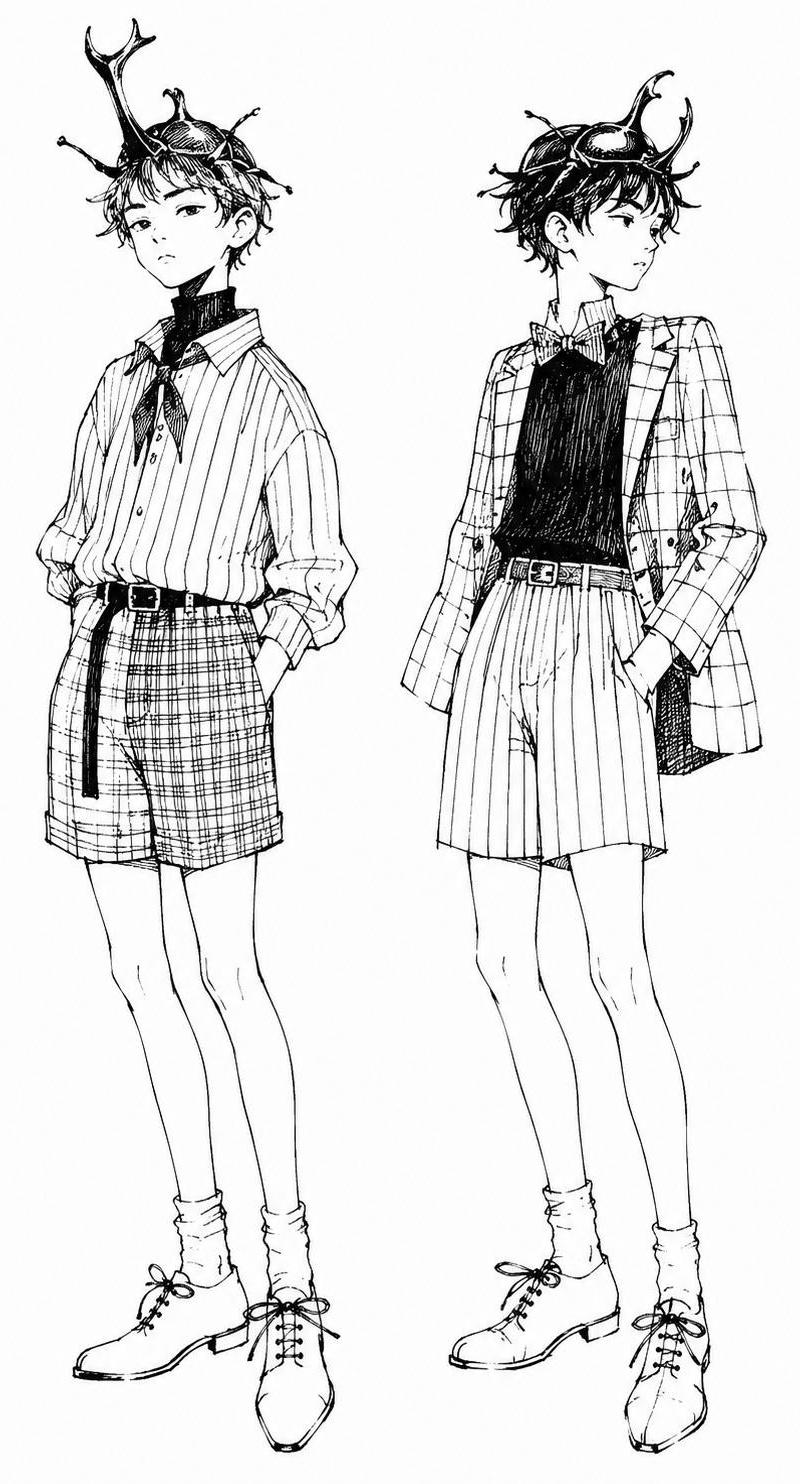
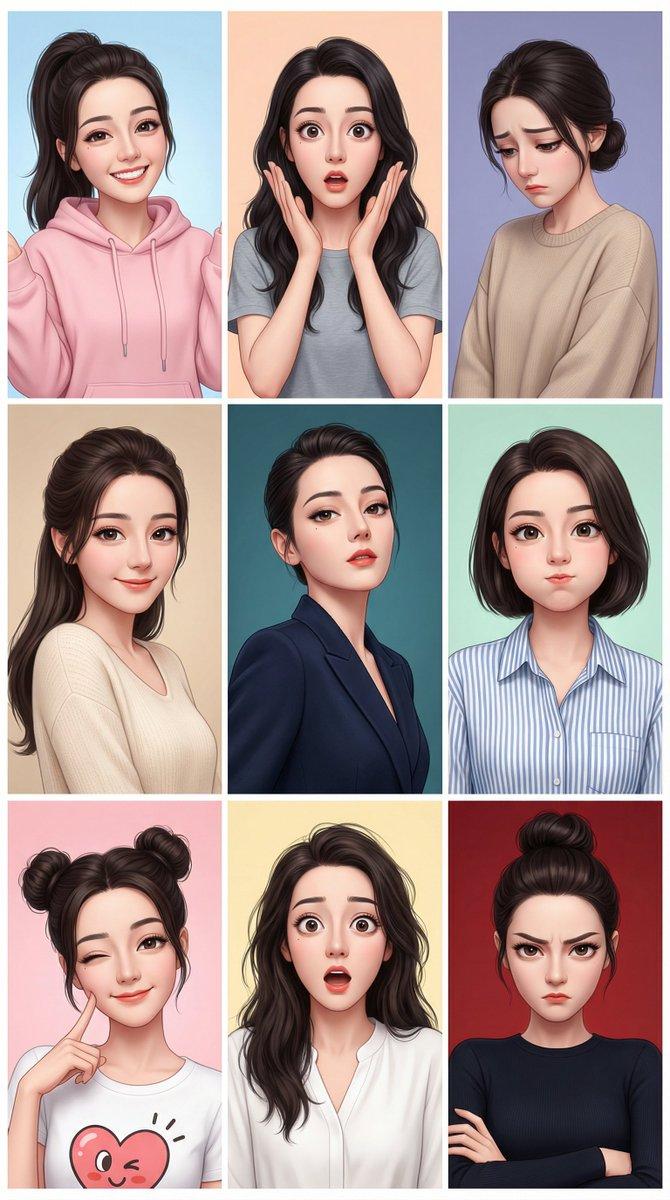
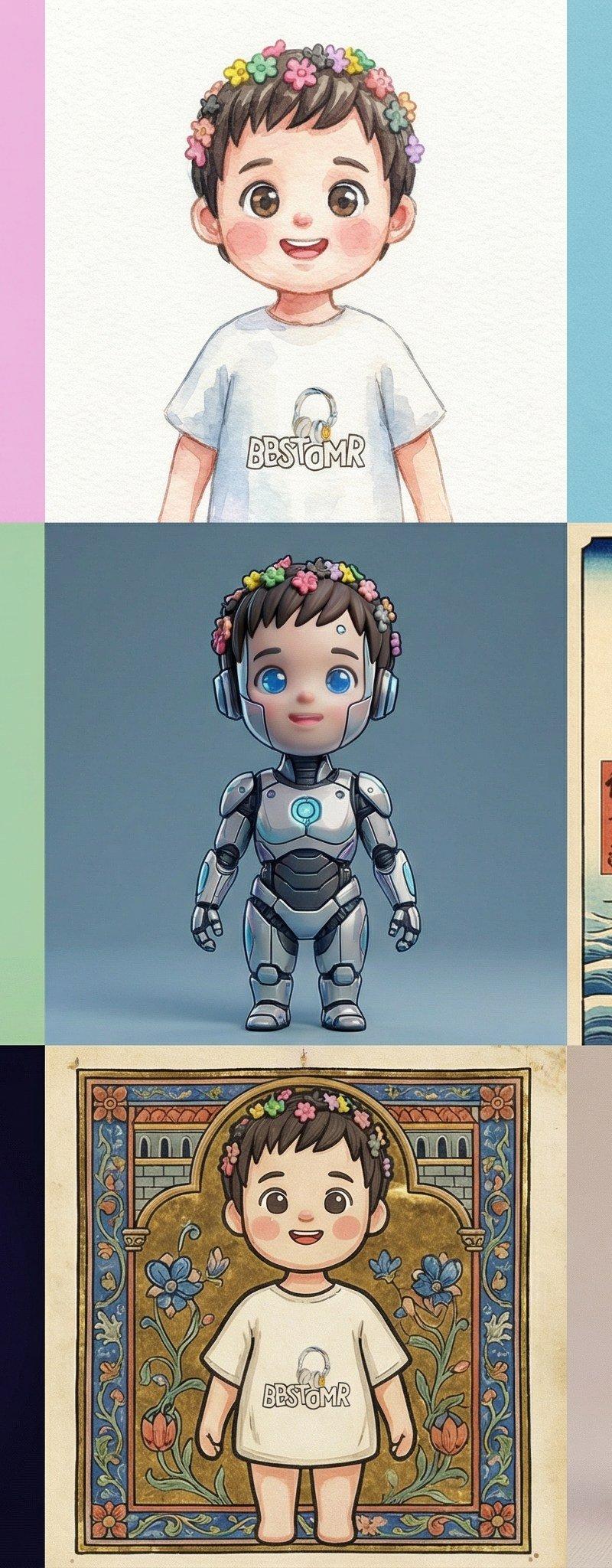
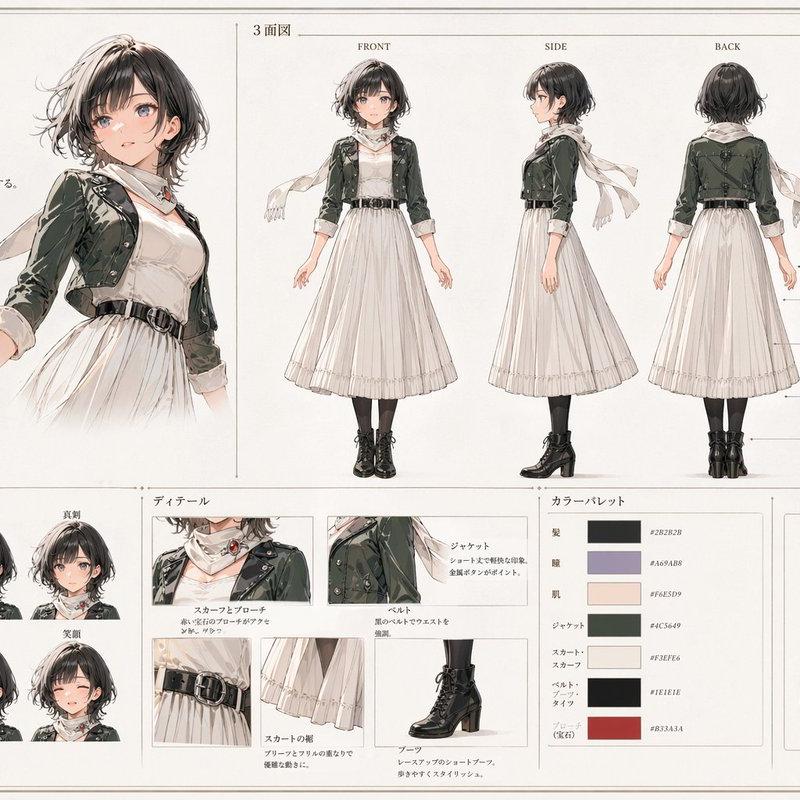
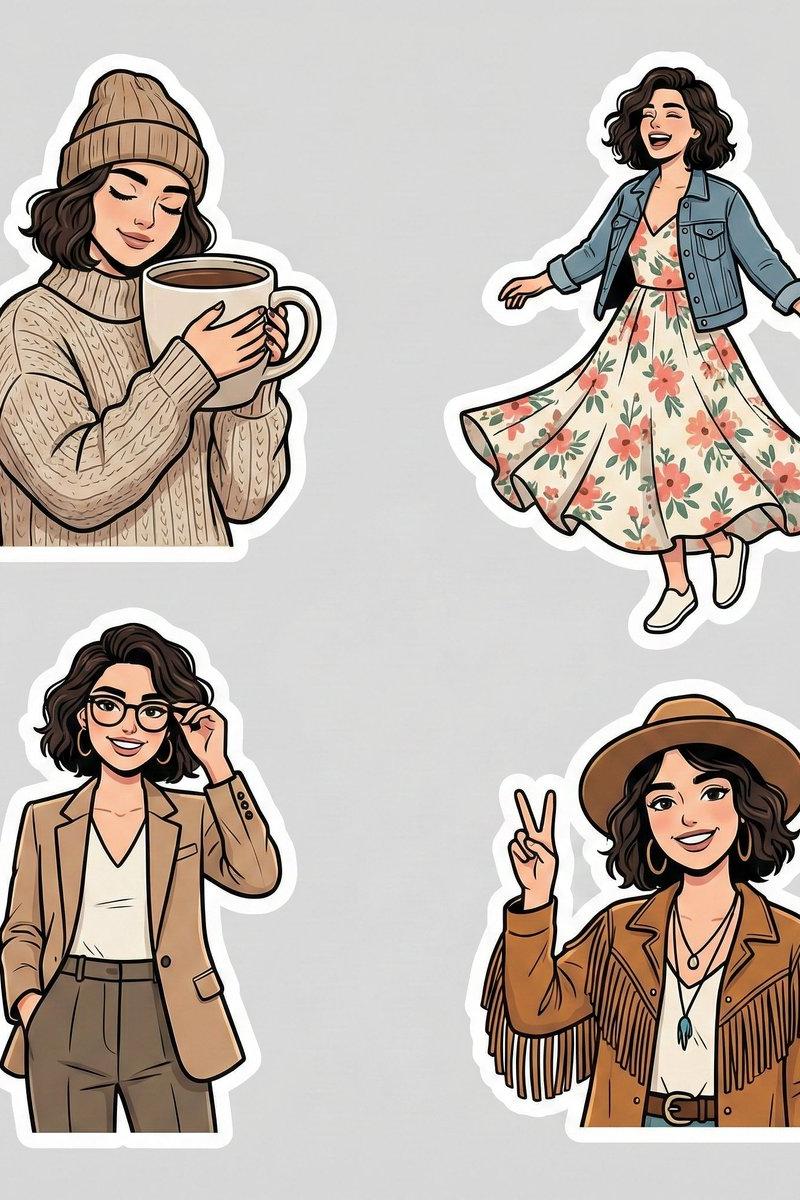
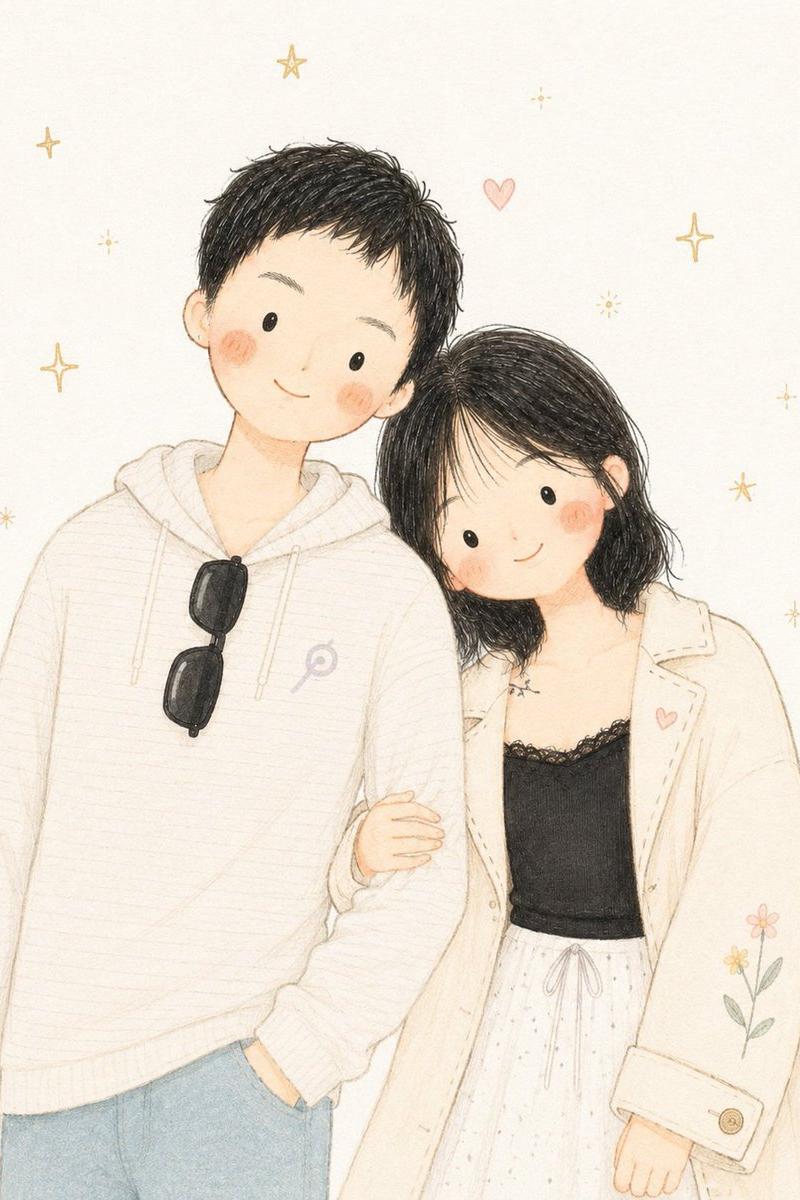
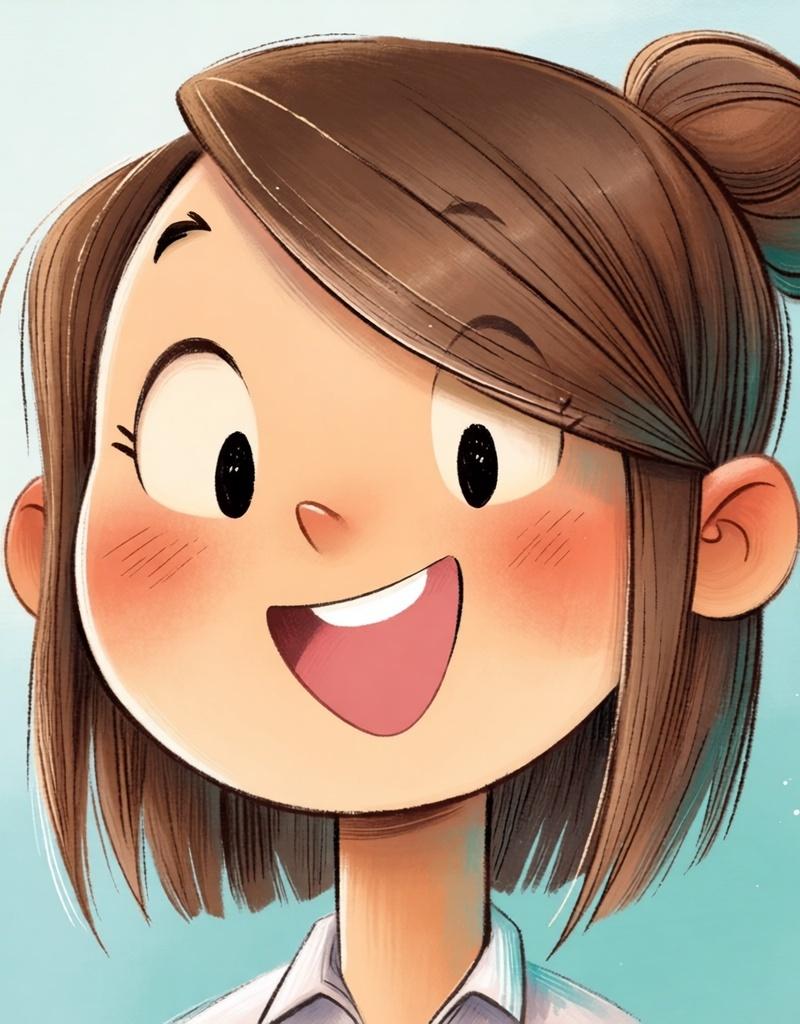
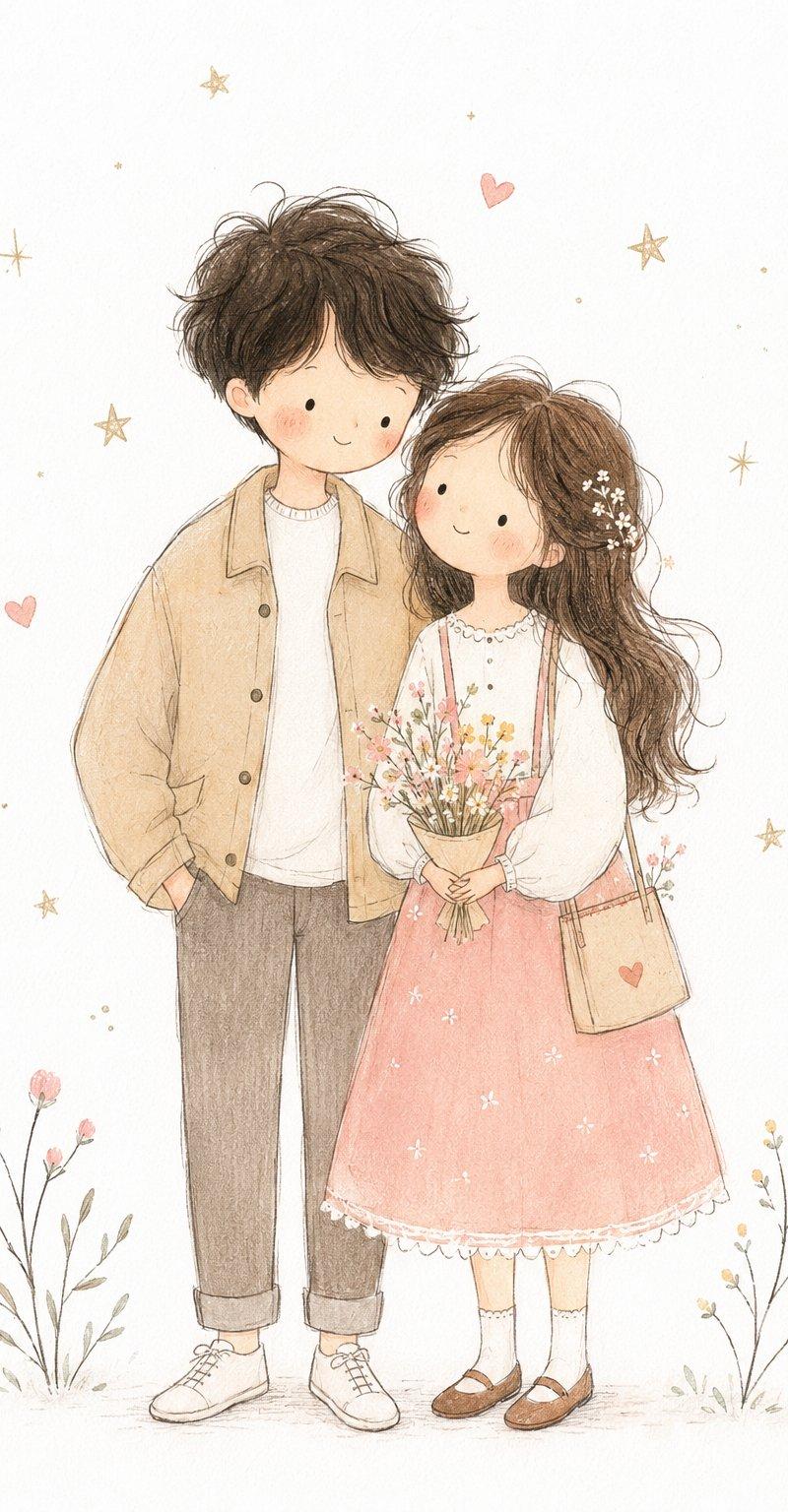
Niji srefs pairing showcase: GPT Image 2 prompt
Enlarge

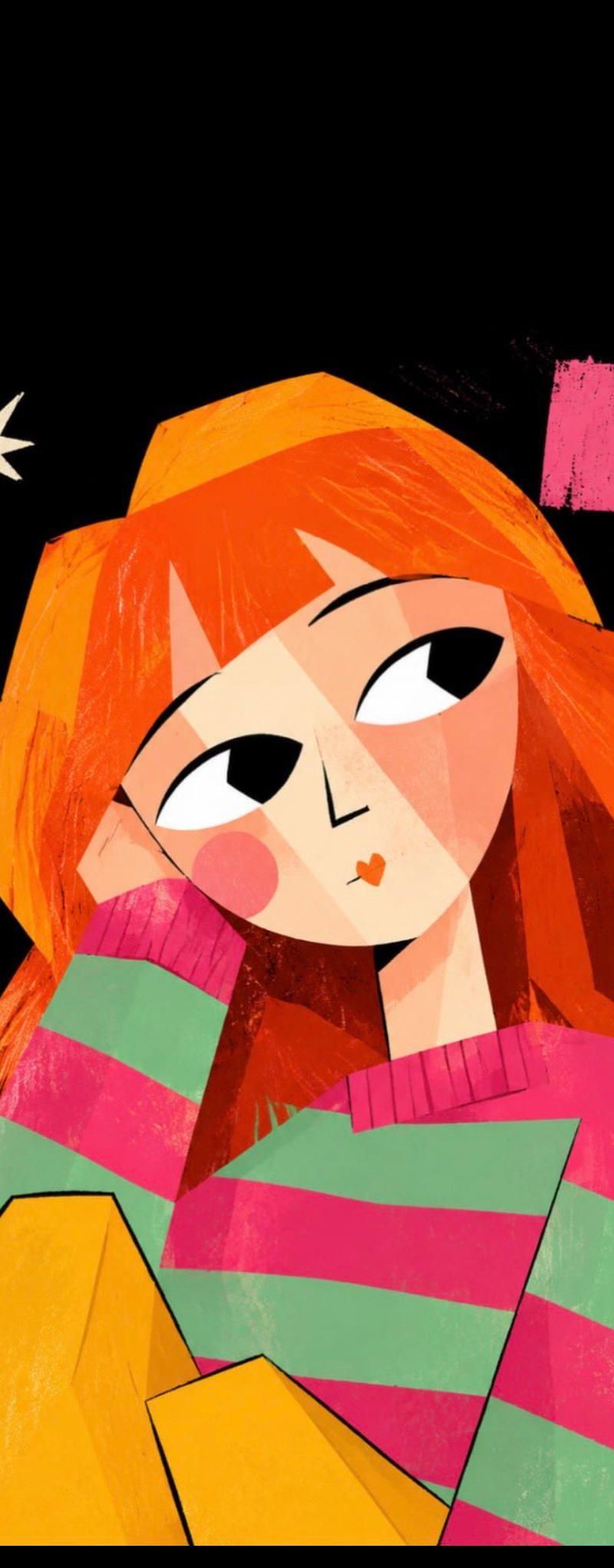
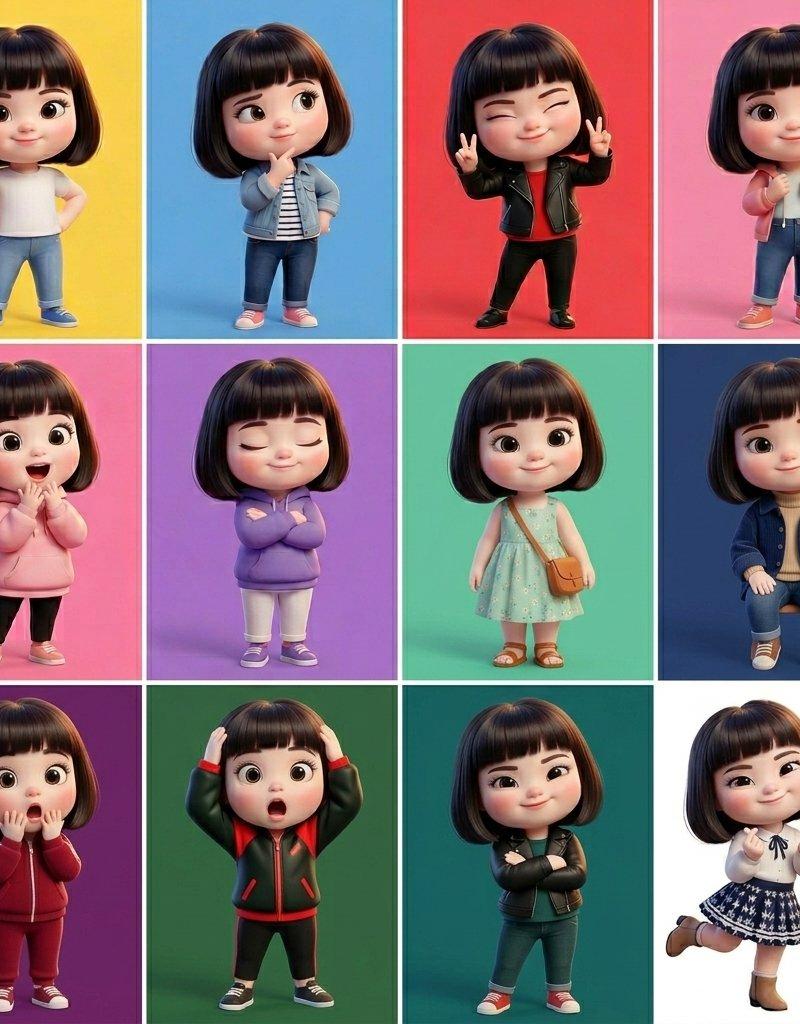
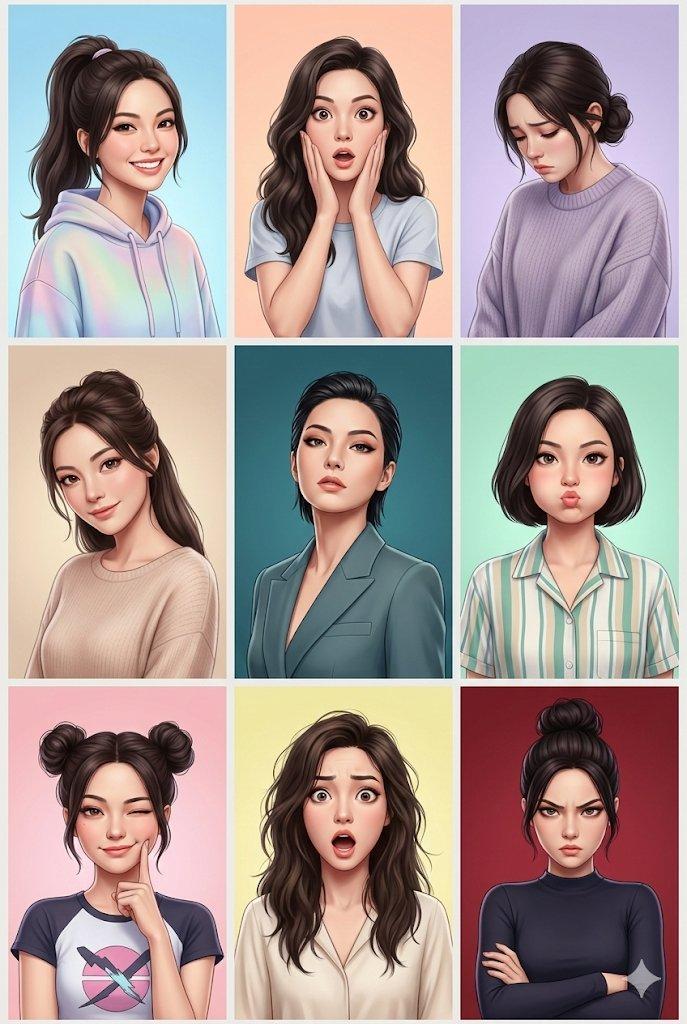
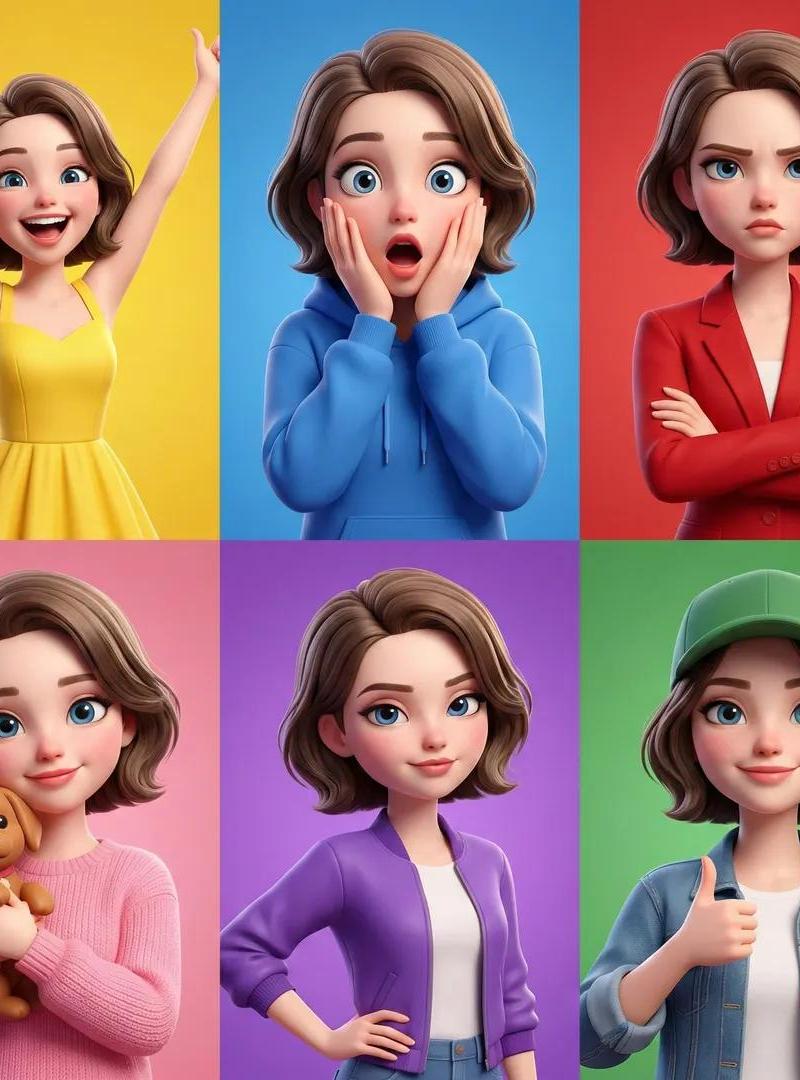
Example images

Niji srefs pairing showcase: GPT Image 2 prompt

Prompt
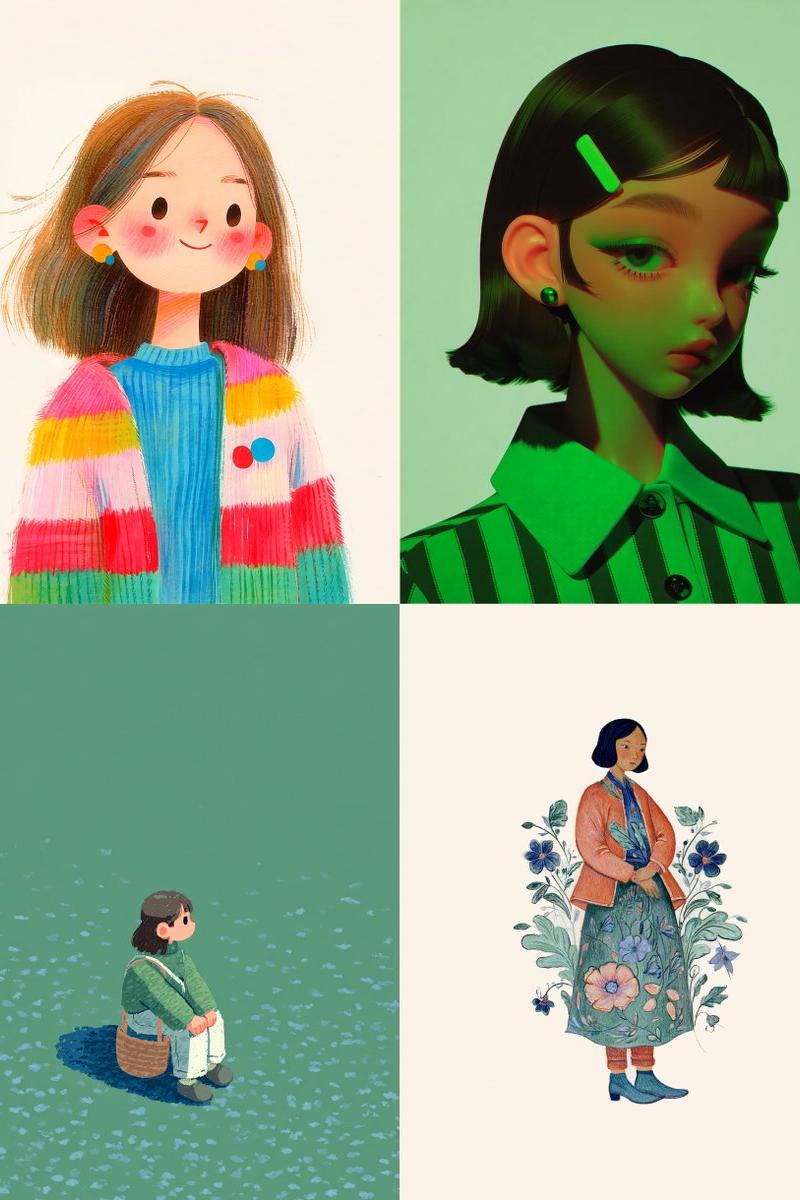
Midjourney has updated Niji 💫

Here are my top four --srefs to pair with it:

1. --sref 3586484788
2. --sref 288301287
3. --sref 1124116562
4. --sref 1542319393 https://t.co/YtwJcnt590
Category
Characters & People
Model
midjourney
Creator
Sgt Sref
Source language
en
Views0
Source ID
2010340876632137794
Published
Jan 11, 2026
Studio

Guide

About "Niji srefs pairing showcase: GPT Image 2 prompt"

What is this prompt for?

"Niji srefs pairing showcase: GPT Image 2 prompt" AI image prompt for midjourney (Characters & People). Midjourney has updated Niji 💫 Here are my top four --s…

The full copyable prompt and example visuals above are ready for AI image generation or one-click recreate in Picva.

How to use this prompt

  1. Step 1

    Open the prompt detail

    Review the example visuals, category, and full prompt text for "Niji srefs pairing showcase: GPT Image 2 prompt".

  2. Step 2

    Copy the prompt

    Copy the prompt body from this page, or load it directly in Studio.

  3. Step 3

    Pick a model (midjourney)

    Prefer midjourney. If you switch models, keep subject and composition and tweak style terms.

  4. Step 4

    Generate and export

    Recreate the look in Picva, or export into your workflow for editing and publishing.

FAQ

What is the "Niji srefs pairing showcase: GPT Image 2 prompt" prompt?
It is an AI image-generation prompt for midjourney in the Characters & People category. This page includes the full prompt text, example visuals, and a one-click recreate path in Picva.
How do I use this prompt to generate an image?
Copy the prompt from this page, or use Generate / Studio. Paste it into a compatible image model, or recreate the look in Picva with optional reference images.
Which model is this prompt for?
This page lists midjourney. Most descriptive prompts also transfer to nearby image models such as GPT Image, Flux, or Midjourney with light style tweaks.
Can I use the result commercially?
You can usually copy the prompt for creation, but commercial use of the final image depends on the model terms, reference-image rights, and the generated content. Follow the source author and platform rules.