19

Cinematic lighting logo: GPT Image 2 prompt
Enlarge

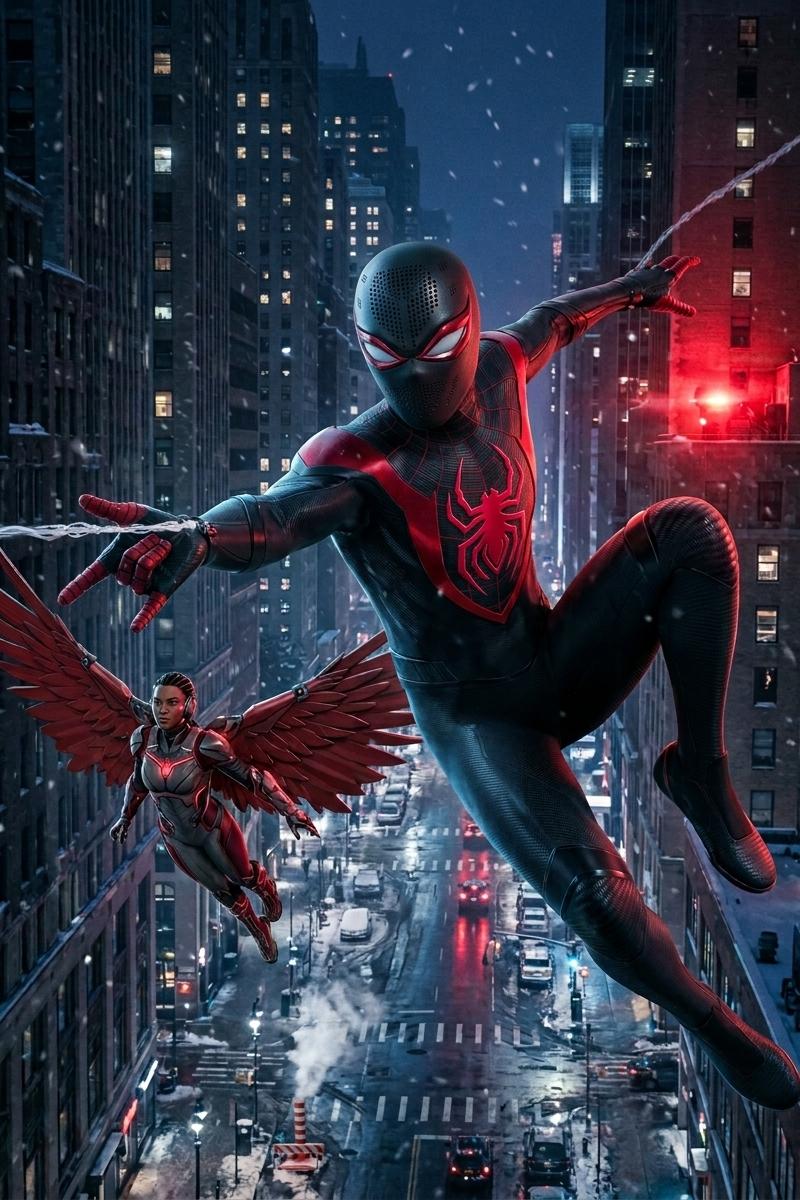
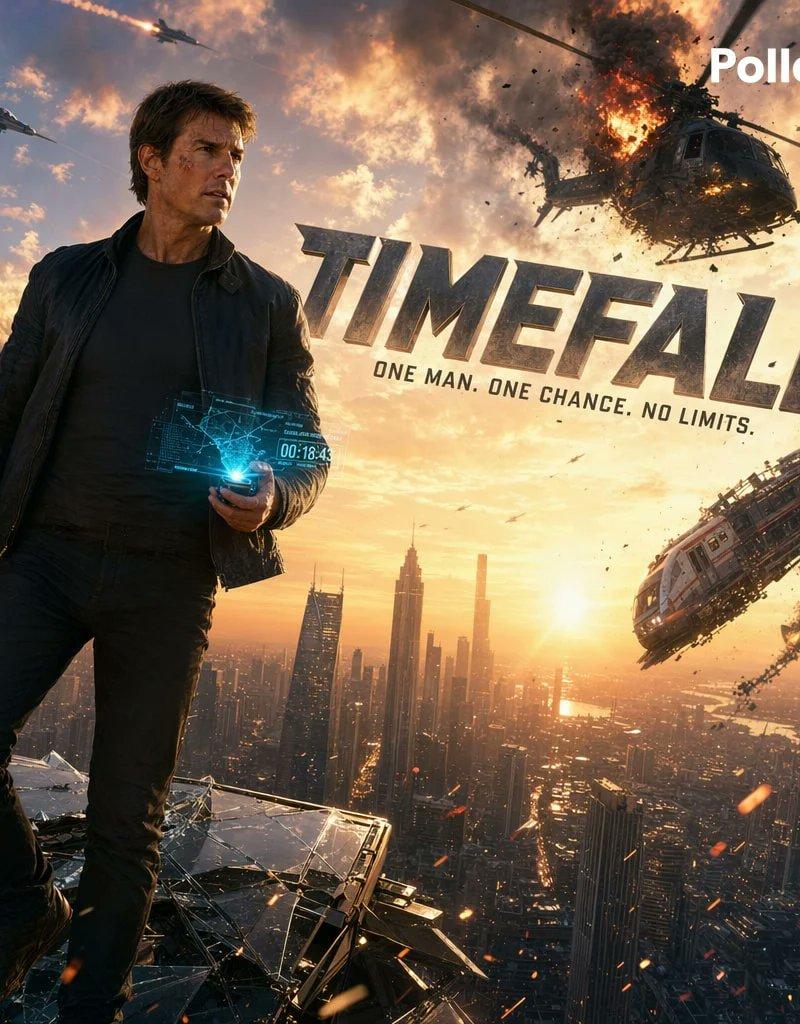
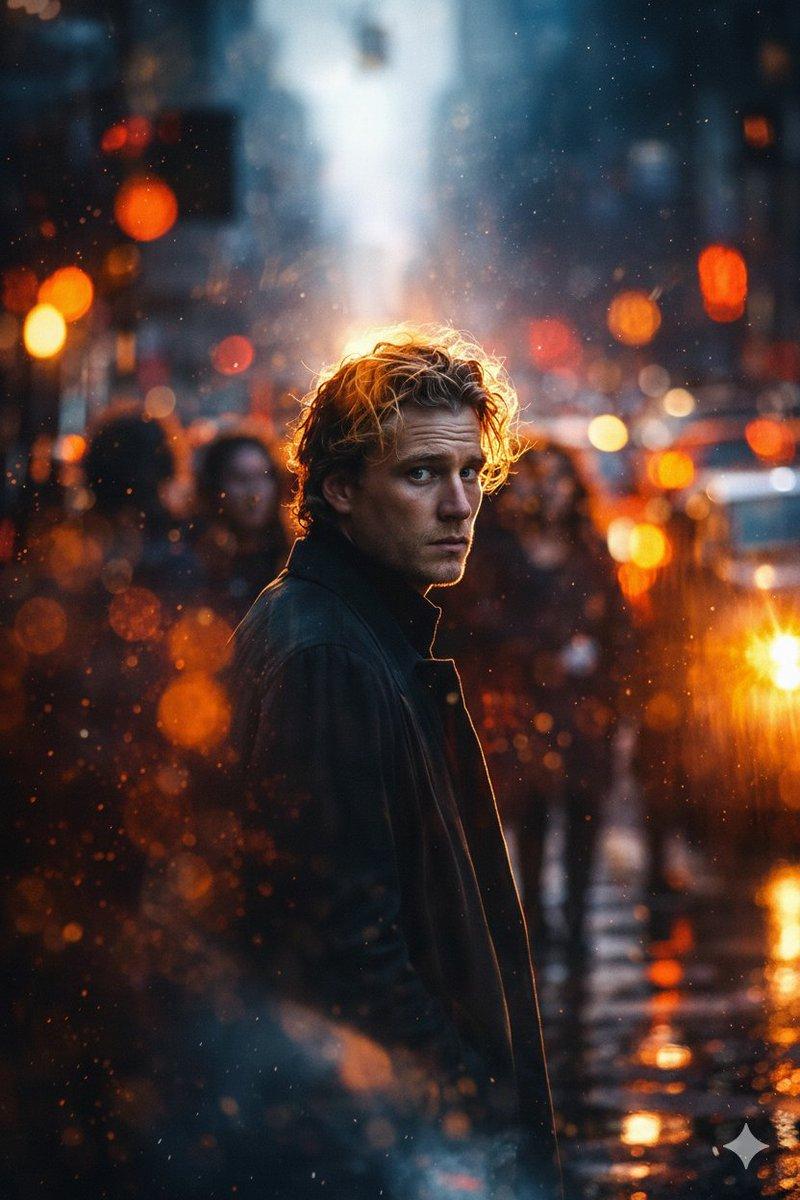
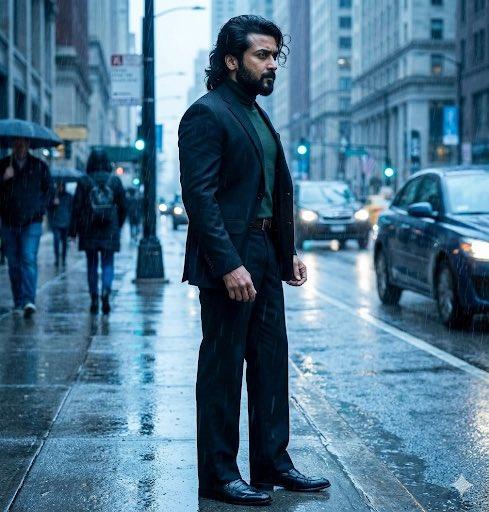
Example images

Cinematic lighting logo: GPT Image 2 prompt

Prompt
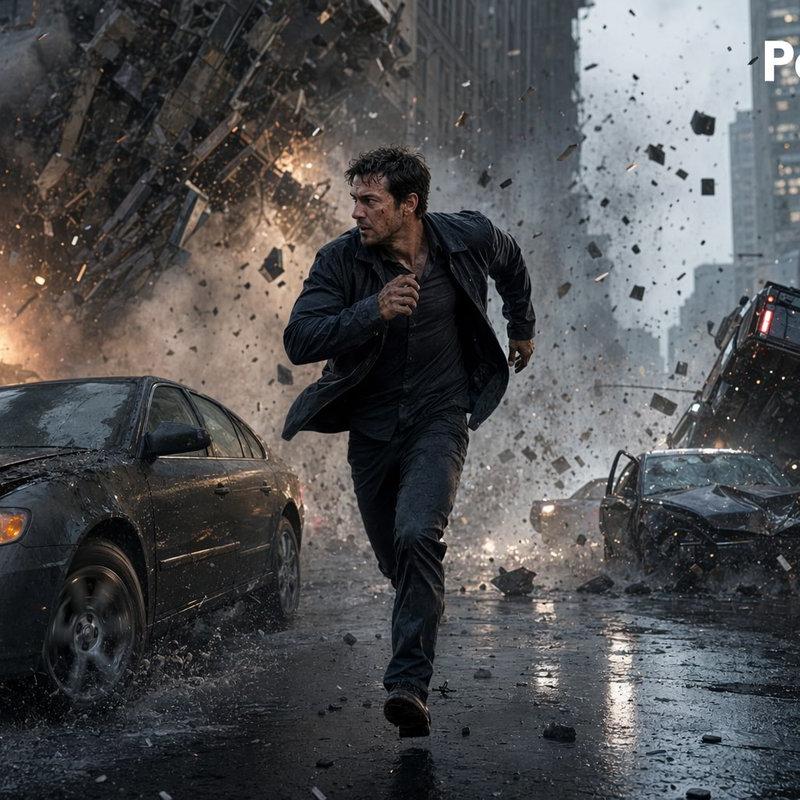
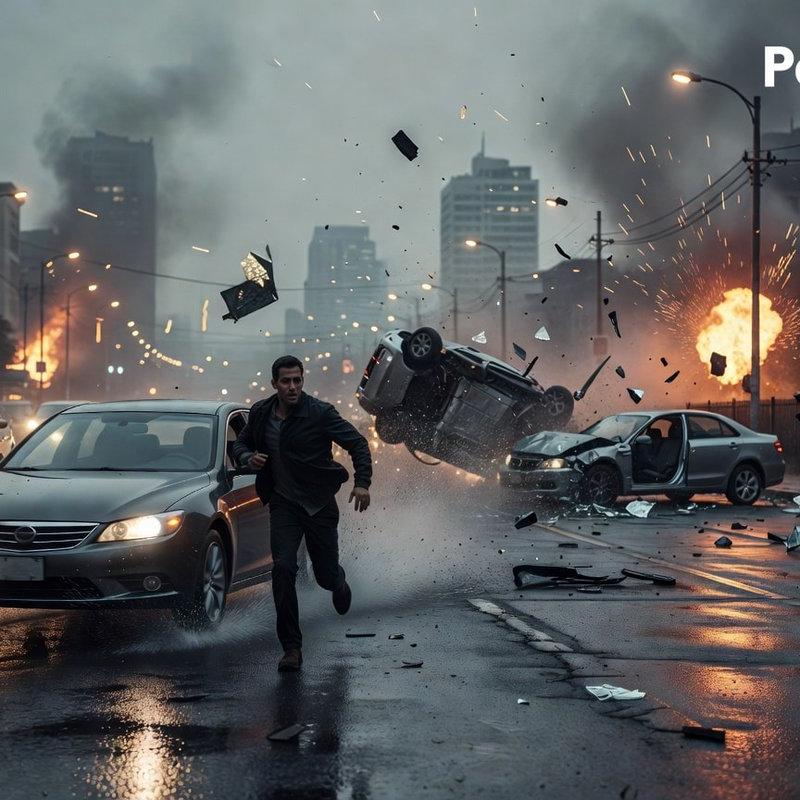
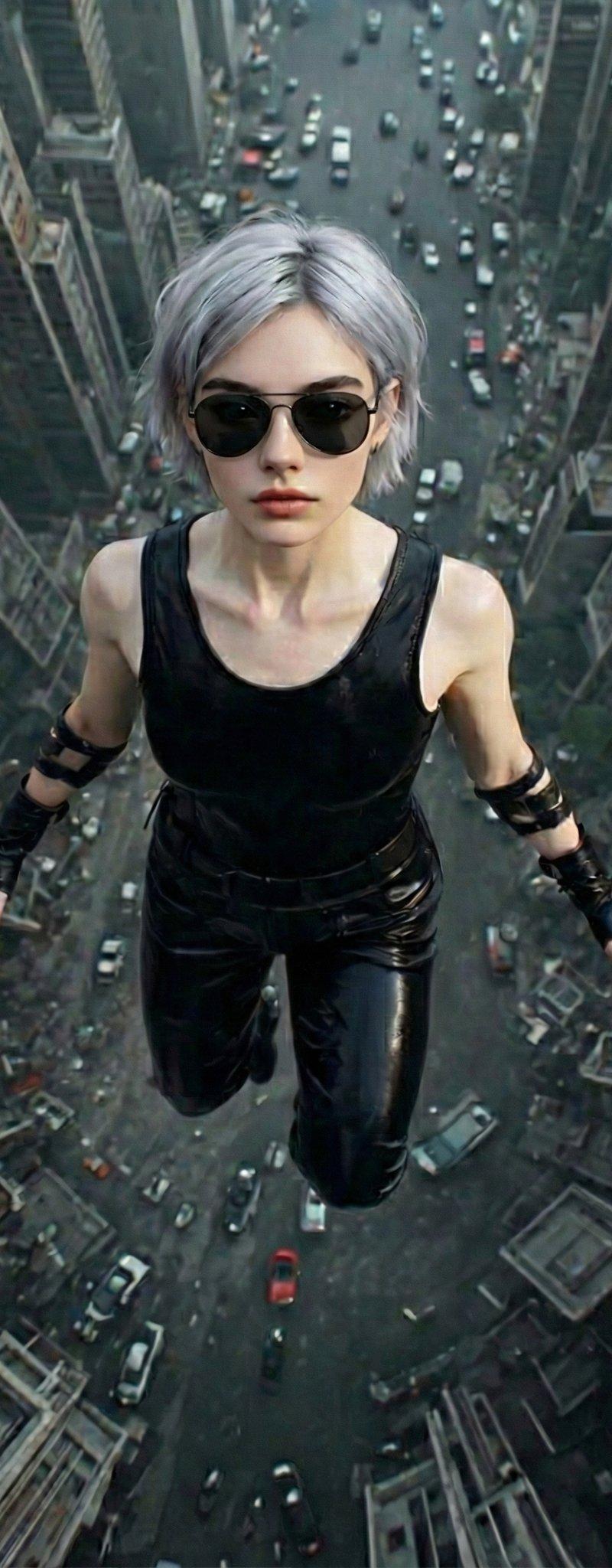
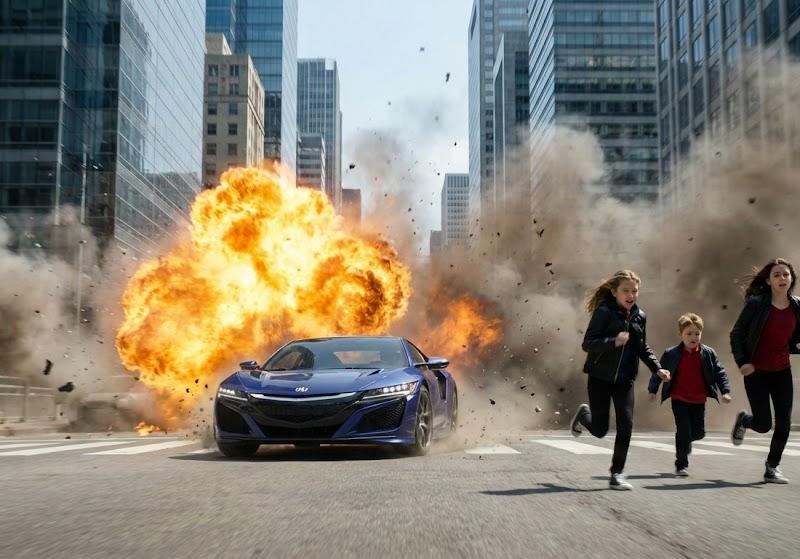
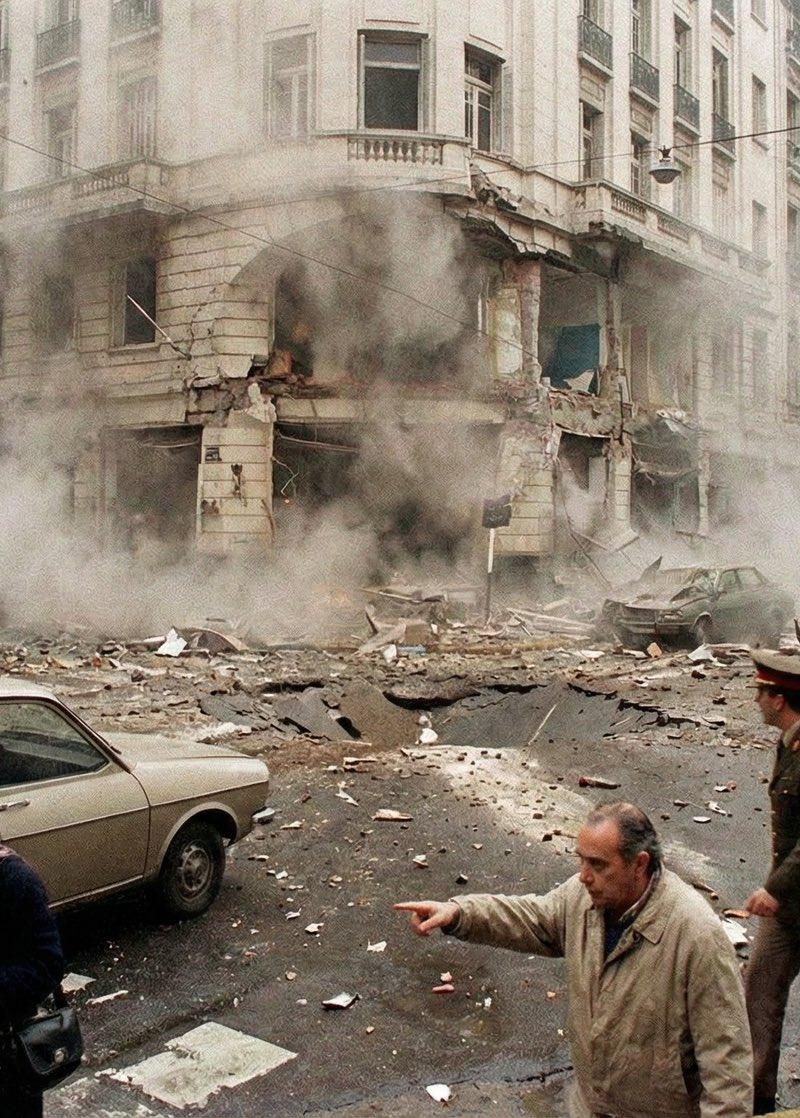
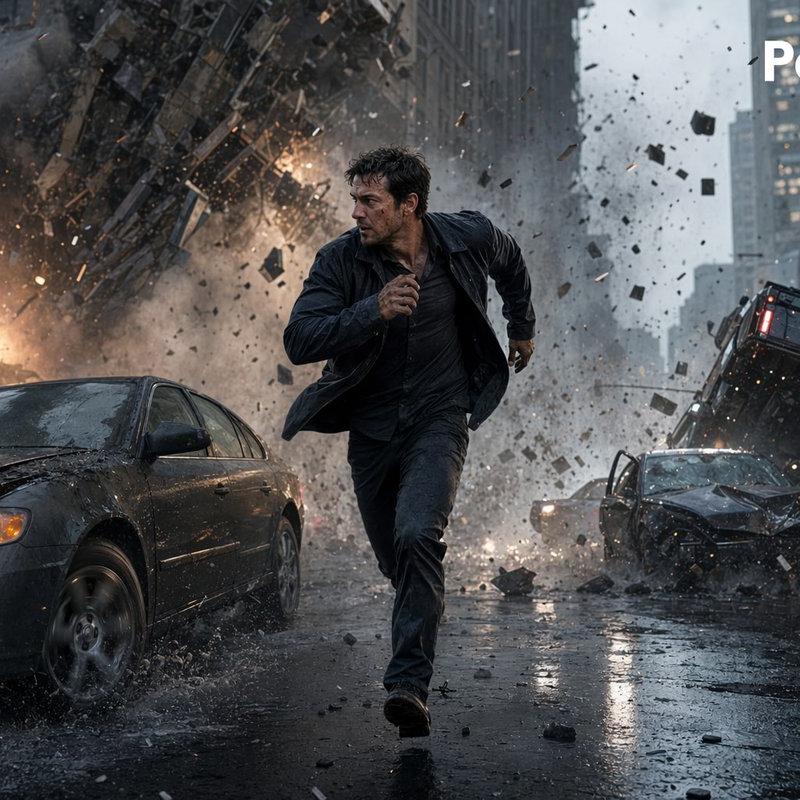
A cinematic photorealistic action scene in a rainy downtown city street canyon, showing {argument name="main subject" default="a dark-haired man in his 30s"} sprinting directly toward the camera in the center foreground with a tense survival expression, wearing a soaked dark jacket, dark shirt, and dark pants, mid-stride with one arm pumping forward. Behind him, a massive urban explosion tears through the street and lower facade of a high-rise building, sending a huge cloud of smoke, fire, dust, shattered concrete, glass, and metal debris outward in all directions. The scene includes exactly 3 visible damaged vehicles: 1 dark sedan in the left foreground with headlights on and a crumpled hood splashing through rainwater, 1 wrecked dark car in the right midground with severe front-end damage, and 1 overturned or airborne black SUV tilted upward behind it on the right side. Wet asphalt reflects headlights, firelight, and gray skyscrapers. Dense debris fills the air, with chunks of rubble frozen in motion. Overcast stormy daylight, desaturated blue-gray color palette with orange fire accents, dramatic motion blur in flying debris but sharp focus on the running figure, low-angle wide-lens composition, blockbuster disaster-movie realism, ultra-detailed textures, high contrast, dynamic depth, volumetric smoke, rain spray, cinematic lighting. Add a white {argument name="watermark text" default="Pollo.ai"} logo in the top-right corner.
Category
Characters & People
Model
GPT Image 2
Creator
Gugombly
Source language
en
Views0
Source ID
awesome-ui-92
Published
Apr 29, 2026
Studio

Guide

About "Cinematic lighting logo: GPT Image 2 prompt"

What is this prompt for?

"Cinematic lighting logo: GPT Image 2 prompt" AI image prompt for GPT Image 2 (Characters & People). A cinematic photorealistic action scene in a rainy downtow…

The full copyable prompt and example visuals above are ready for AI image generation or one-click recreate in Picva.

How to use this prompt

  1. Step 1

    Open the prompt detail

    Review the example visuals, category, and full prompt text for "Cinematic lighting logo: GPT Image 2 prompt".

  2. Step 2

    Copy the prompt

    Copy the prompt body from this page, or load it directly in Studio.

  3. Step 3

    Pick a model (GPT Image 2)

    Prefer GPT Image 2. If you switch models, keep subject and composition and tweak style terms.

  4. Step 4

    Generate and export

    Recreate the look in Picva, or export into your workflow for editing and publishing.

FAQ

What is the "Cinematic lighting logo: GPT Image 2 prompt" prompt?
It is an AI image-generation prompt for GPT Image 2 in the Characters & People category. This page includes the full prompt text, example visuals, and a one-click recreate path in Picva.
How do I use this prompt to generate an image?
Copy the prompt from this page, or use Generate / Studio. Paste it into a compatible image model, or recreate the look in Picva with optional reference images.
Which model is this prompt for?
This page lists GPT Image 2. Most descriptive prompts also transfer to nearby image models such as GPT Image, Flux, or Midjourney with light style tweaks.
Can I use the result commercially?
You can usually copy the prompt for creation, but commercial use of the final image depends on the model terms, reference-image rights, and the generated content. Follow the source author and platform rules.