19

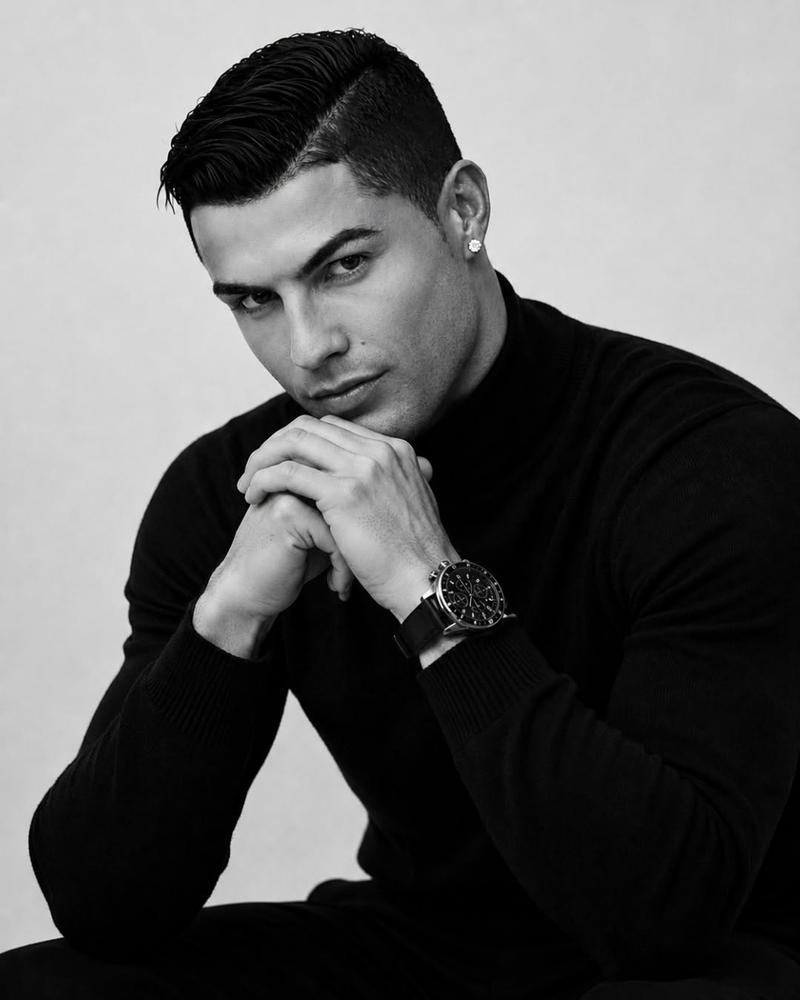
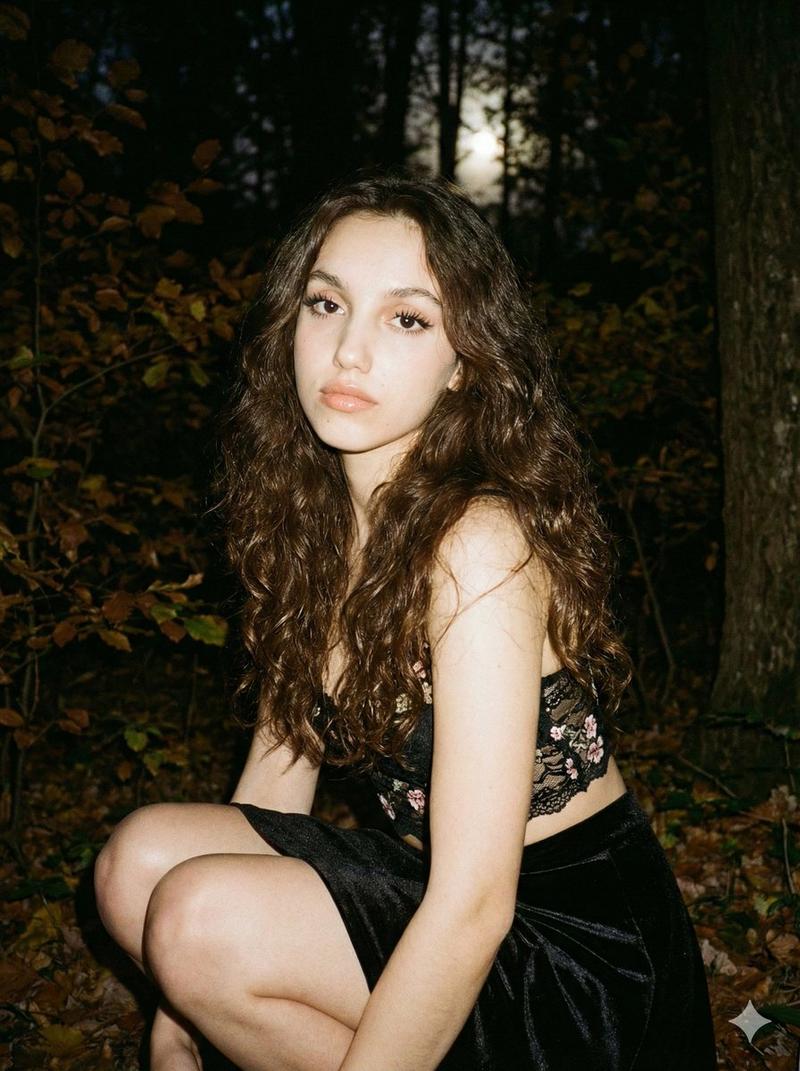
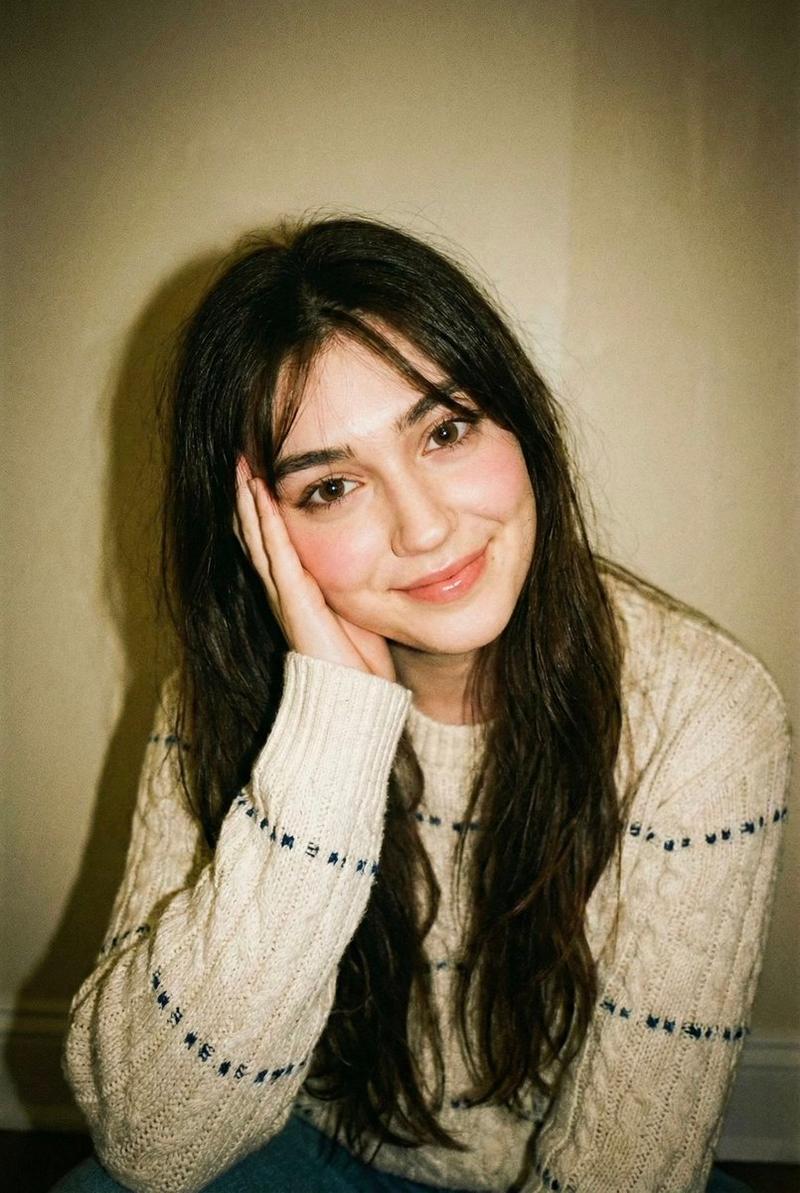
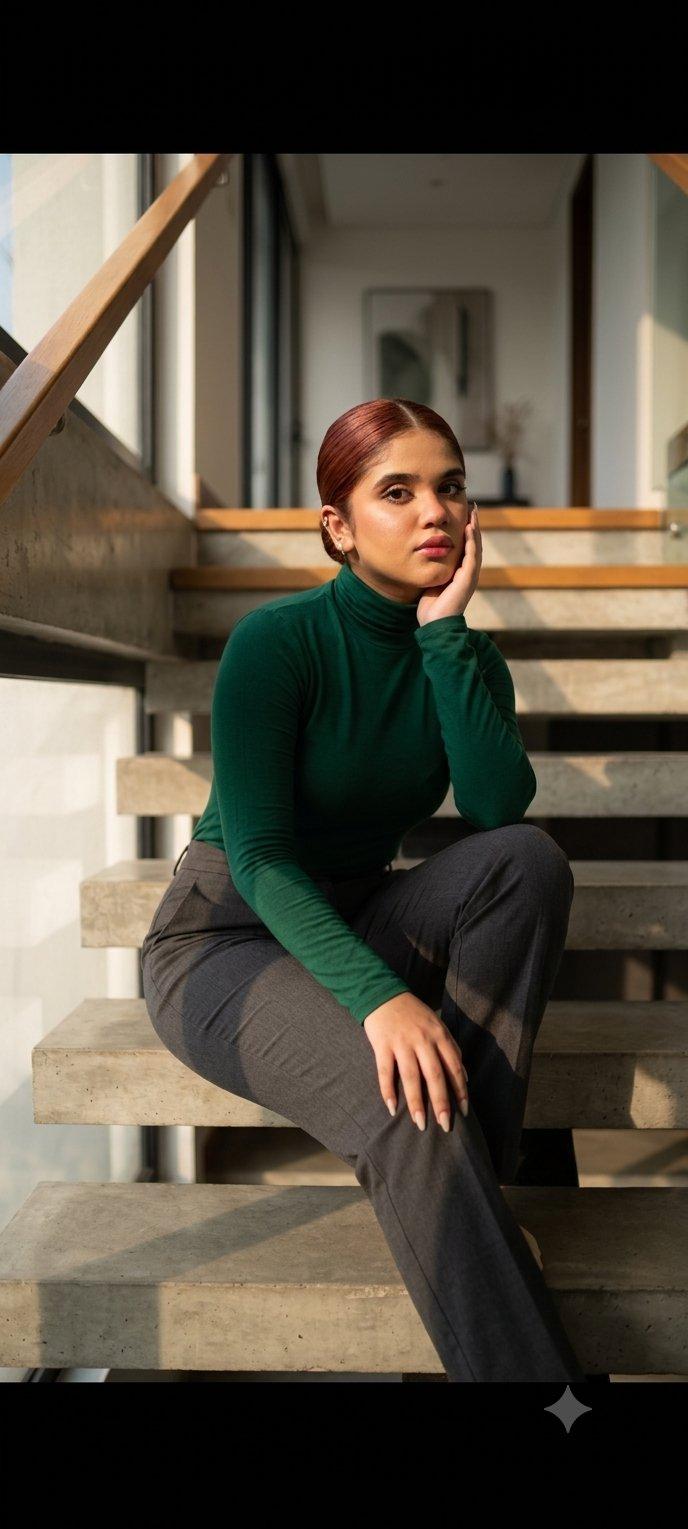
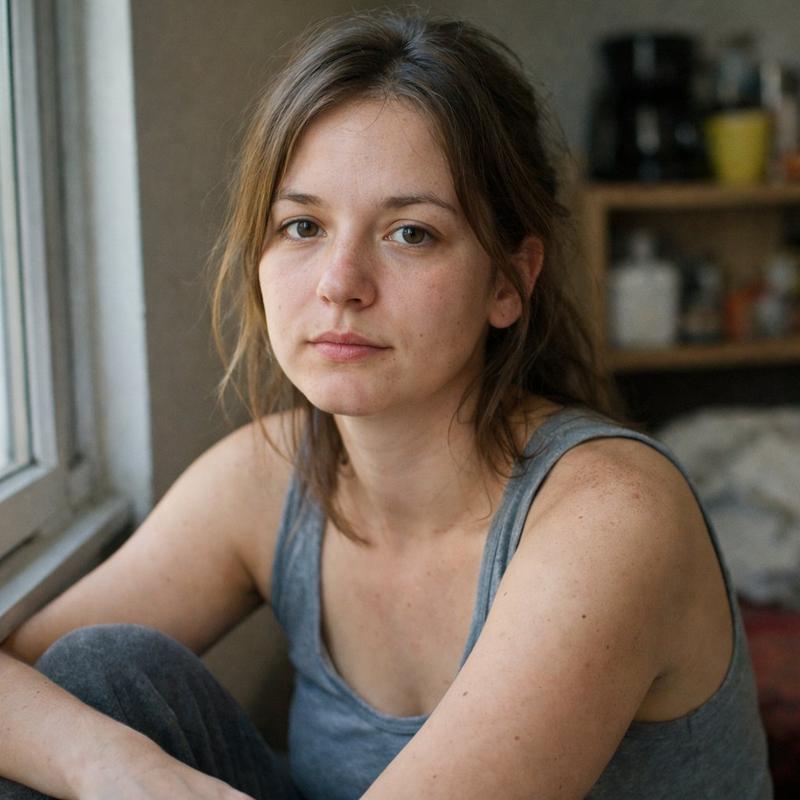
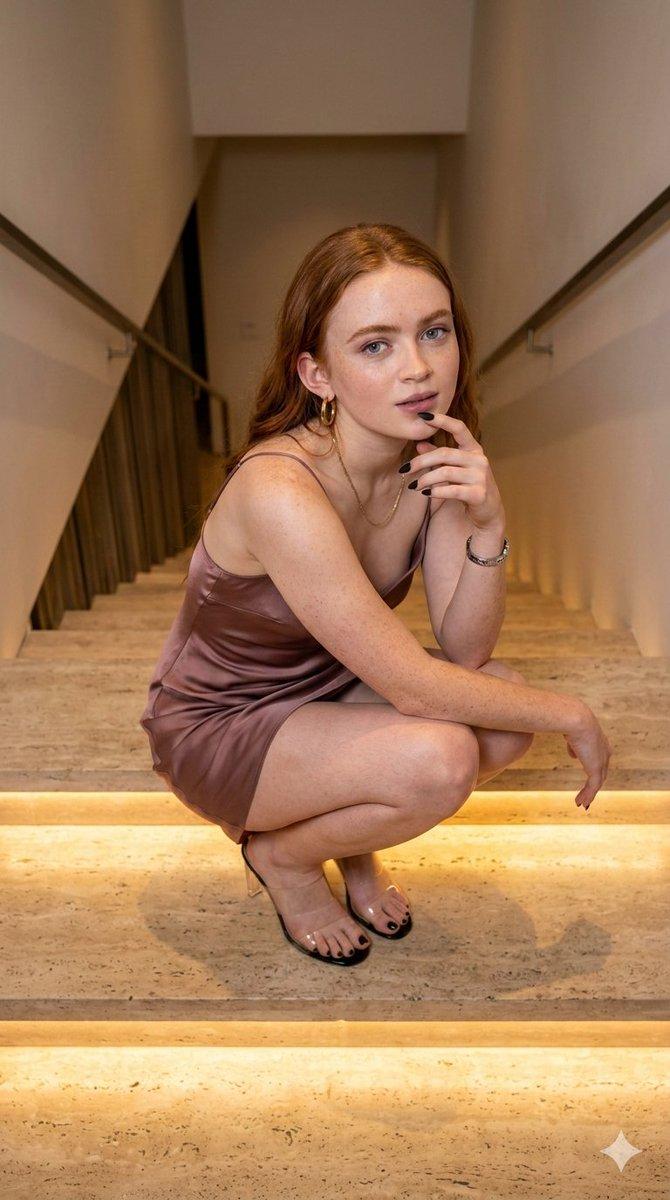
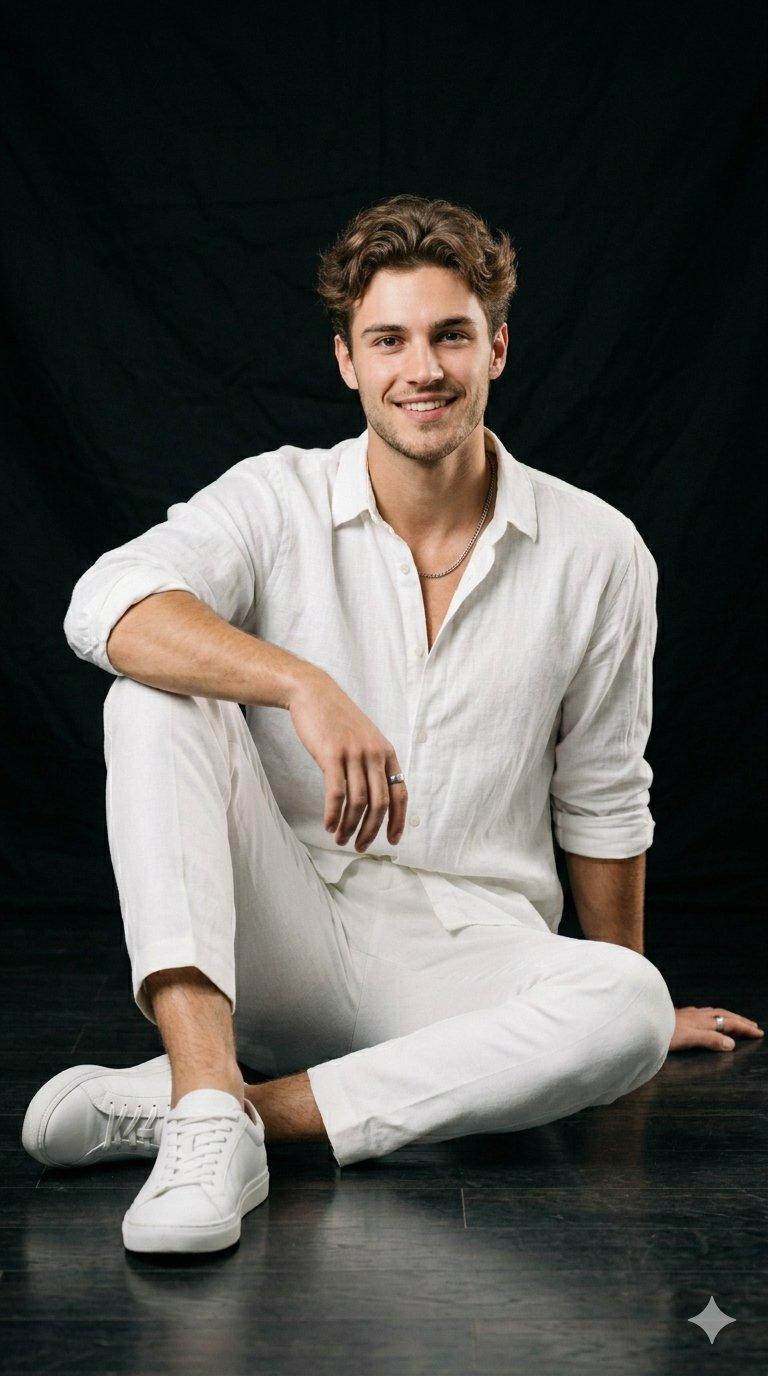
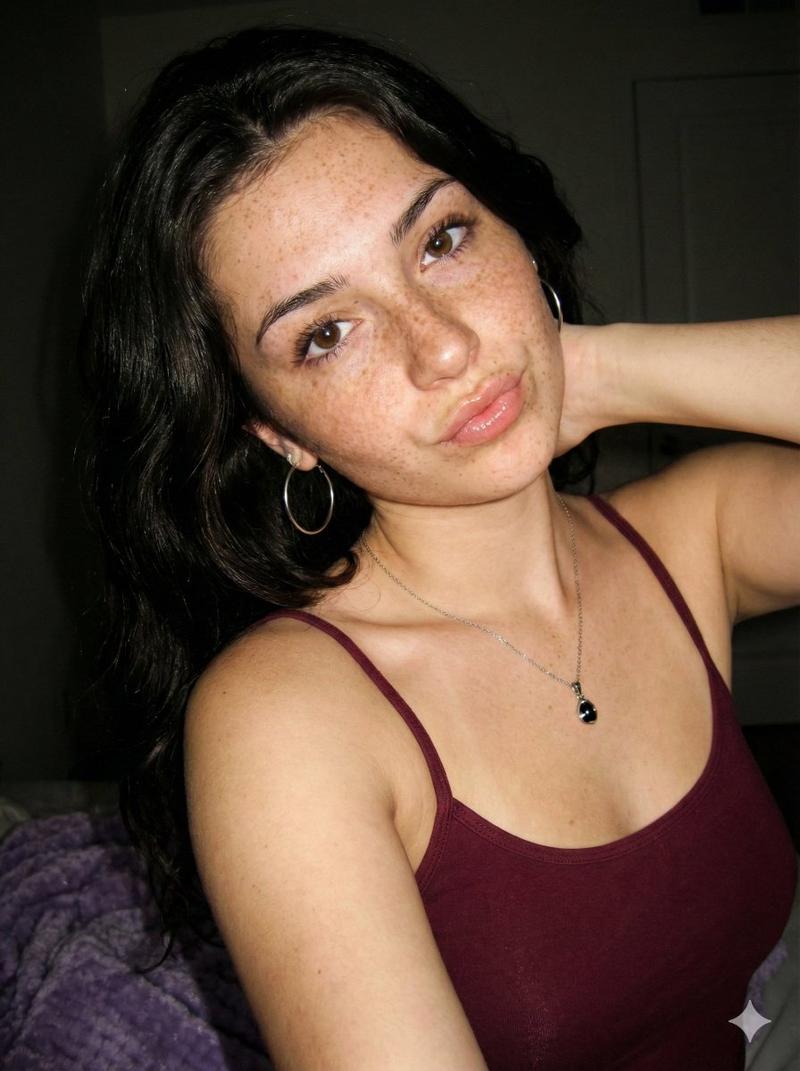
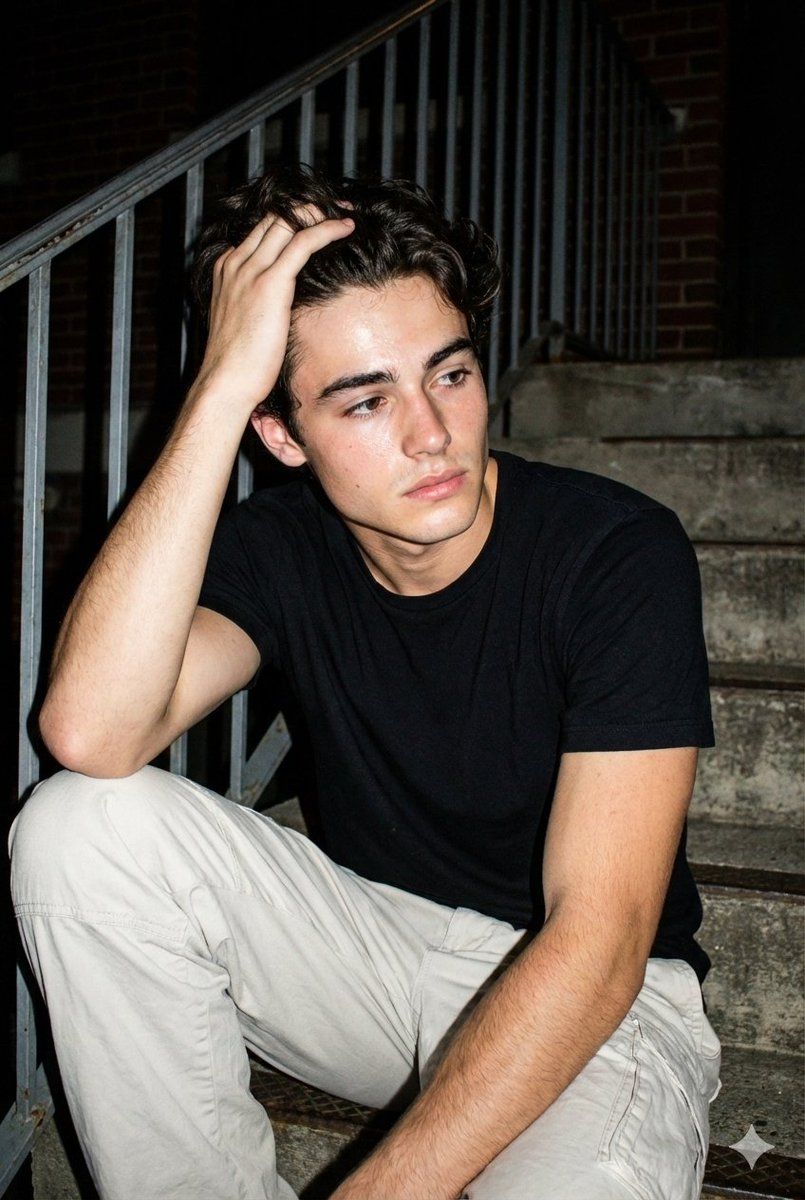
00年代胶片感闪光灯夜景人像
Enlarge

00年代胶片感闪光灯夜景人像

Prompt
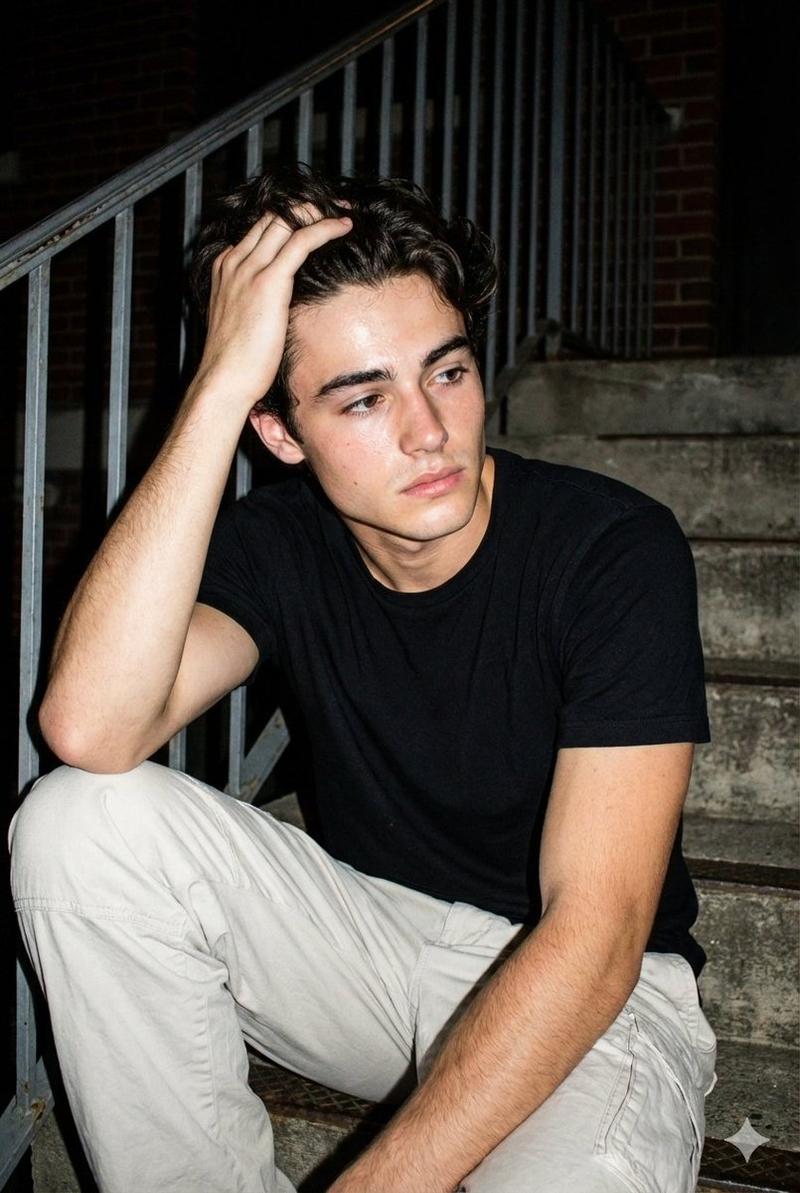
Raw night street photography with flash, early-2000s aesthetic; man (KEEP ORIGINAL FACE FROM UPLOADED PHOTO EXACTLY, do not alter facial features in any way, no face changes even 1%) sitting on concrete stairs near a metal railing; outfit: black t-shirt slightly damp with sweat, loose light pants, minimal accessories; action: he runs his hand through his hair while looking off to the side, as if reacting to something outside the frame; emotion: tired, reflective, emotionally open; lighting: direct flash hitting face and chest, background falling into darkness, harsh contrast; textures: realistic skin with visible pores, light sheen of sweat, rough concrete steps; composition: medium shot, asymmetrical framing, night documentary feel; grain, noise, imperfect flash balance, unpolished realism.
Category
Charts & Infographics
Model
Nano banana pro
Creator
@harboriis
Views0
Source ID
7917
Published
Mar 21, 2026

Guide

About "00年代胶片感闪光灯夜景人像"

What is this prompt for?

"00年代胶片感闪光灯夜景人像" AI image prompt for Nano banana pro (Charts & Infographics). 闪光灯下的原始夜间街头摄影,2000 年代初期美学;一名男子(**精确保留上传照片中的原始面部,不得以任何方式改变面部特征,面部不得有 1% 的改动**)坐在金属…

The full copyable prompt and example visuals above are ready for AI image generation or one-click recreate in Picva.

How to use this prompt

  1. Step 1

    Open the prompt detail

    Review the example visuals, category, and full prompt text for "00年代胶片感闪光灯夜景人像".

  2. Step 2

    Copy the prompt

    Copy the prompt body from this page, or load it directly in Studio.

  3. Step 3

    Pick a model (Nano banana pro)

    Prefer Nano banana pro. If you switch models, keep subject and composition and tweak style terms.

  4. Step 4

    Generate and export

    Recreate the look in Picva, or export into your workflow for editing and publishing.

FAQ

What is the "00年代胶片感闪光灯夜景人像" prompt?
It is an AI image-generation prompt for Nano banana pro in the Charts & Infographics category. This page includes the full prompt text, example visuals, and a one-click recreate path in Picva.
How do I use this prompt to generate an image?
Copy the prompt from this page, or use Generate / Studio. Paste it into a compatible image model, or recreate the look in Picva with optional reference images.
Which model is this prompt for?
This page lists Nano banana pro. Most descriptive prompts also transfer to nearby image models such as GPT Image, Flux, or Midjourney with light style tweaks.
Can I use the result commercially?
You can usually copy the prompt for creation, but commercial use of the final image depends on the model terms, reference-image rights, and the generated content. Follow the source author and platform rules.