16

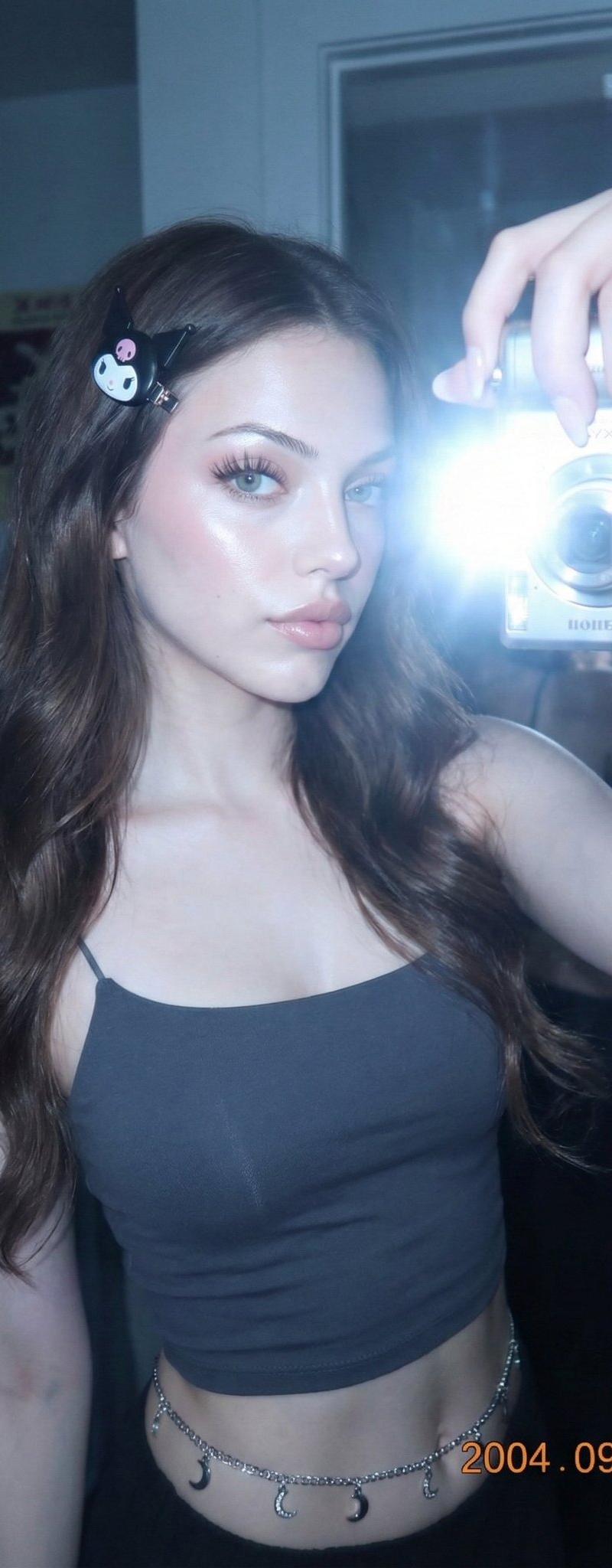
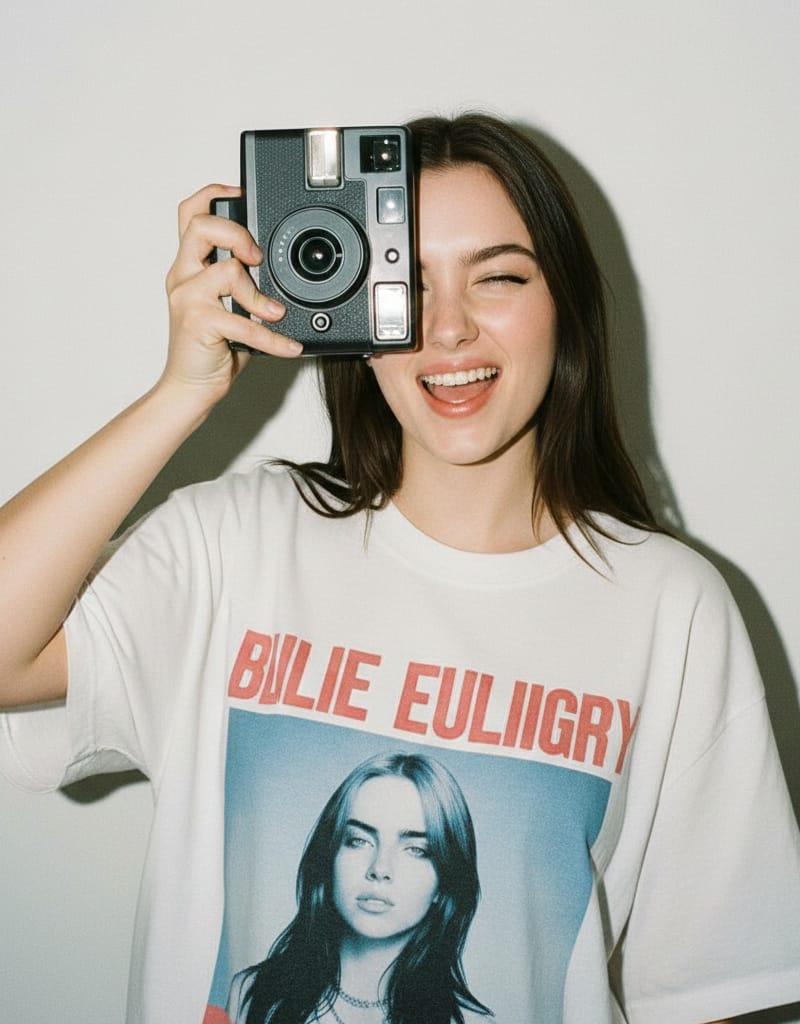
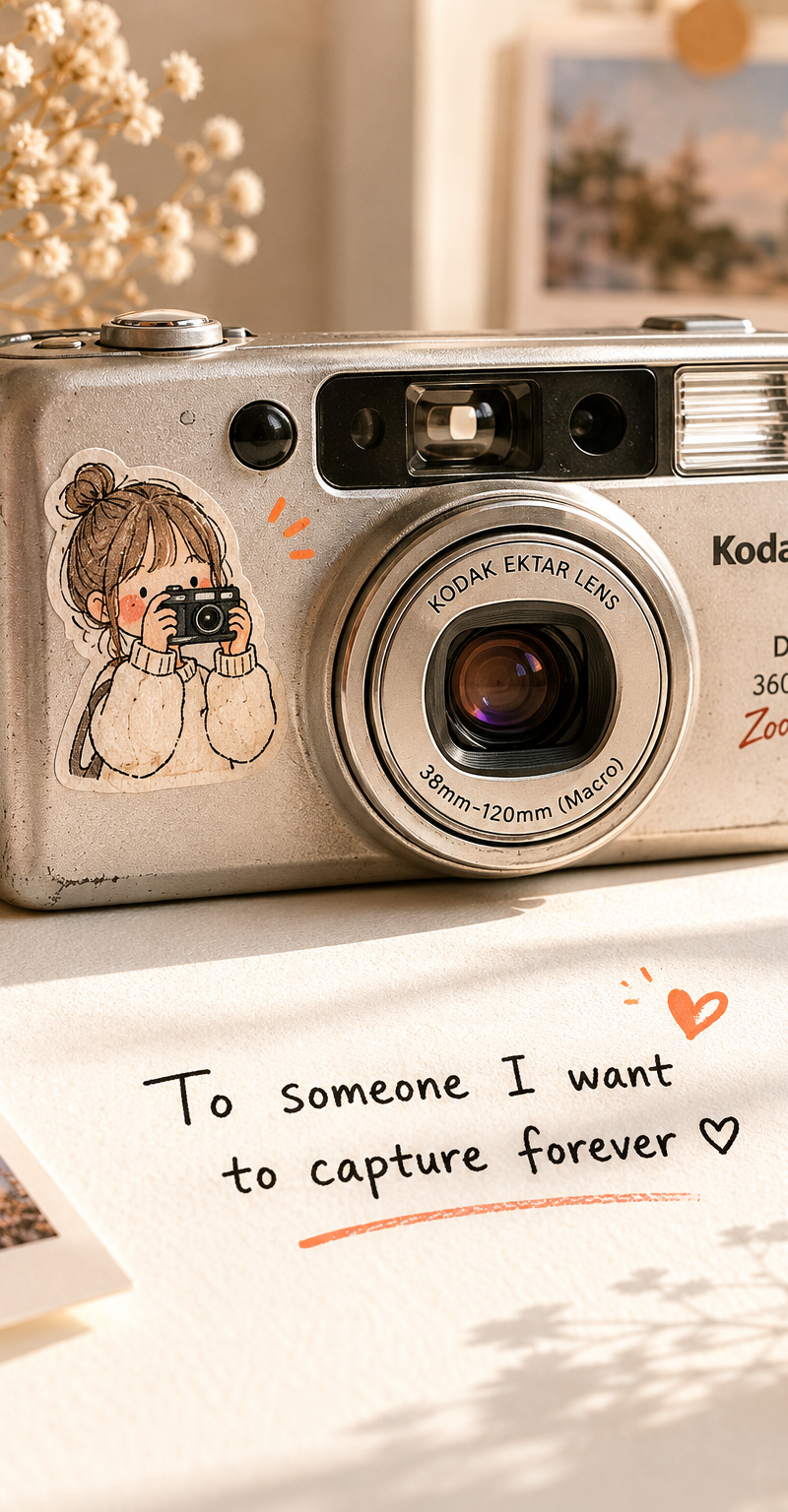
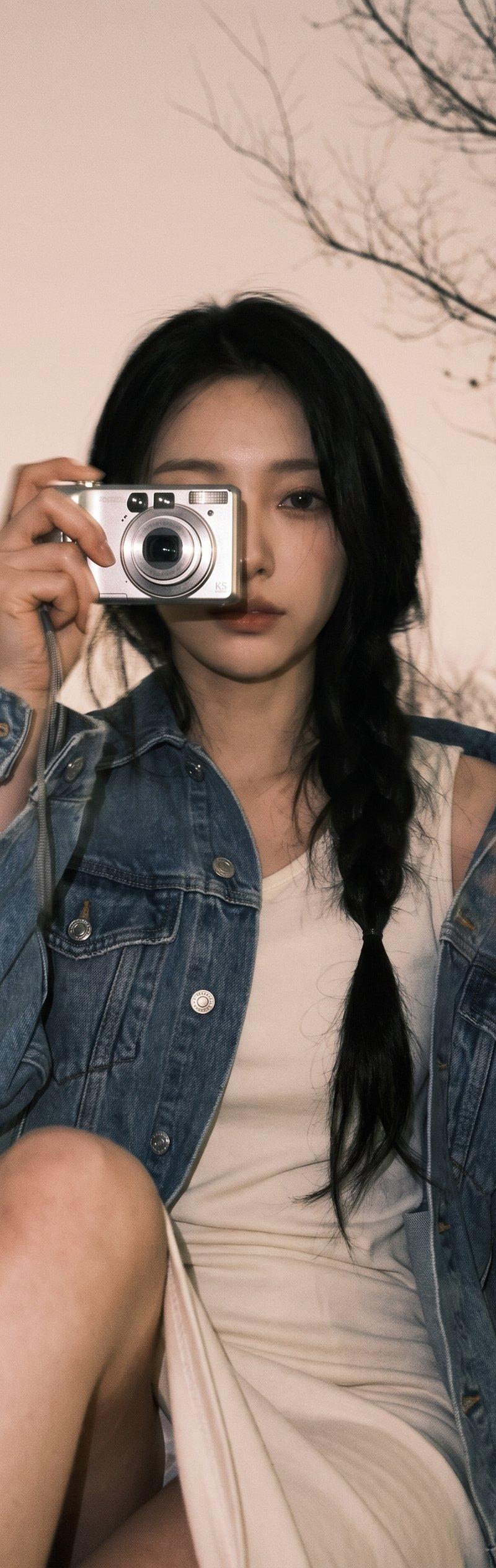
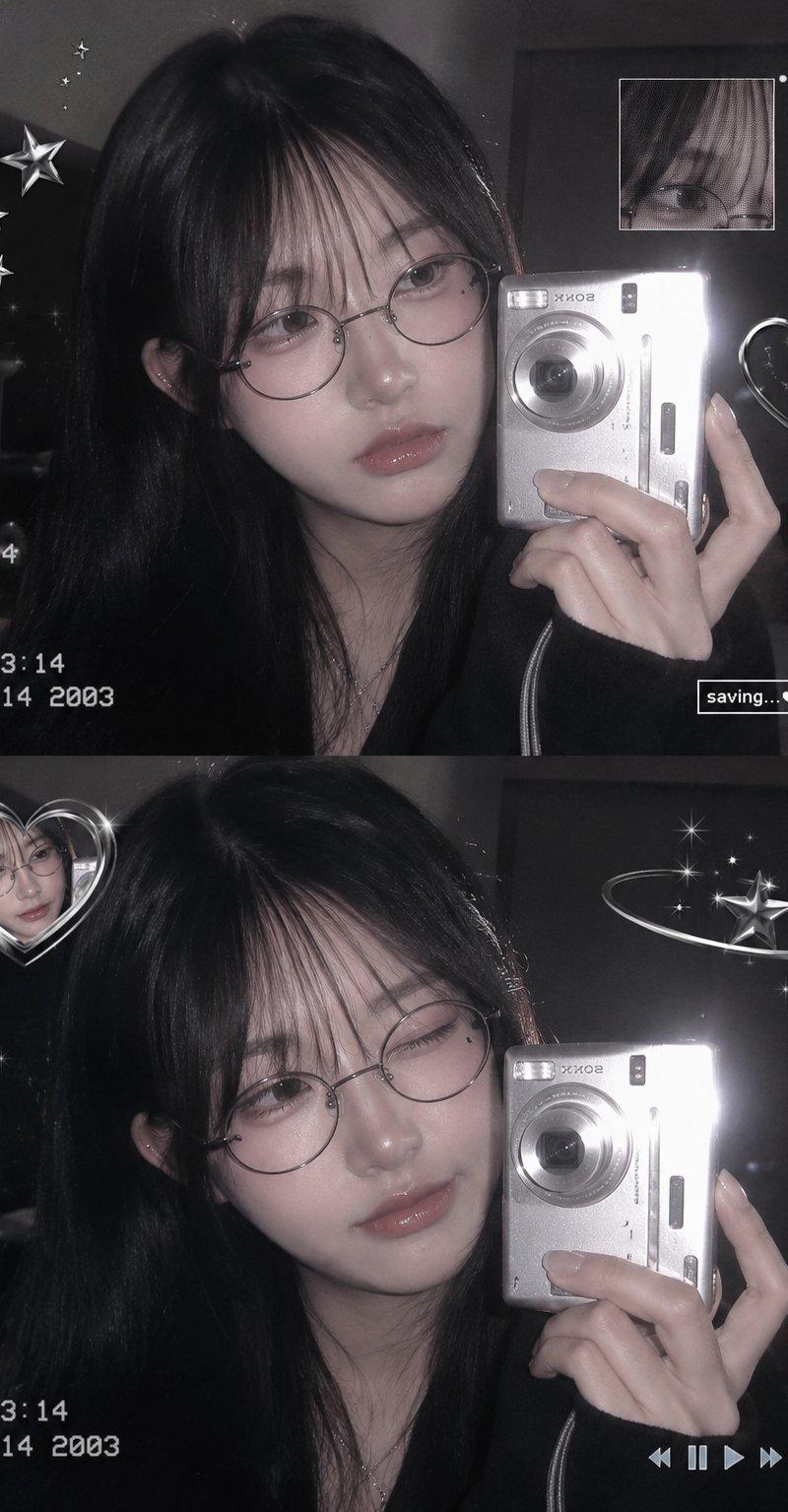
唯美Y2K韩系少女数码相机自拍
Enlarge

Example images

唯美Y2K韩系少女数码相机自拍

Prompt
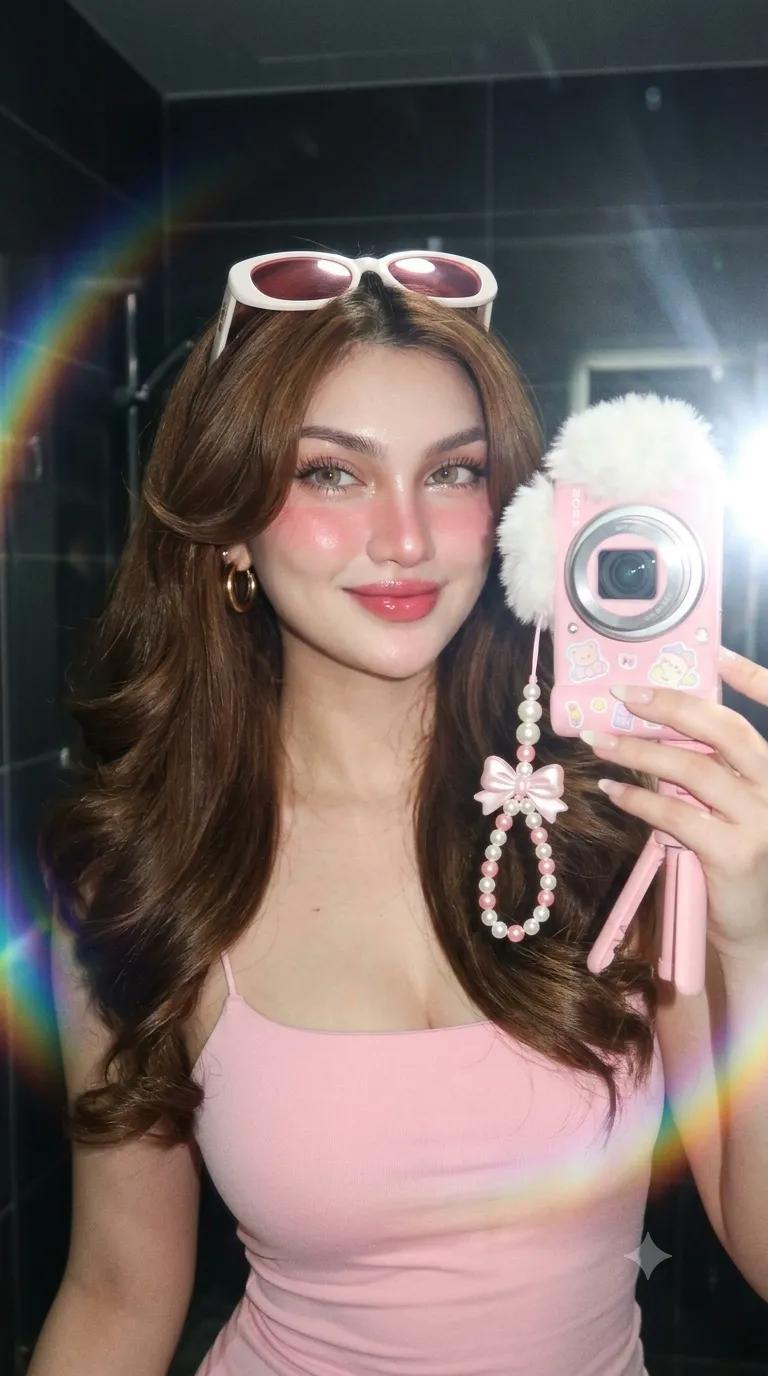
Aesthetic Y2K Korean girl mirror selfie, long silky black hair with soft wispy bangs, thin round glasses, holding a silver compact digital camera, black outfit, soft glowing skin, natural makeup, glossy lips, cute and dreamy expression. Two-photo collage layout, top photo looking sideways, bottom photo winking. Dark room background, vintage digicam flash photography, soft blur, low contrast, grey monochrome tones. Cute silver star doodles, sparkles, heart frame stickers, orbit star graphics, retro UI elements, timestamp overlay "03:14". Tumblr aesthetic, cyber Y2K, dreamy atmosphere, photorealistic, ultra detailed, high quality, soft lighting, kawaii Korean fashion, Instagram edit style.

Negative Prompt:
blurry face, low quality, extra fingers, deformed hands, bad anatomy, watermark, text errors, overexposed, oversaturated, duplicate face, distorted eyes, ugly, cropped.
Category
Charts & Infographics
Model
ChatGPT
Creator
@MissDelulu9
Source language
zh-CN
Views20
Source ID
16329
Published
Jun 19, 2026
Studio

Guide

About "唯美Y2K韩系少女数码相机自拍"

What is this prompt for?

"唯美Y2K韩系少女数码相机自拍" AI image prompt for ChatGPT (Charts & Infographics). 唯美Y2K韩国女孩镜面自拍,黑色长直发带有柔和的空气刘海,细圆框眼镜,拿着一台银色便携式数码相机,黑色装束,柔光皮肤,自然妆容,亮泽嘴唇,可爱且梦幻的表情。两张照片的拼贴布局,…

The full copyable prompt and example visuals above are ready for AI image generation or one-click recreate in Picva.

How to use this prompt

  1. Step 1

    Open the prompt detail

    Review the example visuals, category, and full prompt text for "唯美Y2K韩系少女数码相机自拍".

  2. Step 2

    Copy the prompt

    Copy the prompt body from this page, or load it directly in Studio.

  3. Step 3

    Pick a model (ChatGPT)

    Prefer ChatGPT. If you switch models, keep subject and composition and tweak style terms.

  4. Step 4

    Generate and export

    Recreate the look in Picva, or export into your workflow for editing and publishing.

FAQ

What is the "唯美Y2K韩系少女数码相机自拍" prompt?
It is an AI image-generation prompt for ChatGPT in the Charts & Infographics category. This page includes the full prompt text, example visuals, and a one-click recreate path in Picva.
How do I use this prompt to generate an image?
Copy the prompt from this page, or use Generate / Studio. Paste it into a compatible image model, or recreate the look in Picva with optional reference images.
Which model is this prompt for?
This page lists ChatGPT. Most descriptive prompts also transfer to nearby image models such as GPT Image, Flux, or Midjourney with light style tweaks.
Can I use the result commercially?
You can usually copy the prompt for creation, but commercial use of the final image depends on the model terms, reference-image rights, and the generated content. Follow the source author and platform rules.