17

夜幕下的金发女郎与普拉达名包
Enlarge

Example images

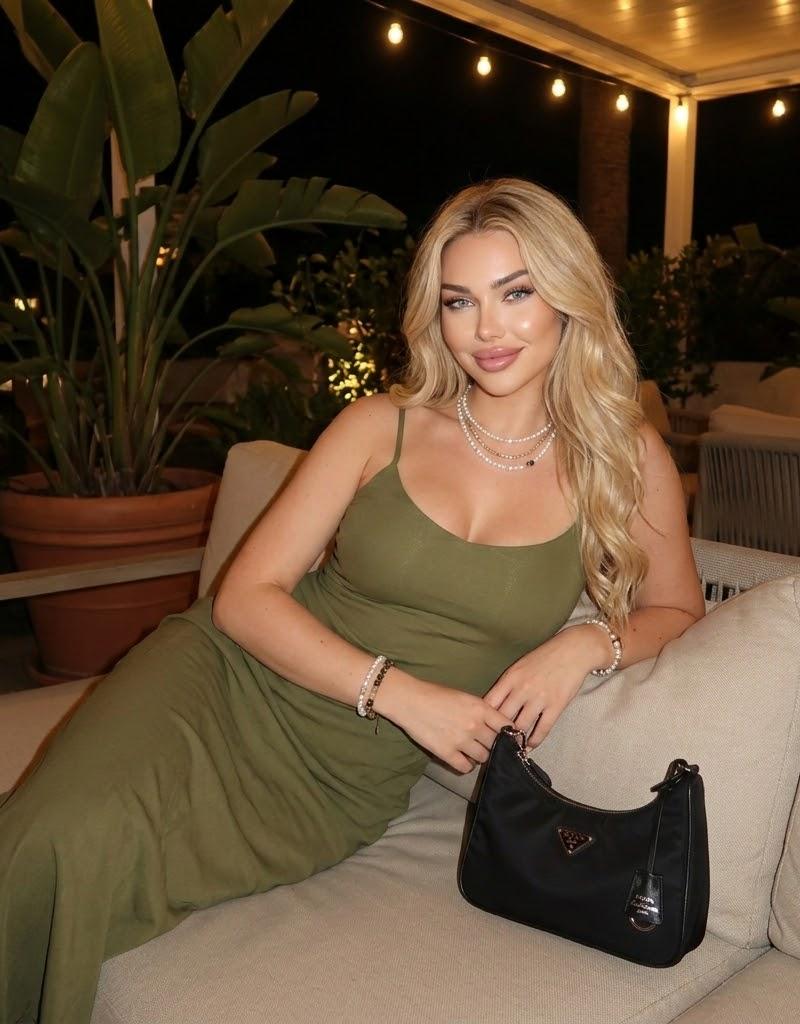
夜幕下的金发女郎与普拉达名包

Prompt
{
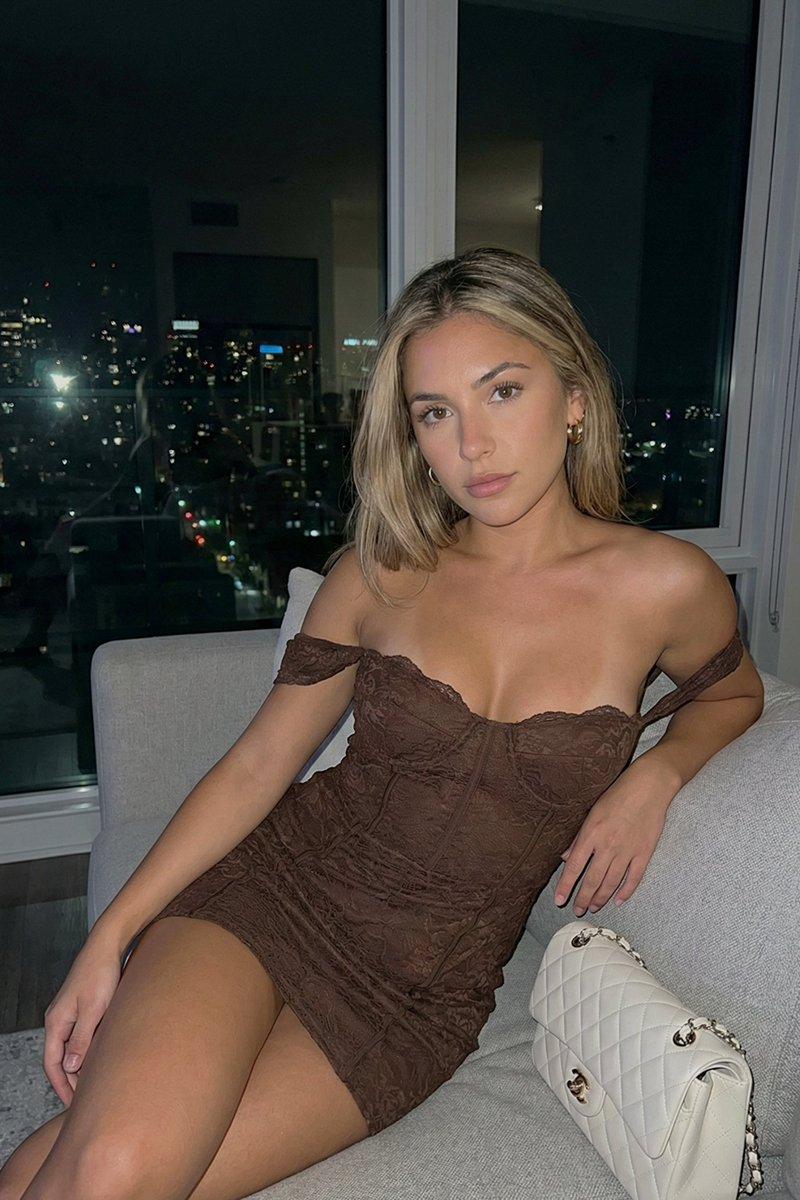
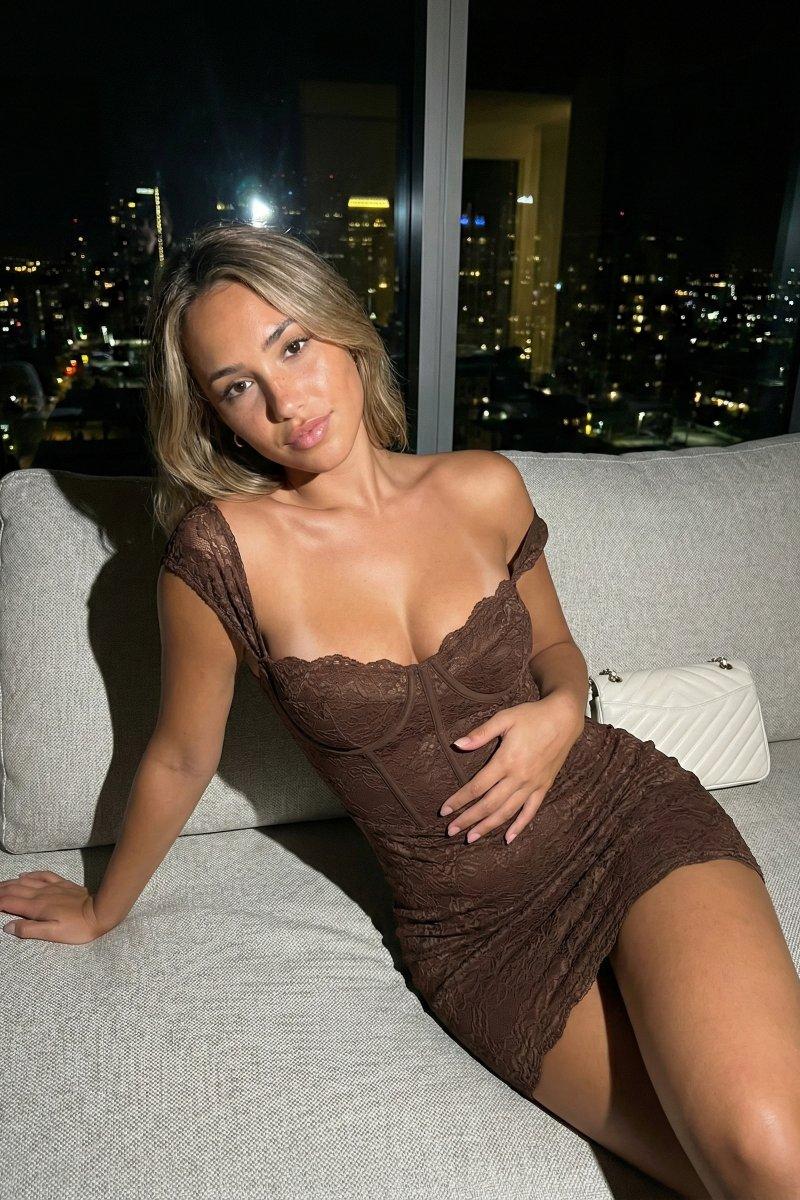
  "prompt": "Blonde woman lounging on a beige outdoor sofa at night. Wearing an olive green slip dress, pearl necklaces, and bracelets. A black Prada bag sits beside her. Potted plants in the background.",
  "subject": {
    "gender": "Female",
    "hair": "Blonde, shoulder-length",
    "features": "Freckles, fair skin"
  },
  "pose": "Lounging, leaning back, right arm resting on sofa back",
  "wardrobe": "Olive green slip dress with black straps, layered pearl and gold sun necklaces, beaded bracelets",
  "props": [
    "Black Prada nylon mini bag",
    "Beige sofa cushions"
  ],
  "environment": "Outdoor patio lounge at night, large potted plants, dim ambient lighting"
}
Category
Creative Use Cases
Model
Nano Banana Pro
Creator
@noiremila
Source language
zh-CN
Views113
Source ID
2806
Published
Mar 1, 2026
Studio

Guide

About "夜幕下的金发女郎与普拉达名包"

What is this prompt for?

"夜幕下的金发女郎与普拉达名包" AI image prompt for Nano Banana Pro (Creative Use Cases). { "prompt": "金发女郎晚上在米色户外沙发上休憩。身穿橄榄绿吊带裙,戴着珍珠项链和手镯。她身边放着一个黑色的普拉达包。背景中有盆栽植物。", "subject…

The full copyable prompt and example visuals above are ready for AI image generation or one-click recreate in Picva.

How to use this prompt

  1. Step 1

    Open the prompt detail

    Review the example visuals, category, and full prompt text for "夜幕下的金发女郎与普拉达名包".

  2. Step 2

    Copy the prompt

    Copy the prompt body from this page, or load it directly in Studio.

  3. Step 3

    Pick a model (Nano Banana Pro)

    Prefer Nano Banana Pro. If you switch models, keep subject and composition and tweak style terms.

  4. Step 4

    Generate and export

    Recreate the look in Picva, or export into your workflow for editing and publishing.

FAQ

What is the "夜幕下的金发女郎与普拉达名包" prompt?
It is an AI image-generation prompt for Nano Banana Pro in the Creative Use Cases category. This page includes the full prompt text, example visuals, and a one-click recreate path in Picva.
How do I use this prompt to generate an image?
Copy the prompt from this page, or use Generate / Studio. Paste it into a compatible image model, or recreate the look in Picva with optional reference images.
Which model is this prompt for?
This page lists Nano Banana Pro. Most descriptive prompts also transfer to nearby image models such as GPT Image, Flux, or Midjourney with light style tweaks.
Can I use the result commercially?
You can usually copy the prompt for creation, but commercial use of the final image depends on the model terms, reference-image rights, and the generated content. Follow the source author and platform rules.