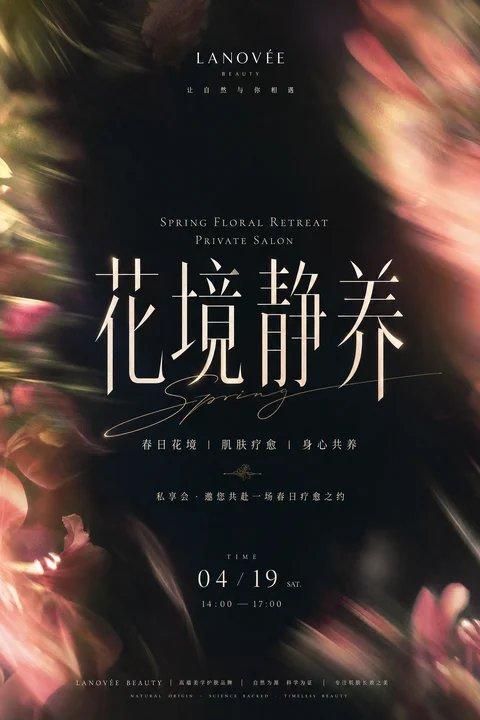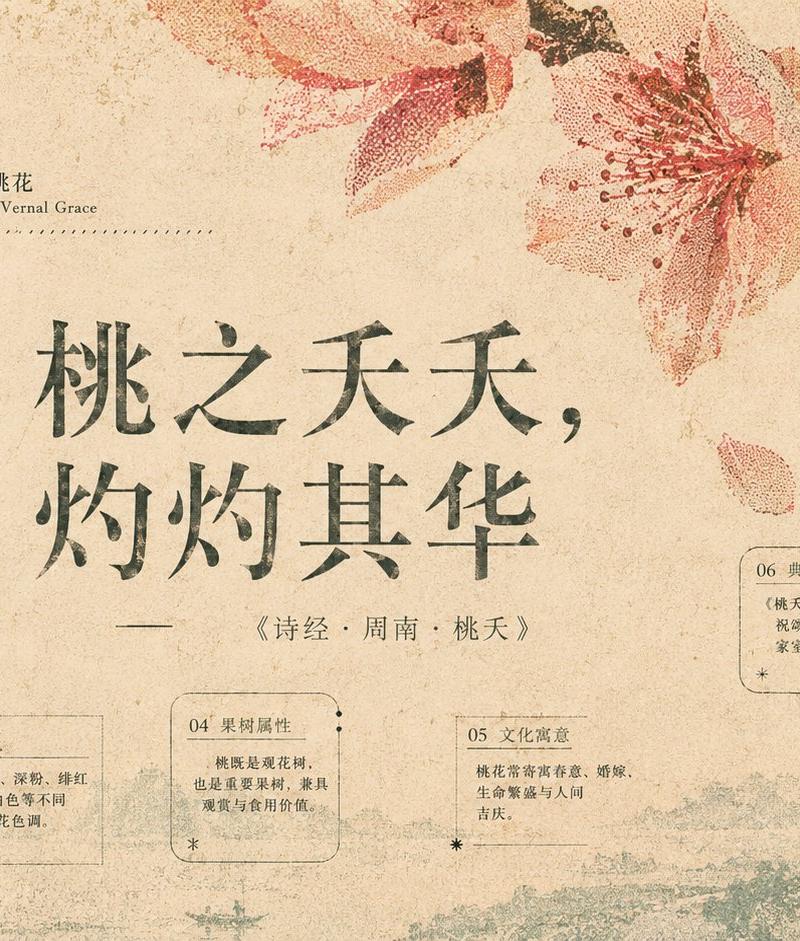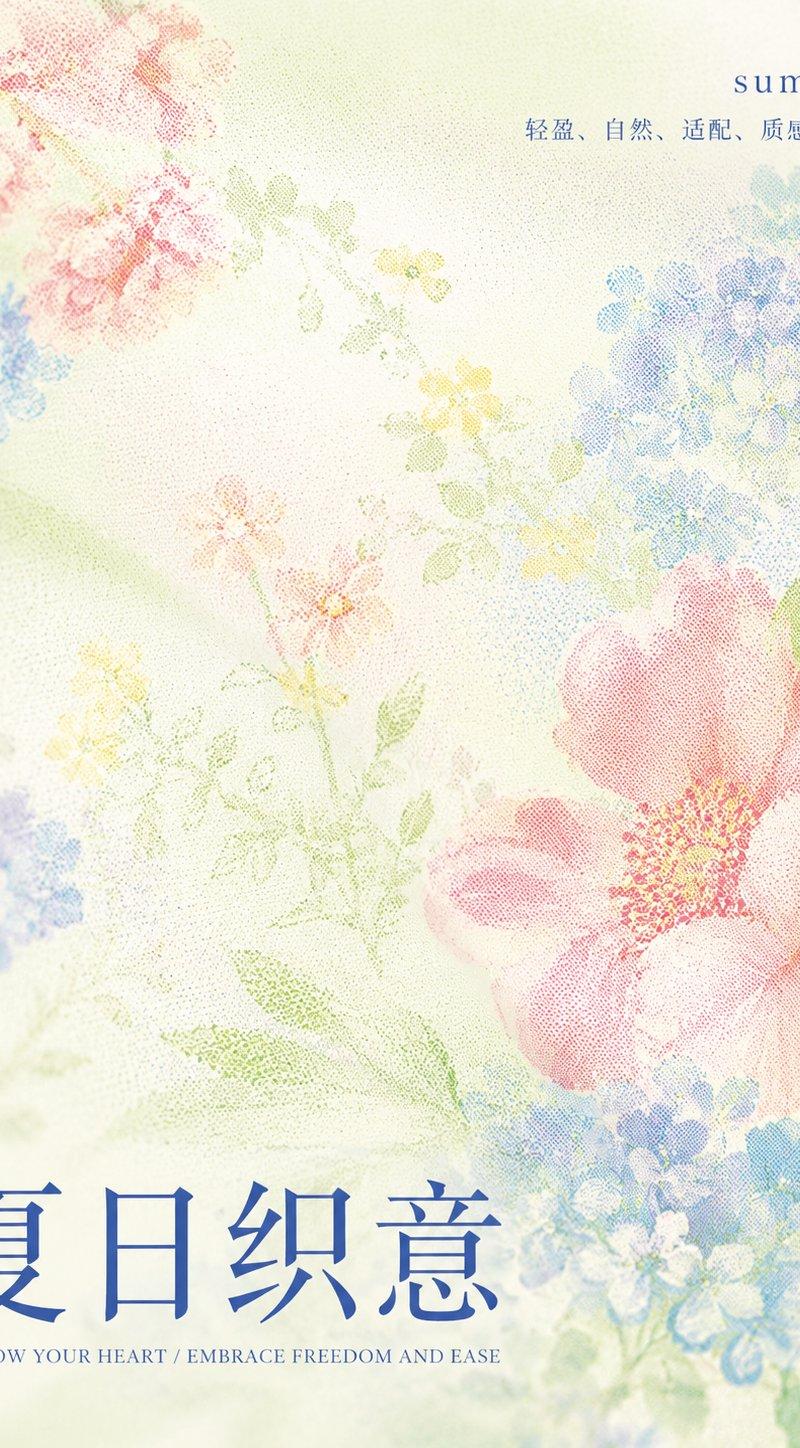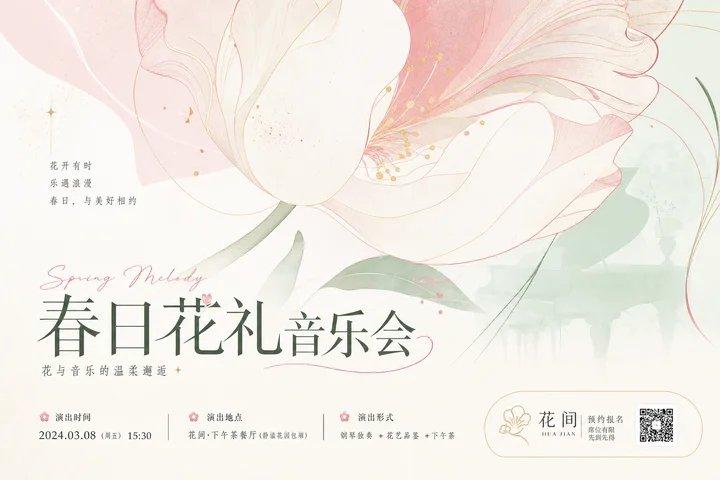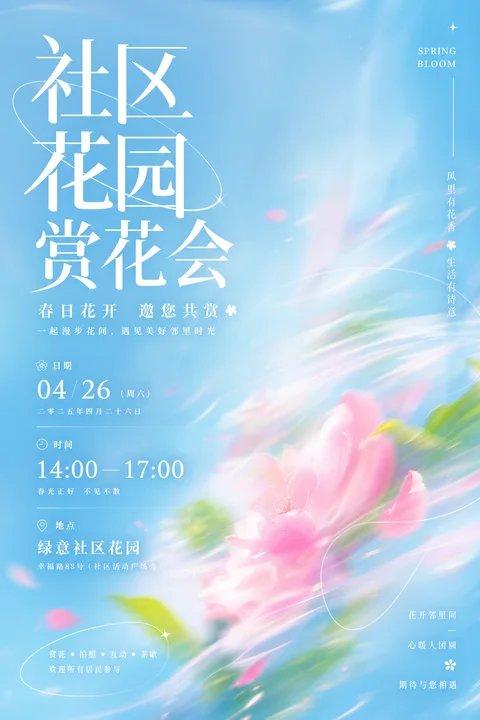
社区花园赏花会流光清透视觉海报
Prompt
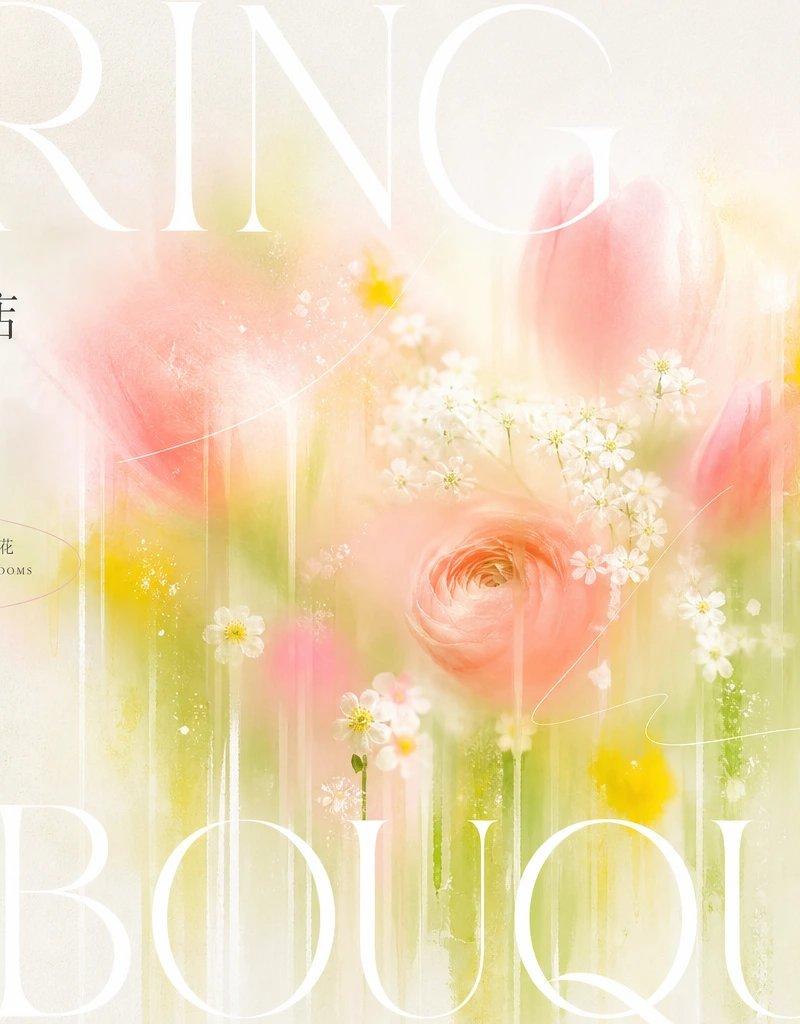
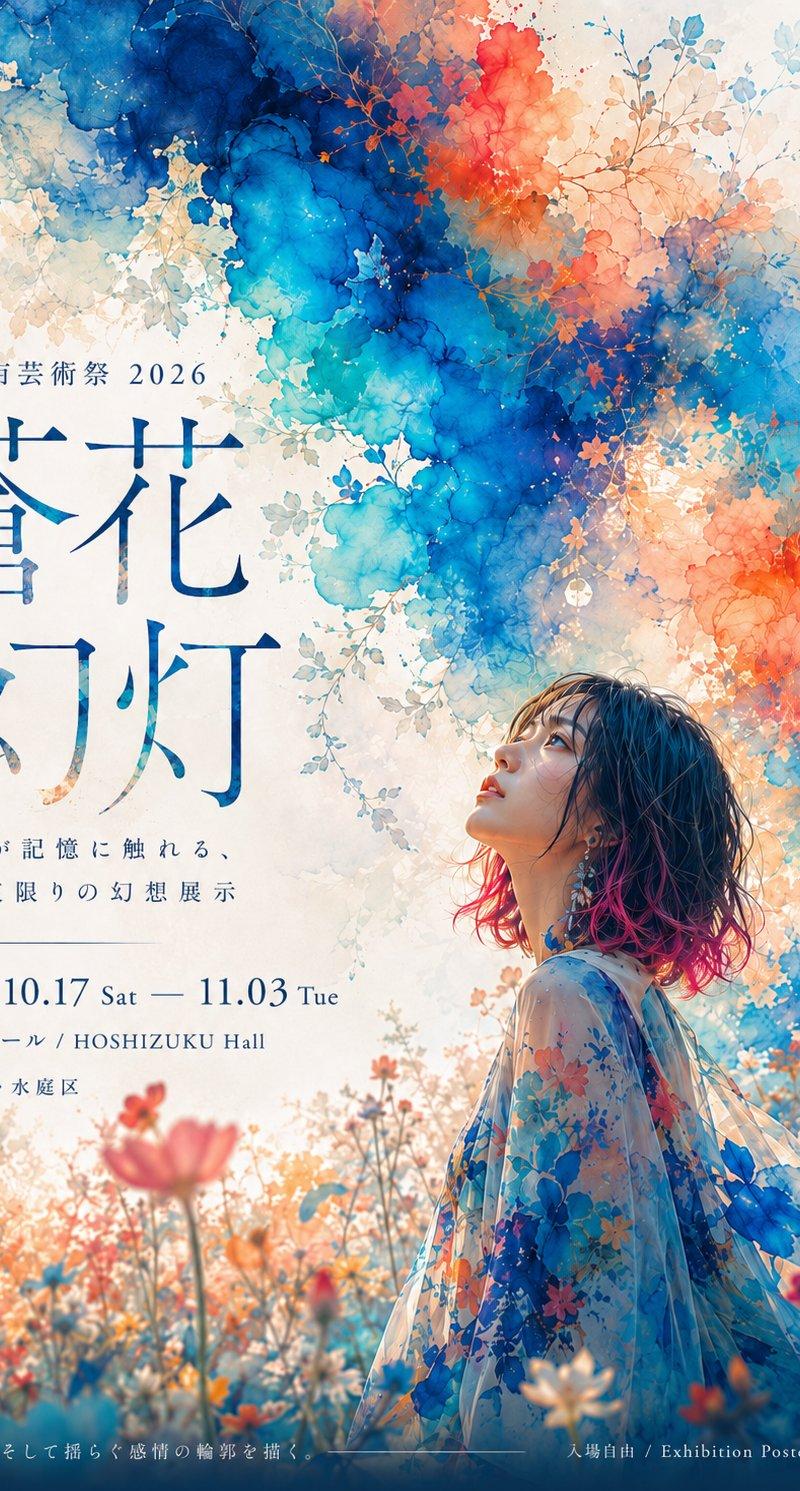
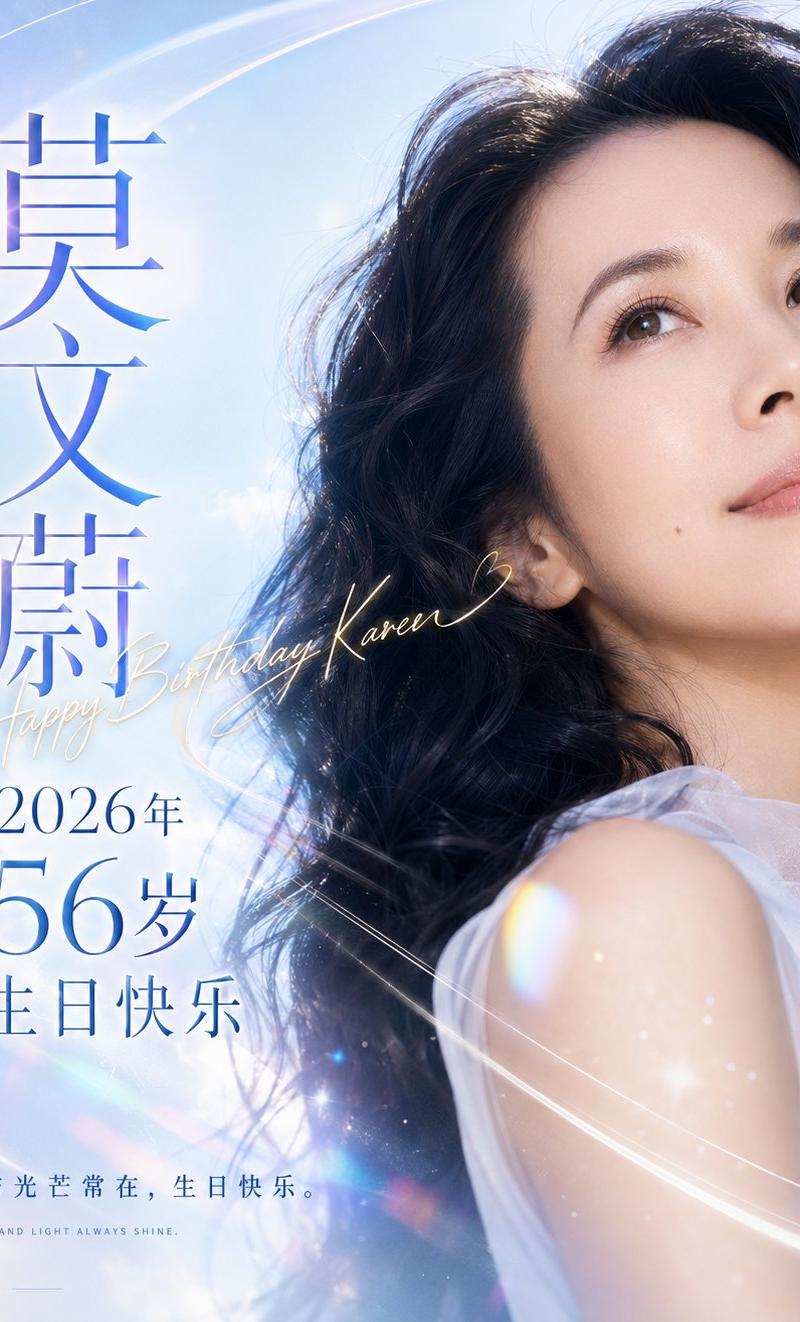
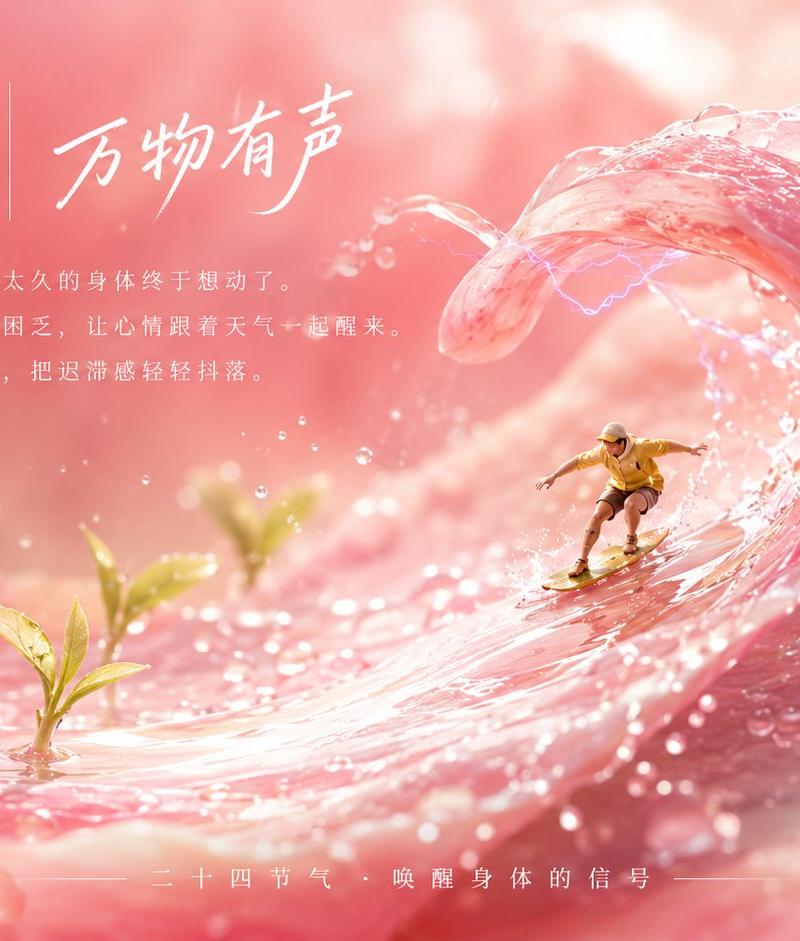
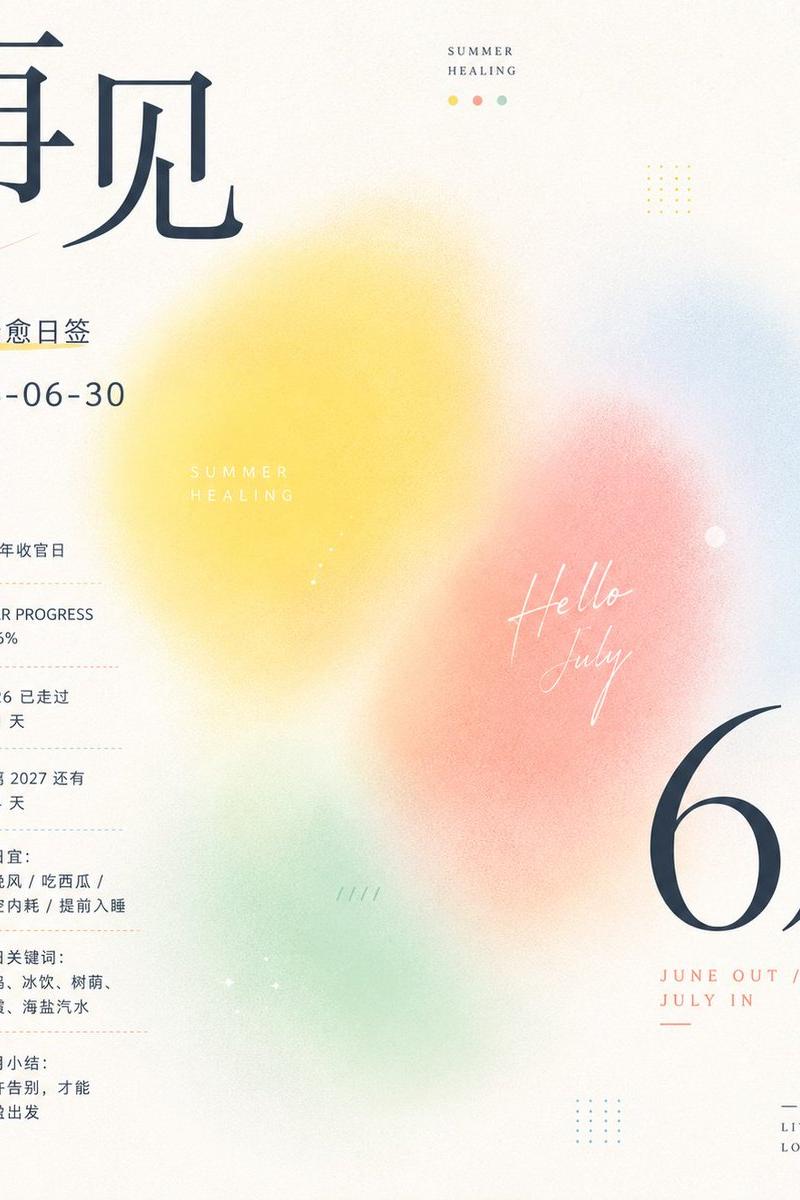
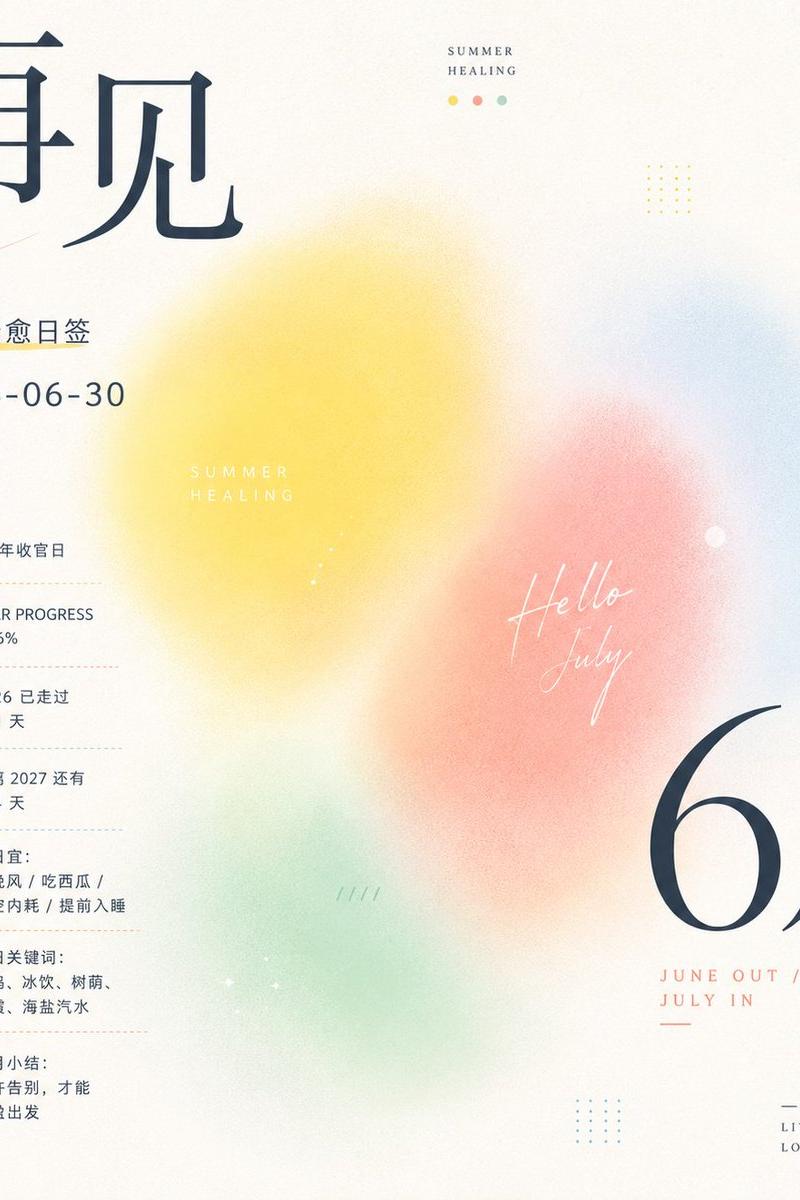
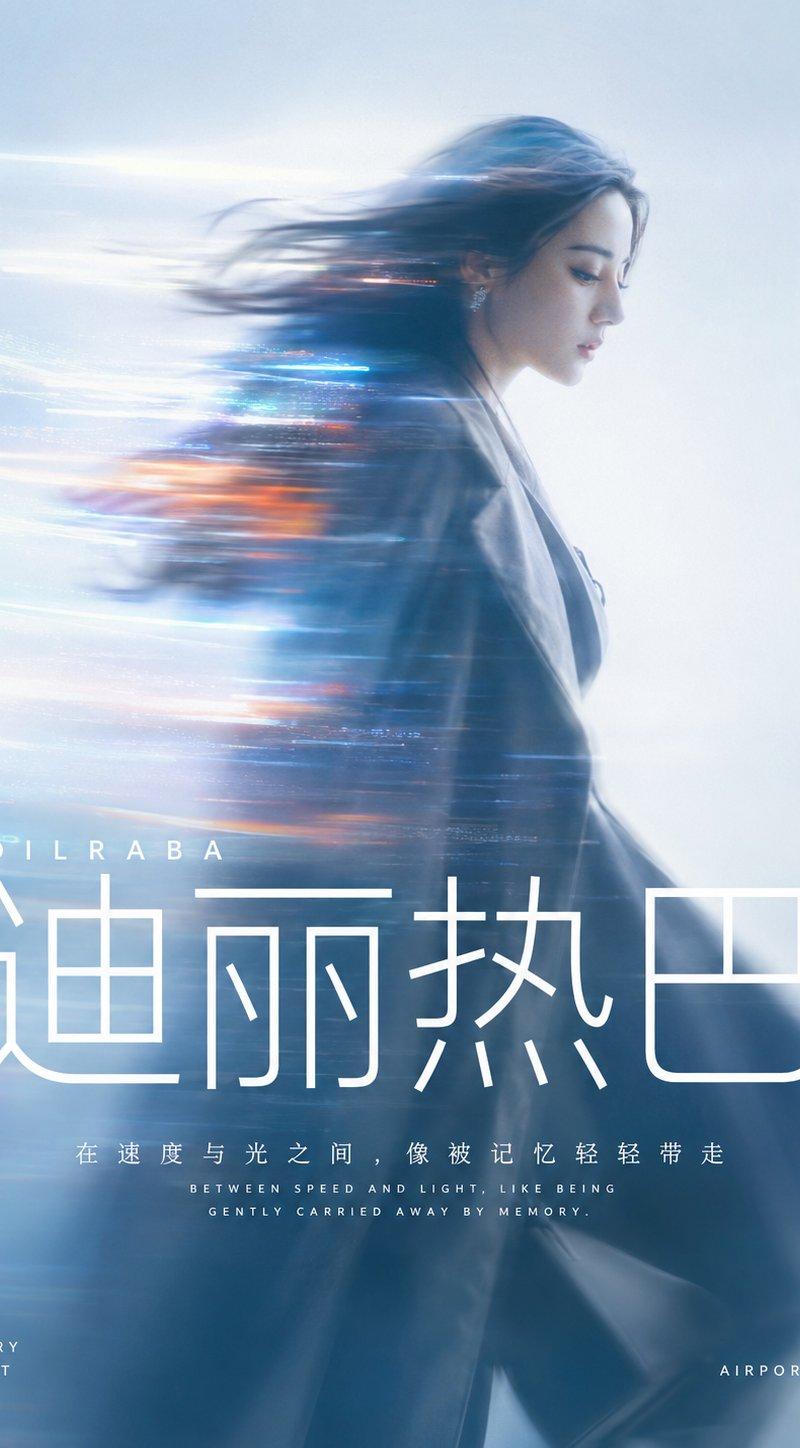
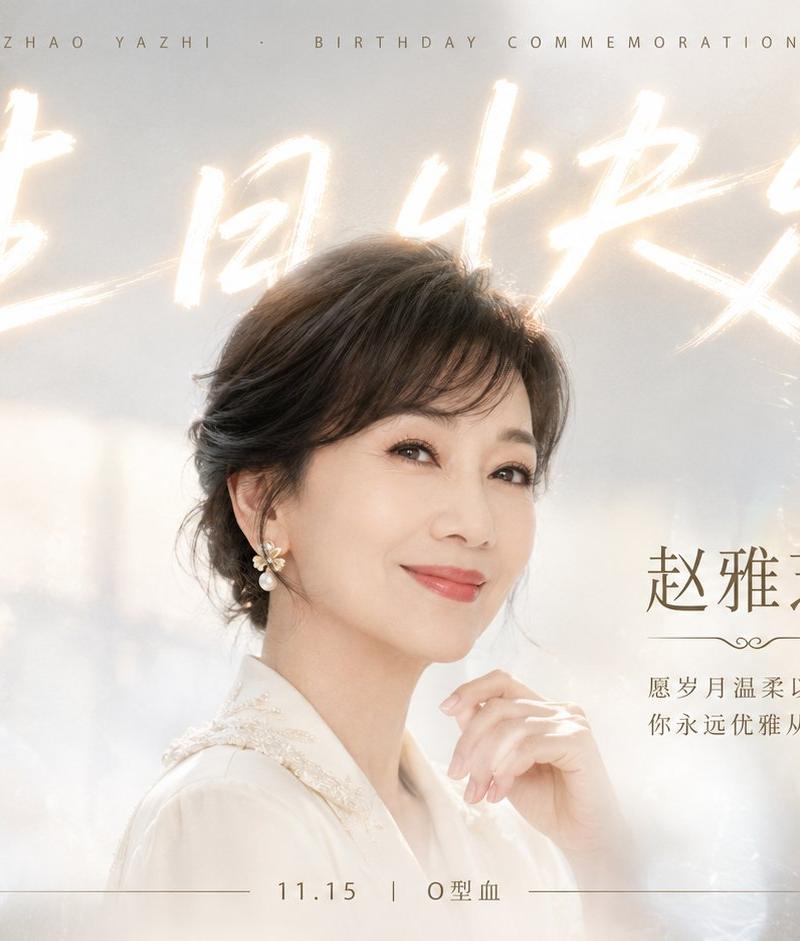
Generate a visual poster based on any theme object featuring a clear information layer and streaming color ribbon mechanism. The image first establishes a lighthearted mood with a large area of bright, clean, and highly airy light-colored background. The main subject is not presented with complete realistic outlines, but is instead abstracted into soft-focus diffused color blocks, slender motion blurs, and translucent light trails, as if stretched by speed, wind, or glass refraction, forming a rhythm from dense to light and from clear to atomized. The material, season, cultural signals, or emotions of the theme itself determine the final hue, maintaining a high-brightness base color, the main theme color occupying the largest visual weight, a small amount of clear accent colors lighting up local areas, and informational text using clear white; this defines the relationship between elements. The color steps should be clear, the saturation light, the warm and cold tones breathing, overall maintaining a bright, light, clear, and clean feel, avoiding muddiness or aging. Text is an important graphic layer, using high-contrast, elegant, and sharp large serif characters as the primary reading point; the theme title is pressed into the top or the edge of the main visual in a very large font size, and Chinese information is organized into text groups of varying density with a formal Songti temperament; some small text forms narrow columns or thin-line rhythms along the edges, with text and color ribbons interlacing but not making each other look dirty. Extremely thin white arcs, elliptical frames, or tiny symbols can be added as light markers, making the information appear to float above the transparent color mist. The overall completion should be like a mix between a high-end event poster and an art book page, with ample white space, a clear visual center of gravity, breathing edges, very light grain texture, and all graphics serving the first-glance memory of "stretched theme color mist in a clear bright field supporting white typography."

Theme for this time: Community Garden Flower Viewing Party Notice, maintain a blue clear background and a flowing sense of pink and green flower shadows.
Activity use: Spring offline event poster for Xiaohongshu/community release.
Requires: Three sets of concise information: date, time, and location, with clear white typography.
Aspect ratio: Vertical 9:16
- Category
- Charts & Infographics
- Model
- ChatGPT
- Creator
- @xiaoxiaodong01
- Source language
- zh-CN
- Source ID
- 16727
- Published
- Jun 24, 2026
Views21