18

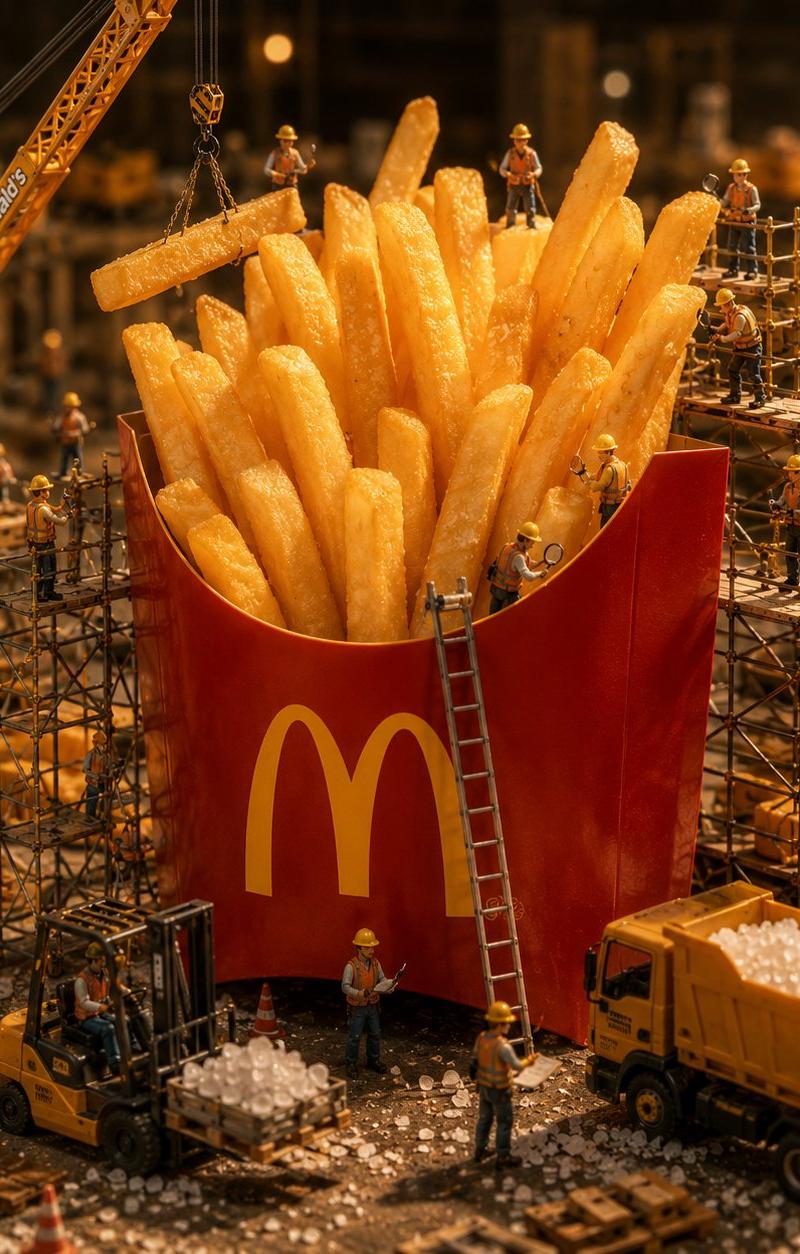
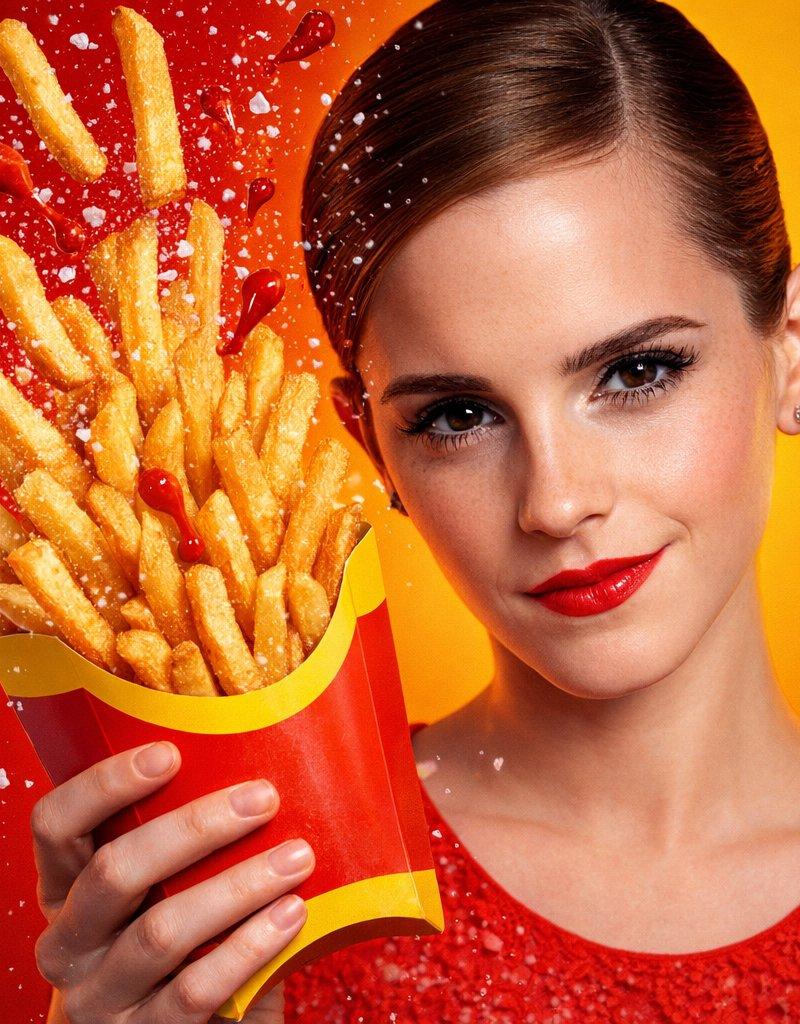
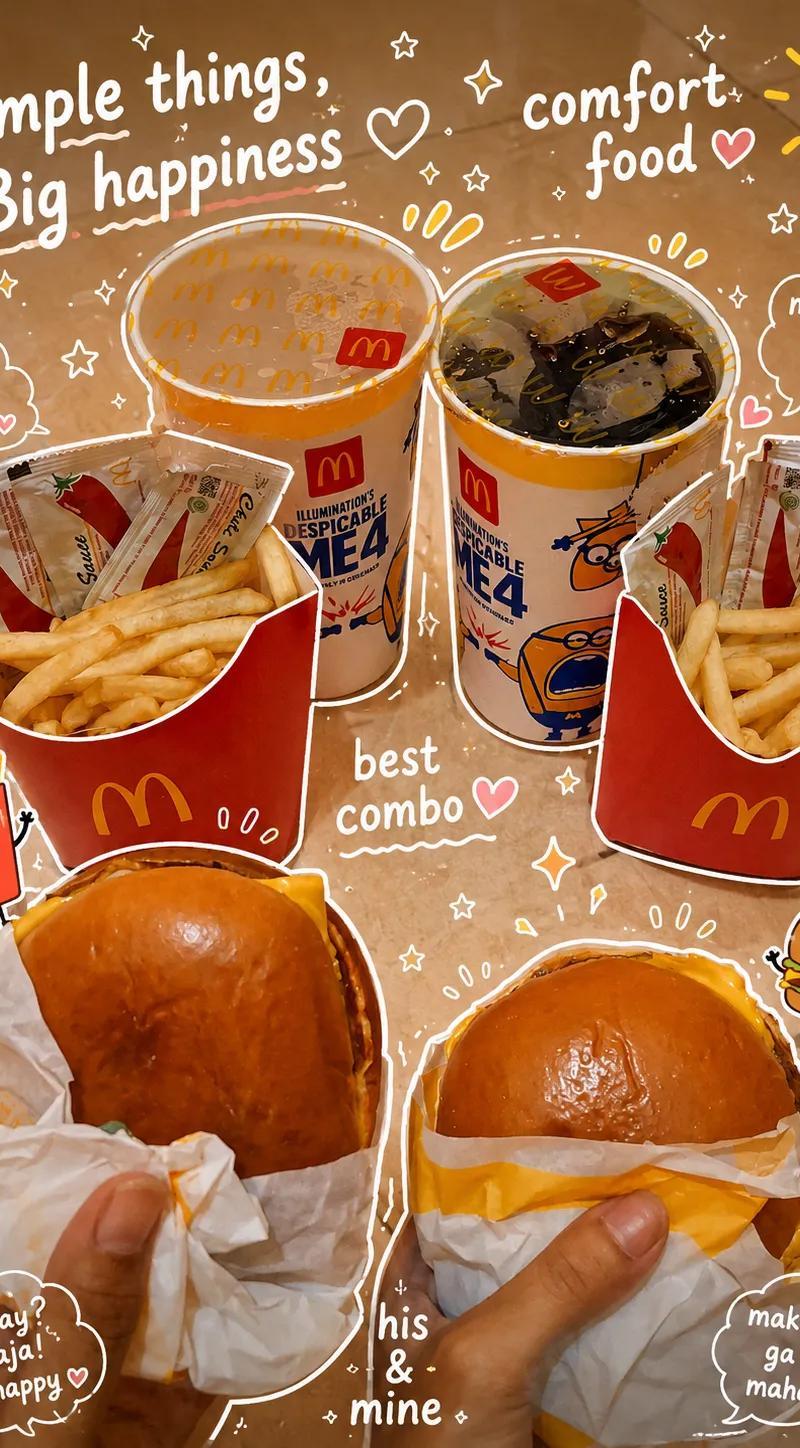
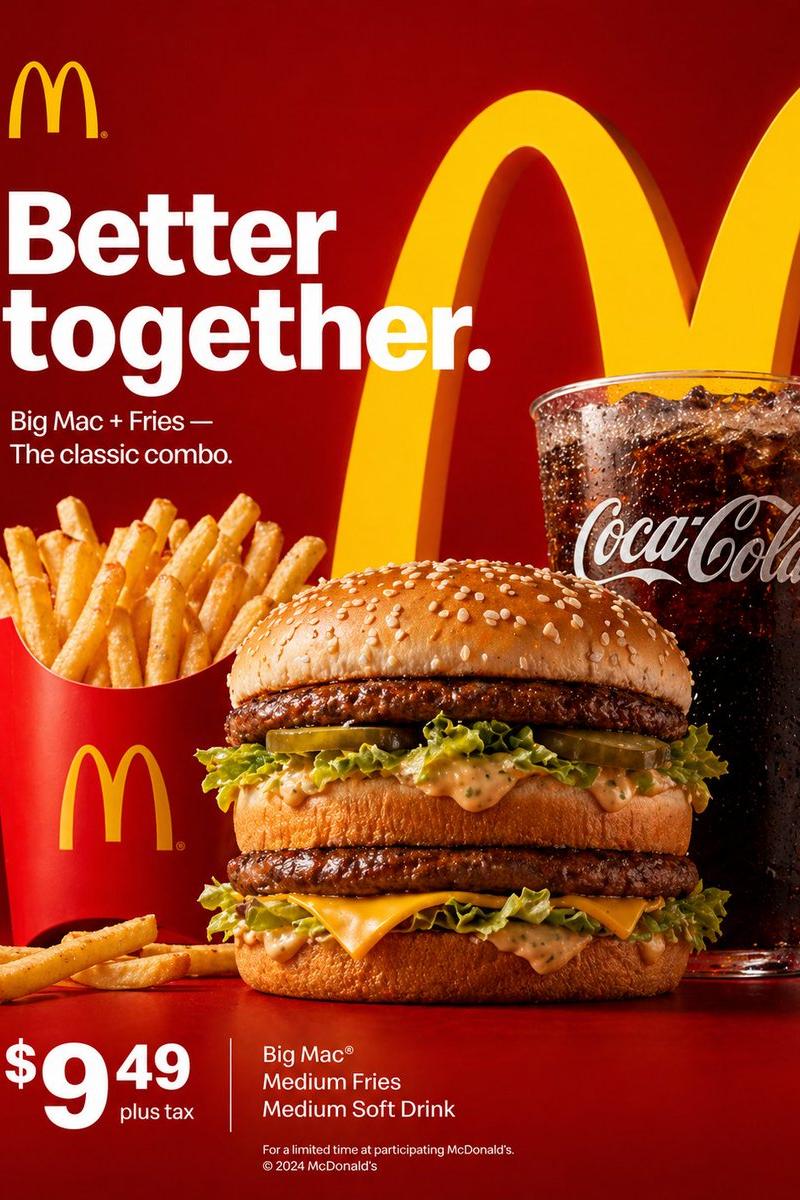
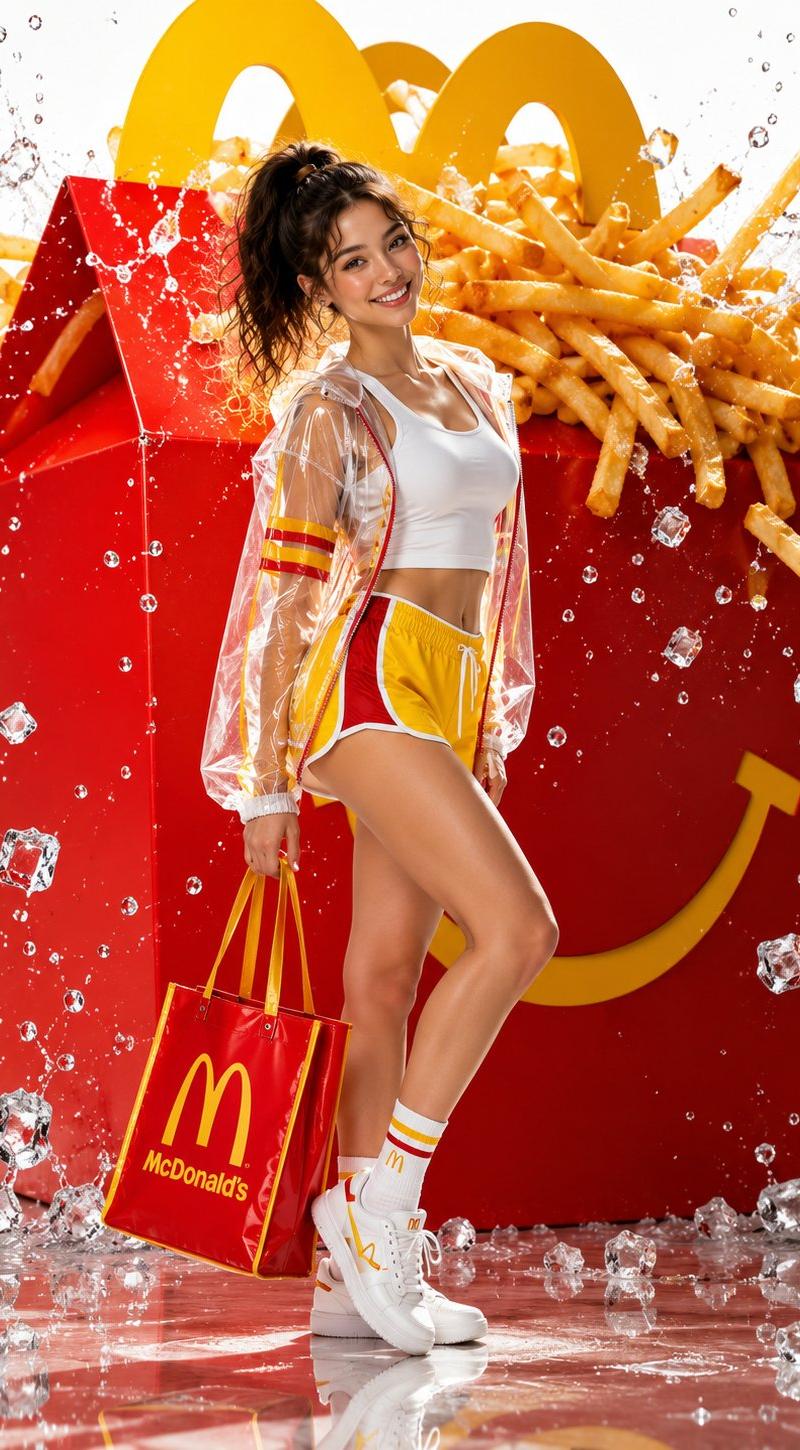
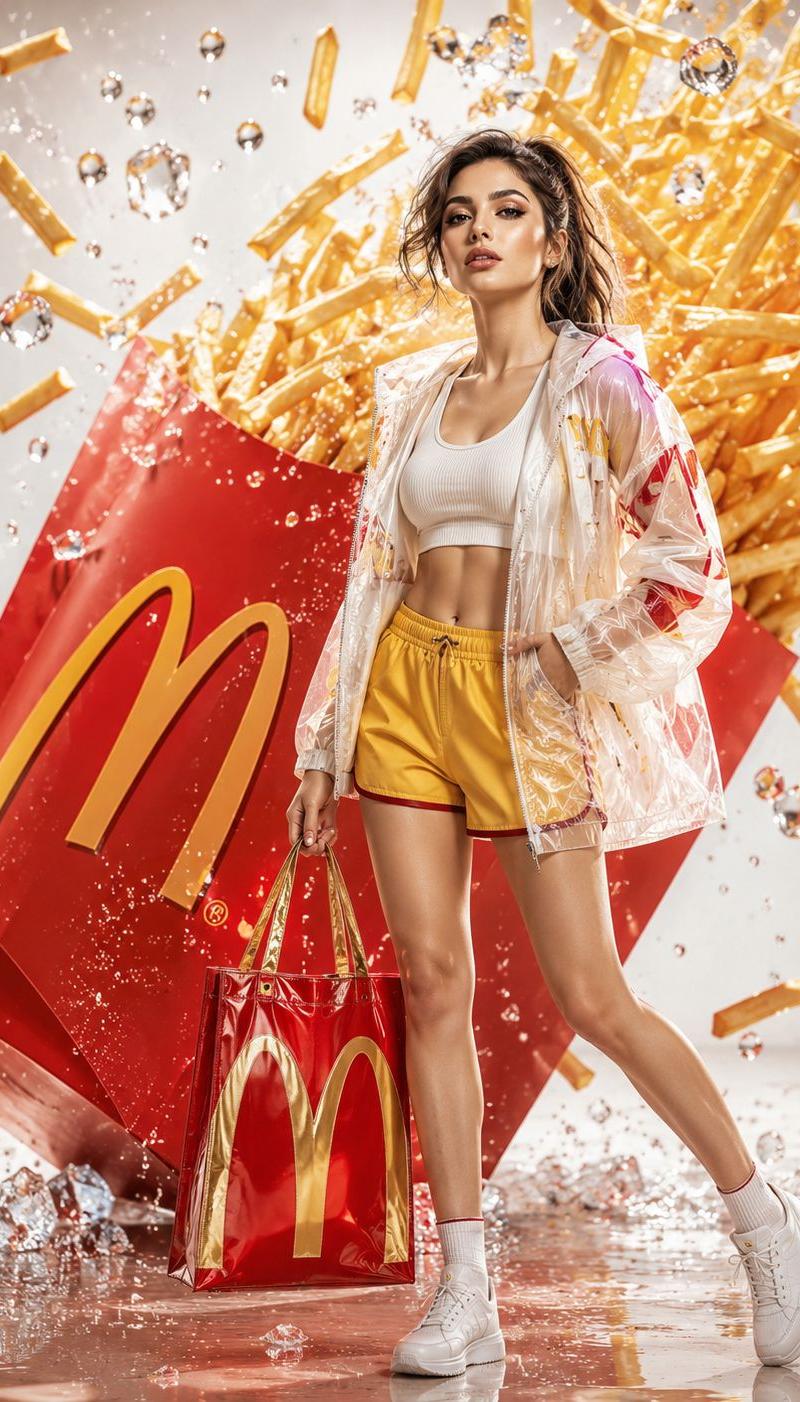
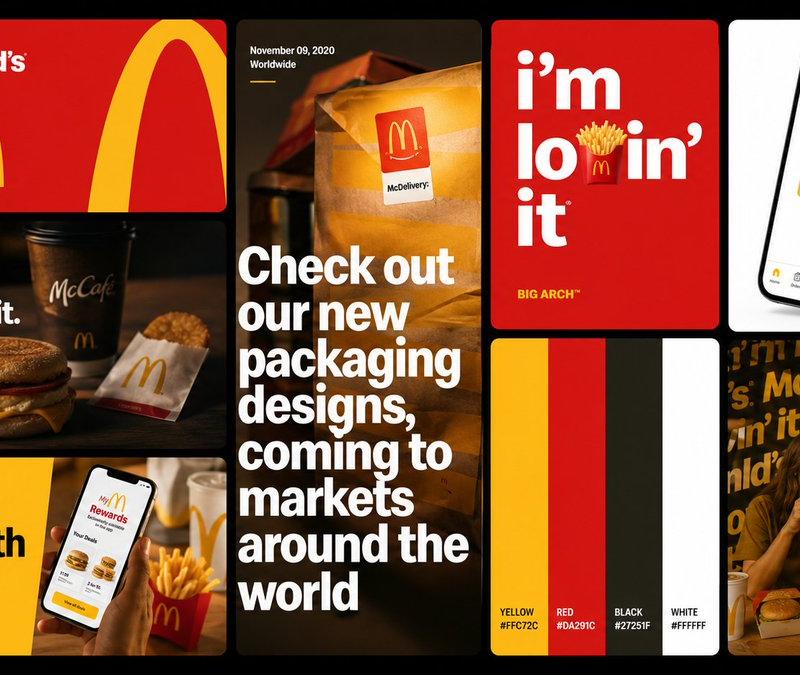
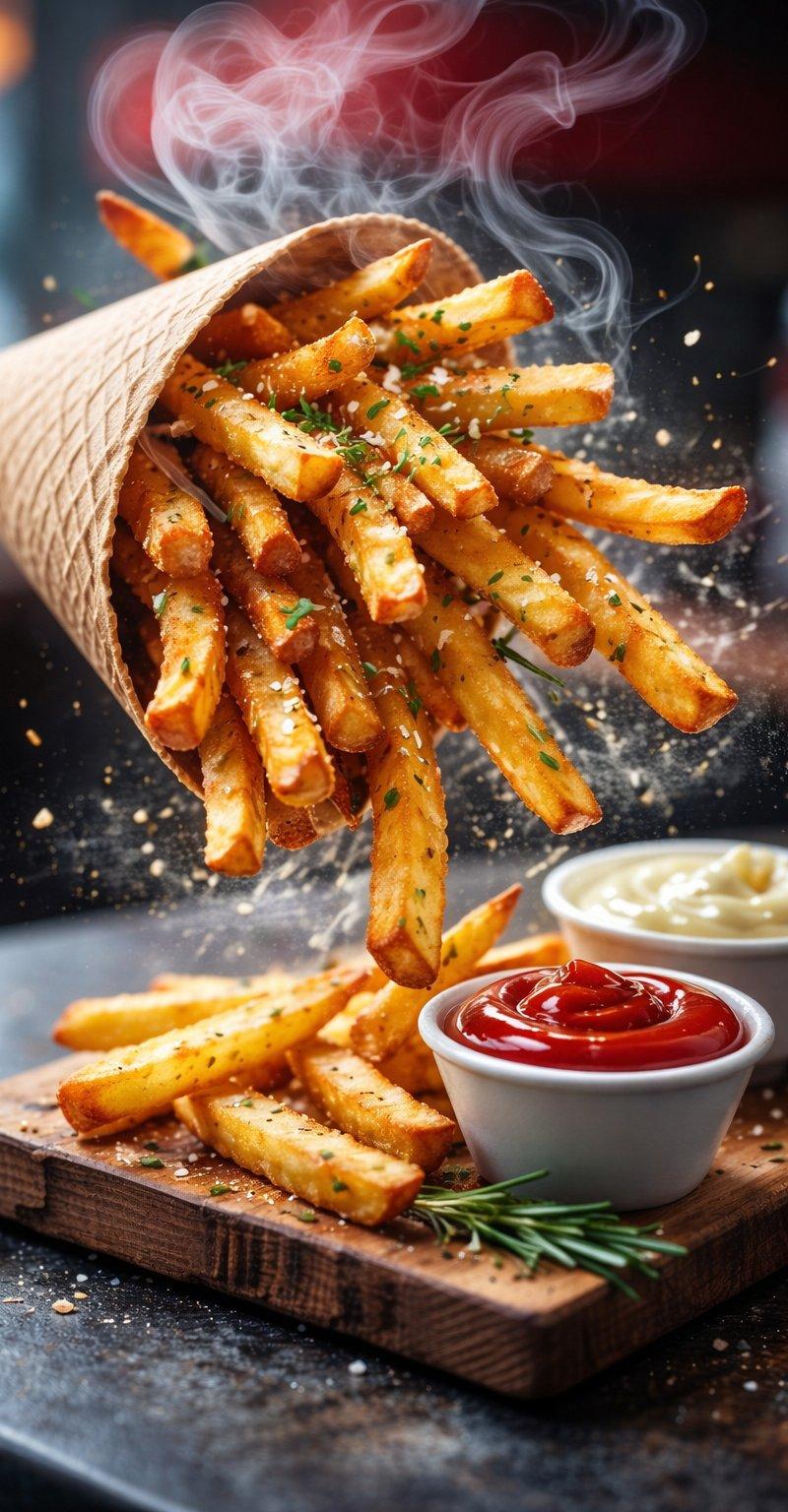
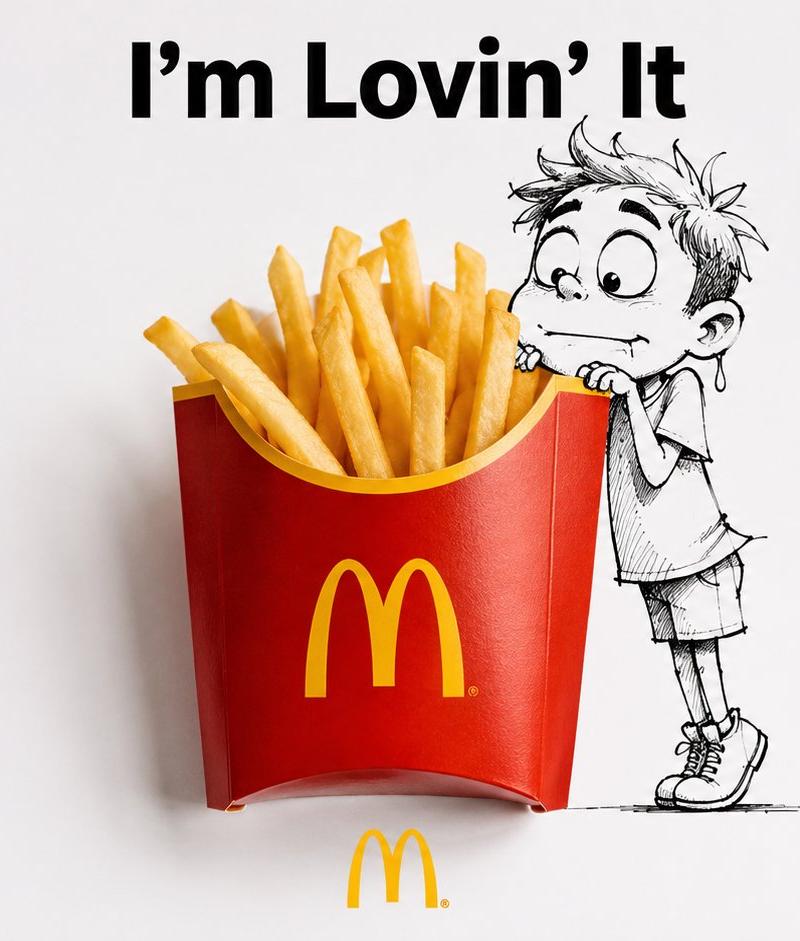
实物与手绘结合的创意品牌广告
Enlarge

Example images

实物与手绘结合的创意品牌广告

Prompt
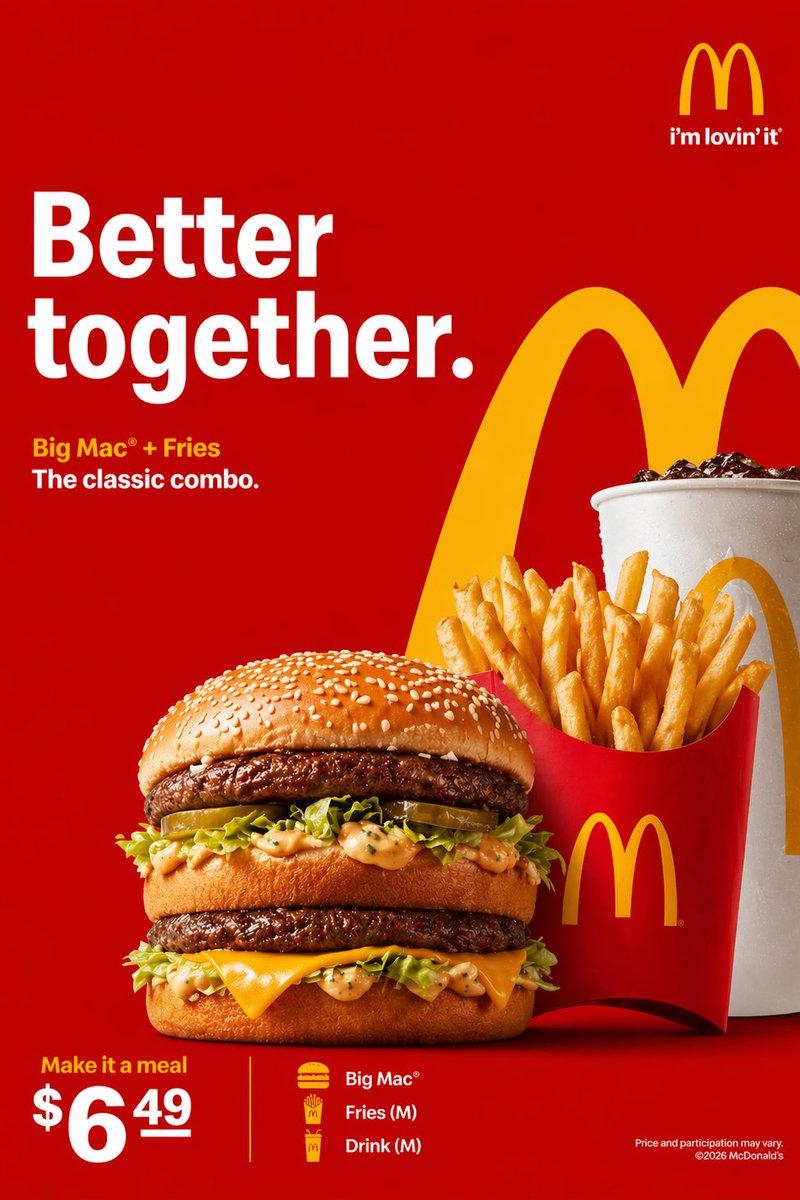
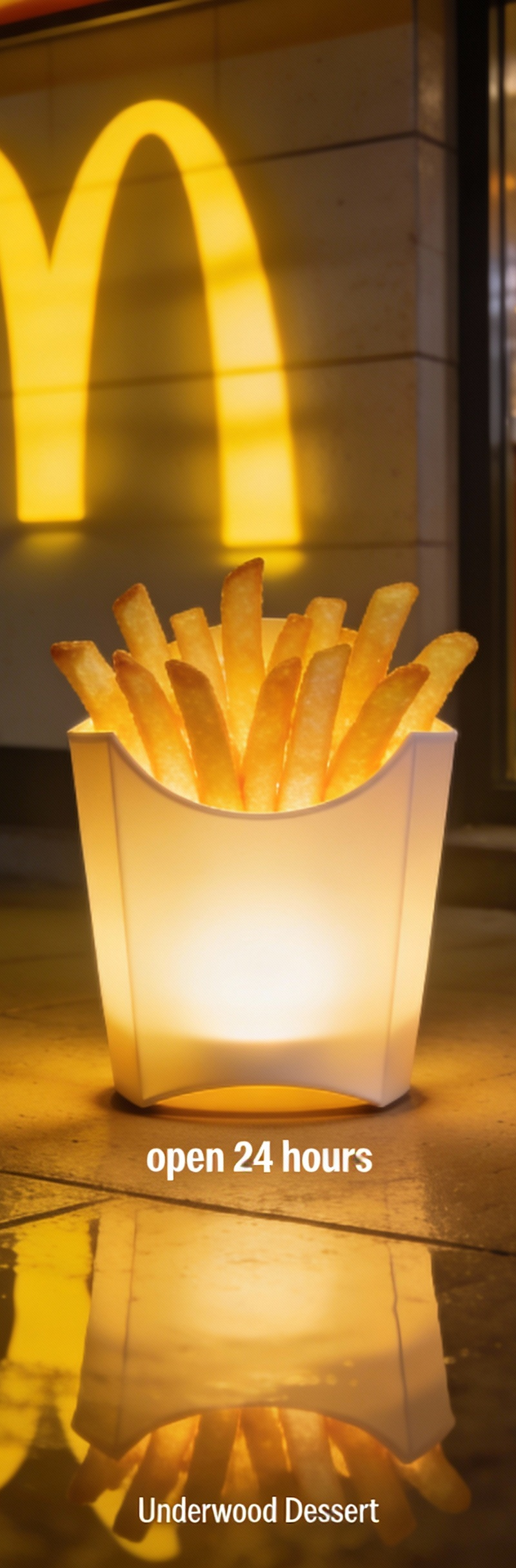
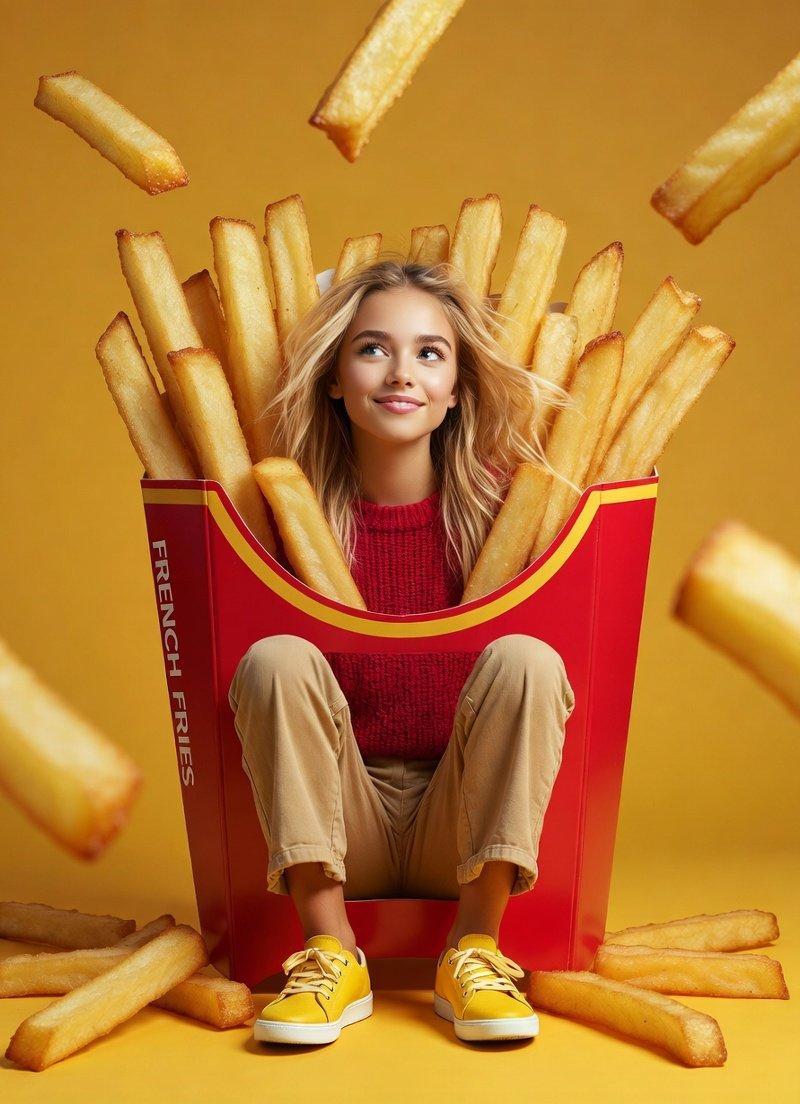
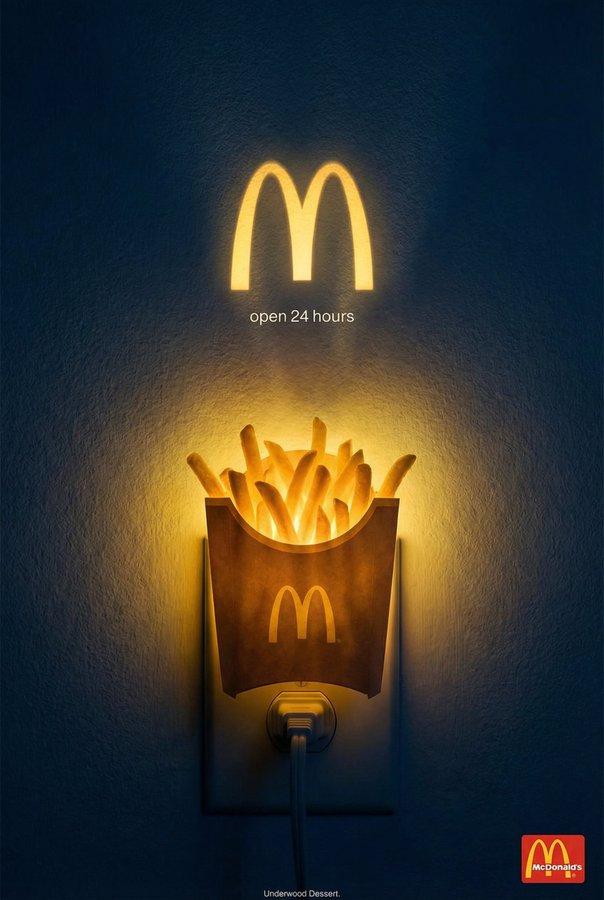
Creative composite brand advertisement, 16:9 horizontal aspect ratio, clean white background, studio lighting, sharp focus. A real-life photograph of a [BRAND PRODUCT] is physically placed and seamlessly integrated with a hand-drawn black ink cartoon illustration. The drawing is simple, expressive line art with minimal shading — like a quick sketch on paper. A cartoon character is [SCENE], interacting naturally with the real product as if it exists in their world. At the top, the [BRAND] slogan in clean bold sans-serif typography. At the bottom, the real brand logo rendered in full original colors and proportions. Photorealistic product + bold black doodle art, perfect seamless blend between drawn and real elements, witty scroll-stopping brand ad aesthetic, high contrast, minimalist composition, trending creative ad design.
Category
Charts & Infographics
Model
ChatGPT
Creator
@ZephyraLeigh
Source language
zh-CN
Views24
Source ID
16200
Published
Jun 17, 2026
Studio

Guide

About "实物与手绘结合的创意品牌广告"

What is this prompt for?

"实物与手绘结合的创意品牌广告" AI image prompt for ChatGPT (Charts & Infographics). 创意合成品牌广告,16:9 横向宽高比,纯净白色背景,影棚灯光,清晰对焦。一张 [品牌产品] 的真实生活照片被物理放置并与手绘黑墨水卡通插图无缝集成。该绘画是简单的、富有表现力的…

The full copyable prompt and example visuals above are ready for AI image generation or one-click recreate in Picva.

How to use this prompt

  1. Step 1

    Open the prompt detail

    Review the example visuals, category, and full prompt text for "实物与手绘结合的创意品牌广告".

  2. Step 2

    Copy the prompt

    Copy the prompt body from this page, or load it directly in Studio.

  3. Step 3

    Pick a model (ChatGPT)

    Prefer ChatGPT. If you switch models, keep subject and composition and tweak style terms.

  4. Step 4

    Generate and export

    Recreate the look in Picva, or export into your workflow for editing and publishing.

FAQ

What is the "实物与手绘结合的创意品牌广告" prompt?
It is an AI image-generation prompt for ChatGPT in the Charts & Infographics category. This page includes the full prompt text, example visuals, and a one-click recreate path in Picva.
How do I use this prompt to generate an image?
Copy the prompt from this page, or use Generate / Studio. Paste it into a compatible image model, or recreate the look in Picva with optional reference images.
Which model is this prompt for?
This page lists ChatGPT. Most descriptive prompts also transfer to nearby image models such as GPT Image, Flux, or Midjourney with light style tweaks.
Can I use the result commercially?
You can usually copy the prompt for creation, but commercial use of the final image depends on the model terms, reference-image rights, and the generated content. Follow the source author and platform rules.