17

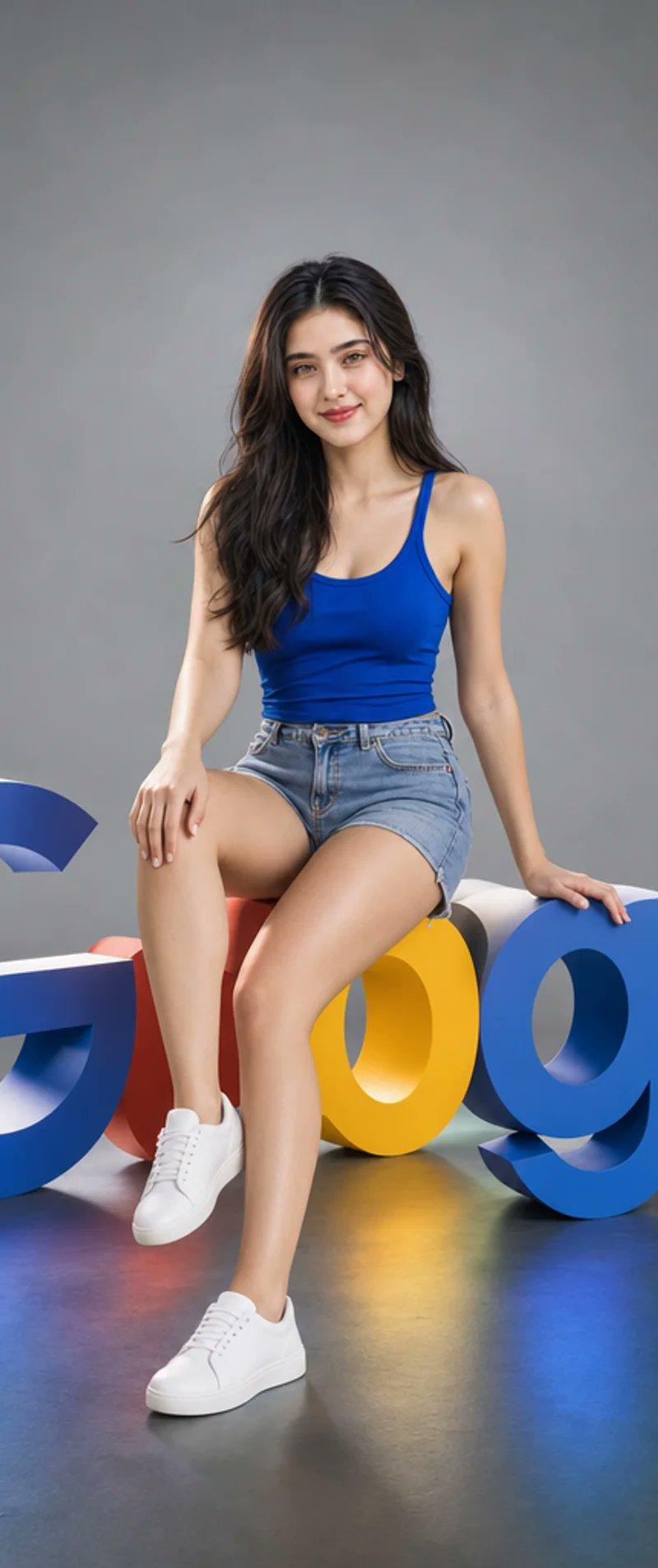
巨大Messenger图标旁的女性AI创意者
Enlarge

Example images

巨大Messenger图标旁的女性AI创意者

Prompt
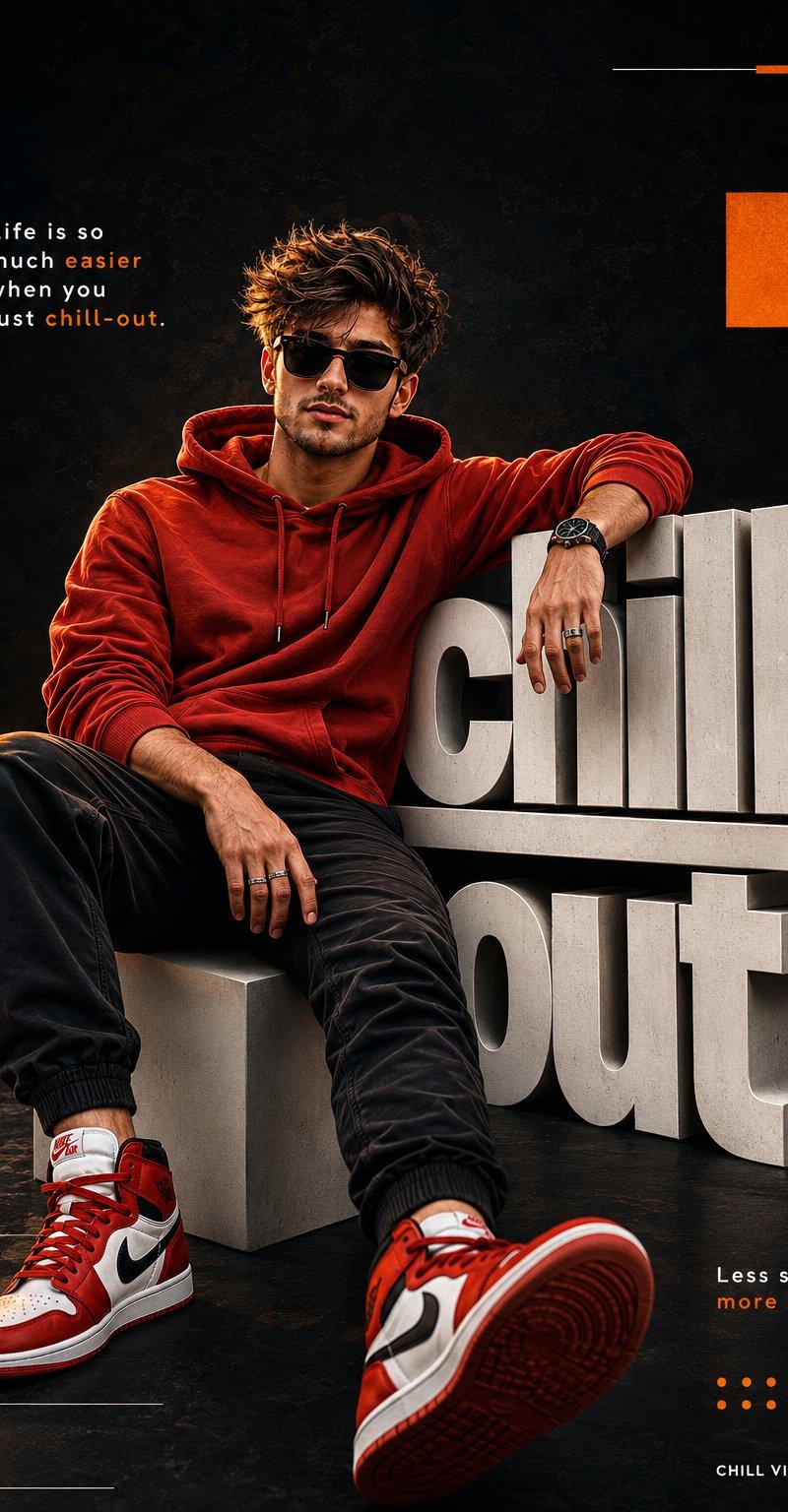
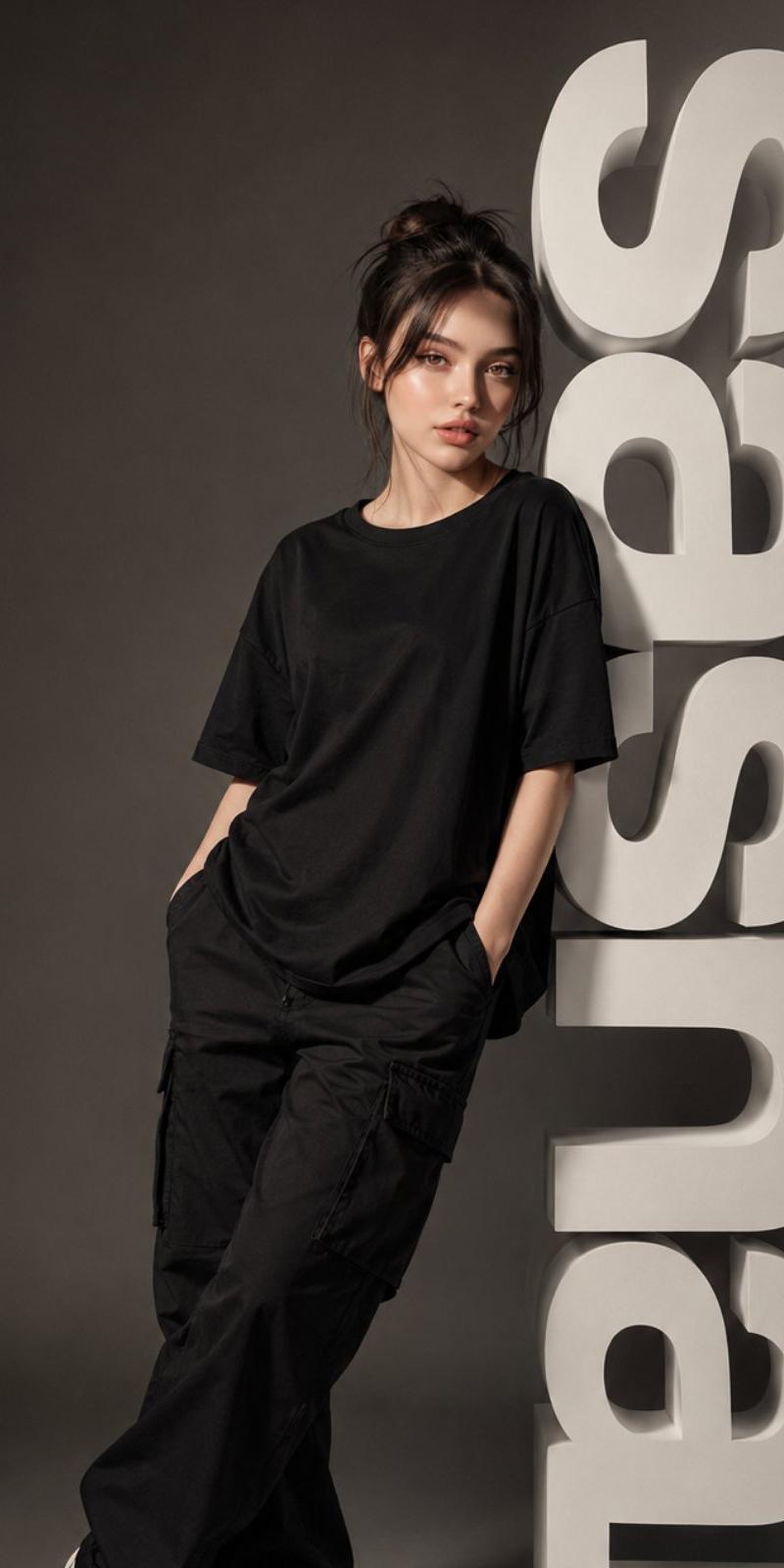
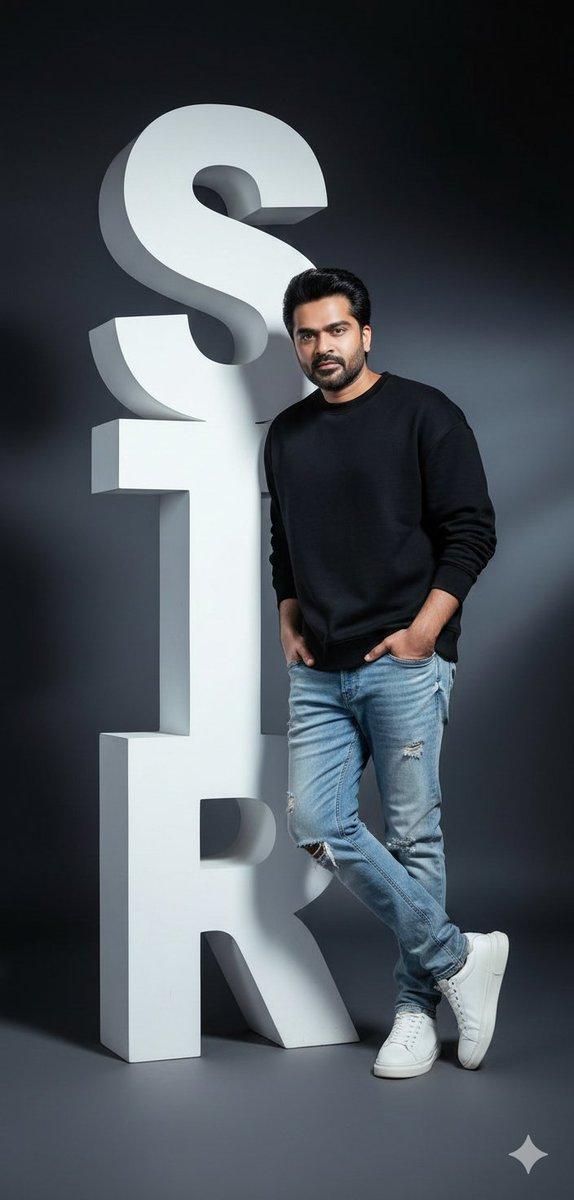
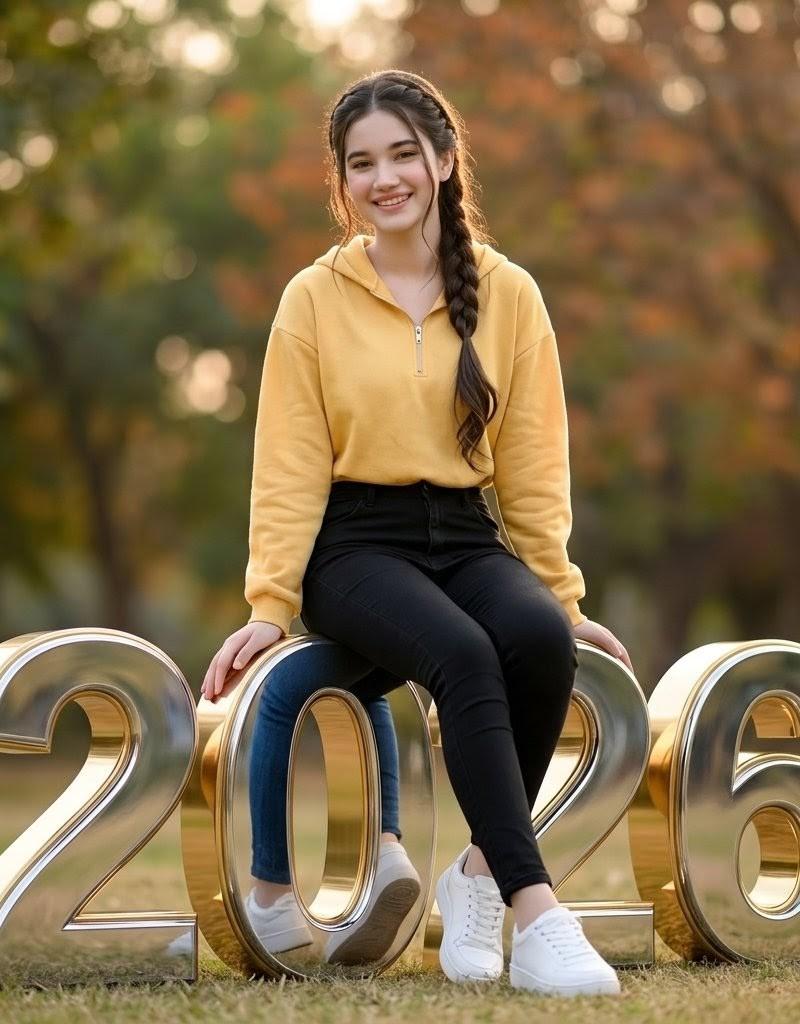
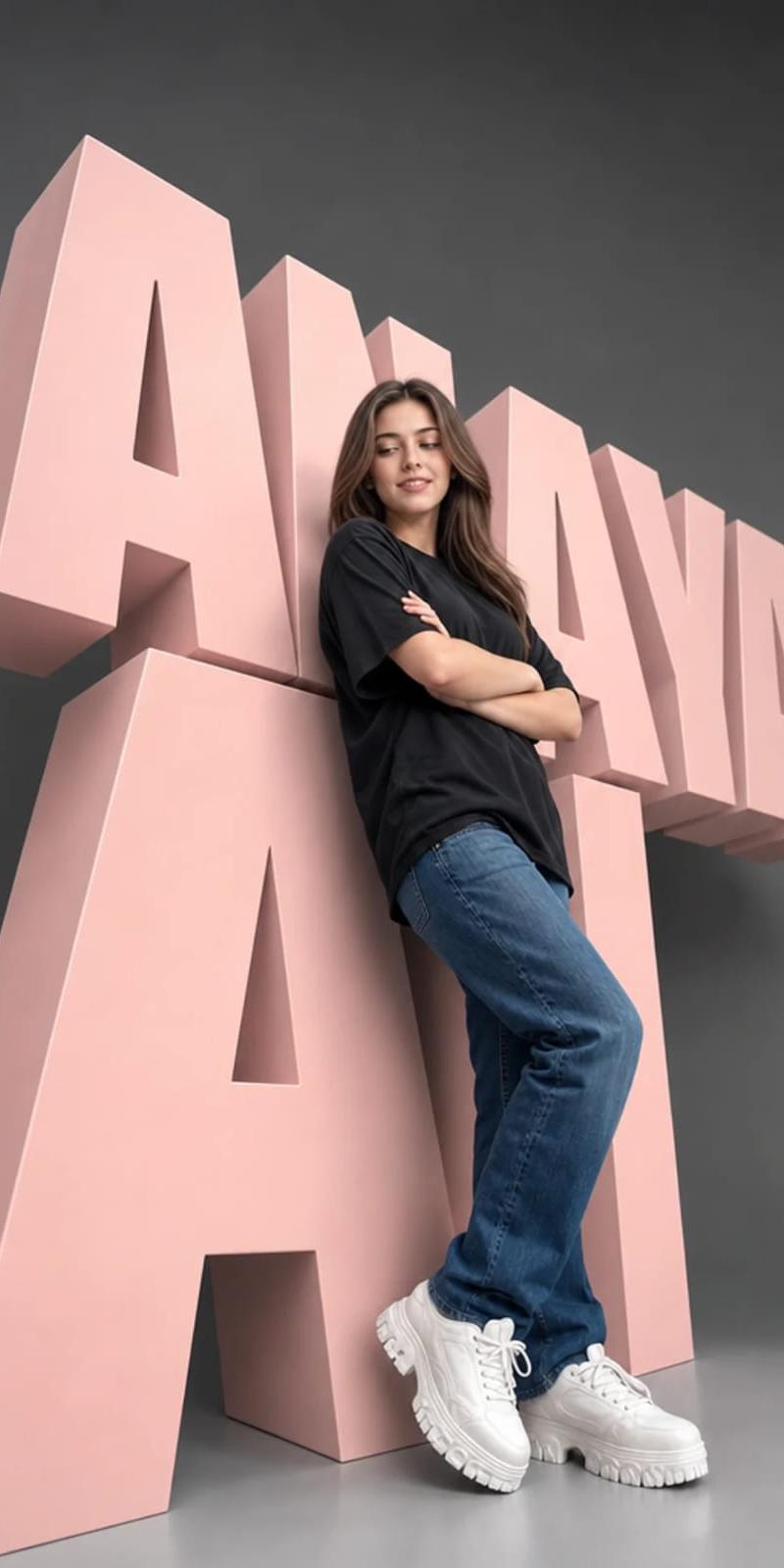
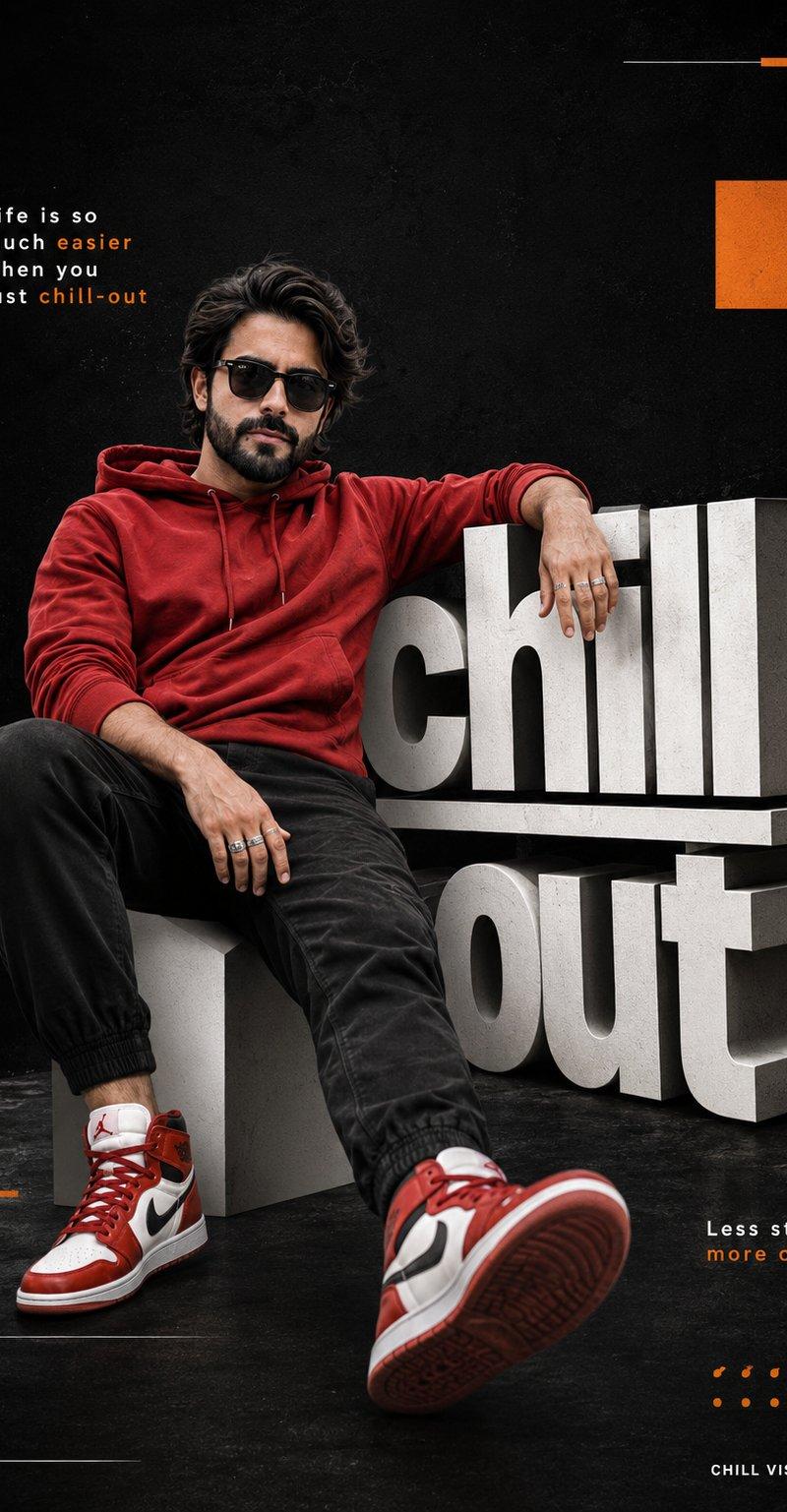
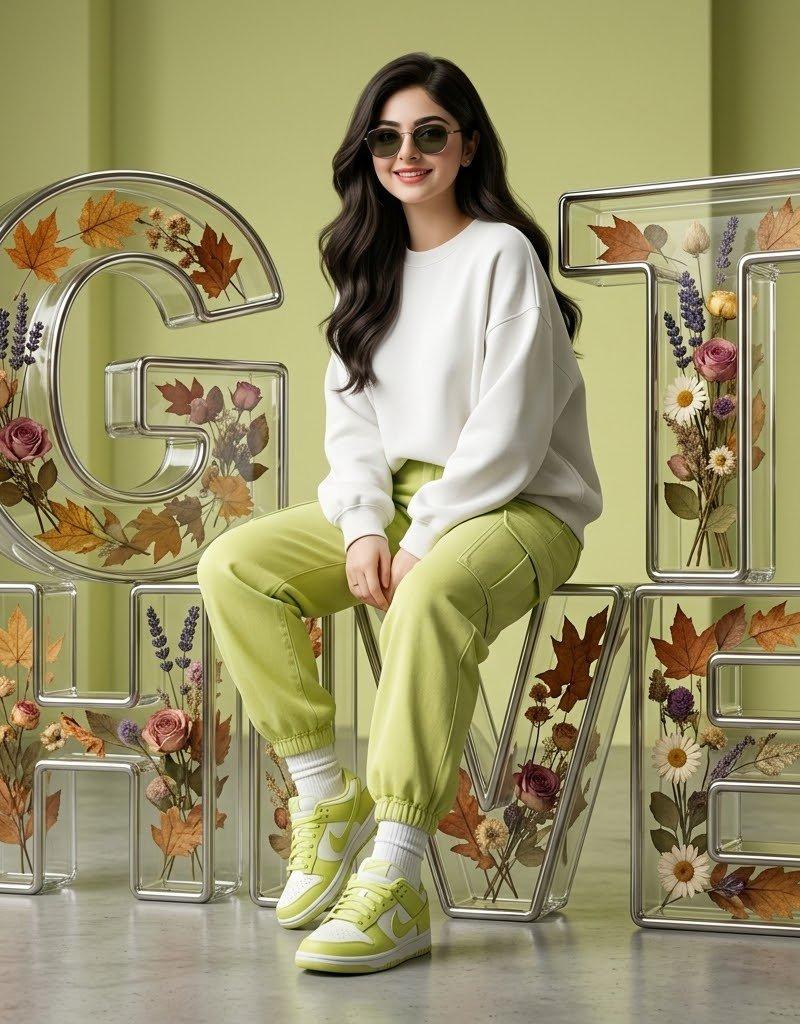
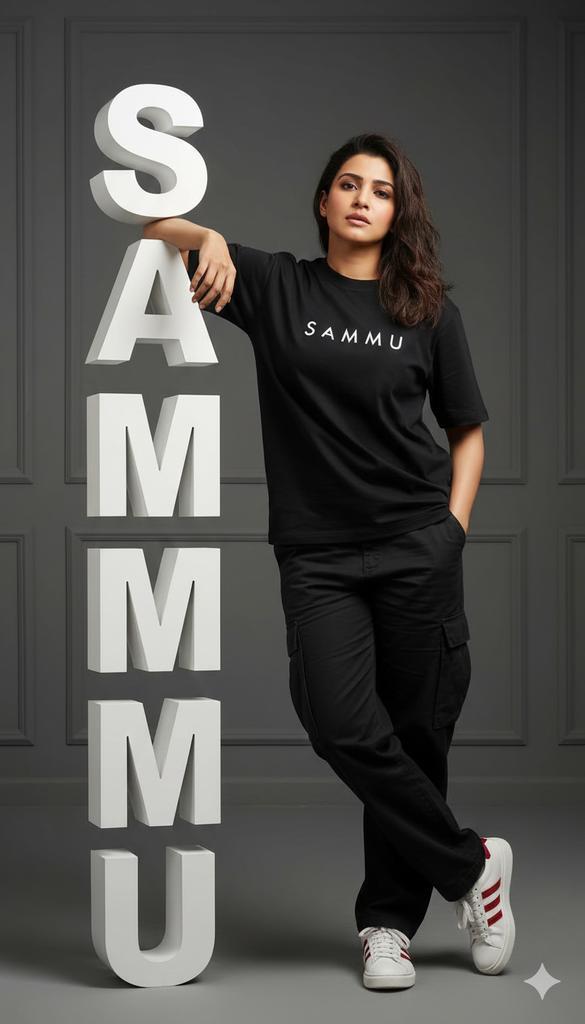
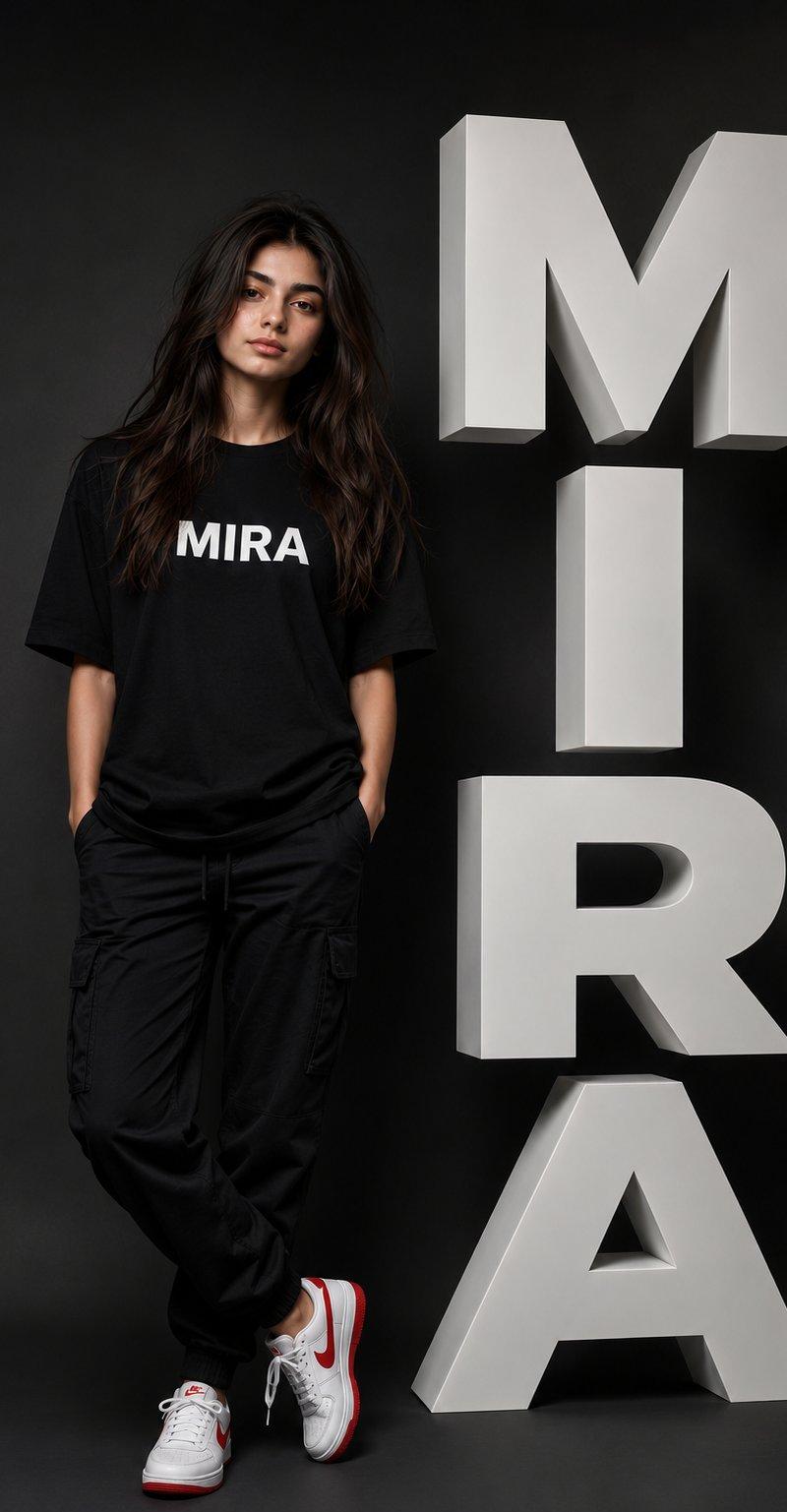
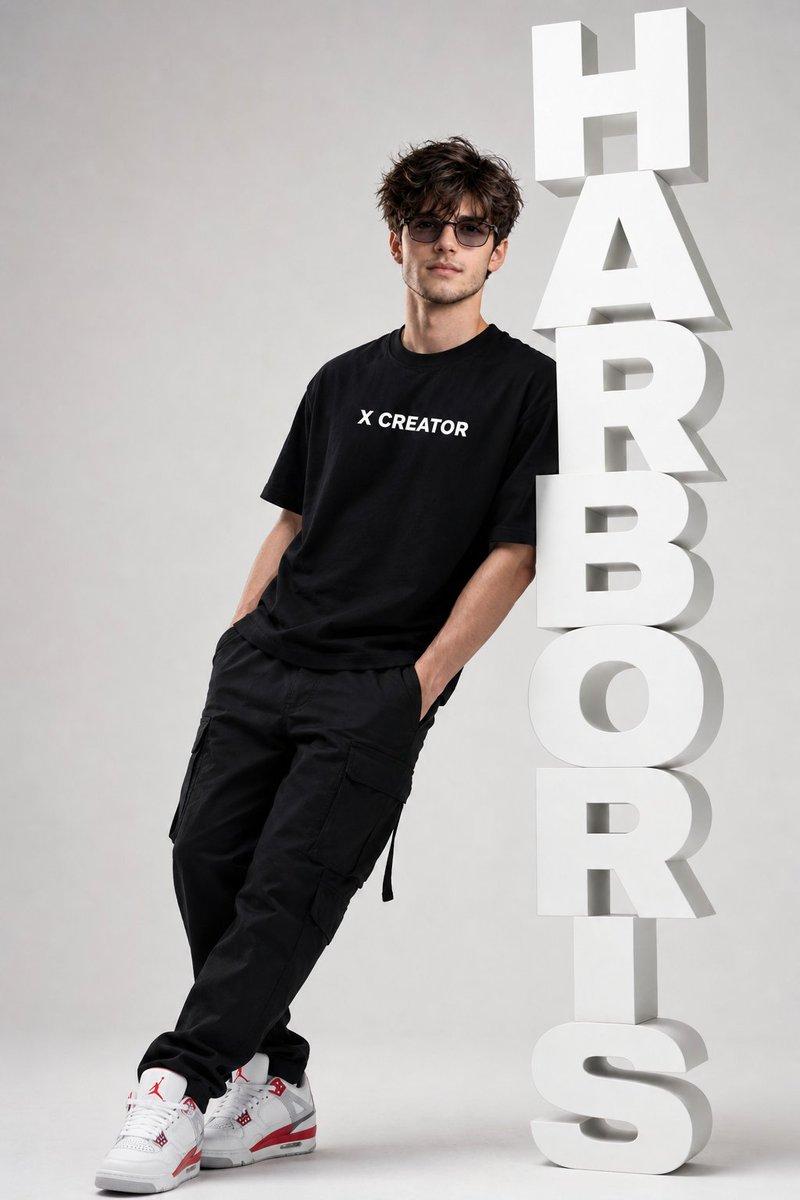
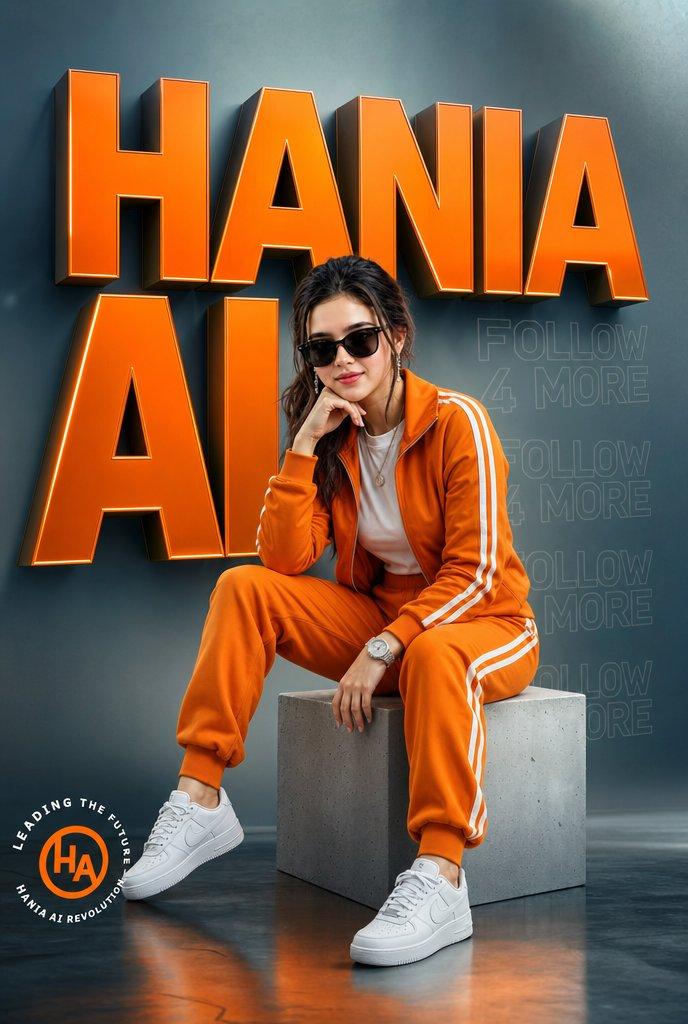
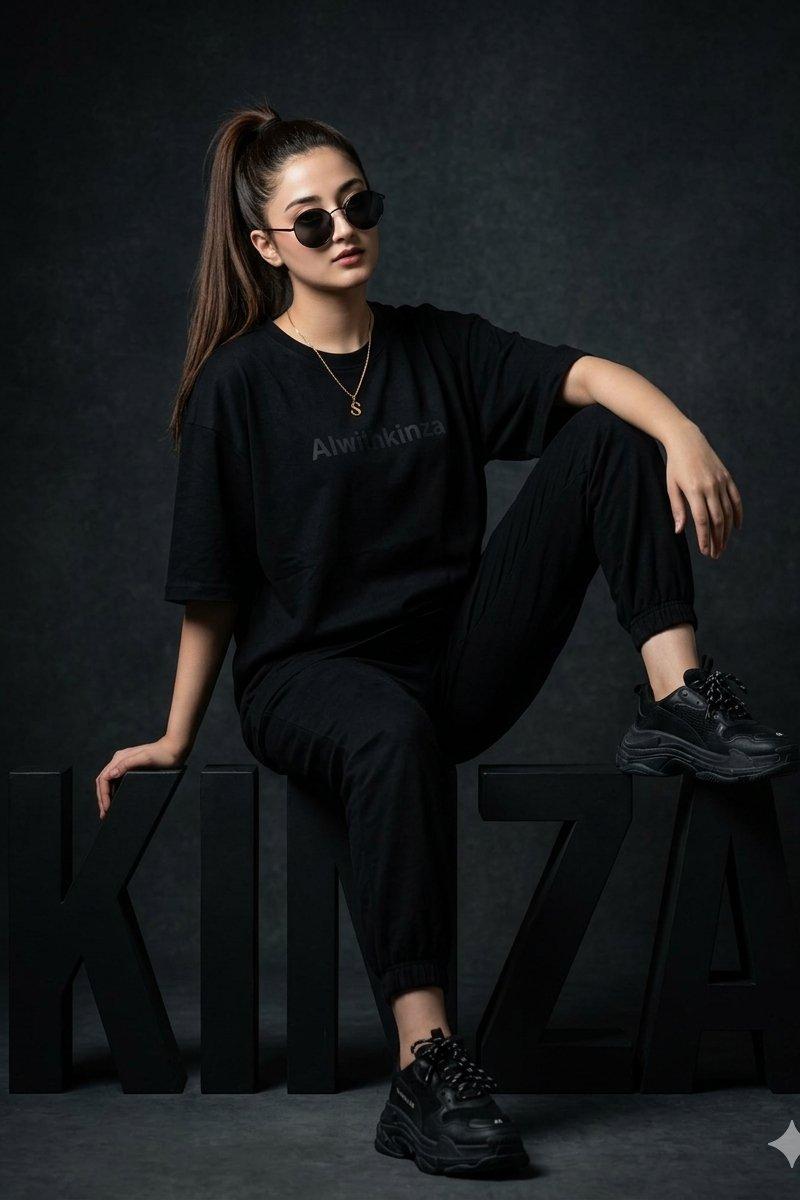
Ultra-realistic professional full-body studio portrait of an AI Creator standing and leaning casually against a giant freestanding 3D Messenger icon logo. The woman is wearing a stylish and youthful outfit that complements the Messenger color palette: light-wash high-waisted denim shorts, a fitted periwinkle blue ribbed tank top, and clean white sneakers. She haa a normal hair worn down, soft natural makeup, and thin elegant eyeglasses with a warm, confident smile. No headscarf. One arm is resting naturally against the oversized Messenger logo while the other hand is casually placed inside her shorts pocket. The giant Messenger logo features vibrant purple, blue, and pink gradient tones with glossy realistic textures. Clean minimalist studio background with a subtle purple, blue, and pink reflective glow on the floor that matches the Messenger brand colors. Cinematic soft lighting, realistic shadows, ultra-detailed fabric textures, premium advertising photography style, centered composition, sharp focus, professional AI Creator aesthetic. Add a stylish pedestal base with the text “HANIA PROMPT” and below it “AI CREATOR” in elegant modern typography. Branded with “MATATQUIN” aesthetic, ultra-realistic, 8K quality, highly detailed, luxury studio photography.
9:16 ratio
Category
Charts & Infographics
Model
ChatGPT
Creator
@HaniaAi12
Source language
zh-CN
Views145
Source ID
16376
Published
Jun 20, 2026
Studio

Guide

About "巨大Messenger图标旁的女性AI创意者"

What is this prompt for?

"巨大Messenger图标旁的女性AI创意者" AI image prompt for ChatGPT (Charts & Infographics). 超现实专业全身摄影棚肖像,一位AI创意者站立并自然地靠在一个巨大的独立3D Messenger图标上。这位女性穿着时尚且年轻的服装,与Messenger的色调相得…

The full copyable prompt and example visuals above are ready for AI image generation or one-click recreate in Picva.

How to use this prompt

  1. Step 1

    Open the prompt detail

    Review the example visuals, category, and full prompt text for "巨大Messenger图标旁的女性AI创意者".

  2. Step 2

    Copy the prompt

    Copy the prompt body from this page, or load it directly in Studio.

  3. Step 3

    Pick a model (ChatGPT)

    Prefer ChatGPT. If you switch models, keep subject and composition and tweak style terms.

  4. Step 4

    Generate and export

    Recreate the look in Picva, or export into your workflow for editing and publishing.

FAQ

What is the "巨大Messenger图标旁的女性AI创意者" prompt?
It is an AI image-generation prompt for ChatGPT in the Charts & Infographics category. This page includes the full prompt text, example visuals, and a one-click recreate path in Picva.
How do I use this prompt to generate an image?
Copy the prompt from this page, or use Generate / Studio. Paste it into a compatible image model, or recreate the look in Picva with optional reference images.
Which model is this prompt for?
This page lists ChatGPT. Most descriptive prompts also transfer to nearby image models such as GPT Image, Flux, or Midjourney with light style tweaks.
Can I use the result commercially?
You can usually copy the prompt for creation, but commercial use of the final image depends on the model terms, reference-image rights, and the generated content. Follow the source author and platform rules.