手机遮脸二次元滤镜错觉摄影
Prompt
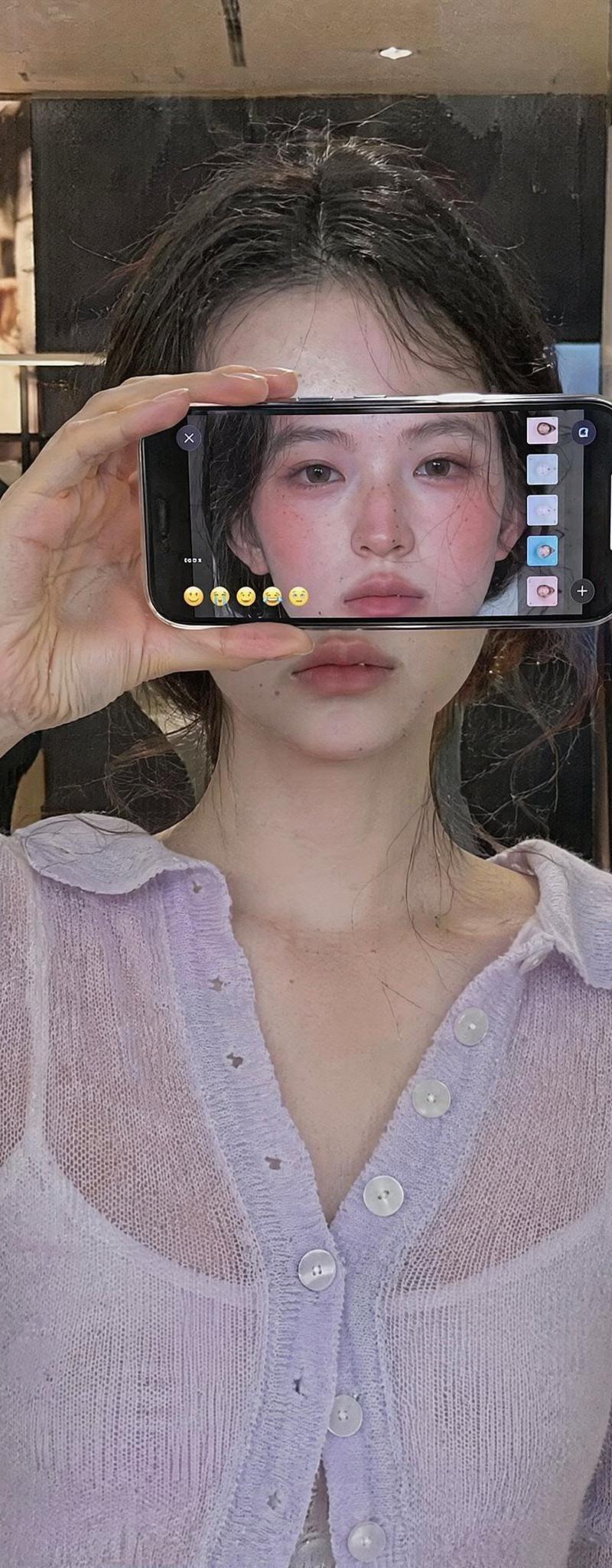
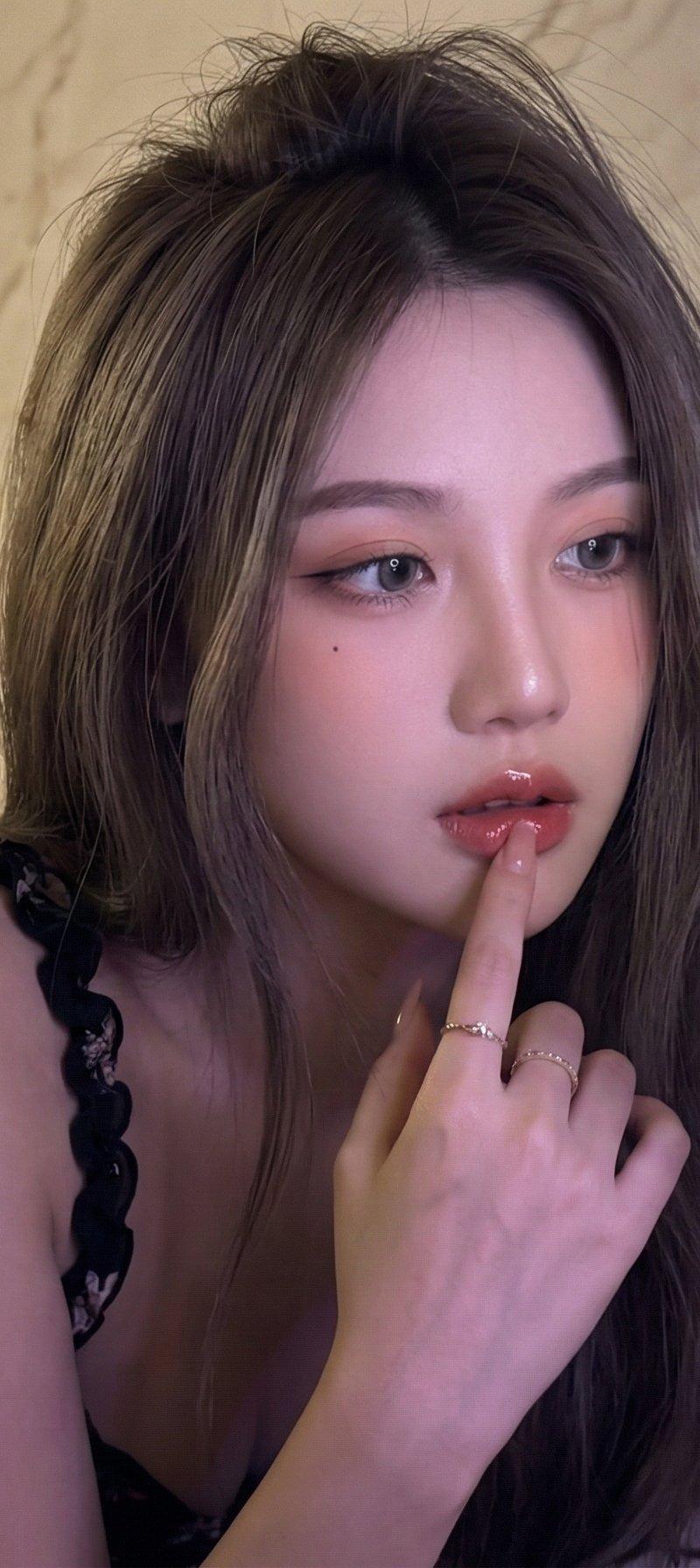
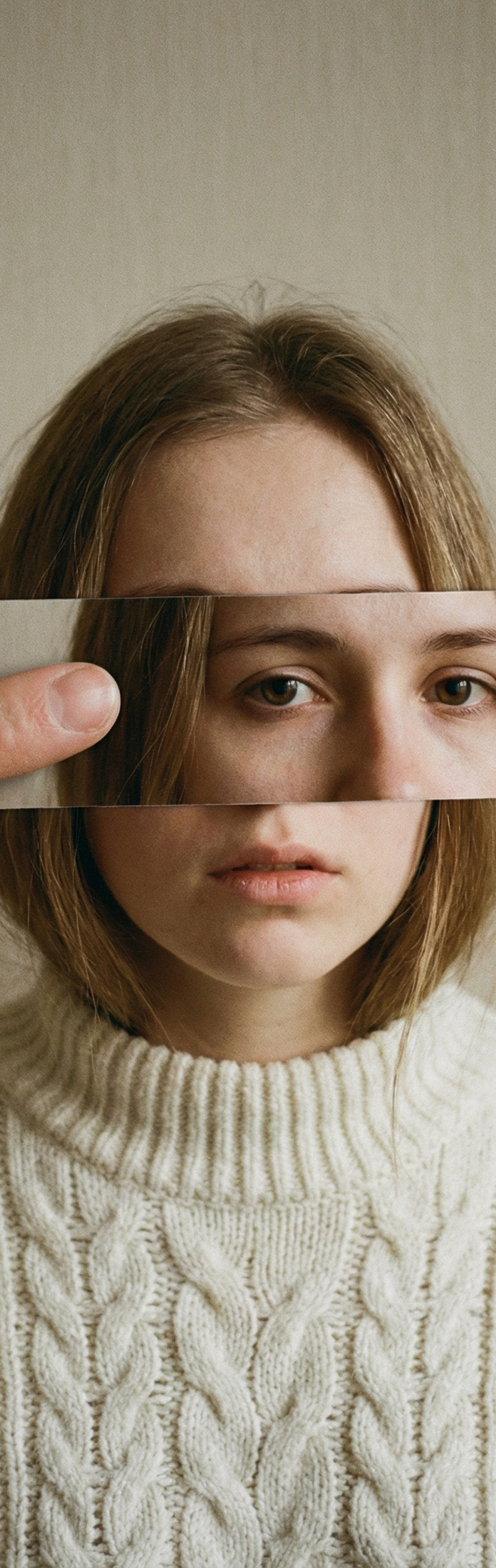
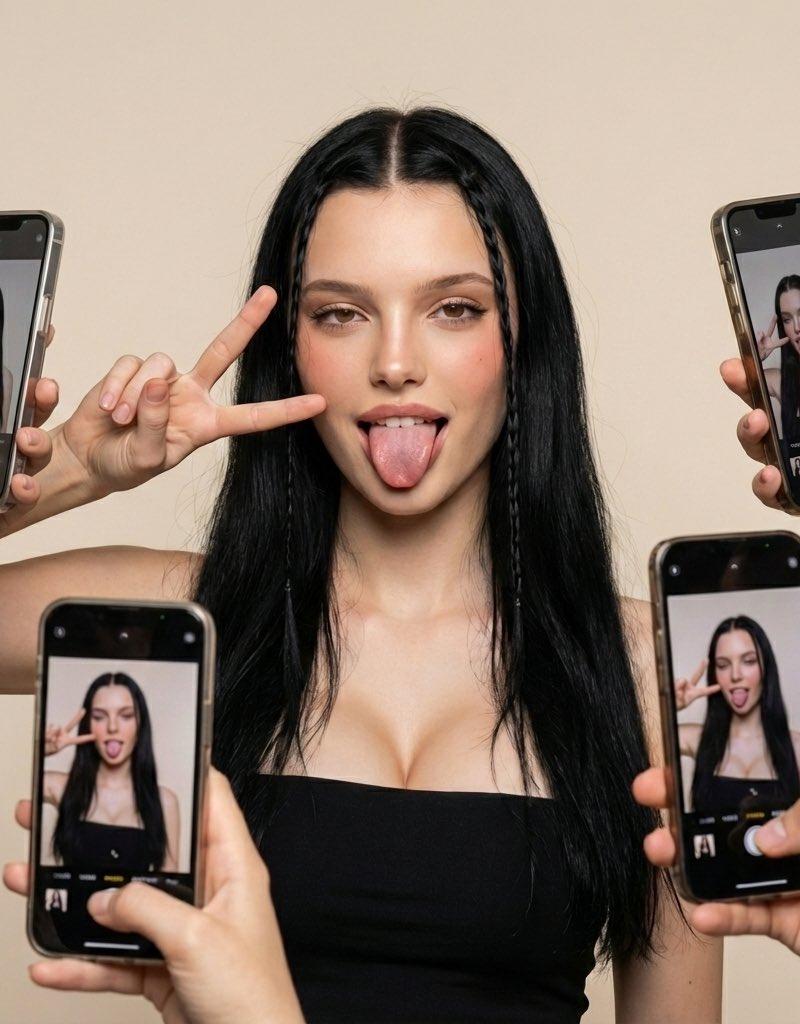
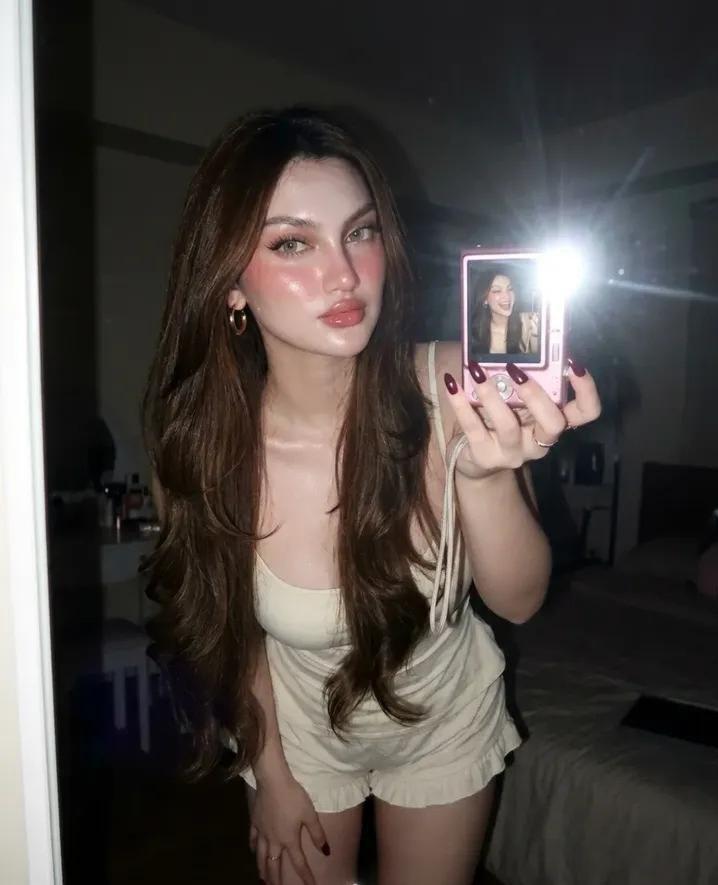
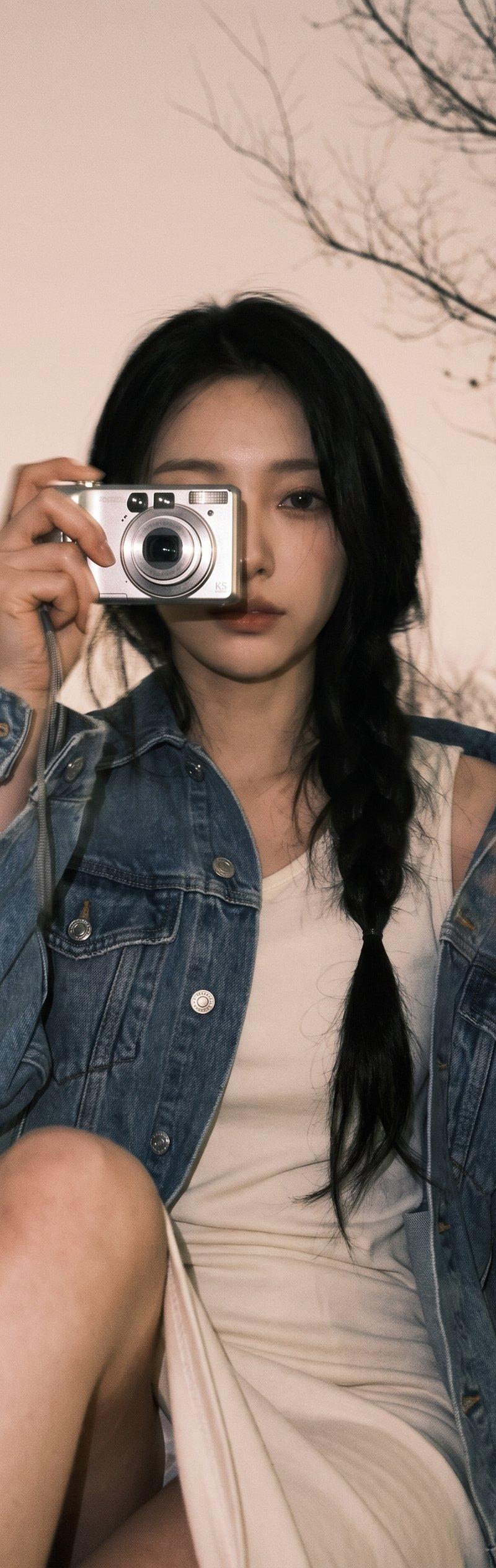
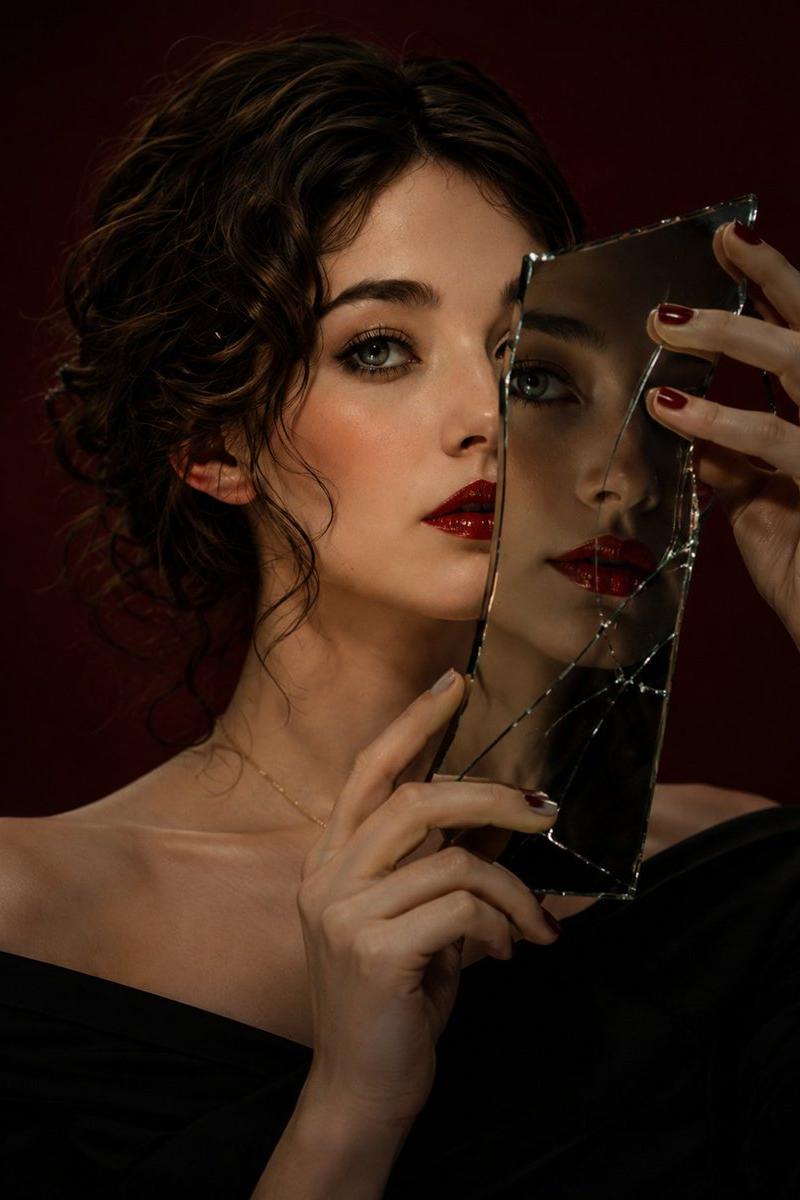
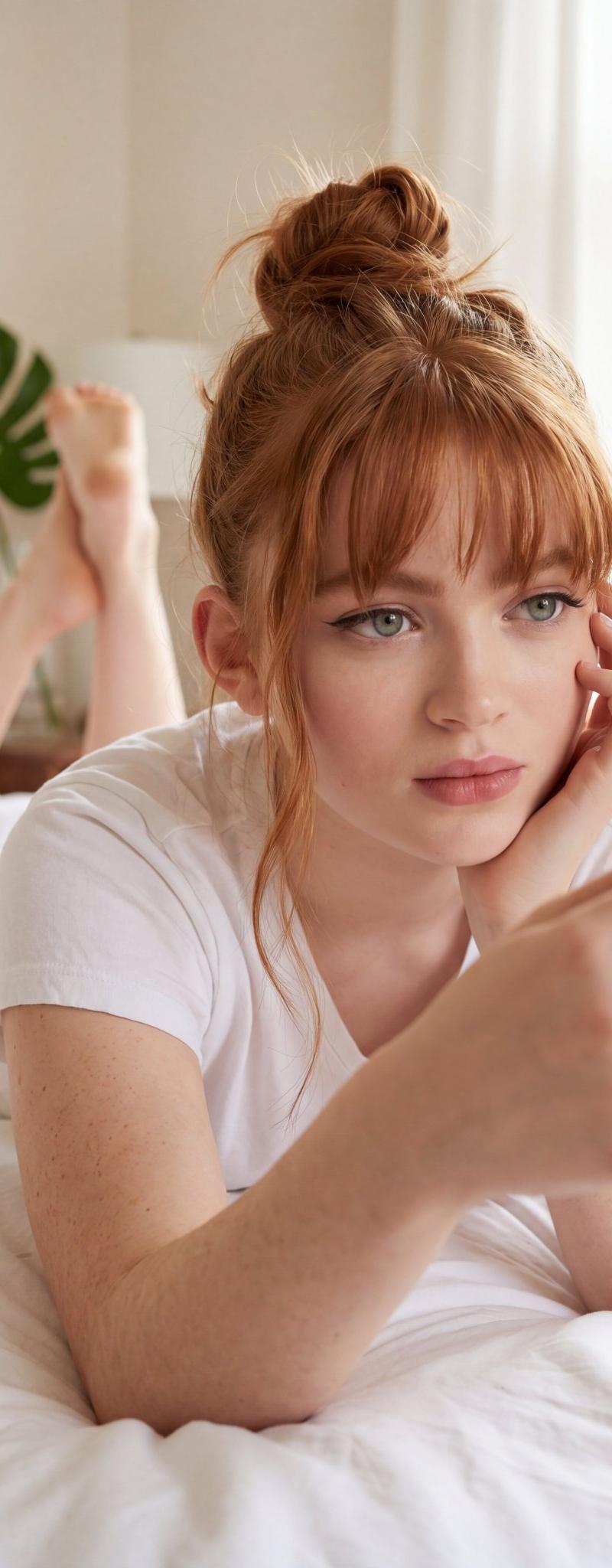
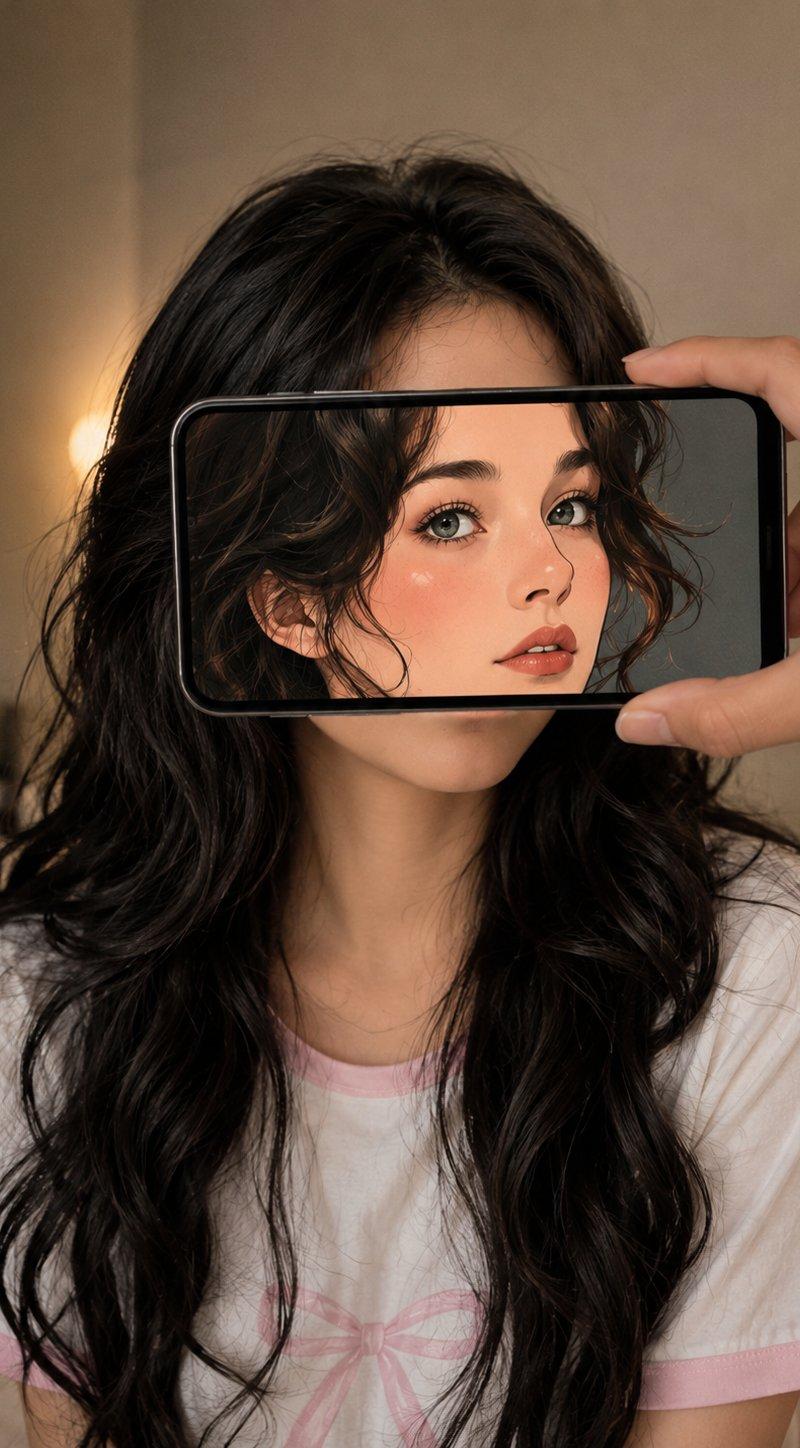
Create an ultra-realistic forced-perspective portrait where a person holds a smartphone horizontally in front of a young woman’s face, perfectly aligning the phone screen with her real head. The smartphone displays a stylized anime/cartoon version of her face, seamlessly replacing her real facial features while her real hair, neck, and body remain visible behind it, creating a clever optical illusion.

The young woman has long, wavy jet-black hair cascading over her shoulders and wears a soft white pajama-style T-shirt with pastel pink trim in a cozy indoor setting. Her actual face is completely hidden behind the phone, while the anime portrait on the screen has large expressive eyes, smooth skin, soft blush, natural pink lips, and a clean modern illustration style inspired by high-end Korean webtoons.

A realistic hand holds the phone from the right side, with visible fingers gripping the device naturally. The background features a softly blurred beige bedroom with warm ambient lighting and shallow depth of field. The composition is centered so the anime face aligns perfectly with the hidden real face, creating a convincing visual illusion.

Photorealistic smartphone reflections, realistic hand anatomy, premium cinematic lighting, ultra-detailed hair strands, soft bokeh, cozy lifestyle atmosphere, creative perspective photography, Pinterest aesthetic, Instagram viral concept, Korean influencer style, editorial composition, DSLR quality, 50mm lens, masterpiece, best quality, hyper-realistic, 8K.

Negative Prompt

low quality, blurry, bad anatomy, extra fingers, distorted hands, duplicate phone, duplicate face, misaligned screen, unrealistic perspective, cartoon body, deformed limbs, watermark, logo, text, low resolution, noisy image, plastic skin, artifacts, oversaturated colors, poorly drawn features.

Style Keywords

phone illusion, anime filter effect, forced perspective photography, Korean aesthetic, Pinterest viral idea, smartphone creativity, cozy bedroom portrait, webtoon-inspired face, photorealistic, cinematic lighting, ultra detailed, 8K, Instagram trend, optical illusion.
- Category
- Charts & Infographics
- Model
- ChatGPT
- Creator
- @ZephyraLeigh
- Source language
- zh-CN
- Source ID
- 16351
- Published
- Jun 20, 2026
Views37