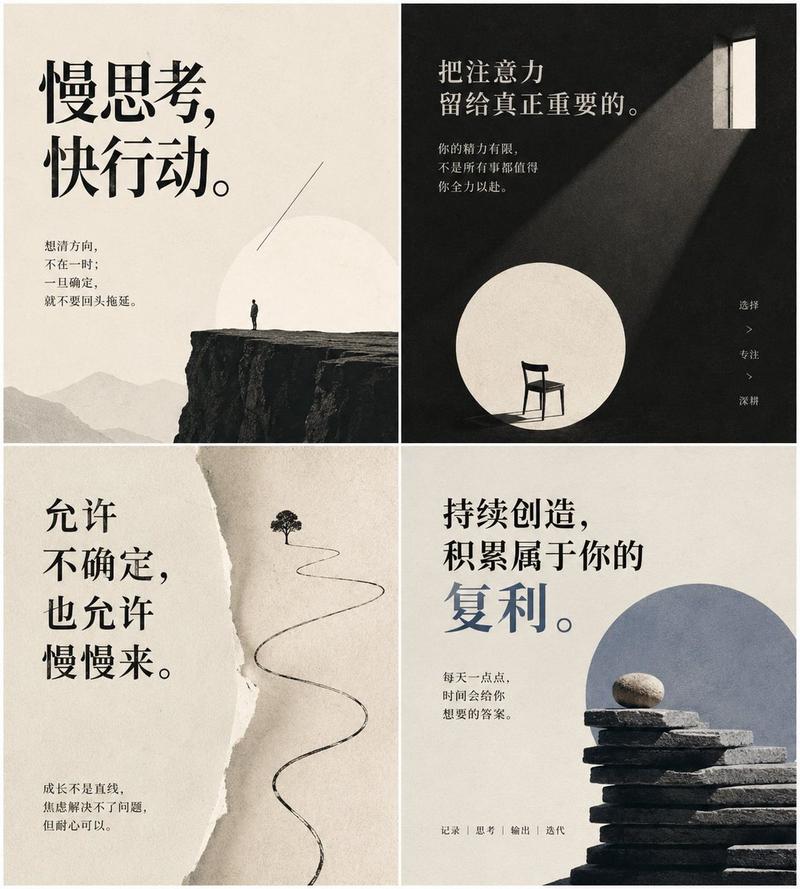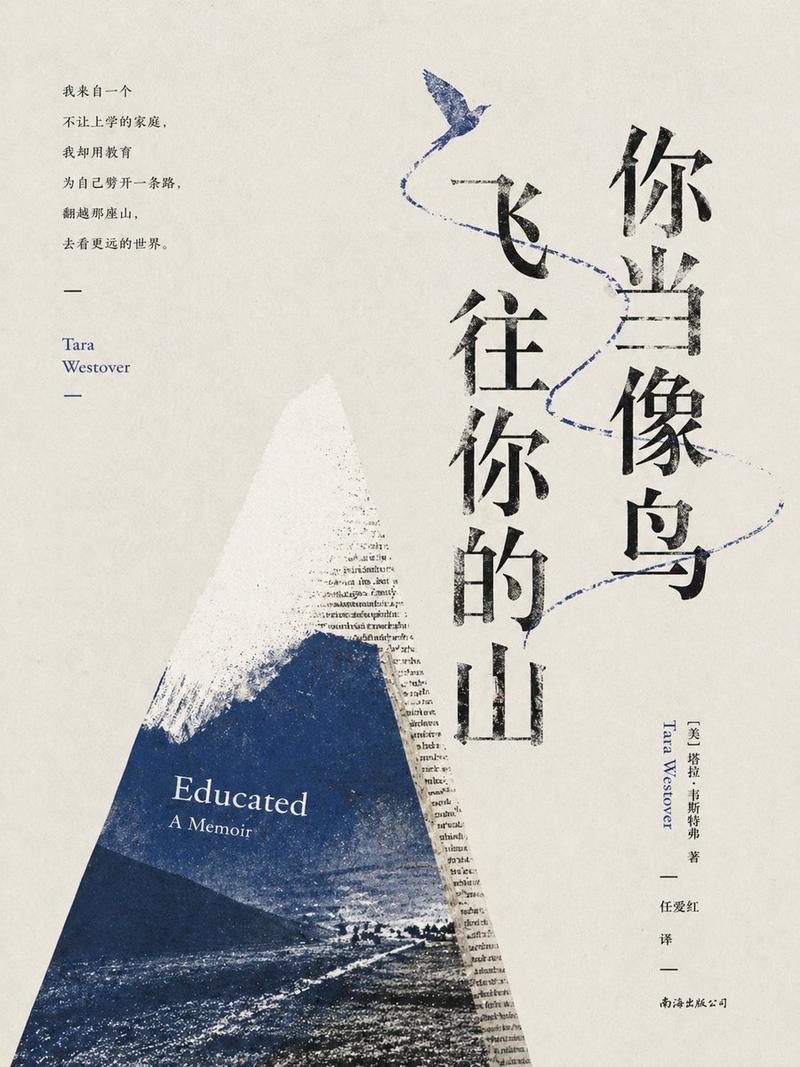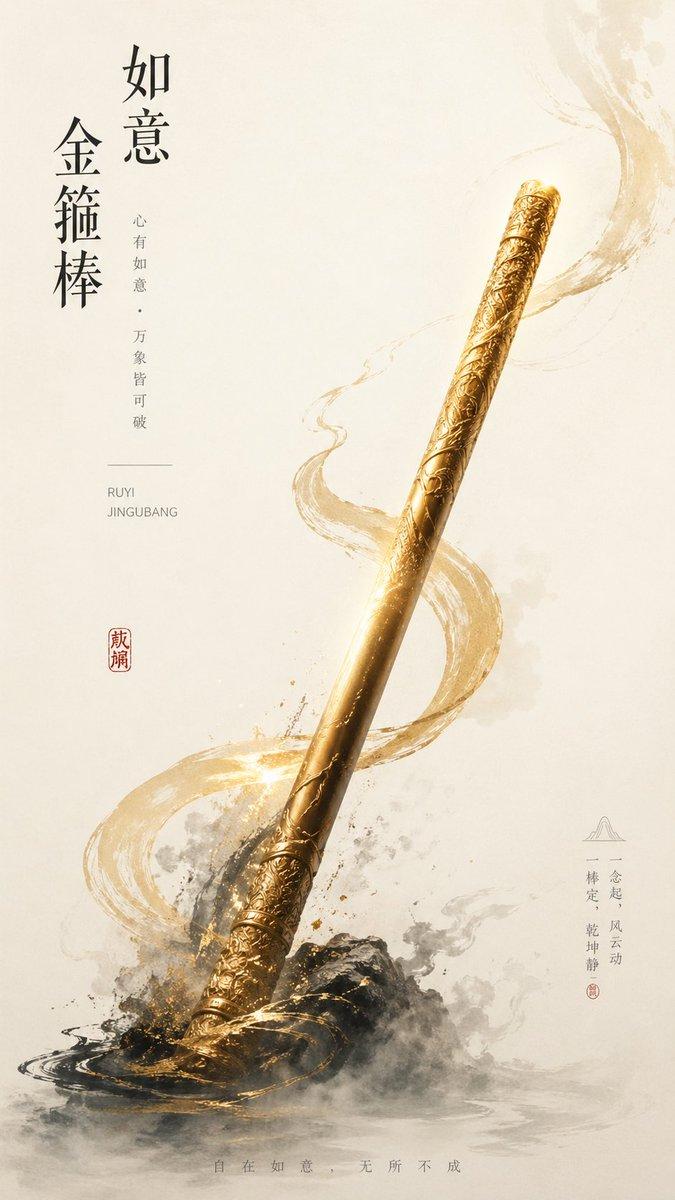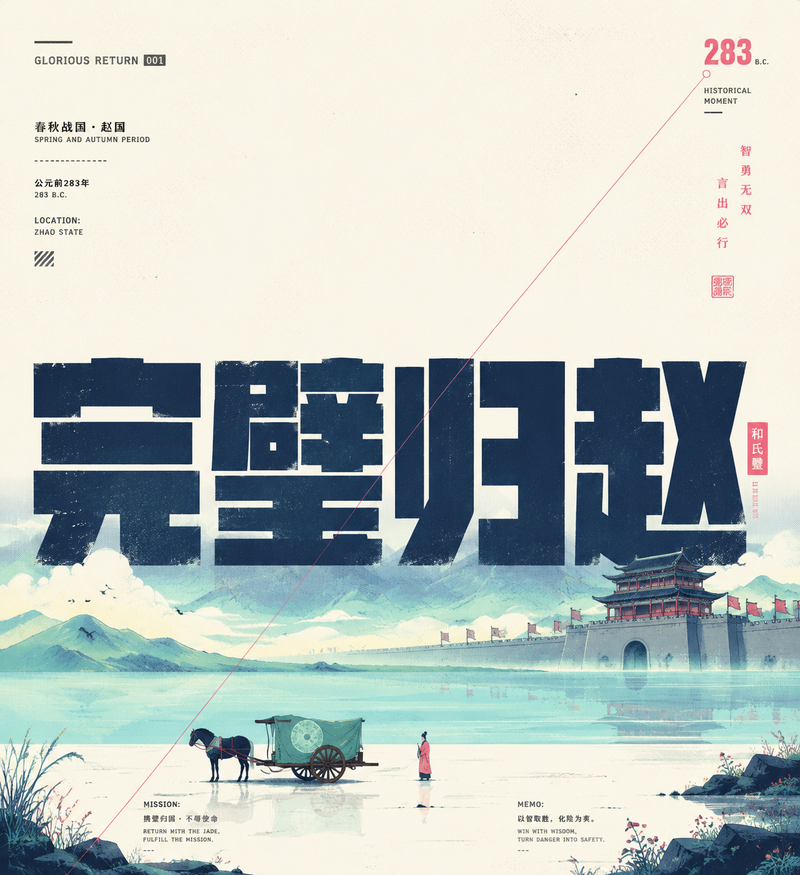
20

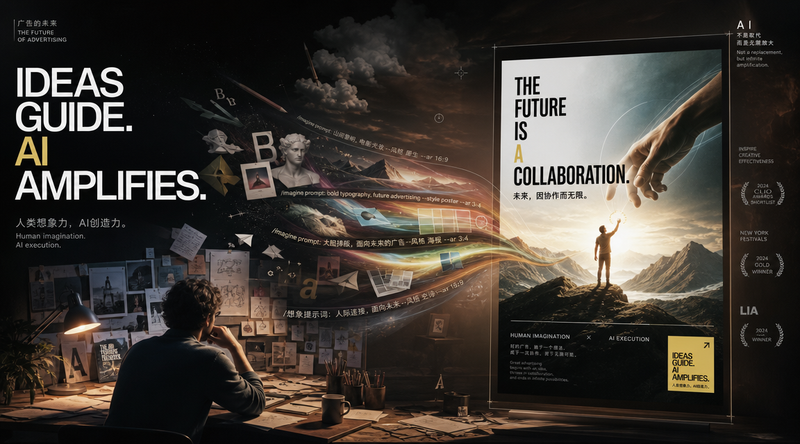
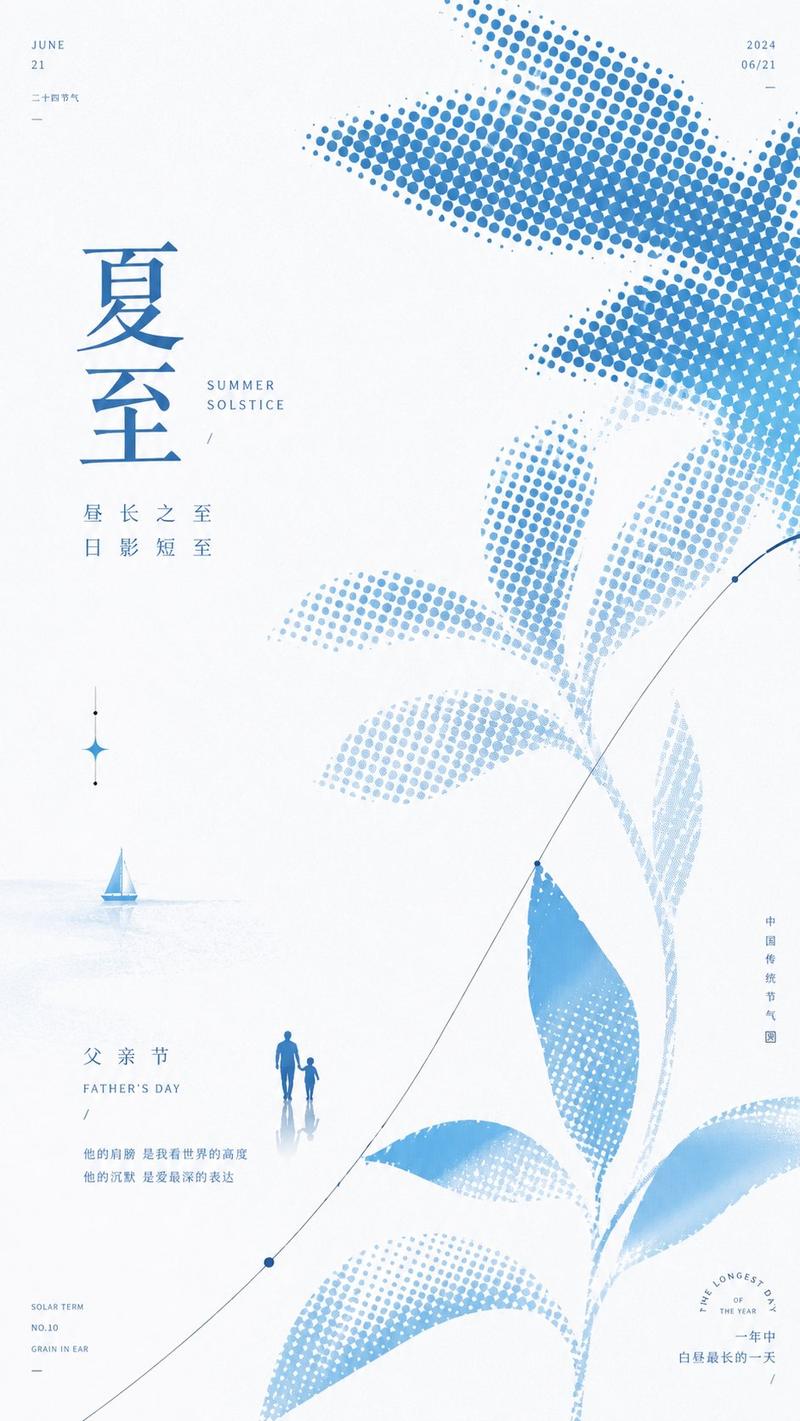
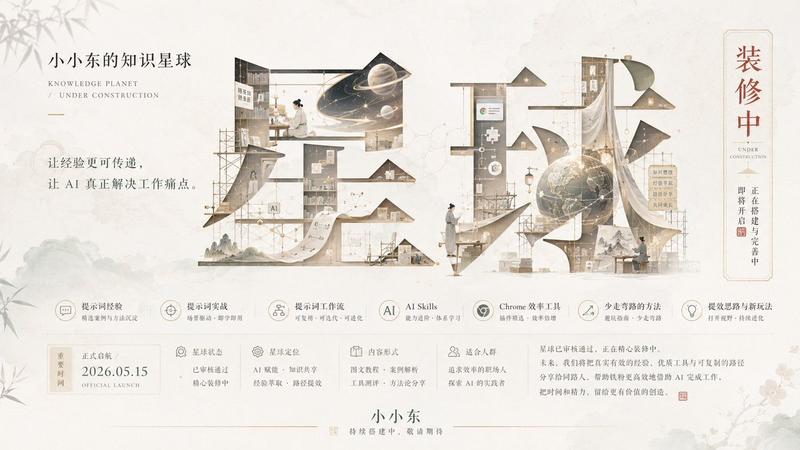
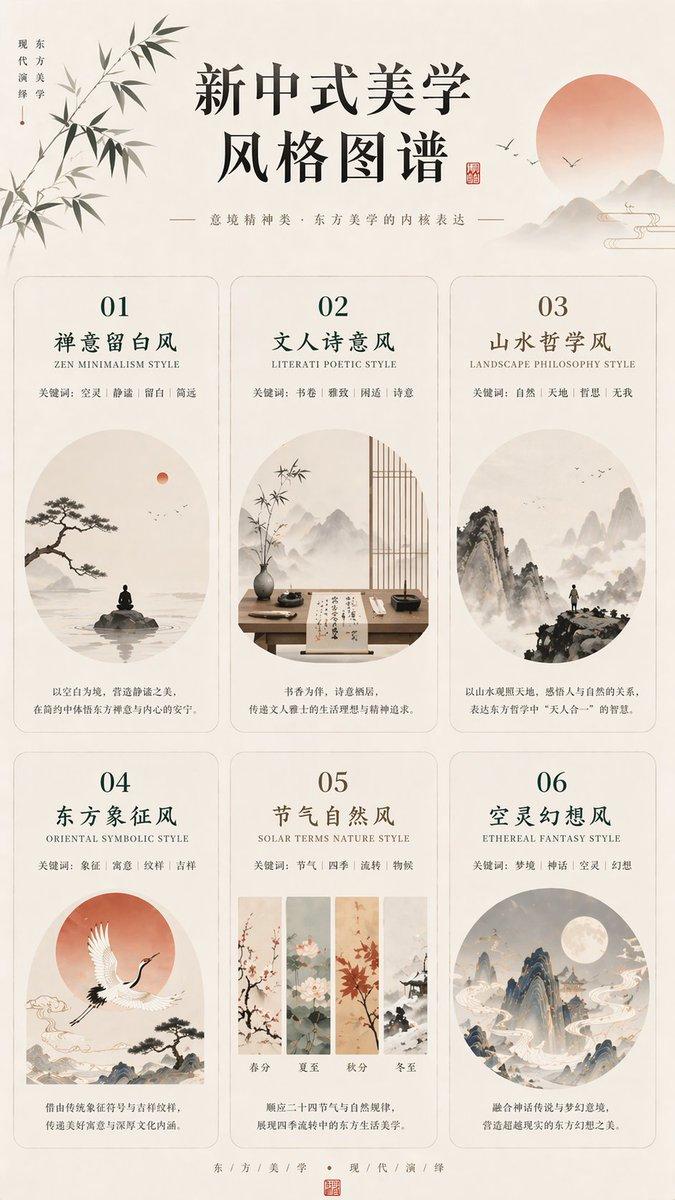
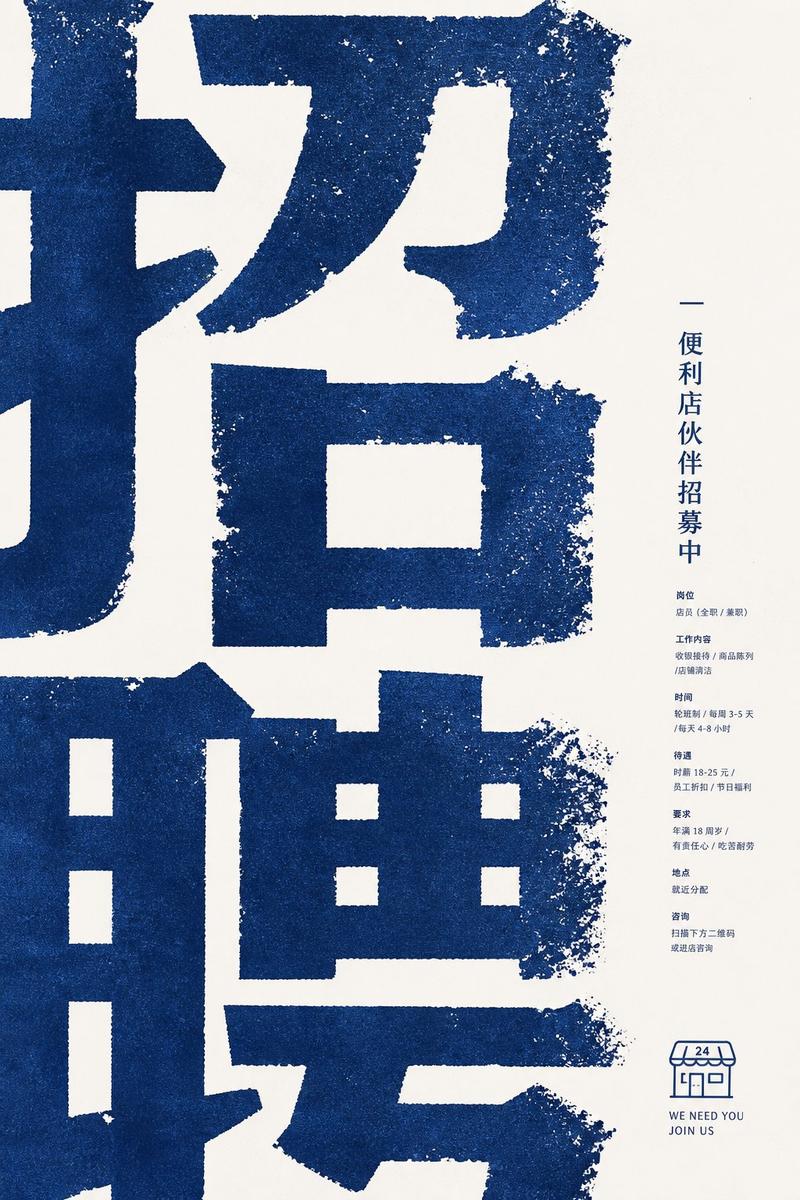
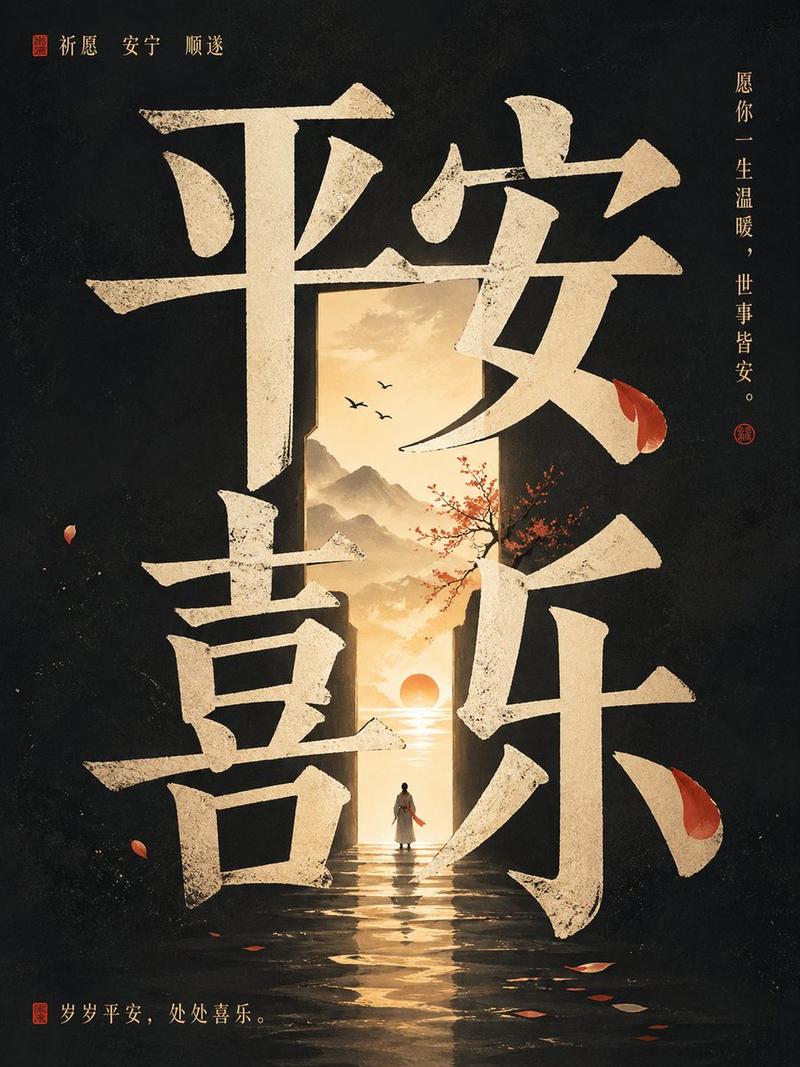
极具平面设计感的中文海报生成
Enlarge

Example images

极具平面设计感的中文海报生成

Prompt
Generate a poster in Chinese with a strong sense of graphic design.

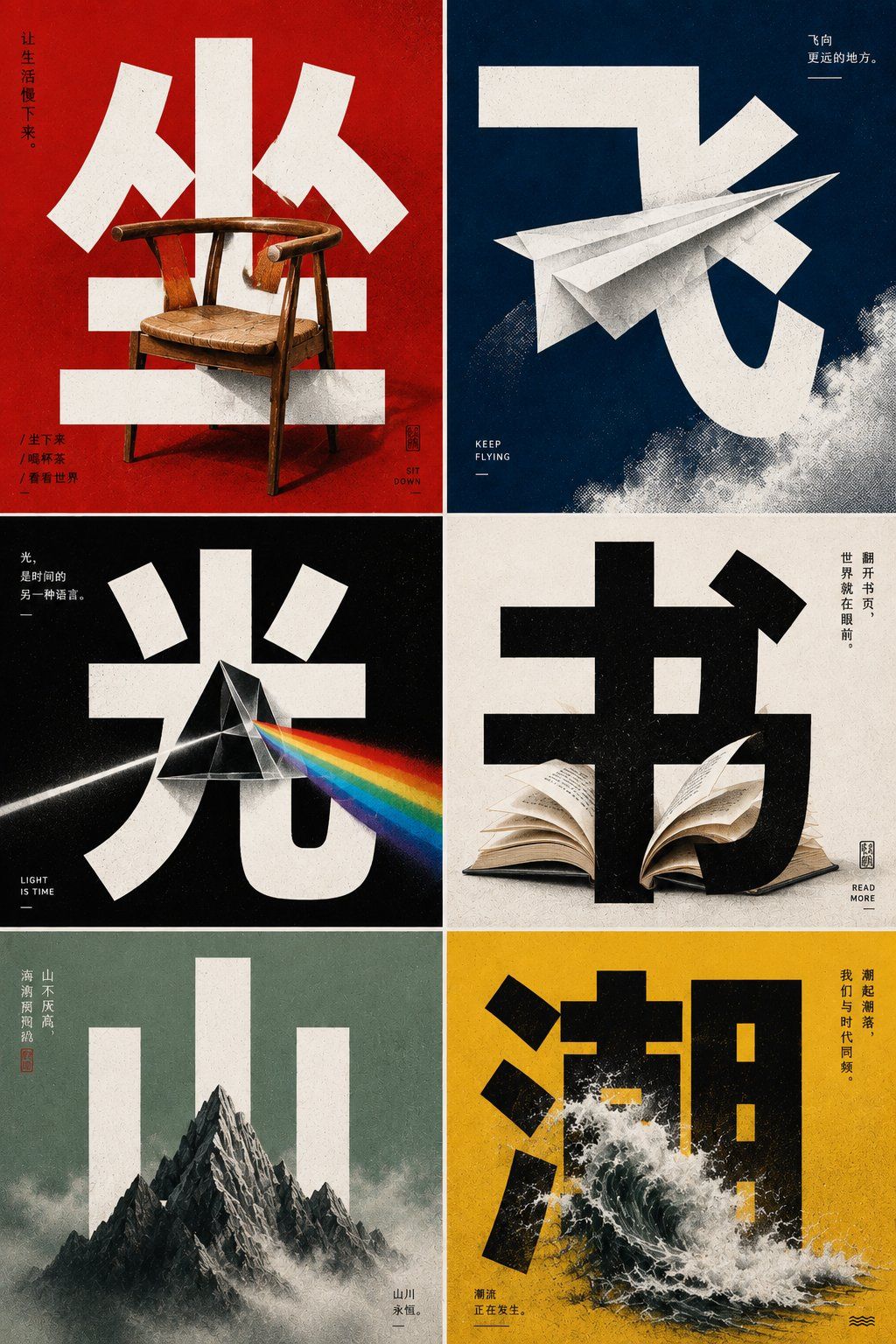
Use oversized Chinese bold font (Heiti) in the center of the frame: "[Fill in keywords]",
The text occupies the main visual area, with thick, clear, and accurate strokes, possessing a strong structural sense.

An "[Fill in object]" naturally passes through the gaps between the strokes of the text,
forming clear foreground-background occlusion and spatial interweaving relationships.

The background uses "[Fill in solid color background]",
overall add halftone grain texture, slight printing feel, and street poster feel.

Style requirements:
Strong contrast
Solid color blocks
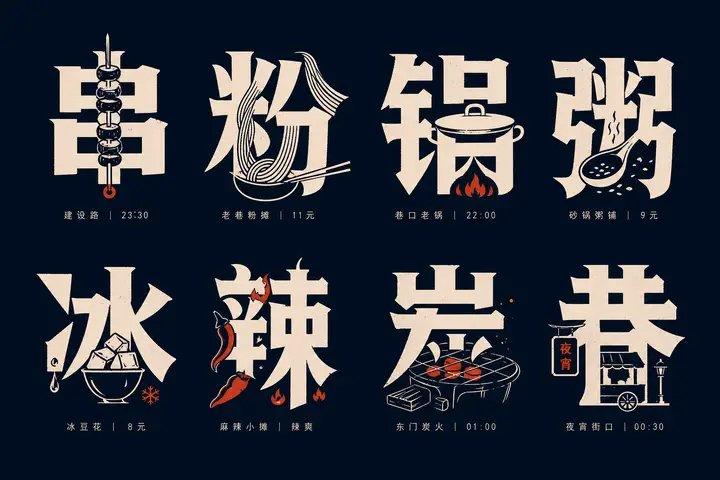
Integration of image and text
Accurate Chinese typography
Possesses a mixed temperament of avant-garde magazine inner pages, exhibition posters, and street art posters.

Do not make it a regular illustration poster,
do not let the text just be decoration,
do not simply paste the object in front of the text,
instead, let the object truly enter the text space.

Can be replaced like this:
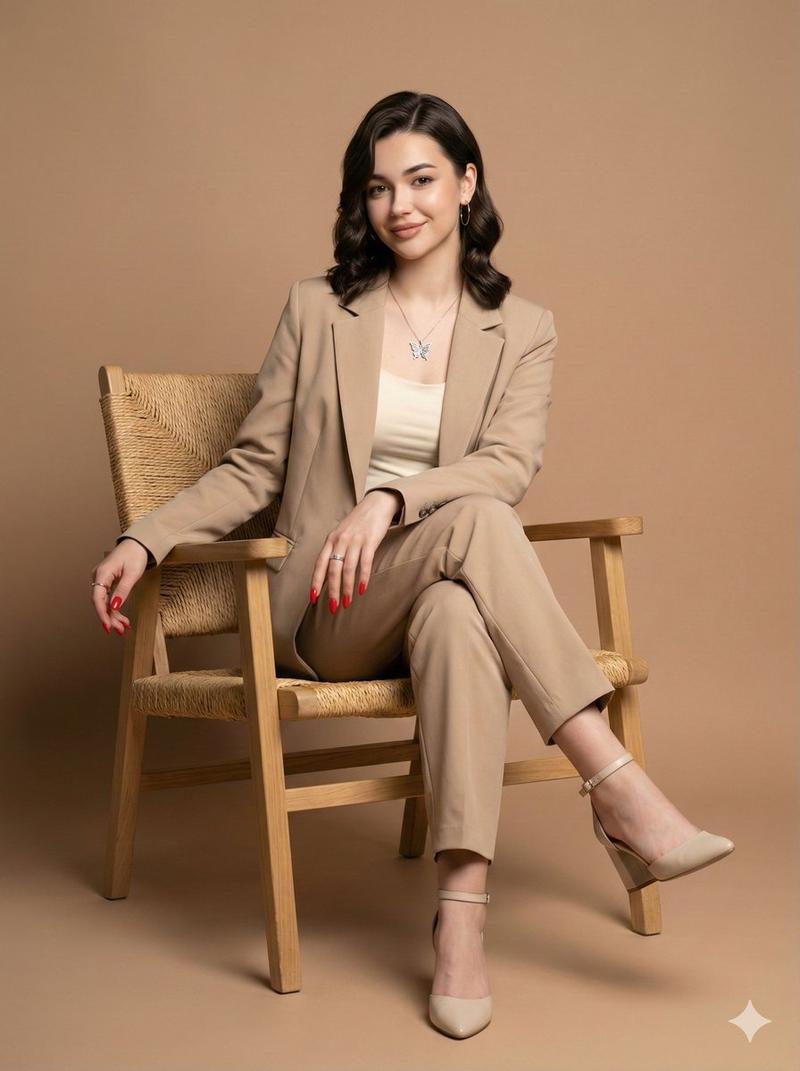
Keywords: Sit | Object: Wooden chair | Background: Vermilion
Keywords: Fly | Object: Paper airplane | Background: Dark blue
Keywords: Light | Object: Prism / Beam | Background: Black
Keywords: Book | Object: Open book pages | Background: Off-white
Keywords: Mountain | Object: Mountain peak silhouette | Background: Gray-green
Category
Charts & Infographics
Model
ChatGPT
Views44
Source ID
17003
Published
Jun 29, 2026

Guide

About "极具平面设计感的中文海报生成"

What is this prompt for?

"极具平面设计感的中文海报生成" AI image prompt for ChatGPT (Charts & Infographics). 生成一张极具平面设计感的中文海报。 画面中央使用超大字号的中文黑体字:“【填写关键词】”, 文字占据主要视觉区域,笔画粗壮、清晰、准确,具有强烈的结构感。 一个“【填写物体】”从…

The full copyable prompt and example visuals above are ready for AI image generation or one-click recreate in Picva.

How to use this prompt

  1. Step 1

    Open the prompt detail

    Review the example visuals, category, and full prompt text for "极具平面设计感的中文海报生成".

  2. Step 2

    Copy the prompt

    Copy the prompt body from this page, or load it directly in Studio.

  3. Step 3

    Pick a model (ChatGPT)

    Prefer ChatGPT. If you switch models, keep subject and composition and tweak style terms.

  4. Step 4

    Generate and export

    Recreate the look in Picva, or export into your workflow for editing and publishing.

FAQ

What is the "极具平面设计感的中文海报生成" prompt?
It is an AI image-generation prompt for ChatGPT in the Charts & Infographics category. This page includes the full prompt text, example visuals, and a one-click recreate path in Picva.
How do I use this prompt to generate an image?
Copy the prompt from this page, or use Generate / Studio. Paste it into a compatible image model, or recreate the look in Picva with optional reference images.
Which model is this prompt for?
This page lists ChatGPT. Most descriptive prompts also transfer to nearby image models such as GPT Image, Flux, or Midjourney with light style tweaks.
Can I use the result commercially?
You can usually copy the prompt for creation, but commercial use of the final image depends on the model terms, reference-image rights, and the generated content. Follow the source author and platform rules.