16

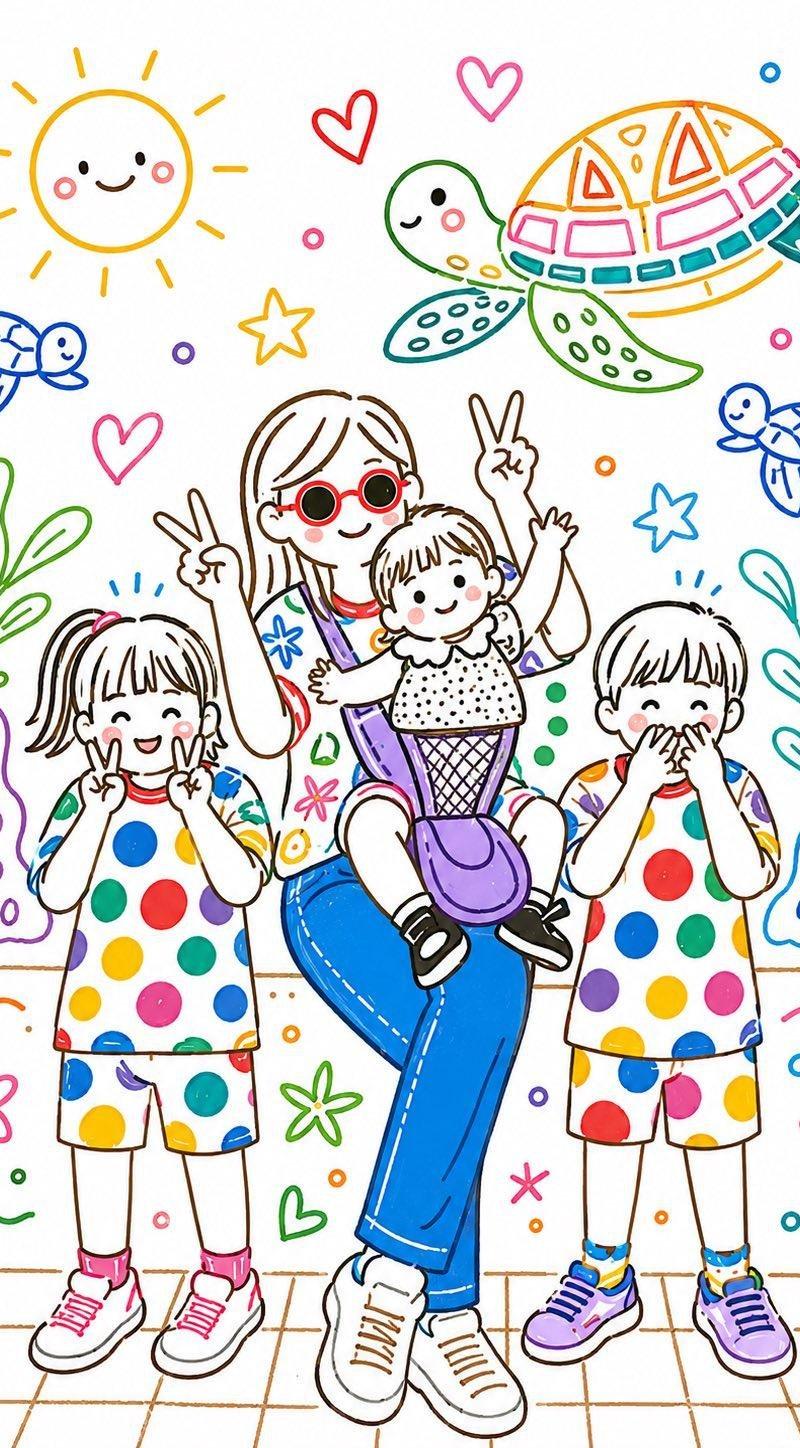
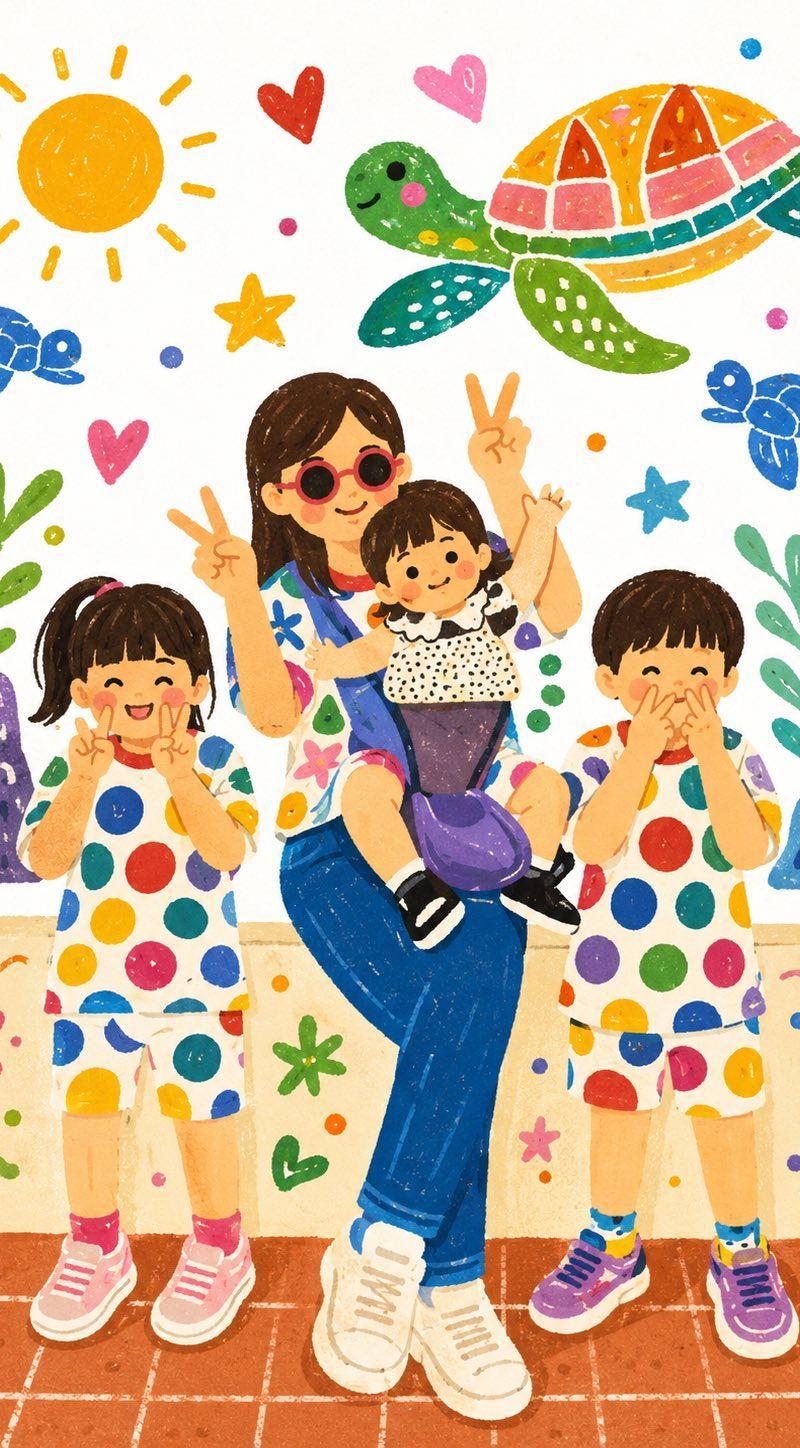
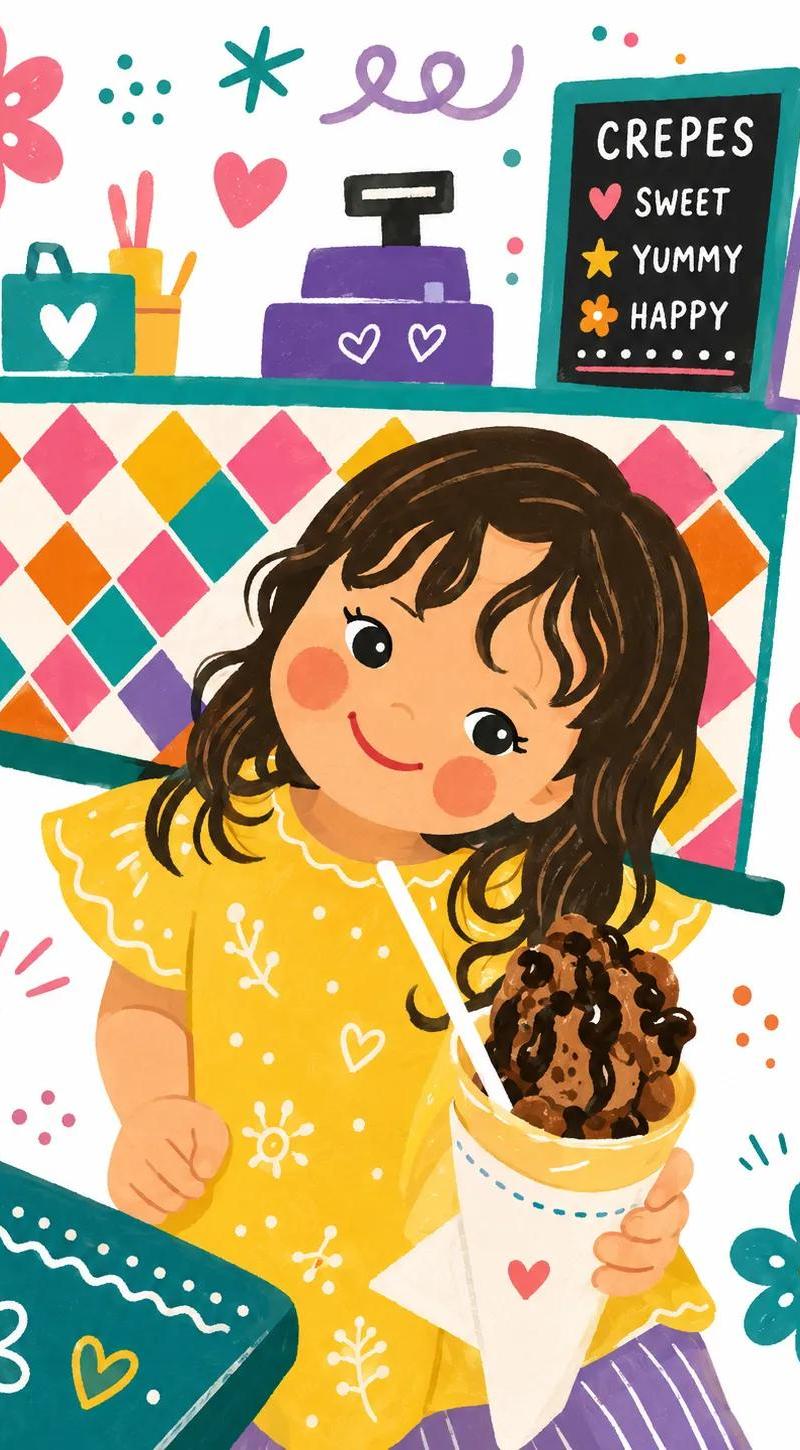
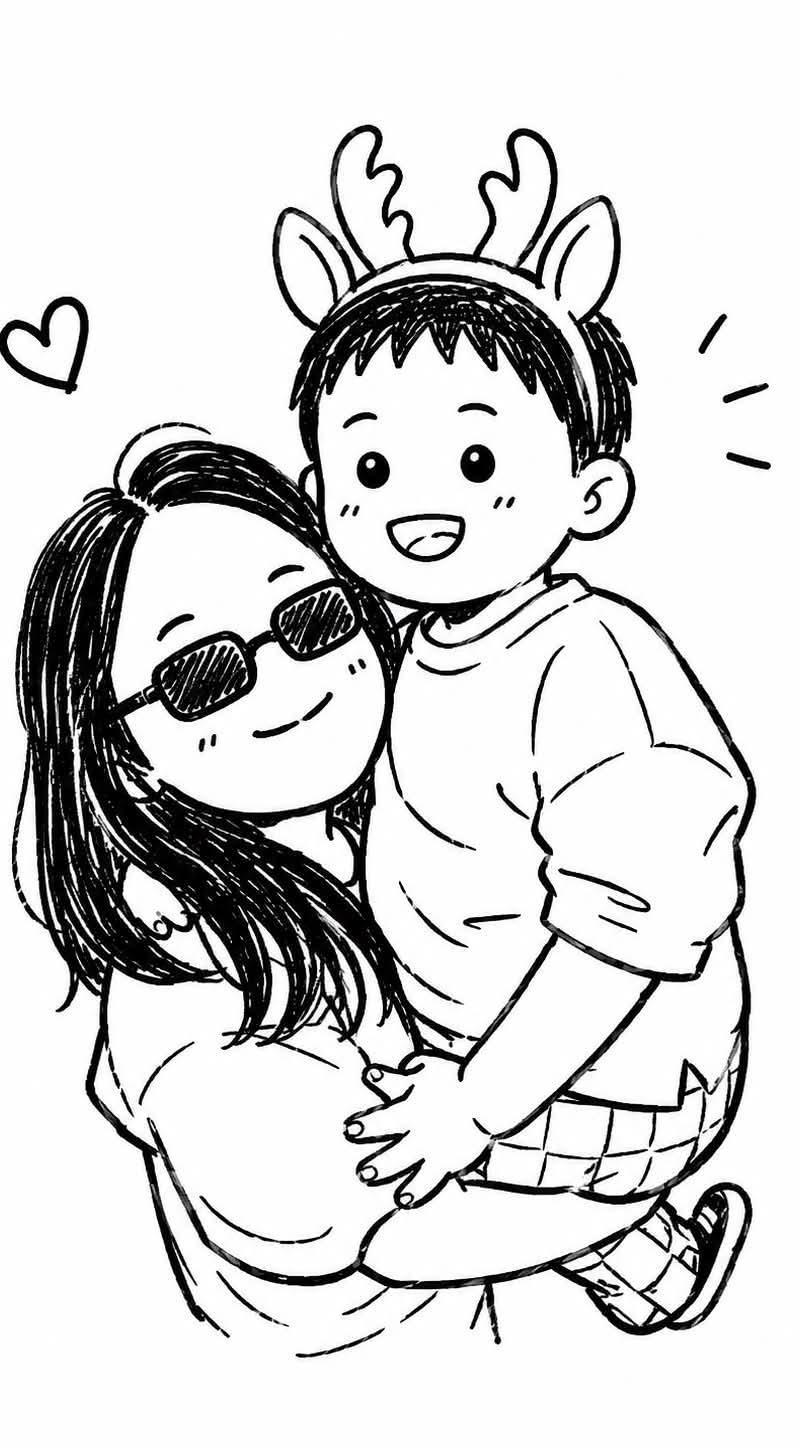
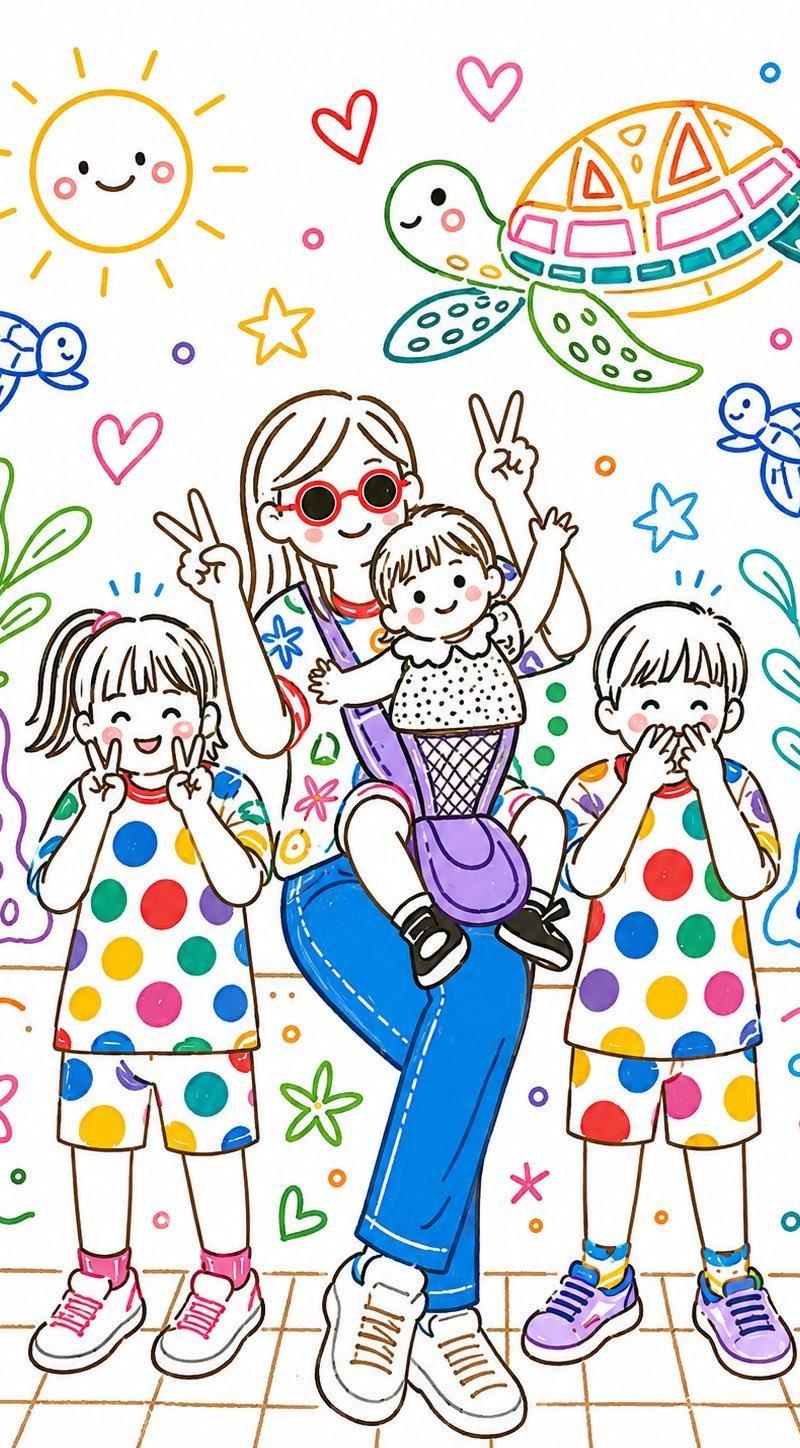
手工纸雕图层插画风格
Enlarge

Example images

手工纸雕图层插画风格

Prompt
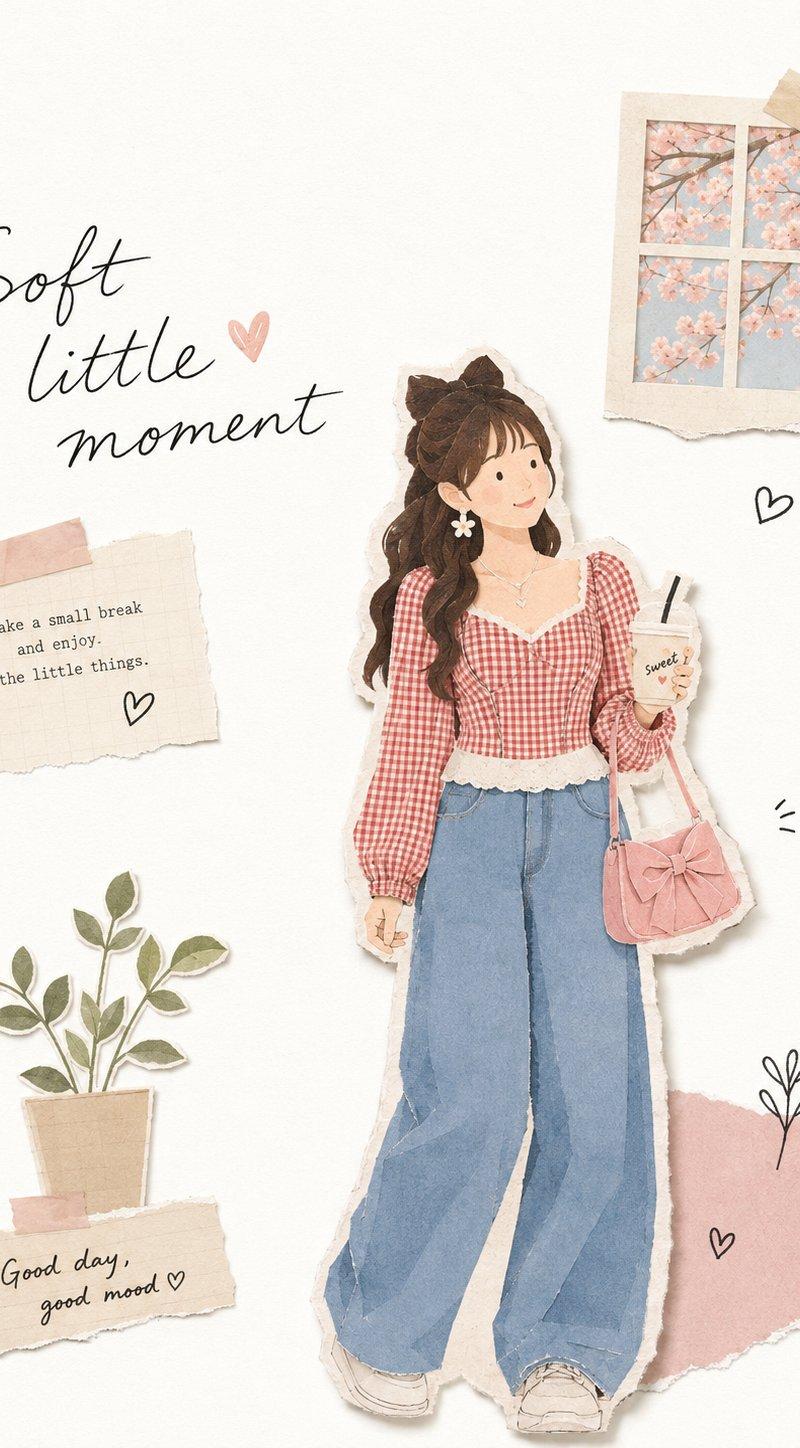
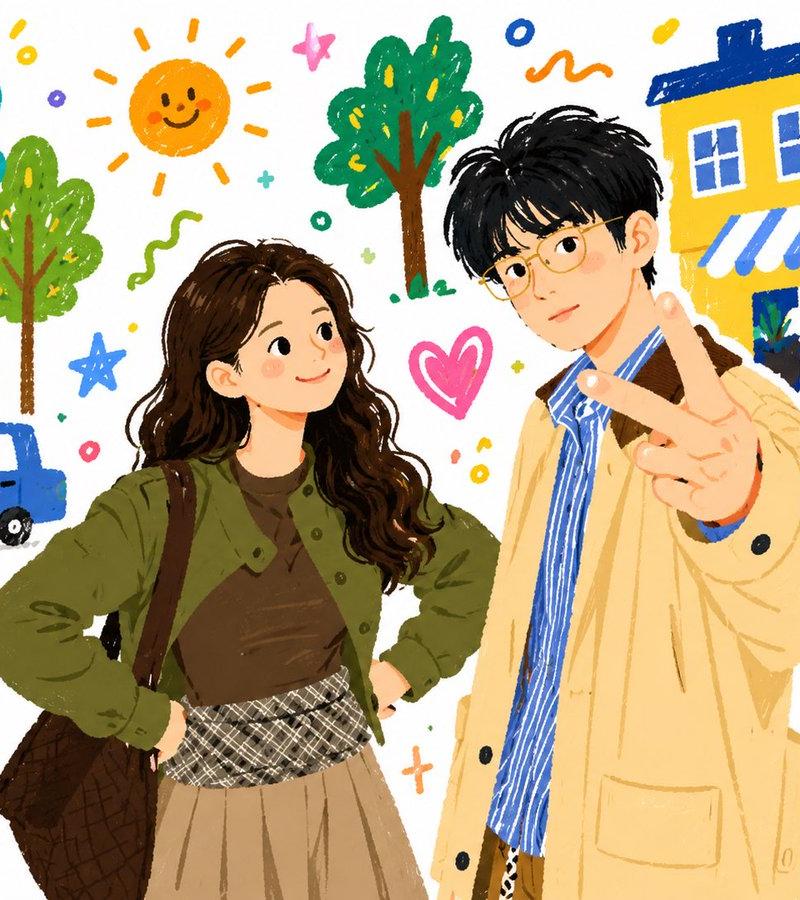
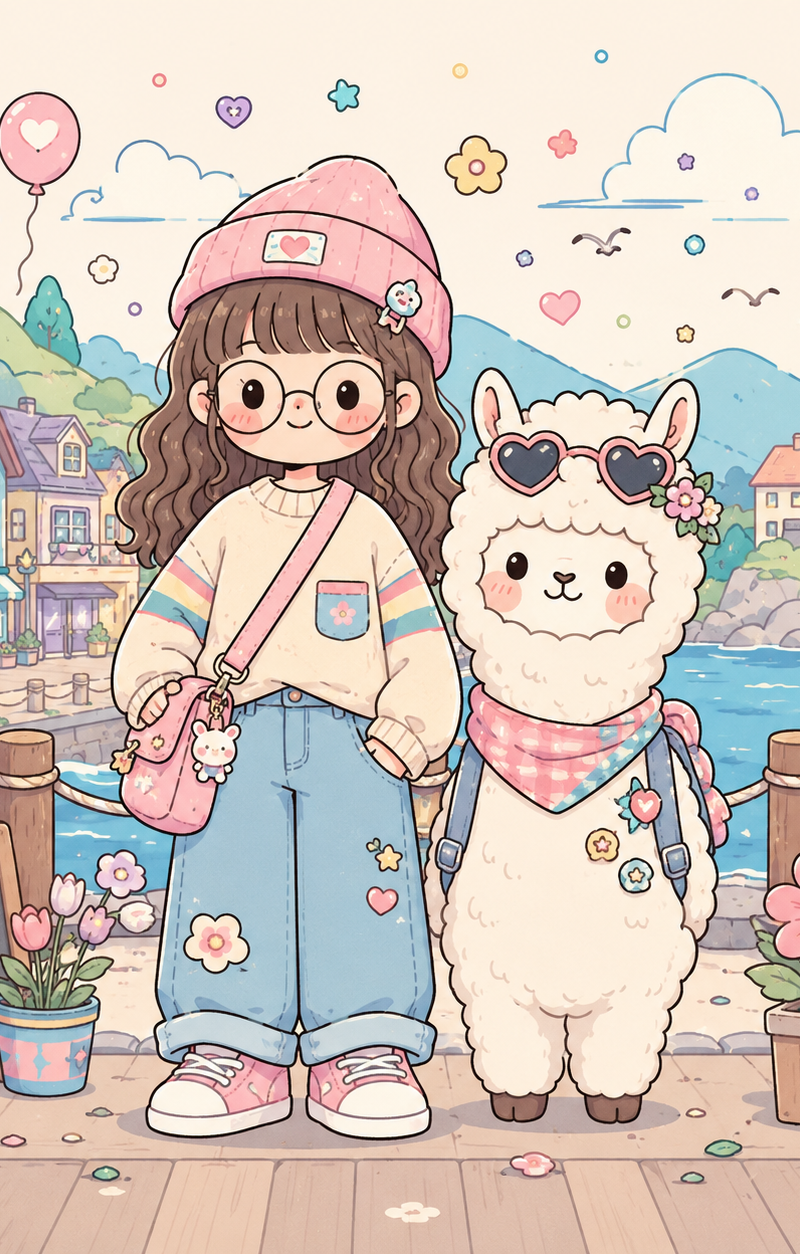
Convert this image into a soft, handcrafted paper-cut layered illustration style, inspired by papercraft diorama aesthetics. Use smooth rounded shapes, simplified cute character proportions, and minimal facial details (dot eyes, blush cheeks) to create a warm, charming look. Apply stacked paper layers with visible depth, subtle shadows between layers, and clean cut edges that resemble laser-cut cardstock.
Category
UI & Interfaces
Model
ChatGPT
Creator
@Ciri_ai
Source language
zh-CN
Views97
Source ID
16428
Published
Jun 20, 2026
Studio

Guide

About "手工纸雕图层插画风格"

What is this prompt for?

"手工纸雕图层插画风格" AI image prompt for ChatGPT (UI & Interfaces). 将这张图片转换为一种柔和的手工纸雕图层插画风格,灵感来自纸雕透视模型美学。使用平滑的圆形、简化的可爱角色比例和极简的面部细节(圆点眼睛、腮红)来营造一种温暖、迷人的外观。应用具有明显深度的堆叠纸层,…

The full copyable prompt and example visuals above are ready for AI image generation or one-click recreate in Picva.

How to use this prompt

  1. Step 1

    Open the prompt detail

    Review the example visuals, category, and full prompt text for "手工纸雕图层插画风格".

  2. Step 2

    Copy the prompt

    Copy the prompt body from this page, or load it directly in Studio.

  3. Step 3

    Pick a model (ChatGPT)

    Prefer ChatGPT. If you switch models, keep subject and composition and tweak style terms.

  4. Step 4

    Generate and export

    Recreate the look in Picva, or export into your workflow for editing and publishing.

FAQ

What is the "手工纸雕图层插画风格" prompt?
It is an AI image-generation prompt for ChatGPT in the UI & Interfaces category. This page includes the full prompt text, example visuals, and a one-click recreate path in Picva.
How do I use this prompt to generate an image?
Copy the prompt from this page, or use Generate / Studio. Paste it into a compatible image model, or recreate the look in Picva with optional reference images.
Which model is this prompt for?
This page lists ChatGPT. Most descriptive prompts also transfer to nearby image models such as GPT Image, Flux, or Midjourney with light style tweaks.
Can I use the result commercially?
You can usually copy the prompt for creation, but commercial use of the final image depends on the model terms, reference-image rights, and the generated content. Follow the source author and platform rules.