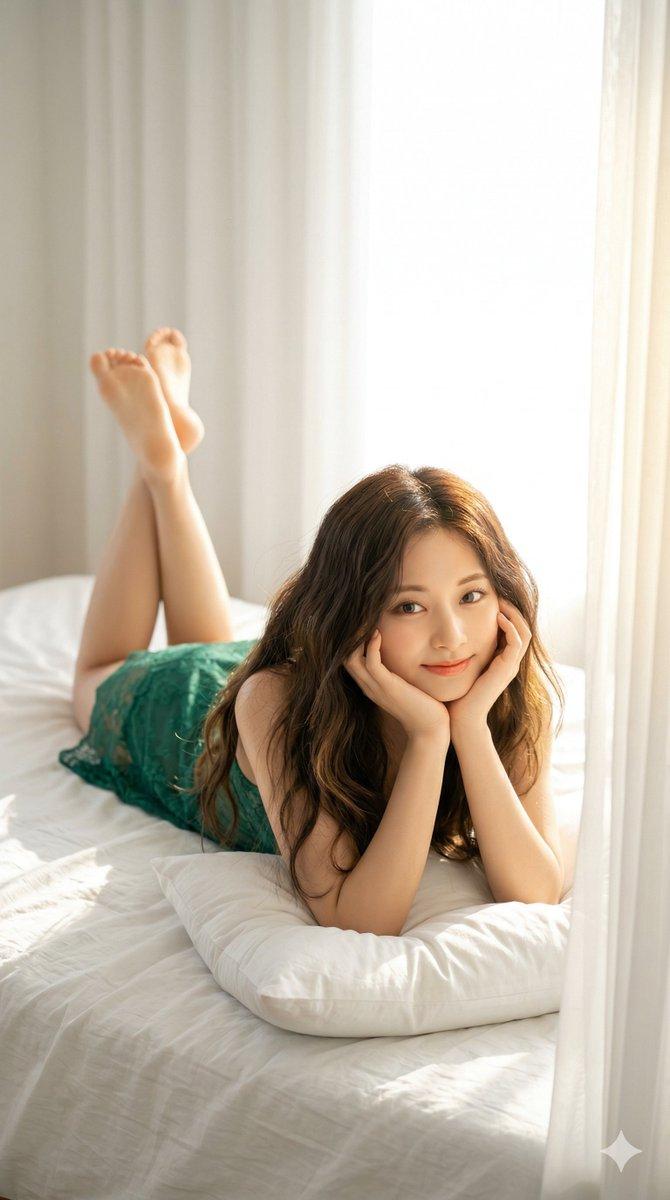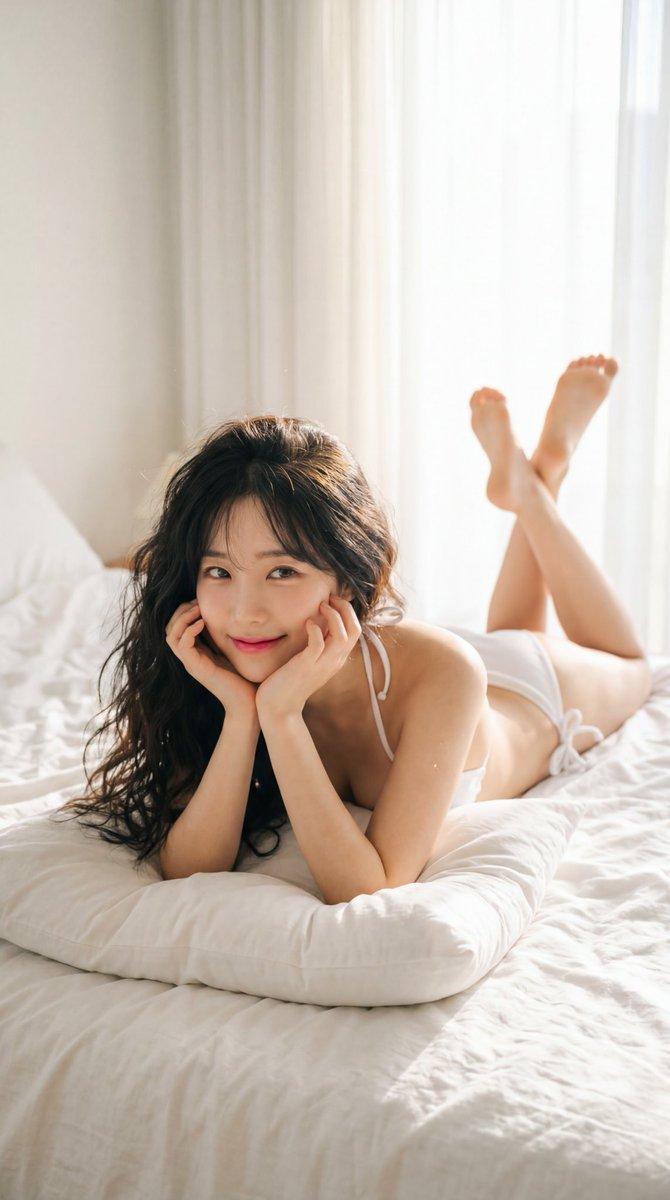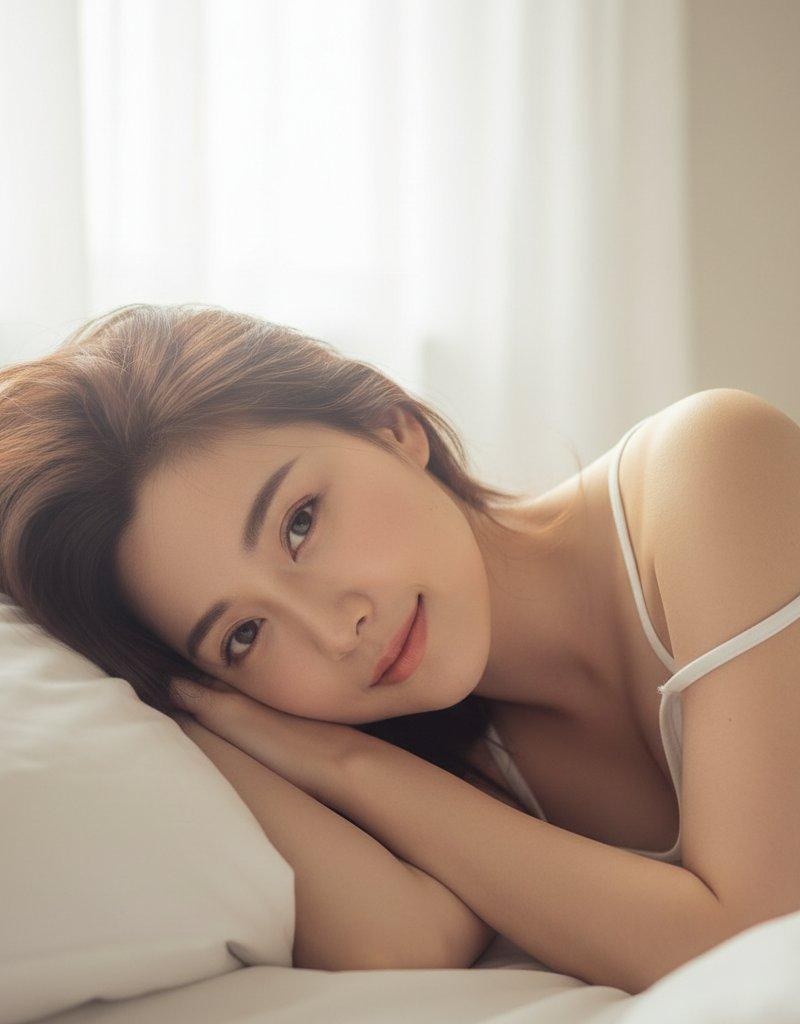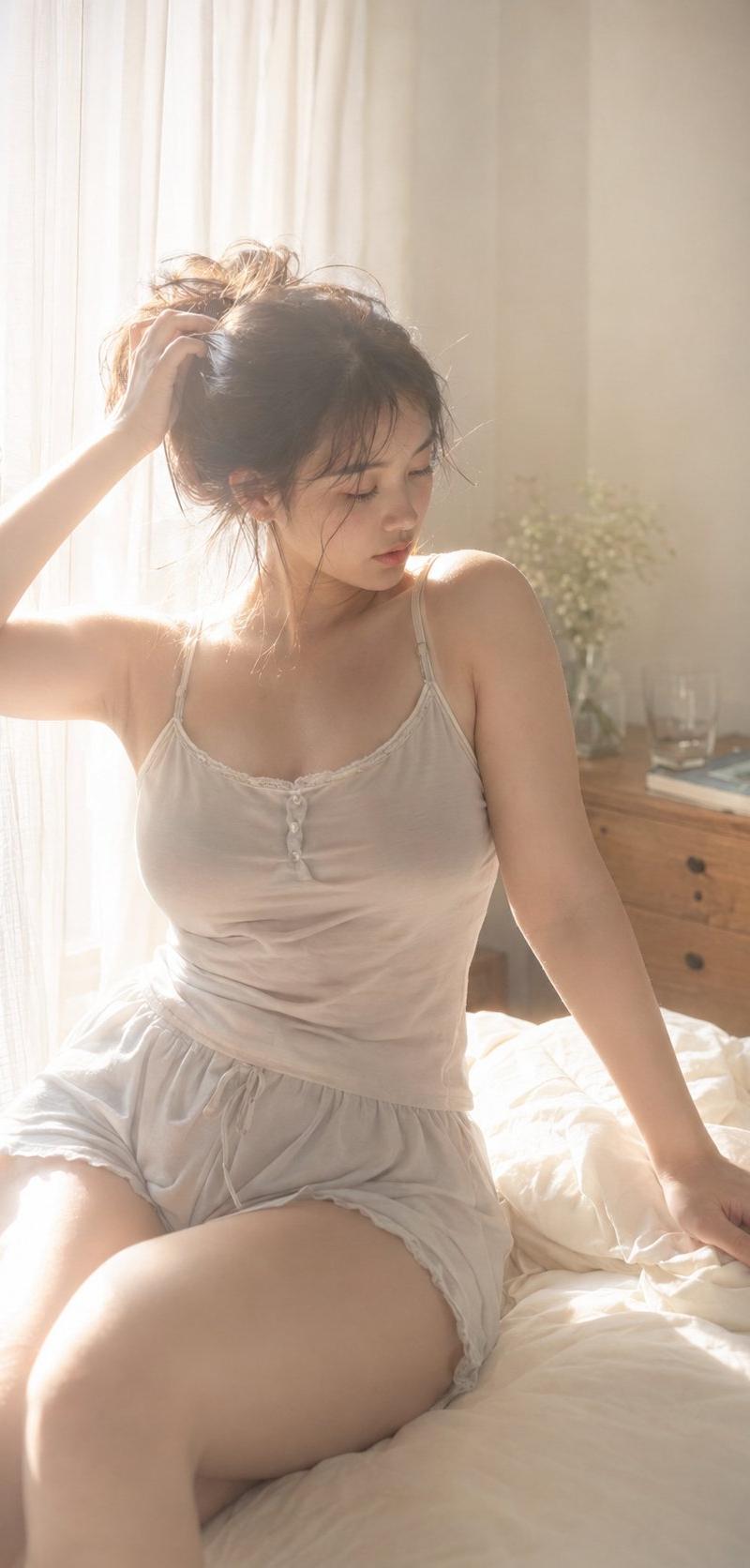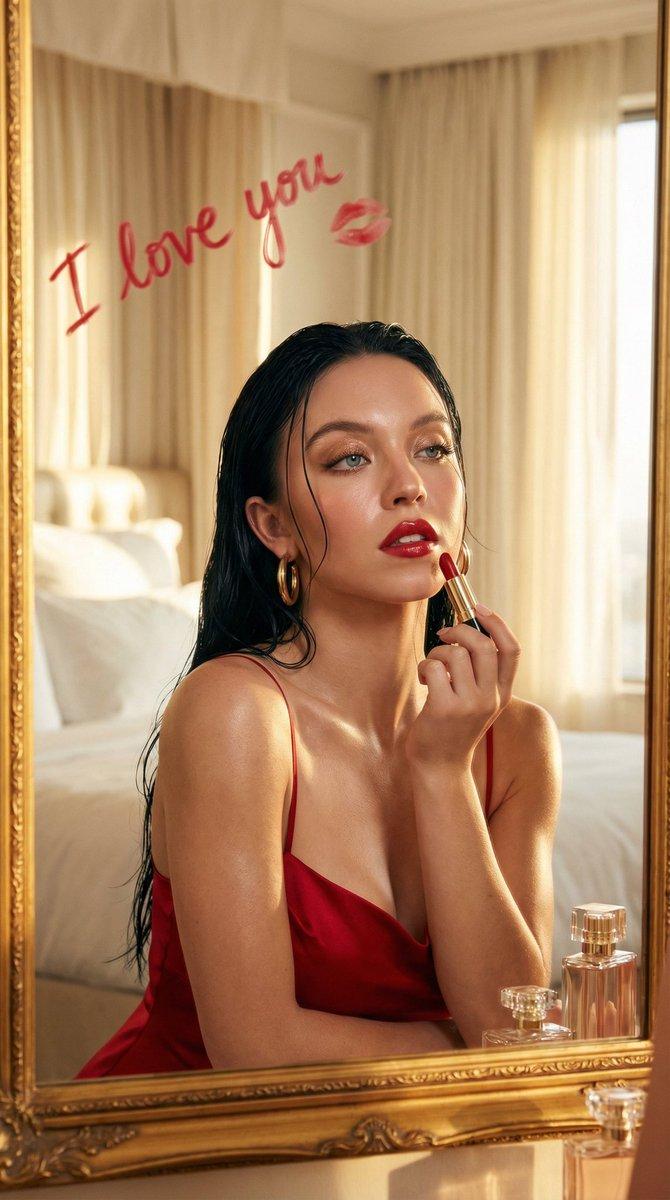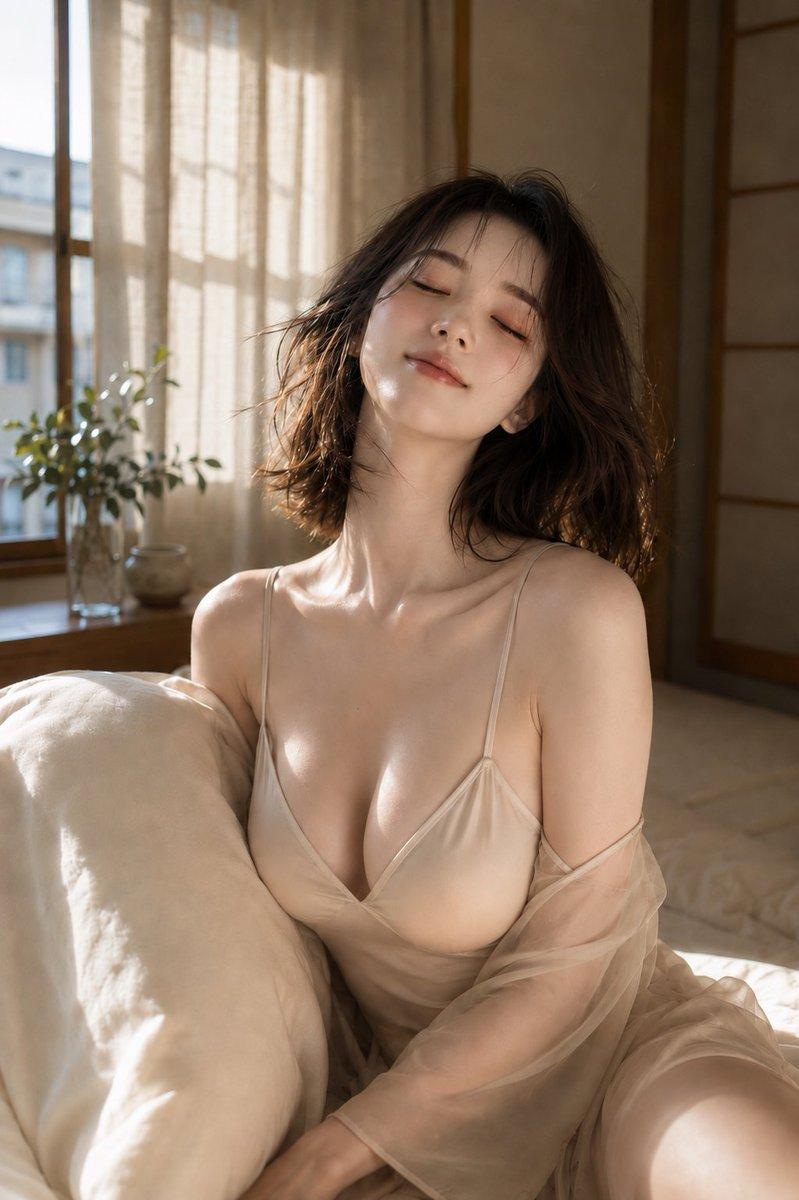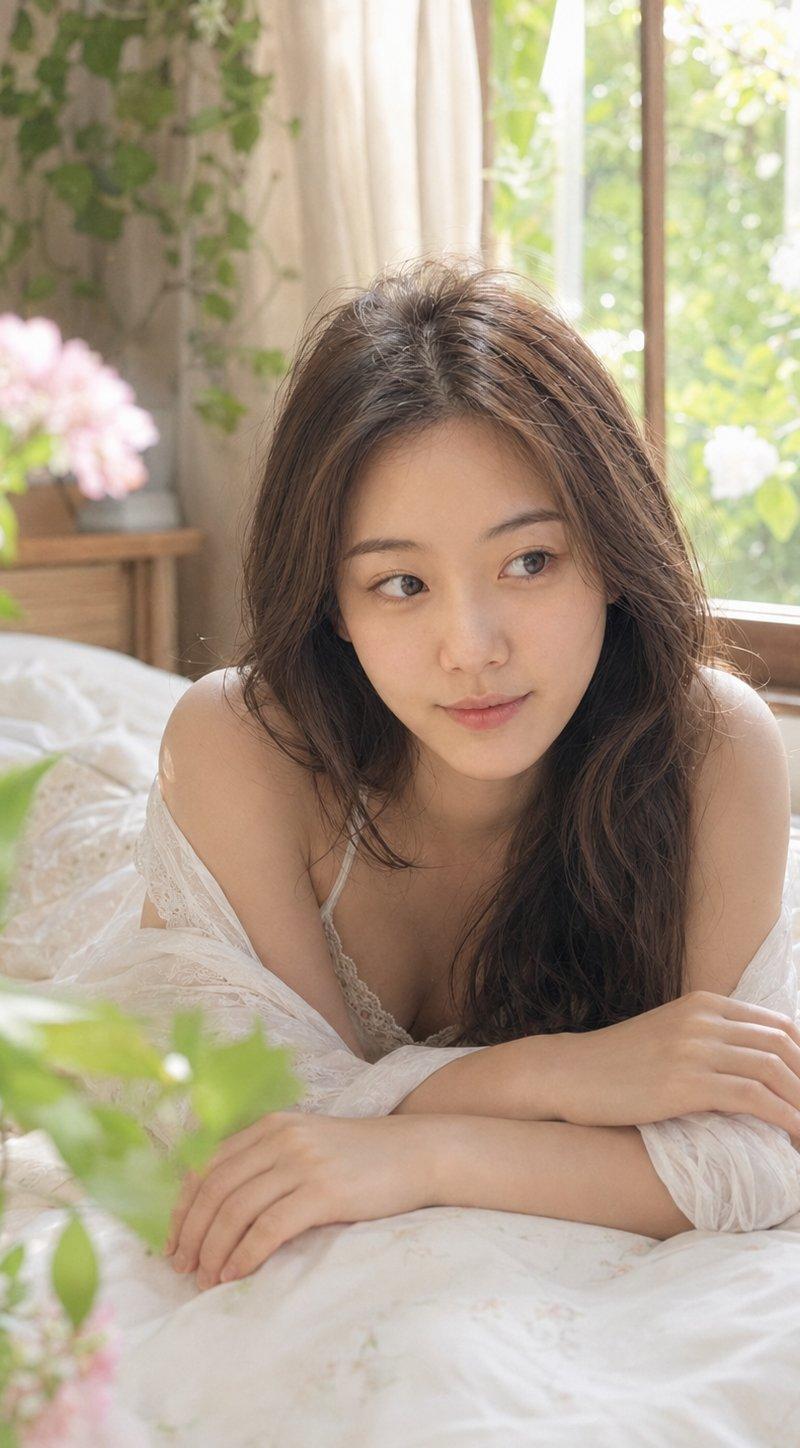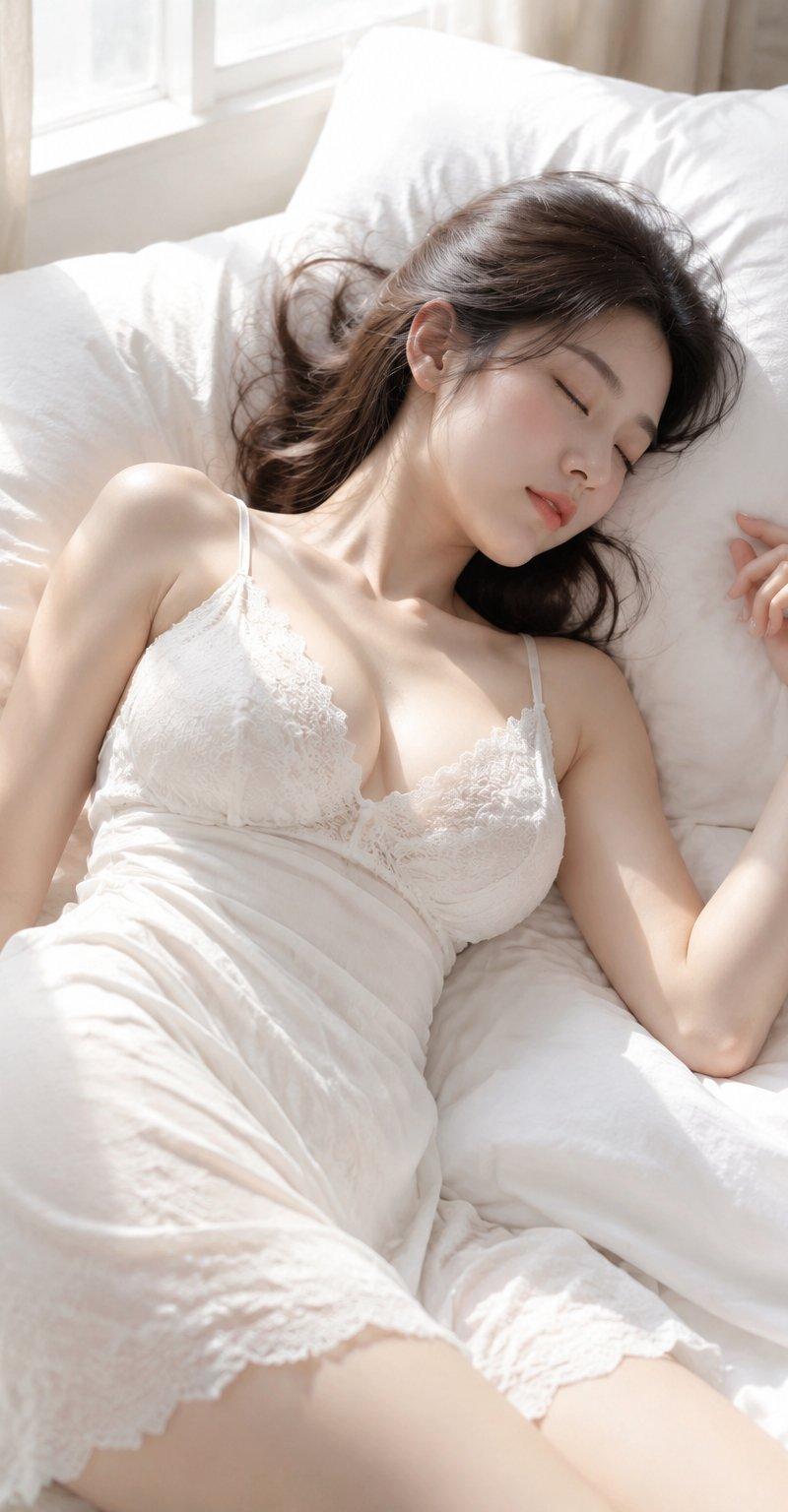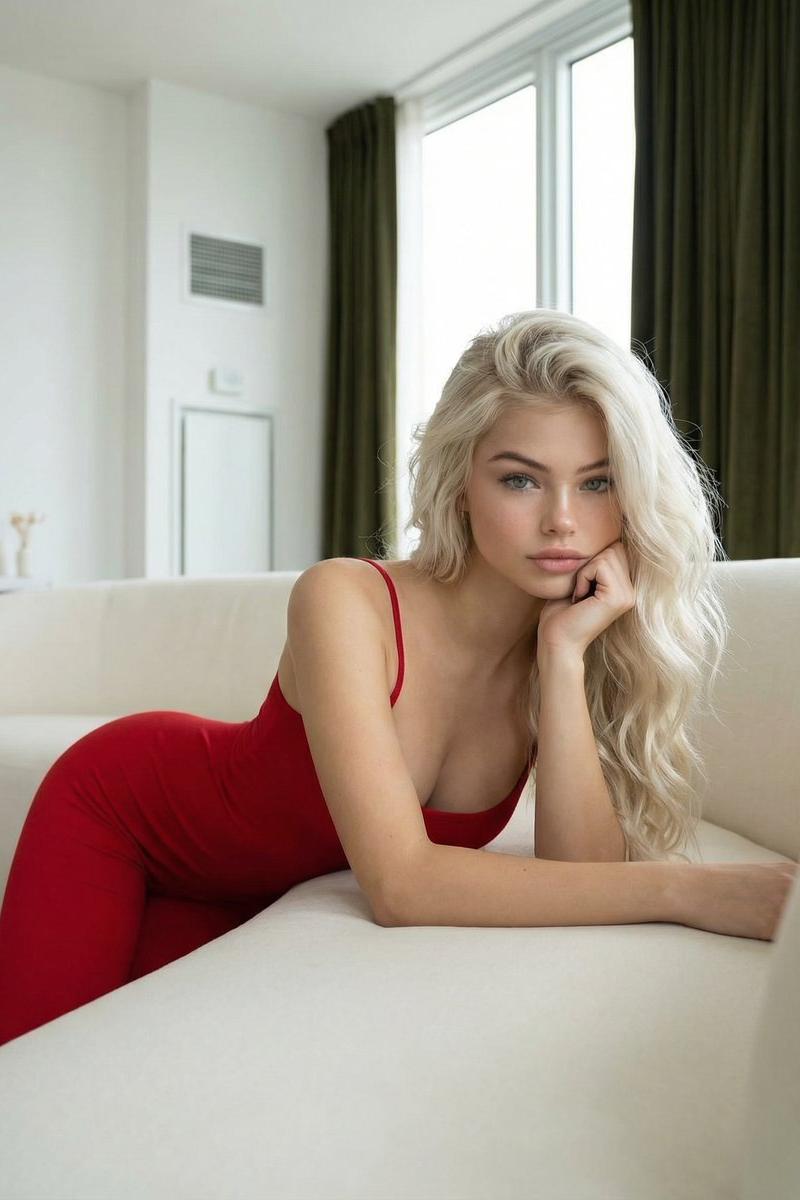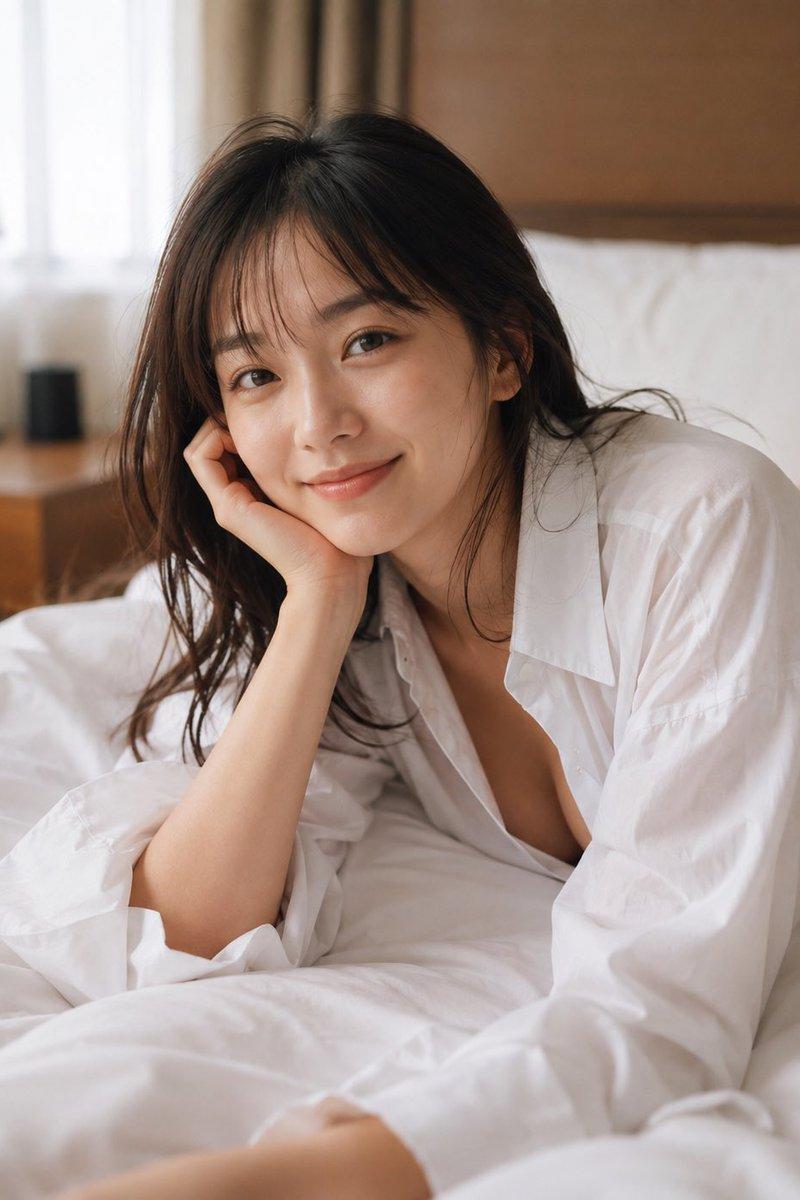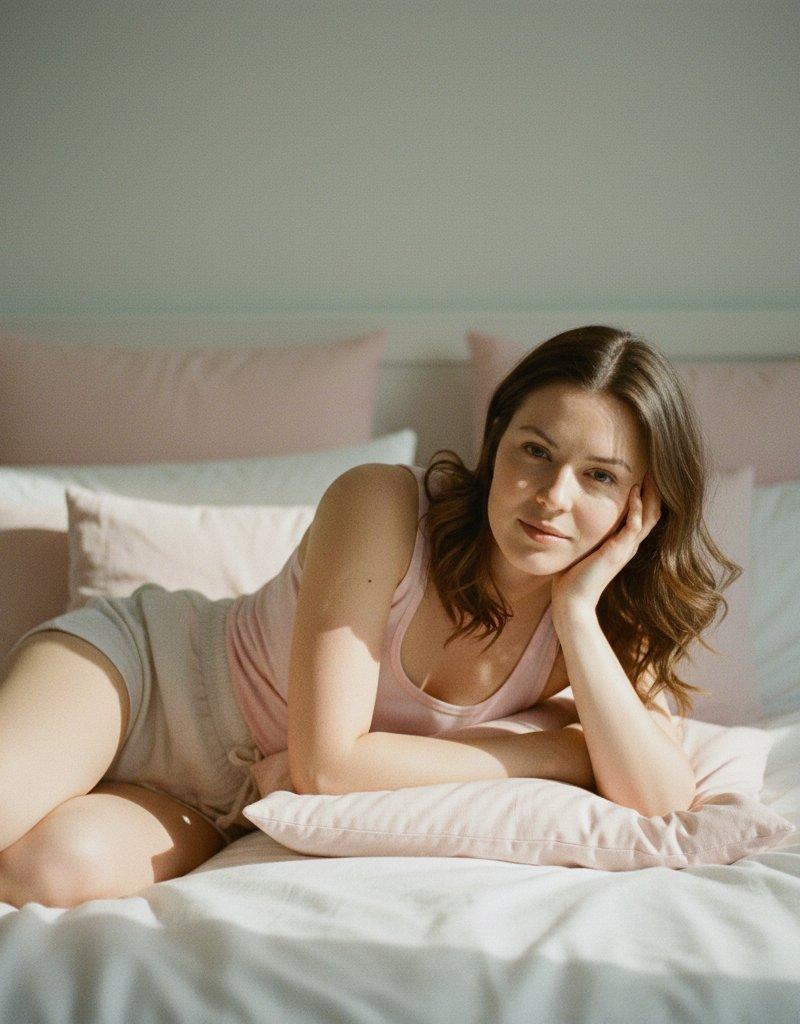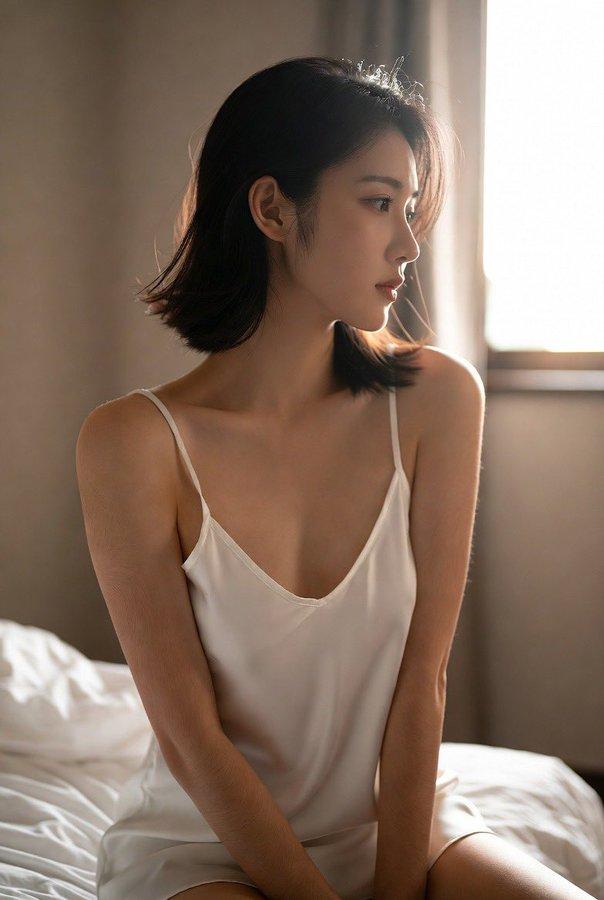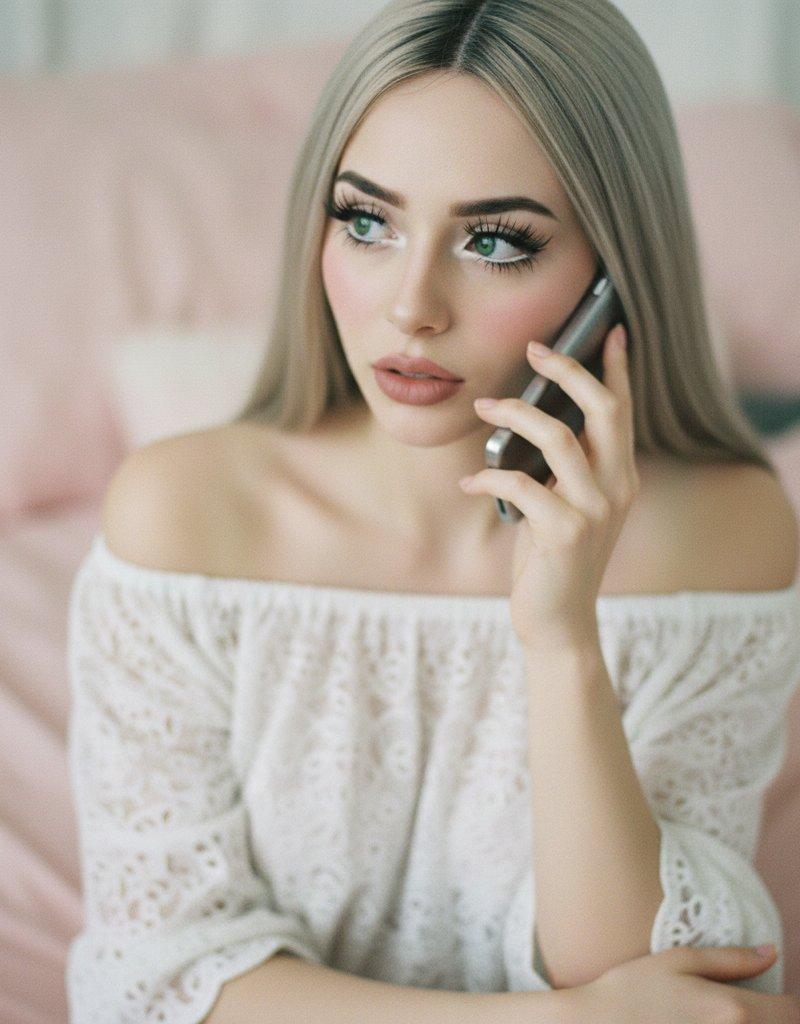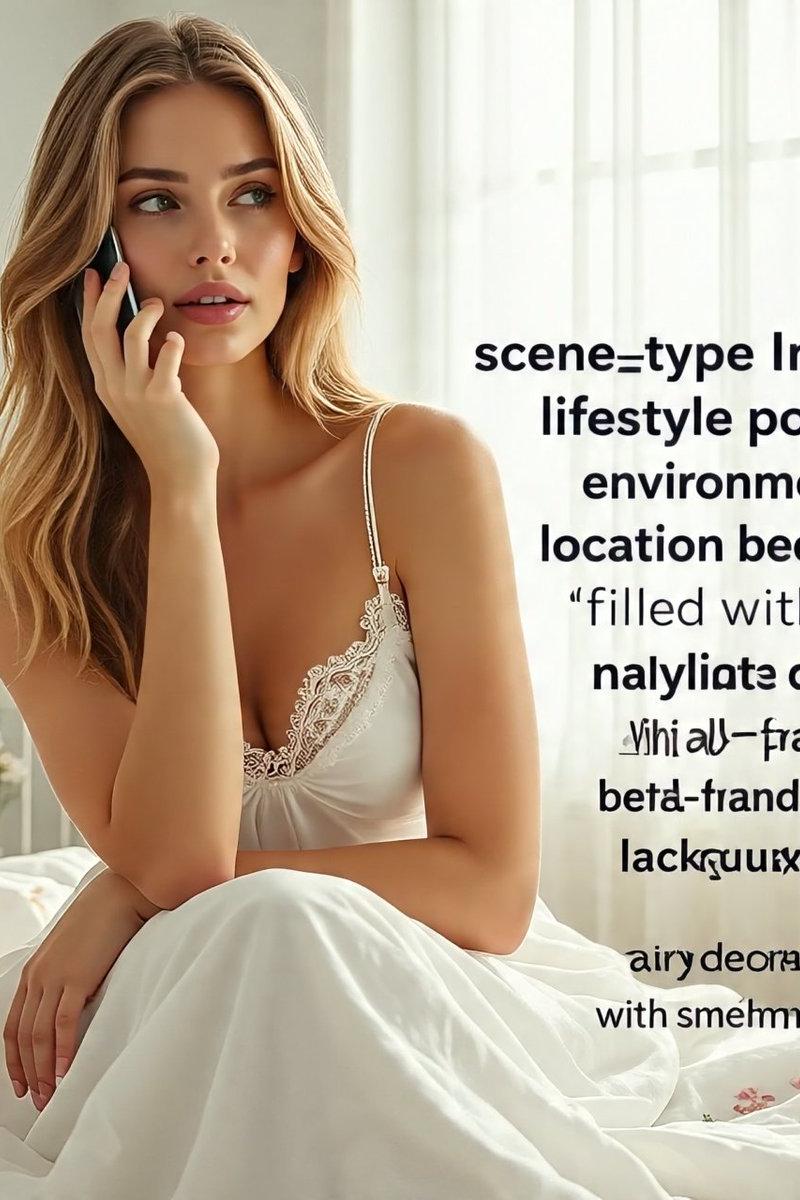
晨光微曦中白金发少女的温馨卧室自拍
Prompt
{ "scene_type": "Indoor lifestyle portrait", "environment": { "location": "Sunlit bedroom filled with soft natural daylight", "background": { "bed": "White metal-frame bed dressed with delicate floral-patterned bedding", "decor": "Minimal, airy decor accented with small potted plants and subtle floral details", "windows": "Large window with sheer white curtains diffusing the incoming sunlight", "color_palette": "Light whites, creams, and neutral tones with gentle floral accents" }, "atmosphere": "Peaceful, intimate, cozy, and airy" }, "subject": { "gender_presentation": "Feminine", "approximate_age_group": "Young adult", "skin_tone": "Fair complexion with natural skin texture", "hair": { "color": "Platinum blonde", "style": "Long, straight hair parted down the center" }, "facial_features": { "expression": "Gentle, thoughtful, and relaxed", "makeup": "Very light, natural makeup" }, "body_details": { "build": "Slim to average physique", "visible_tattoos": [ "Illustrative floral tattoos along the arms", "Small tattoo visible on the thigh" ] } }, "pose": { "position": "Sitting on the bed", "legs": "Bent and pulled in close to the body", "hands": "One hand holding a phone in front of the face, the other softly touching the lips", "orientation": "Facing a mirror to create a selfie-style composition" }, "clothing": { "outfit_type": "Lightweight sleepwear or lounge-style dress", "color": "White", "material": "Soft, slightly sheer fabric", "details": "Thin shoulder straps with delicate lace trim" }, "styling": { "accessories": [ "Minimal necklace", "Small hoop earrings" ], "nails": "Natural or subtly manicured", "overall_style": "Soft, feminine, and intimate aesthetic" }, "lighting": { "type": "Natural daylight", "source": "Side window illumination", "quality": "Soft, diffused, evenly spread light", "shadows": "Very gentle, minimal shadows enhancing natural contours" }, "mood": { "emotional_tone": "Calm, introspective, and warm", "visual_feel": "Quiet, intimate, and visually soft" }, "camera_details": { "camera_type": "Smartphone camera", "lens_equivalent": "Wide-angle perspective (approximately 24–28mm)", "perspective": "Mirror selfie viewpoint", "focus": "Crisp focus on the subject with natural depth", "aperture_simulation": "f/1.8–f/2.2 style depth", "iso_simulation": "Low ISO for a clean, noise-free image", "shutter_speed_simulation": "Fast enough to prevent motion blur", "white_balance": "Neutral daylight balance" }, "rendering_style": { "realism_level": "Ultra-photorealistic", "detail_level": "High skin-detail fidelity, realistic light falloff, natural fabric behavior", "post_processing": "Soft contrast, gentle highlights, nat" } }- Category
- Posters & Typography
- Model
- Nano banana pro
- Creator
- @sadiaamir000786
- Source language
- zh-CN
- Source ID
- 8201
- Published
- Mar 22, 2026
Views12