20

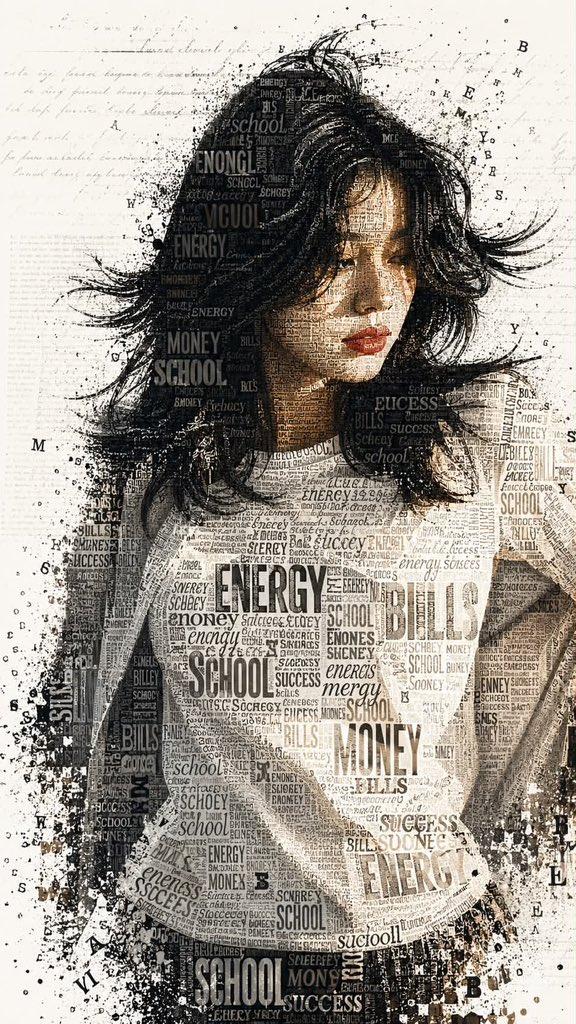
报纸材质创意拼接时尚大片
Enlarge

Example images

报纸材质创意拼接时尚大片

Prompt
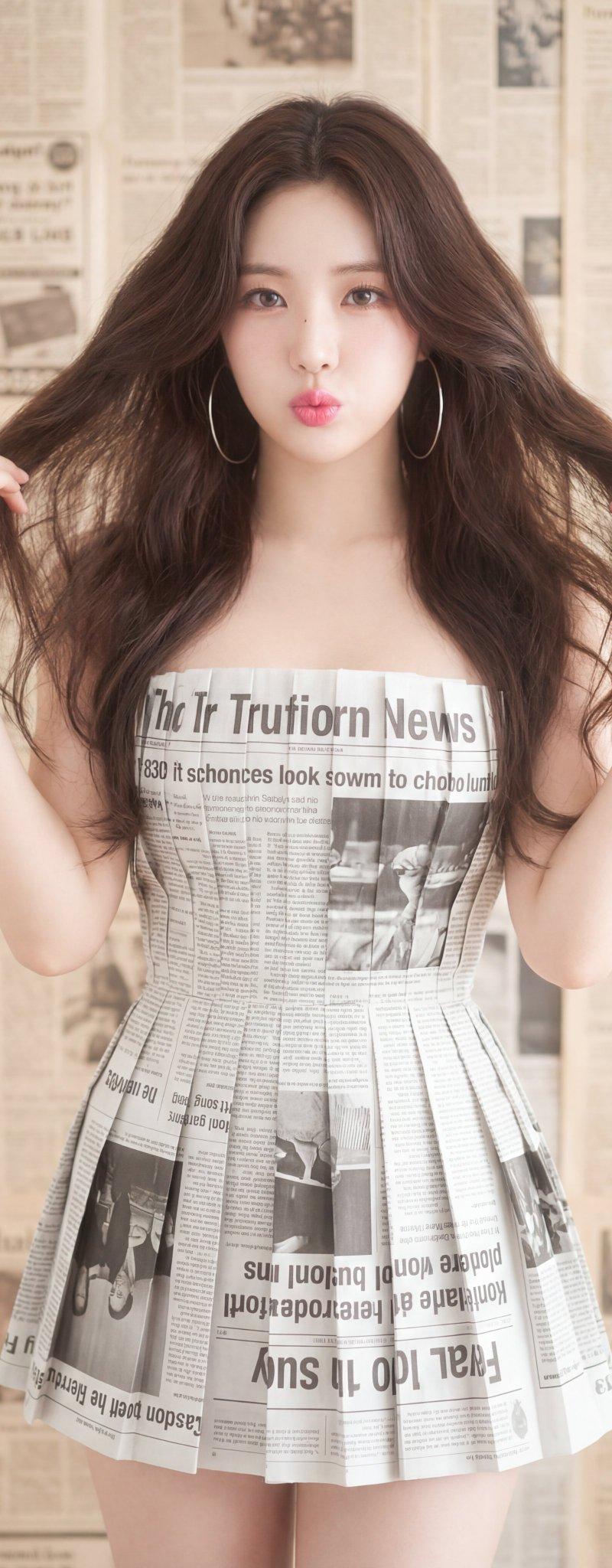
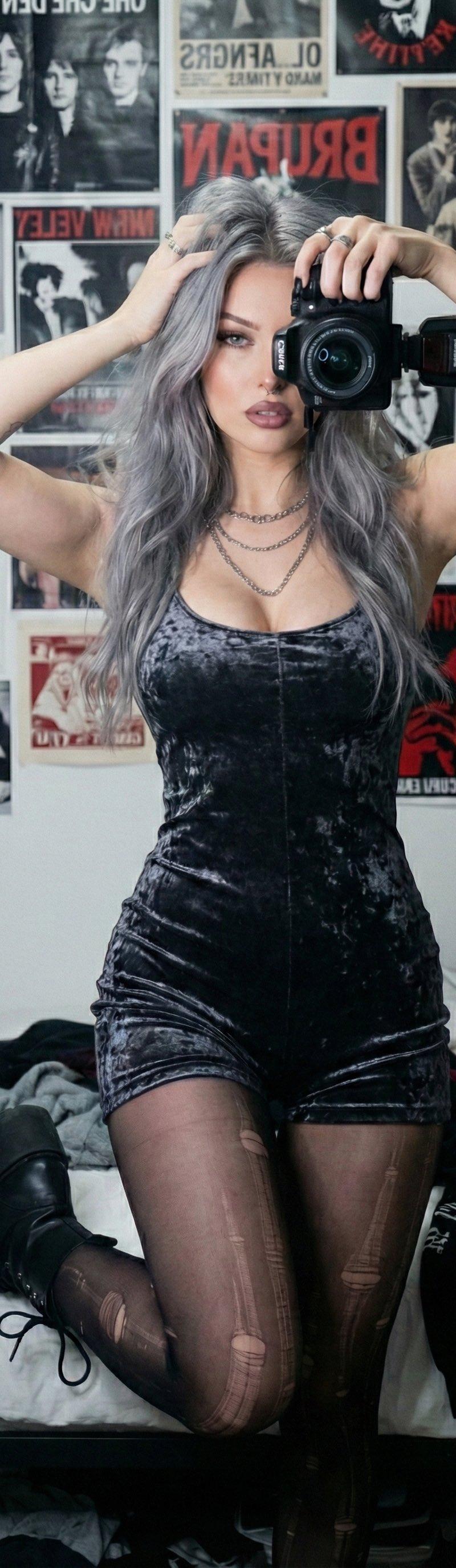
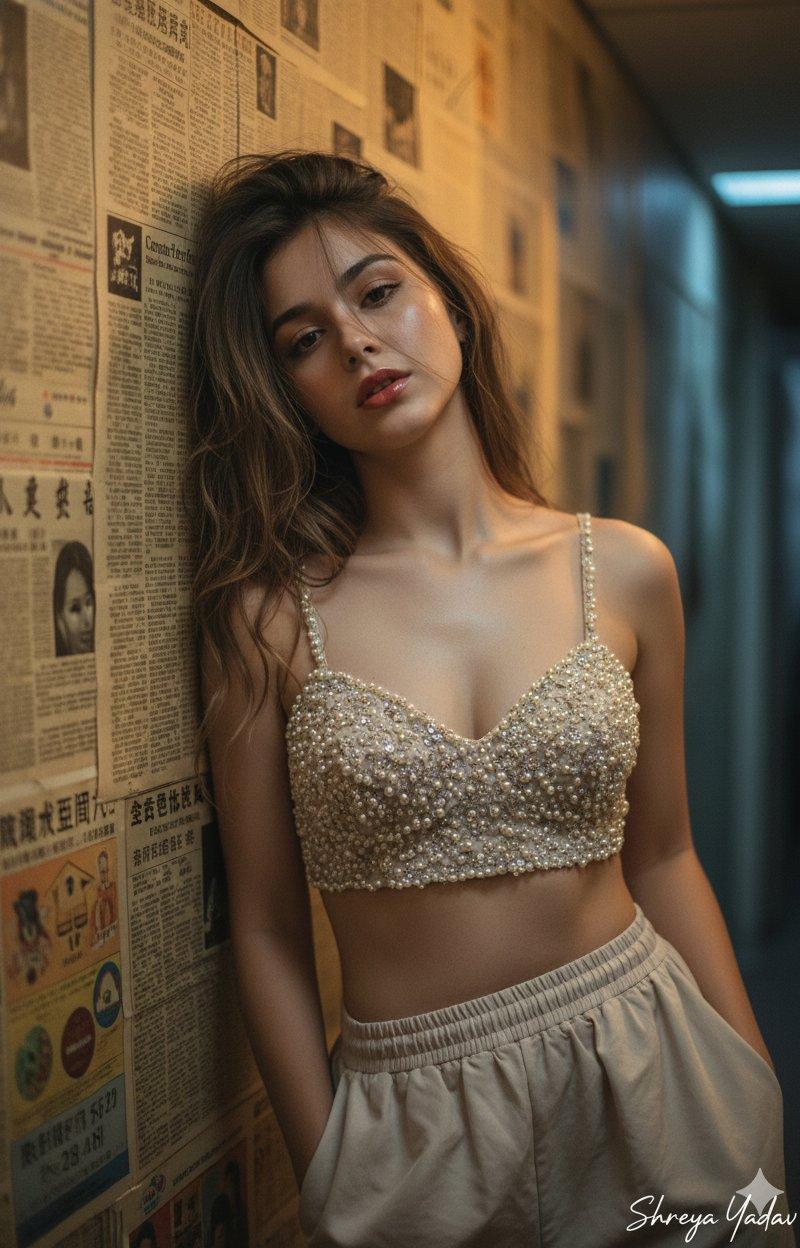
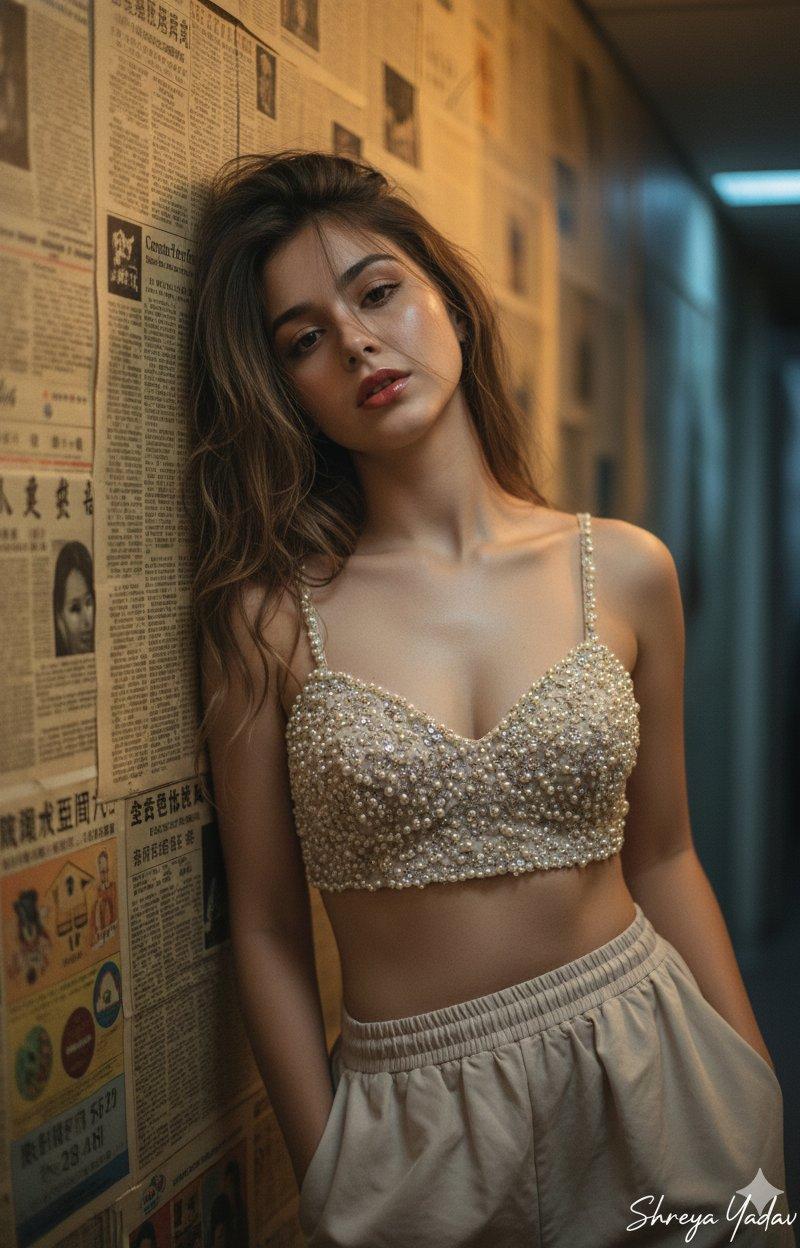
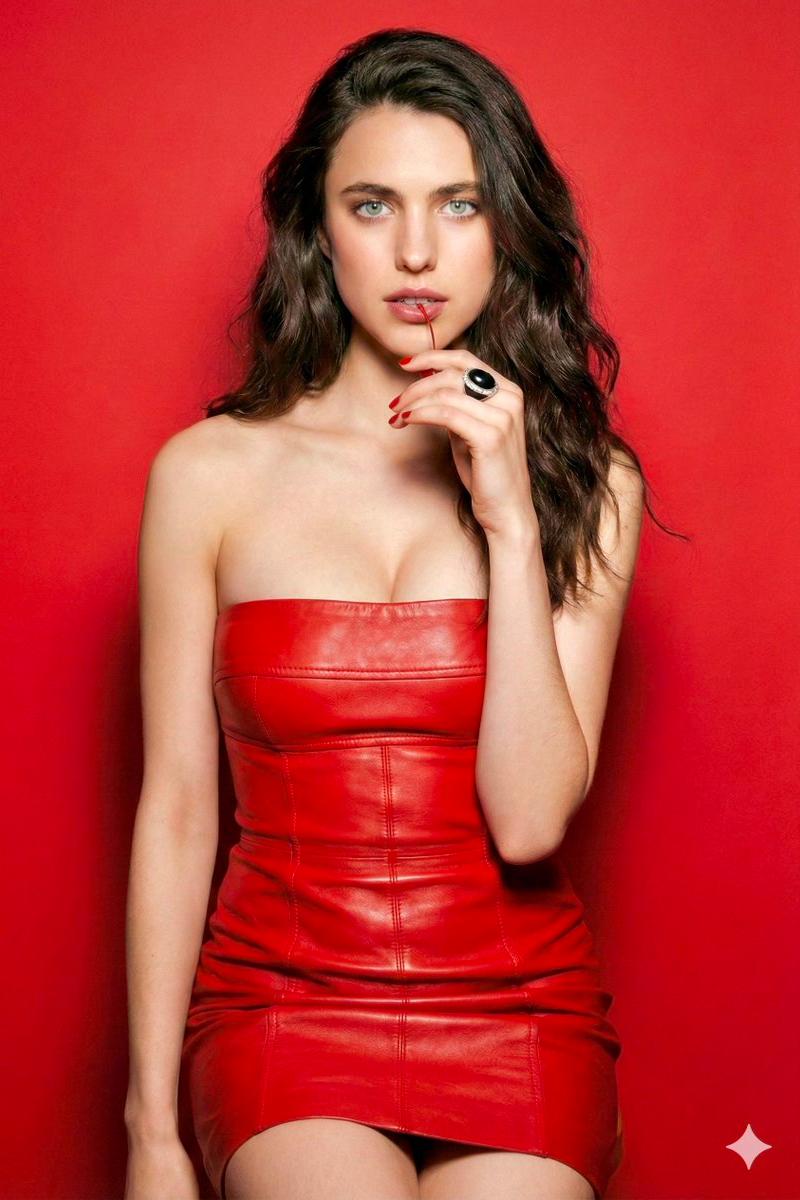
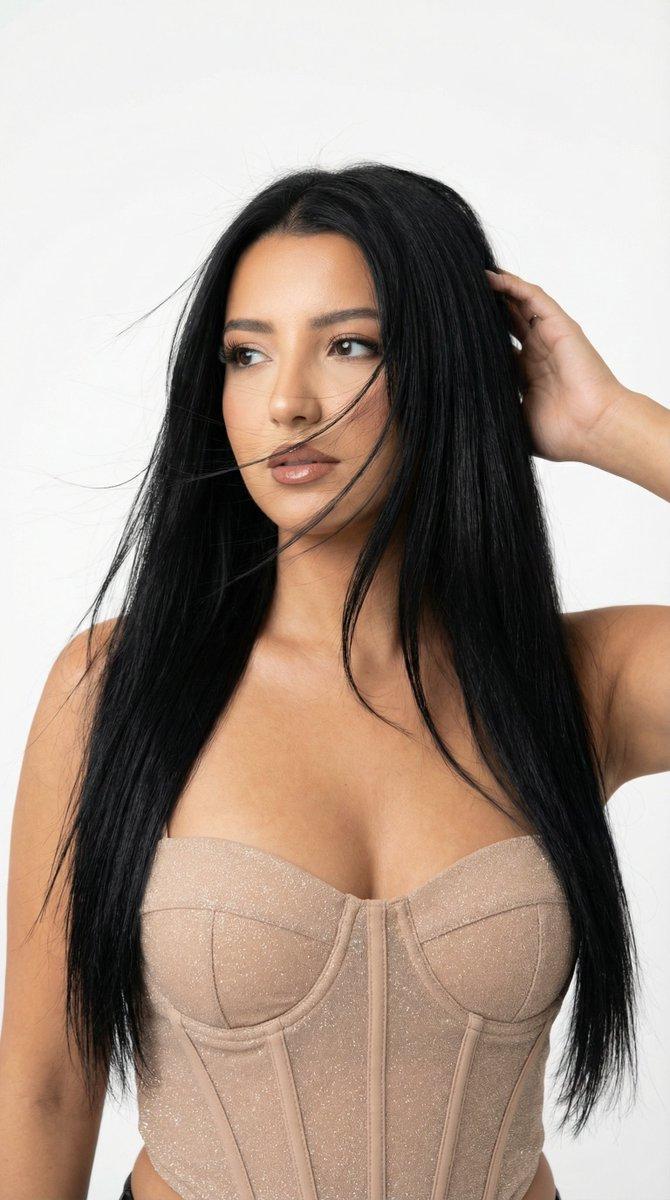
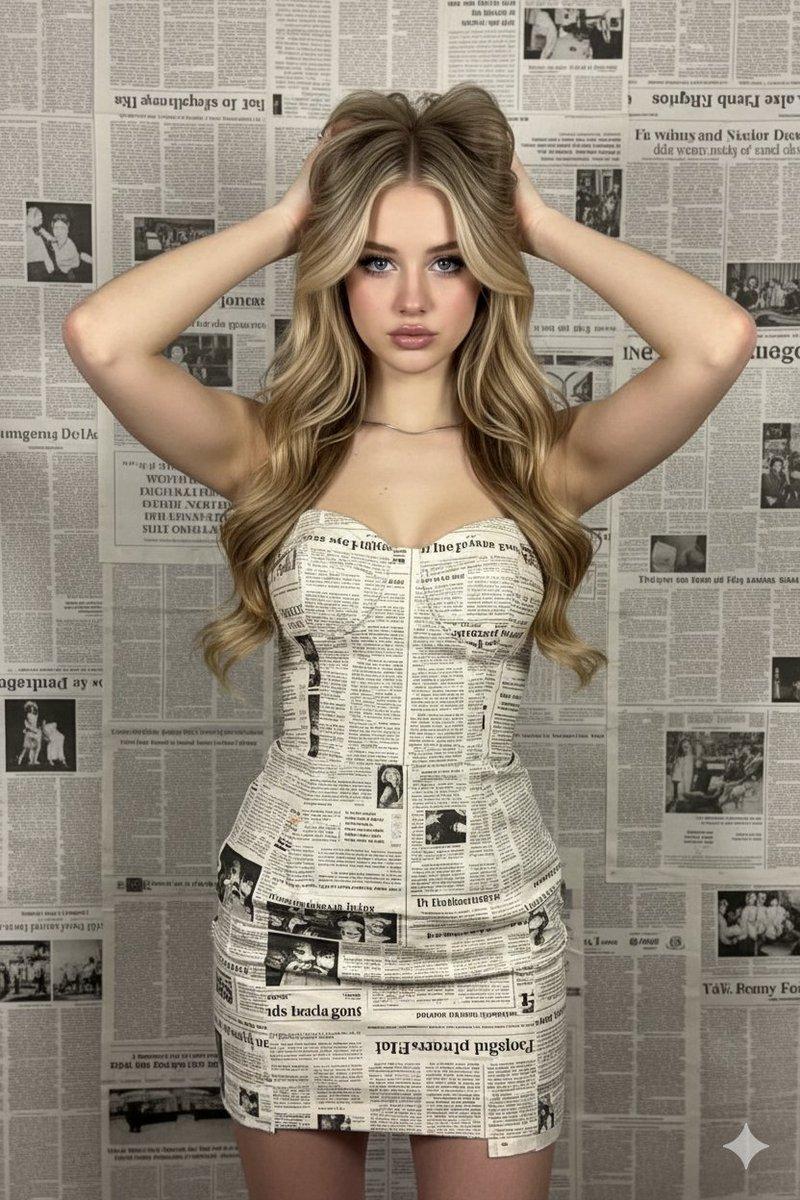
Use the same face from the reference image without changing facial features { "subject": { "description": "Young woman with soft, youthful features and long, wavy honey-blonde hair.", "pose": "Frontal view, hands raised to the sides of her head running through her hair, looking directly at the camera with a neutral expression.", "clothing": "A strapless, form-fitting dress constructed entirely from overlapping strips of newspaper with visible black text and headlines." }, "environment": { "background": "A wall completely covered in layers of old newspaper pages, creating a monochromatic, text-heavy backdrop.", "atmosphere": "Studio-style fashion photography, editorial aesthetic." }, "lighting_and_color": { "lighting": "Soft, diffused front lighting; even illumination with minimal harsh shadows, highlighting the texture of the paper and the smoothness of the skin.", "color_palette": "Muted and monochromatic tones of beige, cream, and grey from the newsprint, contrasted with warm, natural skin tones and blonde hair." }, "technical_details": { "camera_settings": "Shot on 85mm lens, f/2.8, sharp focus on the eyes, shallow depth of field slightly softening the background texture.", "quality": "High resolution, 8k, photorealistic, cinematic texture, detailed paper grain." } }
Category
Charts & Infographics
Model
Nano banana pro
Creator
@TheNewz_816
Source language
zh-CN
Views27
Source ID
7943
Published
Mar 21, 2026
Studio

Guide

About "报纸材质创意拼接时尚大片"

What is this prompt for?

"报纸材质创意拼接时尚大片" AI image prompt for Nano banana pro (Charts & Infographics). 使用参考图像中的面部,不改变面部特征 { "subject": { "description": "年轻女性,面部特征柔和、年轻,留着长长的波浪形 {argument…

The full copyable prompt and example visuals above are ready for AI image generation or one-click recreate in Picva.

How to use this prompt

  1. Step 1

    Open the prompt detail

    Review the example visuals, category, and full prompt text for "报纸材质创意拼接时尚大片".

  2. Step 2

    Copy the prompt

    Copy the prompt body from this page, or load it directly in Studio.

  3. Step 3

    Pick a model (Nano banana pro)

    Prefer Nano banana pro. If you switch models, keep subject and composition and tweak style terms.

  4. Step 4

    Generate and export

    Recreate the look in Picva, or export into your workflow for editing and publishing.

FAQ

What is the "报纸材质创意拼接时尚大片" prompt?
It is an AI image-generation prompt for Nano banana pro in the Charts & Infographics category. This page includes the full prompt text, example visuals, and a one-click recreate path in Picva.
How do I use this prompt to generate an image?
Copy the prompt from this page, or use Generate / Studio. Paste it into a compatible image model, or recreate the look in Picva with optional reference images.
Which model is this prompt for?
This page lists Nano banana pro. Most descriptive prompts also transfer to nearby image models such as GPT Image, Flux, or Midjourney with light style tweaks.
Can I use the result commercially?
You can usually copy the prompt for creation, but commercial use of the final image depends on the model terms, reference-image rights, and the generated content. Follow the source author and platform rules.