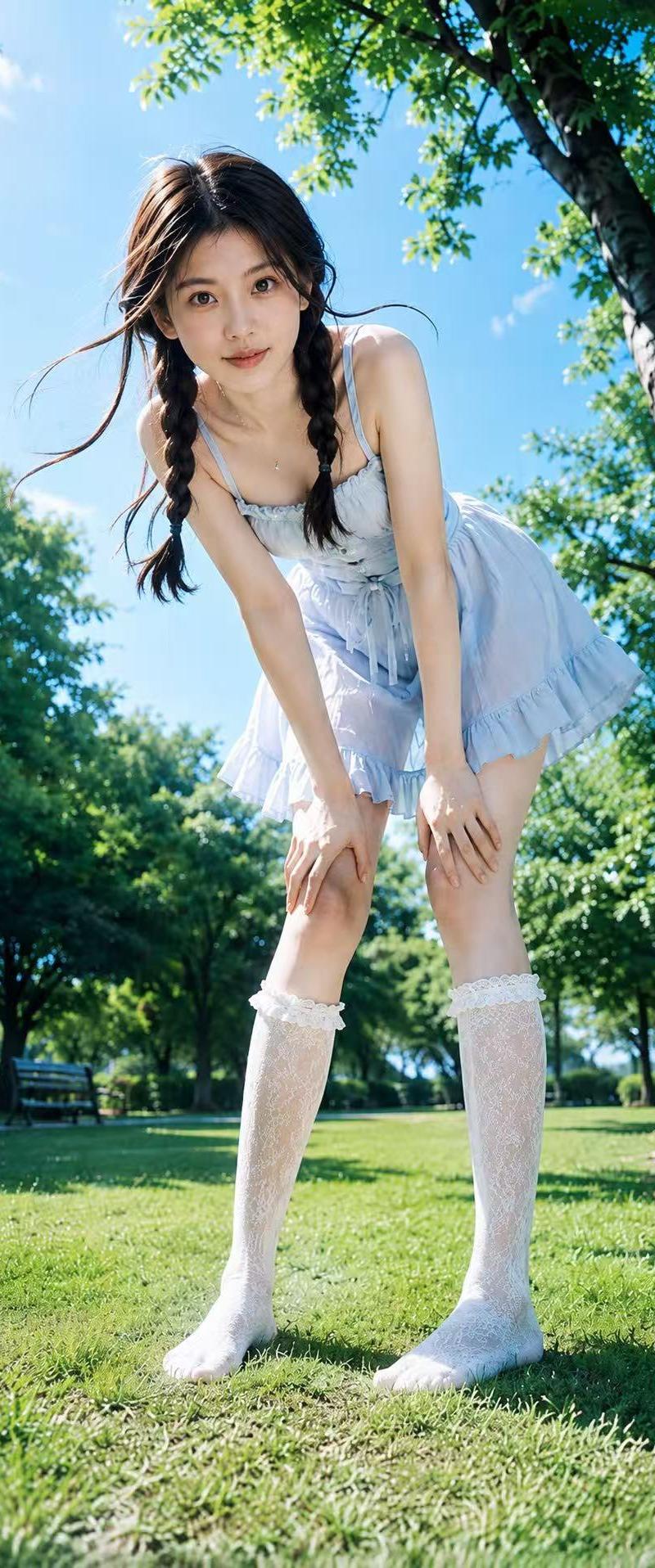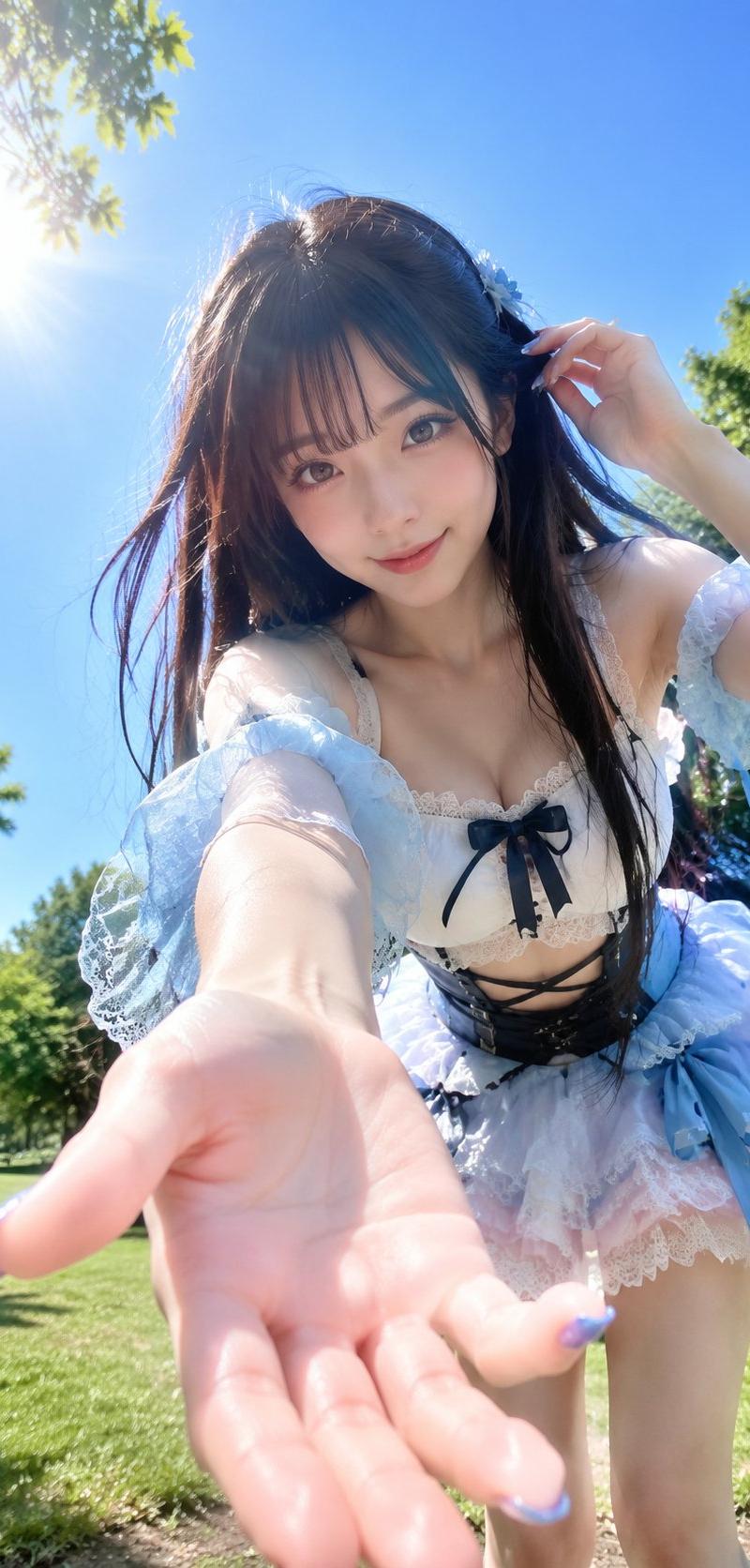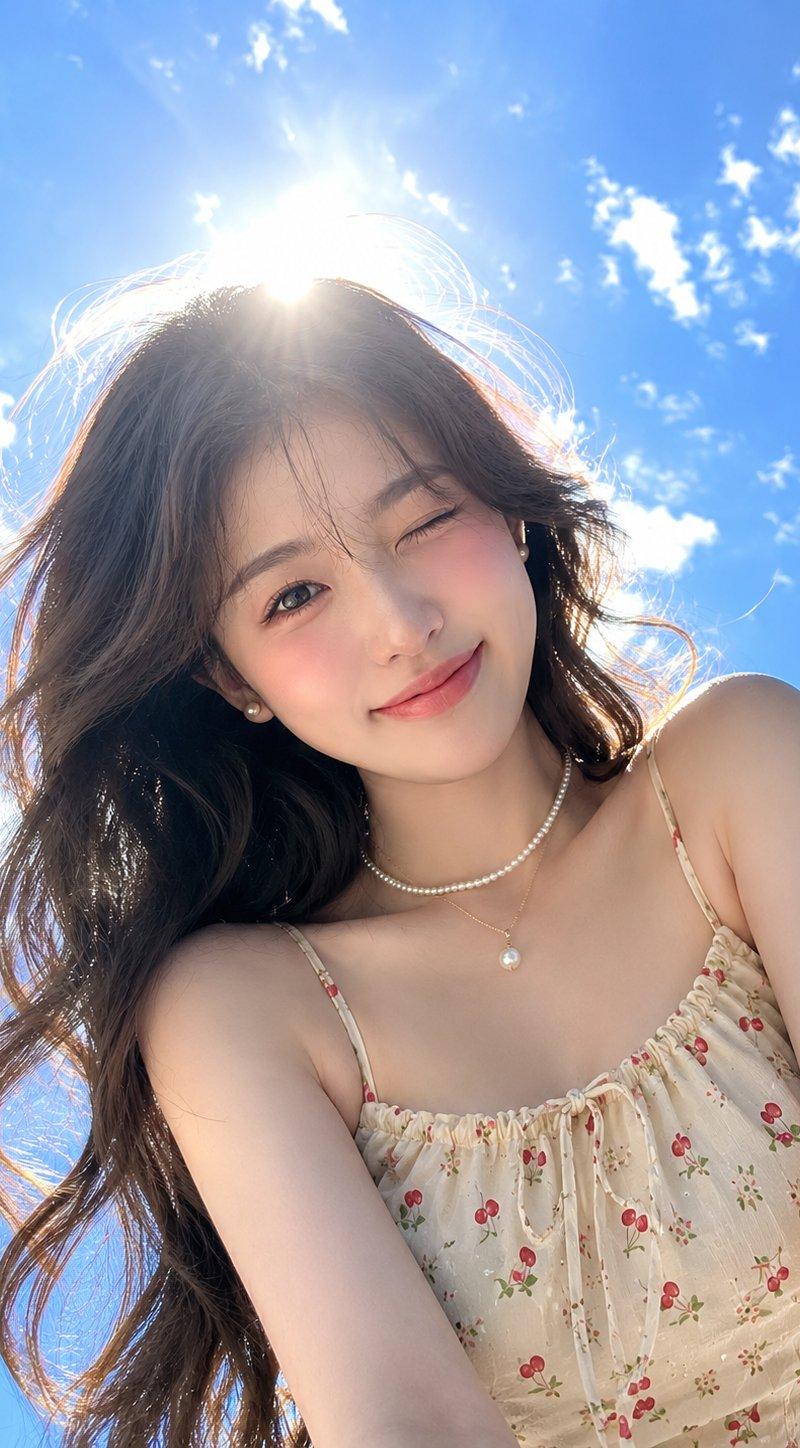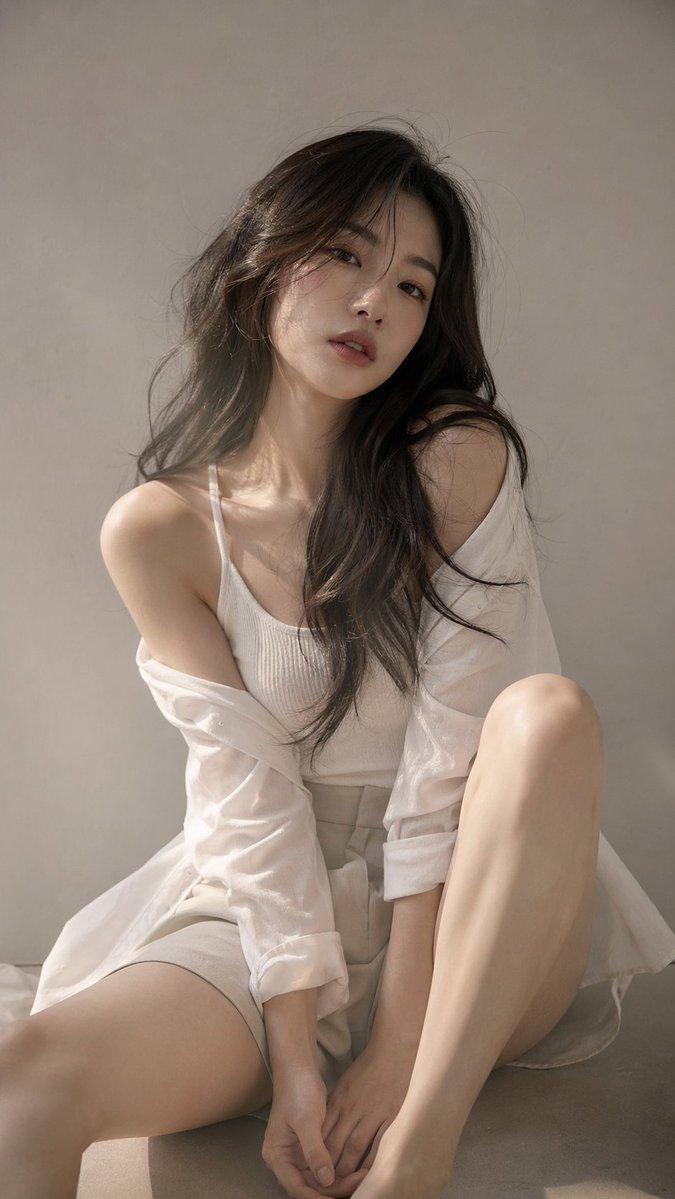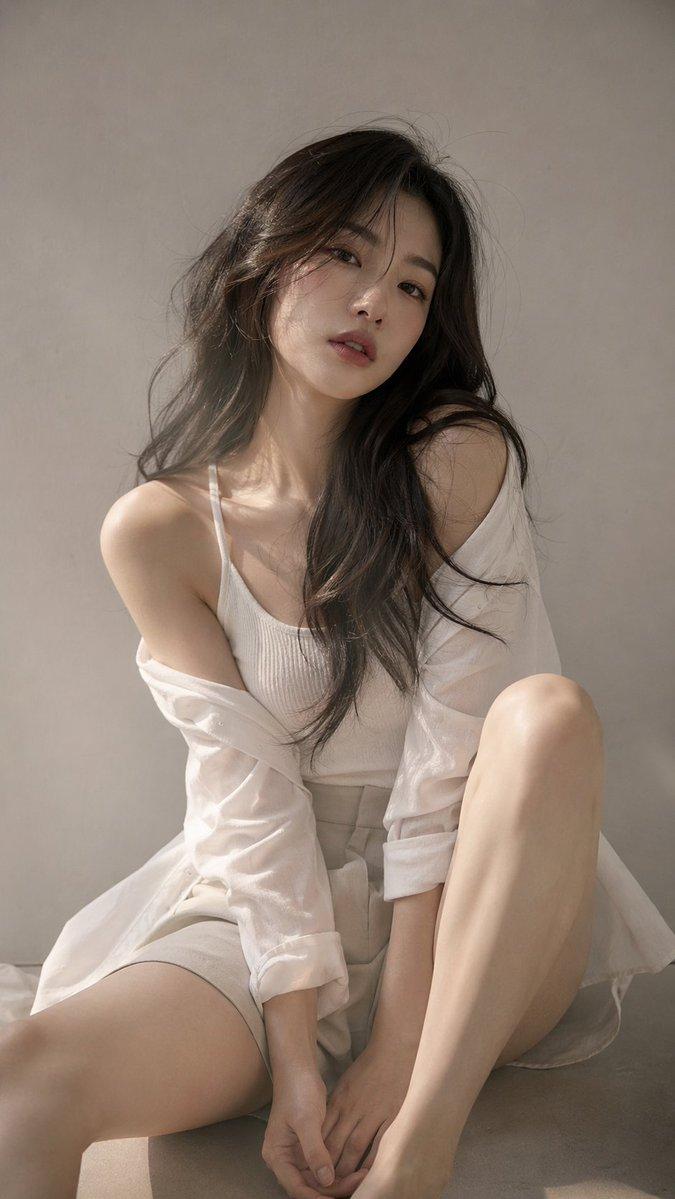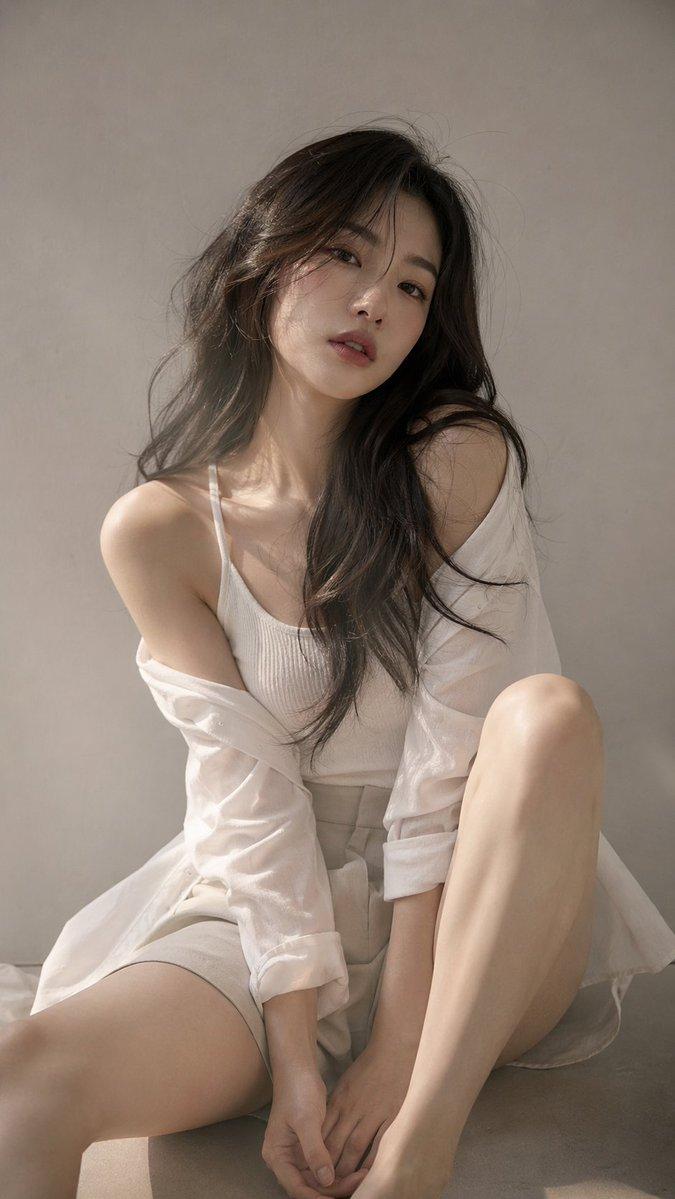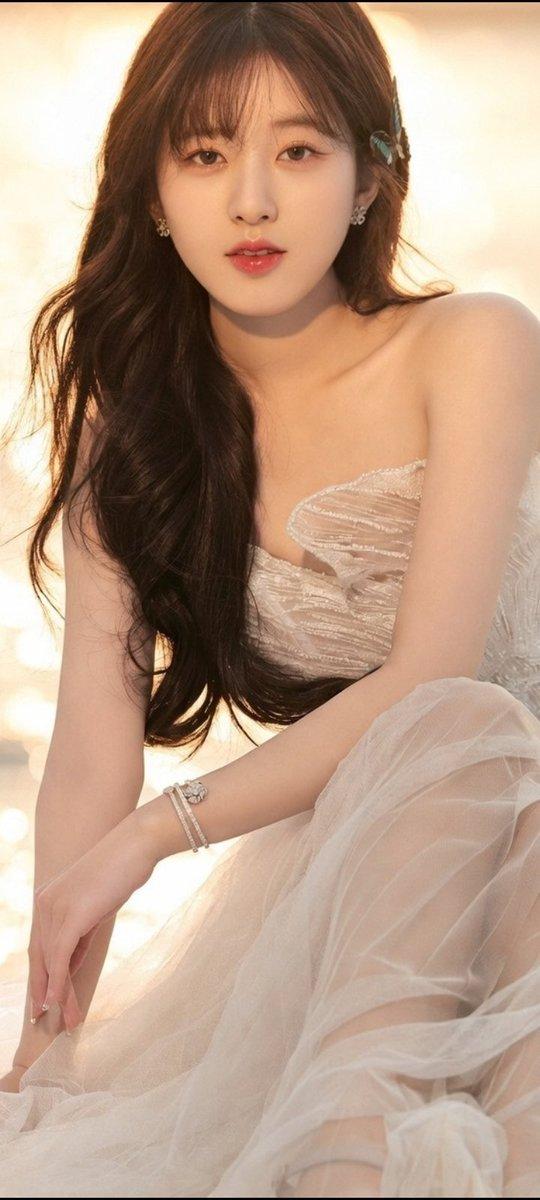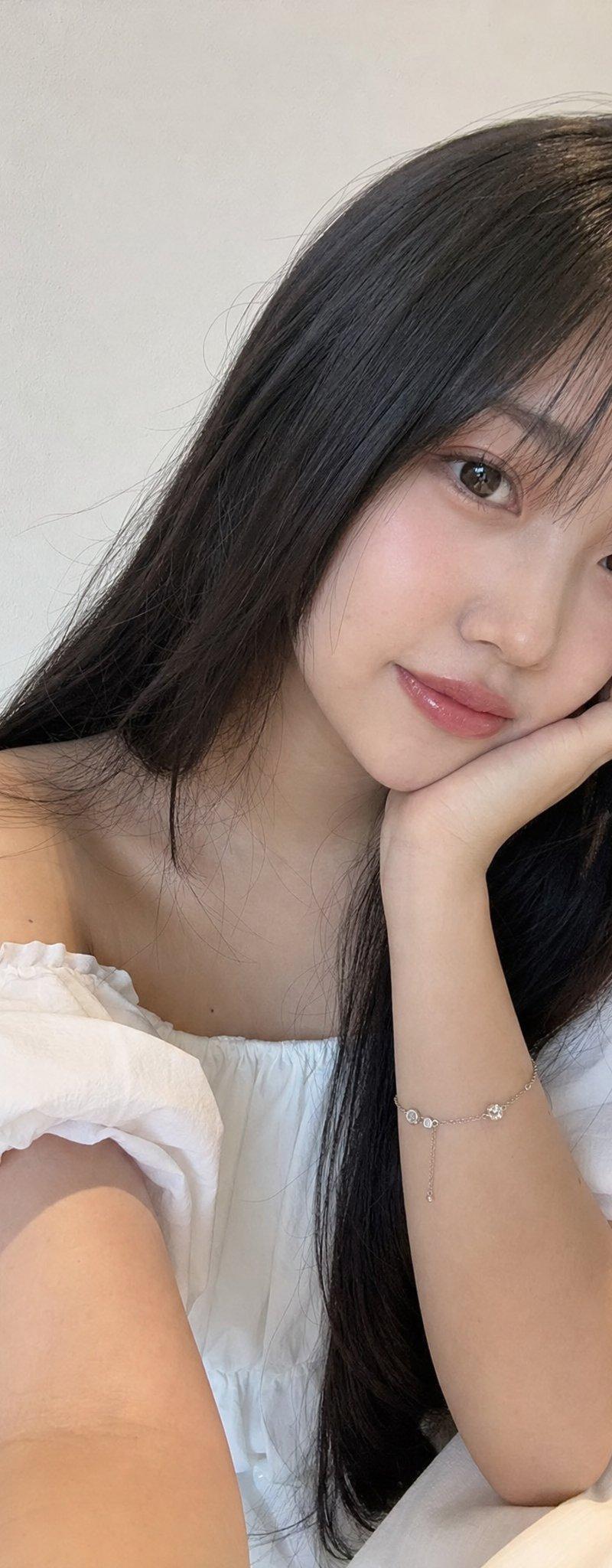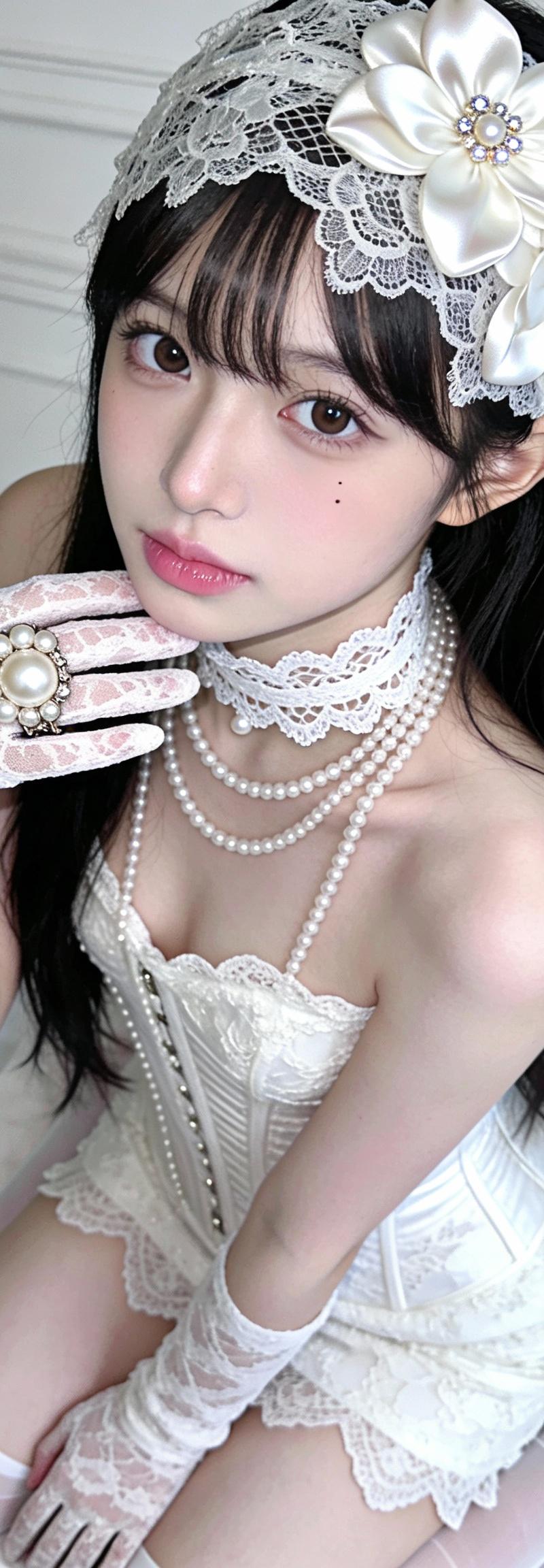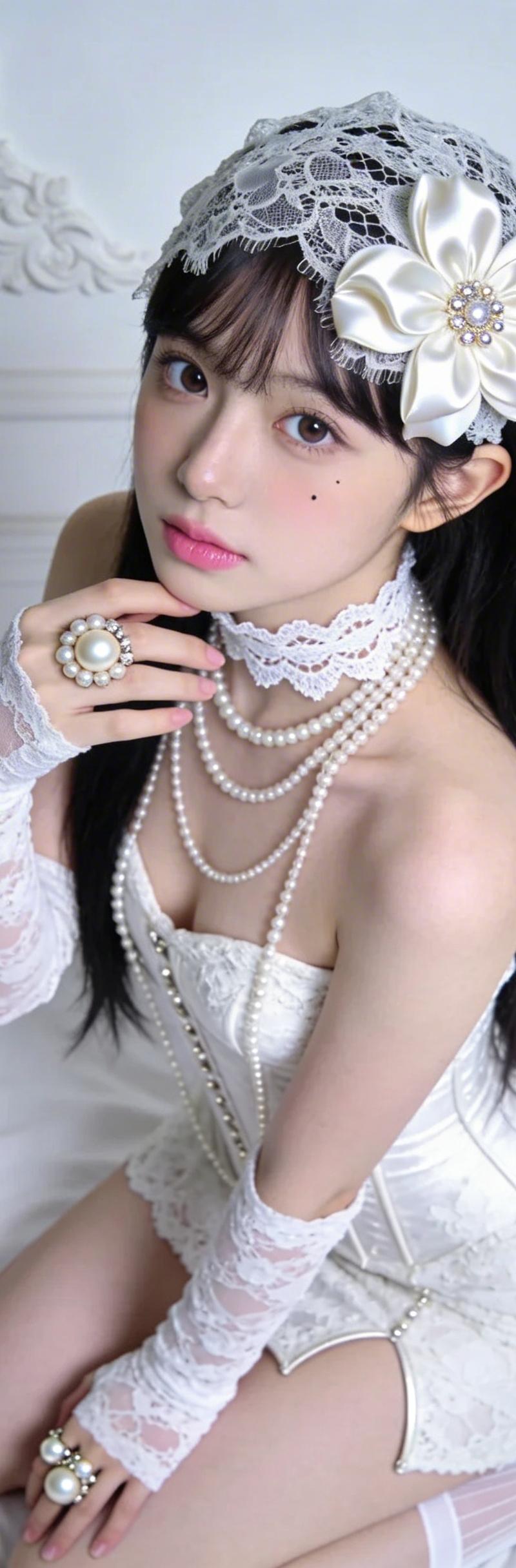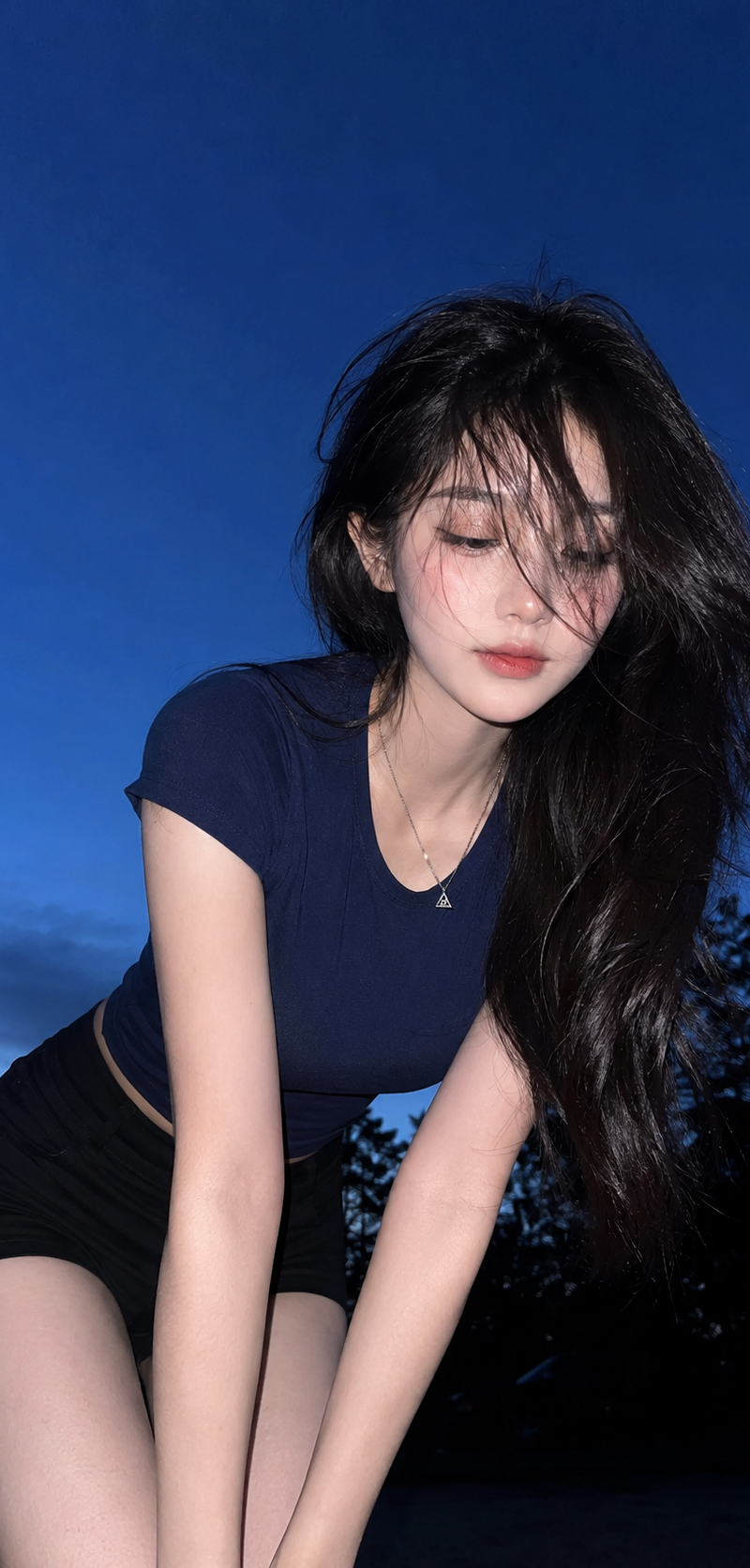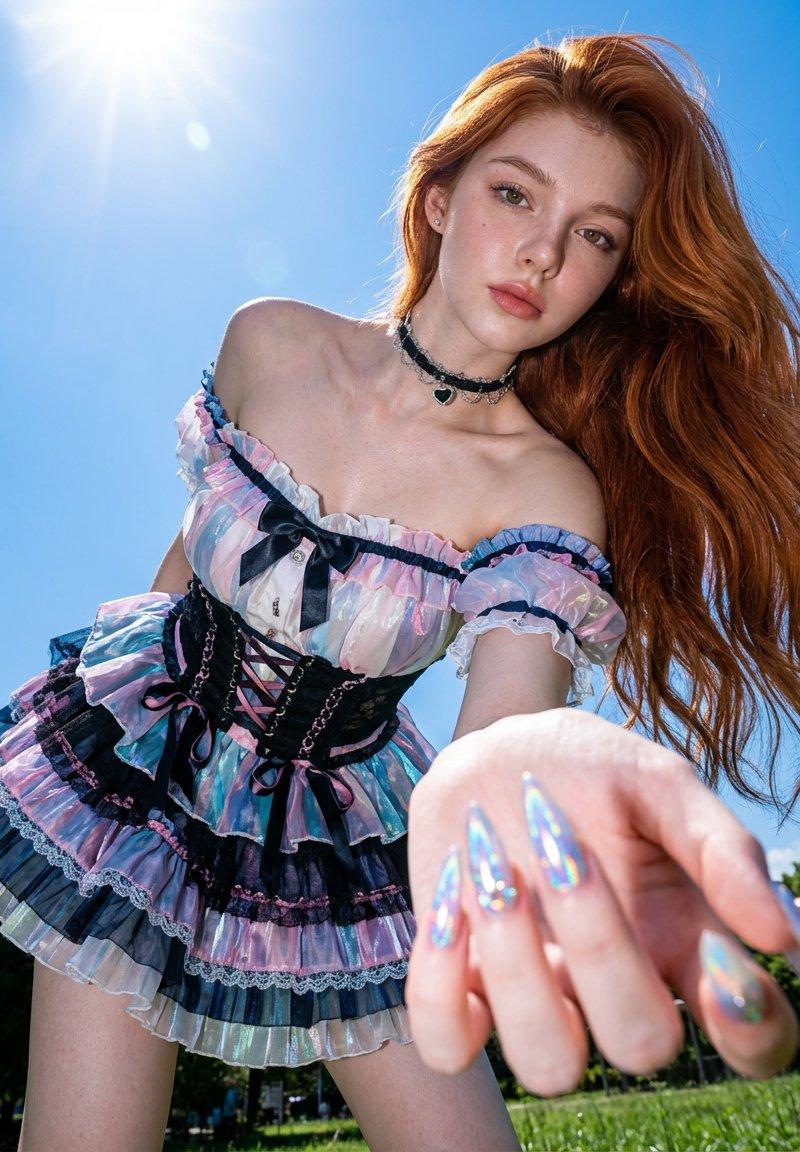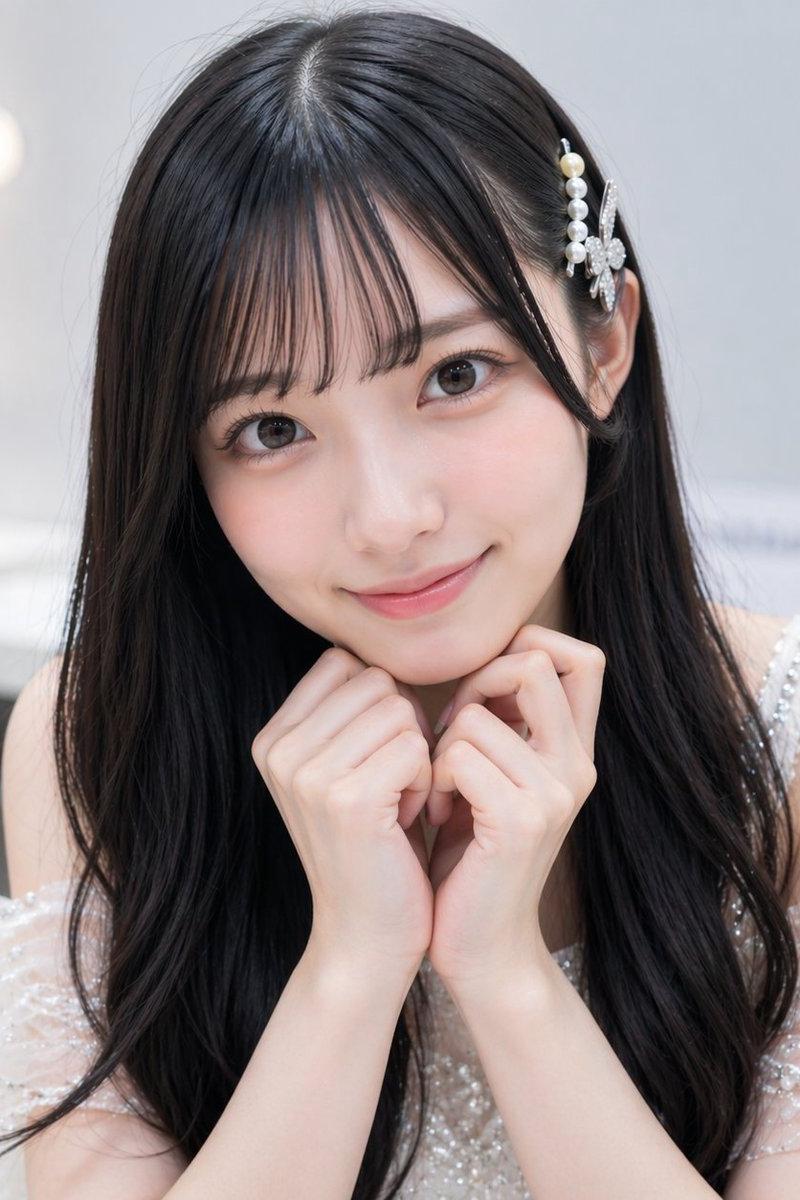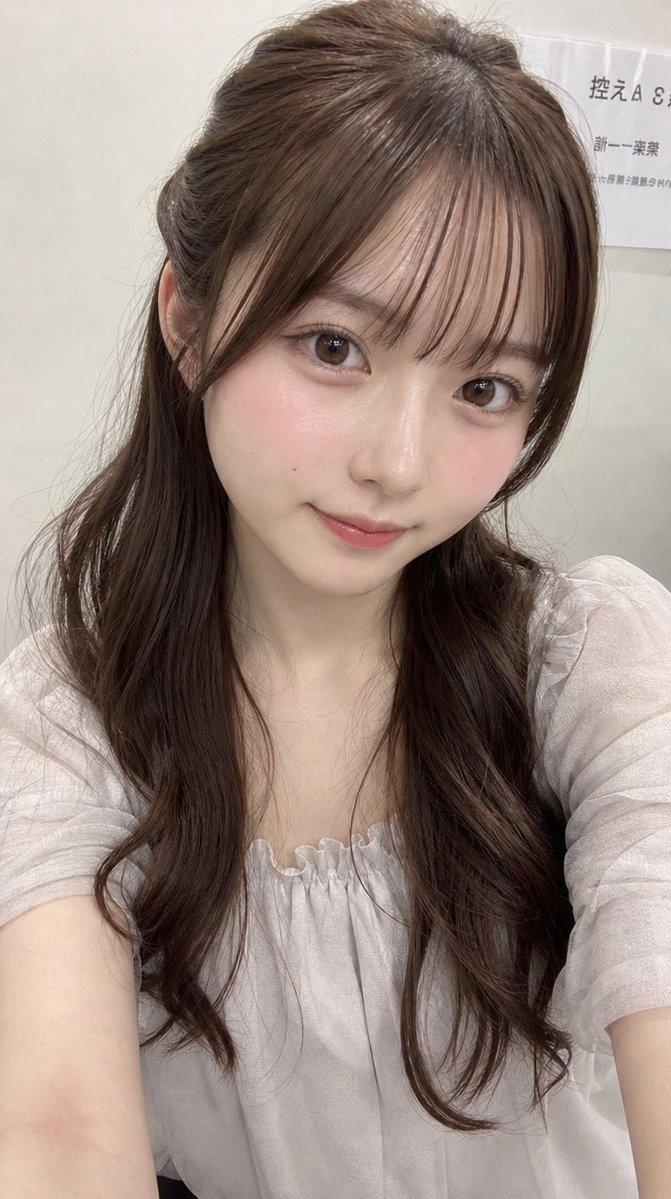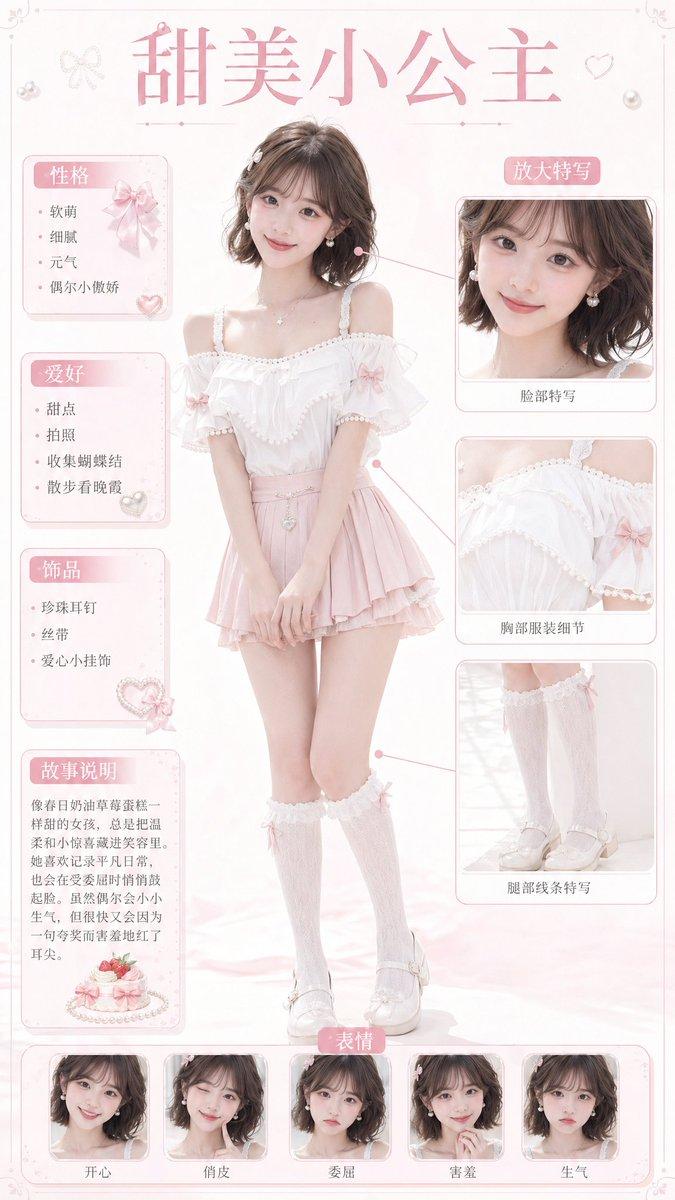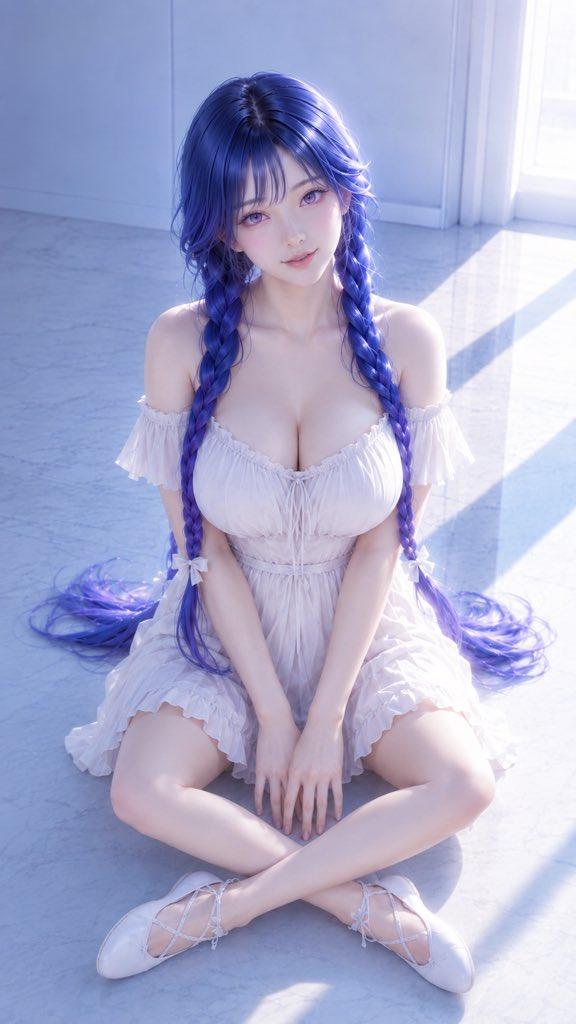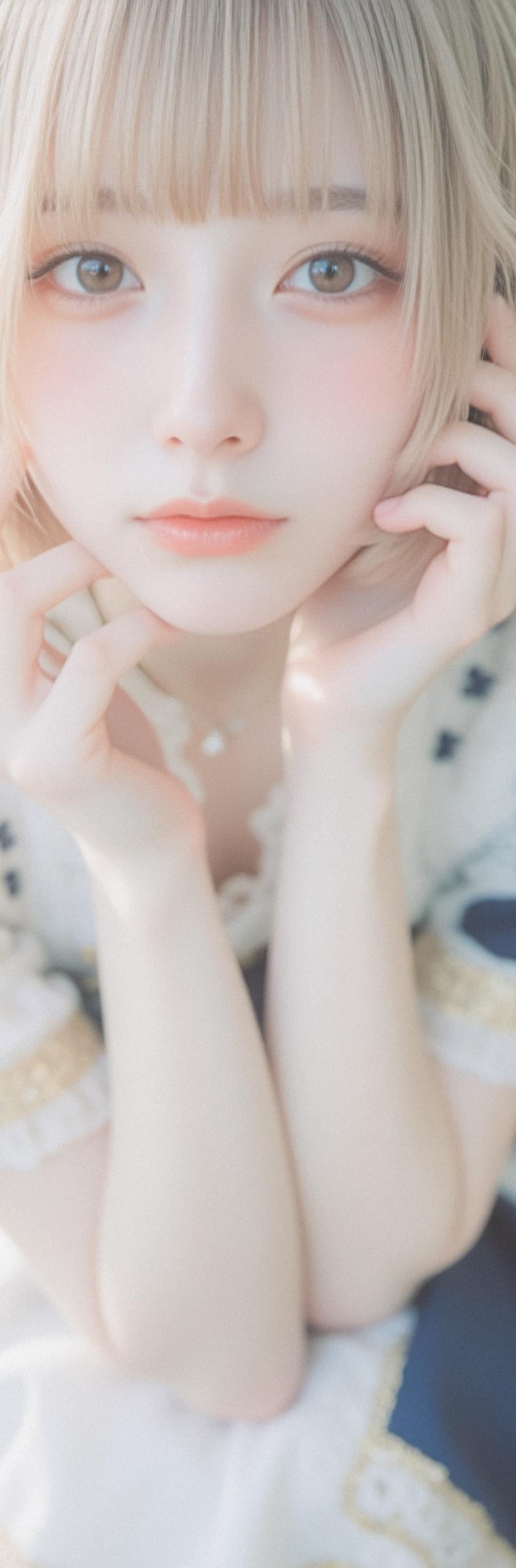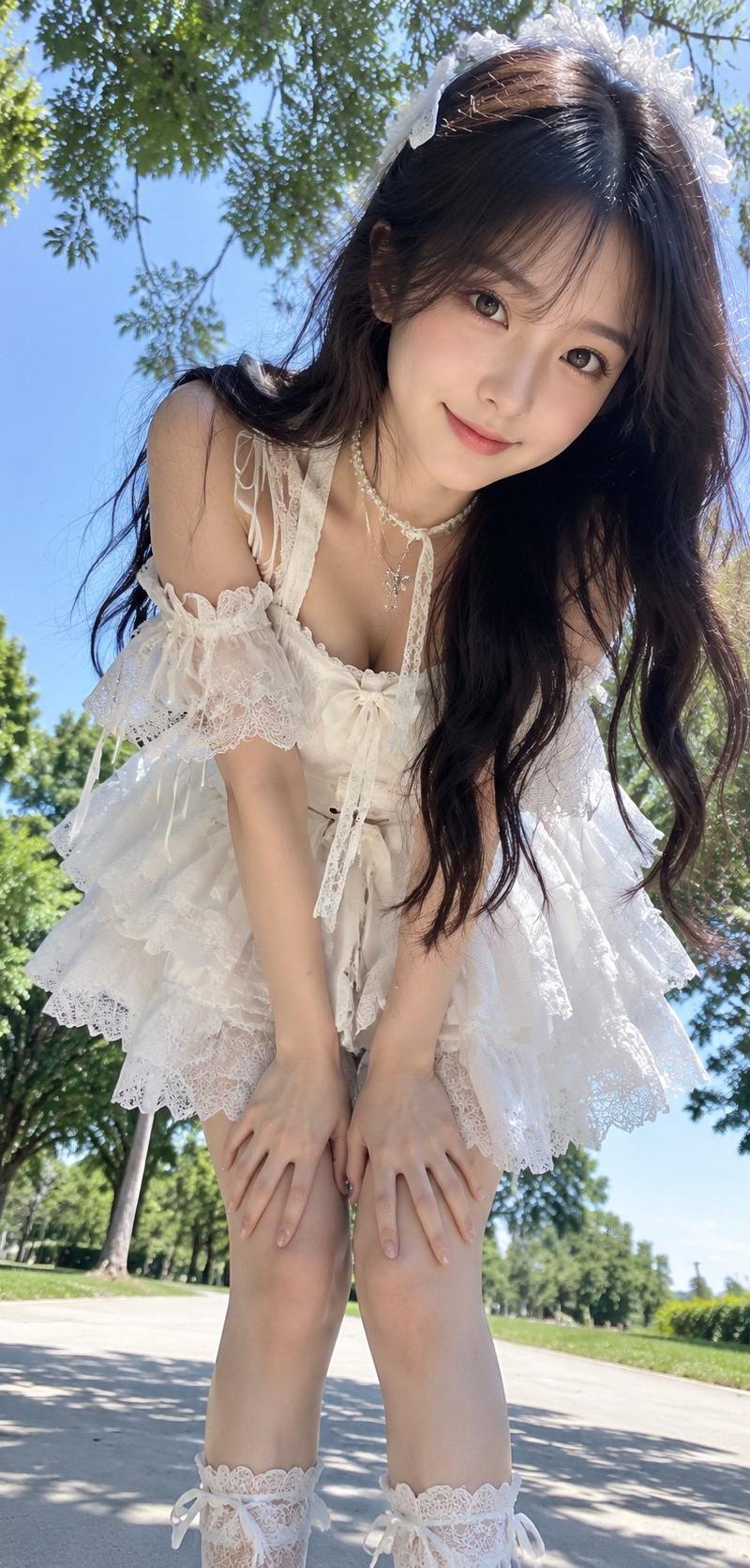
户外低机位前探互动写实人像写真
Prompt
Please generate a [aspect ratio] high-definition realistic portrait photo, the theme is [theme], the character is an [age feeling] [character type], the overall temperament is [temperament keywords], wearing [clothing outfit], paired with [accessories], the shooting scene is [scene], time and light are [light and time].

Use a low-angle close-up upward perspective, with the lens placed at a lower position in front of the character. The character actively approaches the lens, body naturally leaning forward, forming a clear forward-reaching sense of interaction. The character can have both hands on their knees, or one hand on a knee and the other gently holding the hem of a skirt / side of the leg / corner of clothes, with the head slightly tilted to one side or gently lowered then looking up at the lens, and the face close to the upper half of the frame. The expression is natural and agile, with a sense of communication in the eyes, which can be pure, sweet, energetic, gentle, playful, or slightly shy, as if the photographer just captured the moment she approached the lens.

The focus of the image highlights the sense of presence brought by the low-angle perspective, the sense of interaction as the character approaches the lens forward, and the expression of the face, eyes, hands, and clothing layers. The background remains a real outdoor environment, which can include [background elements], such as blue sky, tree shadows, branches, flower clusters, grasslands, walkways, campus buildings, ancient town corridors, glass greenhouses, street corners, etc., giving the image a sense of natural space and air. A small amount of leaves, twigs, railings, flower branches, etc., can be added as natural foregrounds or frames, but do not block the main subject.

The overall color tone is clear, clean, and natural, with a distinct summer or outdoor air feel. Clothing needs to retain real fabric texture, wrinkles, lace, straps, embroidery, skirt layers and other details, do not overexpose, do not blur into a patch of white. The character's face is naturally pleasant to look at, with clear features, retaining real skin texture and natural skin tone, no plastic feel, no CG feel, no excessive skin smoothing. The hair is naturally fluffy, with stray hairs, flying hairs, and a slight sense of wind, no wig feel. Details such as fingers, legs, shoes, accessories, and hair ornaments are stable and clear, the body proportions are natural, and the posture is light with a sense of a living person.

The overall presentation has a real photographic texture, like high-quality outdoor portrait photography work. The composition focuses on the face, eyes, forward-leaning posture, hand involvement, and clothing layers; the image is sweet, vivid, and has a sense of intimacy, but maintains a sense of high-end quality and portraiture. Avoid vulgar perspectives, avoid any sense of accidental exposure, avoid excessive exposure, avoid the mannequin feel of the model, avoid stiff expressions, empty eyes, AI fake faces, plastic skin, hand and foot errors, clothing deformation, background distortion, overexposure, cartoon feel, illustration feel, or studio photography feel.
- Category
- Charts & Infographics
- Model
- ChatGPT
- Creator
- @MrLarus
- Source language
- zh-CN
- Source ID
- 16293
- Published
- Jun 18, 2026
Views159