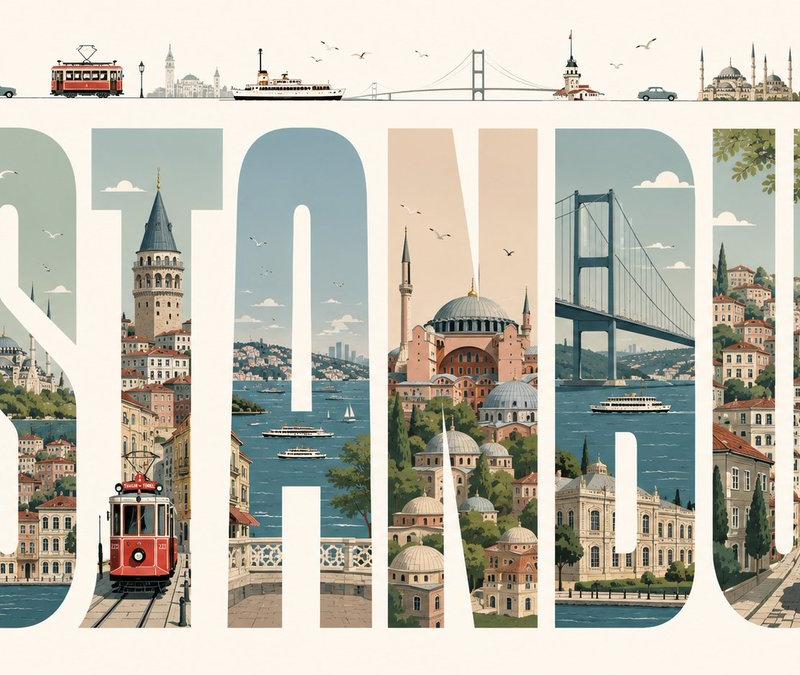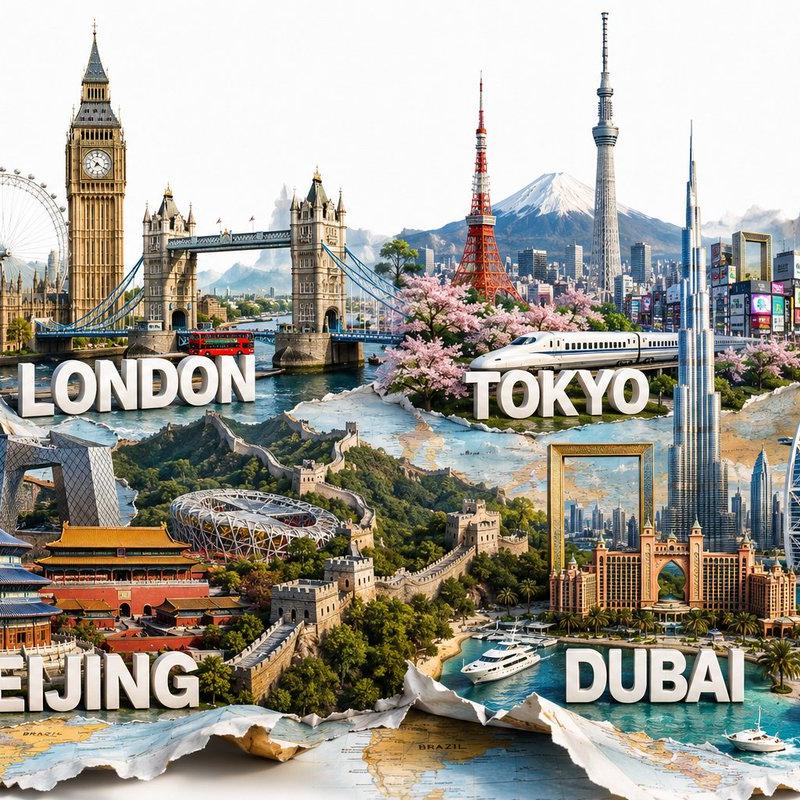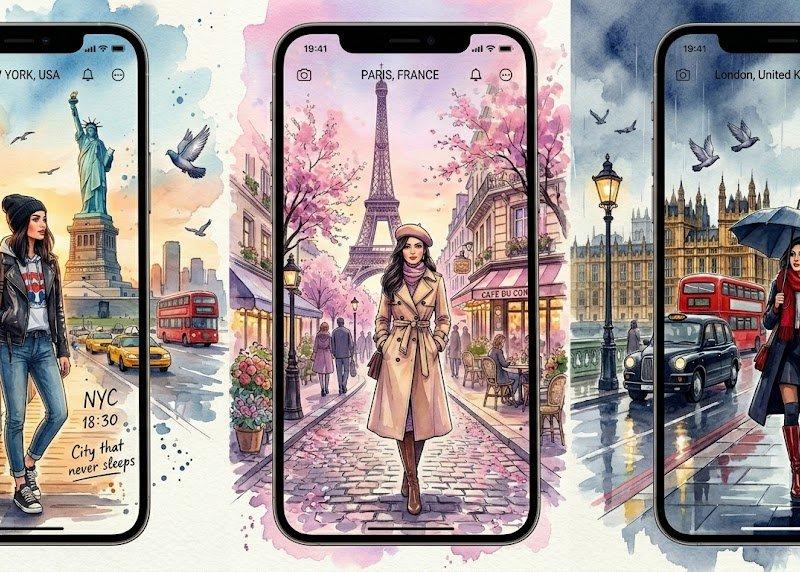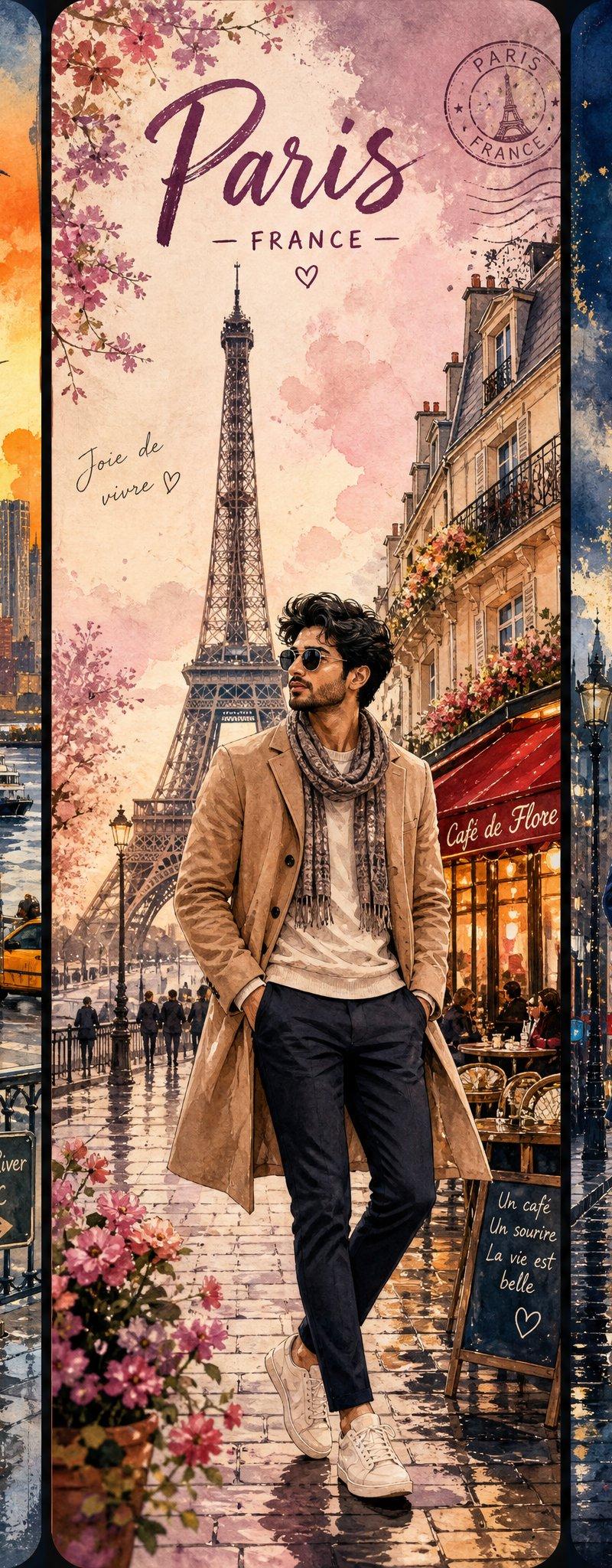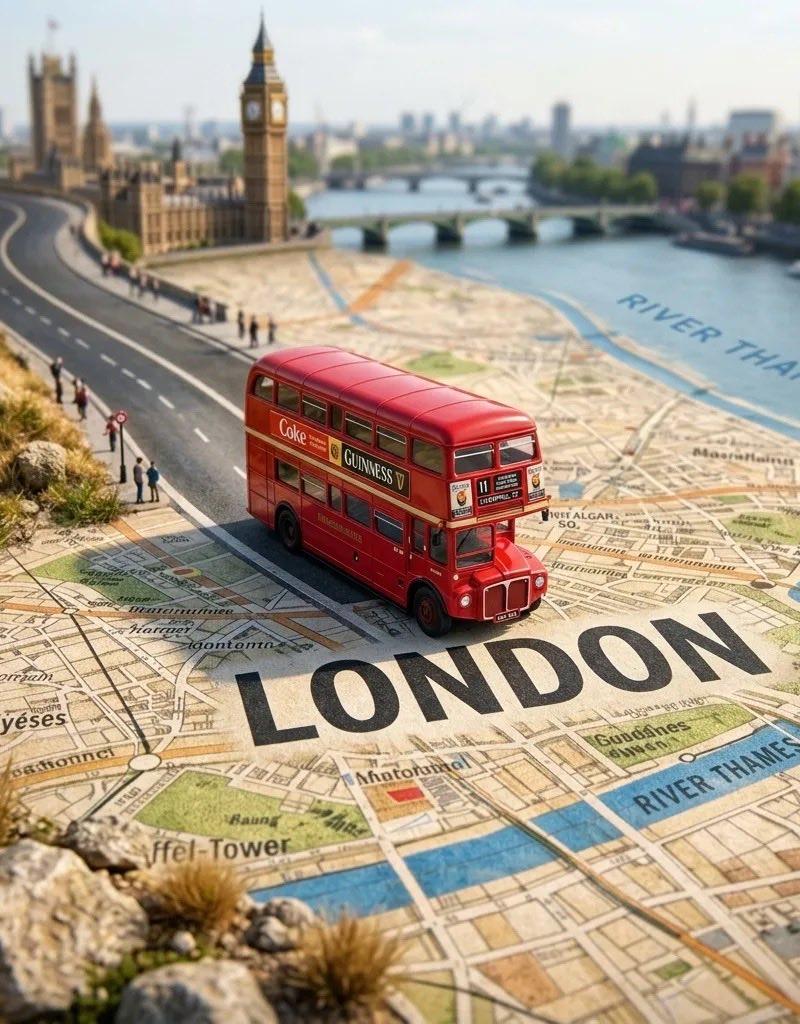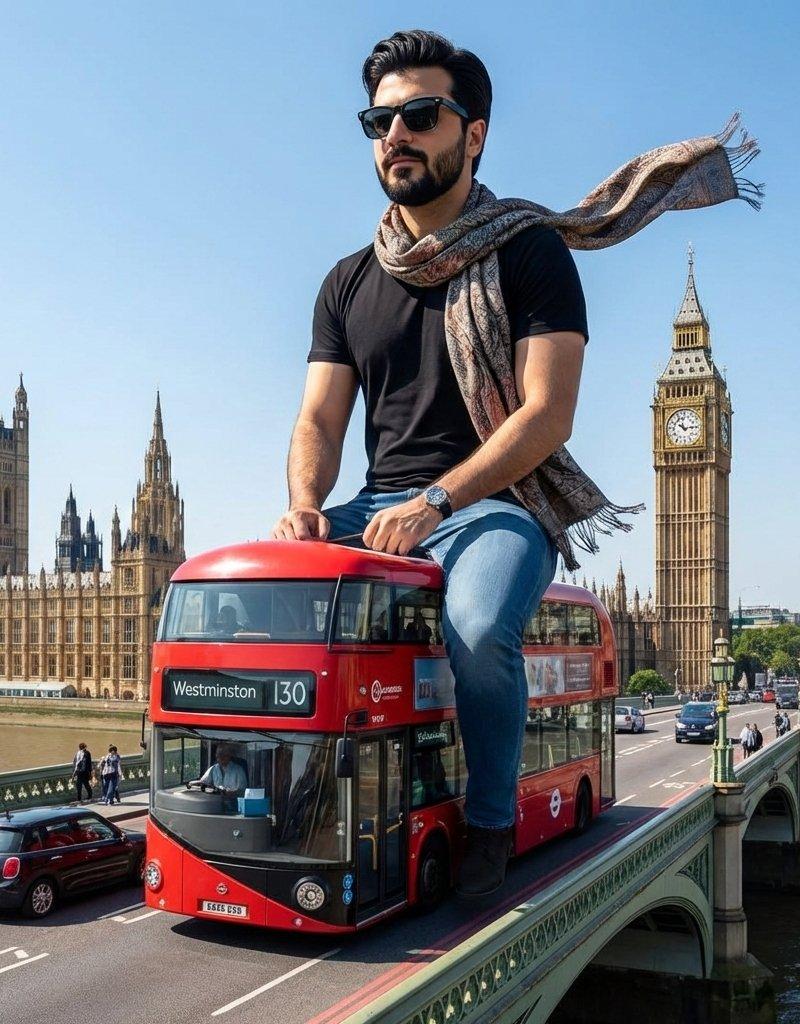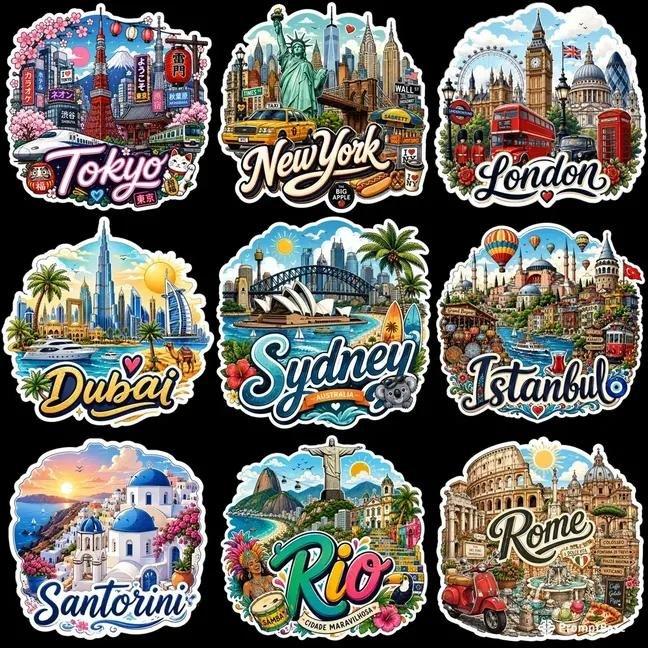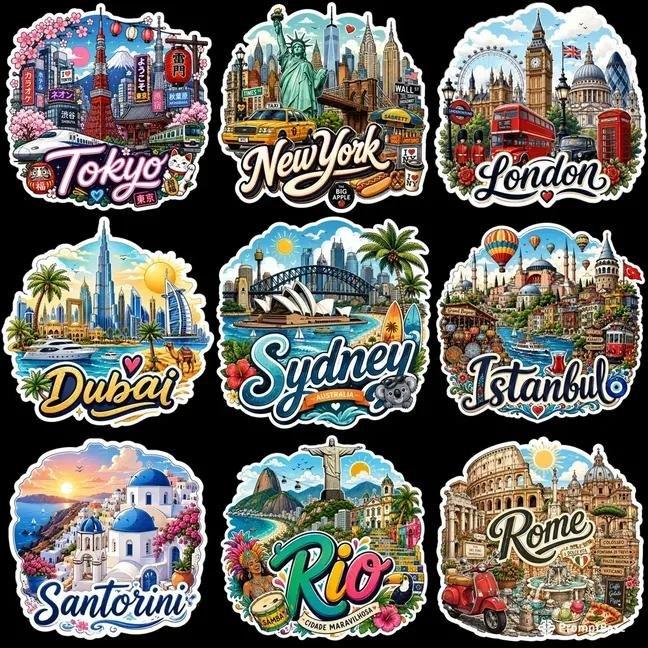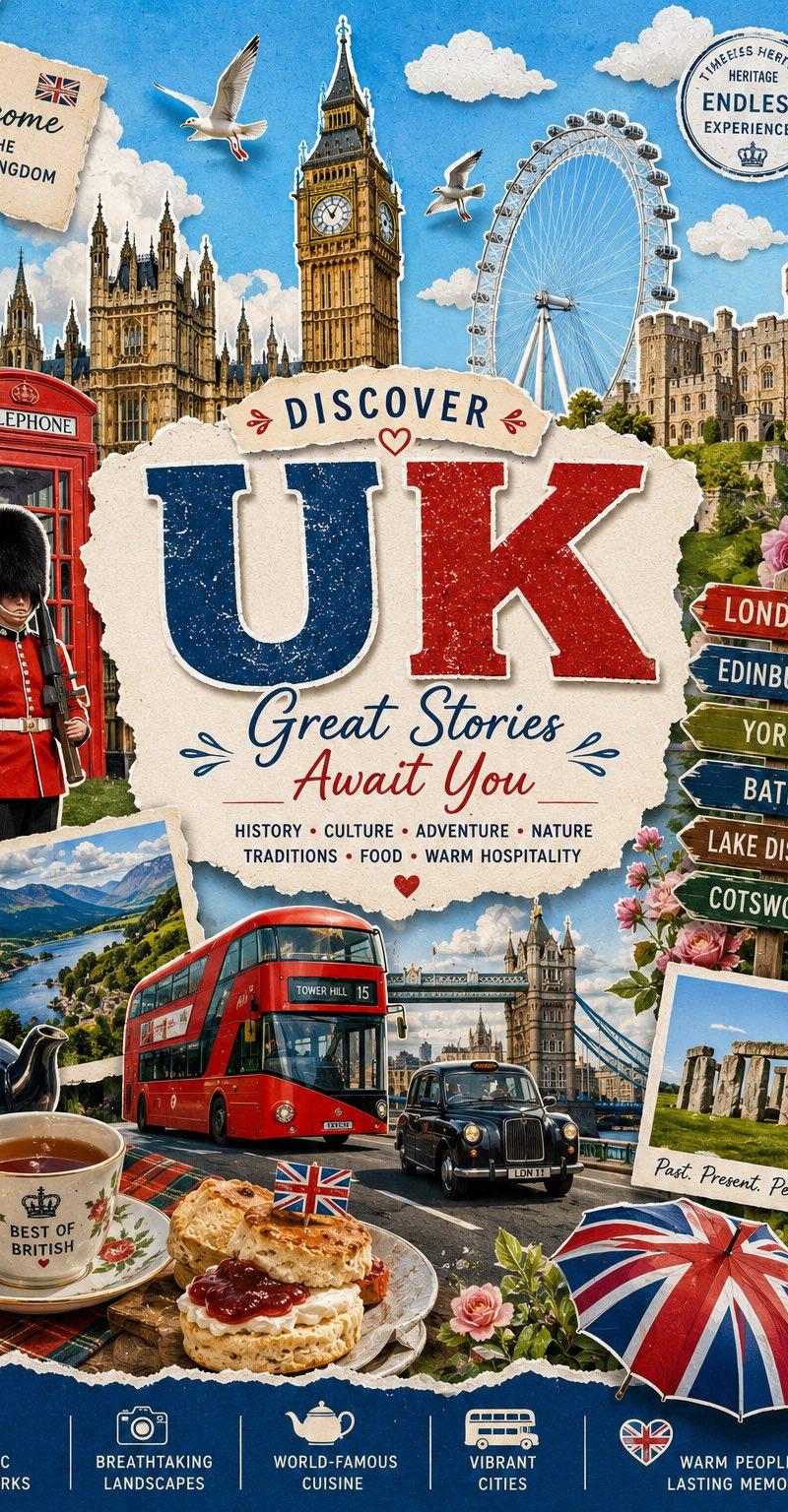
纸雕剪贴拼贴风格旅游海报
Prompt
{
 "style": {
 "type": "paper cutout collage illustration with mixed photography elements",
 "visual_tone": "playful, vibrant, travel-poster inspired",
 "mood": "celebratory, adventurous, uplifting",
 "suitable_for": ["event posters", "travel campaigns", "anniversary visuals", "tourism ads", "festival promotions"]
 },
 "composition": {
 "layout": "layered collage with central headline and surrounding illustrated landmarks",
 "subject_placement": "main typography centered, visual elements arranged radially around it",
 "foreground": "road, vehicle, flowers with strong cutout edges",
 "midground": "architectural landmarks and attractions",
 "background": "soft sky with clouds and minimal gradients",
 "depth": "multi-layered with overlapping cutout elements creating depth",
 "balance": "asymmetrical but visually balanced through distributed elements"
 },
 "camera": {
 "angle": "slightly elevated perspective with frontal composition",
 "framing": "wide poster framing capturing multiple elements",
 "lens_look": "flat perspective with slight depth simulation",
 "depth_of_field": "mostly sharp across all elements"
 },
 "lighting": {
 "type": "bright daylight",
 "direction": "top-front soft lighting",
 "effect": "even illumination with minimal harsh shadows",
 "shadow_style": "subtle drop shadows to enhance cutout effect"
 },
 "color_palette": {
 "primary_colors": ["sky blue", "teal", "white"],
 "secondary_colors": ["green", "yellow", "red accents", "earth tones"],
 "contrast": "moderate contrast with bright highlights",
 "overall_feel": "fresh, clean, energetic"
 },
 "typography": {
 "style": "bold sans-serif with rounded edges and playful distortion",
 "placement": "centered and layered with cutout background shapes",
 "hierarchy": "large headline, medium subheading, smaller informational text",
 "readability": "high readability with strong contrast and spacing"
 },
 "graphic_elements": {
 "effects": ["paper tear edges", "cutout outlines", "drop shadows"],
 "textures": ["paper texture", "subtle grain"],
 "overlays": ["cloud overlays", "soft gradients"],
 "decorative_elements": ["icons, birds, signage, flowers"]
 },
 "layout_prompt": "Create a layered paper-cut collage poster with a central bold headline placed on irregular white cutout shapes. Surround the text with travel-themed elements arranged in a semi-circular composition. Include foreground elements like roads or vehicles, midground landmarks, and a soft sky background. Use drop shadows and torn paper edges to enhance depth.",
 "universal_prompt": "A vibrant paper cutout collage style poster with bold central typography placed on torn white shapes, surrounded by layered travel-inspired elements like landmarks, vehicles, and nature. Bright daylight lighting, soft sky background with clouds, playful composition, strong sans-serif typography, subtle shadows and paper textures, colorful yet balanced palette, dynamic and celebratory mood, high detail, professional advertising design",
 "negative_prompt": "photorealistic single scene, minimalism, dark lighting, monochrome palette, flat design without layers, heavy shadows, cluttered typography, low contrast, blurry elements, lack of depth, realistic perspective without collage effect"
}- Category
- Charts & Infographics
- Model
- ChatGPT
- Creator
- @Naiknelofar788
- Source language
- zh-CN
- Source ID
- 16973
- Published
- Jun 28, 2026
Views16

![创建一个迷人的迷你 3D 纸艺旅行插图,描绘 [DESTINATION],设计成一张精致的 handmade 旅行明信片。突出可辨识的当地地标和...](https://whqgdndlpxjbwosvipip.supabase.co/storage/v1/render/image/public/prompt-source-media/x-captures/2085947435445354577/snapshot-1-e43c93730c4f9f49.jpg?width=800&quality=75)