18

简约米色背景室内浪漫婚纱摄影系列
Enlarge

Example images

简约米色背景室内浪漫婚纱摄影系列

Prompt
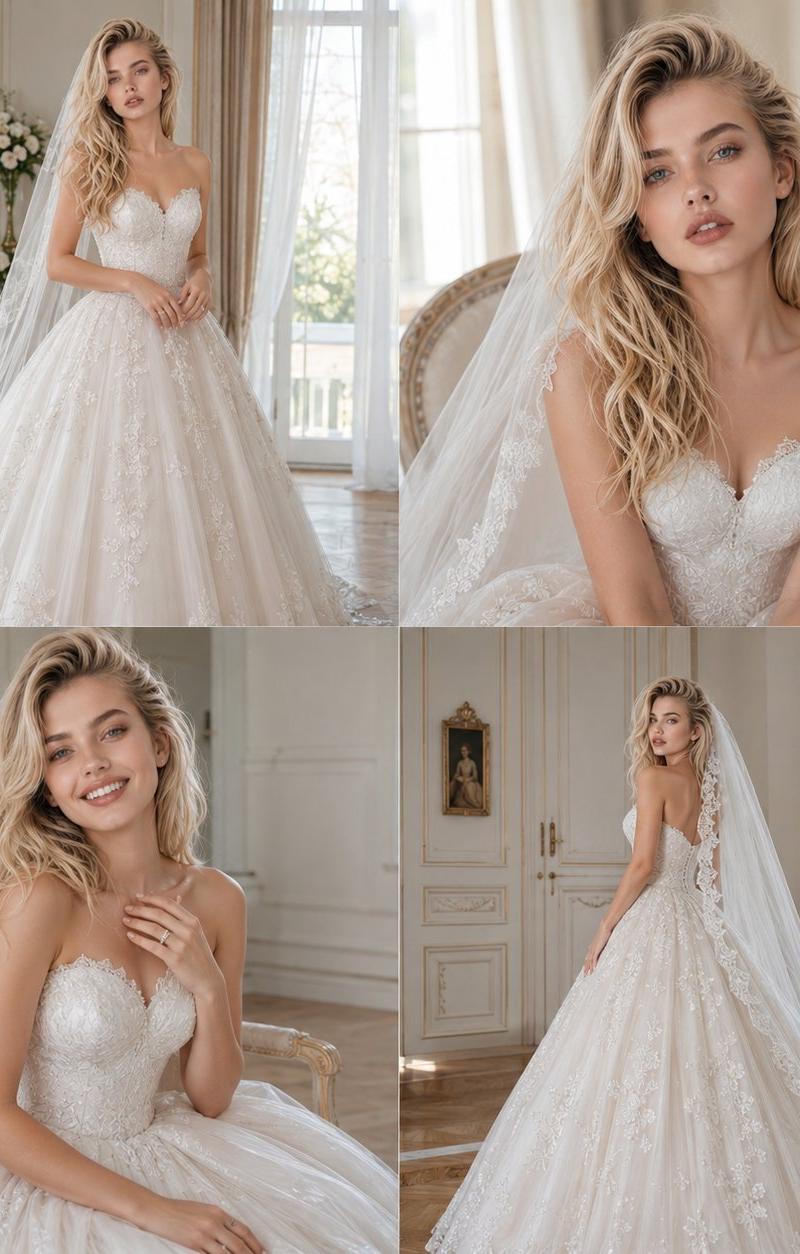
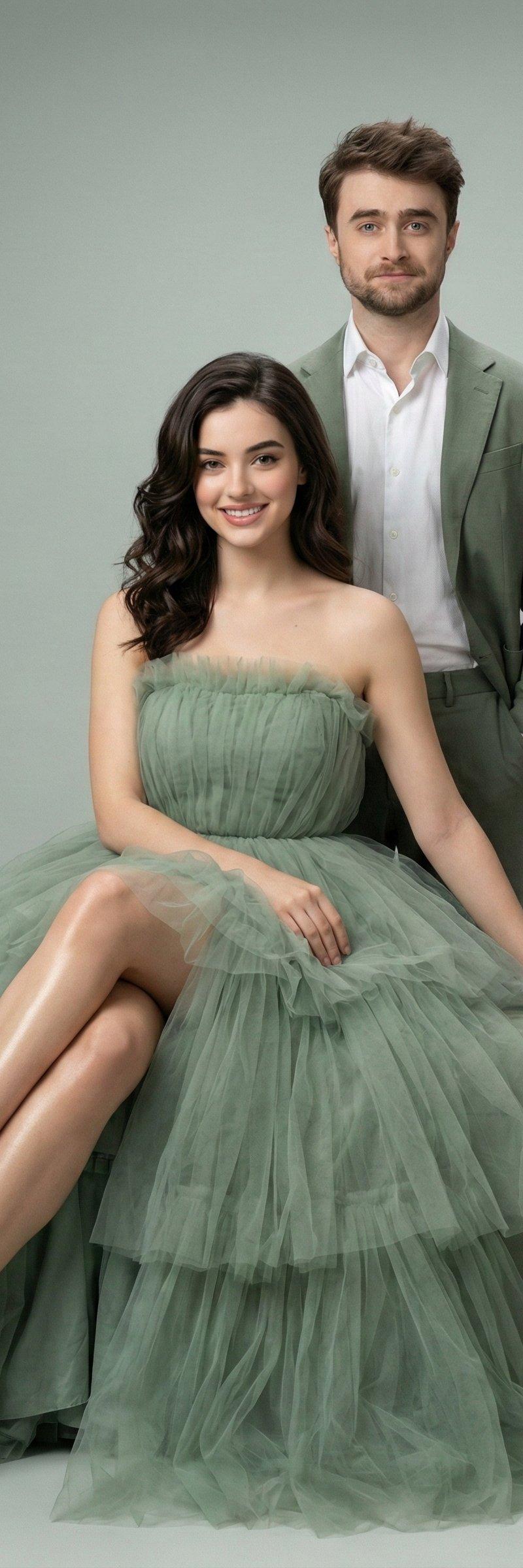
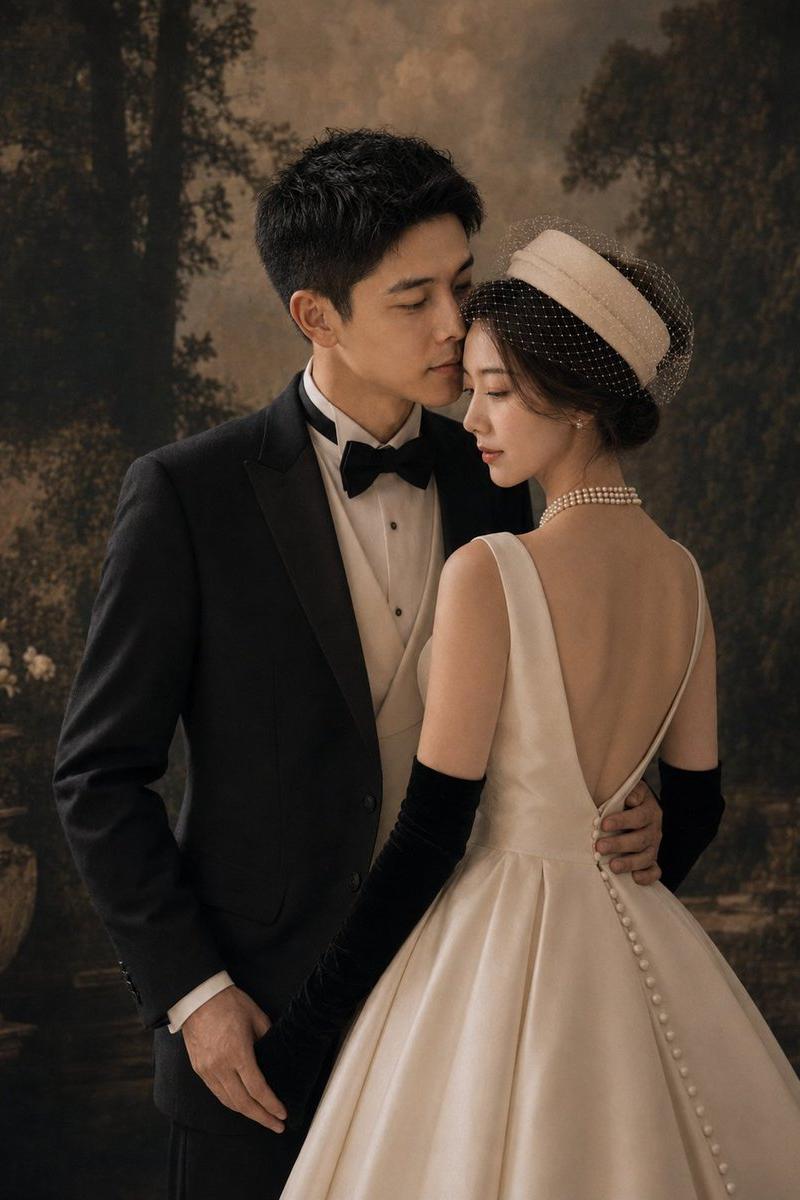
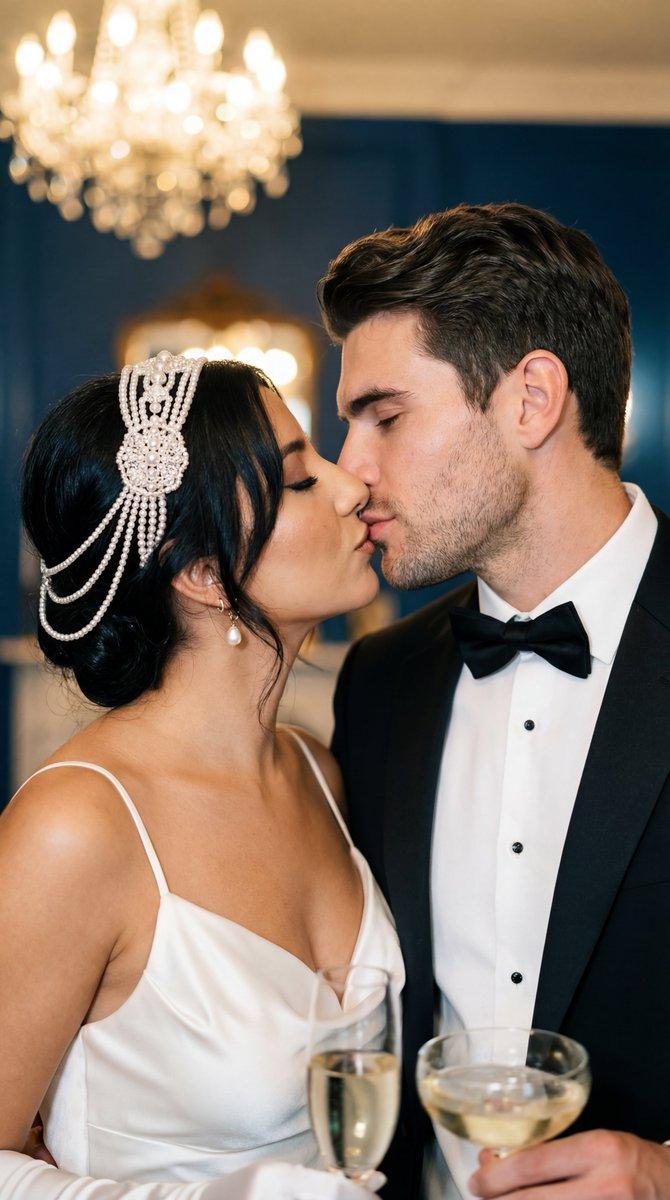
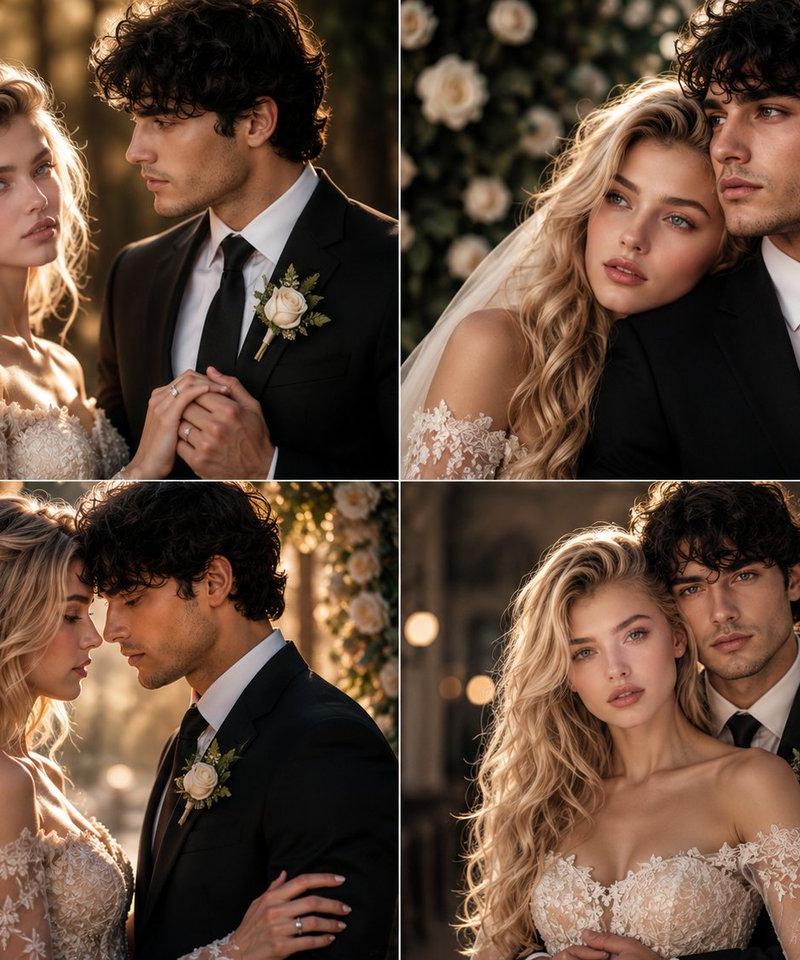
A professional studio wedding portrait series featuring a stylish bride and groom captured against a warm, neutral beige textured backdrop. The bride has long, wavy blonde hair styled in a romantic half-updo with delicate hairpins, wearing an elegant white sleeveless A-line wedding gown with an intricate lace bodice and a flowing chiffon skirt. The groom is a handsome man with a neatly trimmed beard, wearing a sophisticated all-white three-piece suit consisting of a blazer, vest, and button-down shirt, accented with a white pocket square and paired with brown leather dress shoes.
​In the first composition, the bride is seated on a vintage wooden chair looking up adoringly at the groom, who stands beside her looking down at her with a gentle smile. In the second variation, they are both standing close together, looking into each other's eyes and smiling warmly while holding each other. In the final composition, they stand side-by-side looking directly at the camera with soft, happy smiles, with the bride holding a delicate bridal bouquet made of white and light pink roses with eucalyptus leaves. The lighting throughout the images is soft and warm, casting gentle shadows on the dark wooden floor and creating a timeless, romantic atmosphere.
Category
Architecture & Spaces
Model
Nano Banana Pro
Creator
@Minahil42298354
Source language
zh-CN
Views7
Source ID
15495
Published
Jun 8, 2026
Studio

Guide

About "简约米色背景室内浪漫婚纱摄影系列"

What is this prompt for?

"简约米色背景室内浪漫婚纱摄影系列" AI image prompt for Nano Banana Pro (Architecture & Spaces). 一系列专业影棚婚纱肖像,展现了一位时尚的新娘和新郎,背景是温暖的中性米色纹理幕布。新娘留着长长的金色波浪发,梳成浪漫的半扎发并配有精致发夹,穿着一件优雅的白色…

The full copyable prompt and example visuals above are ready for AI image generation or one-click recreate in Picva.

How to use this prompt

  1. Step 1

    Open the prompt detail

    Review the example visuals, category, and full prompt text for "简约米色背景室内浪漫婚纱摄影系列".

  2. Step 2

    Copy the prompt

    Copy the prompt body from this page, or load it directly in Studio.

  3. Step 3

    Pick a model (Nano Banana Pro)

    Prefer Nano Banana Pro. If you switch models, keep subject and composition and tweak style terms.

  4. Step 4

    Generate and export

    Recreate the look in Picva, or export into your workflow for editing and publishing.

FAQ

What is the "简约米色背景室内浪漫婚纱摄影系列" prompt?
It is an AI image-generation prompt for Nano Banana Pro in the Architecture & Spaces category. This page includes the full prompt text, example visuals, and a one-click recreate path in Picva.
How do I use this prompt to generate an image?
Copy the prompt from this page, or use Generate / Studio. Paste it into a compatible image model, or recreate the look in Picva with optional reference images.
Which model is this prompt for?
This page lists Nano Banana Pro. Most descriptive prompts also transfer to nearby image models such as GPT Image, Flux, or Midjourney with light style tweaks.
Can I use the result commercially?
You can usually copy the prompt for creation, but commercial use of the final image depends on the model terms, reference-image rights, and the generated content. Follow the source author and platform rules.