16

写实城市街头壁画与金色马尾少女
Enlarge

Example images

写实城市街头壁画与金色马尾少女

Prompt
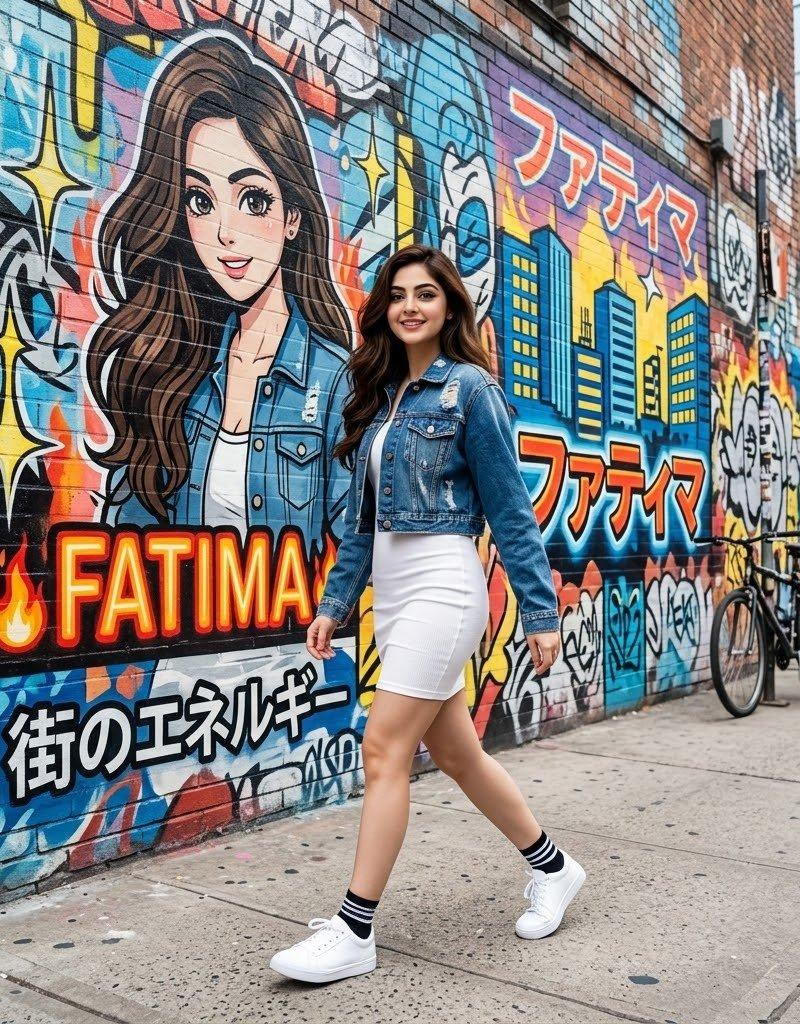
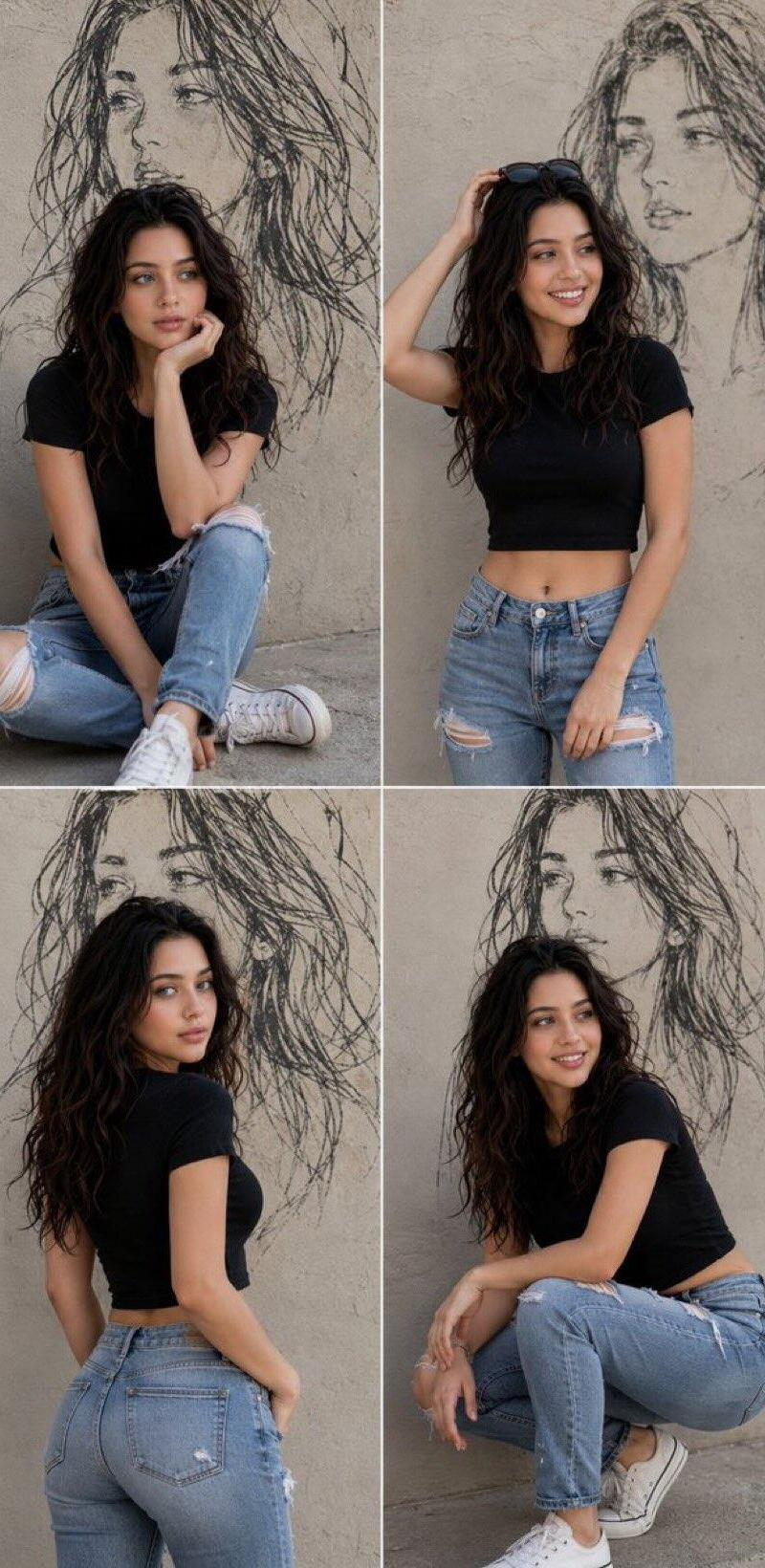
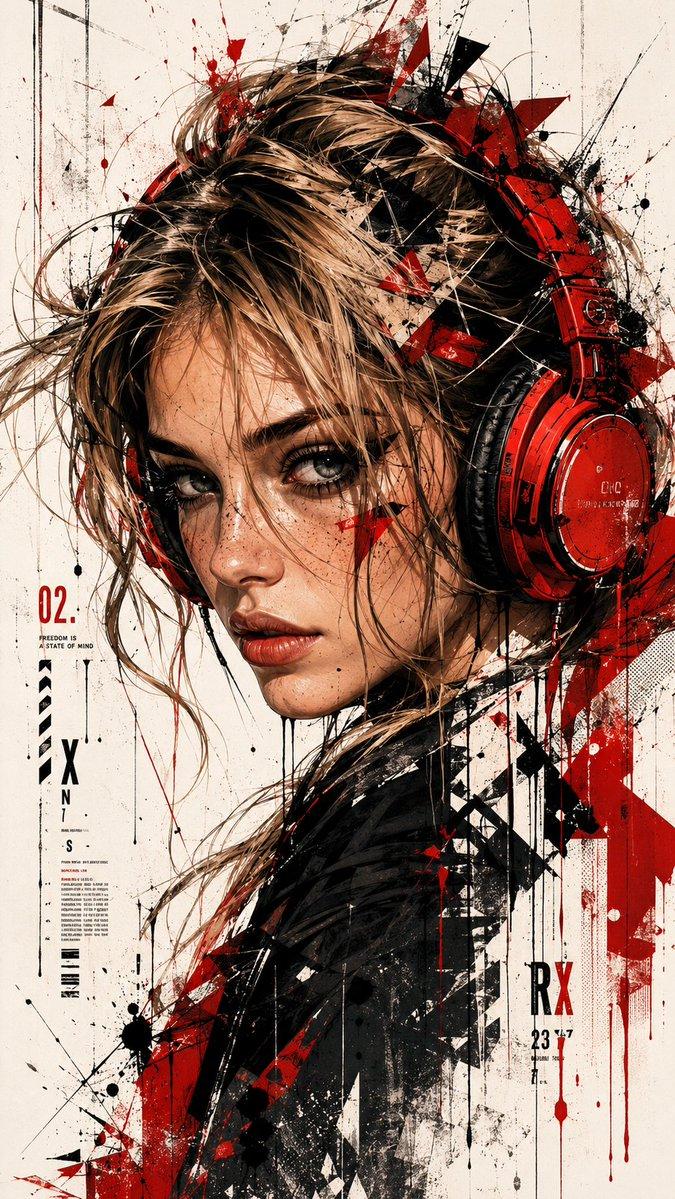
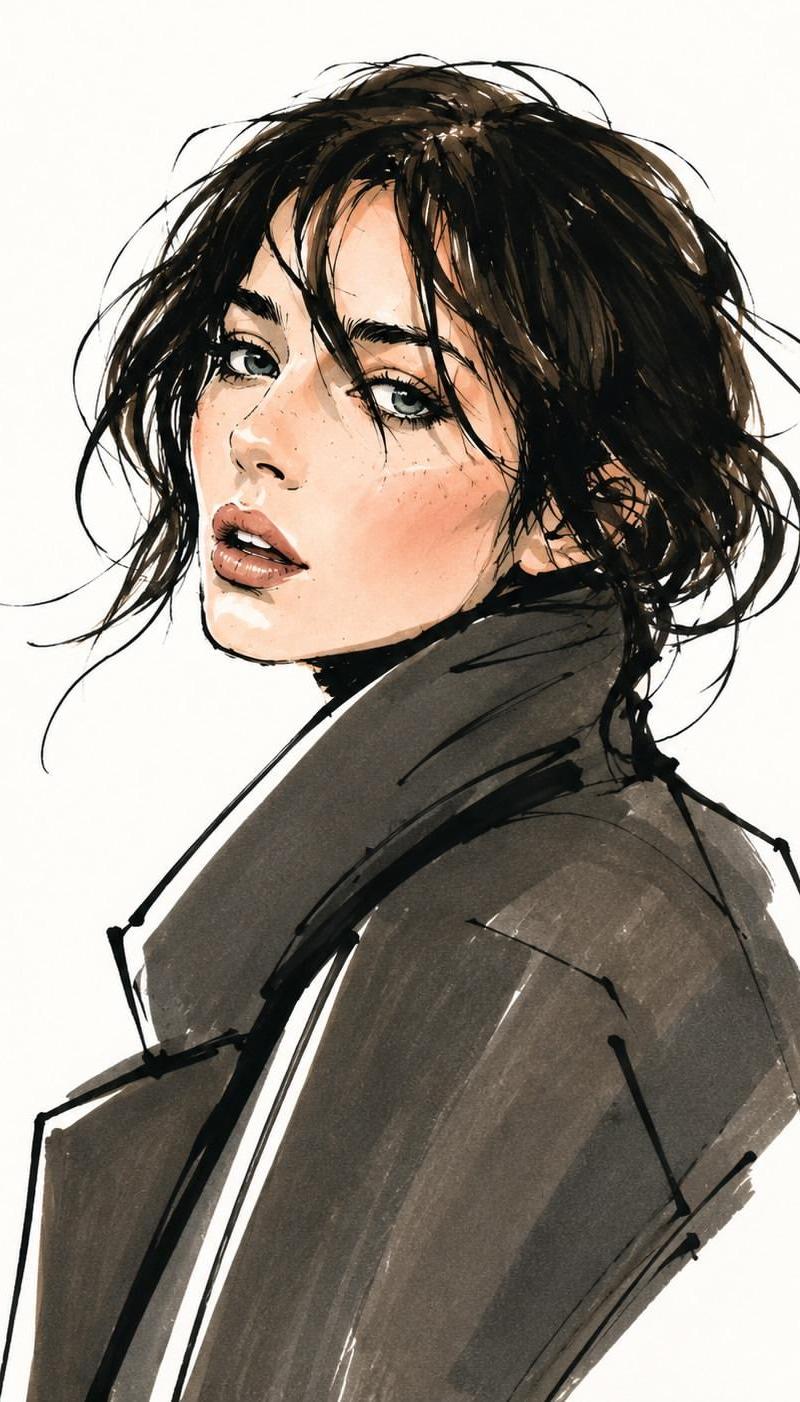
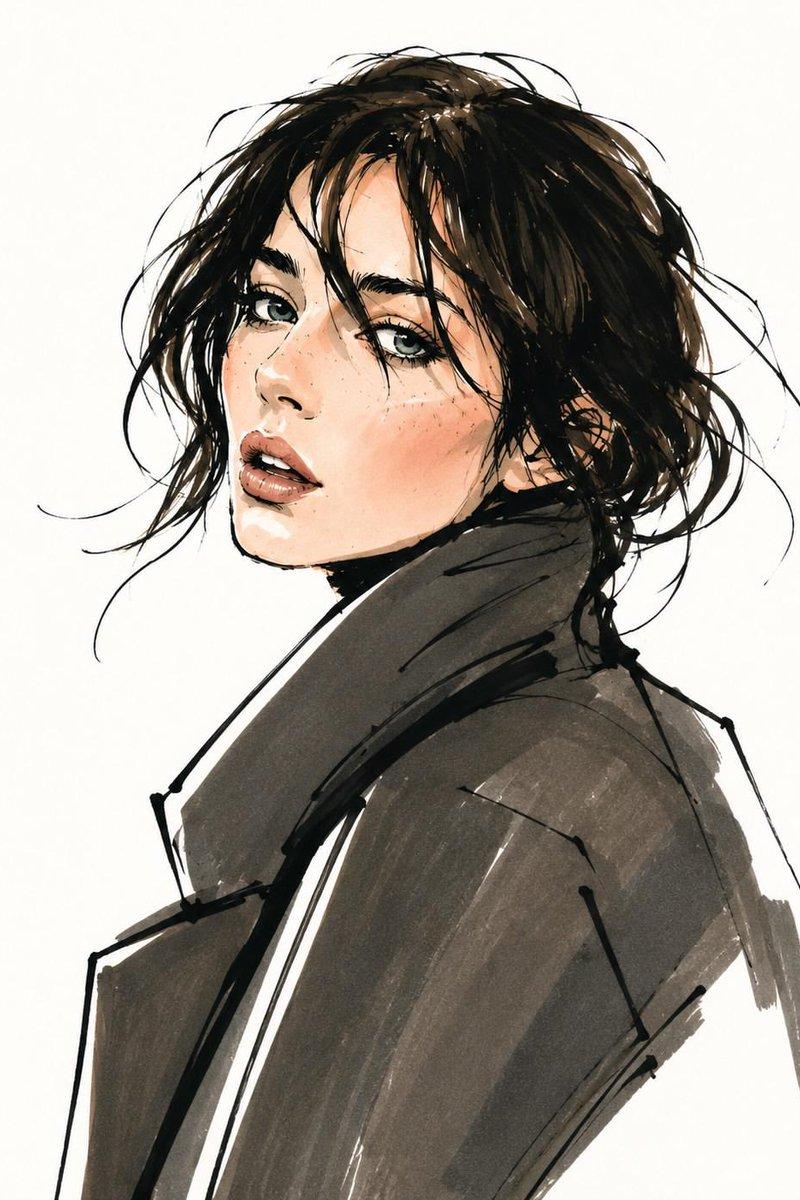
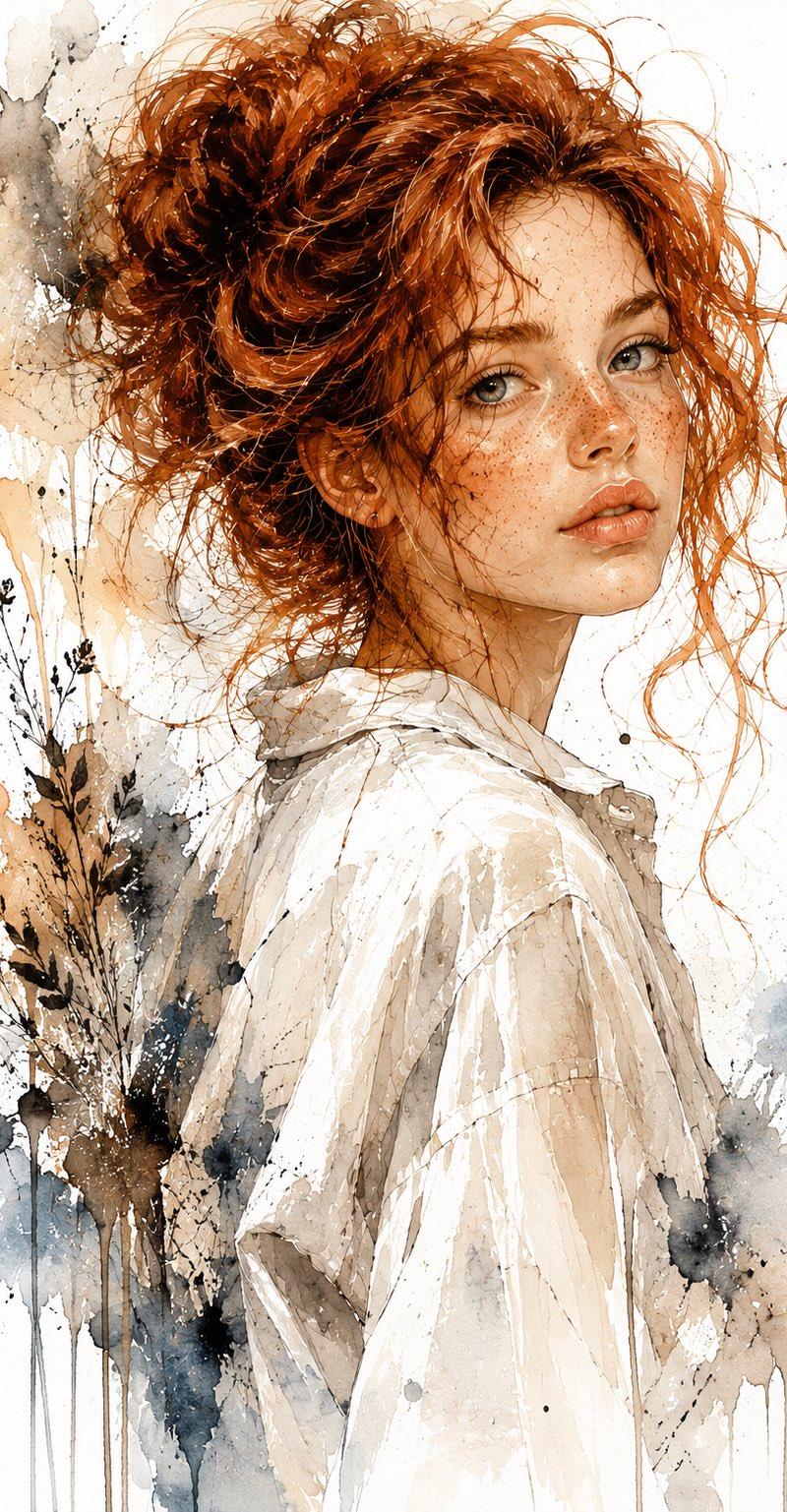
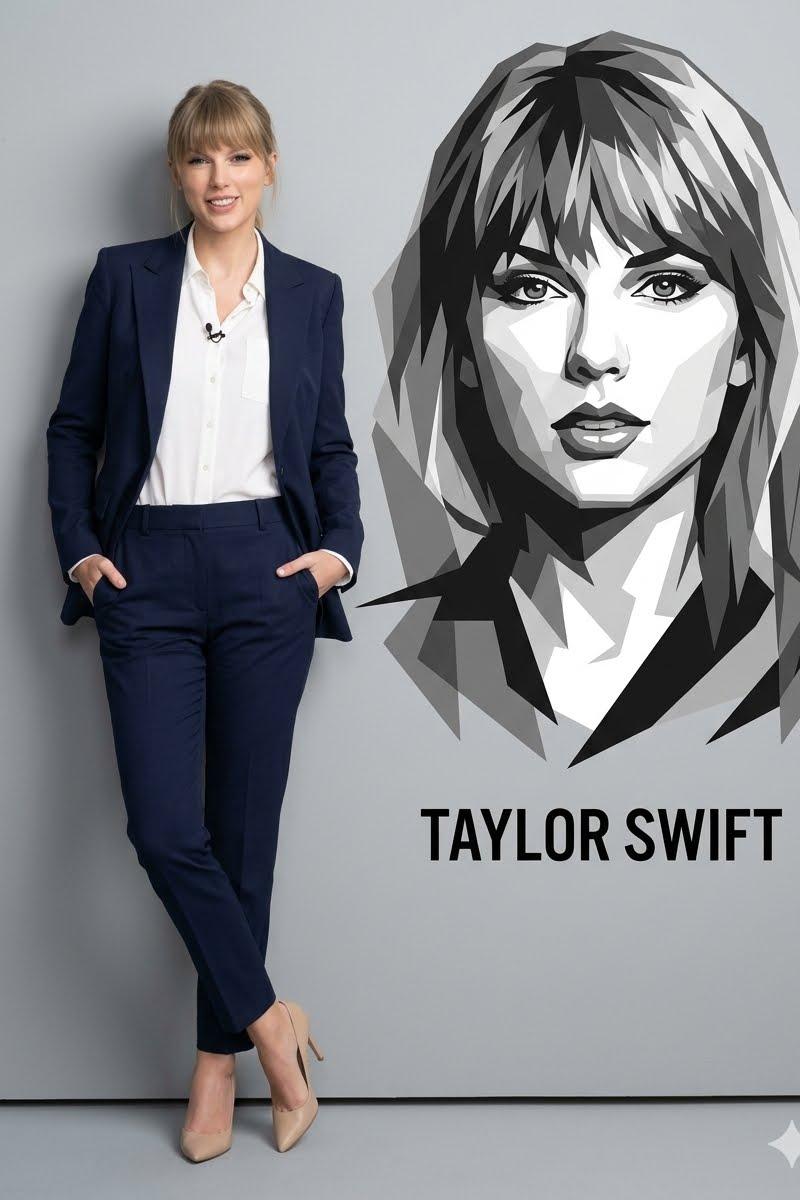
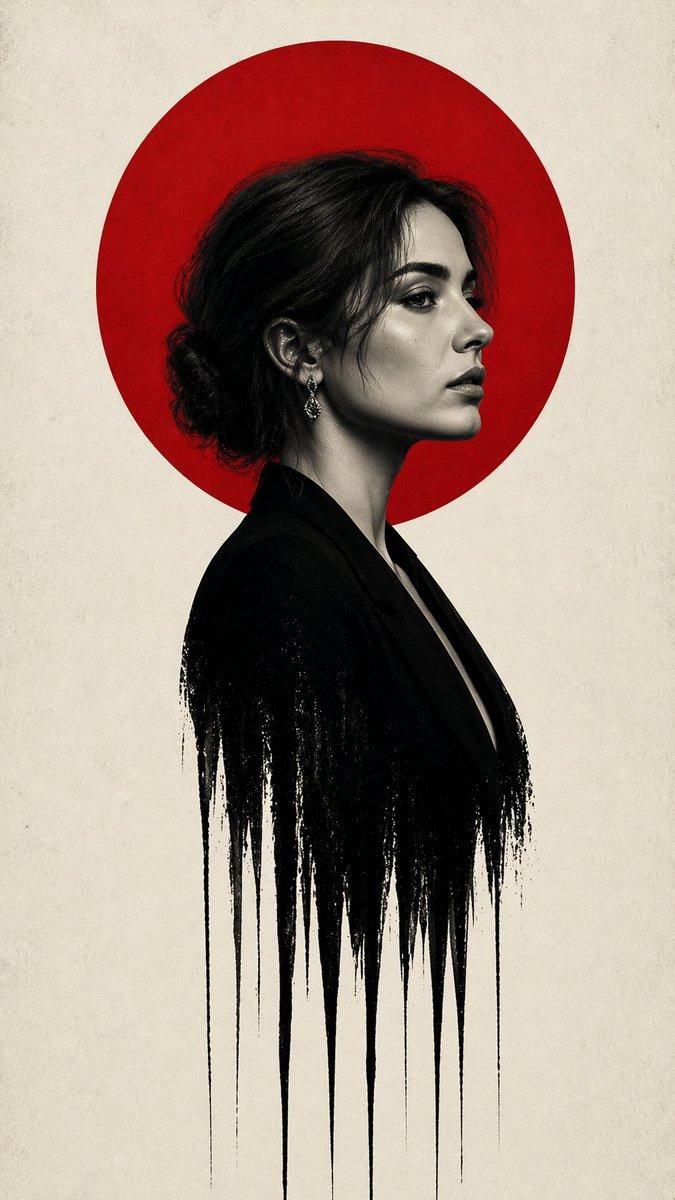
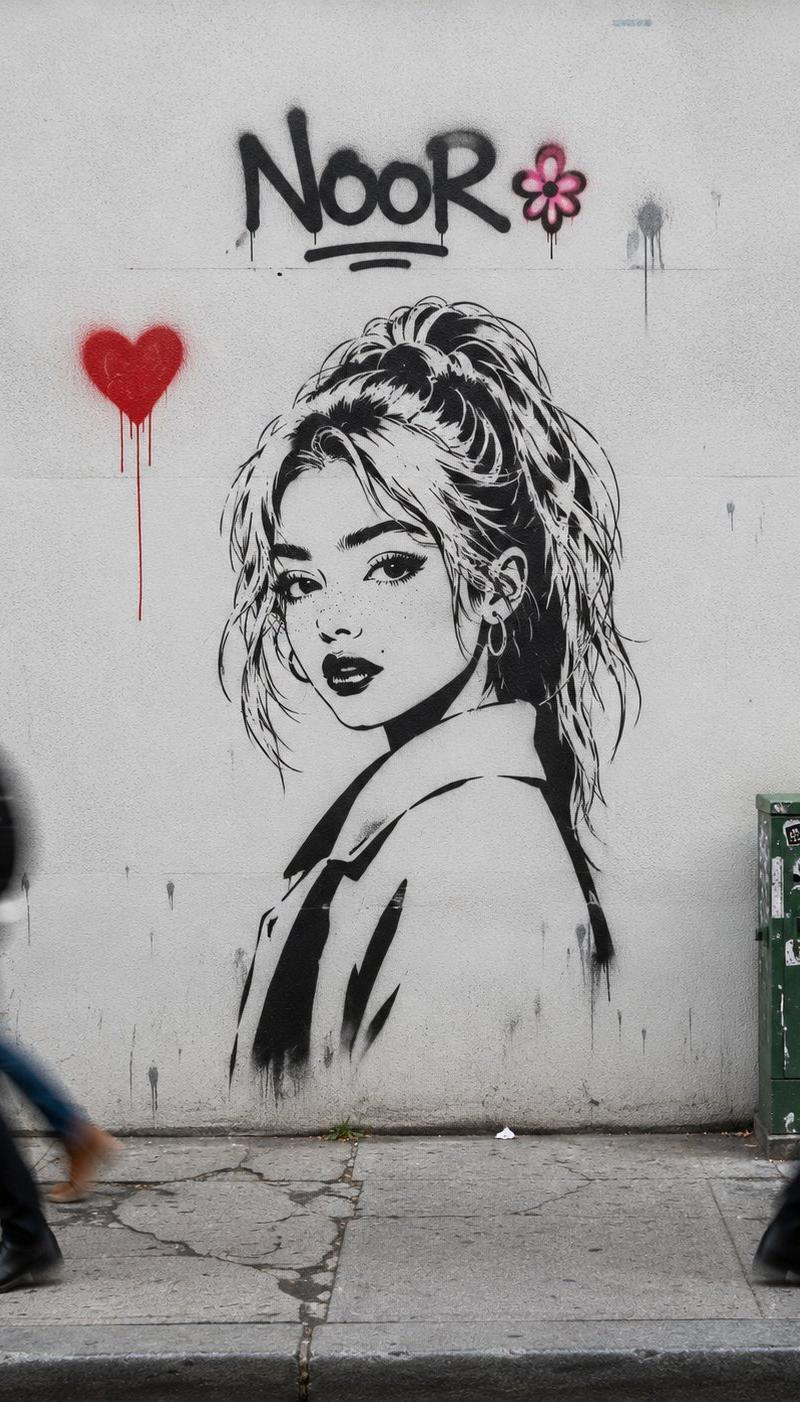
A realistic urban street photography scene featuring a large black-and-white stencil graffiti mural of a beautiful young woman on a weathered concrete wall. The woman has a high blonde ponytail, soft freckles, expressive eyes, hoop earrings, and an elegant coat, transformed into detailed street-art stencil style. Above the artwork, the graffiti text “Noor ” appears in an aesthetic hand-sprayed style with subtle paint drips and artistic flourishes. A small red dripping heart is painted beside the portrait, creating a striking contrast against the monochrome artwork. Motion-blurred pedestrians walk past in the foreground, adding a candid city-life atmosphere. Cracked sidewalk, urban textures, realistic wall imperfections, cinematic street photography, shallow depth of field, ultra-detailed stencil art, authentic graffiti aesthetic, high contrast, documentary-style realism, masterpiece quality, 8K.
Category
Charts & Infographics
Model
ChatGPT
Creator
@Noor_ul_ain43
Source language
zh-CN
Views33
Source ID
16398
Published
Jun 20, 2026
Studio

Guide

About "写实城市街头壁画与金色马尾少女"

What is this prompt for?

"写实城市街头壁画与金色马尾少女" AI image prompt for ChatGPT (Charts & Infographics). 一个写实的城市街头摄影场景,在风化的混凝土墙上有一幅巨大的黑白模板涂鸦壁画,画着一位美丽的年轻女性。这位女性留着金色高马尾,有柔和的雀斑、神采奕奕的眼睛、圆环耳环和一件优雅的大…

The full copyable prompt and example visuals above are ready for AI image generation or one-click recreate in Picva.

How to use this prompt

  1. Step 1

    Open the prompt detail

    Review the example visuals, category, and full prompt text for "写实城市街头壁画与金色马尾少女".

  2. Step 2

    Copy the prompt

    Copy the prompt body from this page, or load it directly in Studio.

  3. Step 3

    Pick a model (ChatGPT)

    Prefer ChatGPT. If you switch models, keep subject and composition and tweak style terms.

  4. Step 4

    Generate and export

    Recreate the look in Picva, or export into your workflow for editing and publishing.

FAQ

What is the "写实城市街头壁画与金色马尾少女" prompt?
It is an AI image-generation prompt for ChatGPT in the Charts & Infographics category. This page includes the full prompt text, example visuals, and a one-click recreate path in Picva.
How do I use this prompt to generate an image?
Copy the prompt from this page, or use Generate / Studio. Paste it into a compatible image model, or recreate the look in Picva with optional reference images.
Which model is this prompt for?
This page lists ChatGPT. Most descriptive prompts also transfer to nearby image models such as GPT Image, Flux, or Midjourney with light style tweaks.
Can I use the result commercially?
You can usually copy the prompt for creation, but commercial use of the final image depends on the model terms, reference-image rights, and the generated content. Follow the source author and platform rules.