16

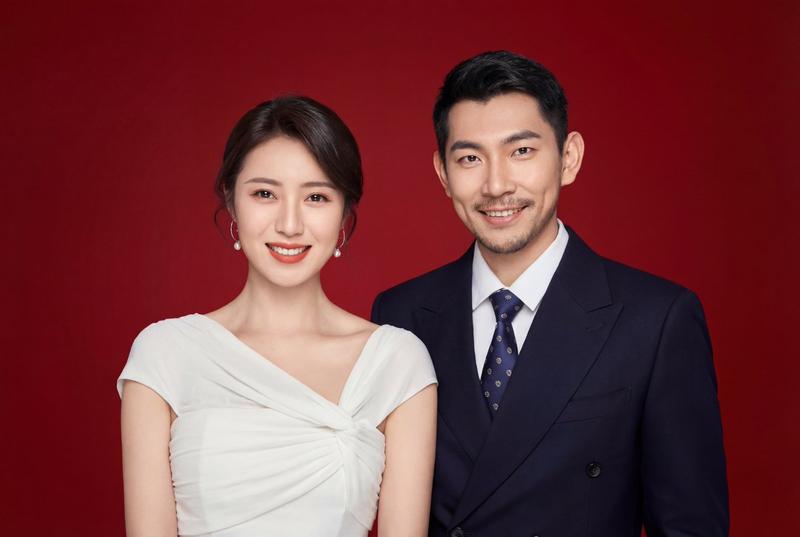
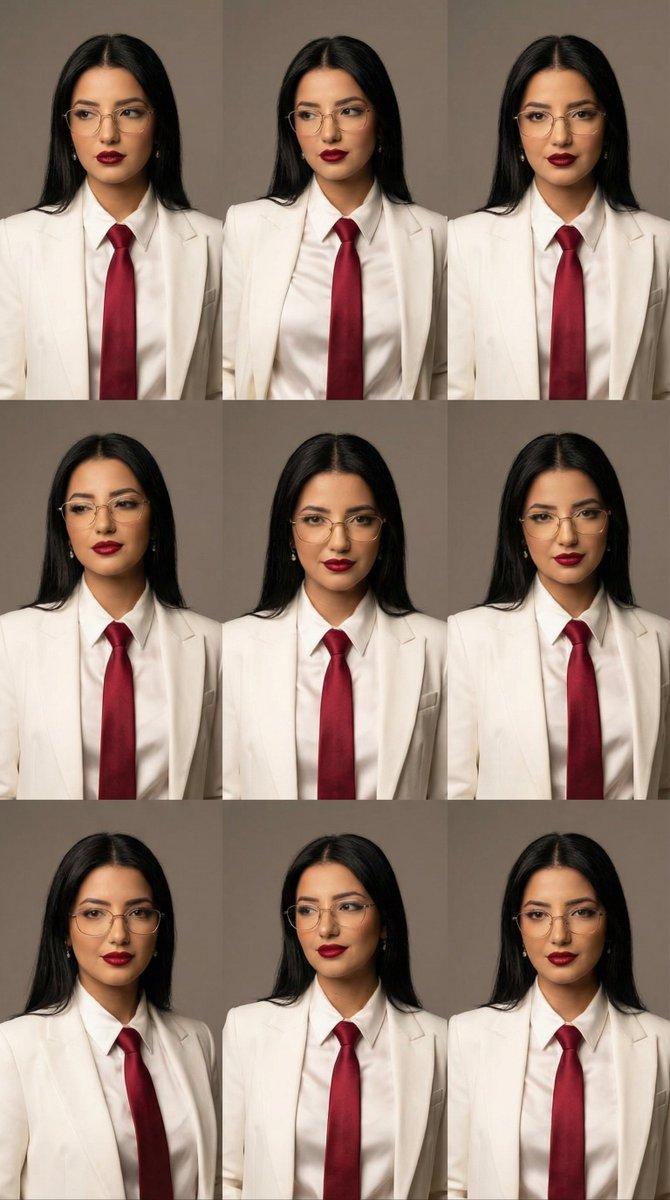
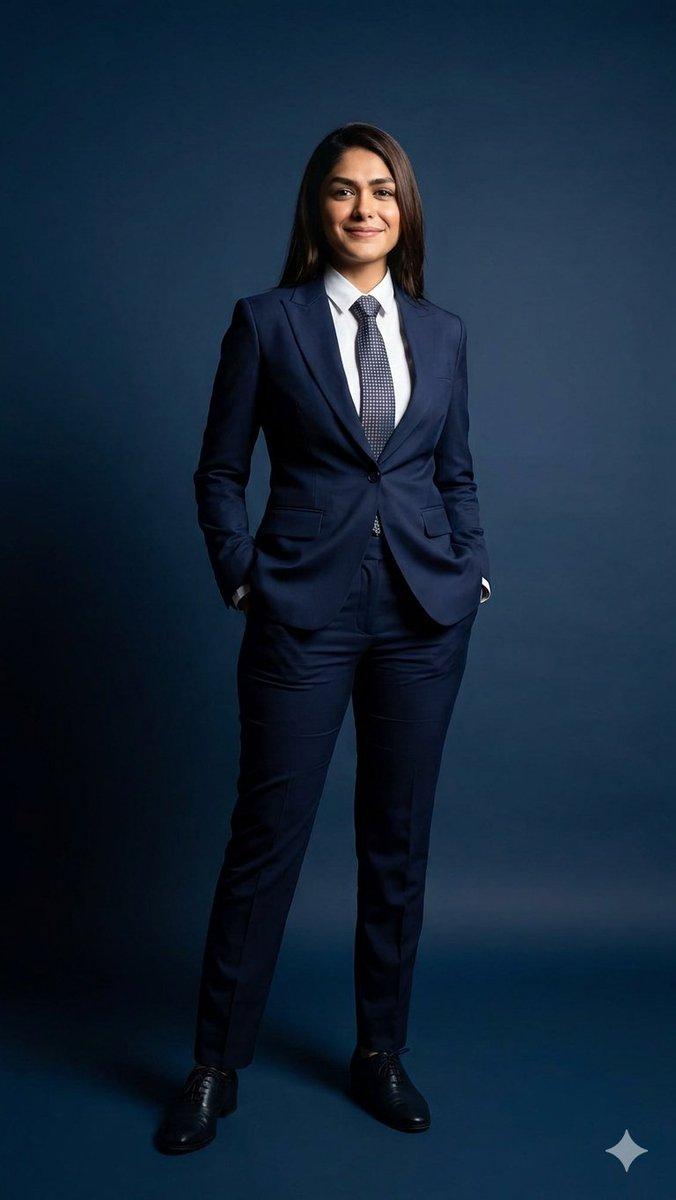
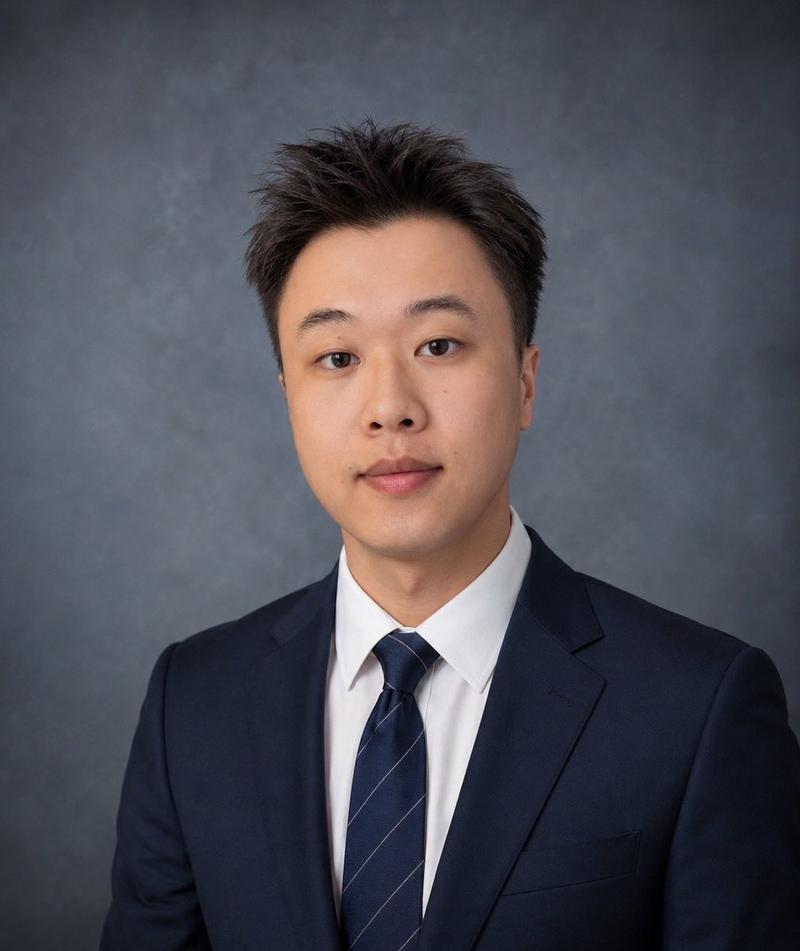
同一张脸全家福专业影棚级写真
Enlarge

同一张脸全家福专业影棚级写真

Prompt
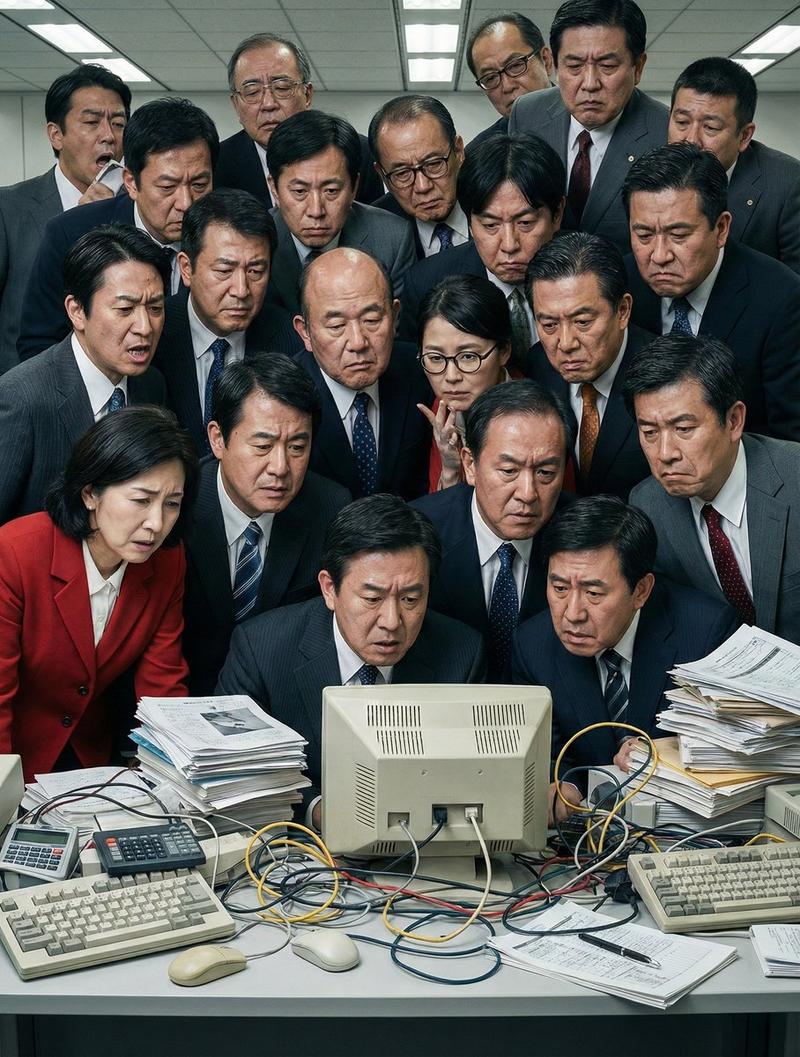
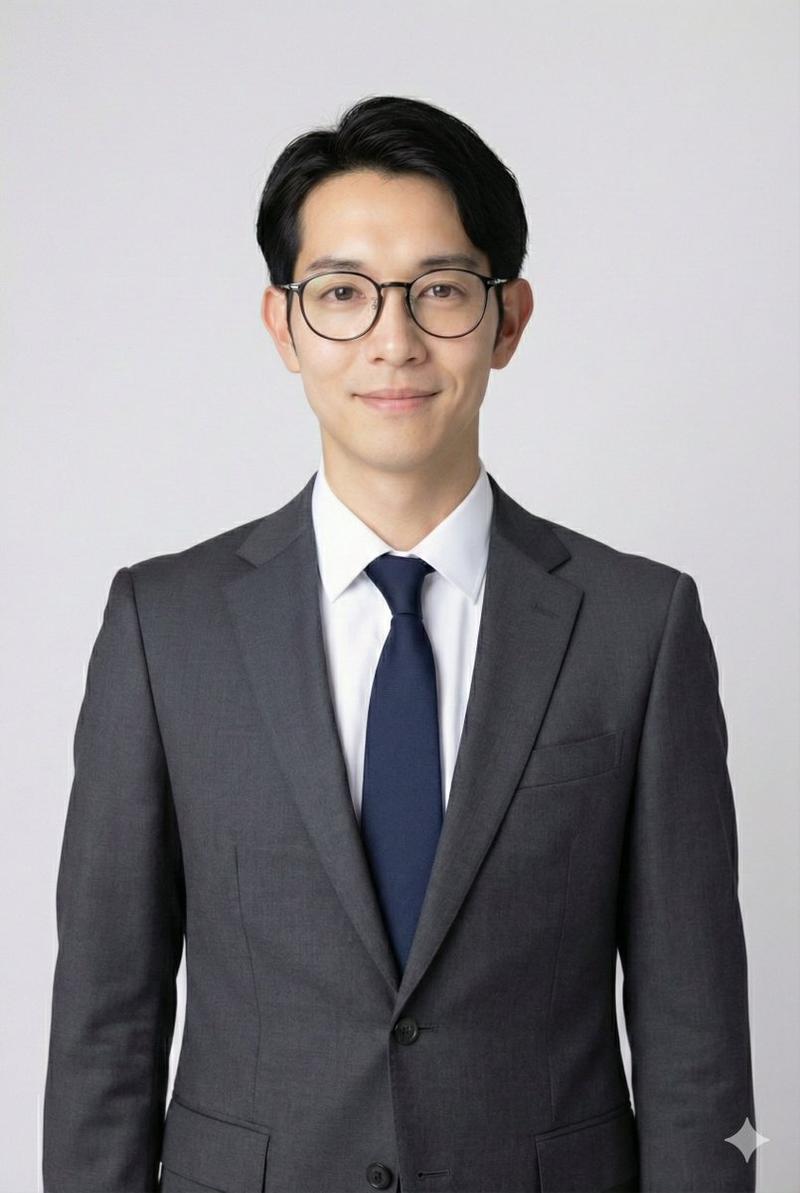
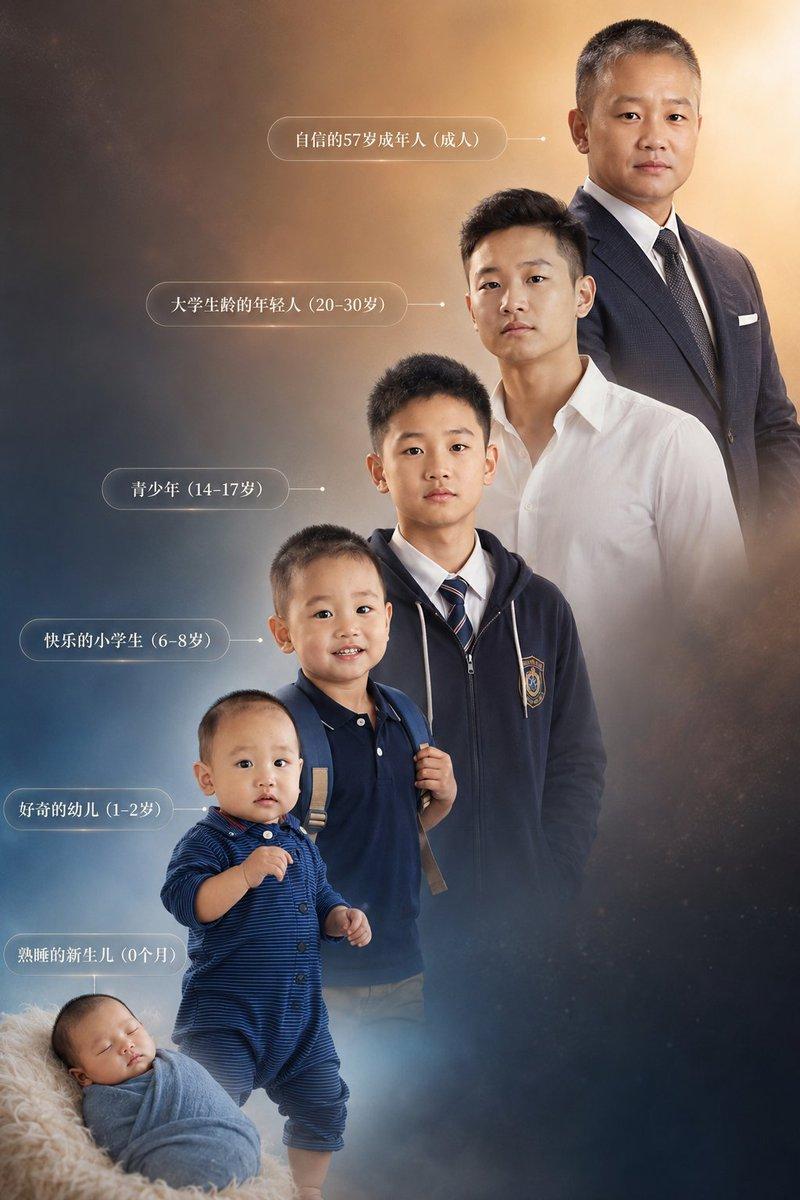
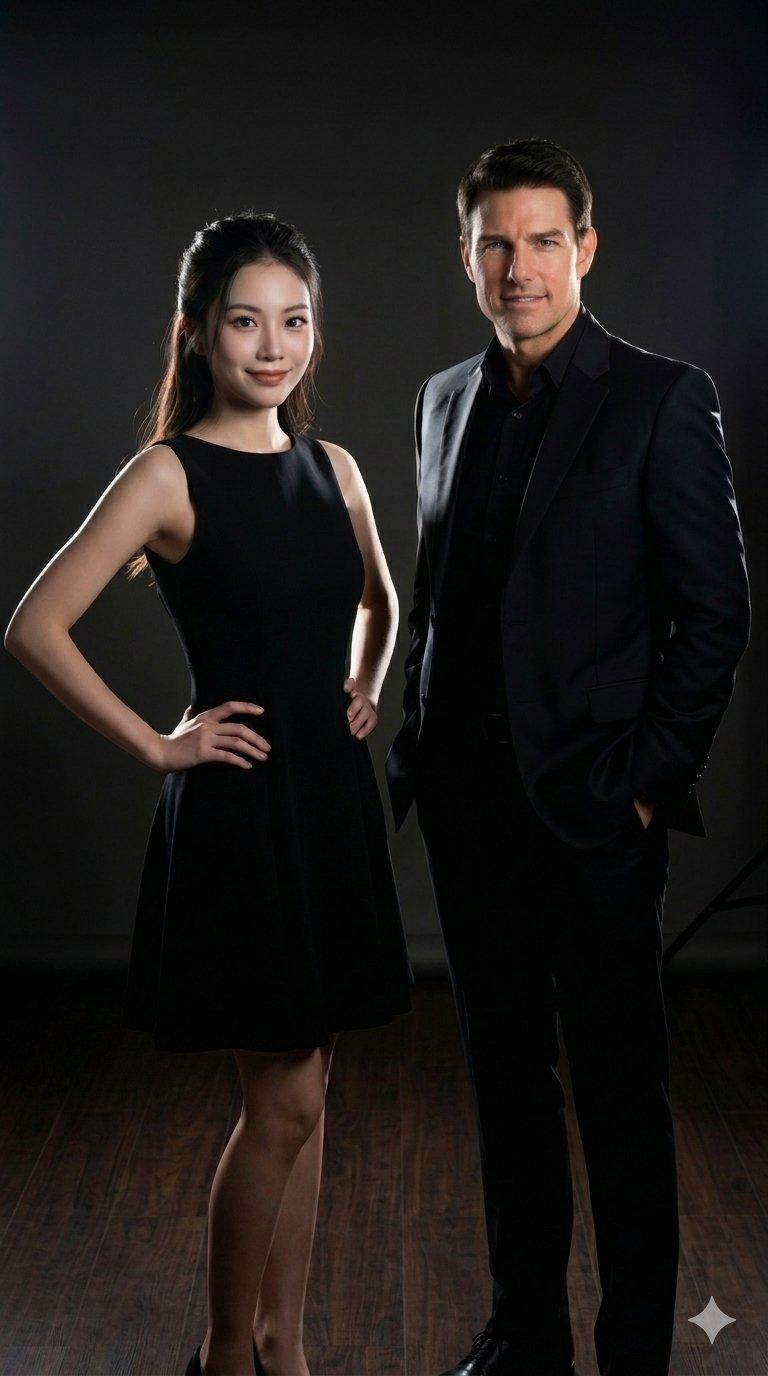
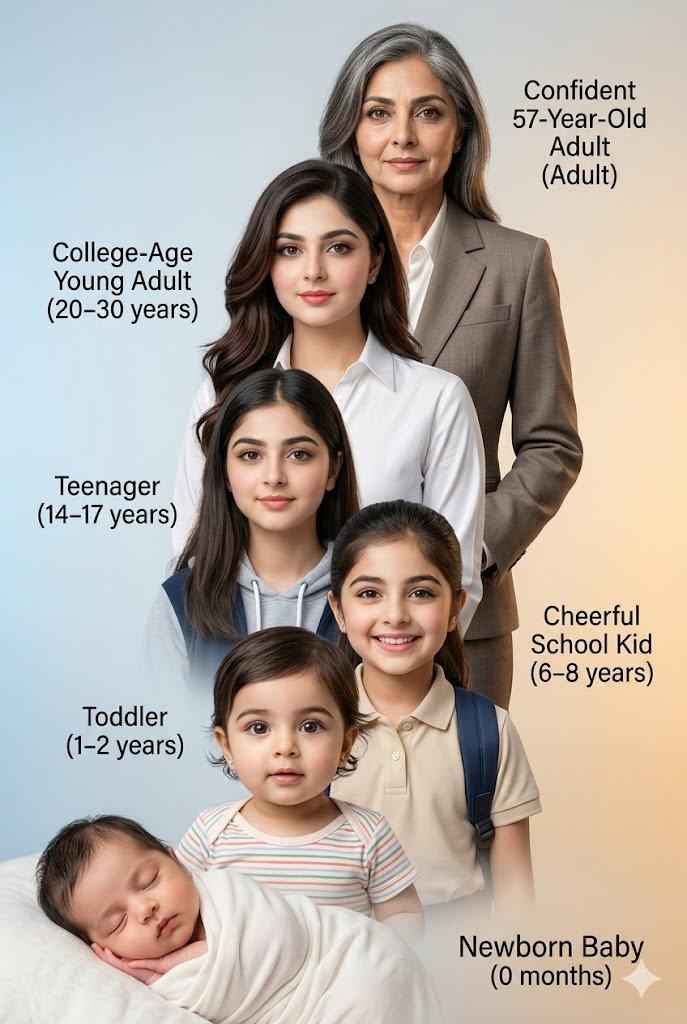
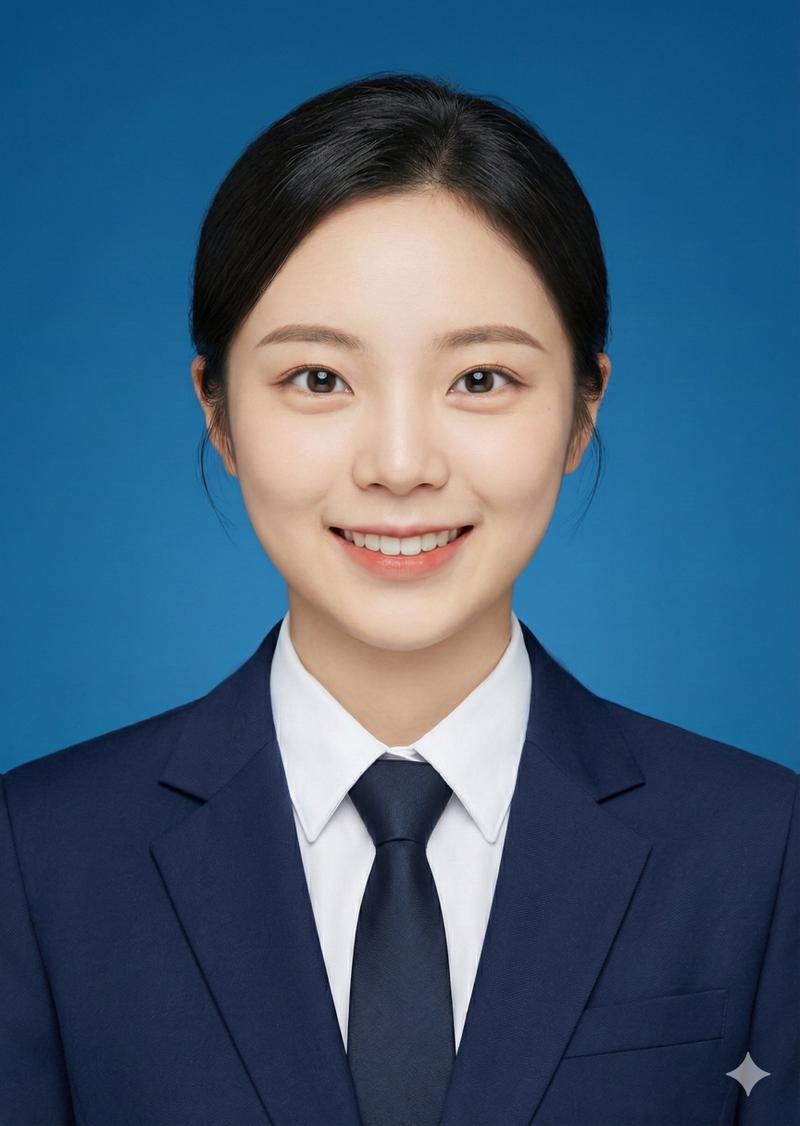
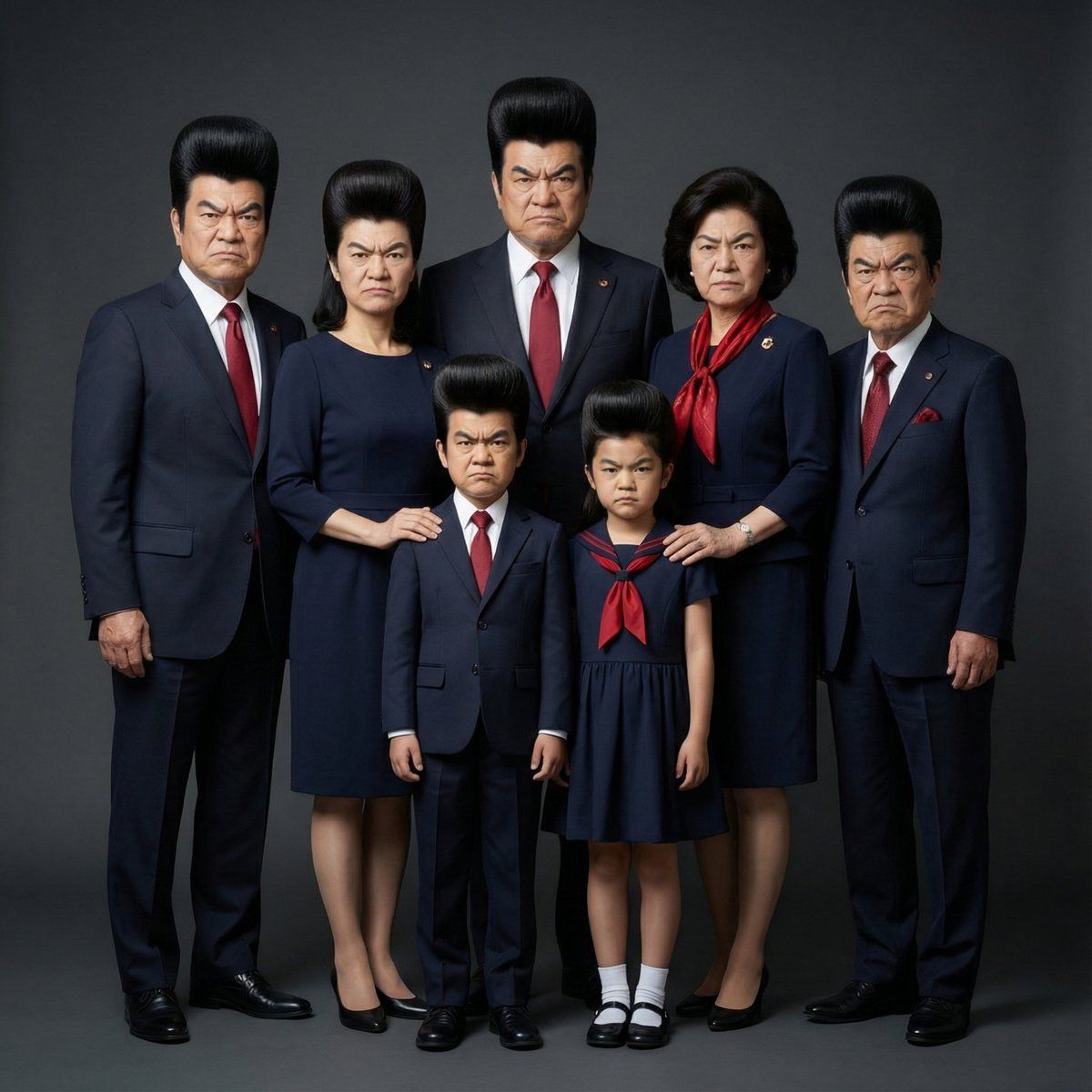
Use the provided photo of one base person as the sole reference. Do not change the facial features, contours, part placement, expression, atmosphere, or identity of this person. All family members generated must share the face of the exact same person, and even if age, gender, or position differ, the facial characteristics must be completely identical. Maintain 100% fidelity to the face. Regardless of the number of people, compose all subjects into a single cohesive scene, finishing it as a professional, photorealistic family group photo. Express natural distance and positioning between family members, showing smooth group interaction. Adjust body size and height difference according to their respective settings, but ensure the faces remain completely identical. Use a unified color palette and style for everyone, and have them wear coordinated matching outfits. Express the body types of each person within a realistic range, without unnatural exaggeration. The background should be a dark, clean, professional studio background. Do not include unnecessary decorations. Lighting should be soft, studio-quality lighting. Emphasize realistic shadows, uniform and natural skin tones, and balanced contrast. Do not stylize, beautify, exaggerate, or reinterpret the face in any way. Maintain a strictly photorealistic, high-end portrait expression.
Category
Posters & Typography
Model
Nano banana pro
Views123
Source ID
8533
Published
Mar 22, 2026

Guide

About "同一张脸全家福专业影棚级写真"

What is this prompt for?

"同一张脸全家福专业影棚级写真" AI image prompt for Nano banana pro (Posters & Typography). 请仅以所提供的一张人物照片作为参考。请勿改变此人的面部特征、轮廓、部位位置、表情、氛围或身份。 生成的所有家庭成员必须共享完全相同的面部,即使年龄、性别或姿势不同,…

The full copyable prompt and example visuals above are ready for AI image generation or one-click recreate in Picva.

How to use this prompt

  1. Step 1

    Open the prompt detail

    Review the example visuals, category, and full prompt text for "同一张脸全家福专业影棚级写真".

  2. Step 2

    Copy the prompt

    Copy the prompt body from this page, or load it directly in Studio.

  3. Step 3

    Pick a model (Nano banana pro)

    Prefer Nano banana pro. If you switch models, keep subject and composition and tweak style terms.

  4. Step 4

    Generate and export

    Recreate the look in Picva, or export into your workflow for editing and publishing.

FAQ

What is the "同一张脸全家福专业影棚级写真" prompt?
It is an AI image-generation prompt for Nano banana pro in the Posters & Typography category. This page includes the full prompt text, example visuals, and a one-click recreate path in Picva.
How do I use this prompt to generate an image?
Copy the prompt from this page, or use Generate / Studio. Paste it into a compatible image model, or recreate the look in Picva with optional reference images.
Which model is this prompt for?
This page lists Nano banana pro. Most descriptive prompts also transfer to nearby image models such as GPT Image, Flux, or Midjourney with light style tweaks.
Can I use the result commercially?
You can usually copy the prompt for creation, but commercial use of the final image depends on the model terms, reference-image rights, and the generated content. Follow the source author and platform rules.