20

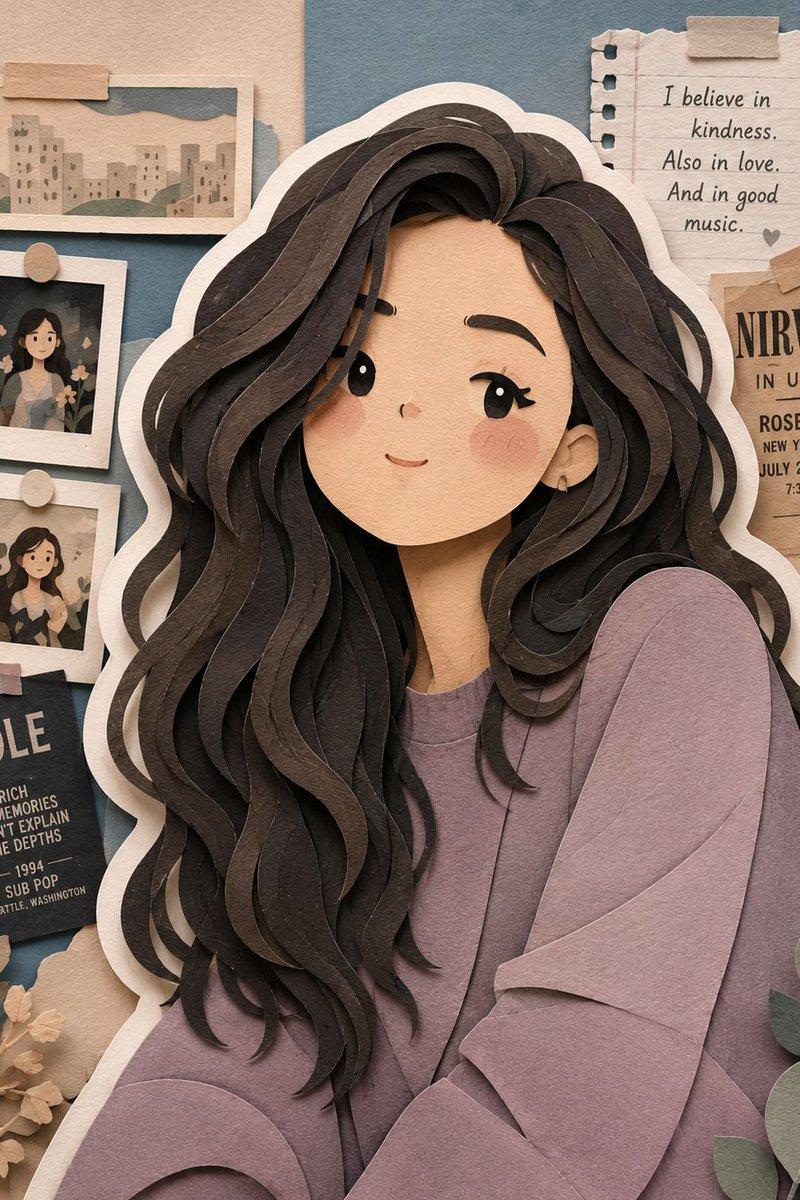
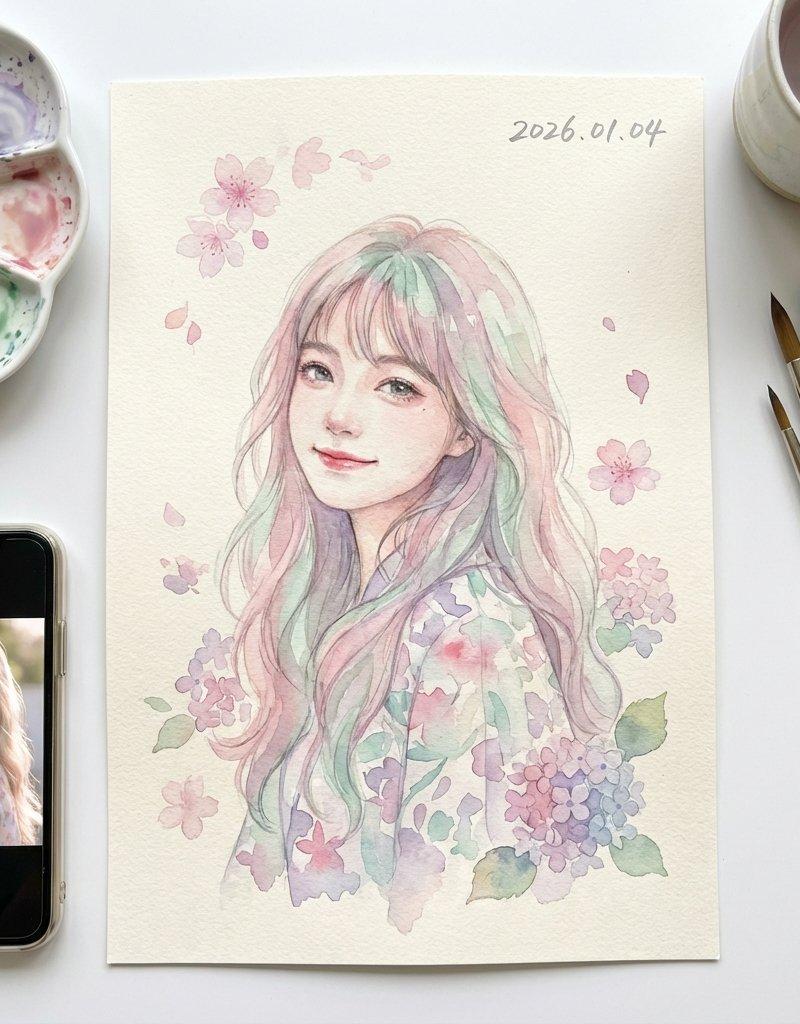
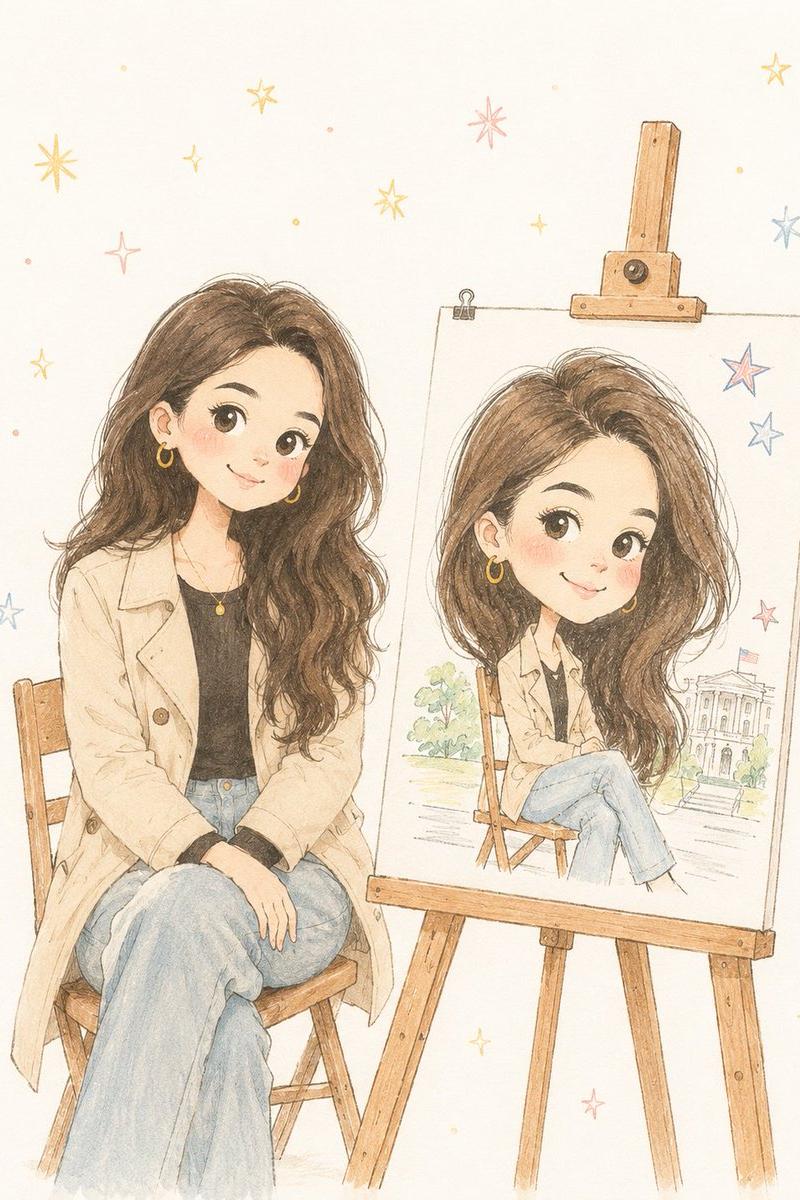
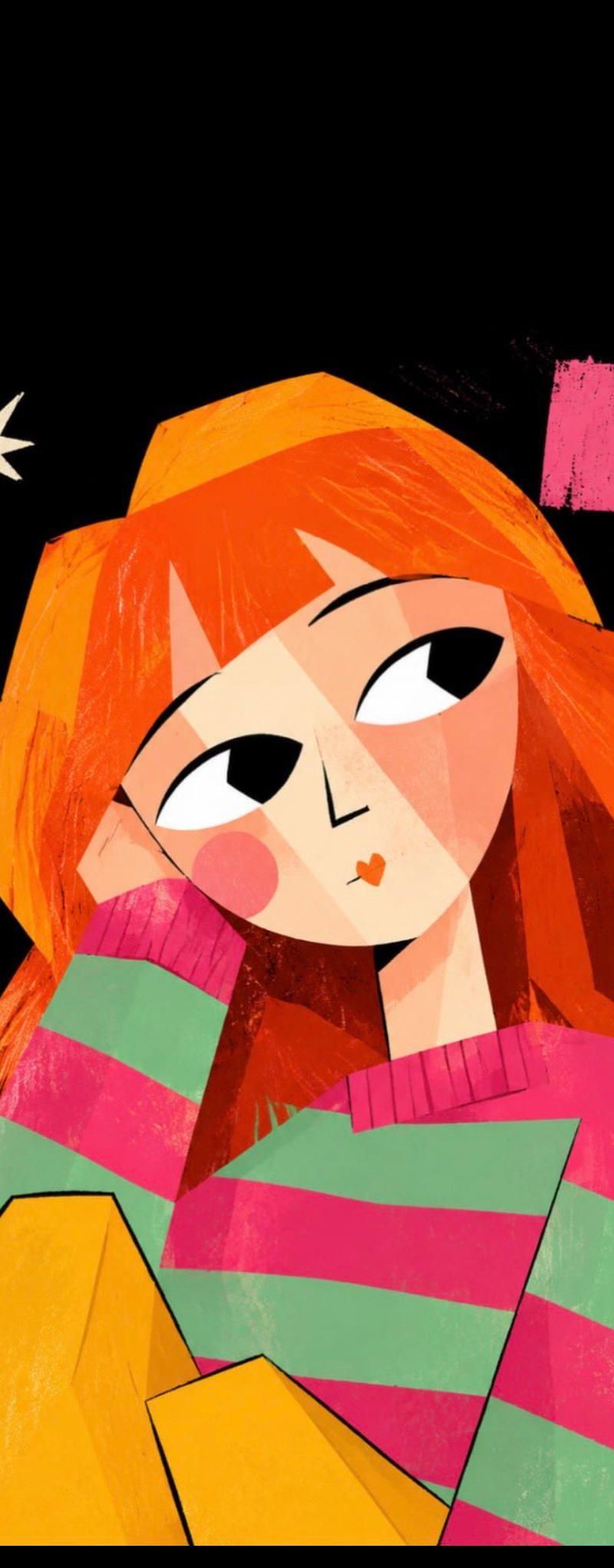
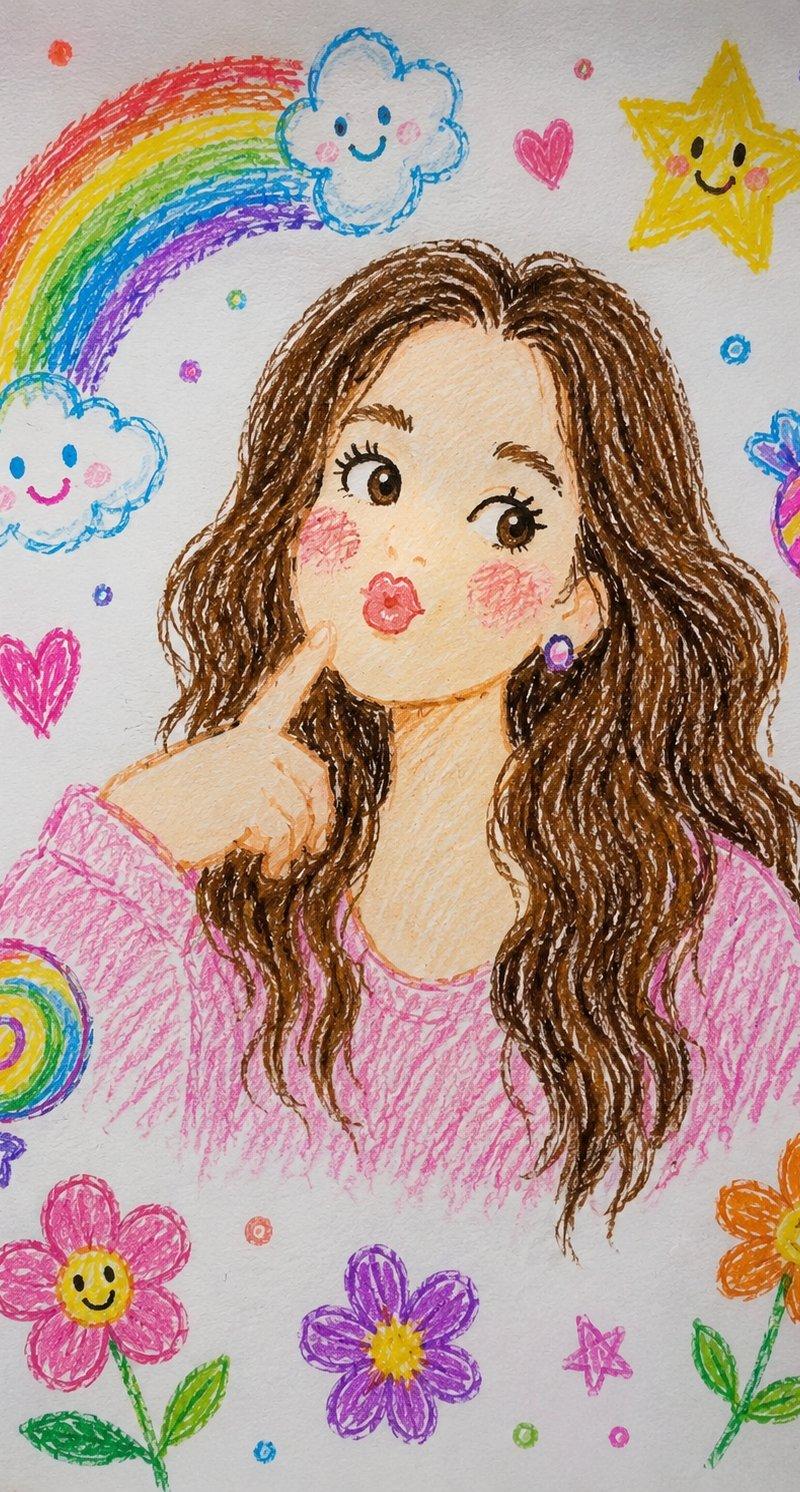
蜡笔画转超写实专业人像摄影
Enlarge

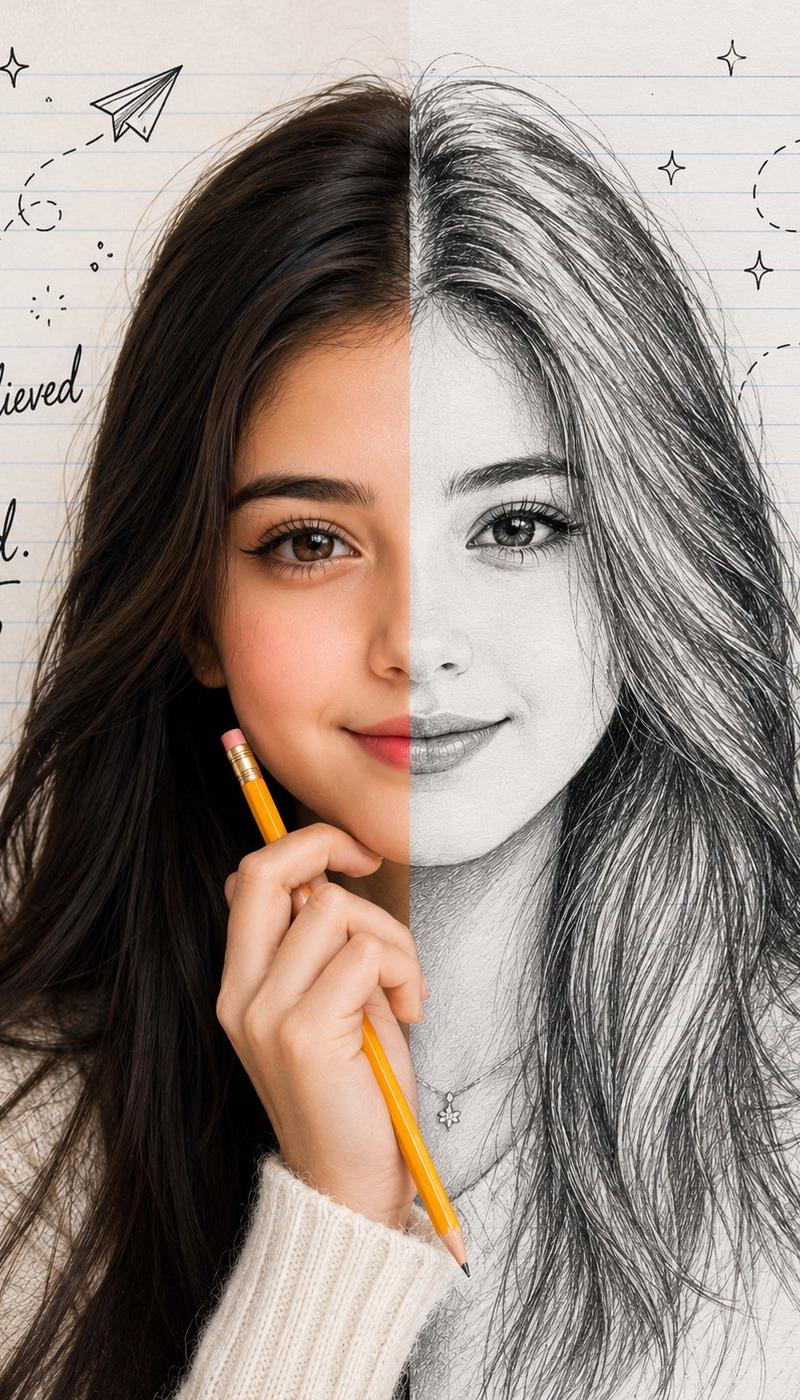
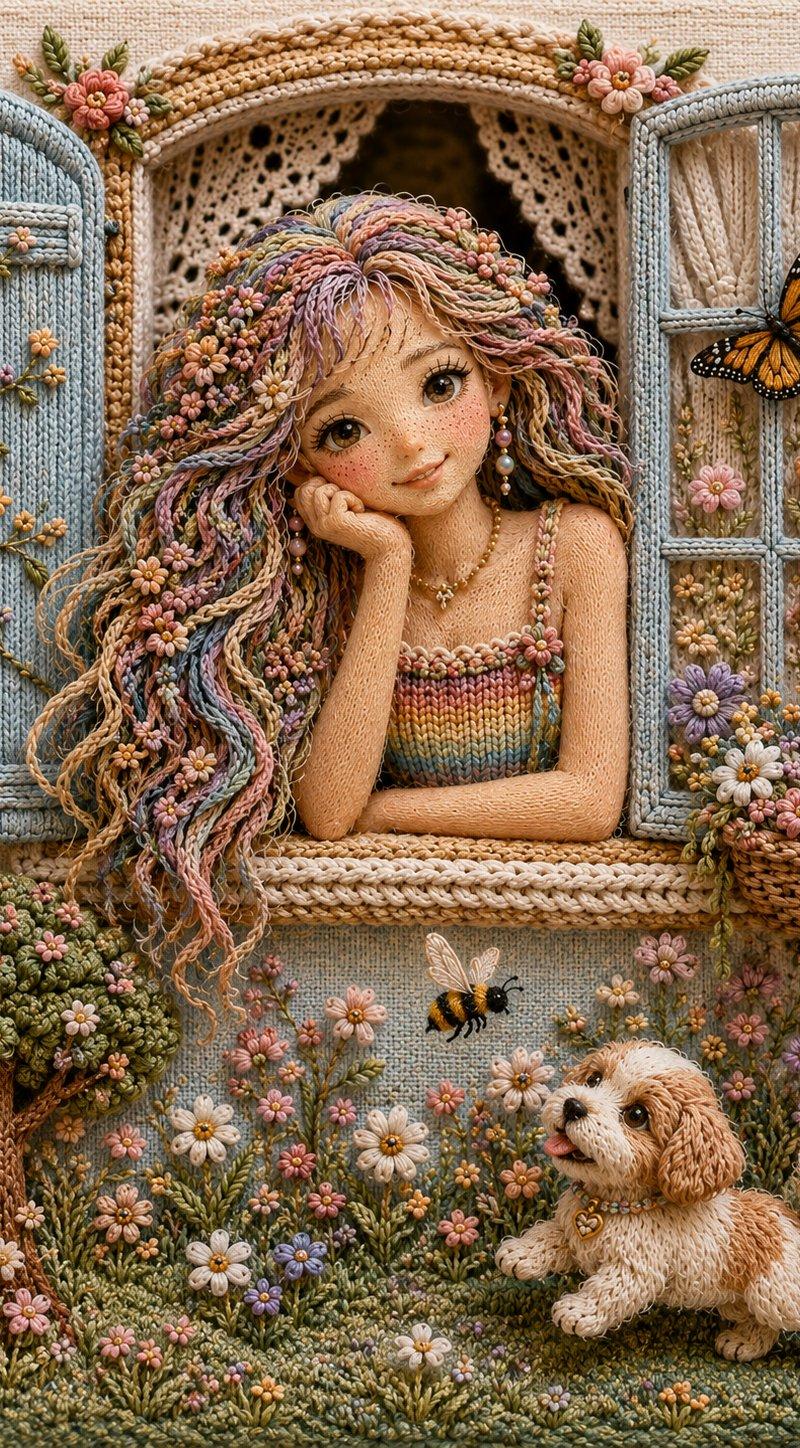
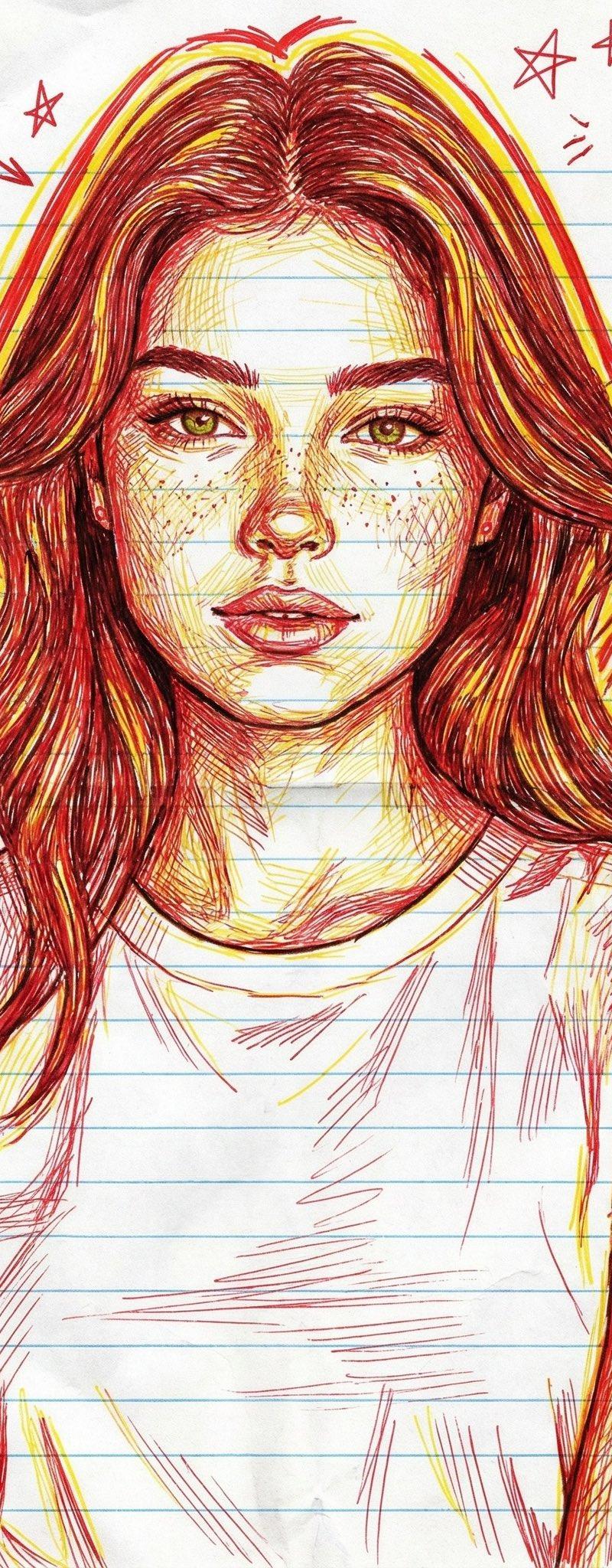
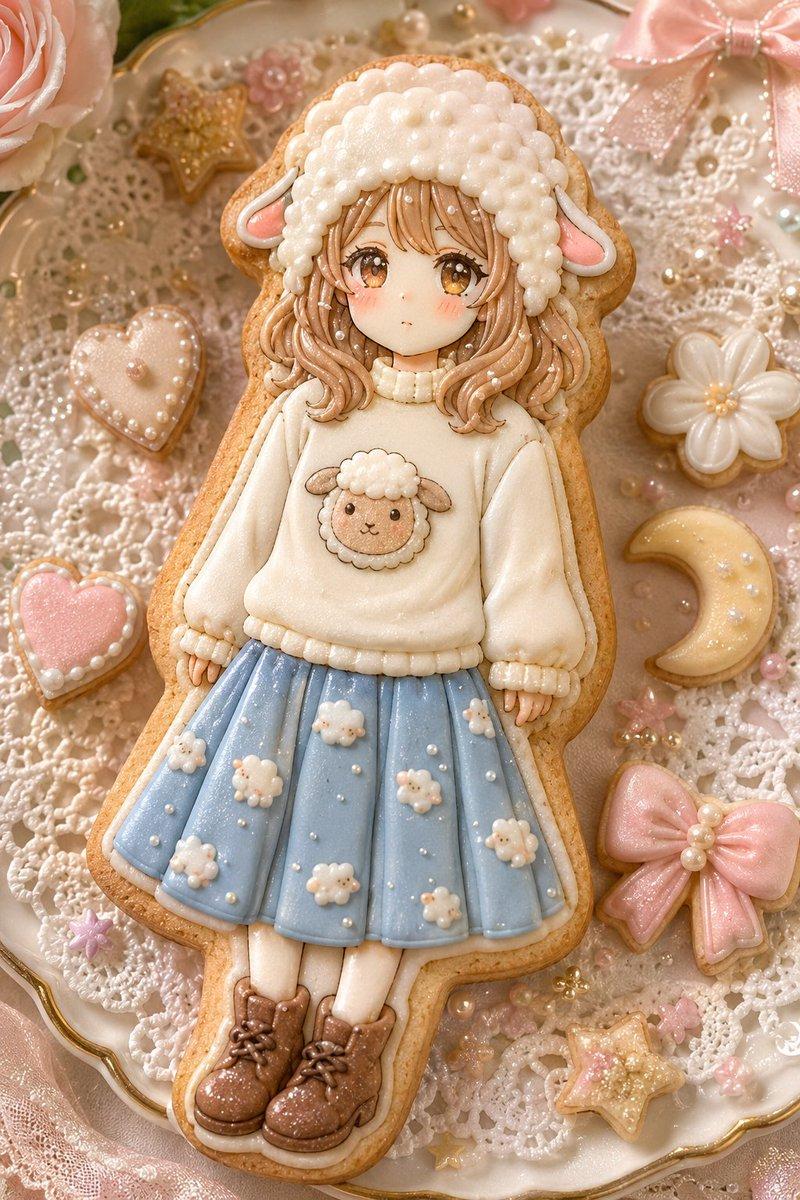
Example images

蜡笔画转超写实专业人像摄影

Prompt
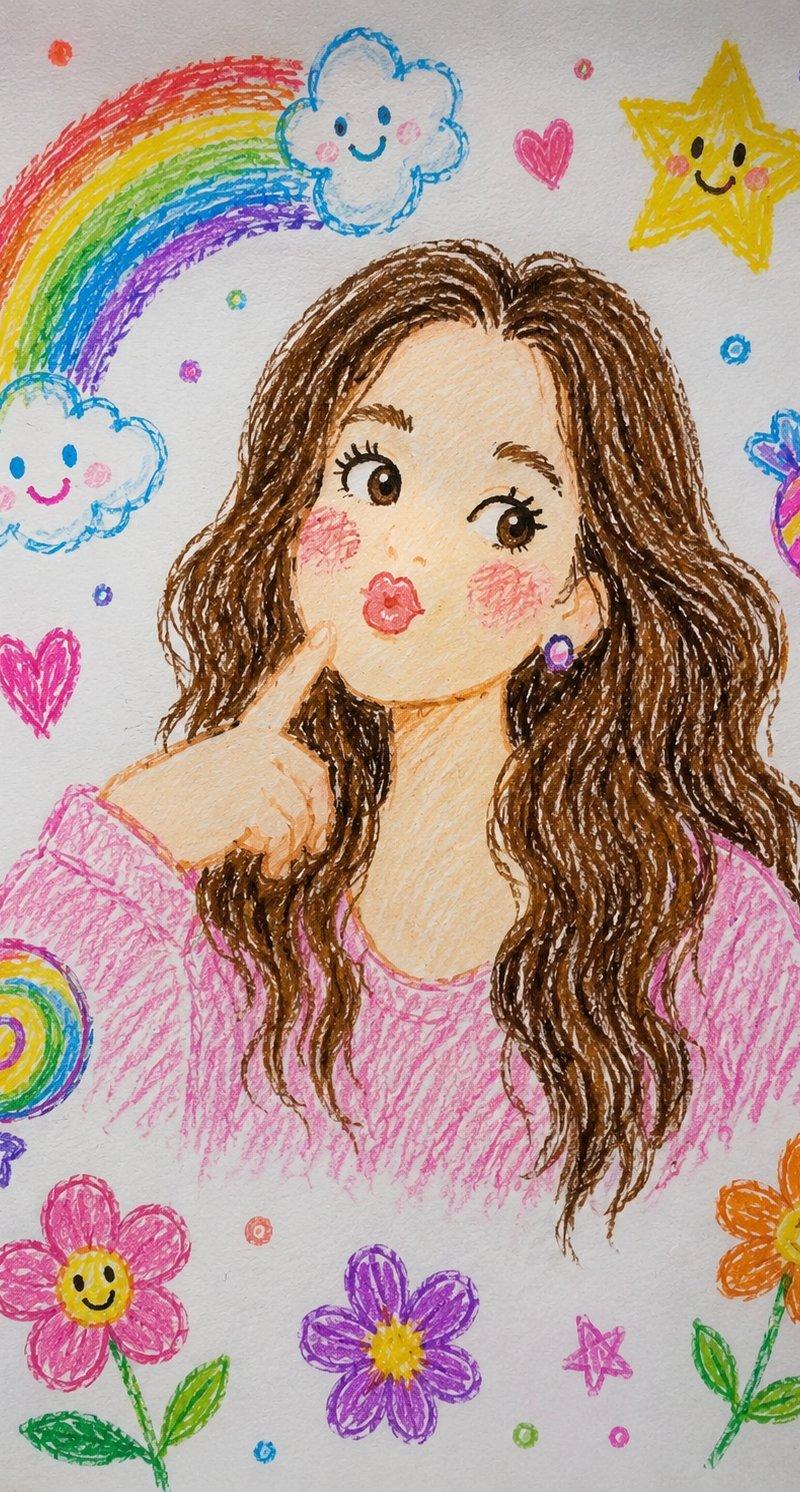
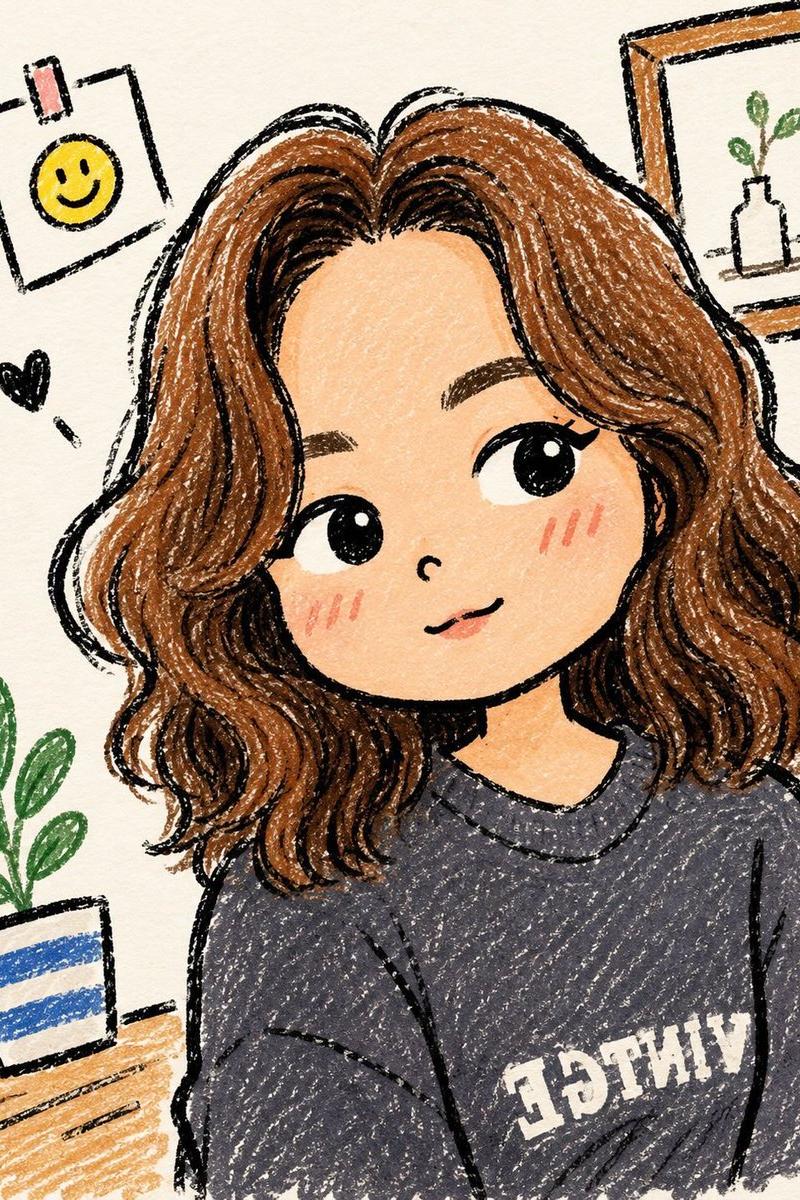
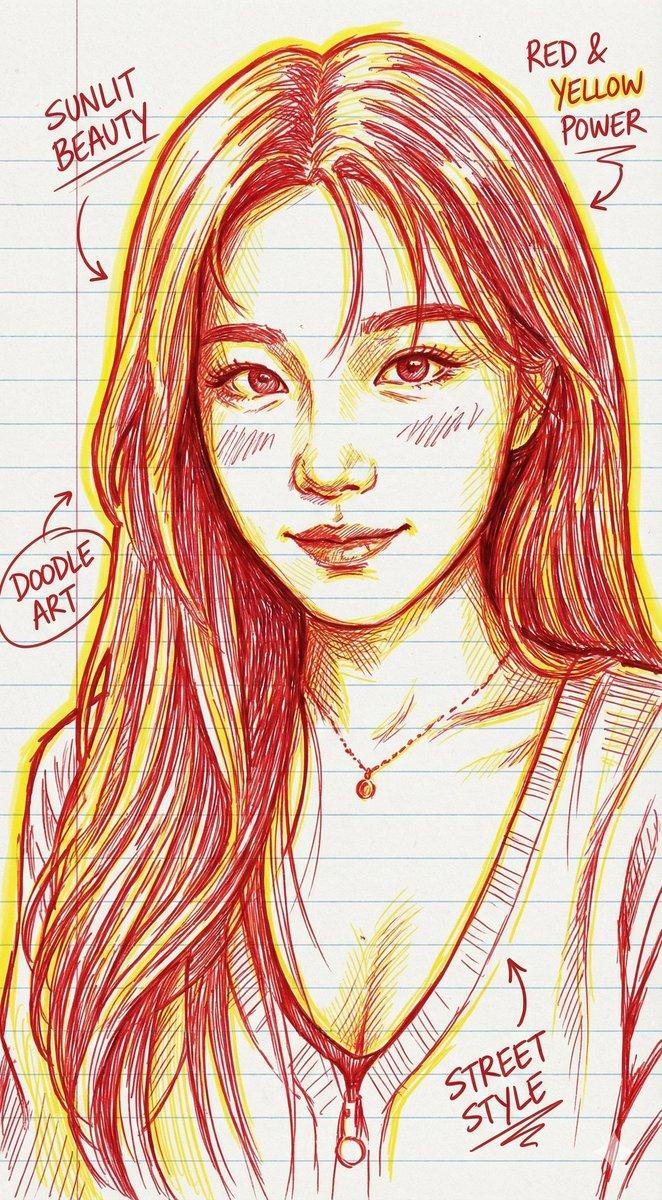
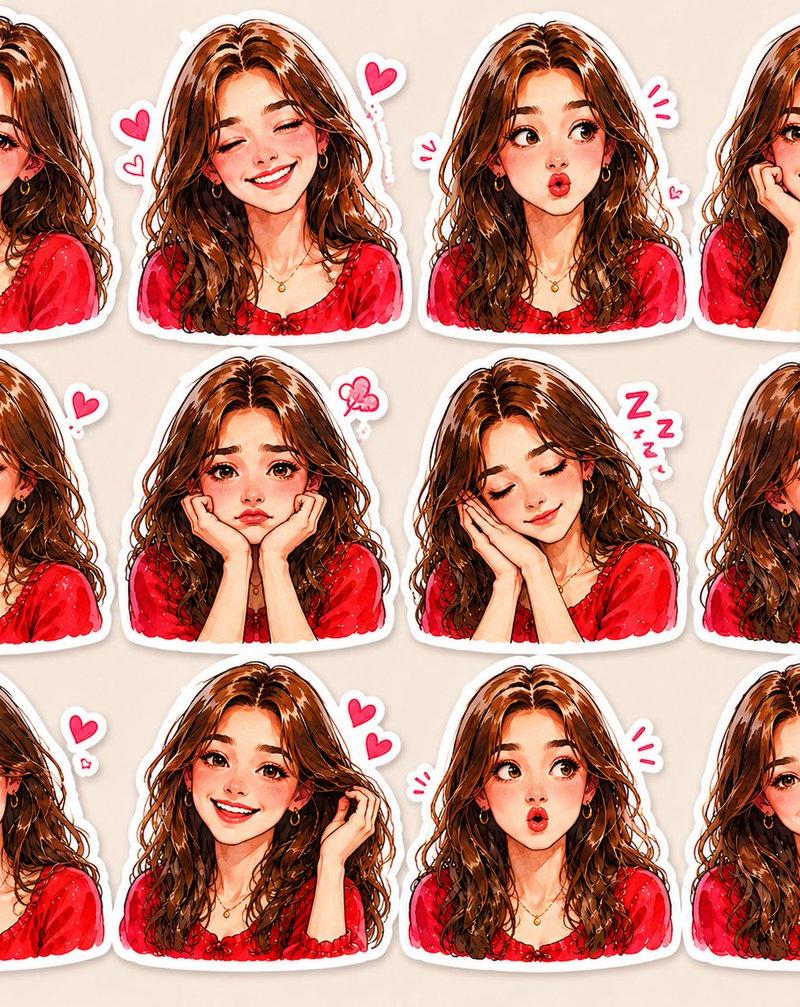
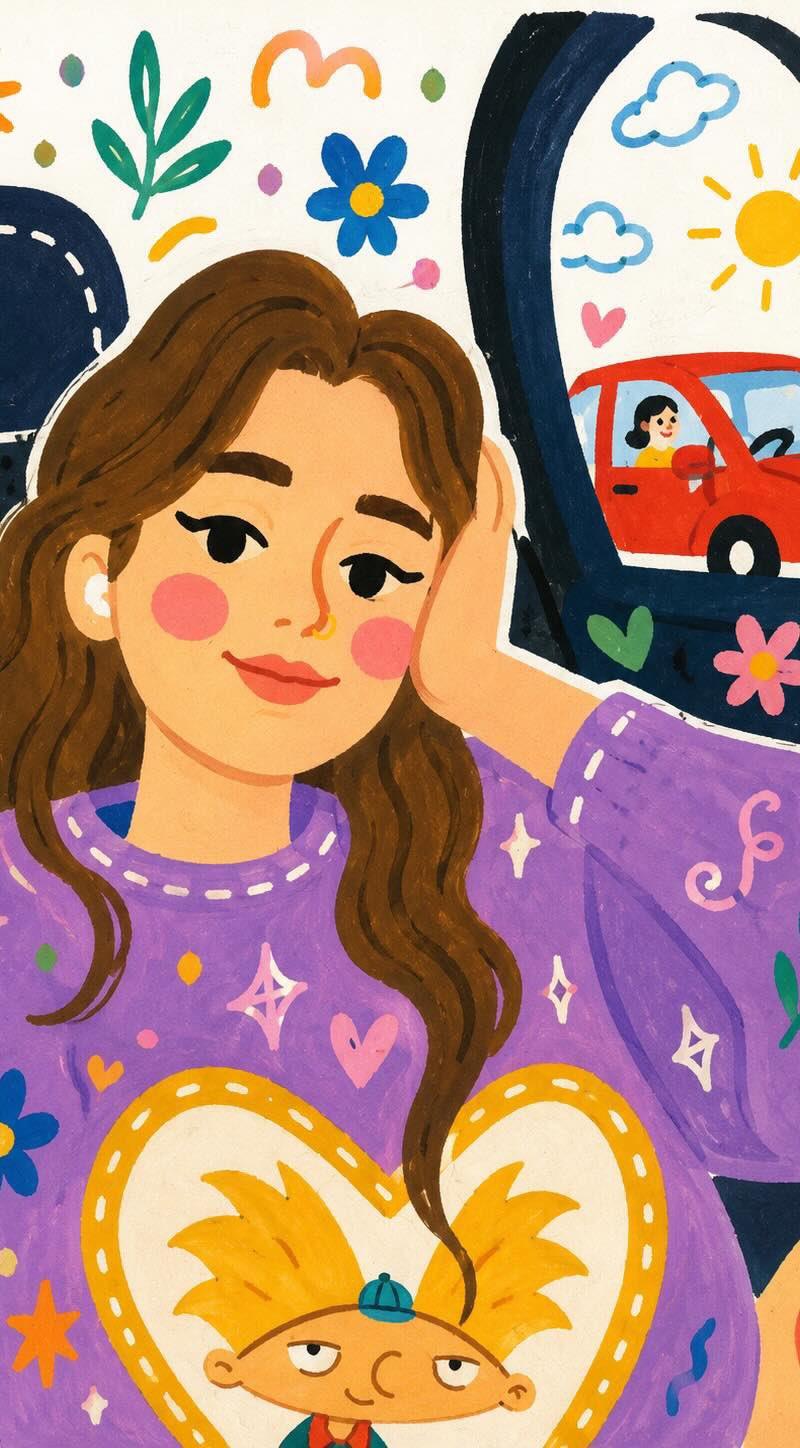
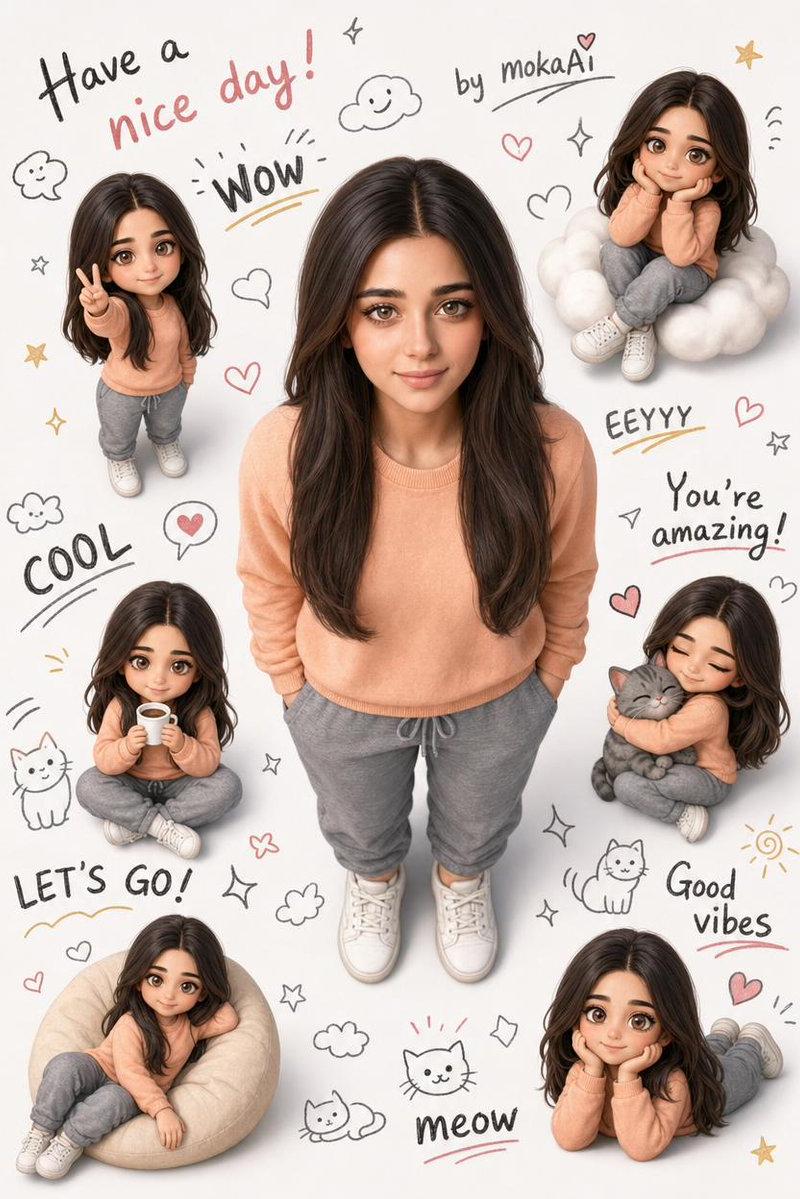
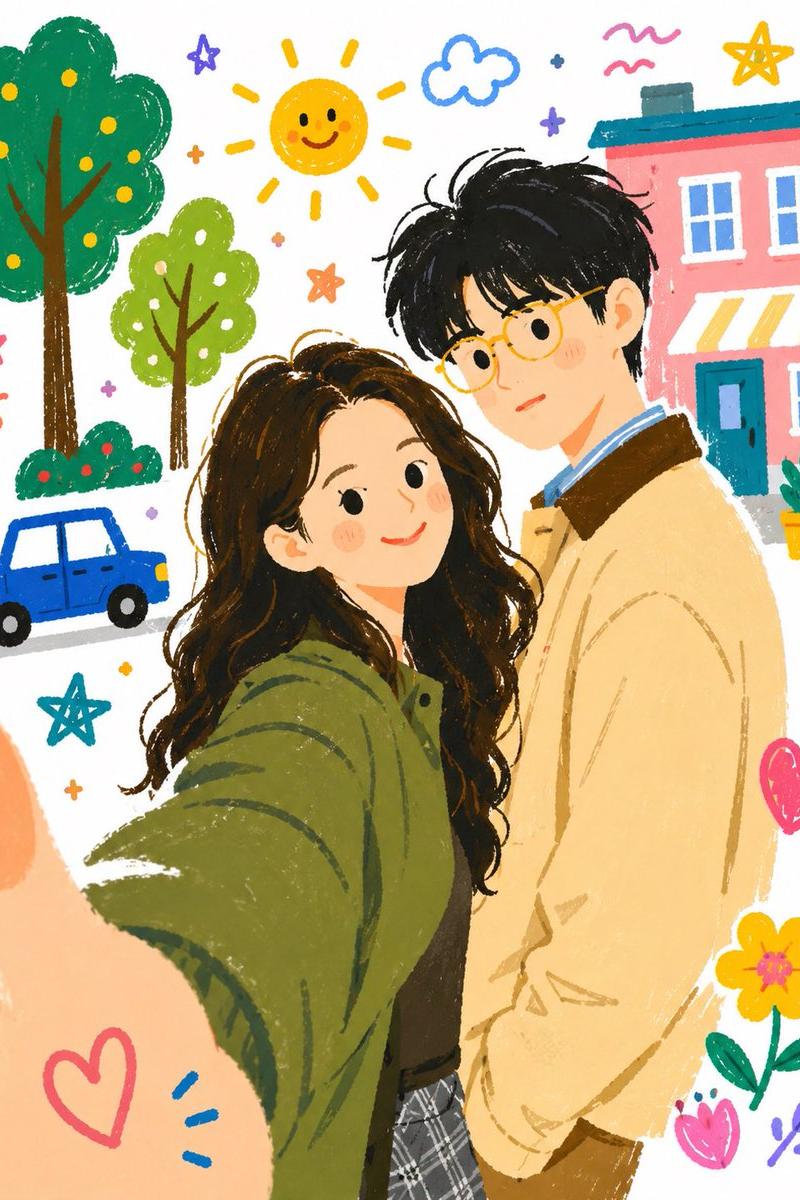
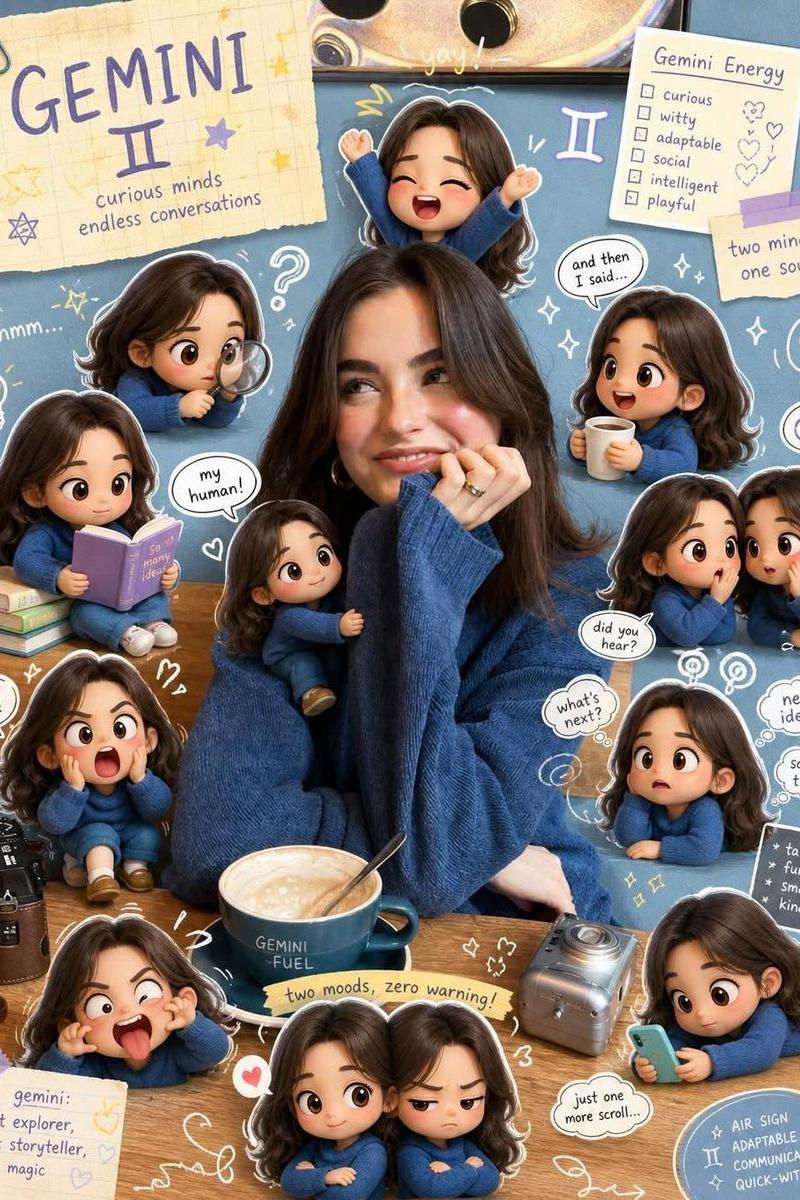
Transform this crayon-style illustration into a highly realistic professional photograph. Keep the same pose, facial expression, hand gesture, and composition. Convert the drawn character into a real young woman with natural skin texture, realistic eyes, detailed hair, and authentic facial features. Replace the doodle background with a real-life outdoor setting featuring soft natural light, realistic depth of field, and a clean environment. Maintain the overall mood and character while making the result look like it was captured with a high-end DSLR camera. Ultra-realistic, photorealistic, natural colors, high detail, 85mm lens, shallow depth of field, realistic lighting.
Category
Charts & Infographics
Model
ChatGPT
Creator
@AiwithLariab
Source language
zh-CN
Views34
Source ID
16349
Published
Jun 20, 2026
Studio

Guide

About "蜡笔画转超写实专业人像摄影"

What is this prompt for?

"蜡笔画转超写实专业人像摄影" AI image prompt for ChatGPT (Charts & Infographics). 将这张蜡笔风格的插画转换成一张高度写实的专业照片。保持相同的姿势、面部表情、手势和构图。将绘制的角色转换为一个拥有自然皮肤纹理、写实眼睛、细节丰富的头发以及真实面部特征的真实年轻女…

The full copyable prompt and example visuals above are ready for AI image generation or one-click recreate in Picva.

How to use this prompt

  1. Step 1

    Open the prompt detail

    Review the example visuals, category, and full prompt text for "蜡笔画转超写实专业人像摄影".

  2. Step 2

    Copy the prompt

    Copy the prompt body from this page, or load it directly in Studio.

  3. Step 3

    Pick a model (ChatGPT)

    Prefer ChatGPT. If you switch models, keep subject and composition and tweak style terms.

  4. Step 4

    Generate and export

    Recreate the look in Picva, or export into your workflow for editing and publishing.

FAQ

What is the "蜡笔画转超写实专业人像摄影" prompt?
It is an AI image-generation prompt for ChatGPT in the Charts & Infographics category. This page includes the full prompt text, example visuals, and a one-click recreate path in Picva.
How do I use this prompt to generate an image?
Copy the prompt from this page, or use Generate / Studio. Paste it into a compatible image model, or recreate the look in Picva with optional reference images.
Which model is this prompt for?
This page lists ChatGPT. Most descriptive prompts also transfer to nearby image models such as GPT Image, Flux, or Midjourney with light style tweaks.
Can I use the result commercially?
You can usually copy the prompt for creation, but commercial use of the final image depends on the model terms, reference-image rights, and the generated content. Follow the source author and platform rules.