18

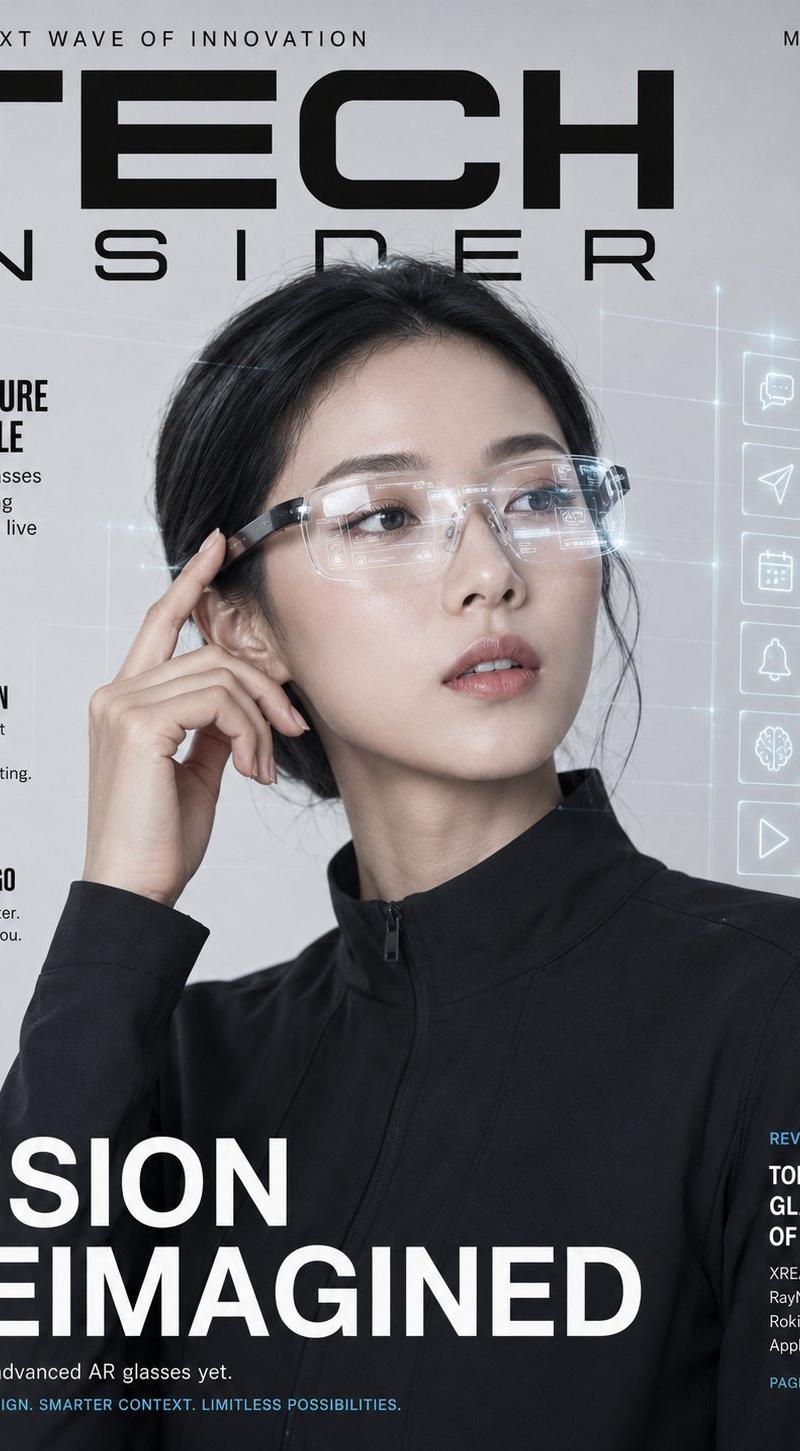
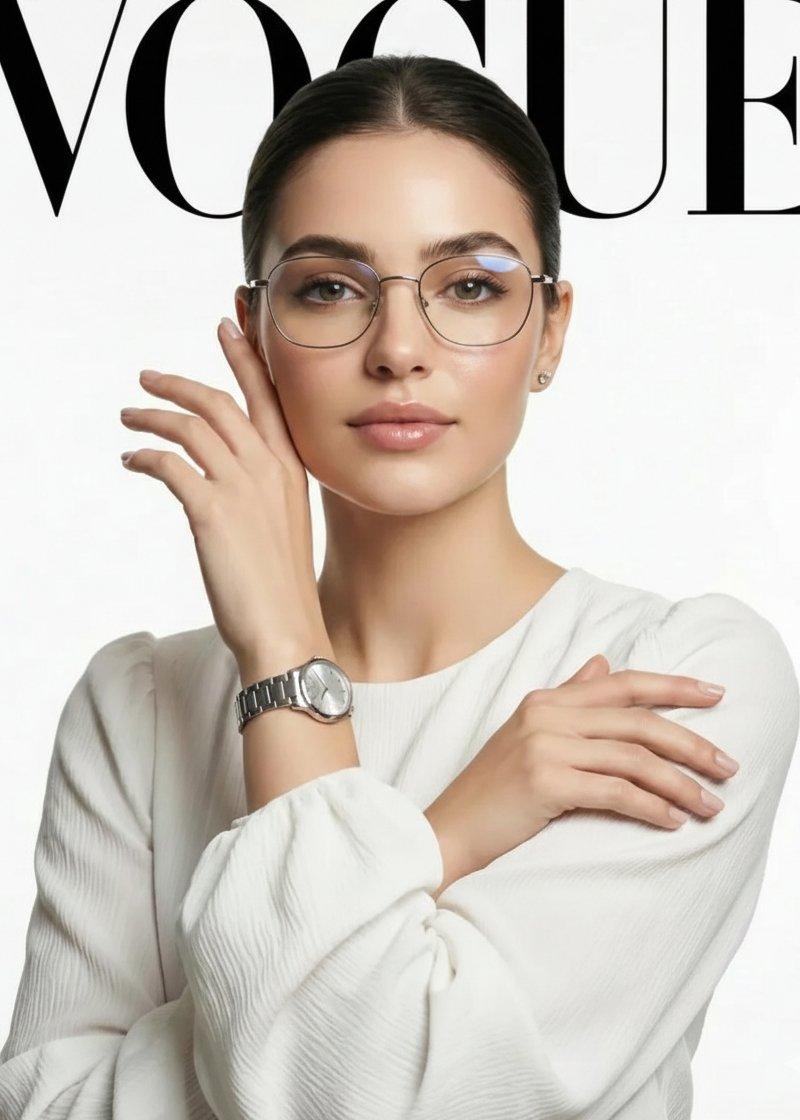
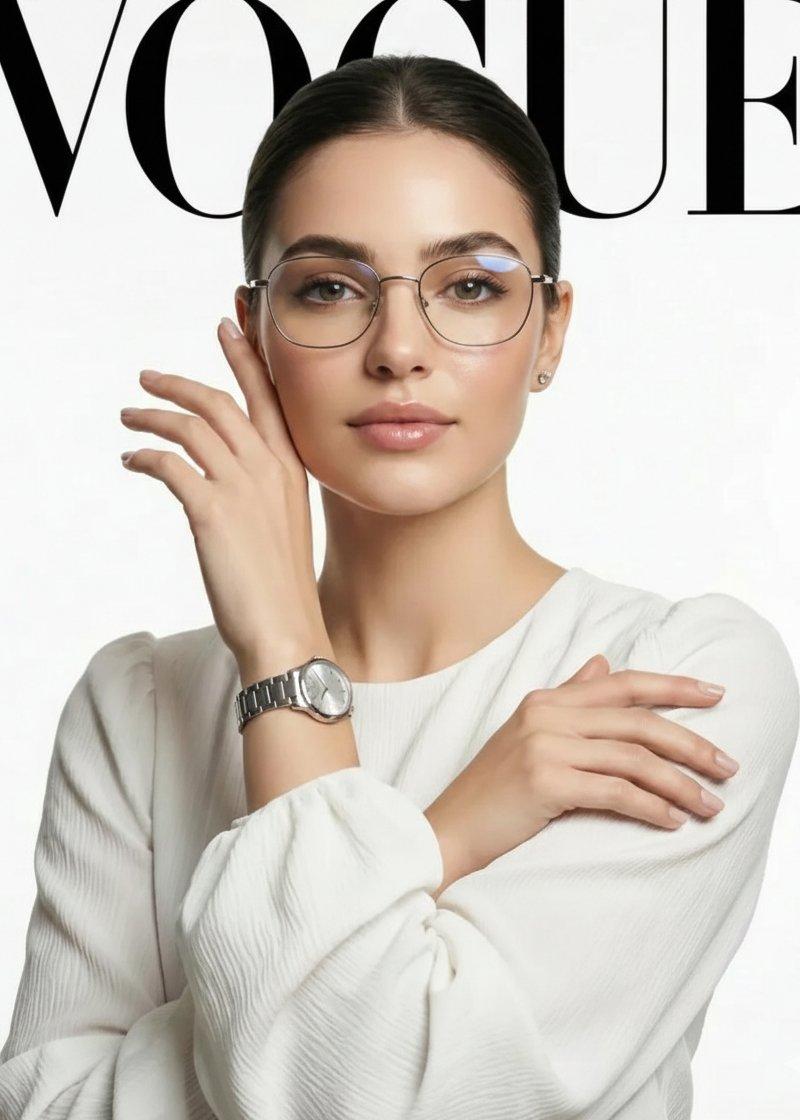
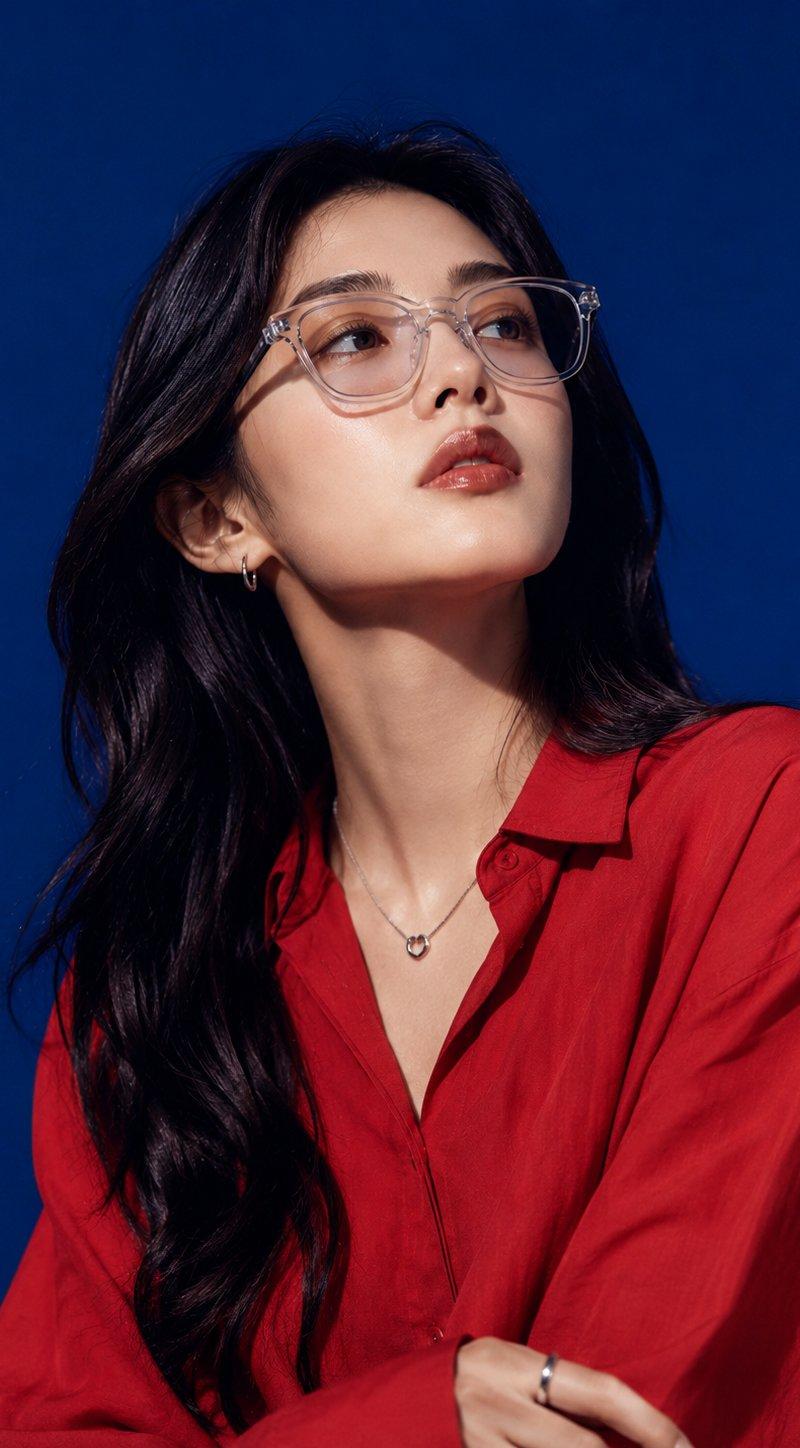
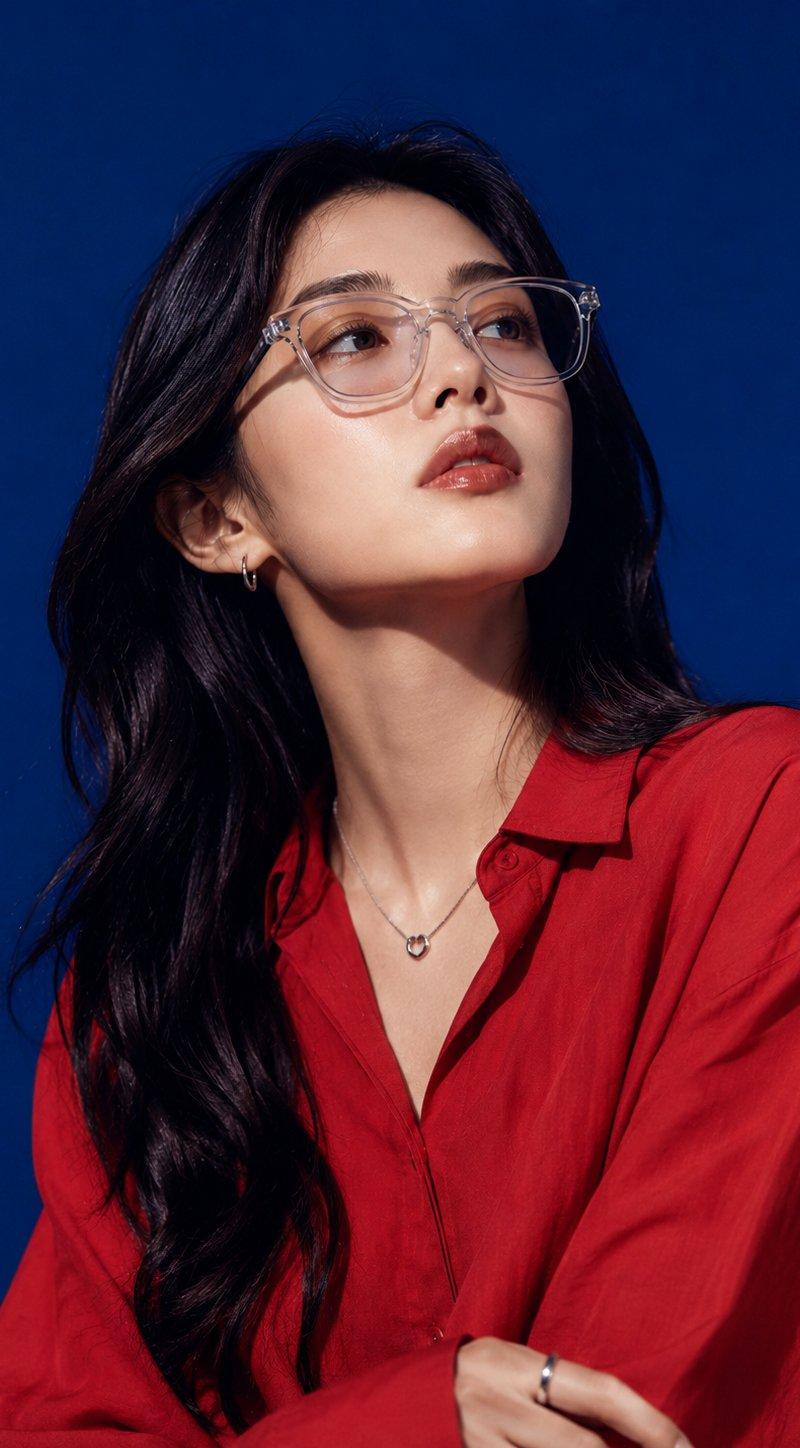
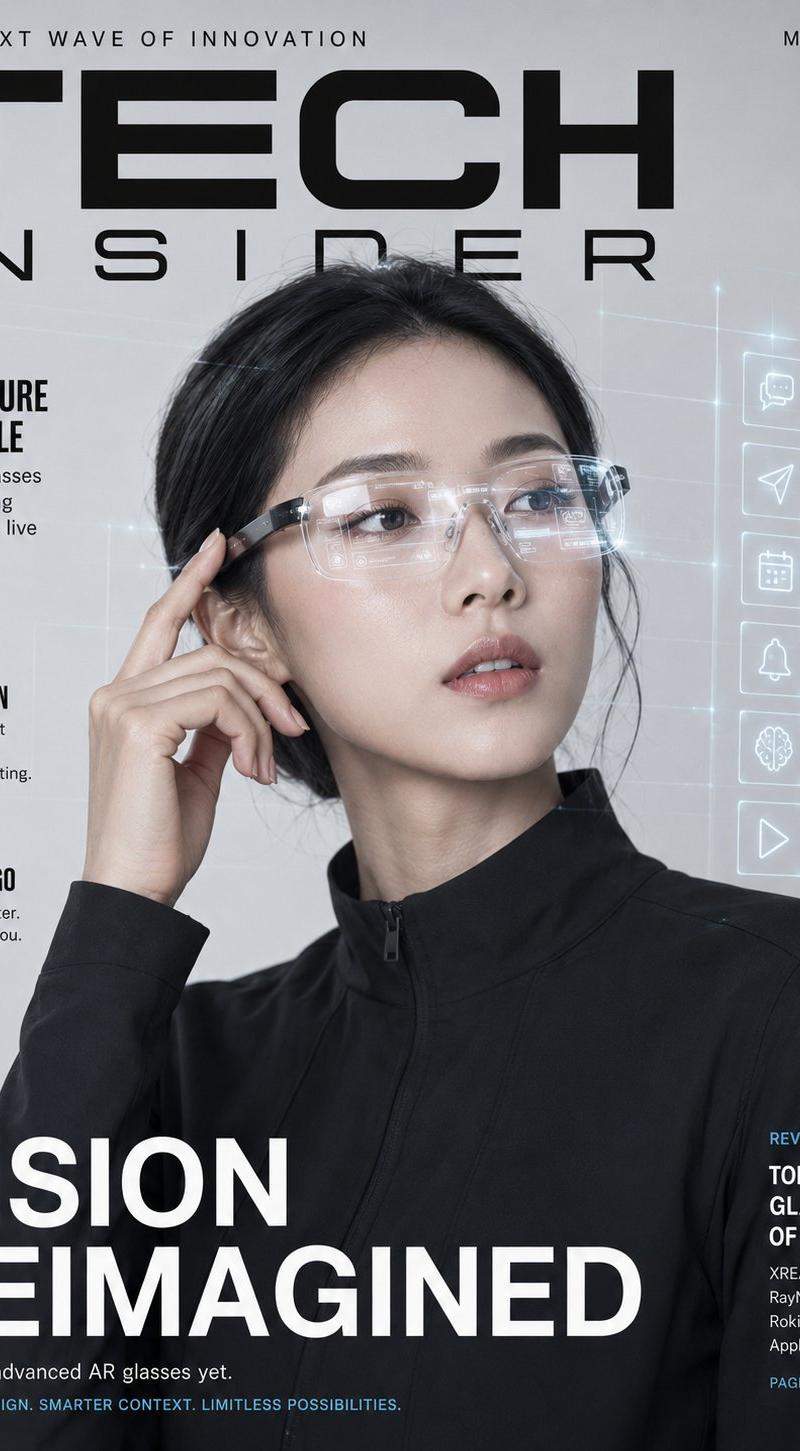
极简科技AR眼镜韩国模特杂志封面
Enlarge

Example images

极简科技AR眼镜韩国模特杂志封面

Prompt
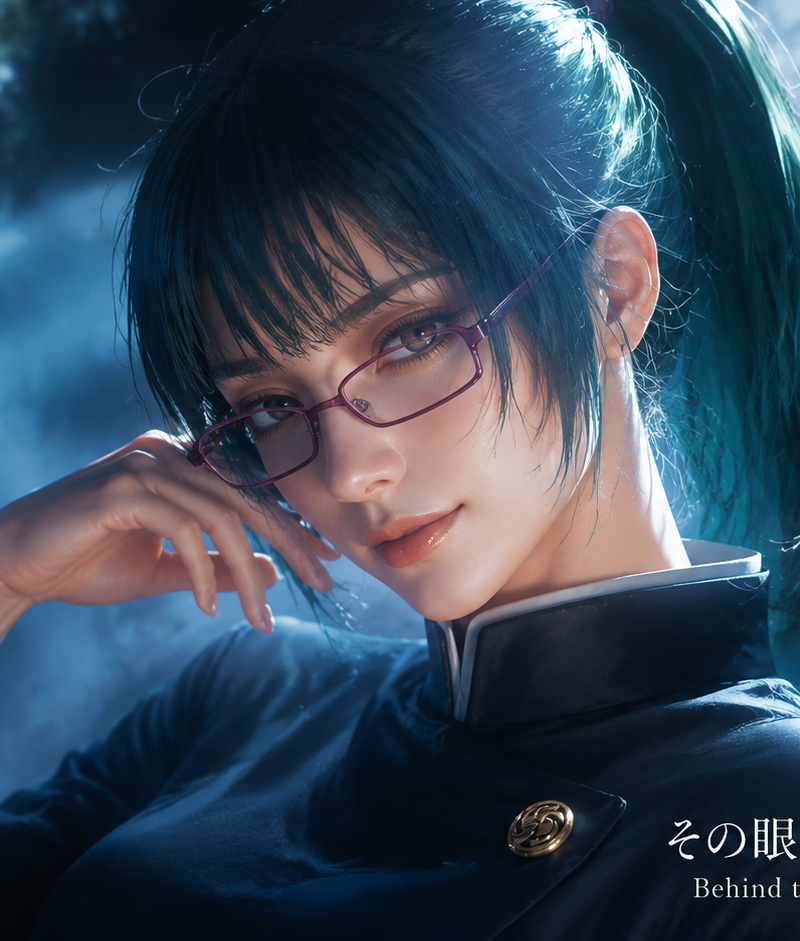
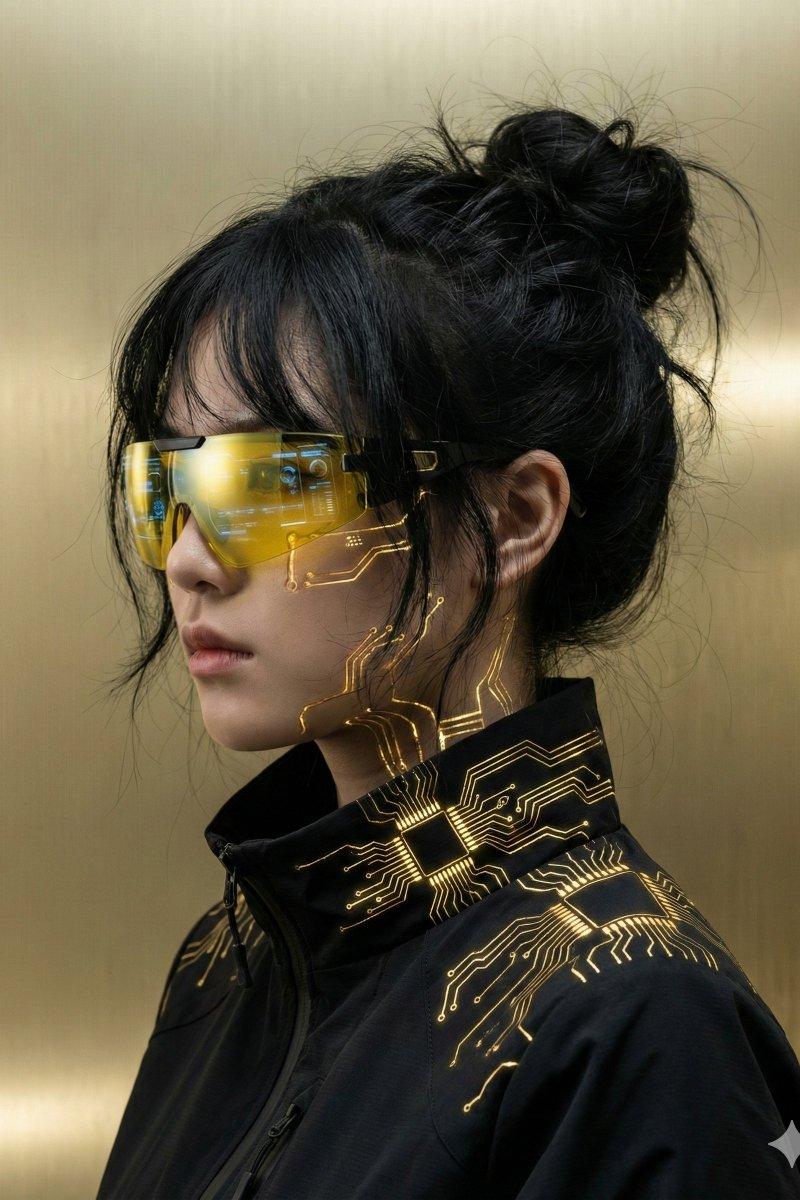
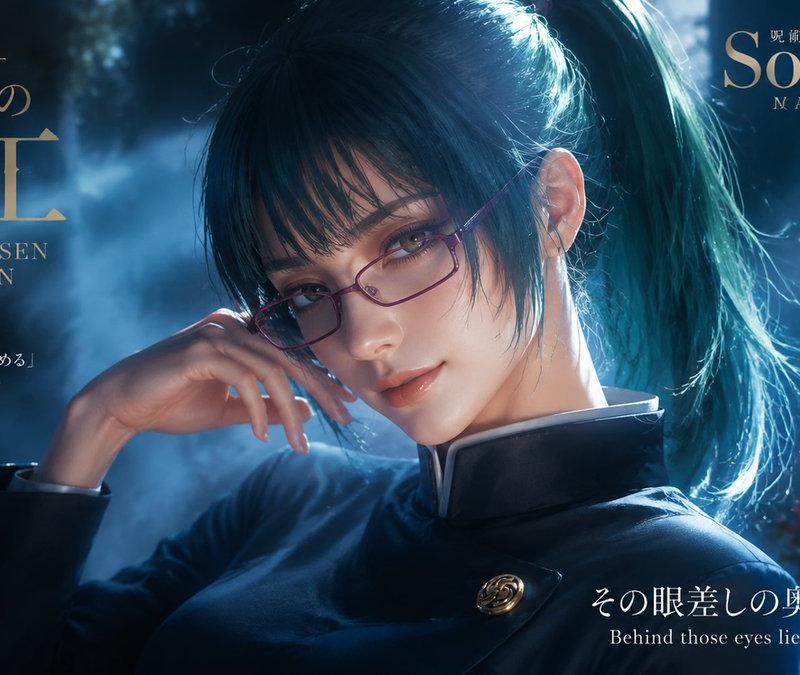
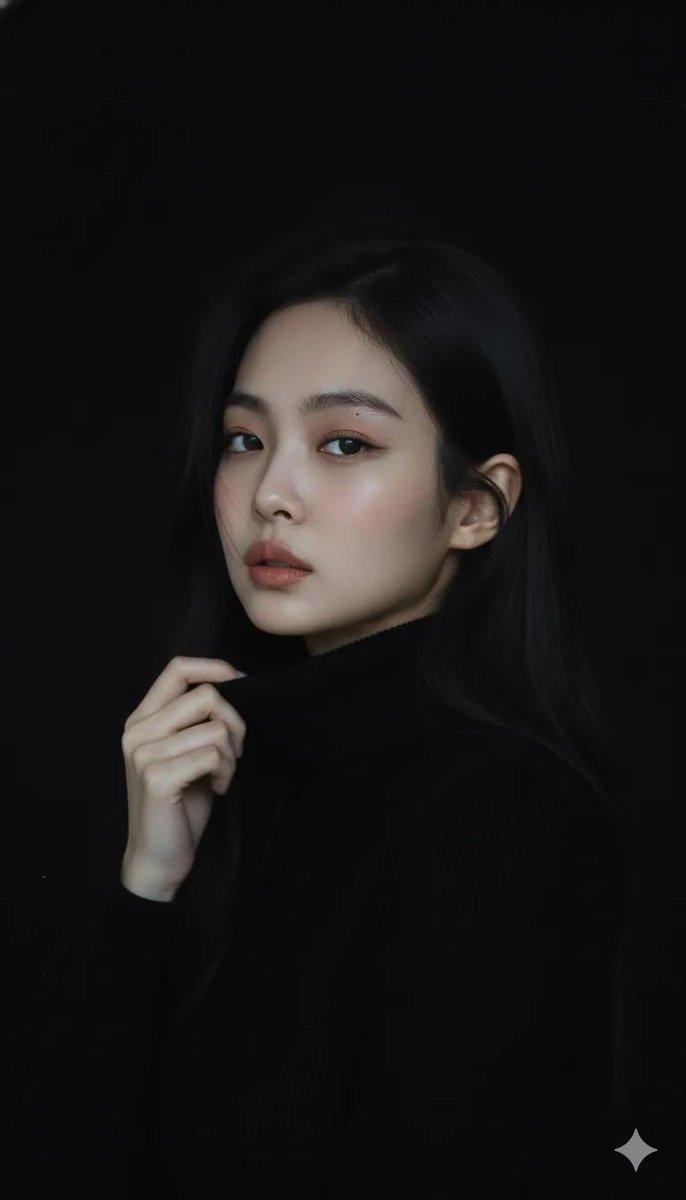
Ultra-realistic tech product editorial magazine cover featuring a confident Korean woman wearing sleek transparent-lens AR smart glasses with a subtle holographic interface visible reflecting in the lenses, paired with a minimalist black tech-fabric jacket. One hand touches the temple of the glasses as if adjusting settings, the other rests at her side. Clean glowing skin, soft natural makeup, calm focused expression looking slightly off-camera as if viewing an AR display. Background: seamless light-grey studio with faint glowing grid lines and floating app-icon holograms. "TECH INSIDER" bold masthead with feature callouts. 85mm lens, ultra-detailed lens reflection and product realism, sharp focus, 8K photorealistic. 

Negative: cartoon, blurry, fake-looking glasses, watermark, distorted face.
Category
Charts & Infographics
Model
ChatGPT
Creator
@ZephyraLeigh
Source language
zh-CN
Views52
Source ID
16255
Published
Jun 18, 2026
Studio

Guide

About "极简科技AR眼镜韩国模特杂志封面"

What is this prompt for?

"极简科技AR眼镜韩国模特杂志封面" AI image prompt for ChatGPT (Charts & Infographics). 超写实科技产品社论杂志封面,主角是一位自信的韩国女性,戴着时尚的透明镜片AR智能眼镜,镜片中反射出微弱的全息界面,搭配简约的黑色科技面料夹克。一只手触摸眼镜腿,仿佛在调整设置…

The full copyable prompt and example visuals above are ready for AI image generation or one-click recreate in Picva.

How to use this prompt

  1. Step 1

    Open the prompt detail

    Review the example visuals, category, and full prompt text for "极简科技AR眼镜韩国模特杂志封面".

  2. Step 2

    Copy the prompt

    Copy the prompt body from this page, or load it directly in Studio.

  3. Step 3

    Pick a model (ChatGPT)

    Prefer ChatGPT. If you switch models, keep subject and composition and tweak style terms.

  4. Step 4

    Generate and export

    Recreate the look in Picva, or export into your workflow for editing and publishing.

FAQ

What is the "极简科技AR眼镜韩国模特杂志封面" prompt?
It is an AI image-generation prompt for ChatGPT in the Charts & Infographics category. This page includes the full prompt text, example visuals, and a one-click recreate path in Picva.
How do I use this prompt to generate an image?
Copy the prompt from this page, or use Generate / Studio. Paste it into a compatible image model, or recreate the look in Picva with optional reference images.
Which model is this prompt for?
This page lists ChatGPT. Most descriptive prompts also transfer to nearby image models such as GPT Image, Flux, or Midjourney with light style tweaks.
Can I use the result commercially?
You can usually copy the prompt for creation, but commercial use of the final image depends on the model terms, reference-image rights, and the generated content. Follow the source author and platform rules.