16

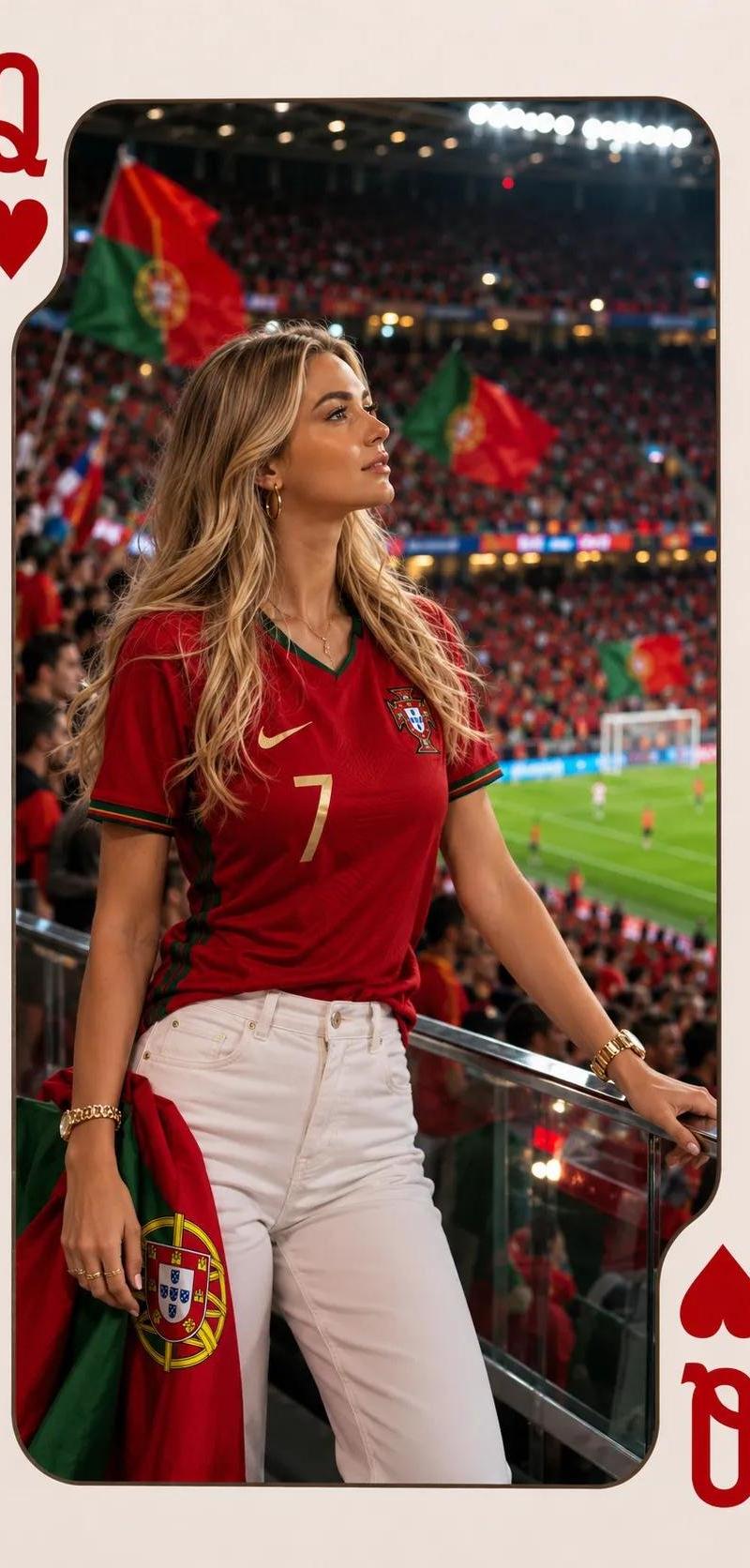
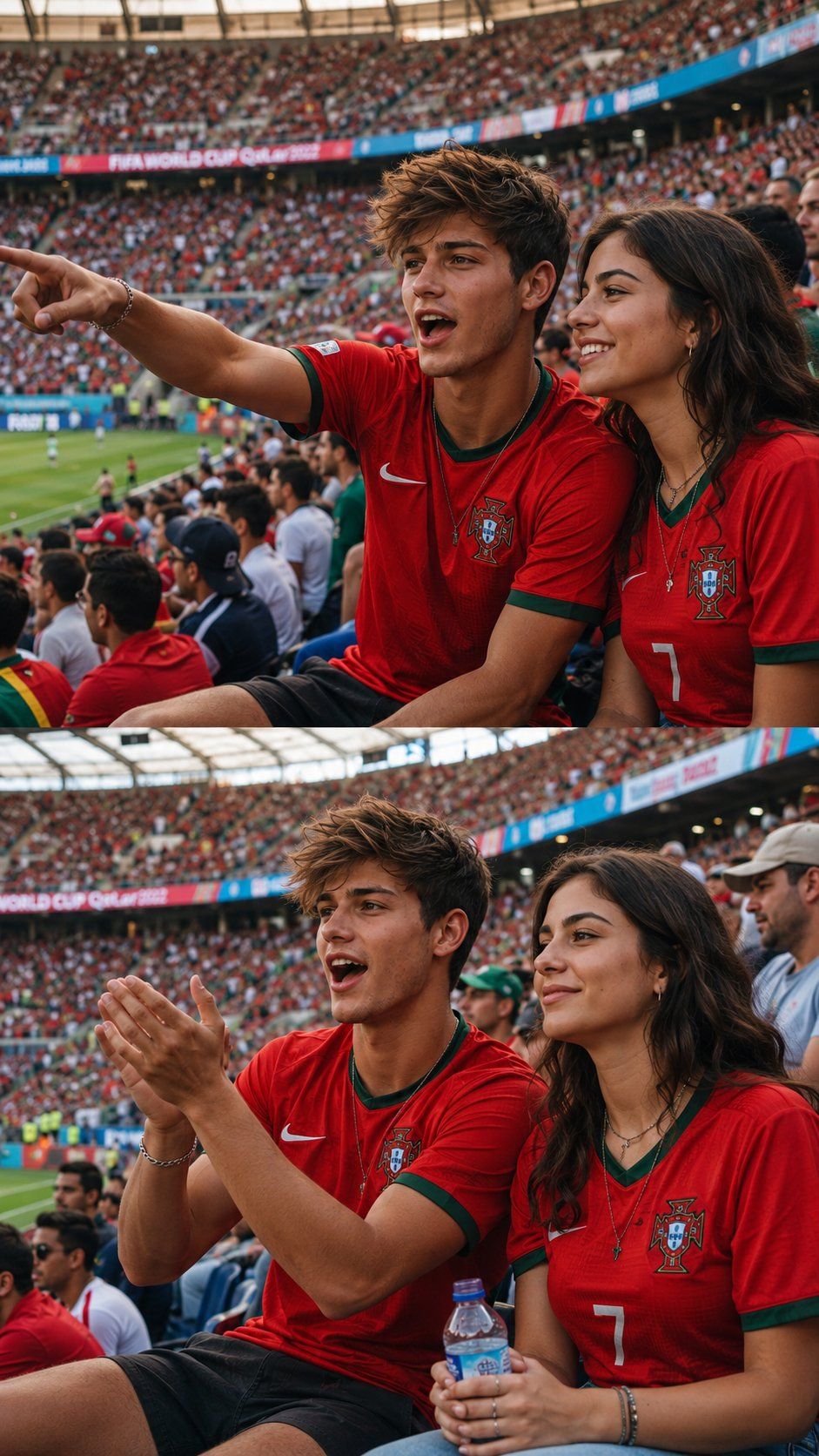
超写实葡萄牙国家队球迷人像摄影
Enlarge

超写实葡萄牙国家队球迷人像摄影

Prompt
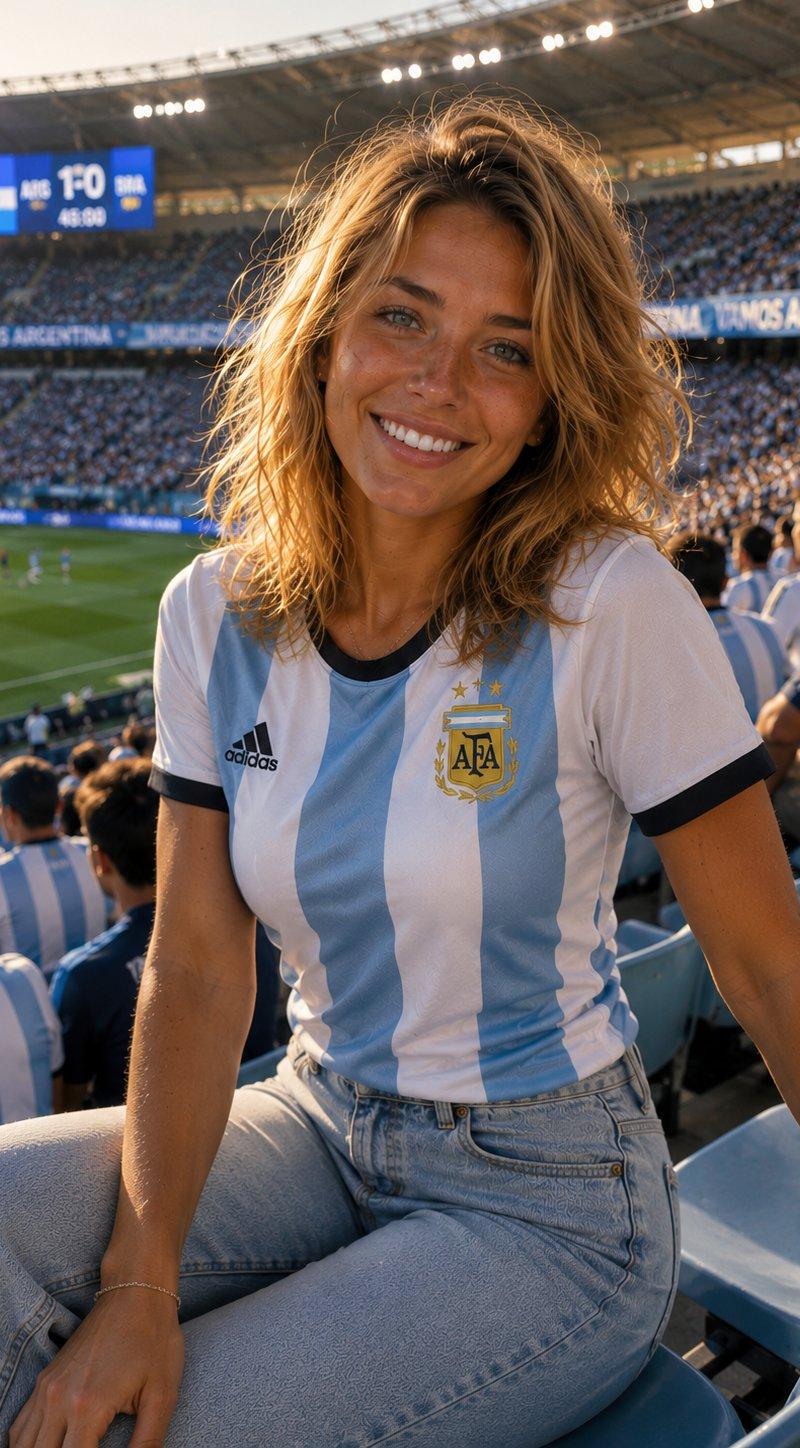
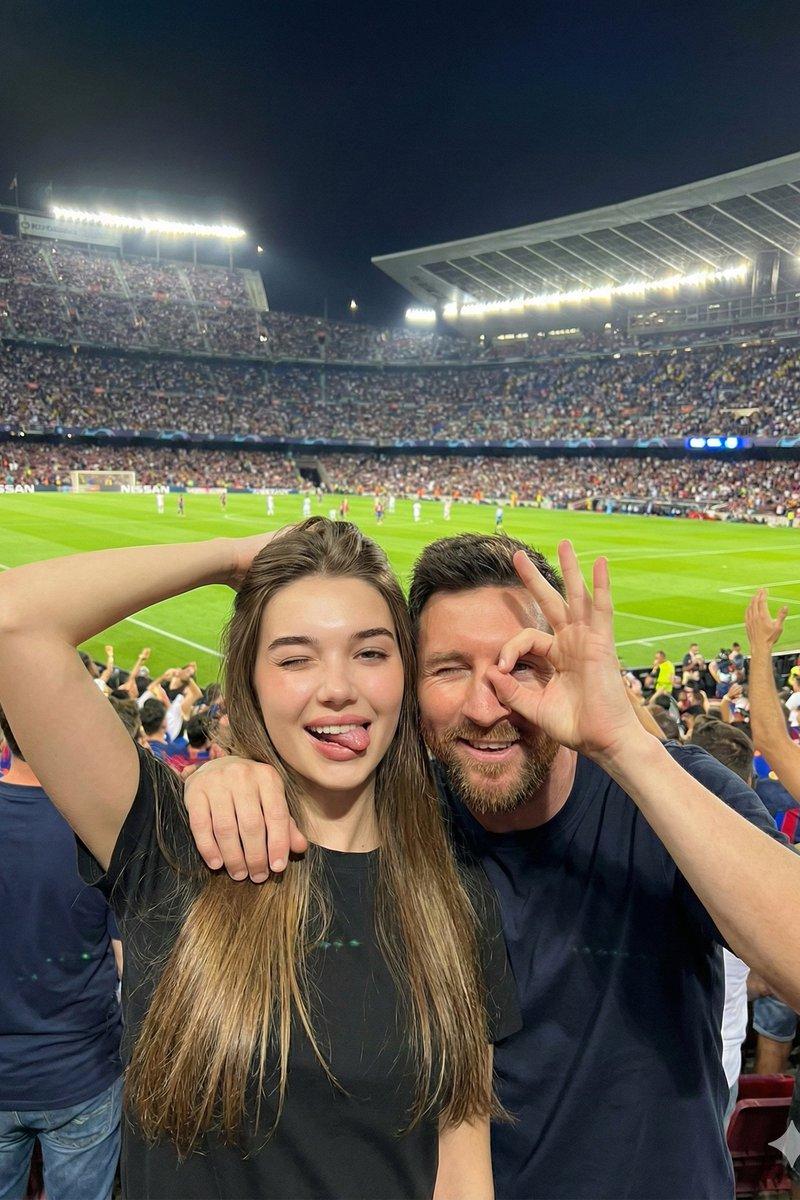
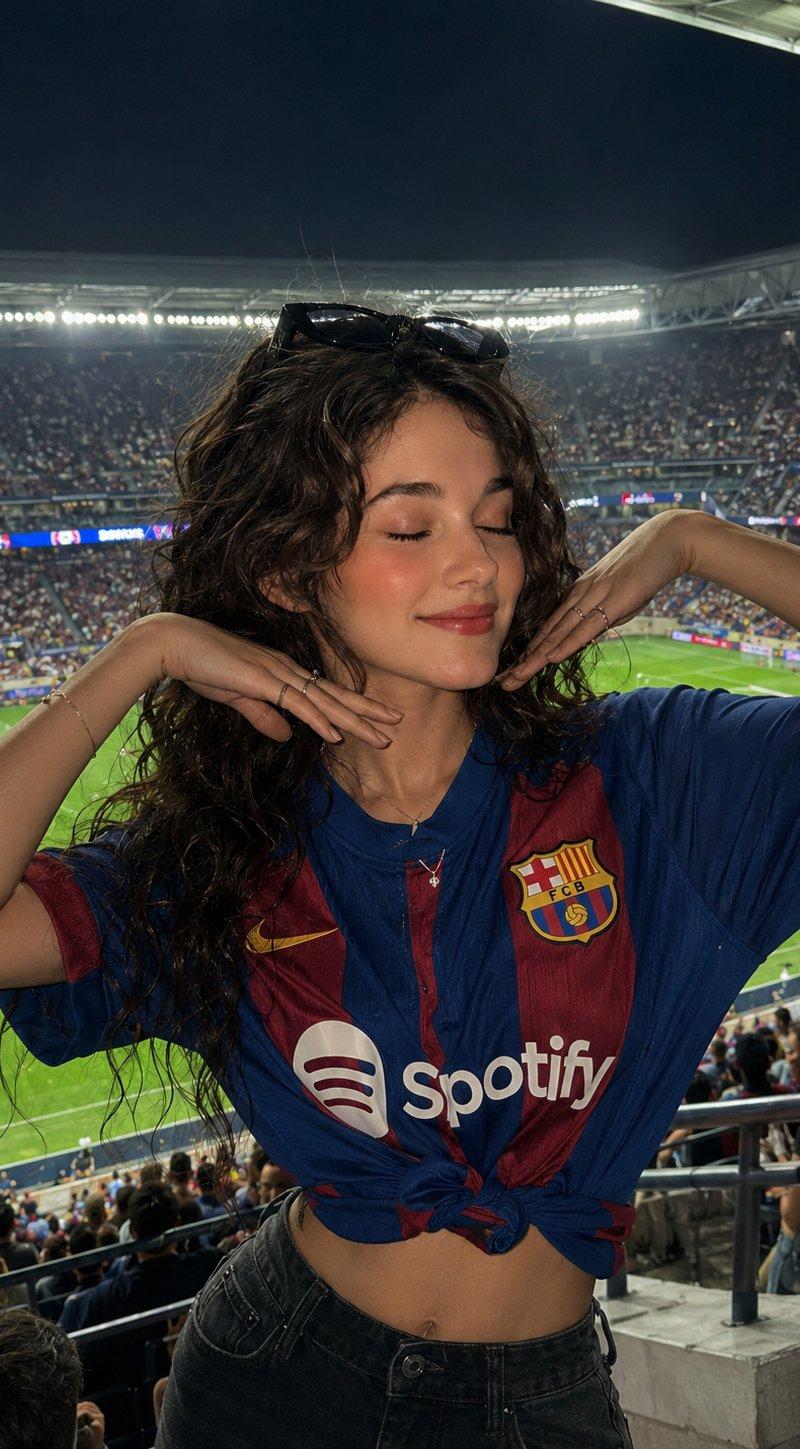
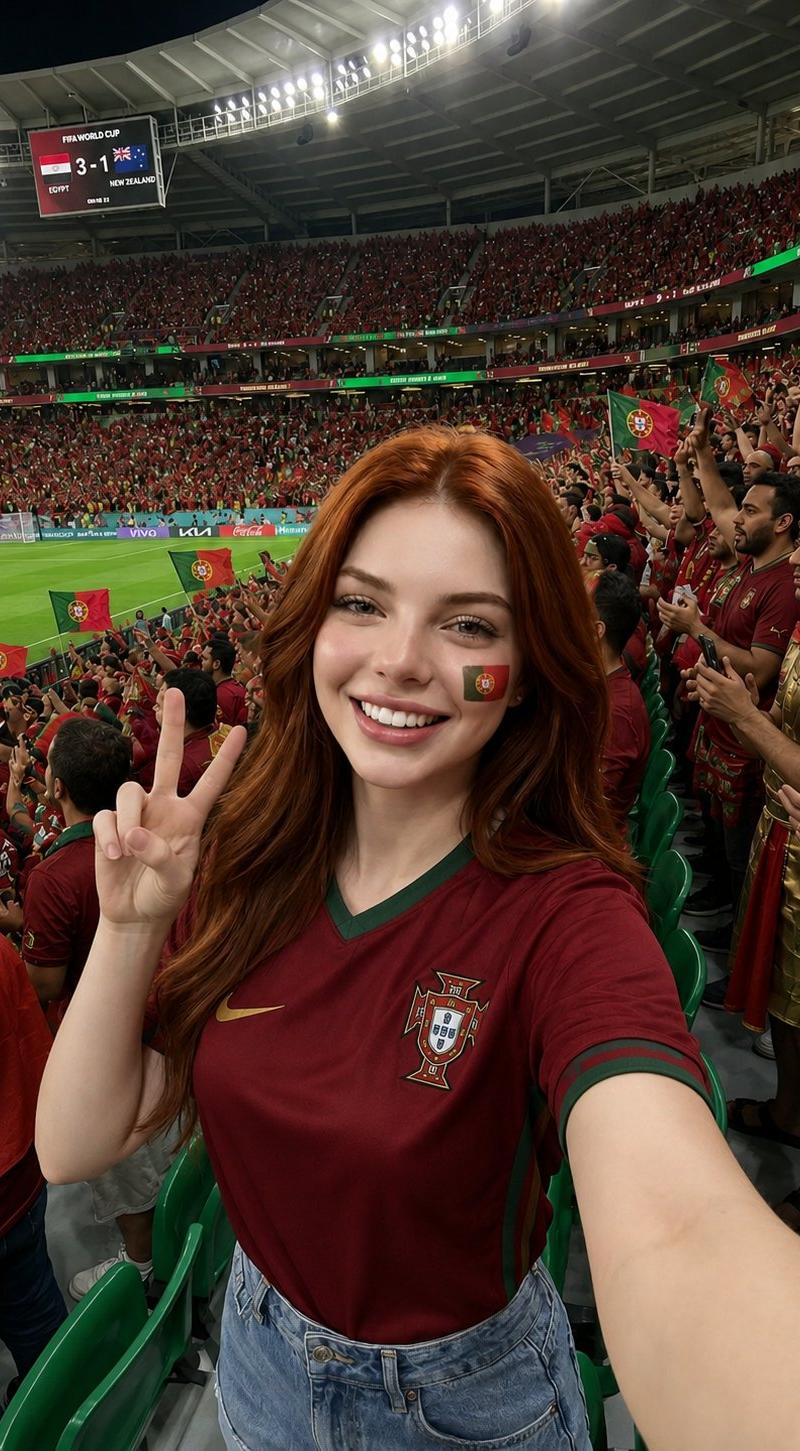
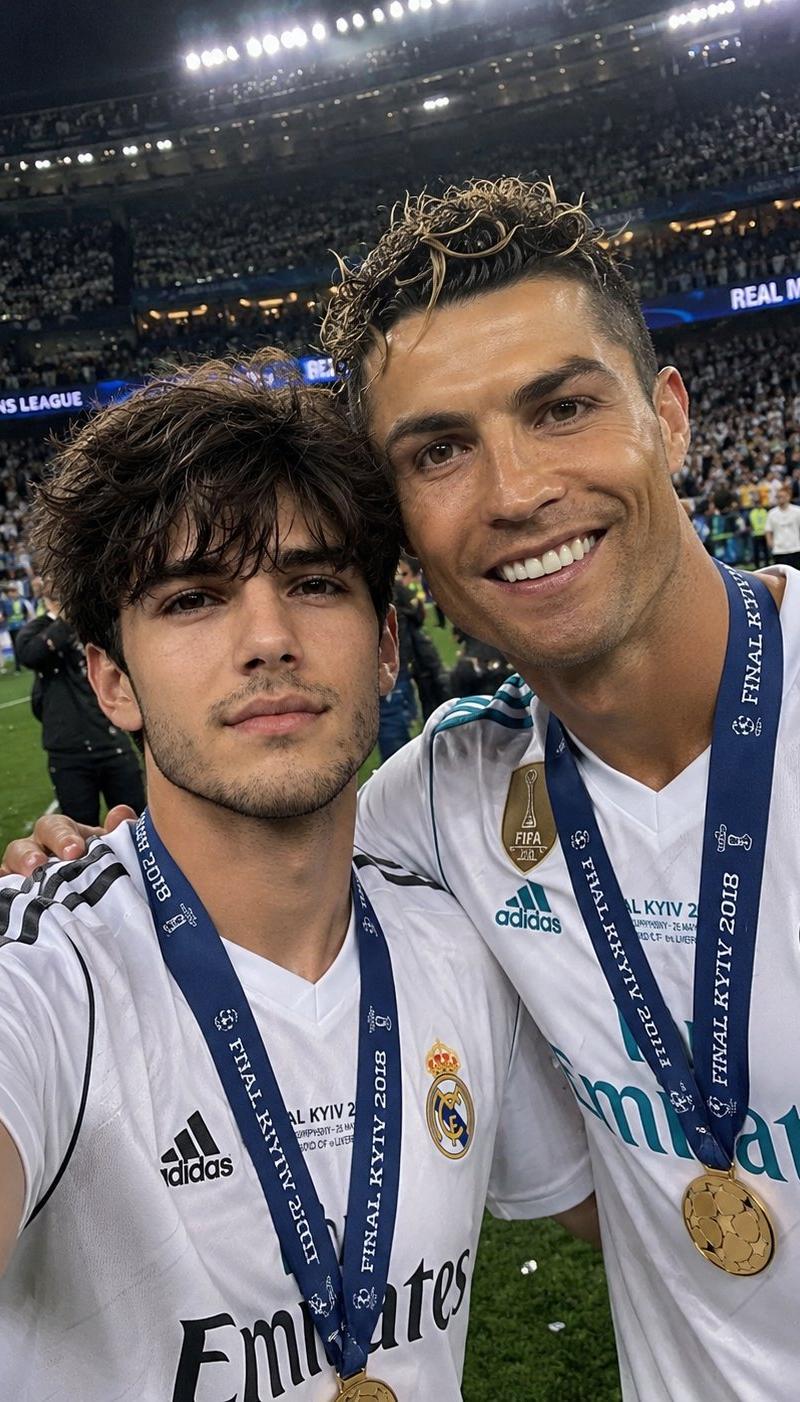
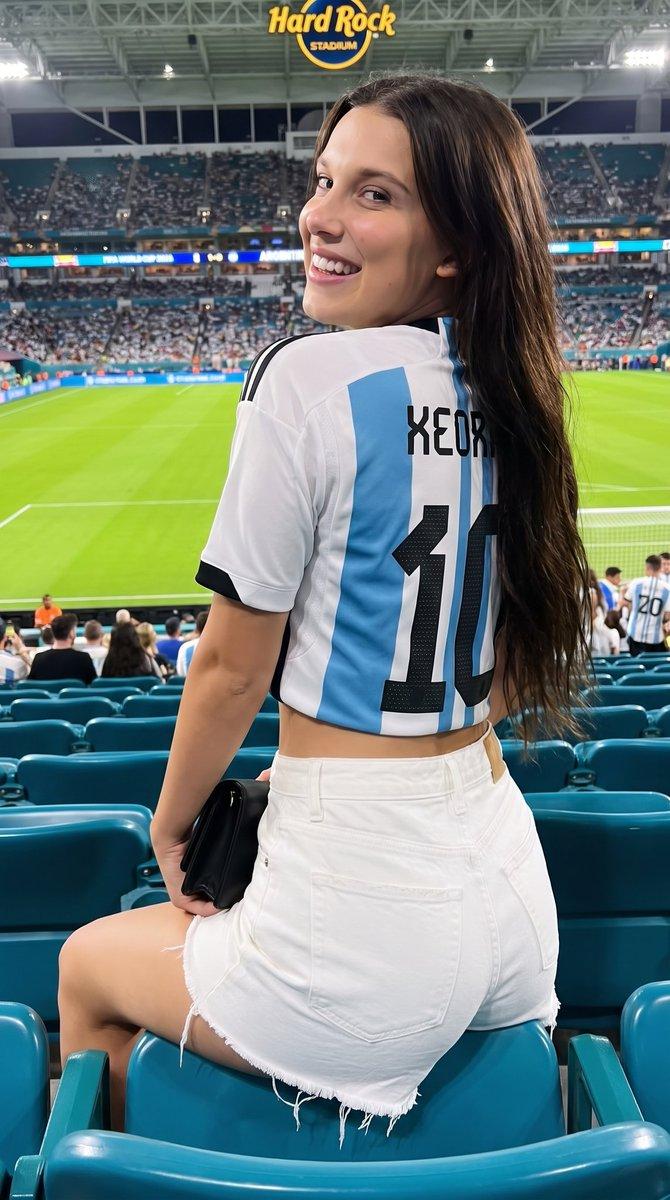
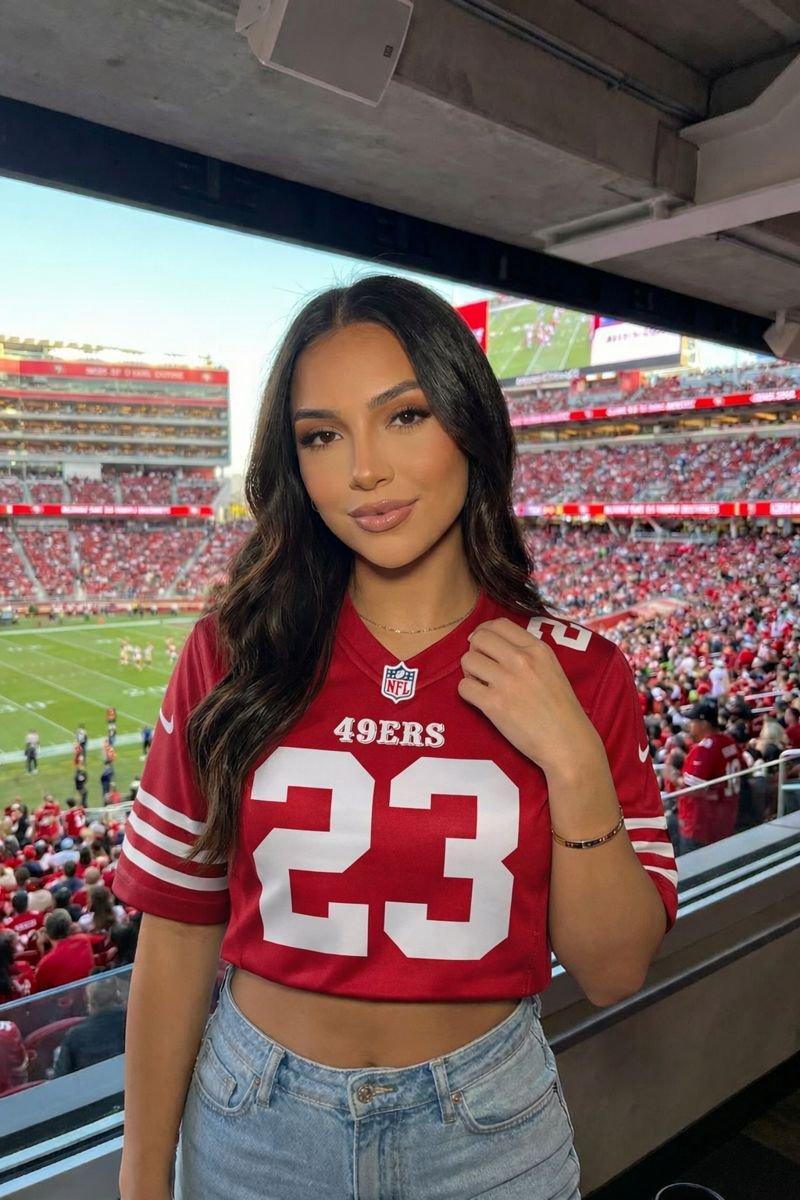
Ultra-realistic sports photography of a young man and woman wearing red Portugal national team jerseys, sitting together in a packed FIFA World Cup stadium. The man is excitedly pointing toward the football field while the woman smiles beside him. Energetic crowd, vibrant atmosphere, stadium filled with fans, match in progress, natural daylight, candid fan reaction, professional sports photography, shallow depth of field, detailed faces, realistic skin texture, dynamic composition, 85mm lens, high-resolution, editorial style, sharp focus.
Second frame: the same couple watching the match, the man clapping enthusiastically while the woman sits calmly holding a water bottle, surrounded by cheering supporters. Authentic stadium environment, realistic emotions, cinematic colors, photorealistic, DSLR quality, sports magazine coverage, 8K detail.
Aspect ratio: 9:16 vertical collage, two stacked photos.
Category
Charts & Infographics
Model
ChatGPT
Creator
@OrhanGhazi65942
Source language
zh-CN
Views37
Source ID
16404
Published
Jun 20, 2026
Studio

Guide

About "超写实葡萄牙国家队球迷人像摄影"

What is this prompt for?

"超写实葡萄牙国家队球迷人像摄影" AI image prompt for ChatGPT (Charts & Infographics). 穿着红色葡萄牙国家队球衣的一对年轻男女在座无虚席的国际足联世界杯体育场并肩而坐的超写实体育摄影。男人正兴奋地指着足球场,而女人在他身边微笑。充满活力的观众,热烈的氛围,坐满球迷…

The full copyable prompt and example visuals above are ready for AI image generation or one-click recreate in Picva.

How to use this prompt

  1. Step 1

    Open the prompt detail

    Review the example visuals, category, and full prompt text for "超写实葡萄牙国家队球迷人像摄影".

  2. Step 2

    Copy the prompt

    Copy the prompt body from this page, or load it directly in Studio.

  3. Step 3

    Pick a model (ChatGPT)

    Prefer ChatGPT. If you switch models, keep subject and composition and tweak style terms.

  4. Step 4

    Generate and export

    Recreate the look in Picva, or export into your workflow for editing and publishing.

FAQ

What is the "超写实葡萄牙国家队球迷人像摄影" prompt?
It is an AI image-generation prompt for ChatGPT in the Charts & Infographics category. This page includes the full prompt text, example visuals, and a one-click recreate path in Picva.
How do I use this prompt to generate an image?
Copy the prompt from this page, or use Generate / Studio. Paste it into a compatible image model, or recreate the look in Picva with optional reference images.
Which model is this prompt for?
This page lists ChatGPT. Most descriptive prompts also transfer to nearby image models such as GPT Image, Flux, or Midjourney with light style tweaks.
Can I use the result commercially?
You can usually copy the prompt for creation, but commercial use of the final image depends on the model terms, reference-image rights, and the generated content. Follow the source author and platform rules.