广角镜头捕捉极致S型曲线的海边风情
Prompt
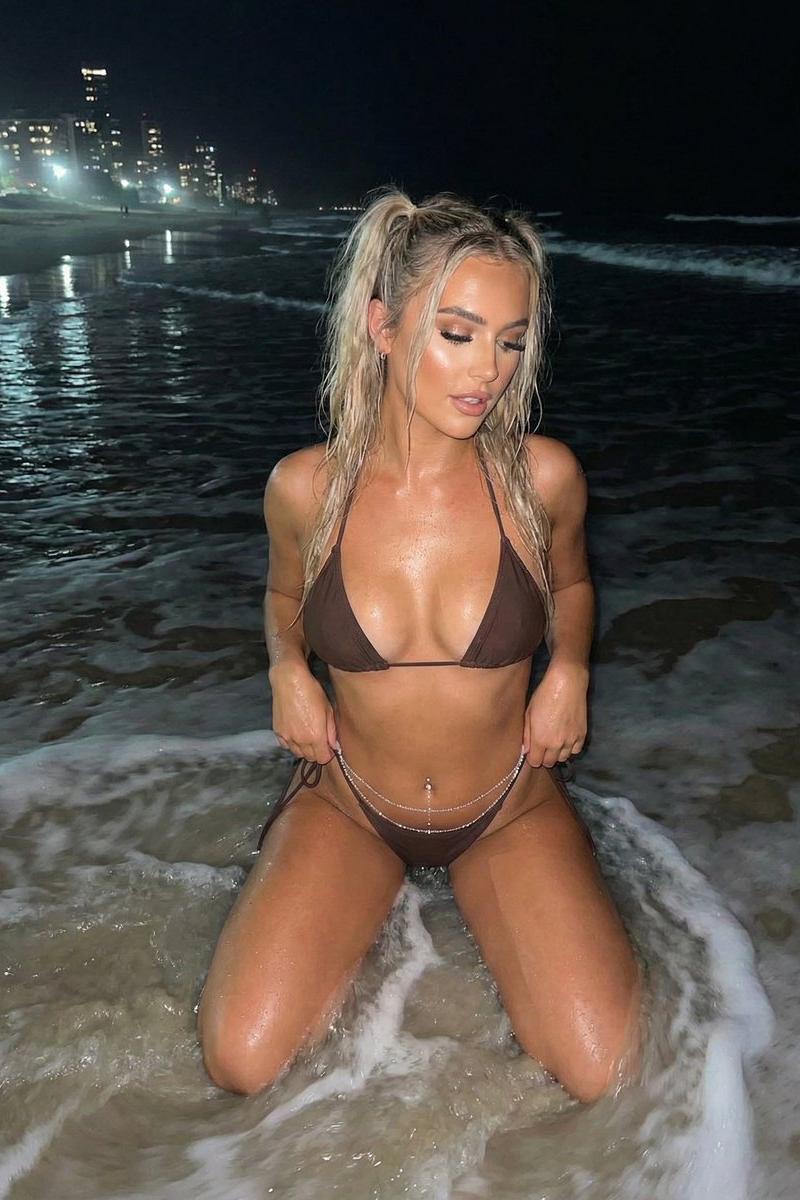
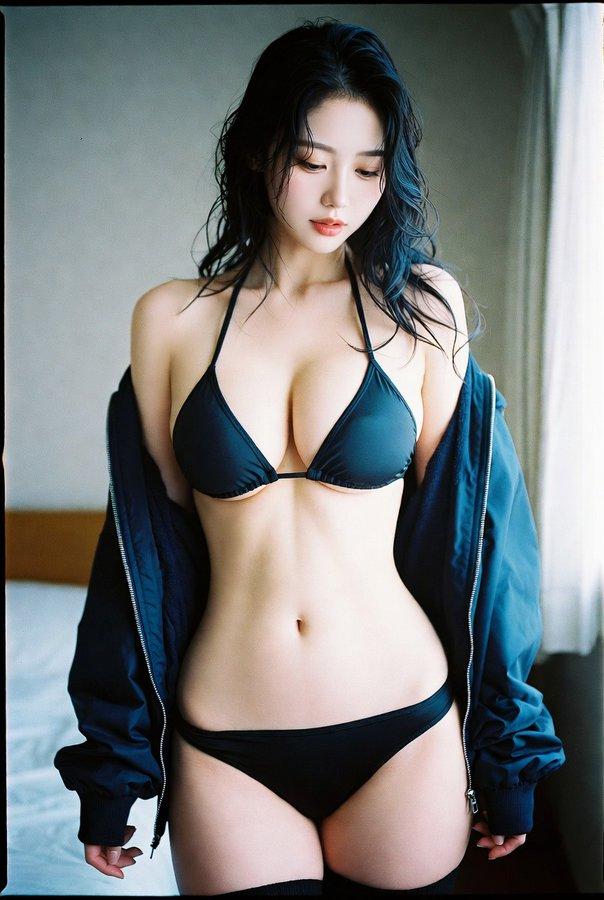
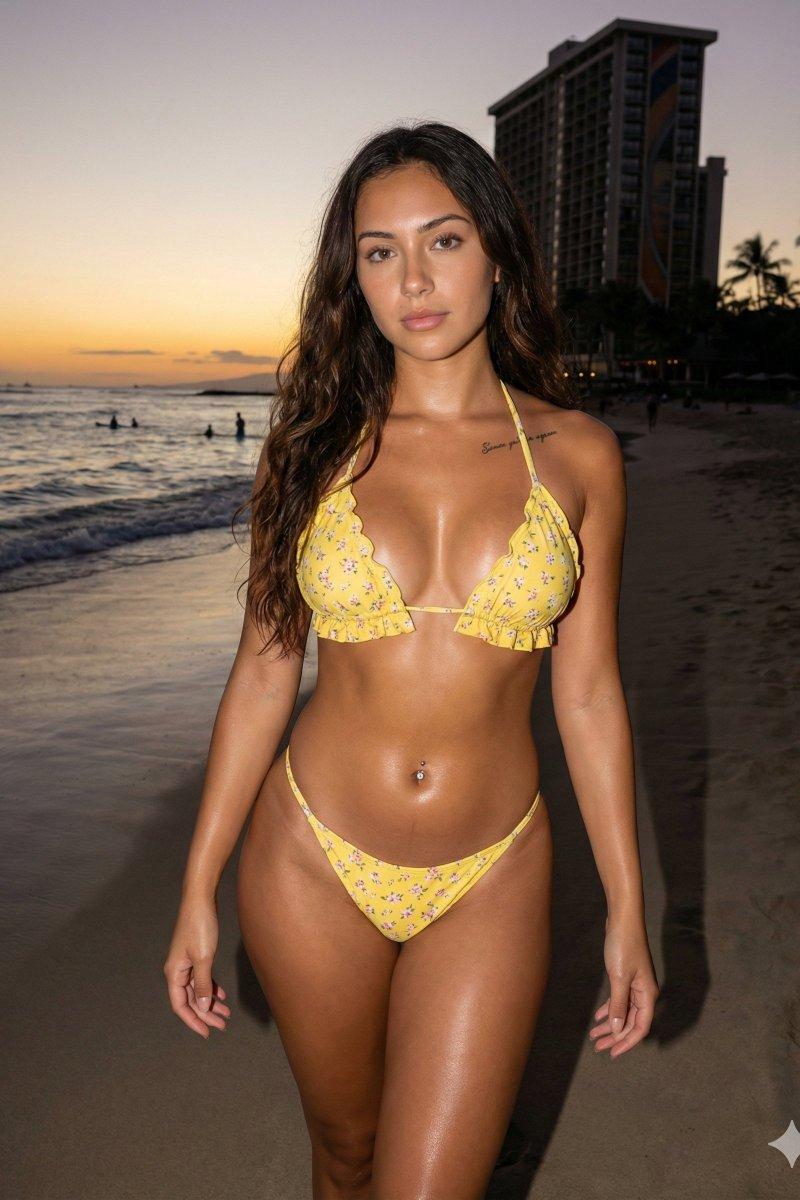
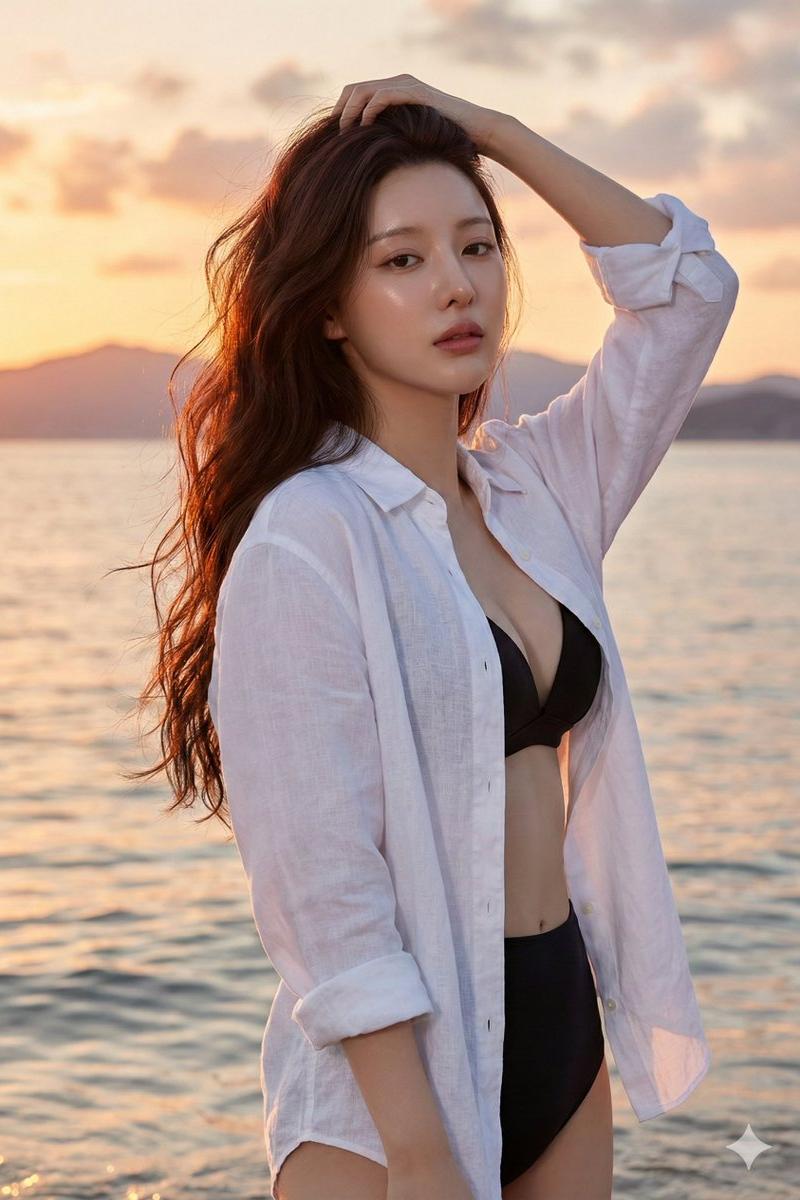
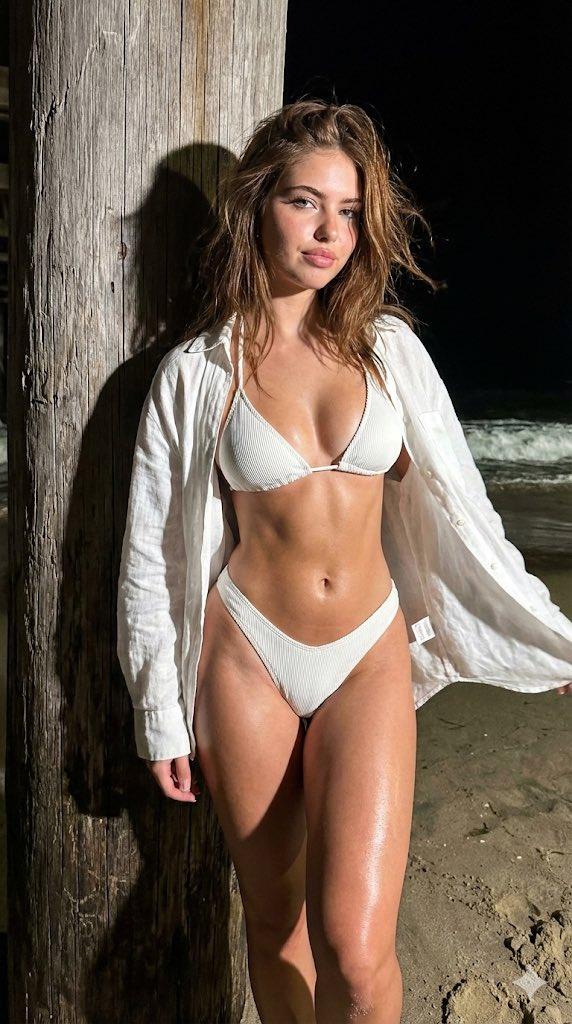
(Vertical 9:16 smartphone aspect ratio). A raw, high-contrast Coastal Night Snapshot taken with an iPhone 17 Pro. DIRECT HARD OPTICAL FLASH. NO ARTIFICIAL BOKEH. Everything is SHARP and in focus from her eyelashes to the grains of sand in the background. Subject & Identity Locking (CRITICAL): •Identity: Strictly preserve the exact heart-shaped facial structure, eye shape, and unique features of the woman in Image 1 (Selfie). •Bio-Fidelity: Render high-fidelity "TrueLens" skin physics: visible micro-pores, natural "satin-finish" night hydration (mixed with sea-mist), and fine vellus hair catching the light ONLY along the jawline. Her legs feature a healthy, radiant oil sheen under the direct flash. •Expression: Looking directly into the lens with a magnetic, "Pinterest-style" sultry gaze and a soft smirk. Her voluminous chestnut hair is messy and wind-blown, with individual strands catching the optical flash. •Silhouette Calibration (MAXIMUM UFF-FACTOR): Amplify the dominant structural bust volume and the substantial, thick-toned leg presence. Focus on the aggressive hourglass structural tapering at the waist. Outfit & Material Realism: •Clothing: A skin-tight, White Ribbed-Knit Triangle Bikini Set layered under an open, oversized white linen shirt that is blowing naturally in the breeze. •Tension: The ribbed fabric shows extreme mechanical tension and a vacuum-tight fit, creating realistic textural expansion and "tension lines" where the straps contour to her fit silhouette. •Physics: Realistic skin-to-surface compression (thigh squish) is visible where her form leans against a weathered wooden pier pillar. Pose & Composition (NOT A SELFIE): •Pose: She is standing on the beach, leaning her back against a large wooden pillar. She is performing an aggressive 3/4 side-profile twist toward the photographer, arching her back significantly to maximize the high-impact S-curve silhouette. •Action: Captured by a third person using the 0.5x wide-angle lens to elongate her fit physique and highlight her substantial lower-body volume. Her hands are free, one gracefully touching the collar of the linen shirt. Environment & Lighting: •Lighting: Hard Direct Smartphone Flash. The light creates brilliant white specular highlights on the white fabric and her hydrated skin, casting a sharp, pitch-black shadow of her form onto the wooden pillar behind her. •Background (SHARP): A detailed night beach setting. The textured grain of the wooden pillar, dark damp sand, and the white foam of a breaking wave in the distance are all perfectly IN FOCUS. No artificial depth-of-field. Quality: Raw unedited social-media "vacation dump" aesthetic, high dynamic range, visible digital grain in the deep shadows (ISO 1600 style), 8k resolution. Single frame.
- Category
- Charts & Infographics
- Model
- Nano banana pro
- Creator
- @daaaaanc
- Source language
- zh-CN
- Source ID
- 8263
- Published
- Mar 22, 2026
Views101