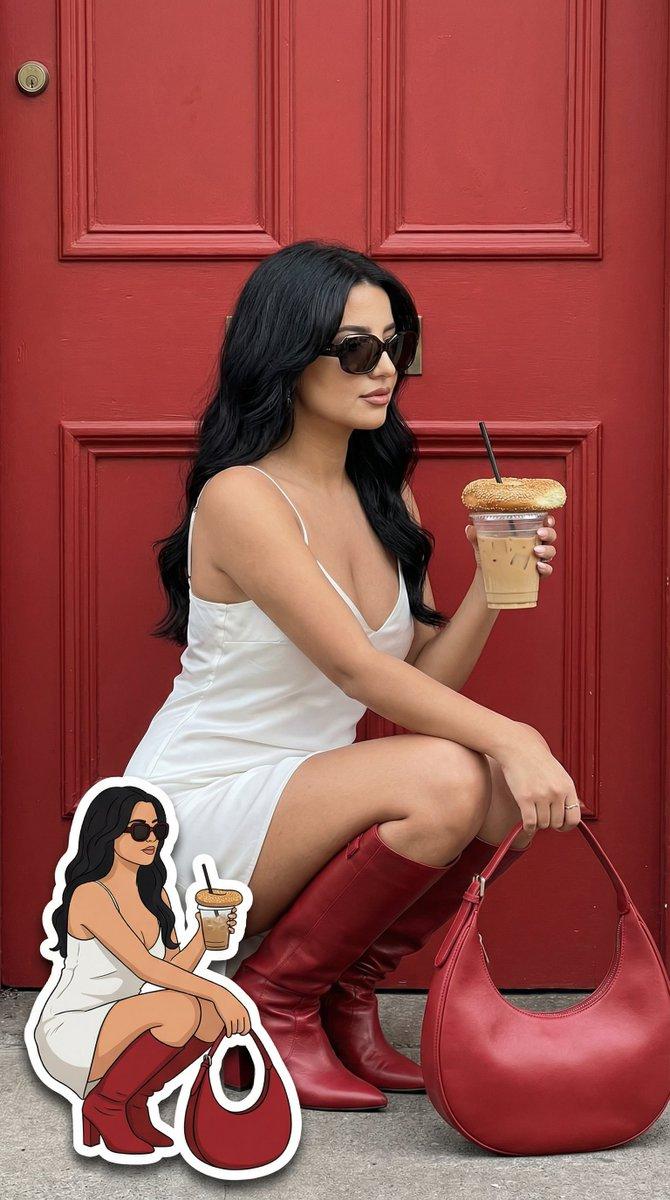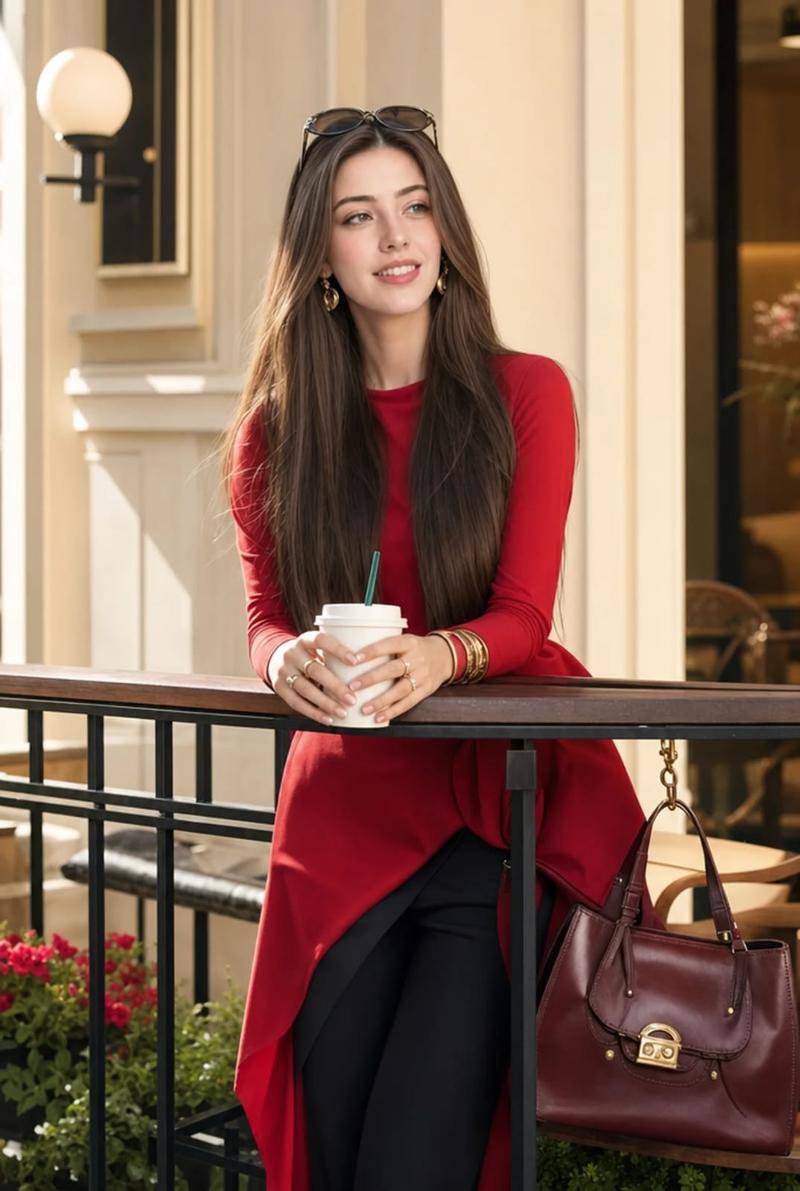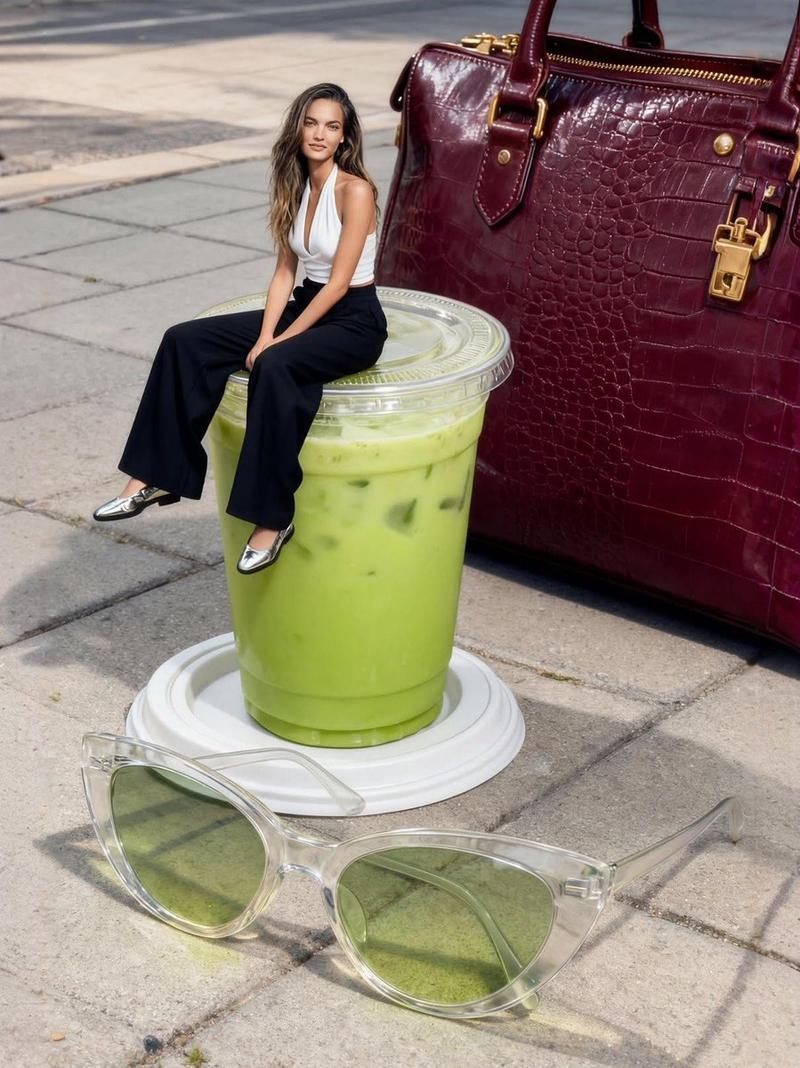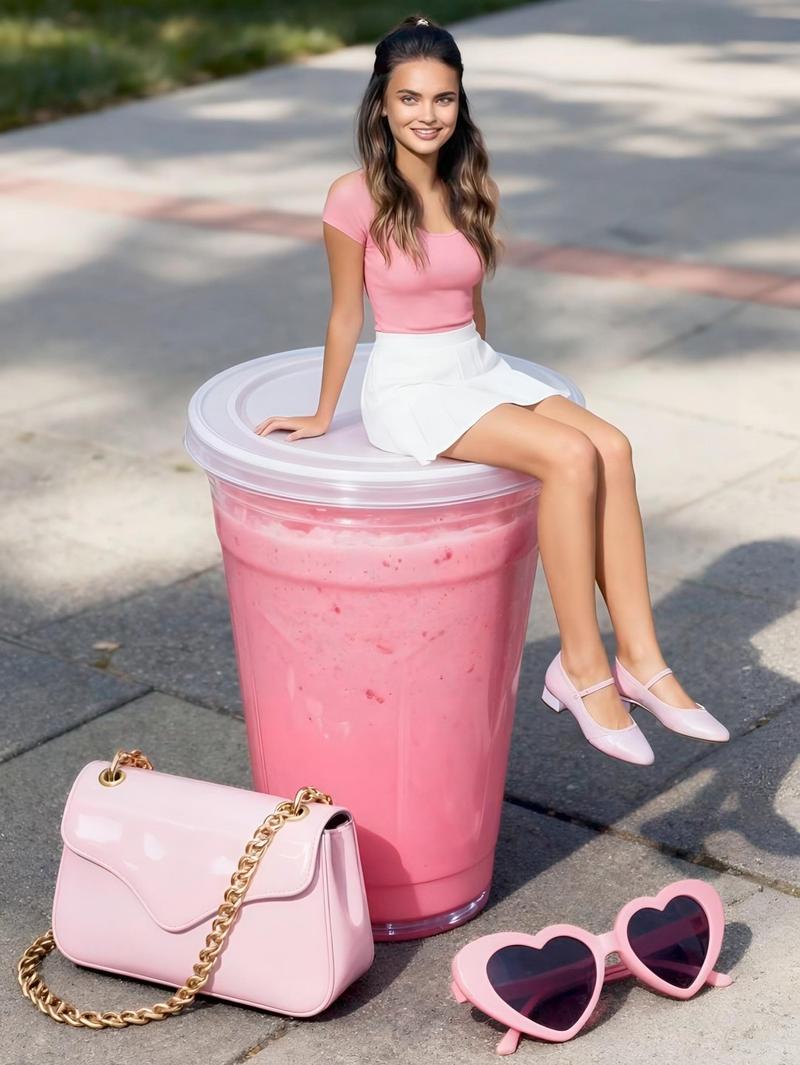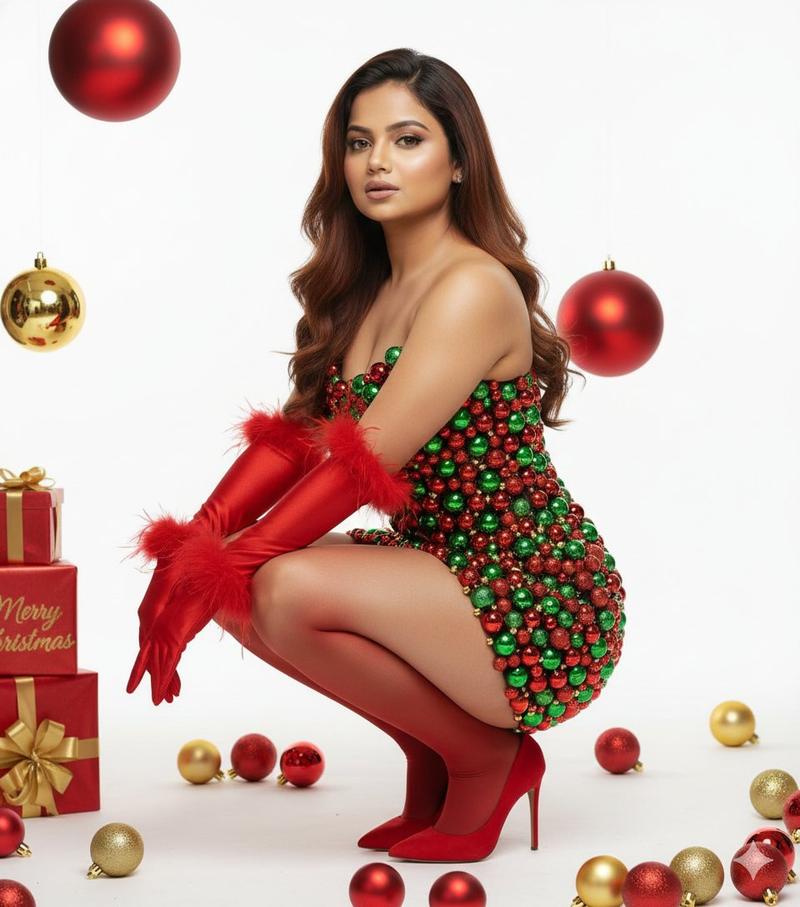
时尚专题:精确的 2D 卡通复制品
Prompt
{
  "generation_request": {
    "meta_data": {
      "task_type": "fashion_editorial_street_portrait_with_exact_cartoon_duplicate",
      "language": "en",
      "priority": "highest",
      "version": "v1.2_EXACT_2D_DUPLICATE_STICKER"
    },
    "input": {
      "mode": "text_to_image",
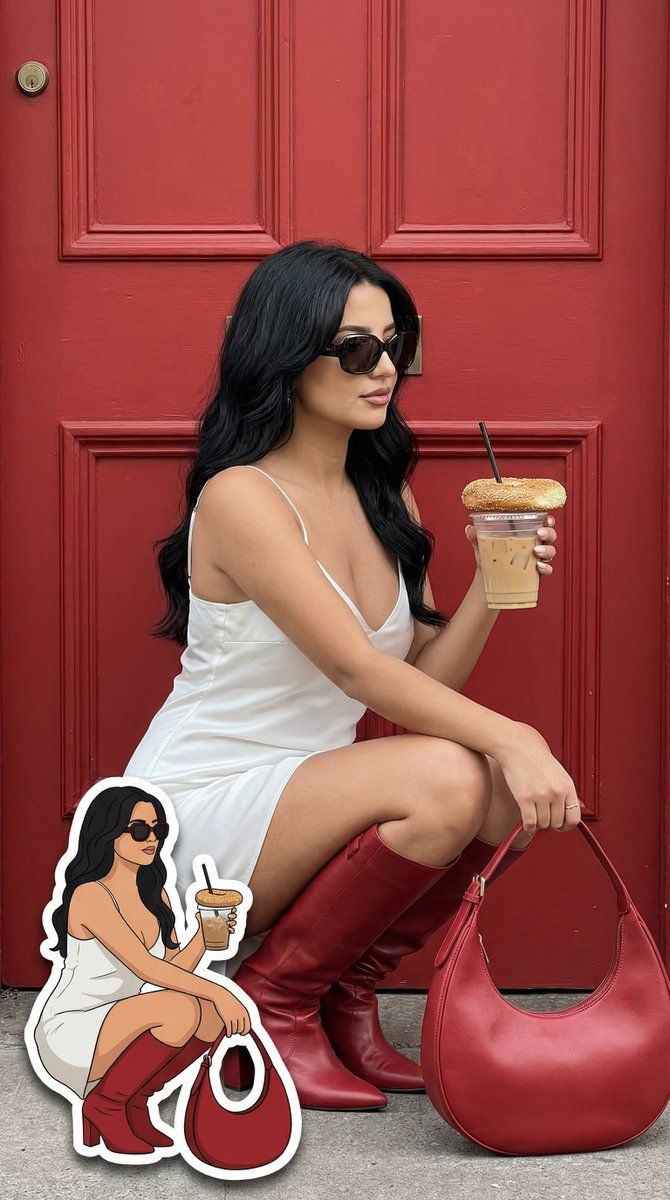
      "notes": "Create a photoreal fashion portrait AND a 2D cartoon sticker that is an exact duplicate of the real woman’s pose, outfit, accessories and prop placement. The sticker must mirror the real subject precisely."
    },
    "output": {
      "aspect_ratio": "4:5",
      "resolution": "ultra_high",
      "num_images": 1,
      "sharpness": "editorial_crisp",
      "grain": "subtle_film"
    },
    "scene": {
      "environment": "bold matte red wooden door",
      "lighting": "soft natural daylight, no HDR, balanced contrast",
      "mood": "confident luxury street style"
    },
    "subject": {
      "person": "adult woman",
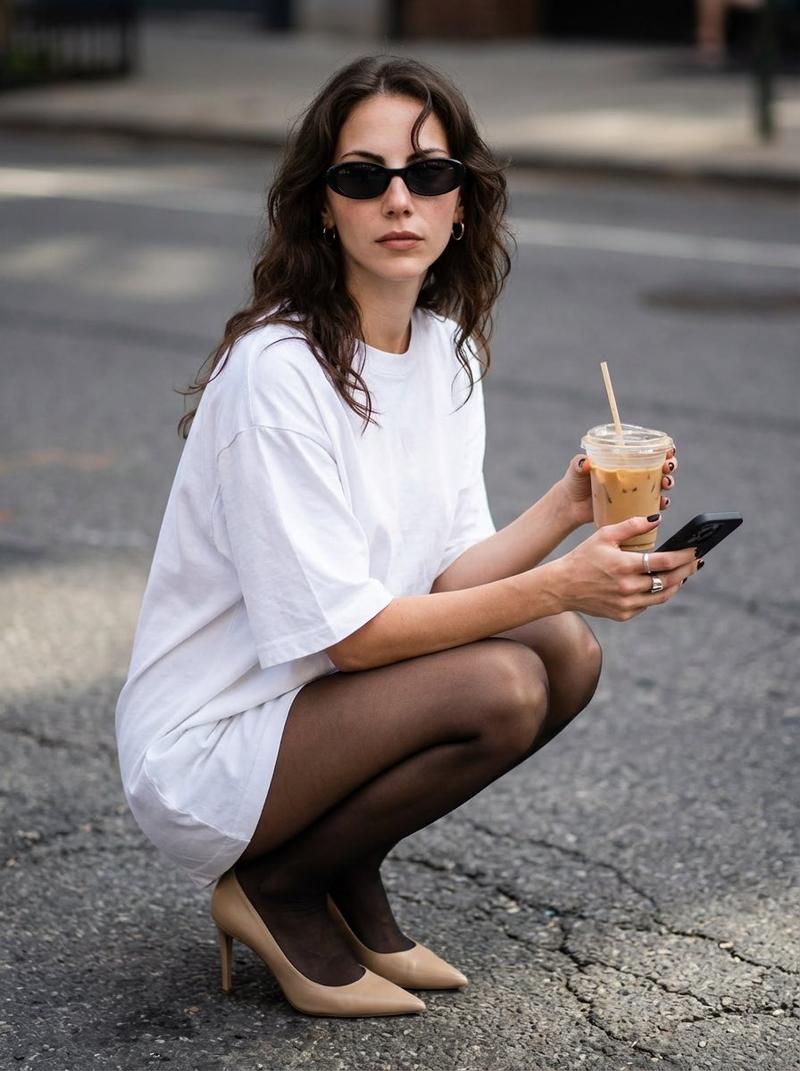
      "pose": "crouching with knees close together, right hand holding iced coffee with bagel on lid, left hand relaxed near knee",
      "expression": "calm confident subtle smile",
      "hair": "soft brown waves",
      "wardrobe": {
        "dress": "white satin slip dress",
        "boots": "knee-high red leather boots",
        "bag": "large red crescent leather handbag placed on ground to her right side",
        "accessories": "dark oversized sunglasses"
      },
      "props": {
        "drink": "clear iced coffee cup with black straw",
        "food": "toasted sesame bagel placed on top of cup lid"
      }
    },
    "cartoon_sticker": {
      "enabled": true,
      "description": "2D cartoon duplicate of the same woman in EXACT same crouching pose, EXACT same leg angle, EXACT same hand placement, holding iced coffee and bagel in the same position, same white satin dress, same red boots, same red bag location, same sunglasses shape.",
      "style": "clean flat 2D vector illustration, bold black outline, flat color fills, minimal shading, simplified facial details but same hairstyle and expression, small cute proportions but anatomically consistent",
      "placement": "bottom-left corner",
      "scale": "18-22% of image height",
      "edge": "white sticker cutout border",
      "shadow": "subtle soft drop shadow",
      "strict_rules": [
        "do not change pose",
        "do not change outfit colors",
        "do not change prop placement",
        "do not turn into 3D",
        "do not mix realistic shading into sticker"
      ]
    },
    "camera": {
      "lens": "50mm prime",
      "aperture": "f/2.8",
      "focus": "sharp on main subject"
    },
    "style": {
      "aesthetic": "photoreal main image + clean 2D sticker overlay",
      "retouching": "natural skin texture",
      "no": "AI glow, deformed anatomy, sticker becoming realistic, duplicated background, extra limbs"
    }
  }
}- Category
- 创意图片
- Model
- Nano Banana Pro
- Creator
- Özge Döner
- Source ID
- a624cb3f-29ab-4fec-bb20-c9ba63976cbf
- Published
- Mar 8, 2026
Views0