18

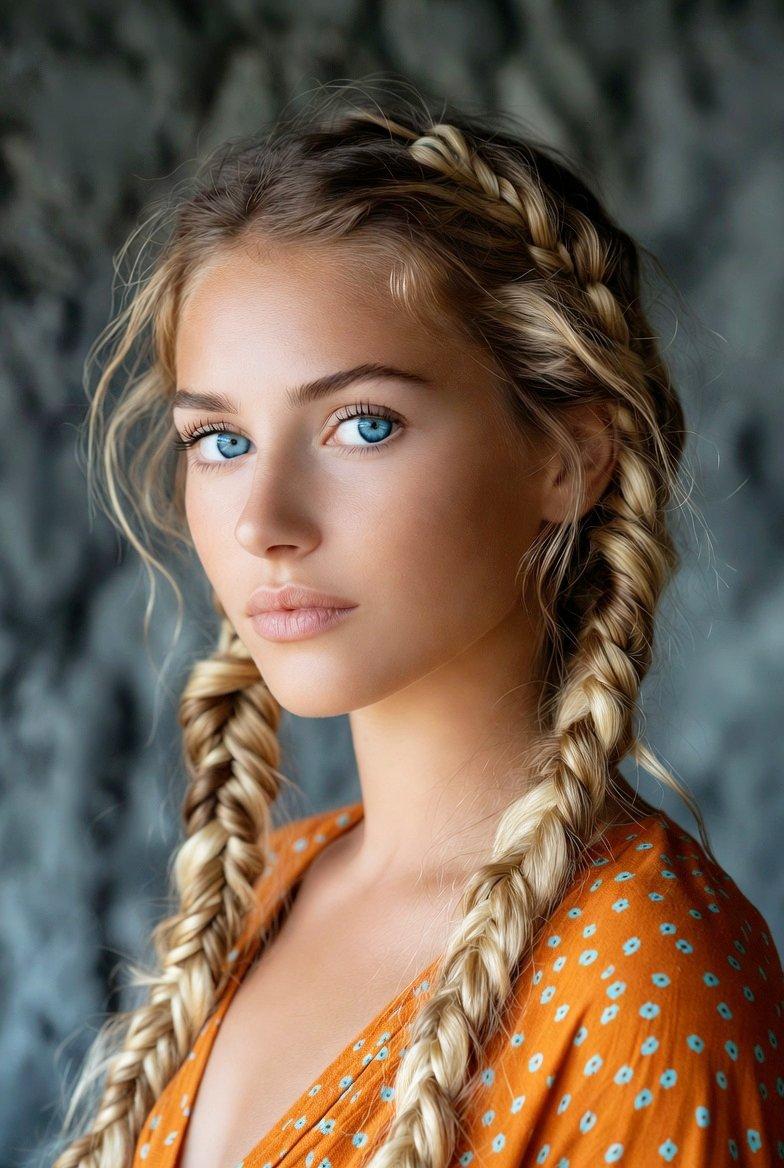
双重超写实肖像提示词
Enlarge

双重超写实肖像提示词

Prompt
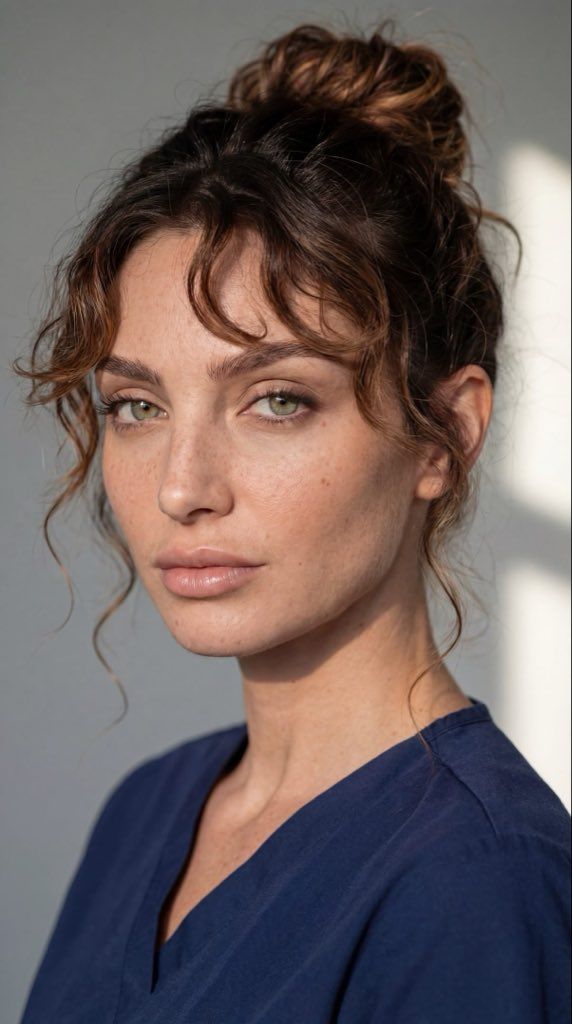
Prompt 1 (First Image – Blue Top, Side Angle Portrait):

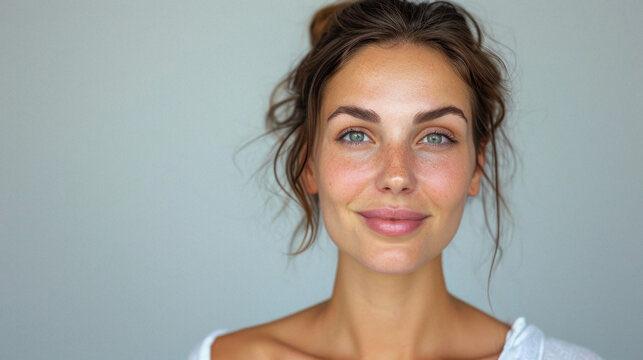
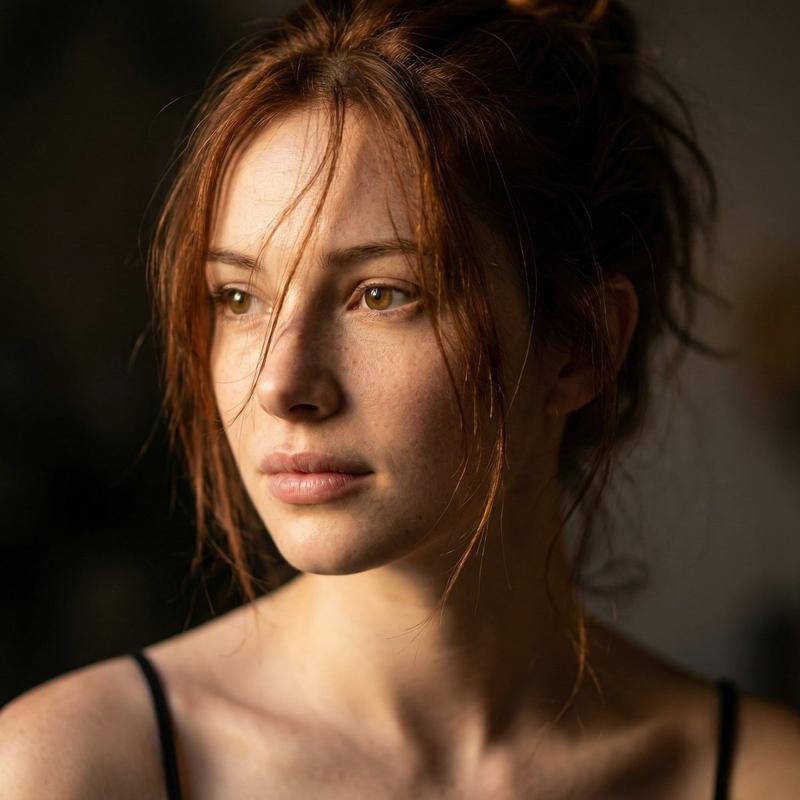
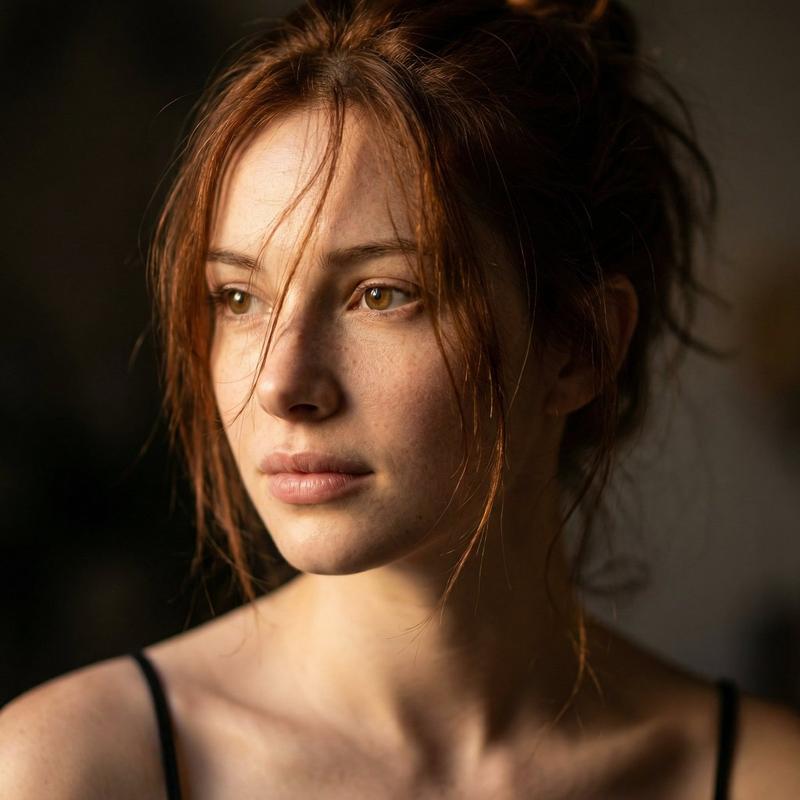
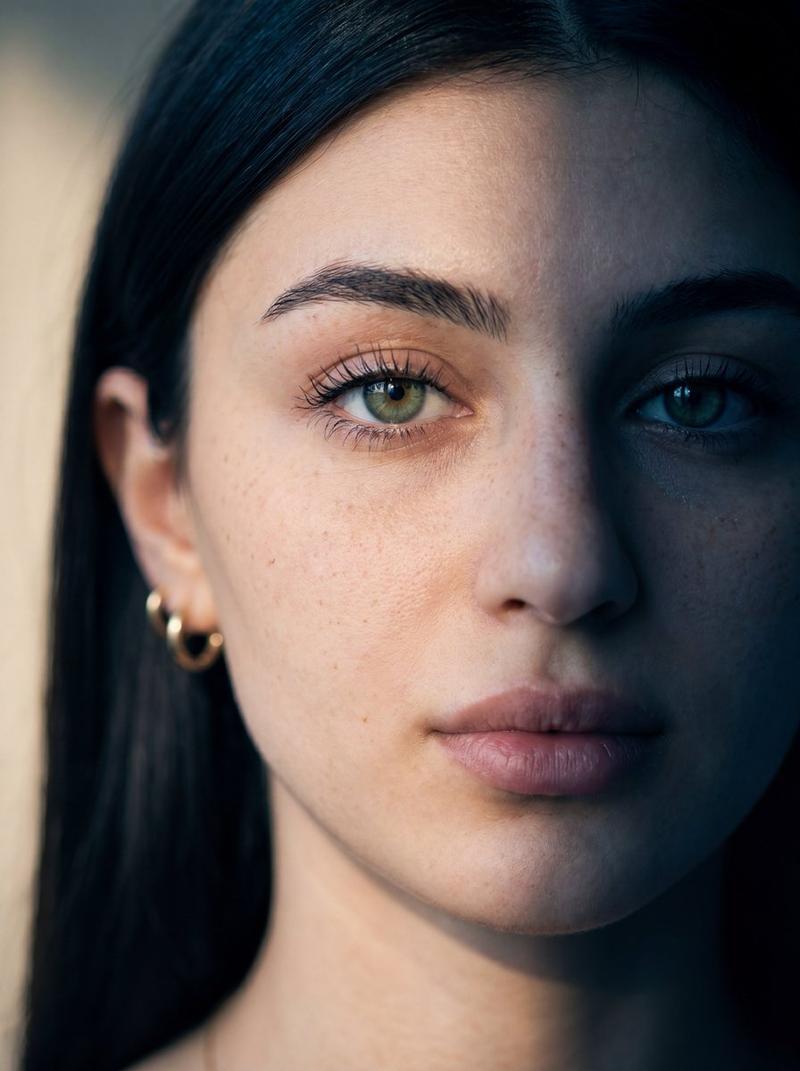
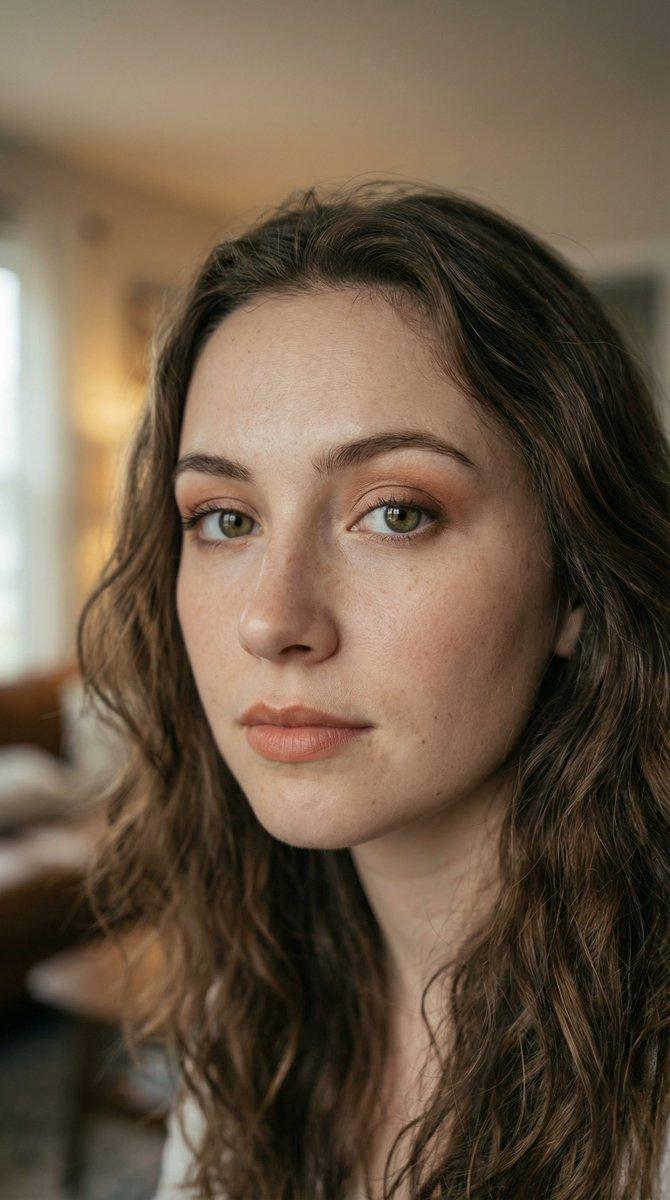
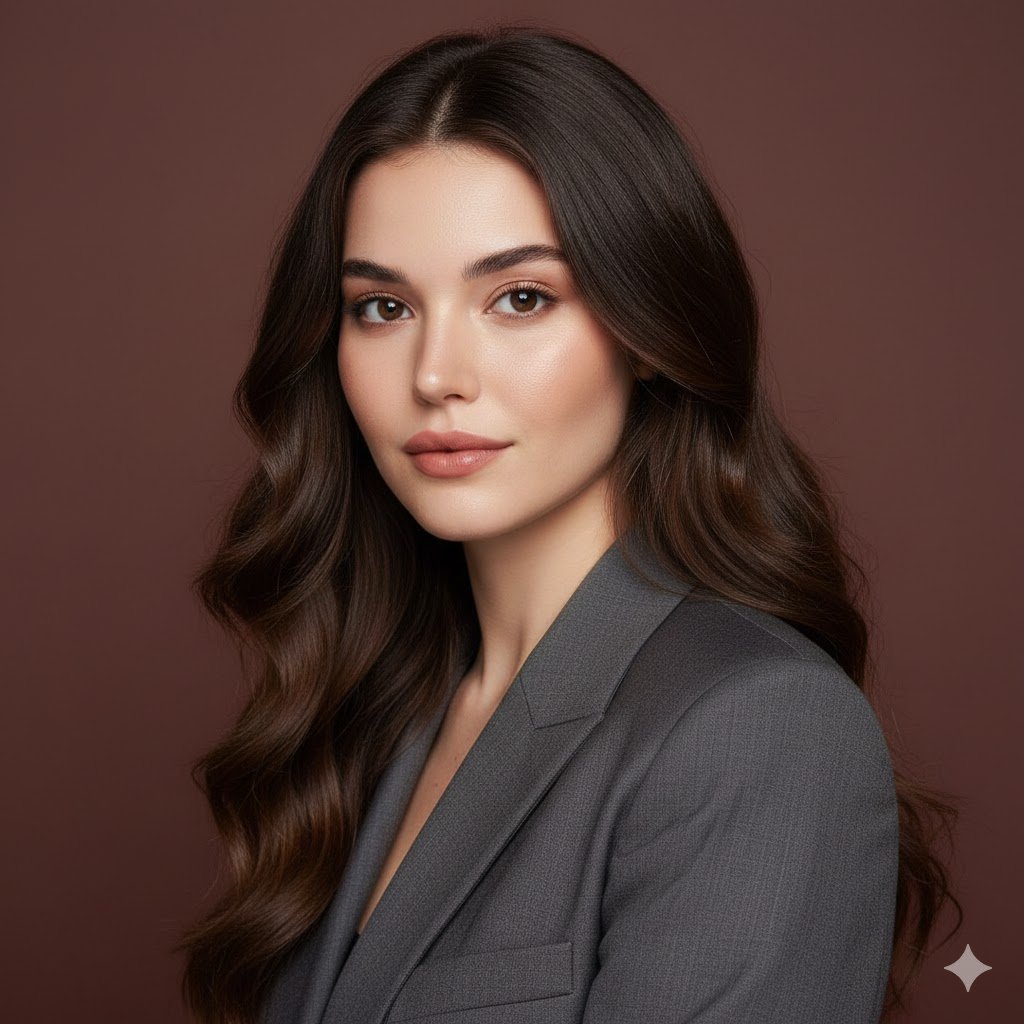
Ultra-realistic close-up portrait of a beautiful woman with light green eyes and soft freckles, auburn curly hair styled in a loose messy bun with natural wispy bangs framing her face. She is wearing a deep blue V-neck top. Shot at a slight side angle with her head turned toward the camera, confident and calm expression. Soft natural window light casting gentle shadows on one side of her face, neutral beige background. Minimal makeup, natural skin texture visible, cinematic lighting, shallow depth of field, 85mm lens, high resolution, professional fashion photography, sharp focus on eyes, soft bokeh background.

⸻

Prompt 2 (Second Image – Front-Facing Hoodie Portrait):

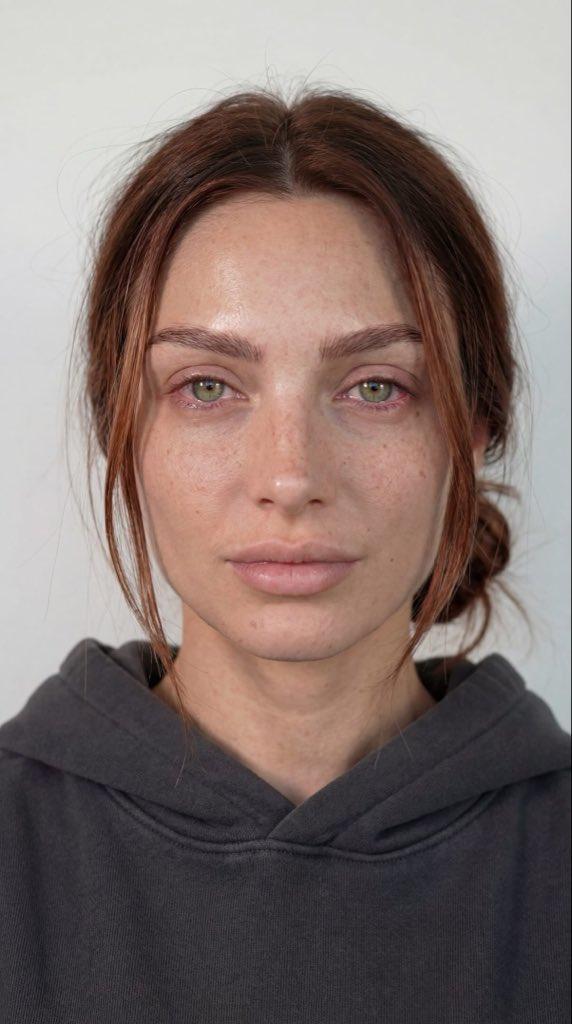
Hyper-realistic front-facing portrait of a woman with light green eyes, subtle freckles across her cheeks and nose, auburn hair parted in the center and tied back in a low loose bun with soft strands framing her face. She is wearing a dark grey hoodie. Neutral expression, direct eye contact with camera. Even soft studio lighting, minimal shadows, clean white background. Natural skin texture, no heavy makeup, high detail, 85mm lens, shallow depth of field, professional headshot photography, ultra sharp focus, realistic skin tones, 4K resolution.
Category
创意图片
Model
Nano Banana Pro
Creator
Kashberg
Views1
Source ID
57b7c496-de89-4891-875a-29a86ec97737
Published
Mar 8, 2026

Guide

About "双重超写实肖像提示词"

What is this prompt for?

"双重超写实肖像提示词" AI image prompt for Nano Banana Pro (创意图片). 两个独立的提示,用于生成同一位女性的超写实肖像,侧重于不同的光线和构图风格。提示 1 使用柔和的自然窗光,拍摄电影般的侧角度肖像;而提示 2 则使用均匀柔和的影棚灯光,拍摄干净、正面的专业头像照。 ---…

The full copyable prompt and example visuals above are ready for AI image generation or one-click recreate in Picva.

How to use this prompt

  1. Step 1

    Open the prompt detail

    Review the example visuals, category, and full prompt text for "双重超写实肖像提示词".

  2. Step 2

    Copy the prompt

    Copy the prompt body from this page, or load it directly in Studio.

  3. Step 3

    Pick a model (Nano Banana Pro)

    Prefer Nano Banana Pro. If you switch models, keep subject and composition and tweak style terms.

  4. Step 4

    Generate and export

    Recreate the look in Picva, or export into your workflow for editing and publishing.

FAQ

What is the "双重超写实肖像提示词" prompt?
It is an AI image-generation prompt for Nano Banana Pro in the 创意图片 category. This page includes the full prompt text, example visuals, and a one-click recreate path in Picva.
How do I use this prompt to generate an image?
Copy the prompt from this page, or use Generate / Studio. Paste it into a compatible image model, or recreate the look in Picva with optional reference images.
Which model is this prompt for?
This page lists Nano Banana Pro. Most descriptive prompts also transfer to nearby image models such as GPT Image, Flux, or Midjourney with light style tweaks.
Can I use the result commercially?
You can usually copy the prompt for creation, but commercial use of the final image depends on the model terms, reference-image rights, and the generated content. Follow the source author and platform rules.