超逼真冬季雪花飞舞肖像提示词
Prompt
{
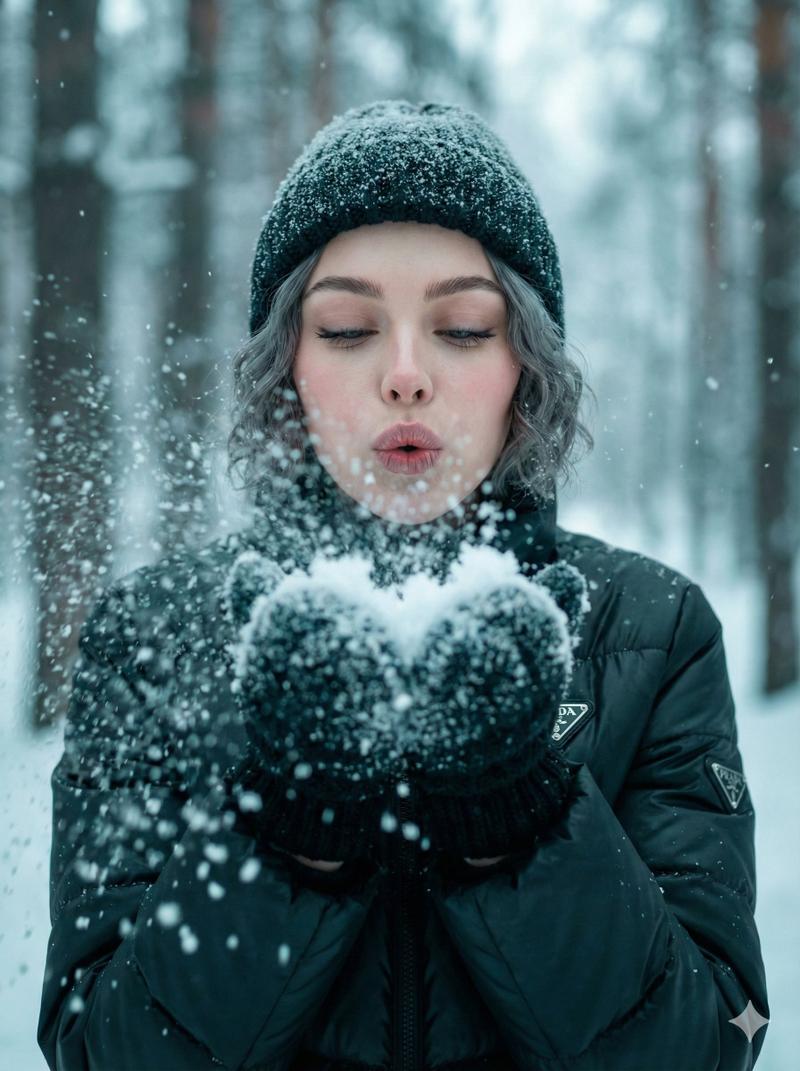
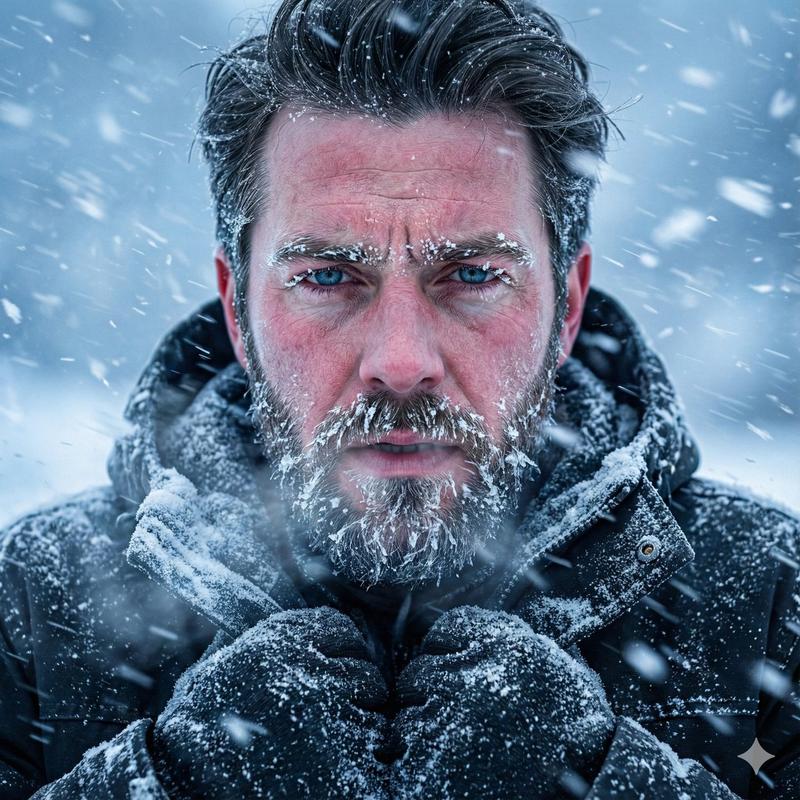
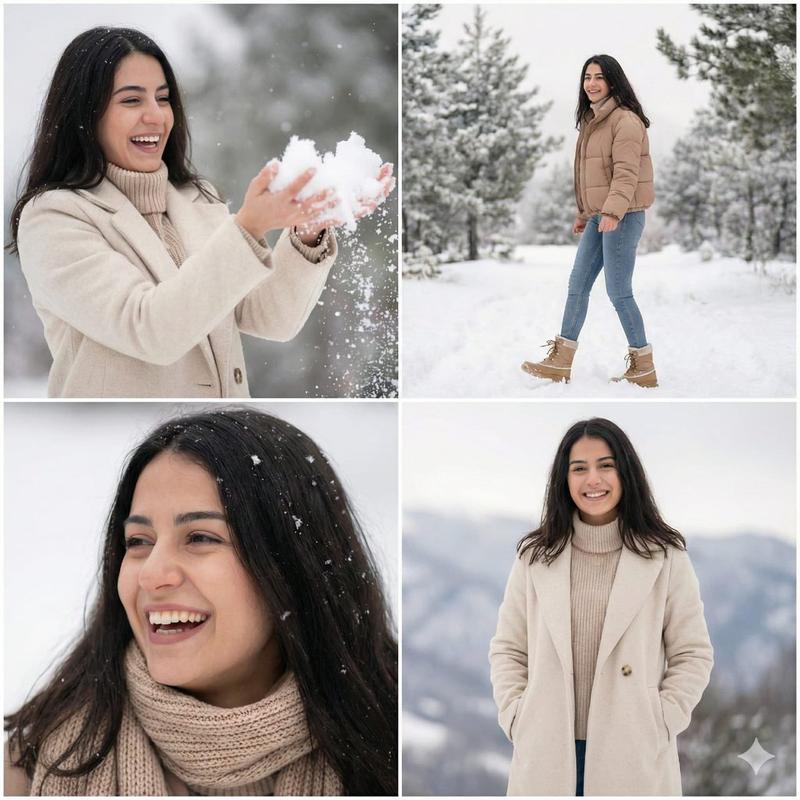
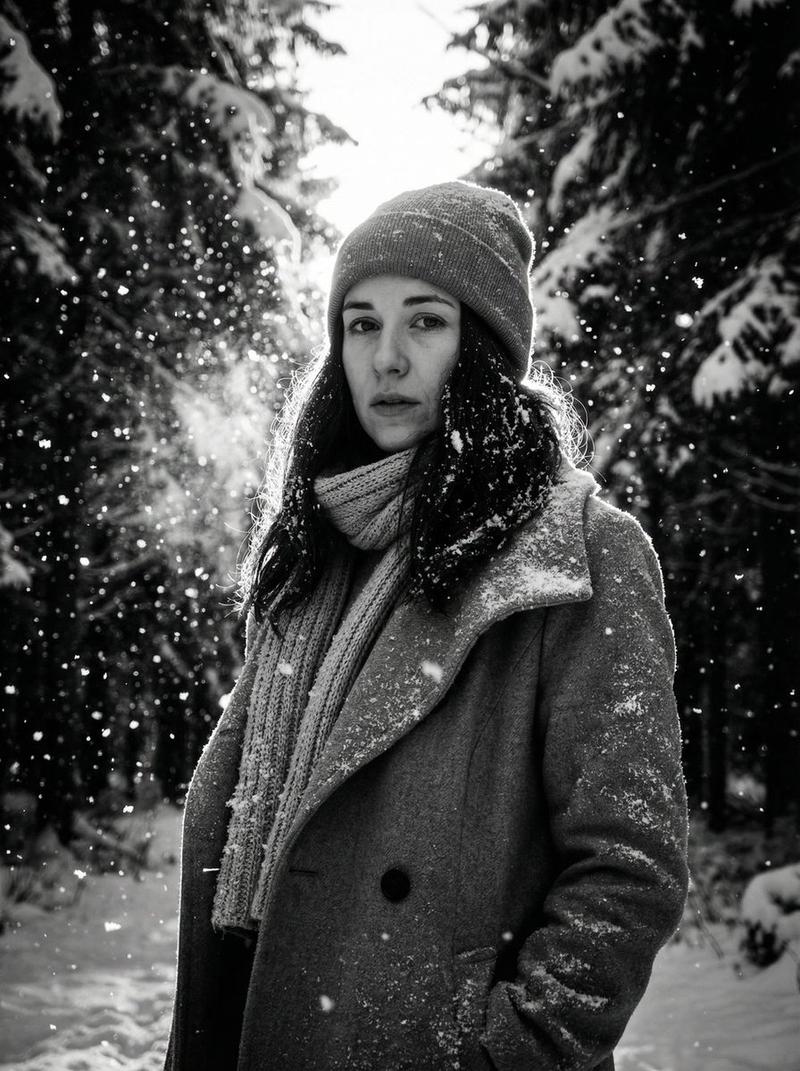
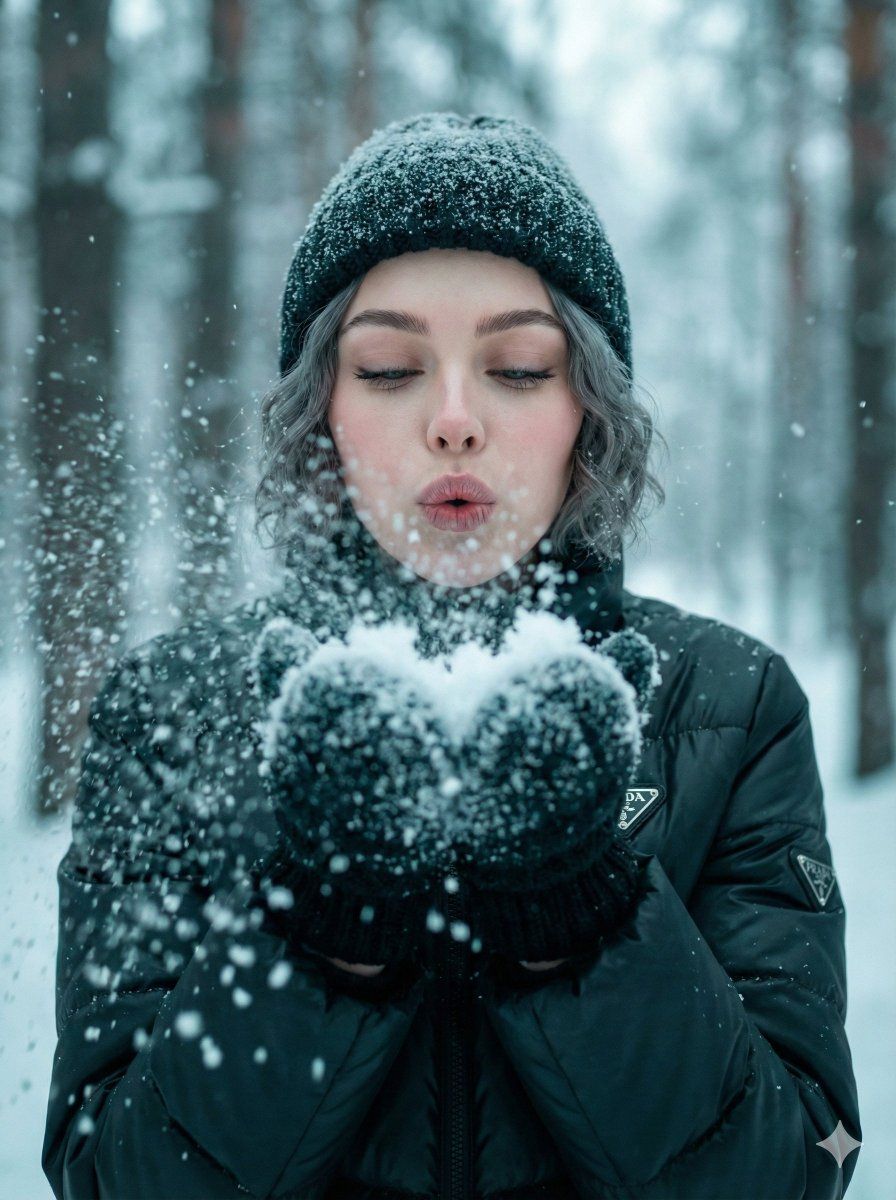
  "Objective": "Create an ultra-realistic winter portrait of a young woman blowing snow toward the camera, with enhanced natural skin detail integrated smoothly into the prompt.",

  "Subject_Details": {
    "Age_Range": "young woman",
    "Expression": "lips pursed in a blowing gesture; eyes softly closed",
    "Hair": "short grey hair",
    "Clothing": "thick winter coat, knit mittens",
    "Skin_Detail_Enhancements": [
      "visible pores",
      "micro-creases",
      "natural skin sheen",
      "subtle reddish cast",
      "soft dryness on lips",
      "natural eyelash clustering"
    ]
  },

  "Pose_Instructions": {
    "Head": {
      "Position": "slightly forward",
      "Angle": "10–15° forward tilt",
      "Chin": "down"
    },
    "Arms_and_Hands": {
      "Elbows": "bent",
      "Hands": "mittens cupped together holding snow",
      "Hand_Position": "raised at chest height, forward-facing"
    },
    "Torso": "facing the camera directly",
    "Shoulders": "relaxed"
  },

  "Action": "young woman blowing snowburst particles toward the camera",

  "Camera_Settings": {
    "Lens": "50mm",
    "Aperture": "f/1.8–2.2",
    "Perspective": "eye-level",
    "Depth_of_Field": "shallow DoF with strong foreground snow bokeh"
  },

  "Lighting": {
    "Type": "diffused overcast winter daylight",
    "Qualities": [
      "soft even illumination",
      "subtle cool bounce from snow",
      "no harsh shadows"
    ]
  },

  "Environment": {
    "Location": "snowy forest",
    "Background": "blurred tree trunks with cold atmospheric haze",
    "Atmospherics": [
      "active snowfall",
      "blown snowburst in foreground"
    ]
  },

  "Materials_and_Textures": {
    "Mittens": "knit",
    "Coat": "matte winter fabric",
    "Hair": "soft wavy texture",
    "Snow": "powdery particles with micro-sparkle"
  },

  "Color_Grade": {
    "Palette": "cool teal-cyan filmic tones",
    "Style": "soft desaturated winter palette",
    "Skin": "porcelain skin mapping with natural texture preservation",
    "Accents": "muted crimson",
    "Blacks": "deep charcoal",
    "Effects": [
      "gentle bloom",
      "low-contrast filmic shadows",
      "cool midtone haze"
    ]
  },

  "Rendering_Style": {
    "Realism": "ultra-realistic",
    "Techniques": [
      "PBR materials",
      "natural skin texture",
      "global illumination",
      "enhanced micro-detail clarity in facial features"
    ]
  },

  "Output_Settings": {
    "Aspect_Ratio": "3:4"
  }
}- Category
- 创意图片
- Model
- Nano Banana Pro
- Creator
- Heisenberg
- Source ID
- 15359a30-644d-4ae2-9cd7-8deef00d5beb
- Published
- Mar 8, 2026
Views0