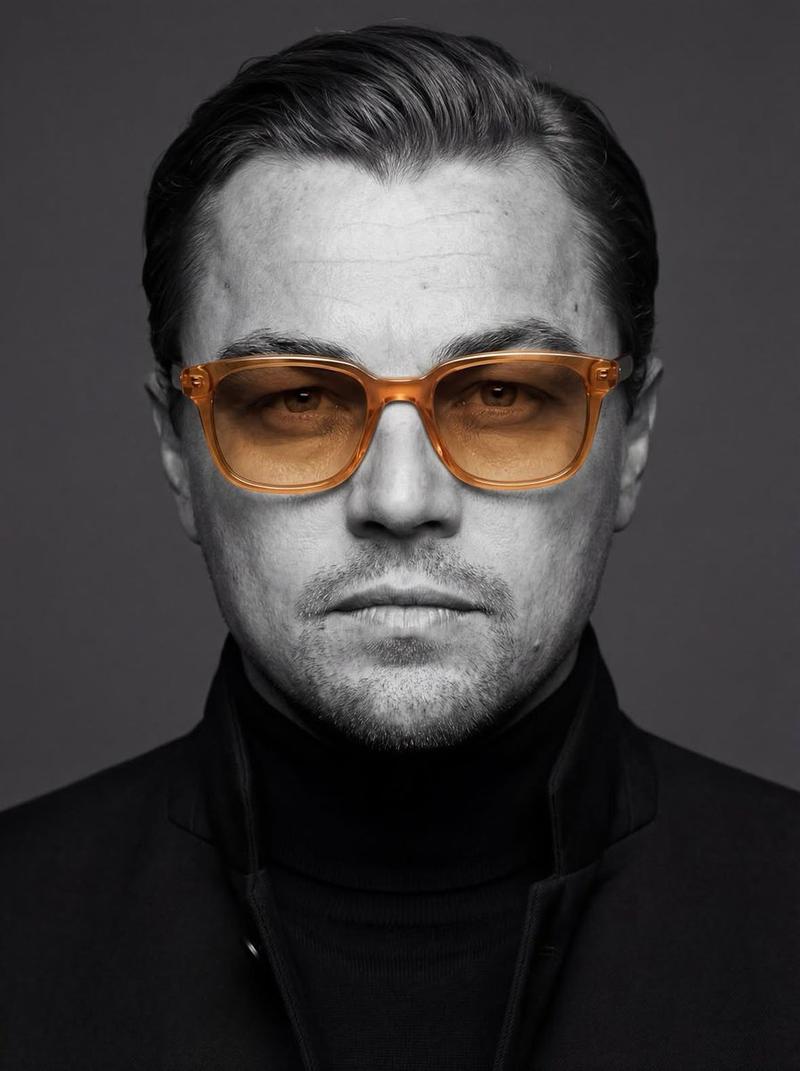
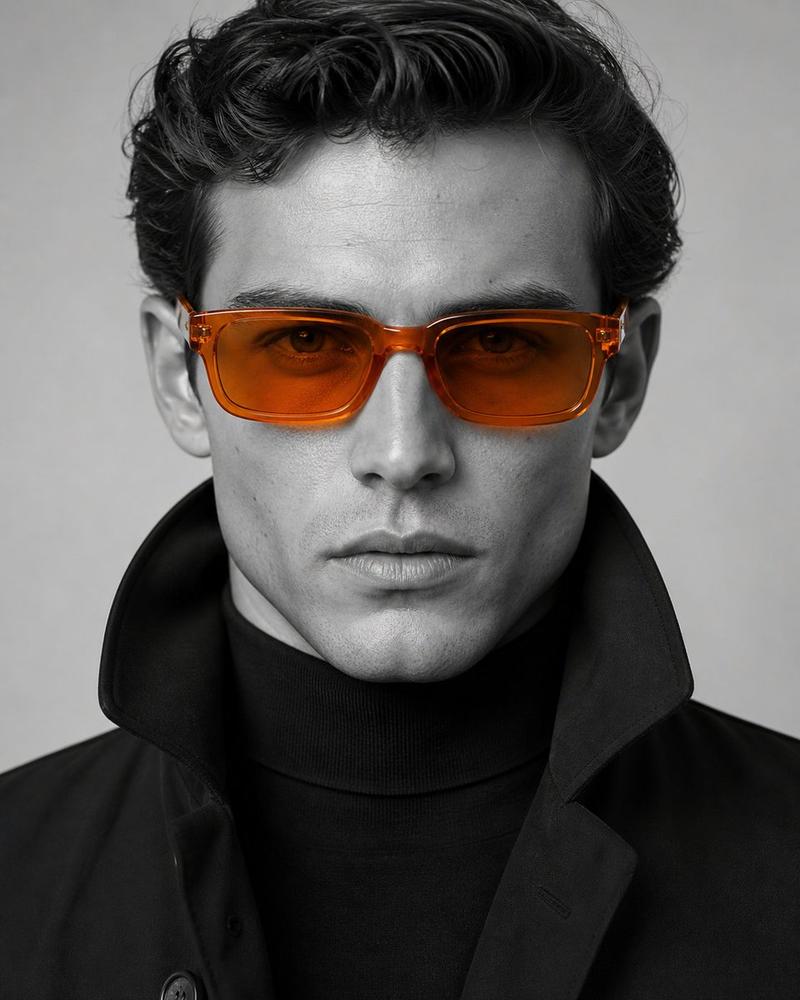
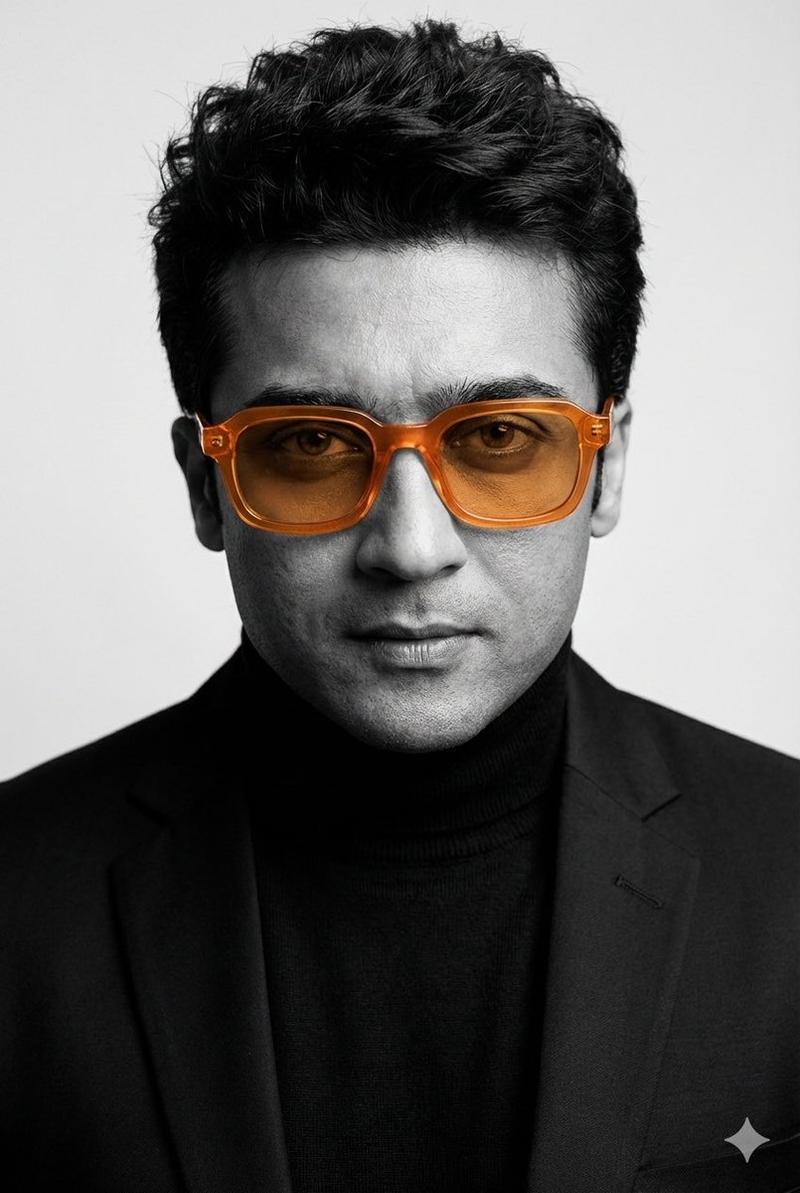
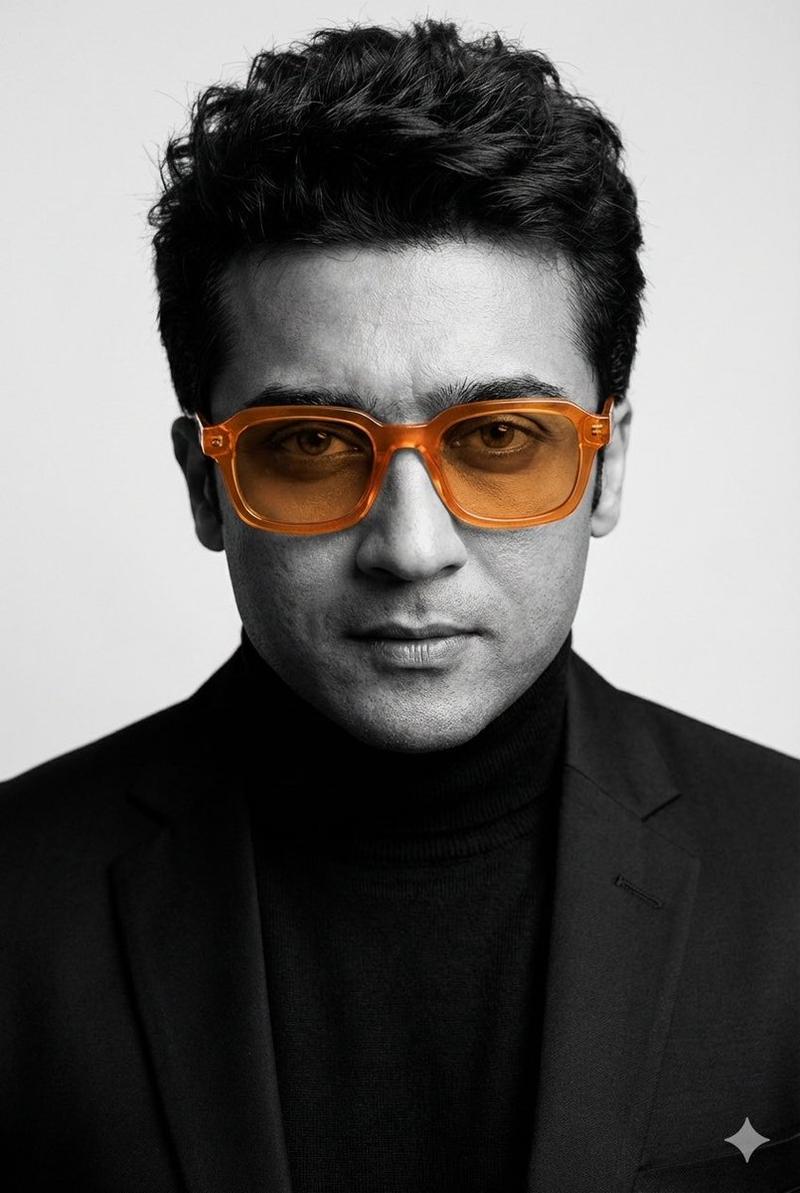
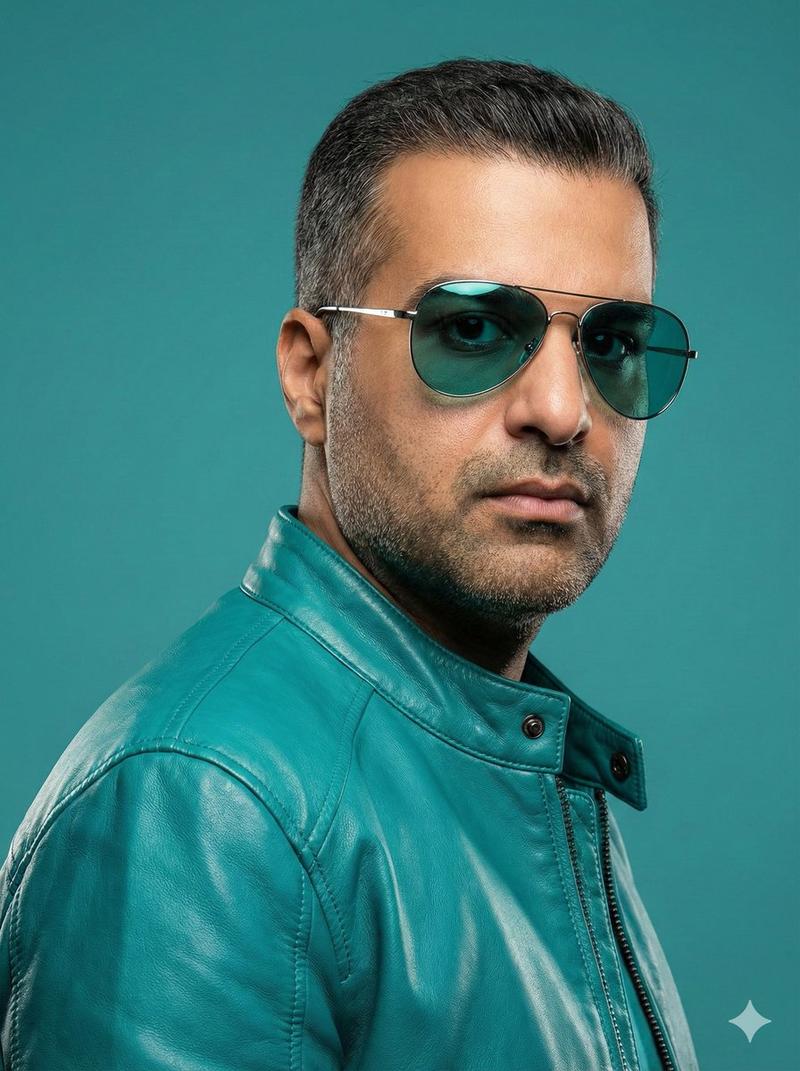
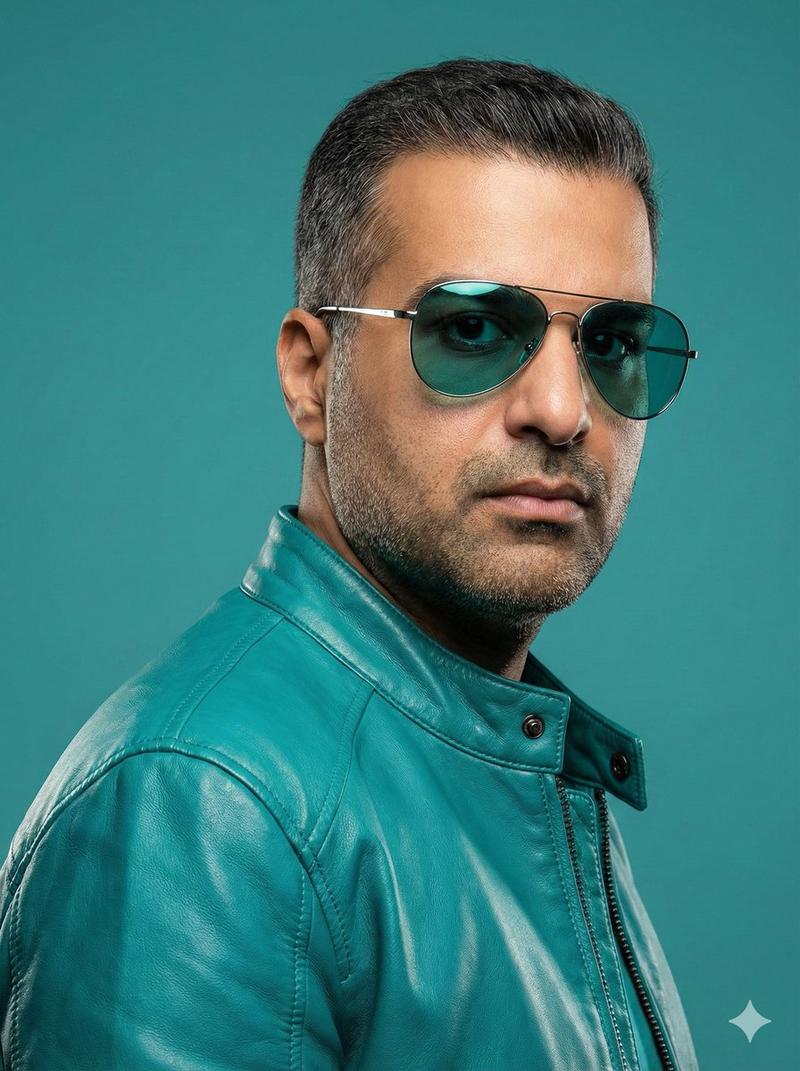
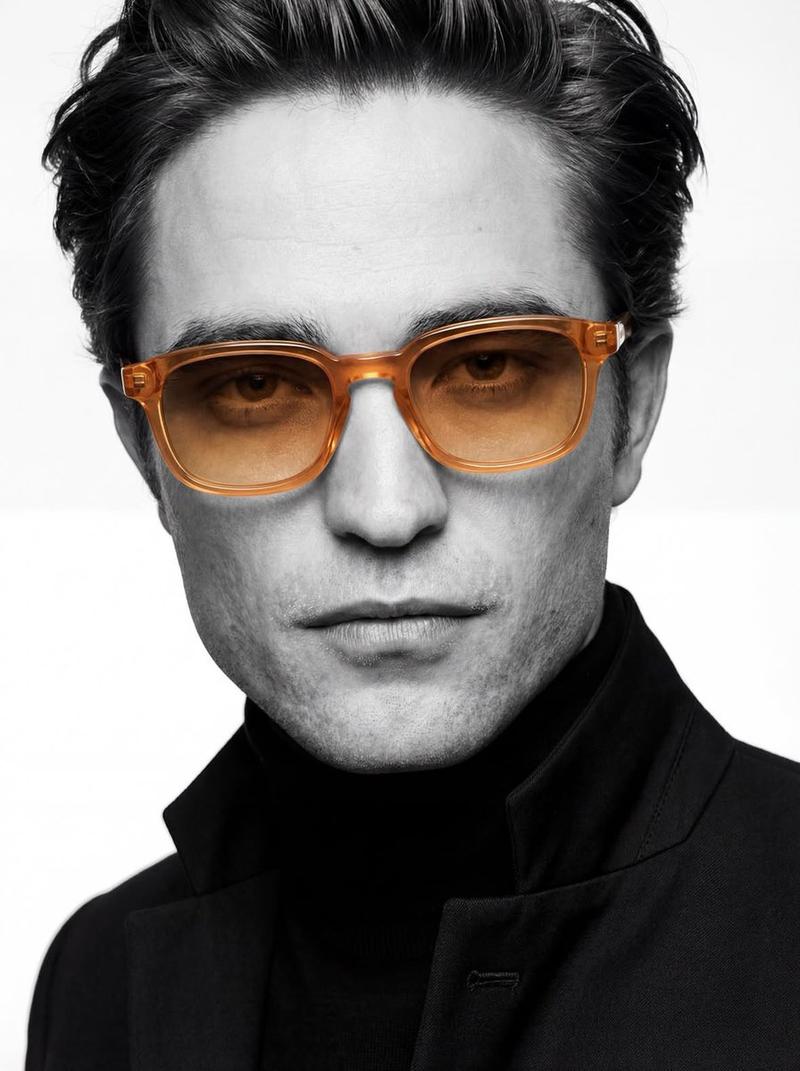
皮克斯风格大头照提示(修复眼镜眩光)
Prompt
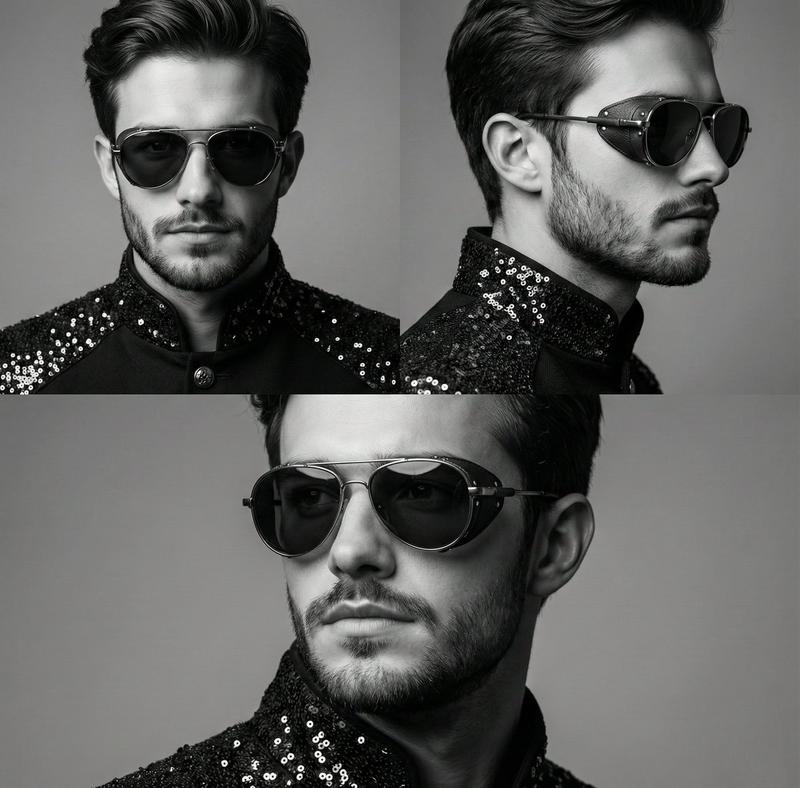
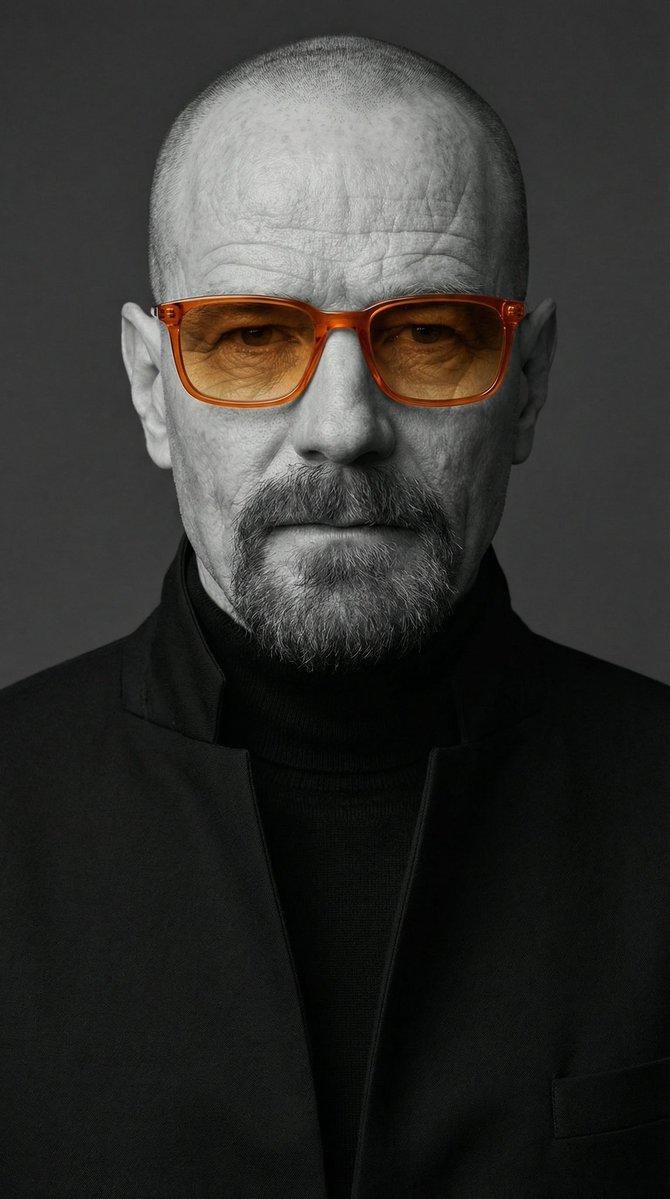
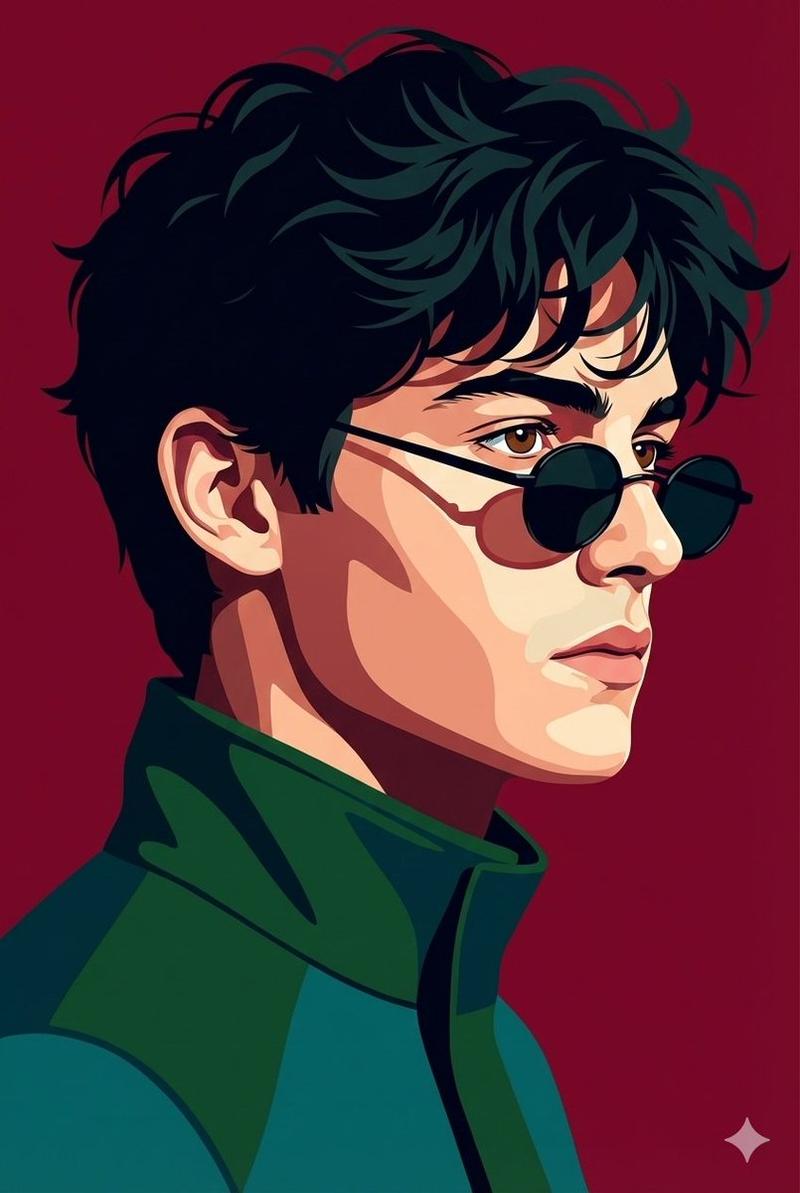
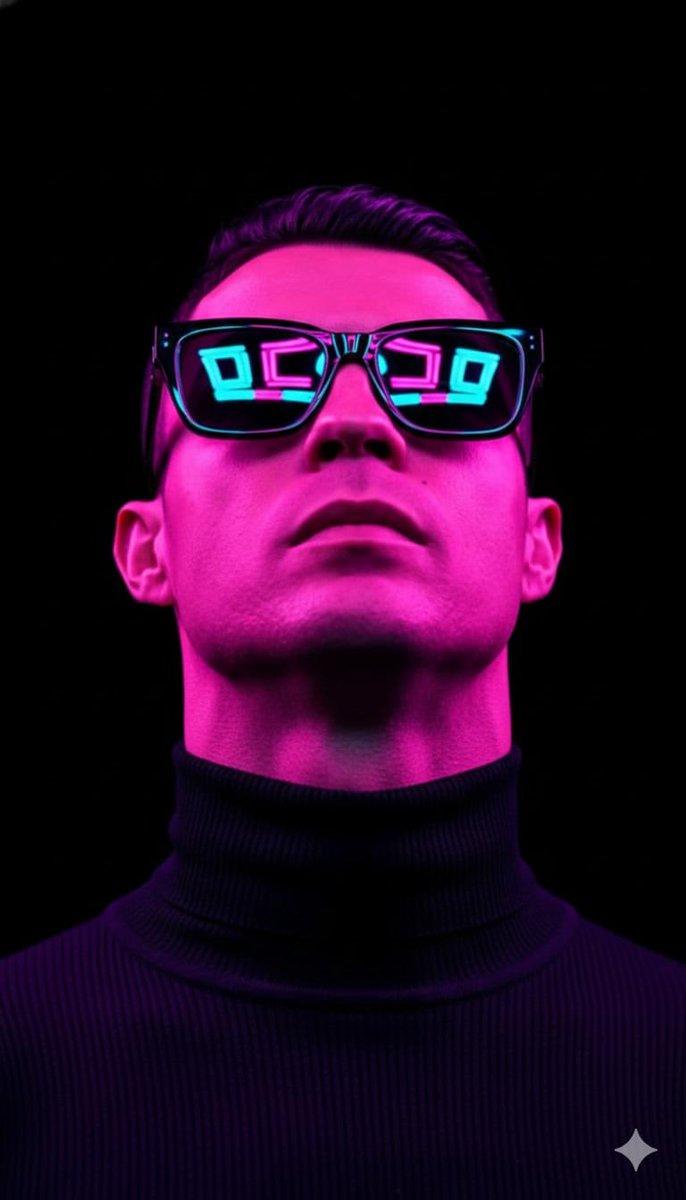
Pixar 风格 精气神头像提示词。重点解决了“戴眼镜反光挡眼”的问题。通过强调镜片透明和全局光照,让眼神能露出来,整体比较干净,适合产品经理或技术开发者做头像,看着干练一点。
- Category
- 创意图片
- Model
- Nano Banana Pro
- Creator
- Mr Leslie.AI
- Source ID
- 0c1ca077-b360-4a32-be47-a3b4ee275aba
- Published
- Mar 8, 2026
Views0
16
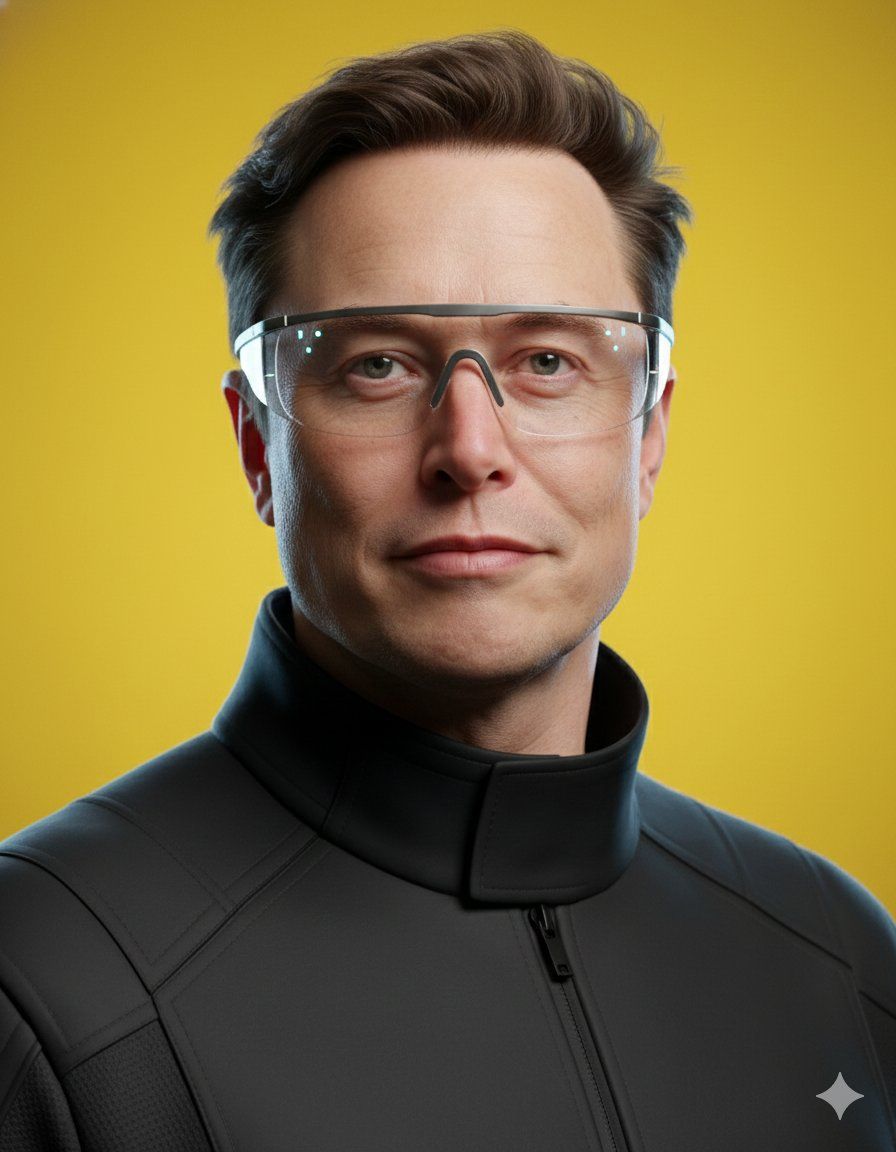
Pixar 风格 精气神头像提示词。重点解决了“戴眼镜反光挡眼”的问题。通过强调镜片透明和全局光照,让眼神能露出来,整体比较干净,适合产品经理或技术开发者做头像,看着干练一点。
Guide
"皮克斯风格大头照提示(修复眼镜眩光)" AI image prompt for Nano Banana Pro (创意图片). 一个旨在生成皮克斯风格专业大头照的提示,专门解决了眼镜反光遮挡眼睛的常见问题。它强调透明镜片和全局照明,以确保拍摄对象的目光清晰可见,从而呈现出适合产品经理或开发人员等专业人士的干净、干练…
The full copyable prompt and example visuals above are ready for AI image generation or one-click recreate in Picva.
Step 1
Review the example visuals, category, and full prompt text for "皮克斯风格大头照提示(修复眼镜眩光)".
Step 2
Copy the prompt body from this page, or load it directly in Studio.
Step 3
Prefer Nano Banana Pro. If you switch models, keep subject and composition and tweak style terms.
Step 4
Recreate the look in Picva, or export into your workflow for editing and publishing.