人物关系图信息图
Prompt
# 命令書
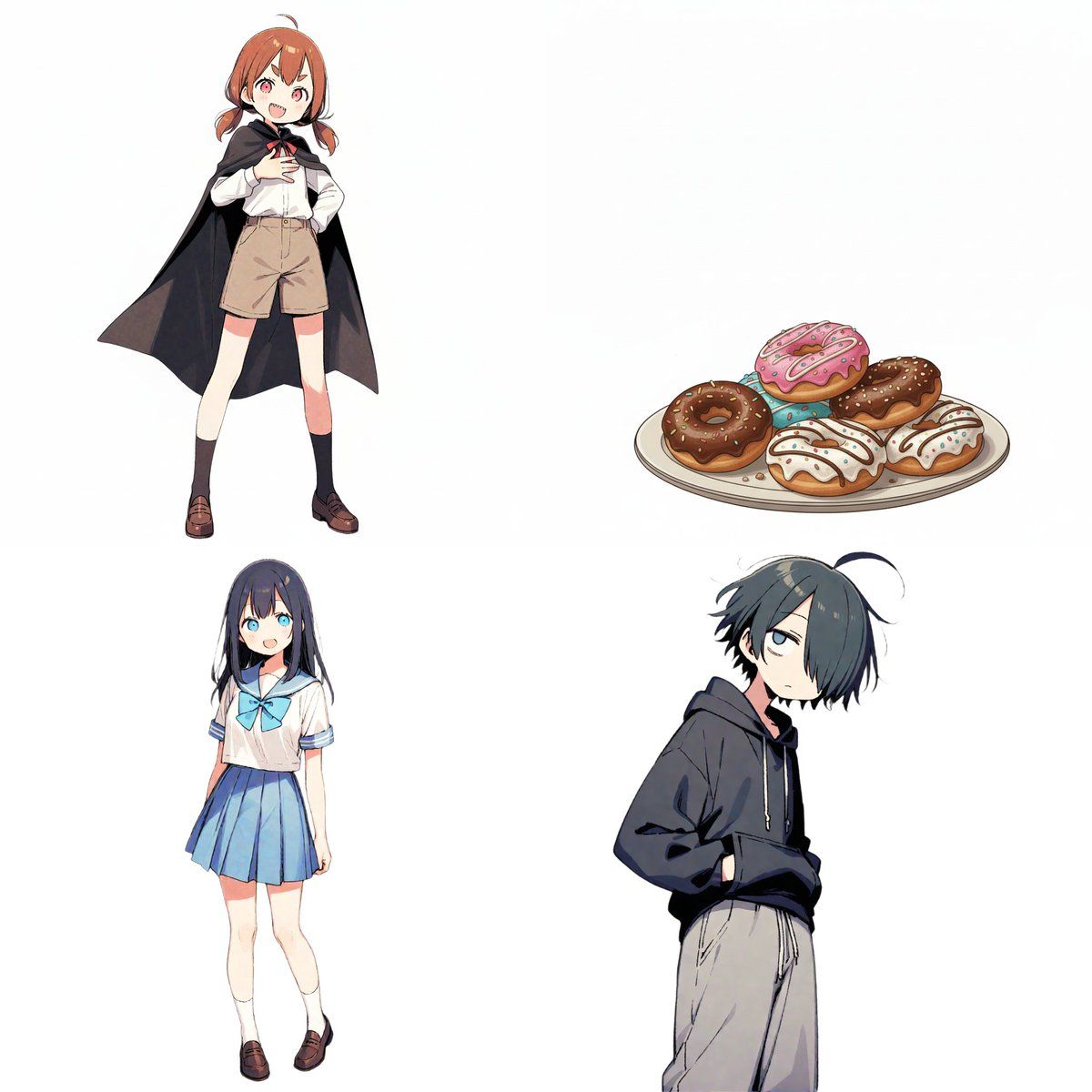
添付した画像を参照し、以下の要件に基づいて「キャラクター相関図」のイラストを作成してください。

# 制作スタイル
- 画像のような、手書き風の温かみのあるBDアニメ・イラストスタイル。
- 背景は白。
- キャラクターは円形のアイコンの中に描画し、配置してください。

# キャラクター設定
※アップロードした画像に対応する順序や特徴を記載します。
[キャラクターA]
- 名前: {argument name="キャラクターA 名前" default="ツノちゃん"}
- 役割: {argument name="キャラクターA 役割" default="吸血鬼とのハーフ"}

[キャラクターB]
- 名前: {argument name="キャラクターB 名前" default="しおりちゃん"}
- 役割: {argument name="キャラクターB 役割" default="新しいもの好き"}

[キャラクターC]
- 名前: {argument name="キャラクターC 名前" default="くまお君"}
- 役割: {argument name="キャラクターC 役割" default="いつも眠そう"}
[キャラクターD]
- 名前: {argument name="キャラクターD 名前" default="ドーナツ"}
- 役割: {argument name="キャラクターD 役割" default="ドーナツ"}
(※キャラクターが増える場合はここに追加してください)

# 具体的な関係性リスト

from [A] to [B] : {argument name="AからBへの関係" default="おやつ係"}
from [A] to [C] : {argument name="AからCへの関係" default="下僕1号"}
from [A] to [D] : {argument name="AからDへの関係" default="至高の1品"}
from [B] to [A] : {argument name="BからAへの関係" default="大好き!"}
from [B] to [D] : {argument name="BからDへの関係" default="ライバル?"}
from [C] to [A] : {argument name="CからAへの関係" default="関わりたくない"}
from [C] to [B] : {argument name="CからBへの関係" default="不憫"}
from [C] to [D] : {argument name="CからDへの関係" default="ドーナツだな…"}
(※関係性が増える場合はここに追加してください)
# 関係性と矢印のルール(重要)

キャラクター間を矢印で繋ぎ、以下の色分けルールを厳守してください。
- ポジティブな関係(好き、憧れ、協力など)

- 色: 赤 (Red)
- 雰囲気: 温かい色味、ハートやキラキラなどを含めても良い。
- ネガティブな関係(嫌い、敵対、迷惑など)

- 色: 青 (Blue)
- 雰囲気: 冷たい色味、ギザギザや冷や汗などを含めても良い。
# 出力時の注意点

- レイアウトはキャラクターが増えてもバランス良く円形や階層状に配置してください。
- 各キャラクターのアイコンの下に名前と役割を記載してください。
- 矢印の近くに関係性の説明テキストを配置してください。
- 関係性が設定されていない場合は矢印とテキストは不要です。
- アスペクト比: 16:9- Category
- 创意图片
- Model
- Nano Banana Pro
- Creator
- シュナプーン
- Source ID
- c58eba4d-9f31-421b-b4ec-8e84f98d4069
- Published
- Mar 8, 2026
Views0

















