17

布谷鸟钟启发的文学机制提示
Enlarge

布谷鸟钟启发的文学机制提示

Prompt
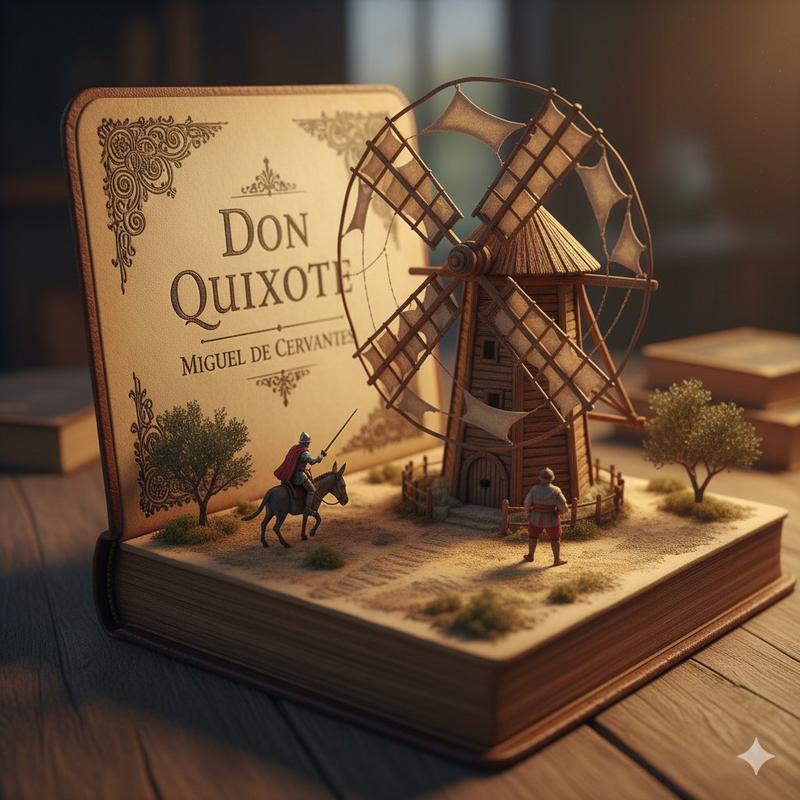
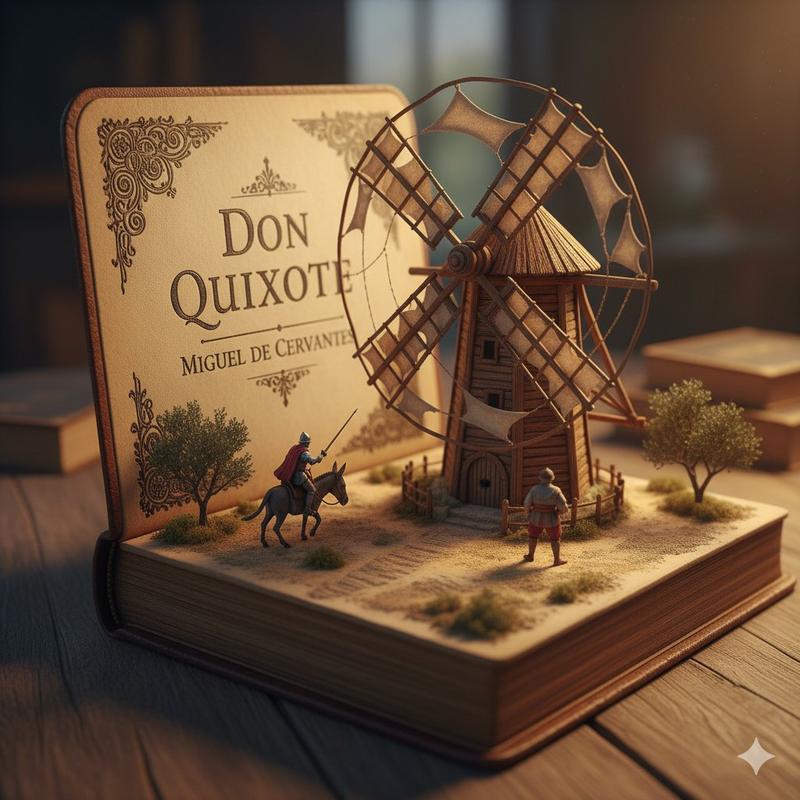
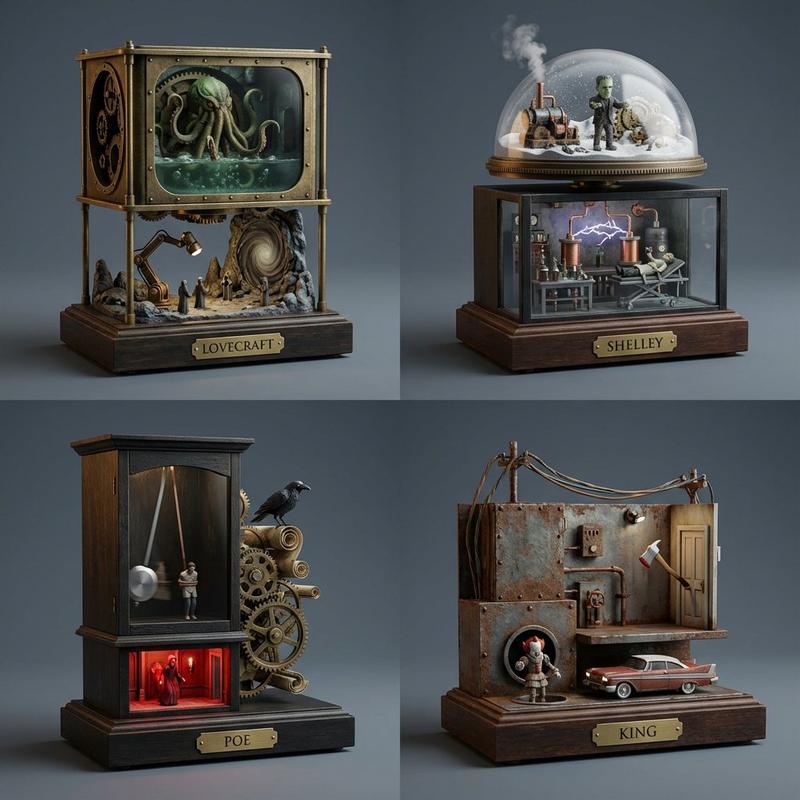
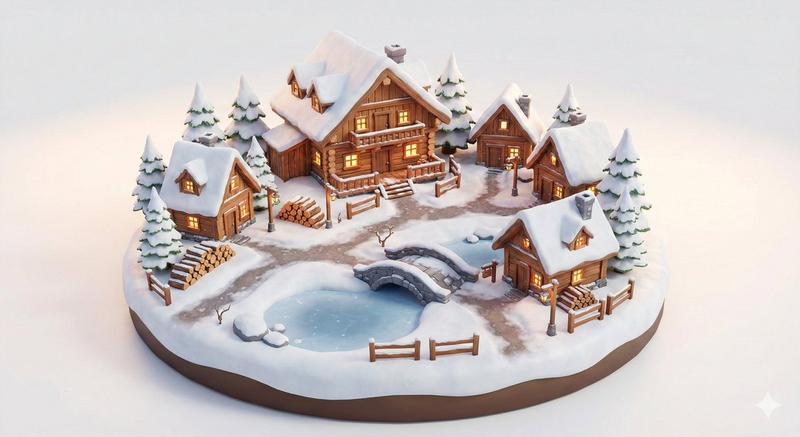
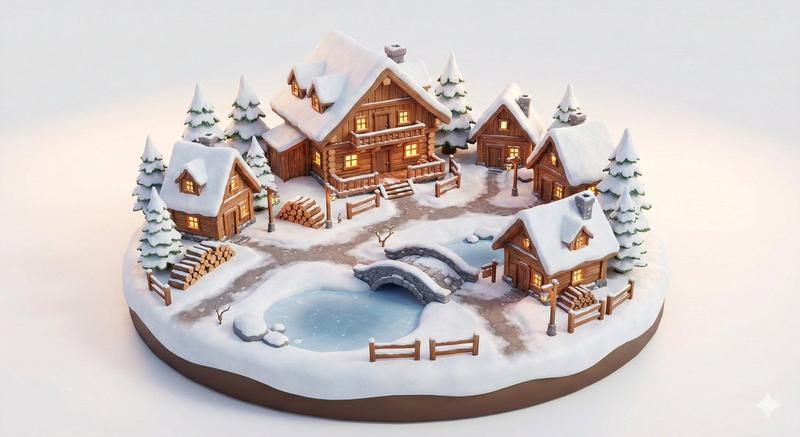
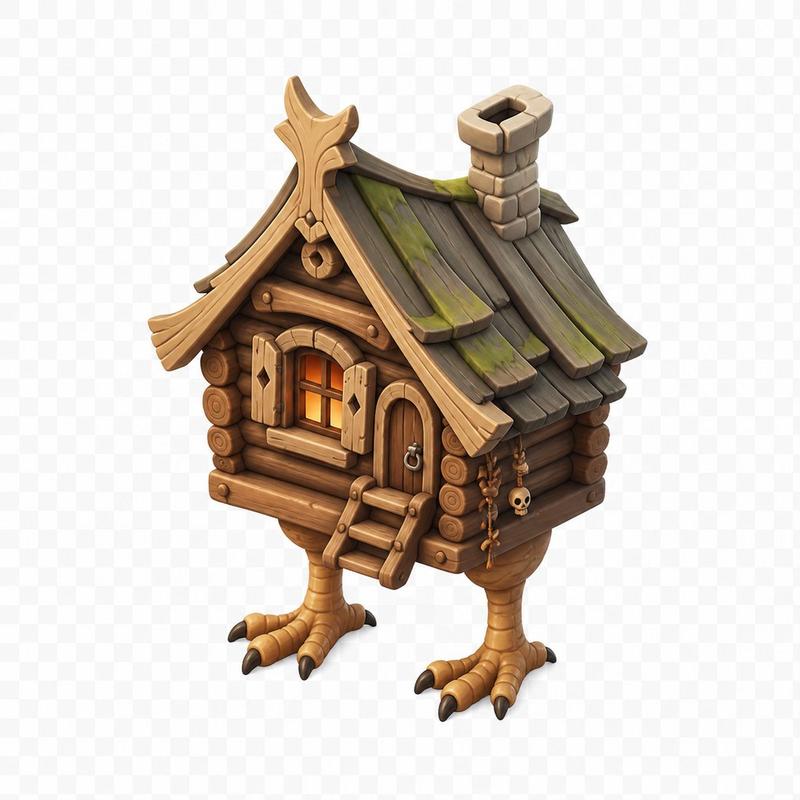
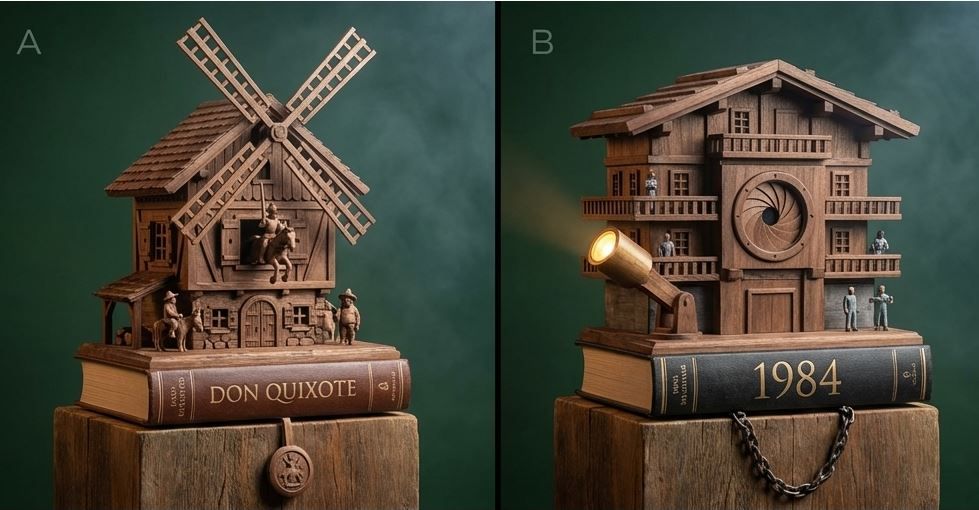
a 2 x 1 grid, a hand-carved alpine chalet mechanism (cuckoo-clock adjacent but not strictly a clock) built into a classic book base with shutters, pendulums, and tiny moving figures. Panel A ({argument name="panel A theme" default="Don Quixote"}): carved windmill roofline with rotating sails and a spring-lunge knight. Panel B ({argument name="panel B theme" default="1984"}): carved brutalist watchtower façade with a blinking iris shutter and sweeping searchlight arm. Style: Photoreal hand-carved woodcraft, visible chisel marks and oiled walnut grain, cozy warm hearthlight + cool moon rim, soft volumetric haze, shallow depth of field, centered on rustic plinths, 65mm perspective, background in deep forest green seamless.
Category
创意图片
Model
Nano Banana Pro
Creator
Gadgetify
Views0
Source ID
45ef2748-a335-4917-990e-296617e74ee9
Published
Mar 8, 2026

Guide

About "布谷鸟钟启发的文学机制提示"

What is this prompt for?

"布谷鸟钟启发的文学机制提示" AI image prompt for Nano Banana Pro (创意图片). 生成一张复杂的手工雕刻木制机械装置的超现实图像,该装置类似于布谷鸟钟,但内置于经典书籍底座中。它有两个面板:一个描绘了堂吉诃德和风车,另一个描绘了 1984 年的粗野主义瞭望塔,强调木工艺纹理、暖色…

The full copyable prompt and example visuals above are ready for AI image generation or one-click recreate in Picva.

How to use this prompt

  1. Step 1

    Open the prompt detail

    Review the example visuals, category, and full prompt text for "布谷鸟钟启发的文学机制提示".

  2. Step 2

    Copy the prompt

    Copy the prompt body from this page, or load it directly in Studio.

  3. Step 3

    Pick a model (Nano Banana Pro)

    Prefer Nano Banana Pro. If you switch models, keep subject and composition and tweak style terms.

  4. Step 4

    Generate and export

    Recreate the look in Picva, or export into your workflow for editing and publishing.

FAQ

What is the "布谷鸟钟启发的文学机制提示" prompt?
It is an AI image-generation prompt for Nano Banana Pro in the 创意图片 category. This page includes the full prompt text, example visuals, and a one-click recreate path in Picva.
How do I use this prompt to generate an image?
Copy the prompt from this page, or use Generate / Studio. Paste it into a compatible image model, or recreate the look in Picva with optional reference images.
Which model is this prompt for?
This page lists Nano Banana Pro. Most descriptive prompts also transfer to nearby image models such as GPT Image, Flux, or Midjourney with light style tweaks.
Can I use the result commercially?
You can usually copy the prompt for creation, but commercial use of the final image depends on the model terms, reference-image rights, and the generated content. Follow the source author and platform rules.