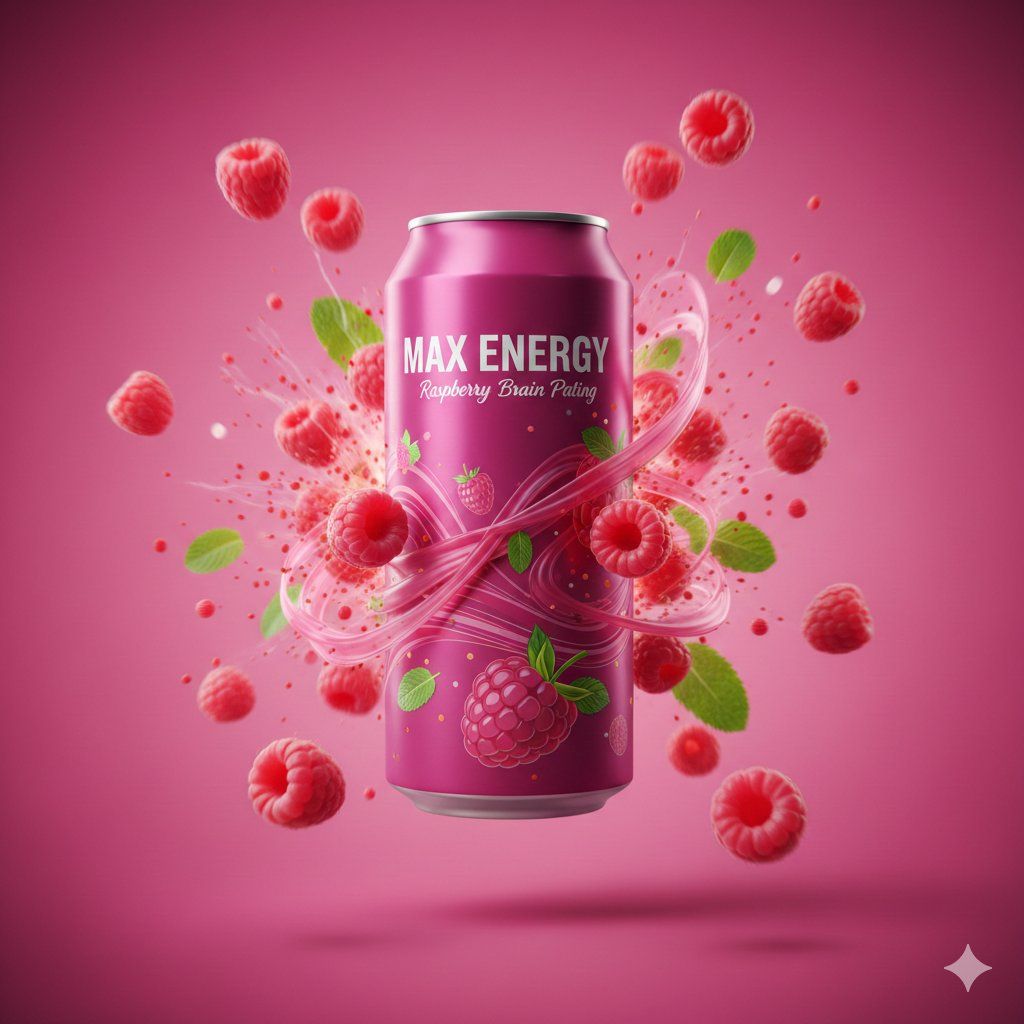
电影级覆盆子能量饮料广告拍摄提示
提示词
{
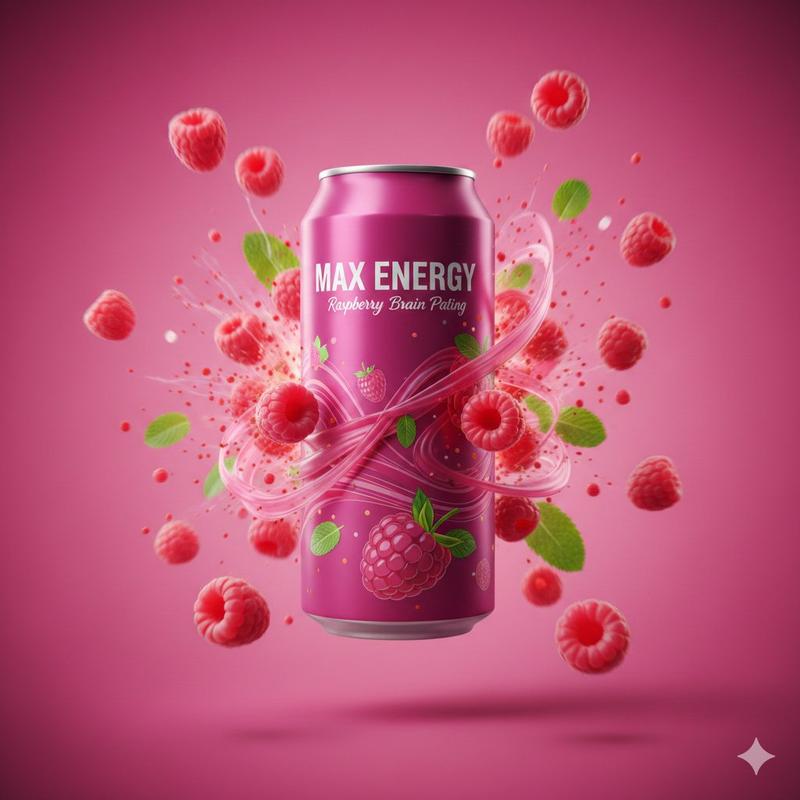
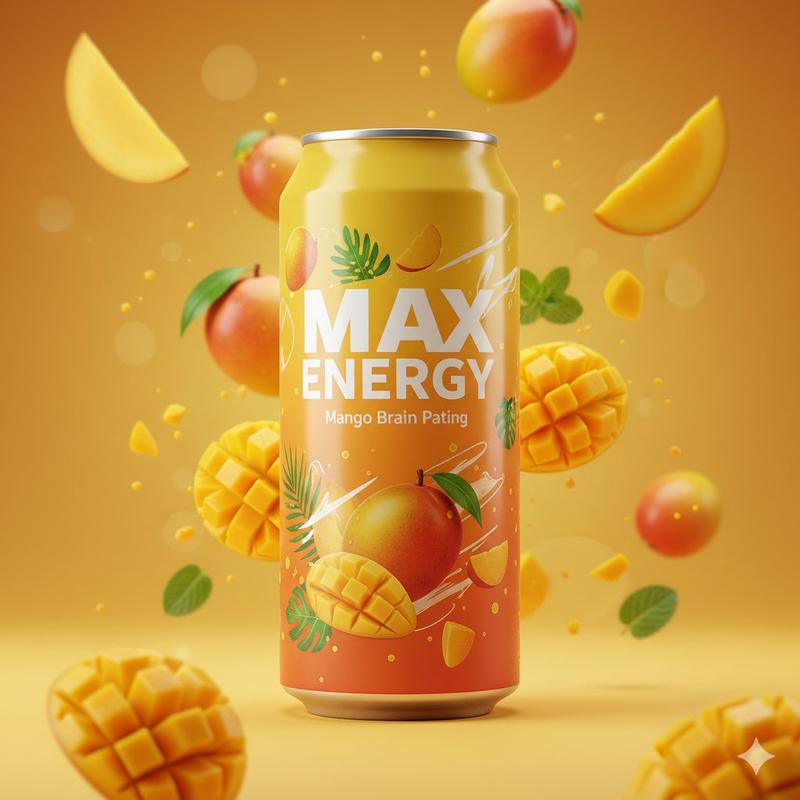
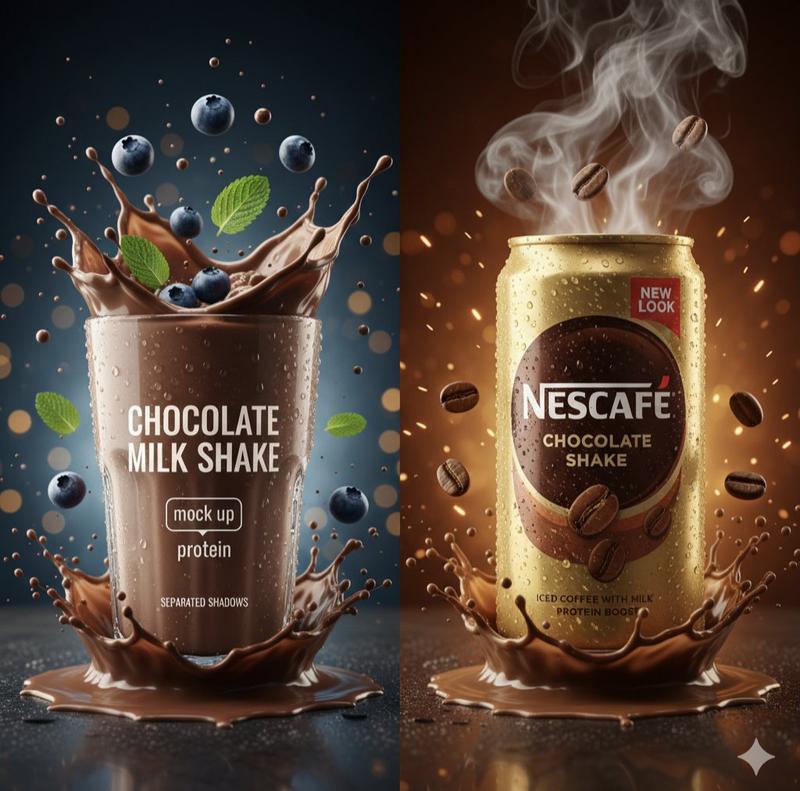
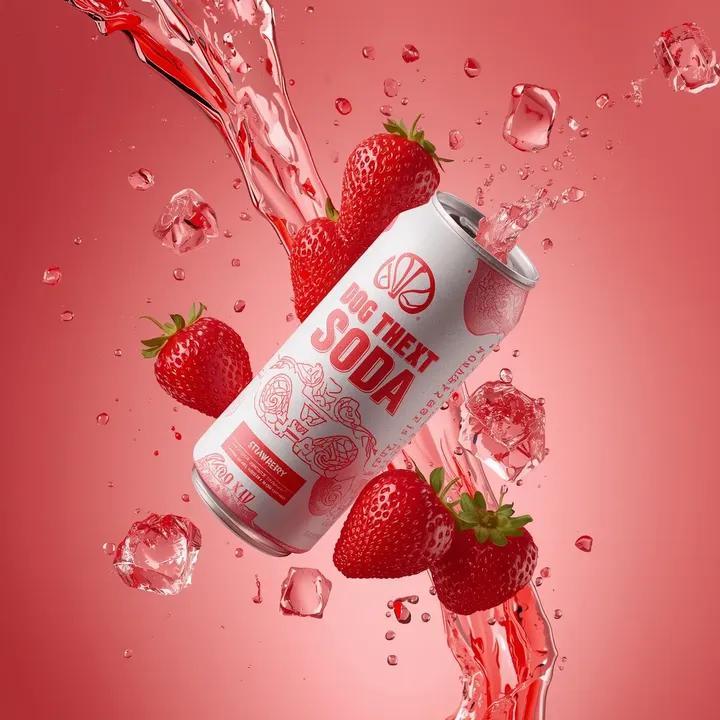
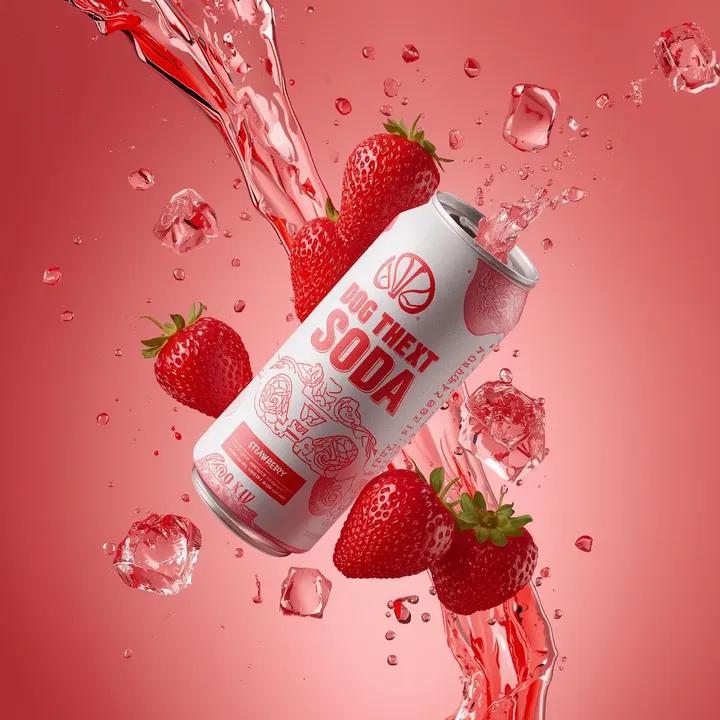
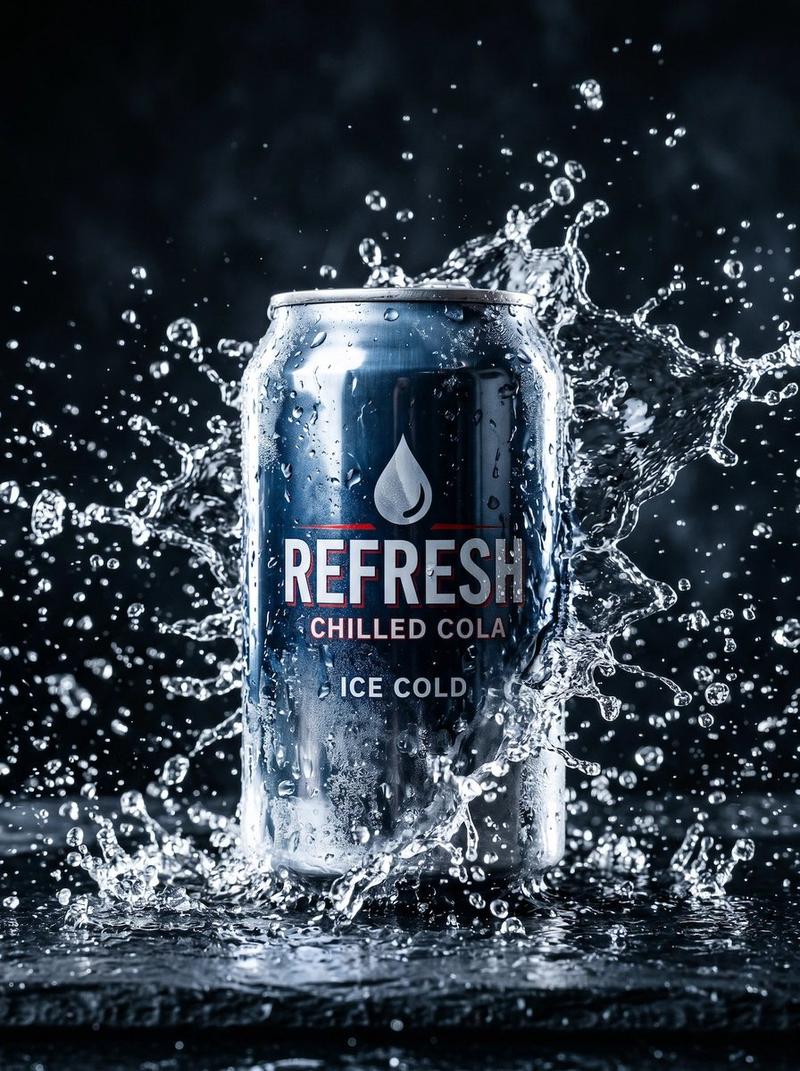
  "prompt": "A cinematic studio advertisement shot of a raspberry energy drink can. The sleek aluminum can stands upright in the center, coated in a glossy magenta-pink finish. The brand name 'MAX ENERGY' appears in bold white lettering, with 'Raspberry Brain Pating' placed neatly below. The can is wrapped with elegant raspberry-themed graphics. Dozens of fresh raspberries and mint leaves explode outward around the can, frozen mid-motion, creating a powerful energy burst effect. Foreground elements are razor sharp while background fruits fade into motion blur. The backdrop features a smooth pastel-to-hot pink gradient. High-contrast professional lighting adds dramatic highlights and reflections, giving the product a premium commercial look.",
  "style": "cinematic, luxury beverage advertising",
  "lighting": "high-contrast studio lighting, dramatic rim light",
  "background": "pink gradient with subtle vignette",
  "camera": {
    "type": "cinema camera",
    "lens": "70-200mm",
    "aperture": "f/3.2",
    "depth_of_field": "selective focus"
  },
  "composition": "centered hero shot with explosive surrounding elements",
  "render": "photorealistic, ultra-detailed",
  "mood": "powerful, energetic, premium",
  "aspect_ratio": "4:5"
}- 分类
- 创意图片
- 模型
- Nano Banana Pro
- 来源作者
- Gagan Singh
- 来源 ID
- b5cd0d2b-45eb-400b-ad3c-6cc92845f479
- 发布时间
- 2026年3月8日
浏览量0