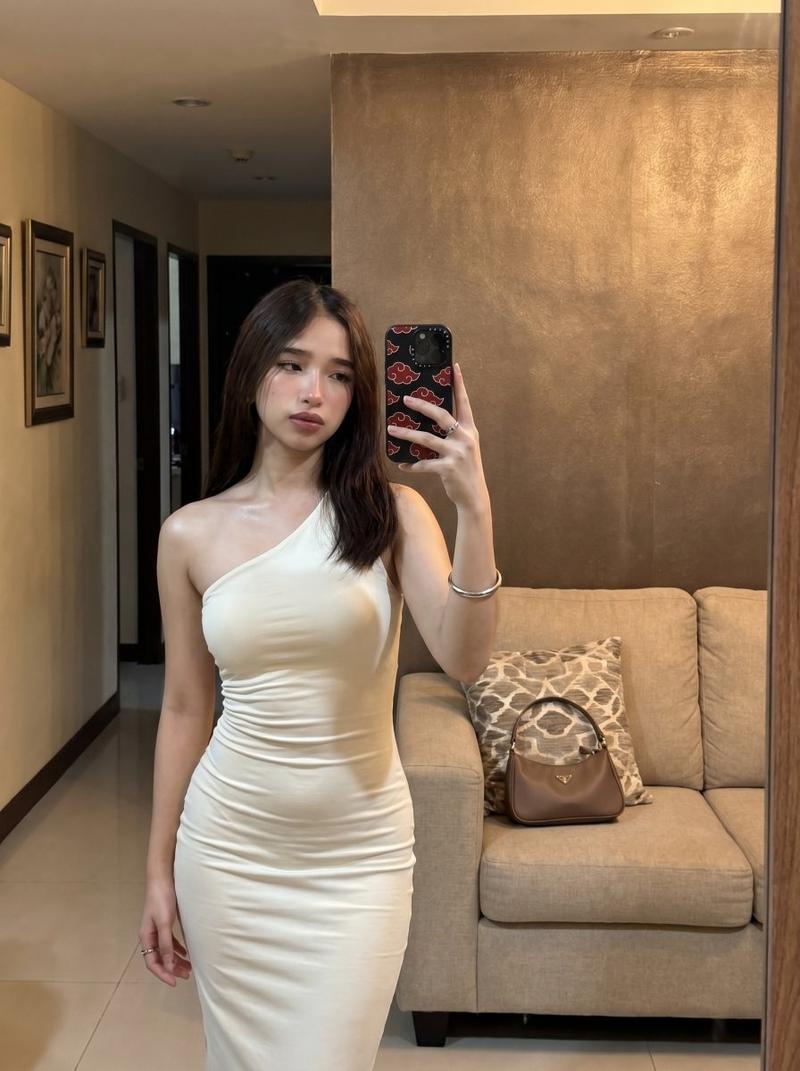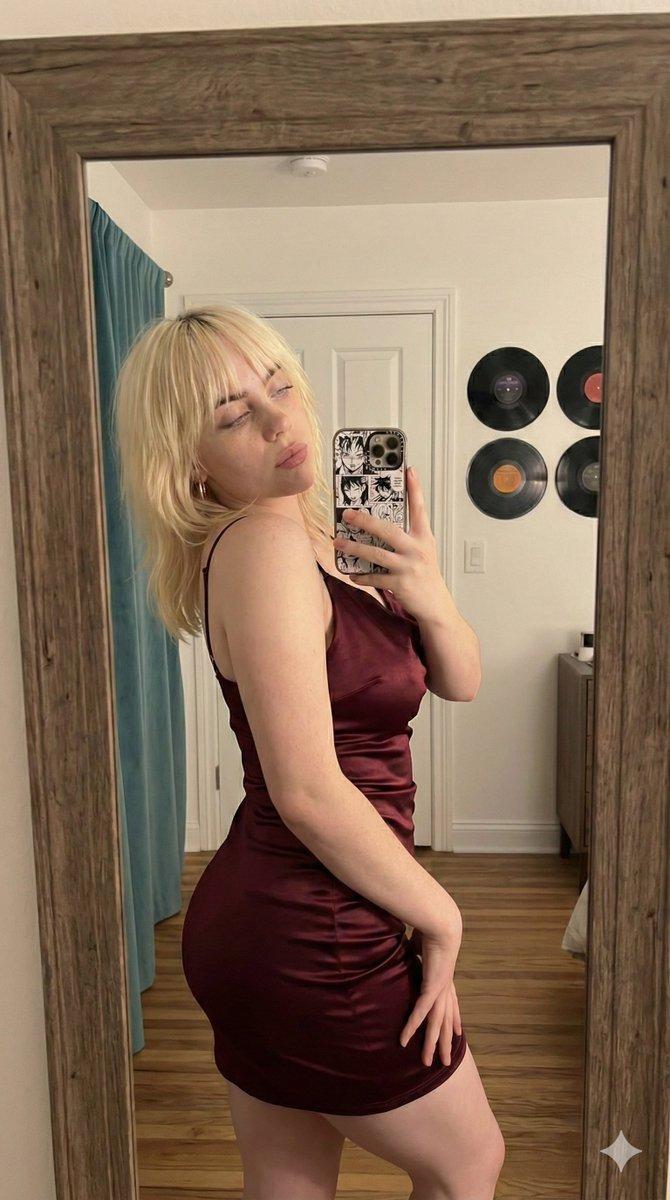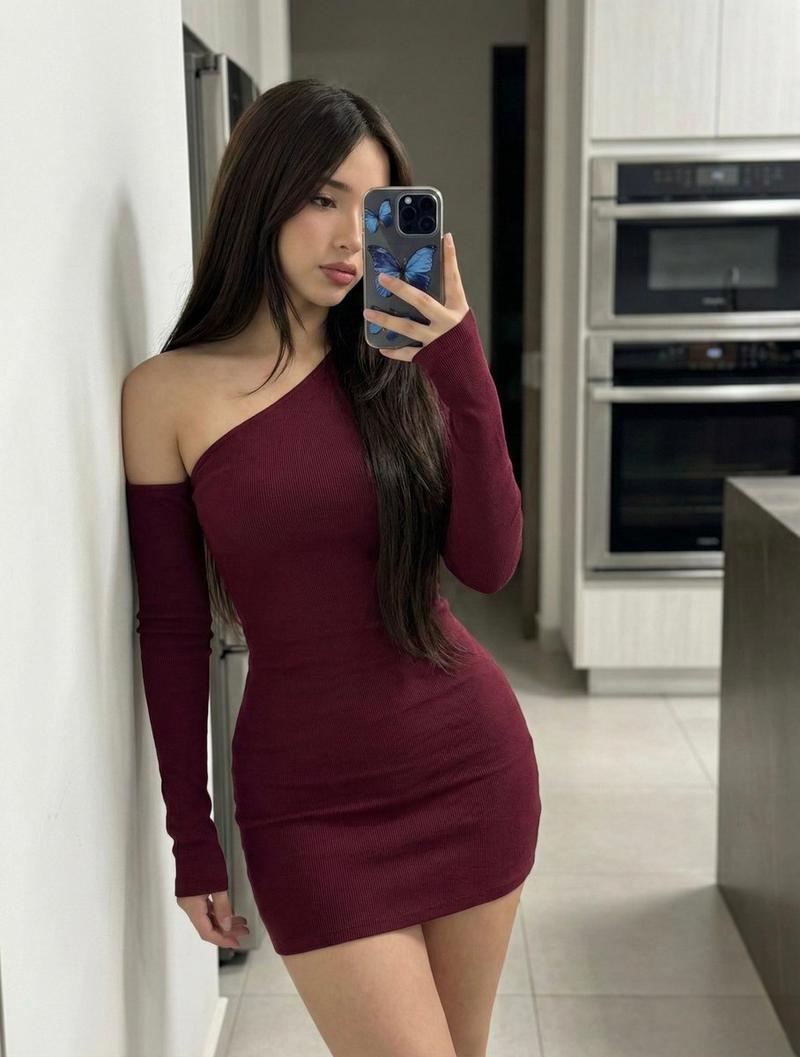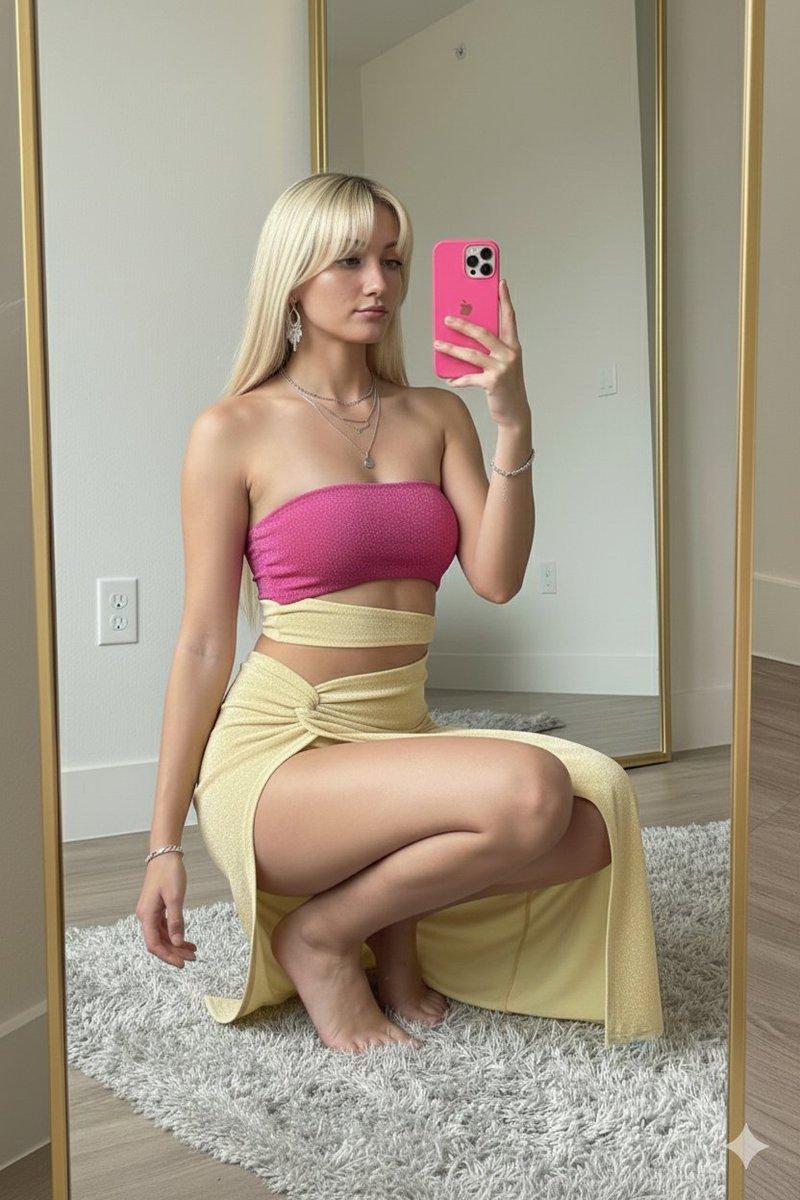
超逼真垂直镜面自拍提示词
Prompt
{
  "project_metadata": {
    "version": "2.0",
    "style_preset": "Hyper-Realistic Photorealism",
    "resolution_target": "8K UHD",
    "aspect_ratio": "3:4",
    "composition": {
      "framing": "Vertical Mirror Selfie",
      "shot_type": "Medium Full Shot",
      "perspective": "Reflective Surface / First-Person POV"
    }
  },
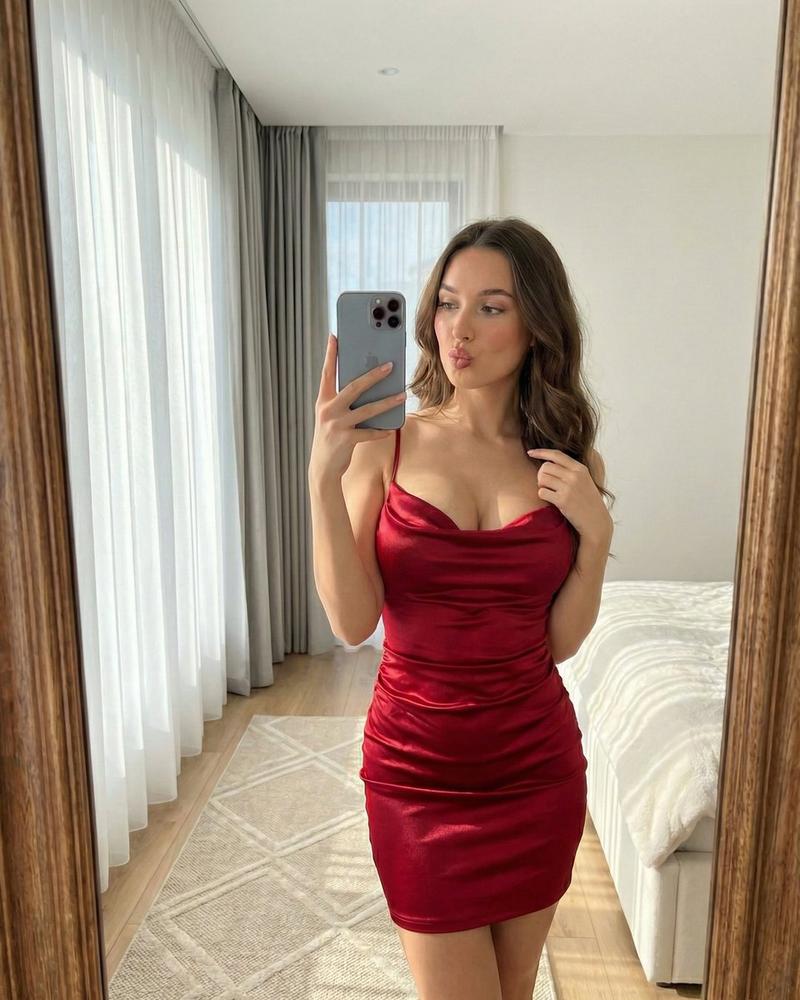
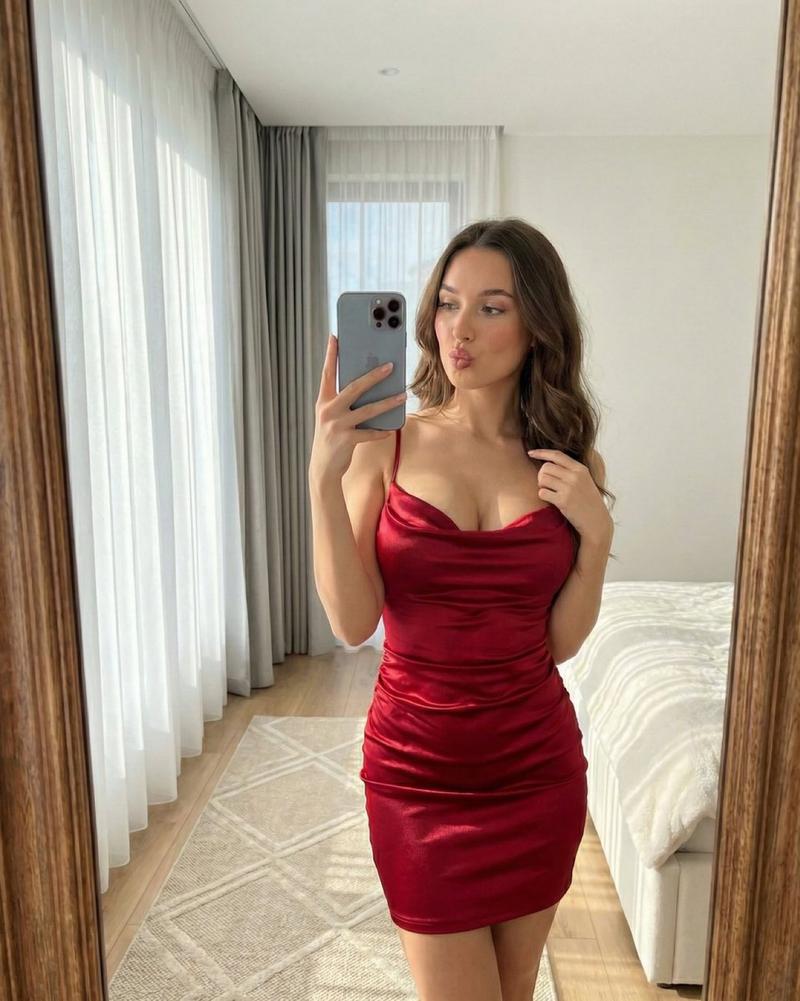
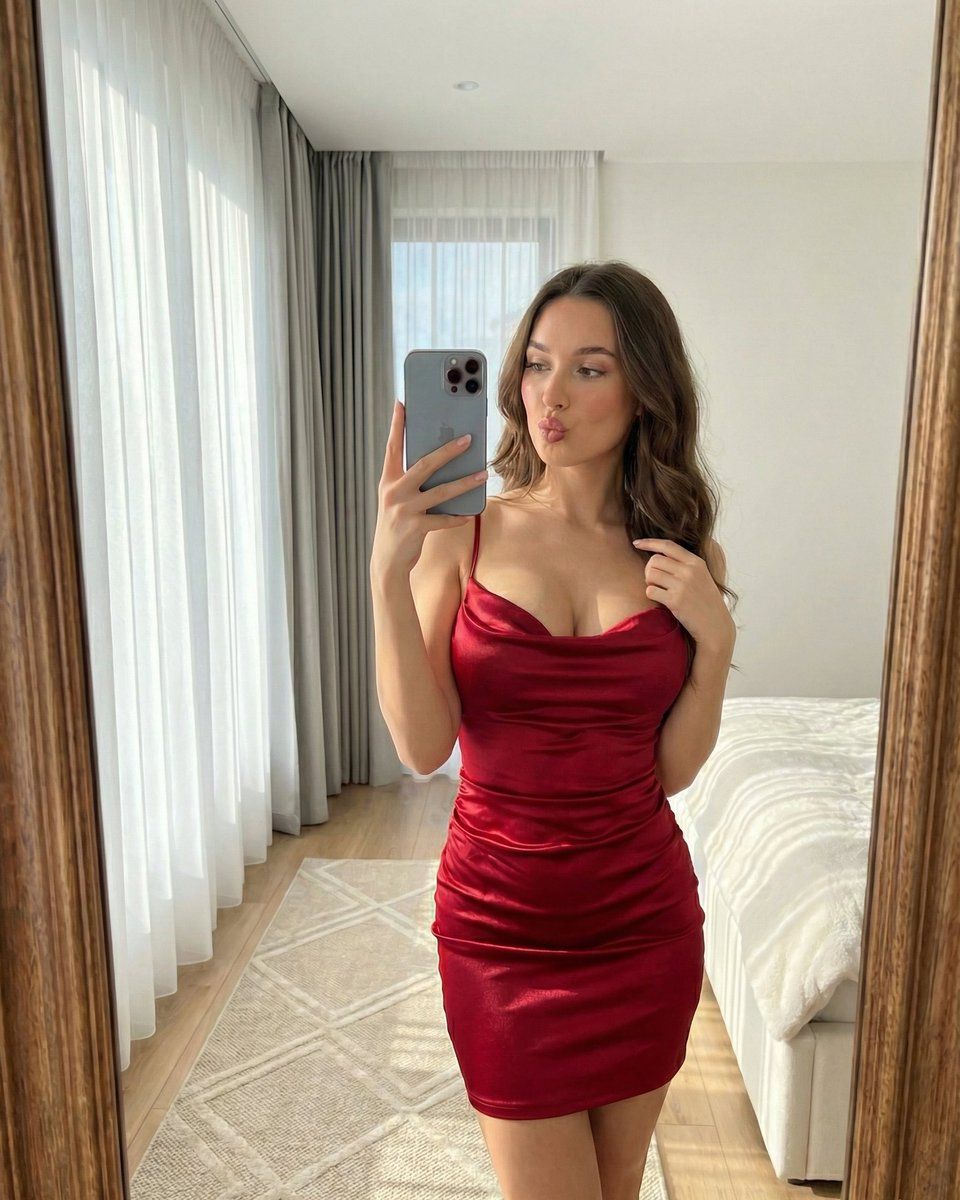
  "subject": {
    "identity": {
      "description": "Young woman",
      "estimated_age": "Early 20s",
      "ethnicity": "Unspecified / Mediterranean-leaning"
    },
    "physiognomy": {
      "hair": {
        "color": "Deep Brunette",
        "style": "Long, voluminous waves",
        "texture": "Silky, well-defined strands"
      },
      "face": {
        "expression": "Playful, soft pout",
        "makeup": {
          "style": "Soft Glam",
          "details": [
            "Subtle winged eyeliner",
            "Dewy skin finish",
            "Neutral lip gloss",
            "Lightly blushed cheeks"
          ]
        }
      }
    },
    "pose_and_action": {
      "primary_hand": "Right hand holding iPhone 16 Pro Max at chest level",
      "secondary_hand": "Left hand fingertips lightly grazing the cowl neckline",
      "body_language": "Relaxed, standing with a slight hip tilt"
    }
  },
  "attire_and_props": {
    "main_garment": {
      "type": "Mini Dress",
      "material": "High-sheen {argument name="dress color" default="Red Satin"}",
      "color_profile": "Vibrant Scarlet / Crimson",
      "design_elements": {
        "top": "Thin spaghetti straps, elegant cowl neckline",
        "body": "Intricate ruched detailing across the waist",
        "skirt": "Fitted, gathered fabric folds"
      }
    },
    "tech_prop": {
      "device": "iPhone 16 Pro Max",
      "finish": "Silver Gray Titanium",
      "details": "Triple-lens camera array visible in the reflection"
    }
  },
  "environment_architecture": {
    "room_type": "Modern Master Bedroom",
    "flooring": {
      "material": "Light Oak Hardwood",
      "overlay": "Plush beige rug with a subtle geometric pattern"
    },
    "background_elements": [
      {
        "element": "Floor-to-ceiling window",
        "window_treatments": ["Translucent white sheer curtains", "Heavy charcoal-grey drapes"]
      },
      {
        "element": "Bed",
        "description": "White minimalist linens, partially visible in periphery"
      }
    ]
  },
  "lighting_and_optics": {
    "primary_light": {
      "source": "Natural Window Light",
      "direction": "Side-lit / 45-degree angle",
      "quality": "Soft, diffused, airy"
    },
    "optical_effects": [
      "Specular highlights on satin fabric",
      "Realistic mirror reflections",
      "Subtle bokeh on the background elements",
      "Micro-contrast on hair textures"
    ],
    "camera_simulation": {
      "lens": "24mm wide angle (mobile simulation)",
      "aperture": "f/1.8 for slight background depth",
      "iso": 100
    }
  }
}- Category
- 创意图片
- Model
- Nano Banana Pro
- Creator
- Yaseen Khan Gul
- Source ID
- b77e8eae-10fb-4727-8e07-08db06def3ed
- Published
- Mar 8, 2026
Views0