18

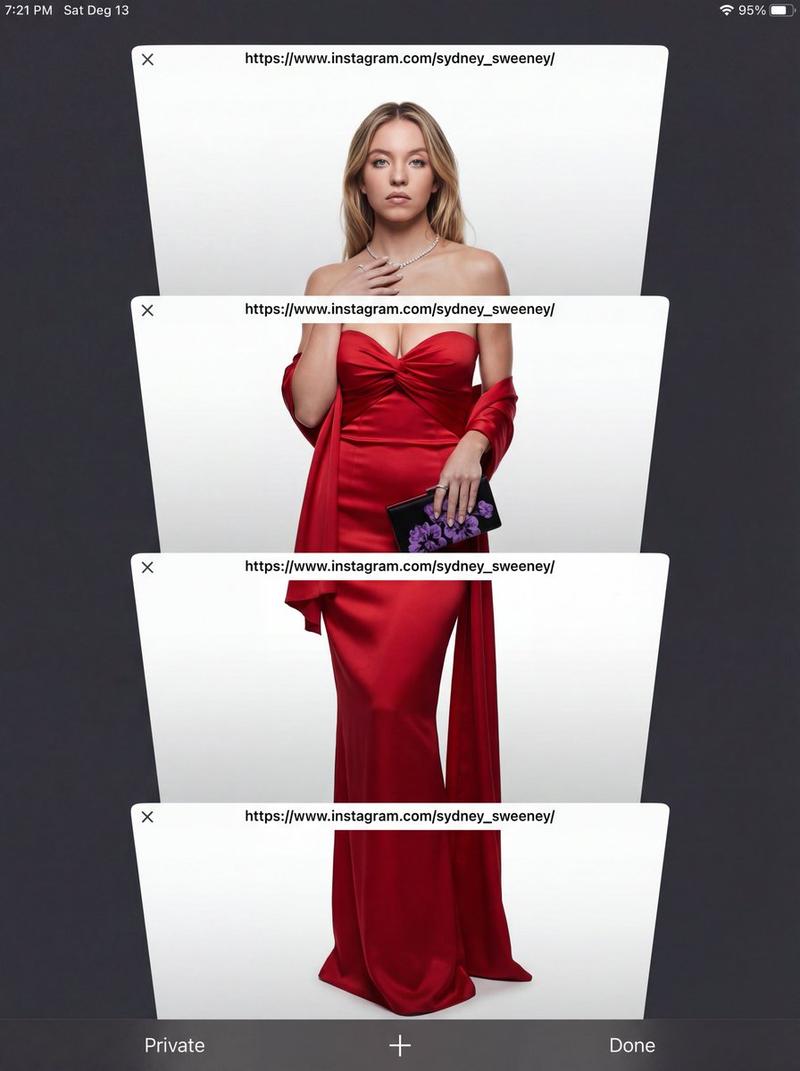
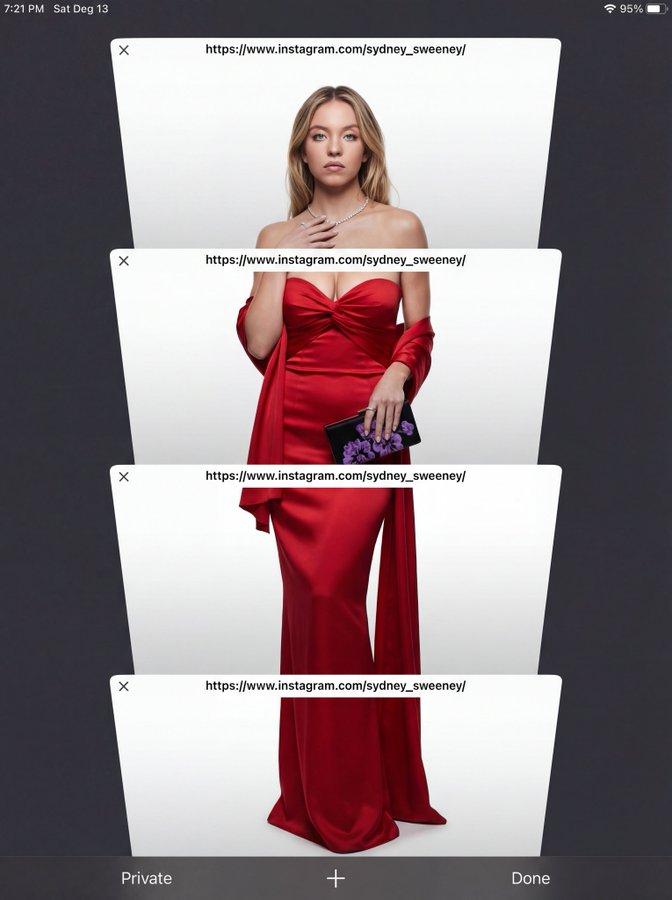
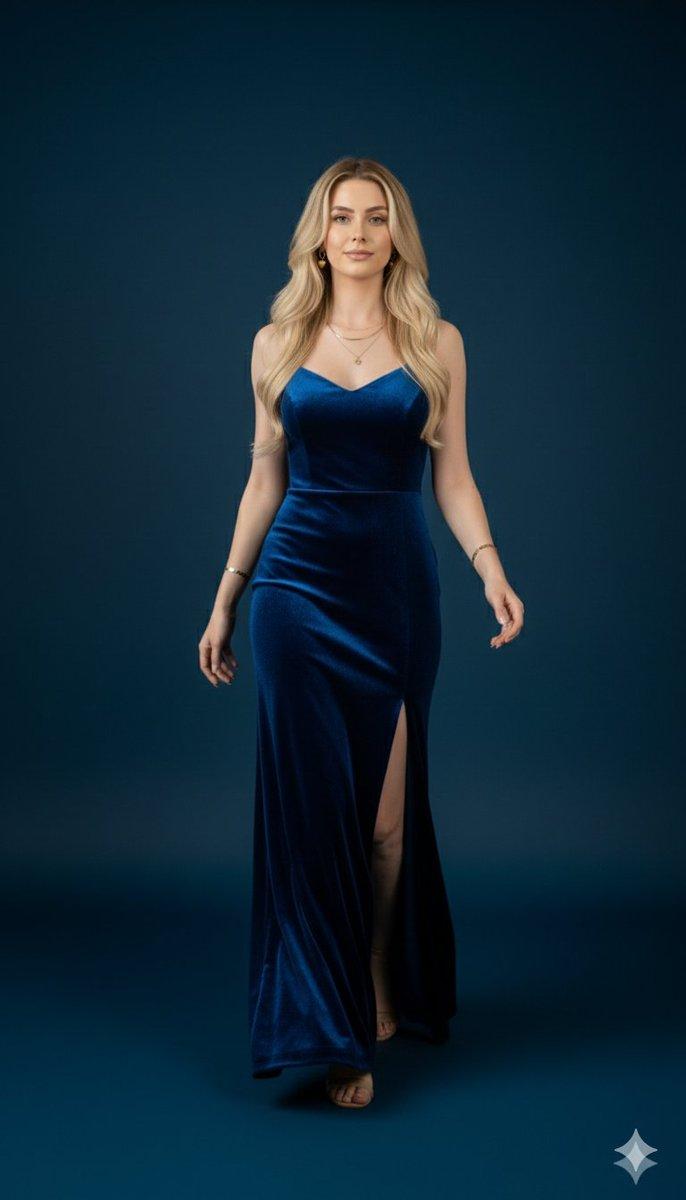
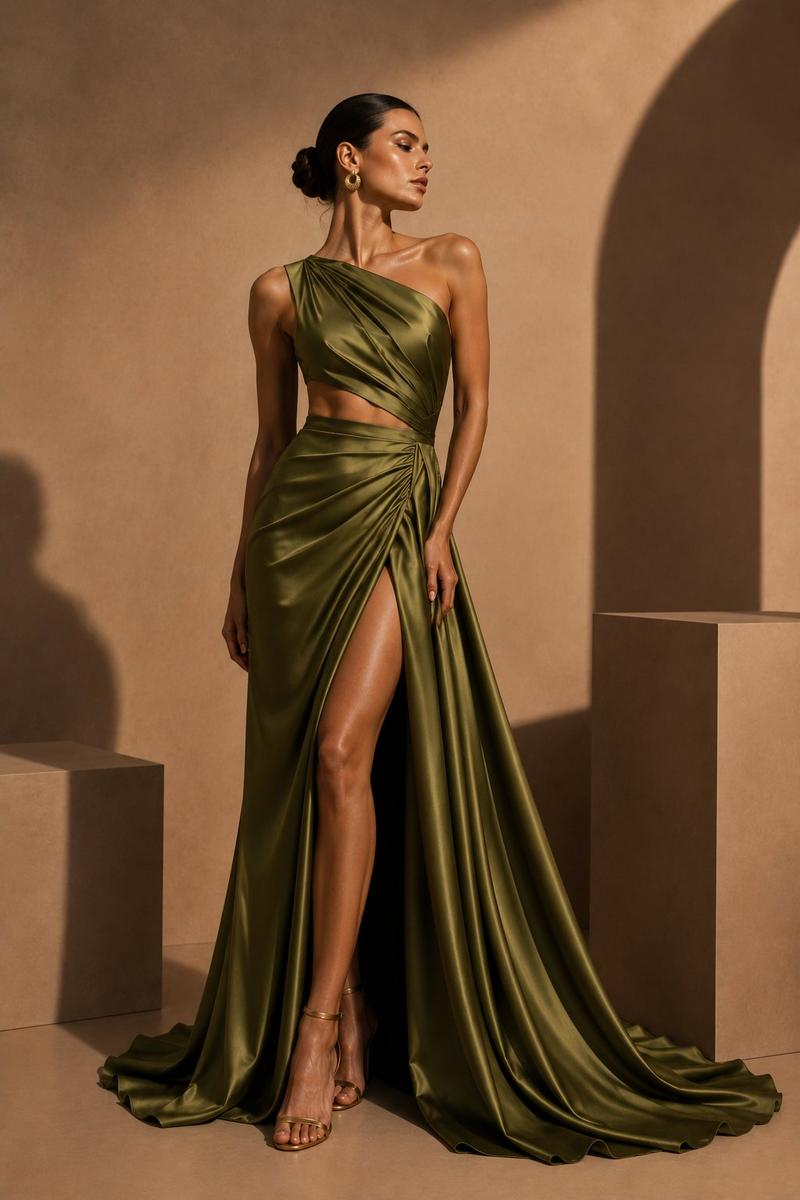
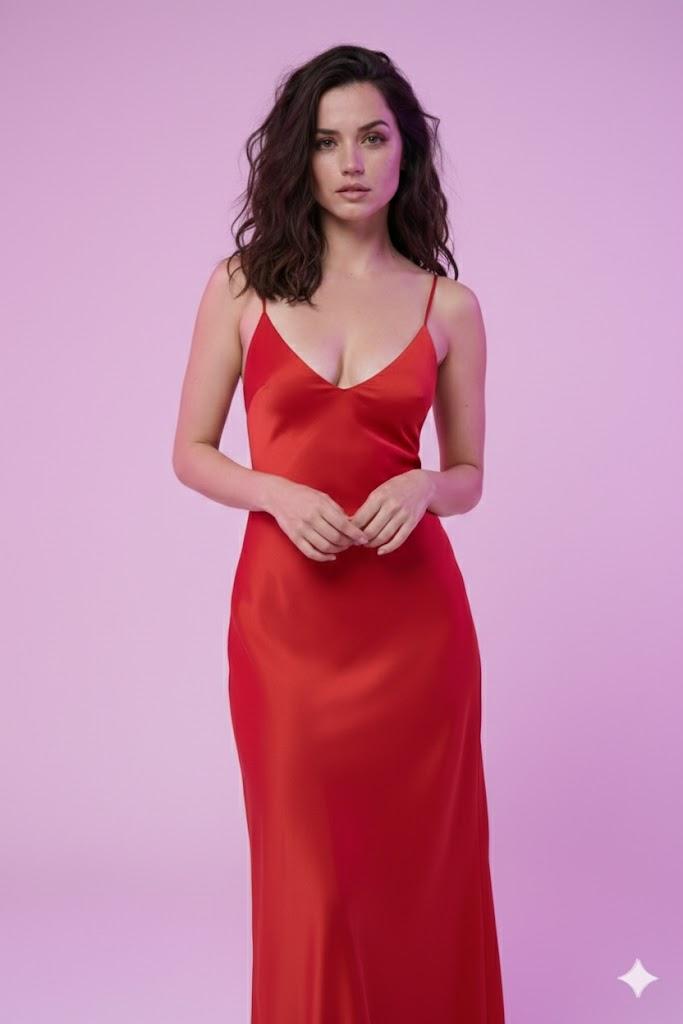
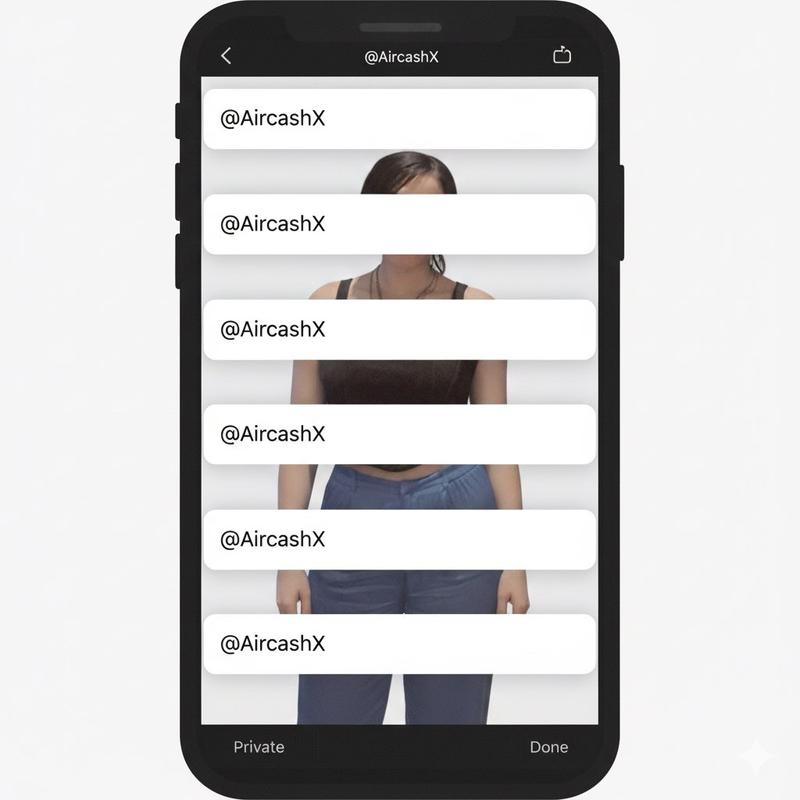
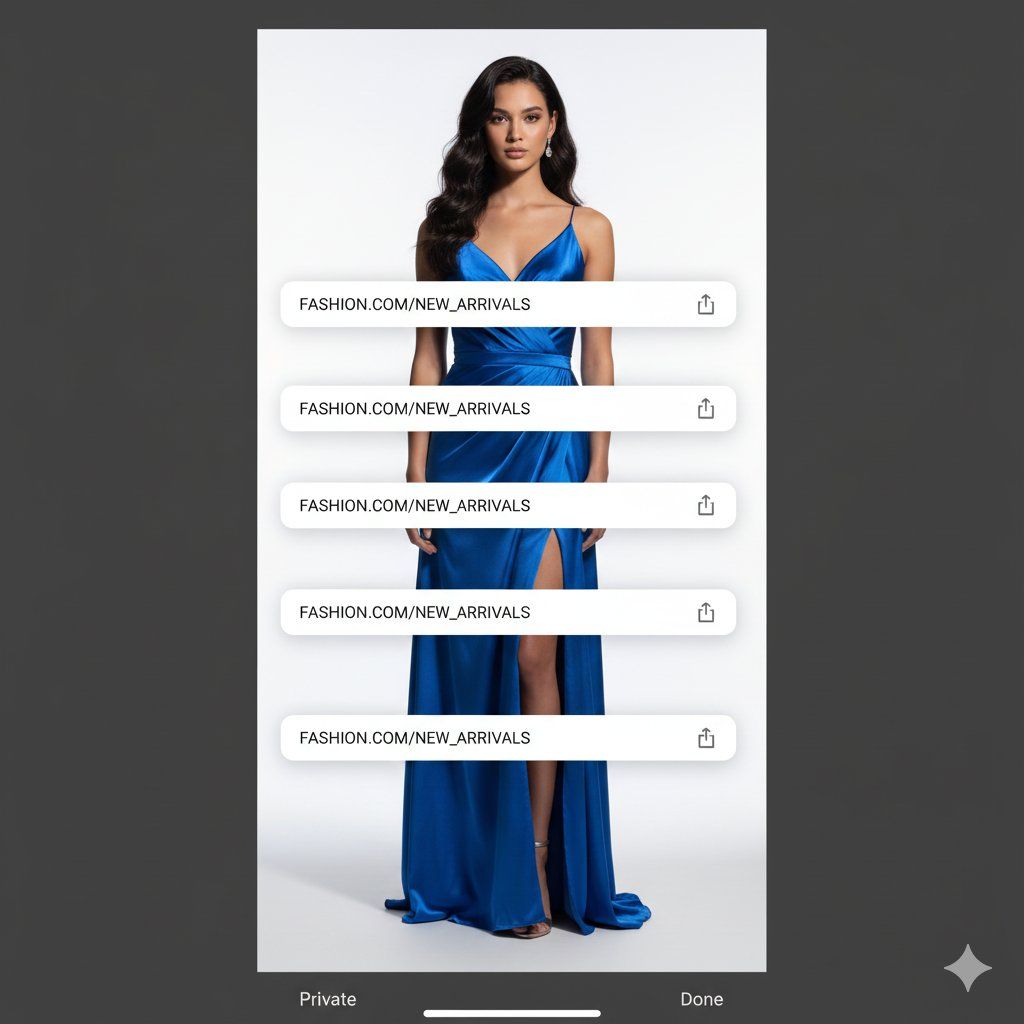
工作室肖像与数字 UI 叠加
Enlarge

工作室肖像与数字 UI 叠加

Prompt
Create a full-body studio portrait of {argument name="subject name" default="[SUBJECT NAME]"} with {argument name="expression" default="[EXPRESSION]"}, facing the camera against a clean {argument name="background type" default="[BACKGROUND TYPE]"}. Use soft, dimensional lighting for depth. Overlay a dark mobile UI frame with four stacked white browser windows, each showing "{argument name="insert text" default="[INSERT TEXT]"}", blending realistic photography with minimal digital design.
Category
创意图片
Model
Nano Banana Pro
Creator
Sophia✨
Views0
Source ID
24ae0113-64e8-4da1-b109-1eb0d19920e2
Published
Mar 8, 2026

Guide

About "工作室肖像与数字 UI 叠加"

What is this prompt for?

"工作室肖像与数字 UI 叠加" AI image prompt for Nano Banana Pro (创意图片). 一个用于创建人物全身工作室肖像的提示,然后在其上叠加一个深色移动 UI 框架,该框架包含四个堆叠的白色浏览器窗口,内含自定义文本。这融合了真实的摄影与极简的数字设计元素。 --- 创作一张 {ar…

The full copyable prompt and example visuals above are ready for AI image generation or one-click recreate in Picva.

How to use this prompt

  1. Step 1

    Open the prompt detail

    Review the example visuals, category, and full prompt text for "工作室肖像与数字 UI 叠加".

  2. Step 2

    Copy the prompt

    Copy the prompt body from this page, or load it directly in Studio.

  3. Step 3

    Pick a model (Nano Banana Pro)

    Prefer Nano Banana Pro. If you switch models, keep subject and composition and tweak style terms.

  4. Step 4

    Generate and export

    Recreate the look in Picva, or export into your workflow for editing and publishing.

FAQ

What is the "工作室肖像与数字 UI 叠加" prompt?
It is an AI image-generation prompt for Nano Banana Pro in the 创意图片 category. This page includes the full prompt text, example visuals, and a one-click recreate path in Picva.
How do I use this prompt to generate an image?
Copy the prompt from this page, or use Generate / Studio. Paste it into a compatible image model, or recreate the look in Picva with optional reference images.
Which model is this prompt for?
This page lists Nano Banana Pro. Most descriptive prompts also transfer to nearby image models such as GPT Image, Flux, or Midjourney with light style tweaks.
Can I use the result commercially?
You can usually copy the prompt for creation, but commercial use of the final image depends on the model terms, reference-image rights, and the generated content. Follow the source author and platform rules.