18

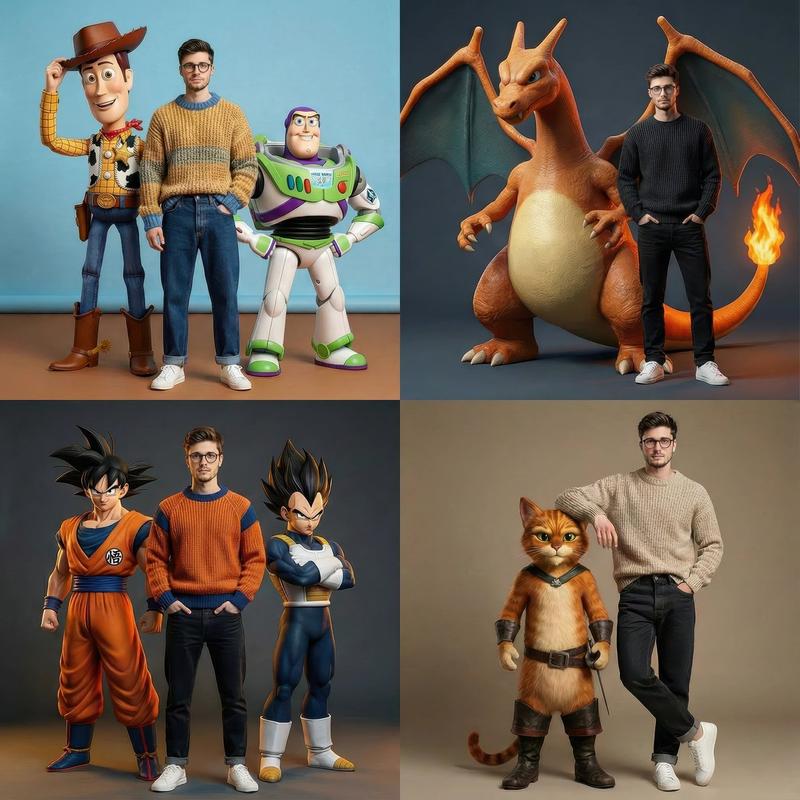
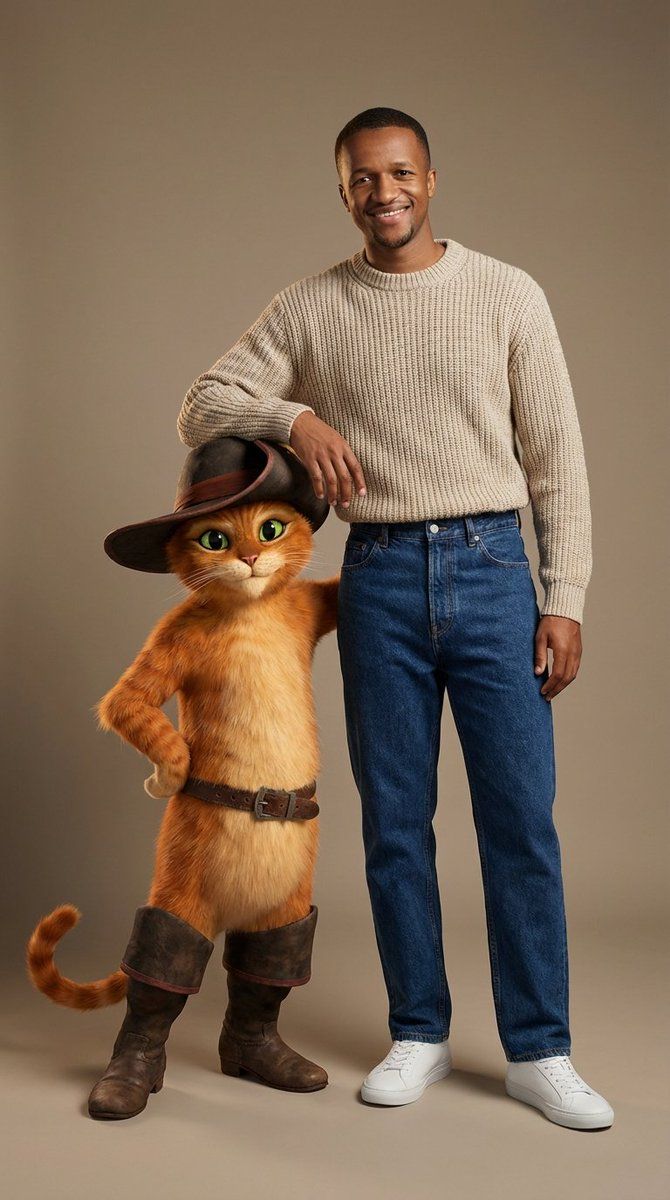
时尚肖像:穿靴子的猫 3D 角色
Enlarge

时尚肖像:穿靴子的猫 3D 角色

Prompt
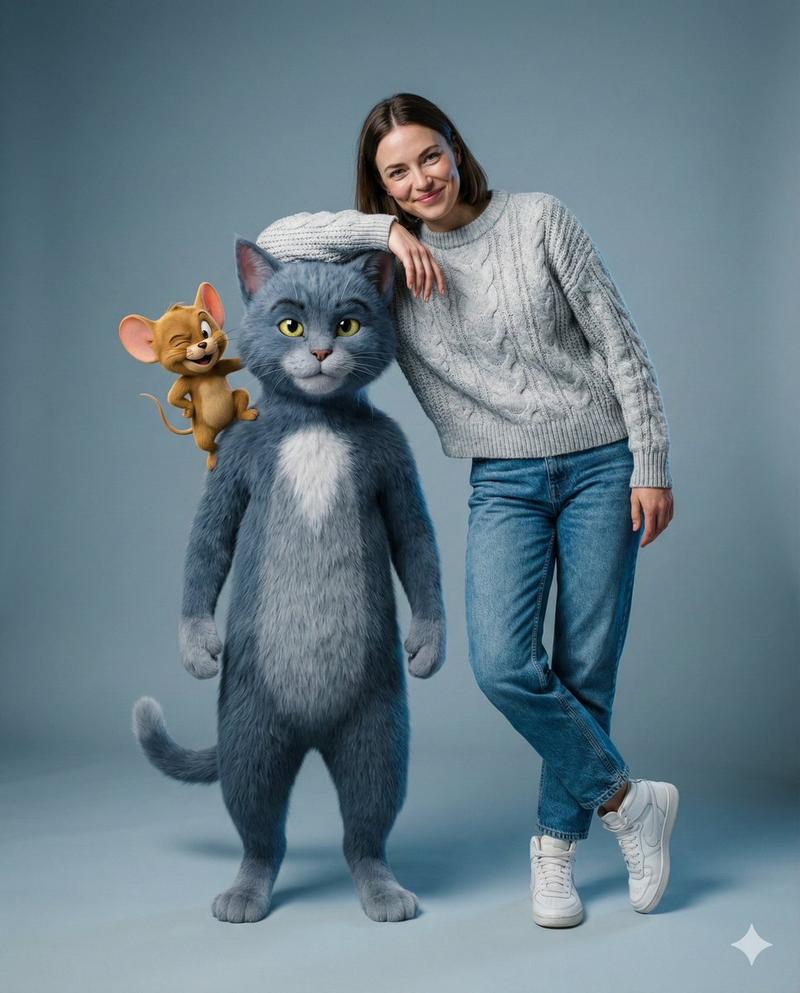
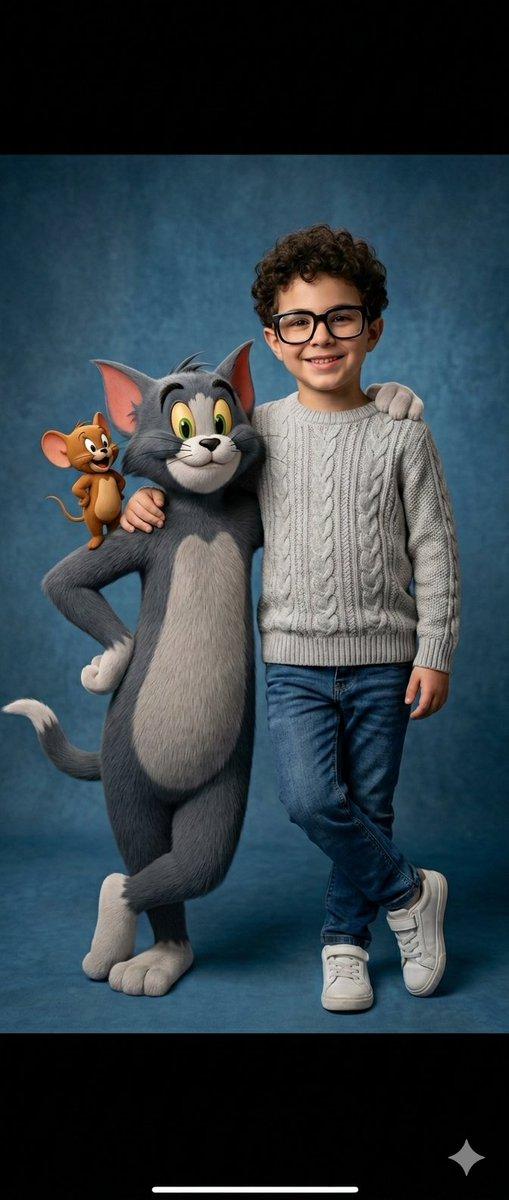
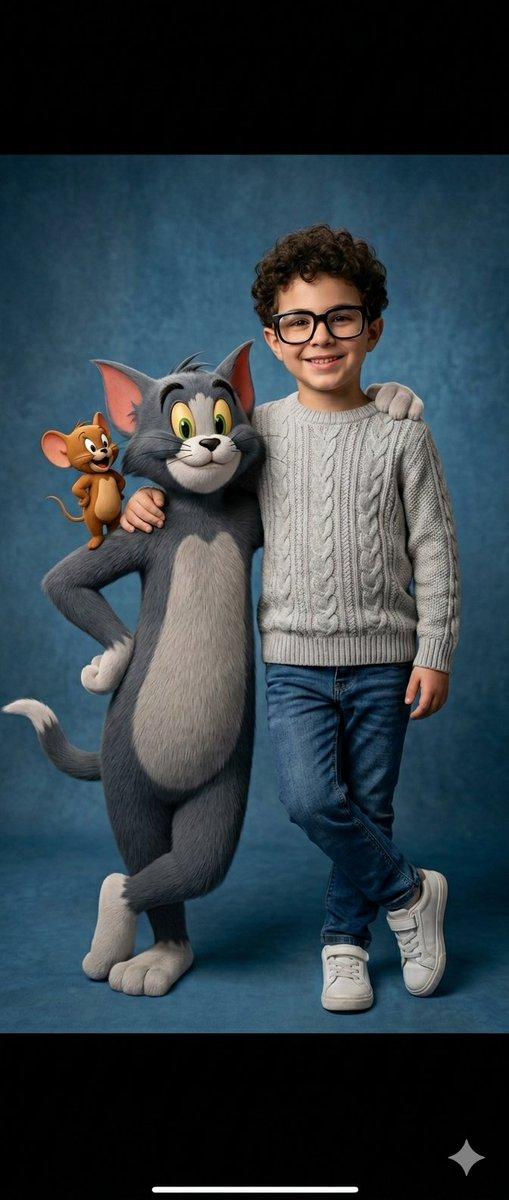
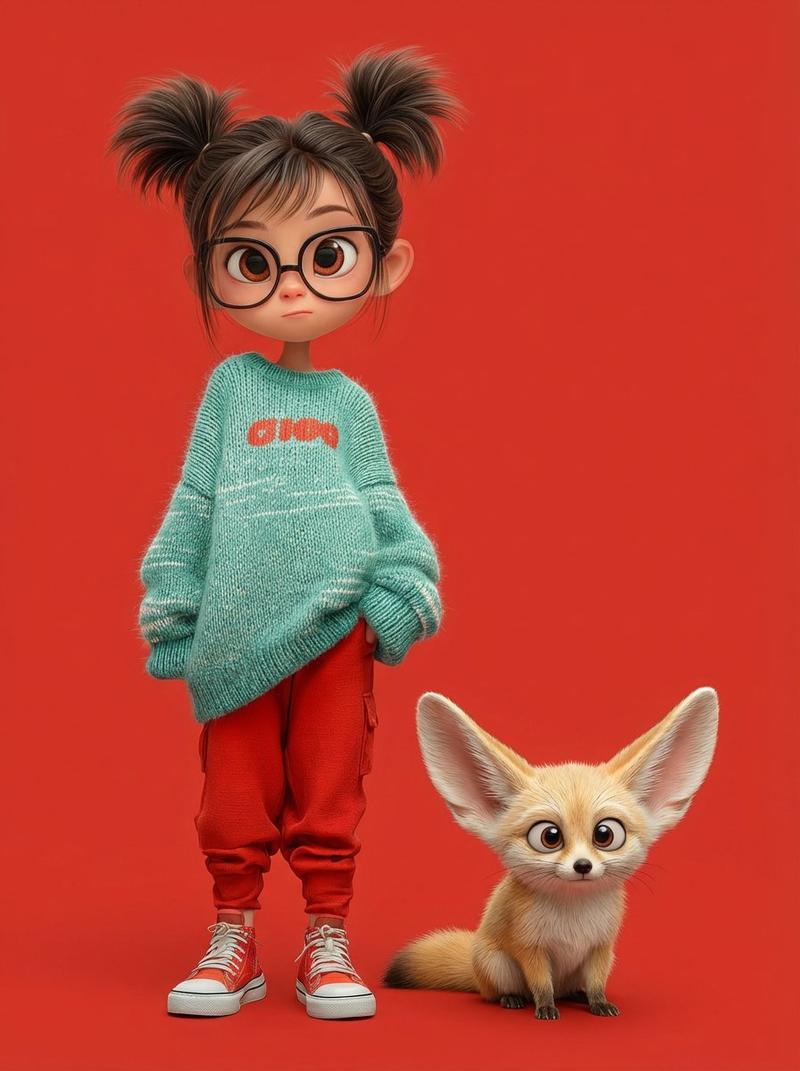
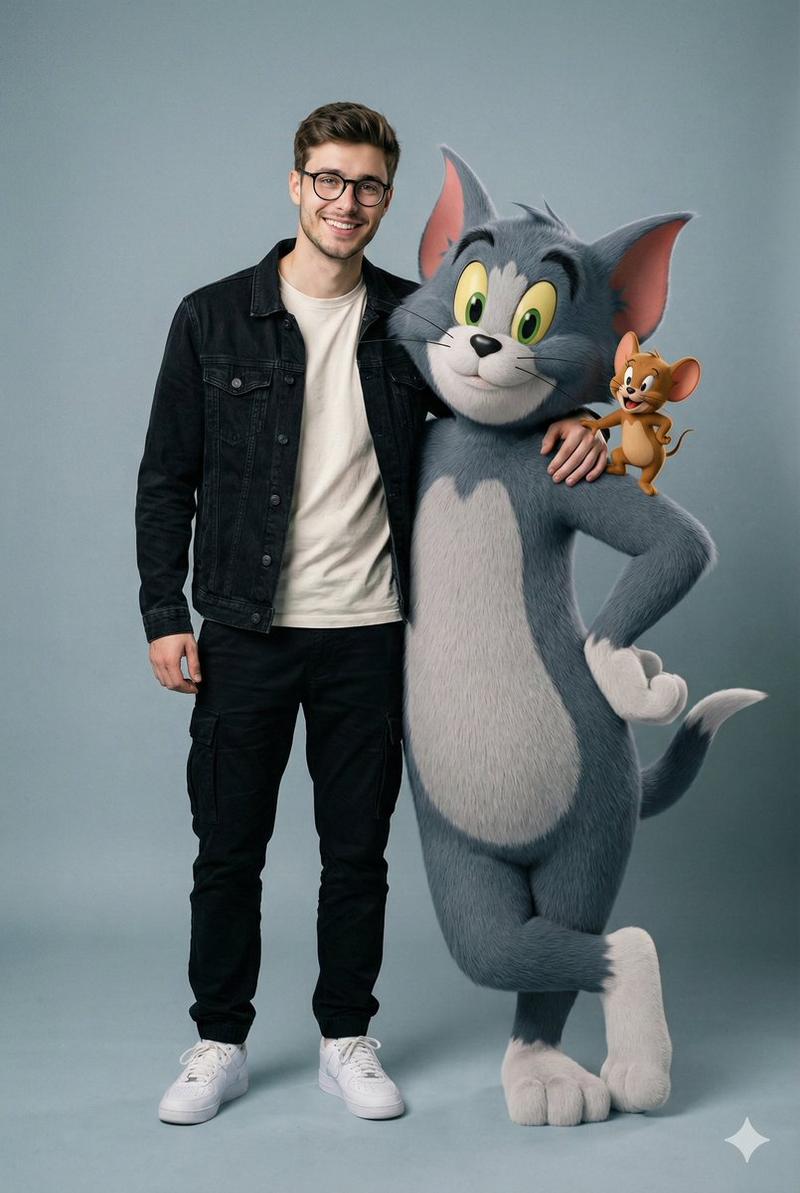
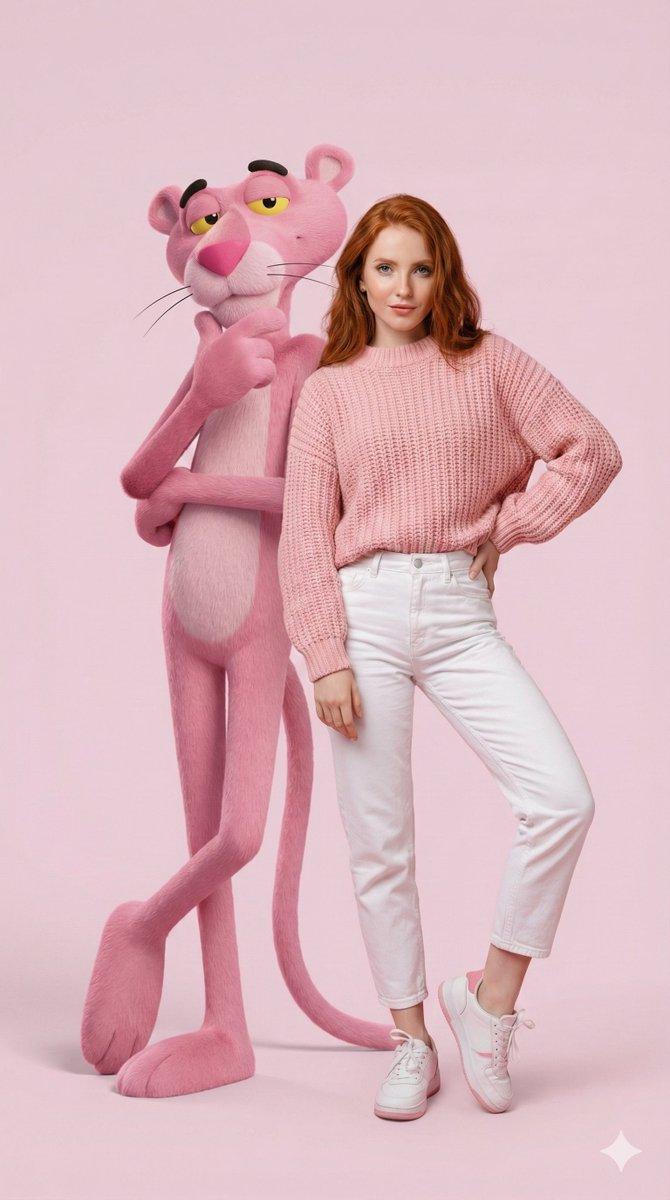
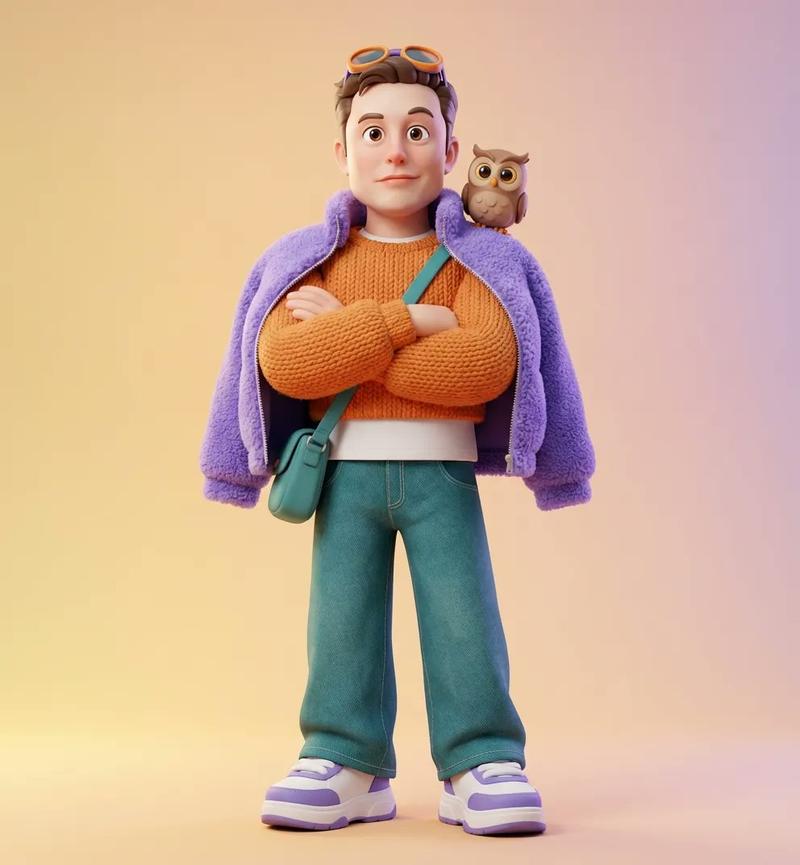
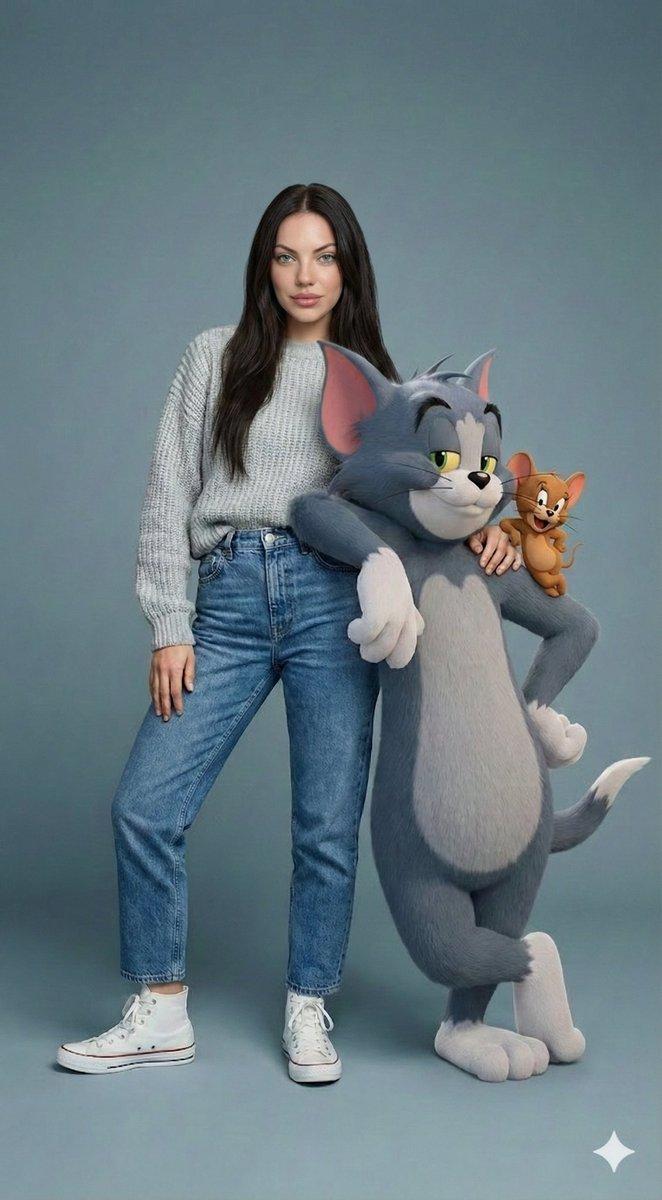
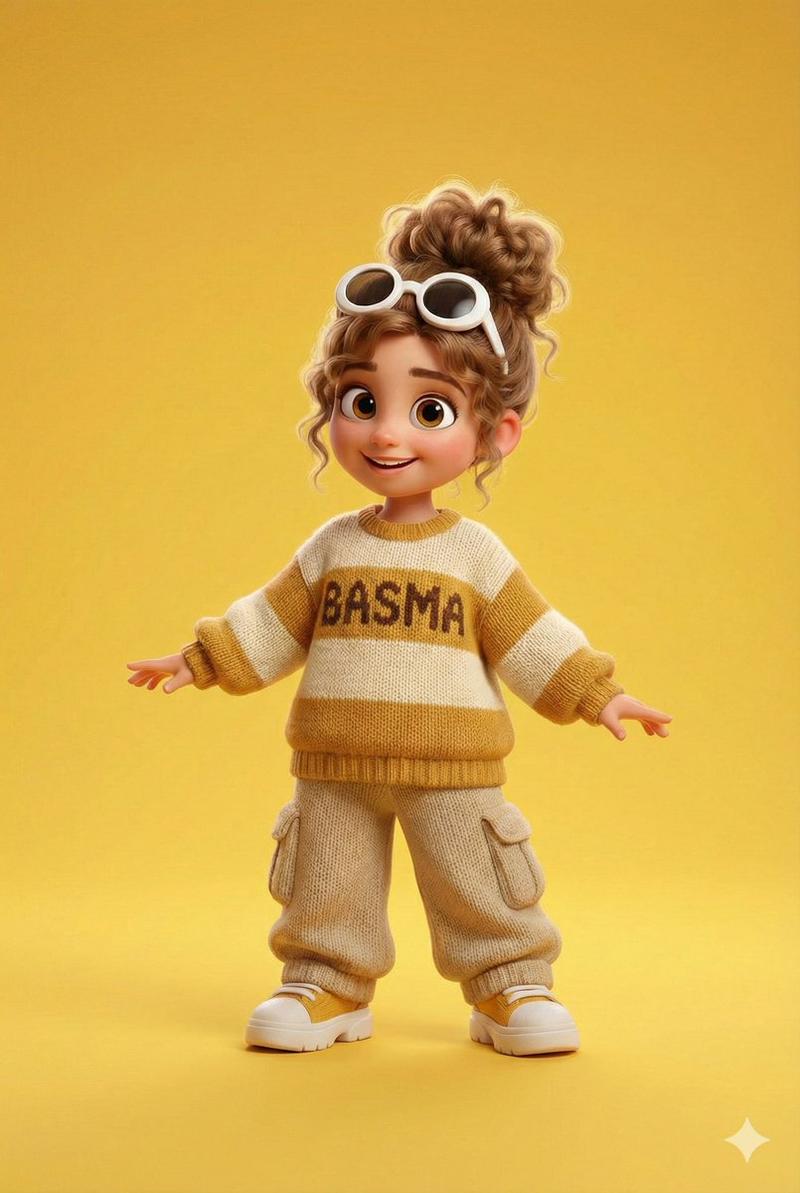
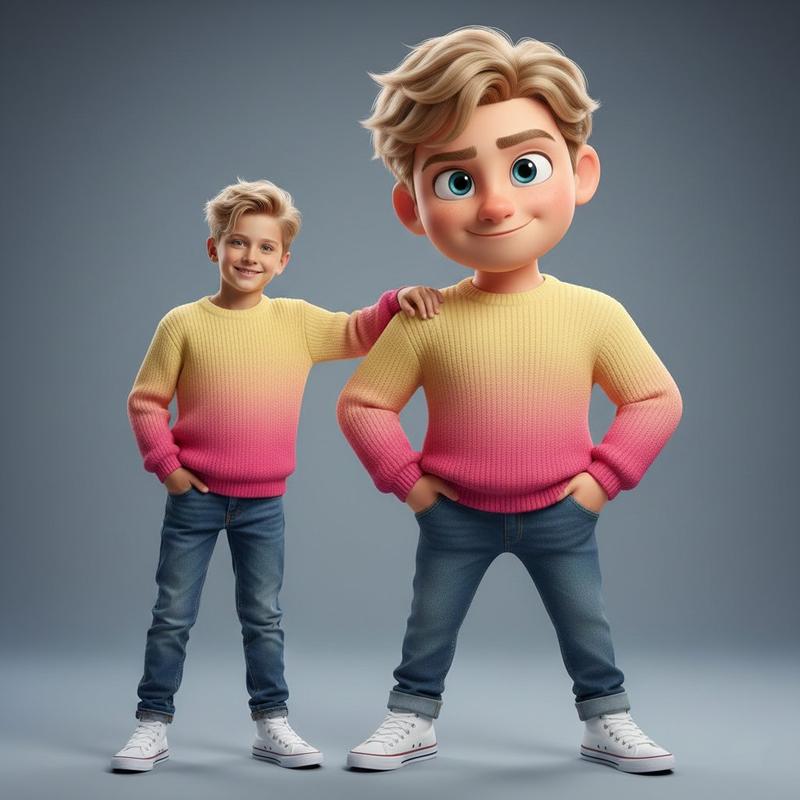
A relaxed, premium fashion portrait in a studio setting. A real human model with a confident, charming smile and a preserved face rests an arm naturally on the shoulder of a true human scale photorealistic 3D animated character, {argument name="animated character" default="Puss in Boots"}. The human wears an oatmeal beige knitted sweater, high-waisted dark jeans, and clean white sneakers. {argument name="animated character" default="Puss in Boots"}, rendered with highly realistic ginger fur texture, expressive large eyes, and his signature leather hat, boots, and belt, stands with a suave, confident posture. The background is a clean warm taupe or neutral studio backdrop. Soft studio lighting with subtle rim light enhances the detailed fur texture and creates a natural chemistry between the subjects. 3/4 framing, high-end fashion editorial.
Category
创意图片
Model
Nano Banana Pro
Creator
A.D.BARRY
Views0
Source ID
a5e9a5a0-af1e-4898-86ef-ba99ea1c10aa
Published
Mar 8, 2026

Guide

About "时尚肖像:穿靴子的猫 3D 角色"

What is this prompt for?

"时尚肖像:穿靴子的猫 3D 角色" AI image prompt for Nano Banana Pro (创意图片). 一个用于生成高端时尚编辑肖像的提示,其中包含一个真人模特与一个照片级真实的 3D 动画角色——穿靴子的猫(Puss in Boots)进行互动。该提示详细说明了模特的脸部特征(保持不变)、服装…

The full copyable prompt and example visuals above are ready for AI image generation or one-click recreate in Picva.

How to use this prompt

  1. Step 1

    Open the prompt detail

    Review the example visuals, category, and full prompt text for "时尚肖像:穿靴子的猫 3D 角色".

  2. Step 2

    Copy the prompt

    Copy the prompt body from this page, or load it directly in Studio.

  3. Step 3

    Pick a model (Nano Banana Pro)

    Prefer Nano Banana Pro. If you switch models, keep subject and composition and tweak style terms.

  4. Step 4

    Generate and export

    Recreate the look in Picva, or export into your workflow for editing and publishing.

FAQ

What is the "时尚肖像:穿靴子的猫 3D 角色" prompt?
It is an AI image-generation prompt for Nano Banana Pro in the 创意图片 category. This page includes the full prompt text, example visuals, and a one-click recreate path in Picva.
How do I use this prompt to generate an image?
Copy the prompt from this page, or use Generate / Studio. Paste it into a compatible image model, or recreate the look in Picva with optional reference images.
Which model is this prompt for?
This page lists Nano Banana Pro. Most descriptive prompts also transfer to nearby image models such as GPT Image, Flux, or Midjourney with light style tweaks.
Can I use the result commercially?
You can usually copy the prompt for creation, but commercial use of the final image depends on the model terms, reference-image rights, and the generated content. Follow the source author and platform rules.