17

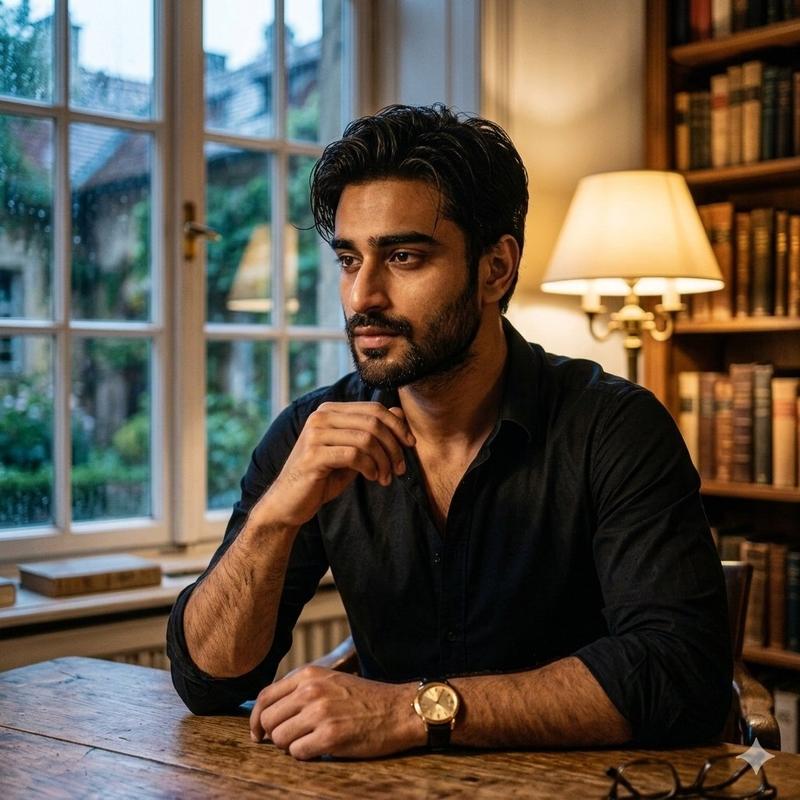
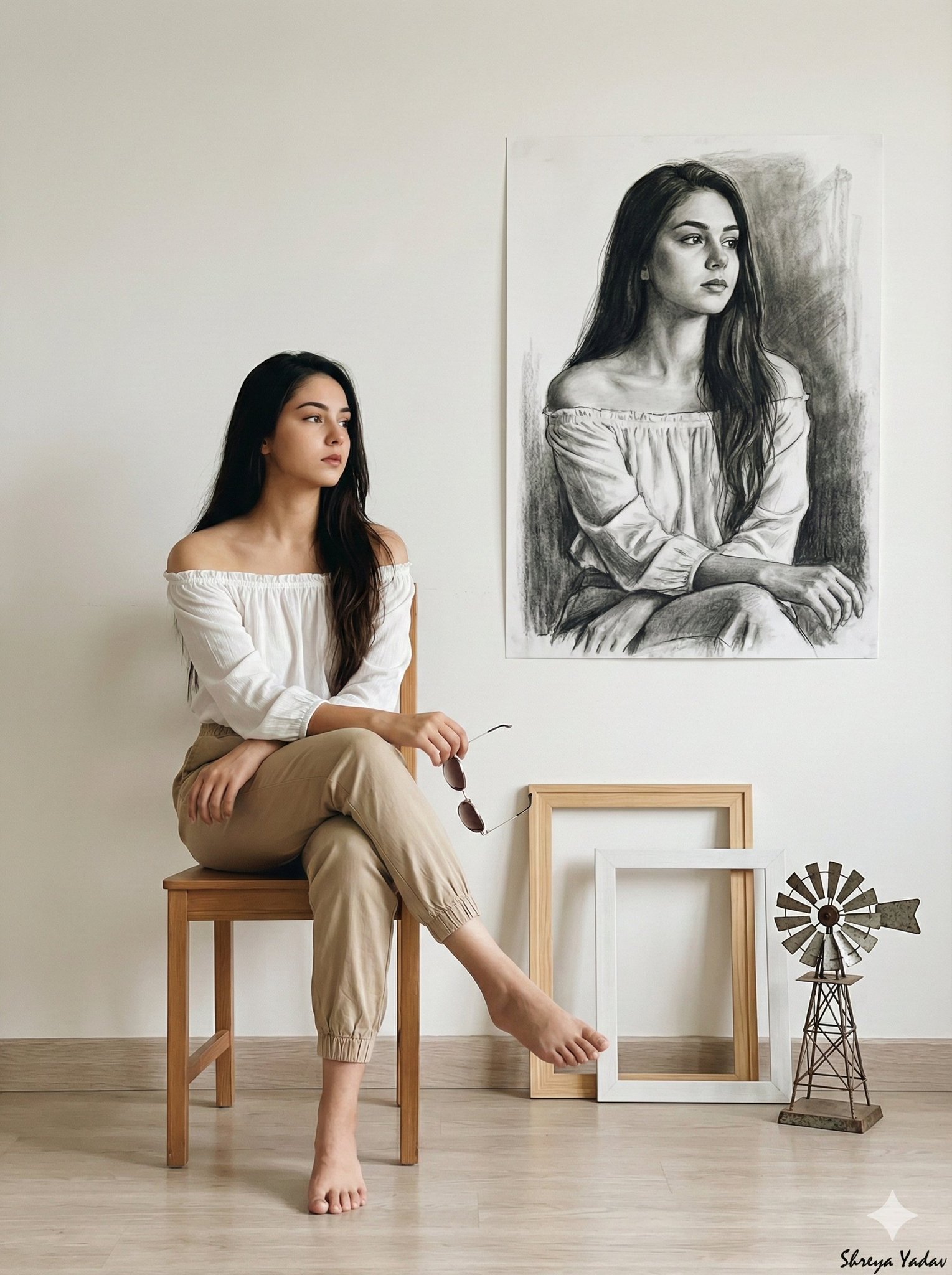
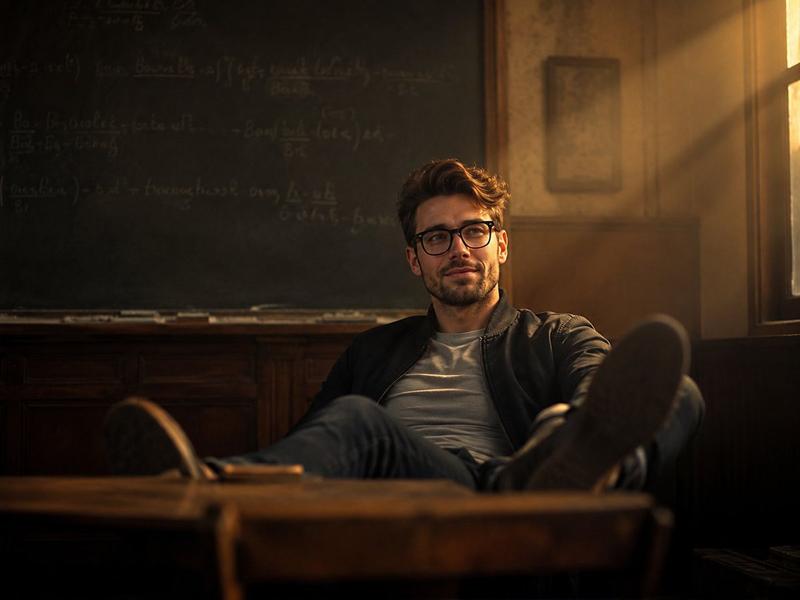
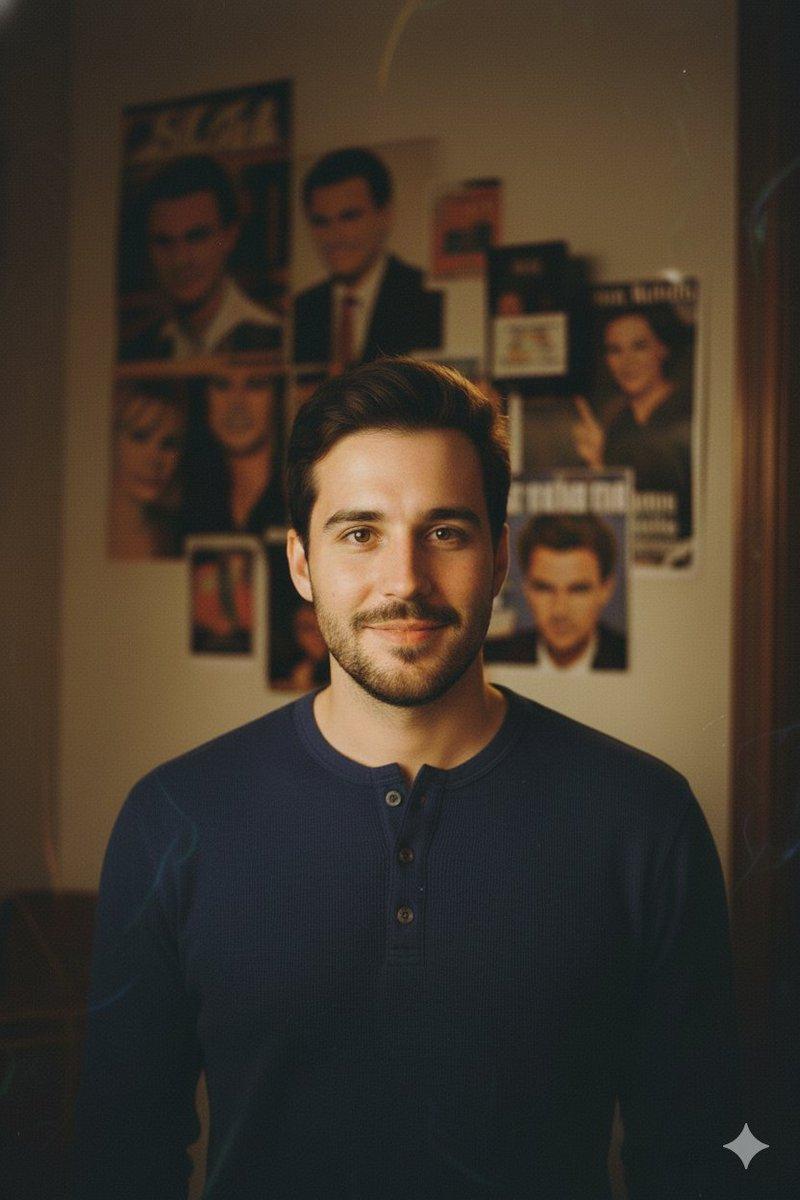
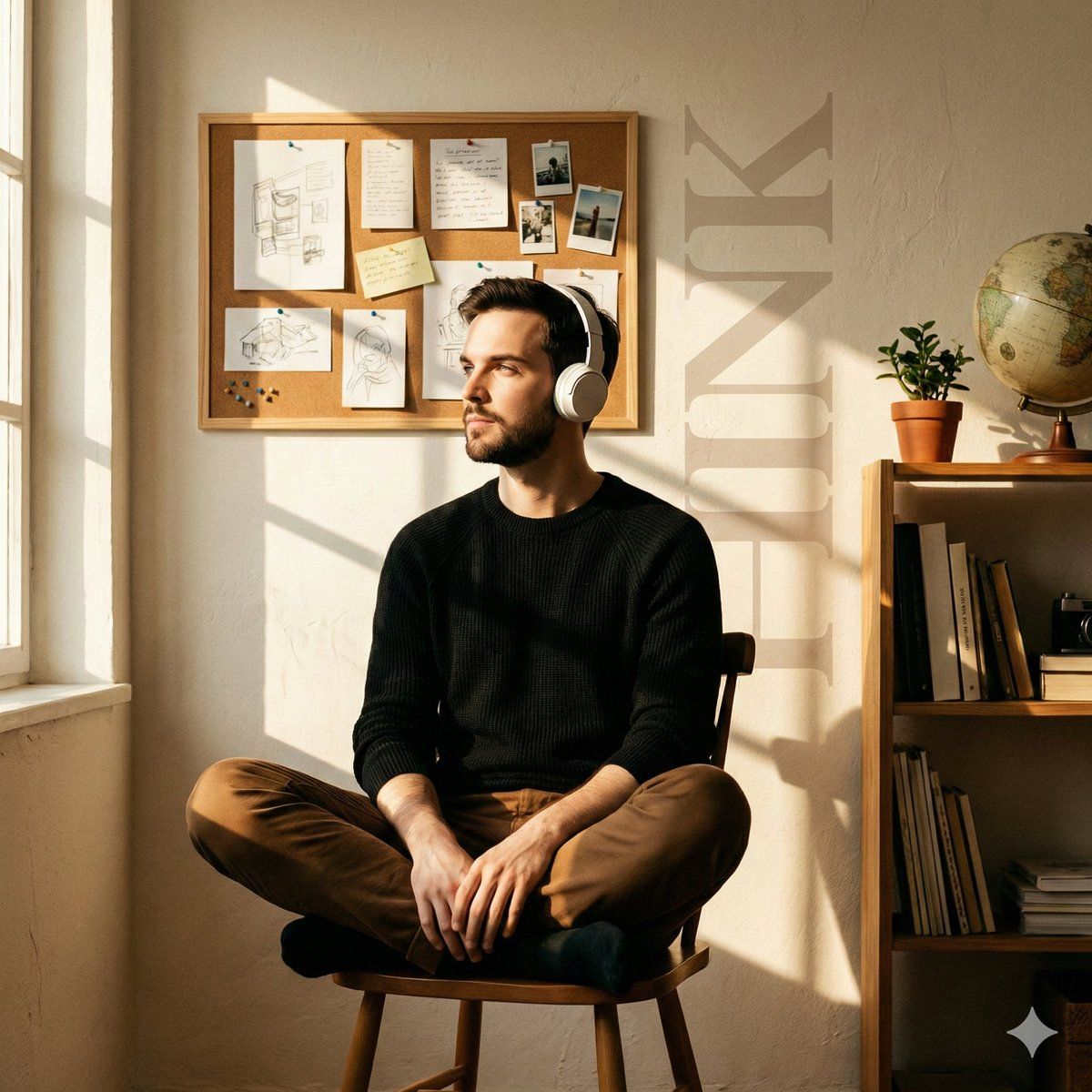
咖啡馆窗影下的电影感编辑人像
Enlarge

咖啡馆窗影下的电影感编辑人像

Prompt
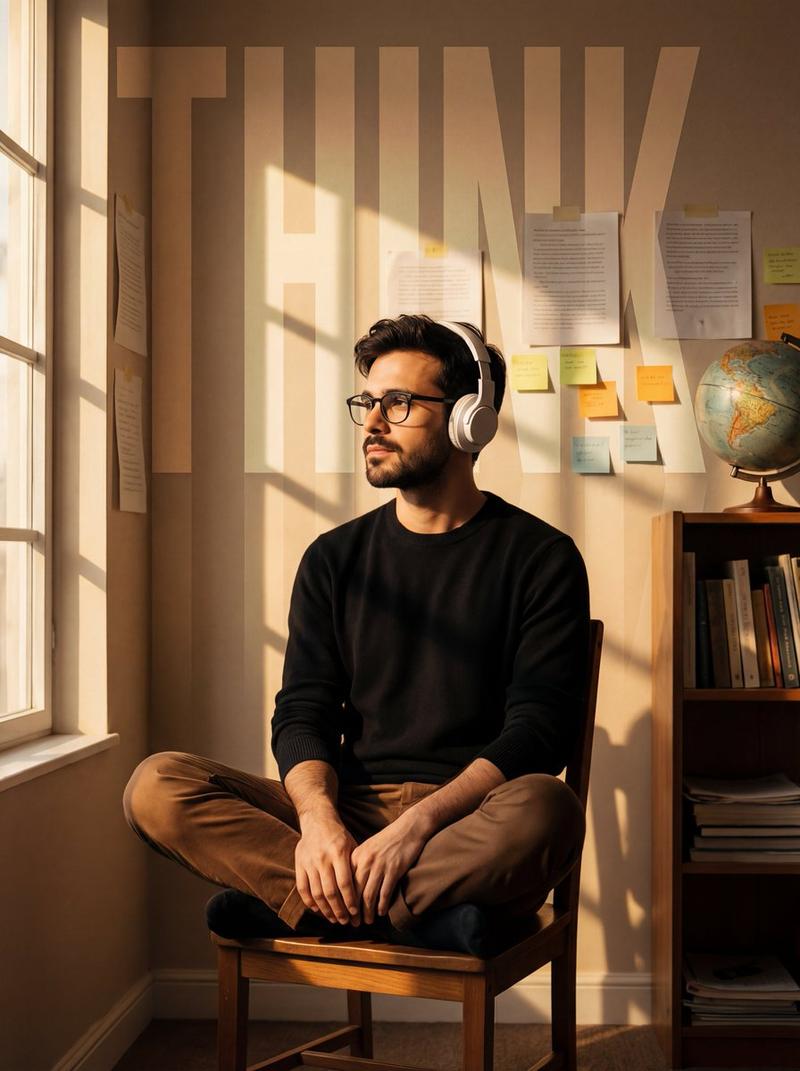
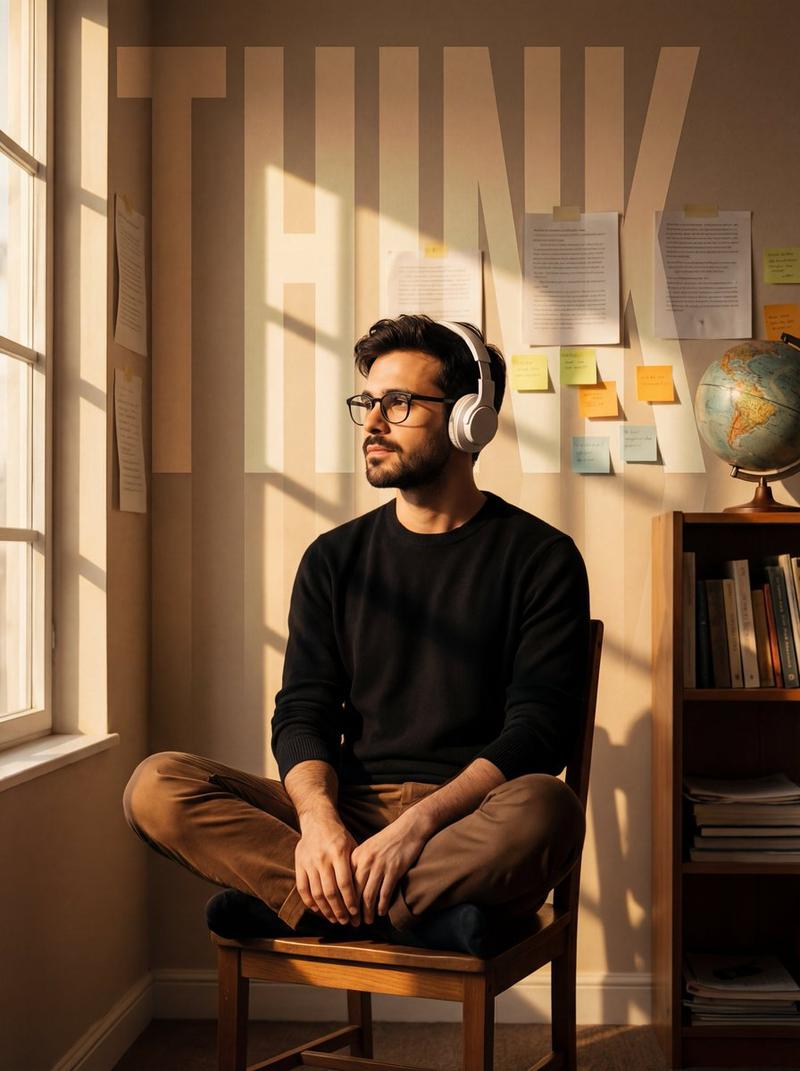
Cinematic editorial portrait, ultra-detailed.
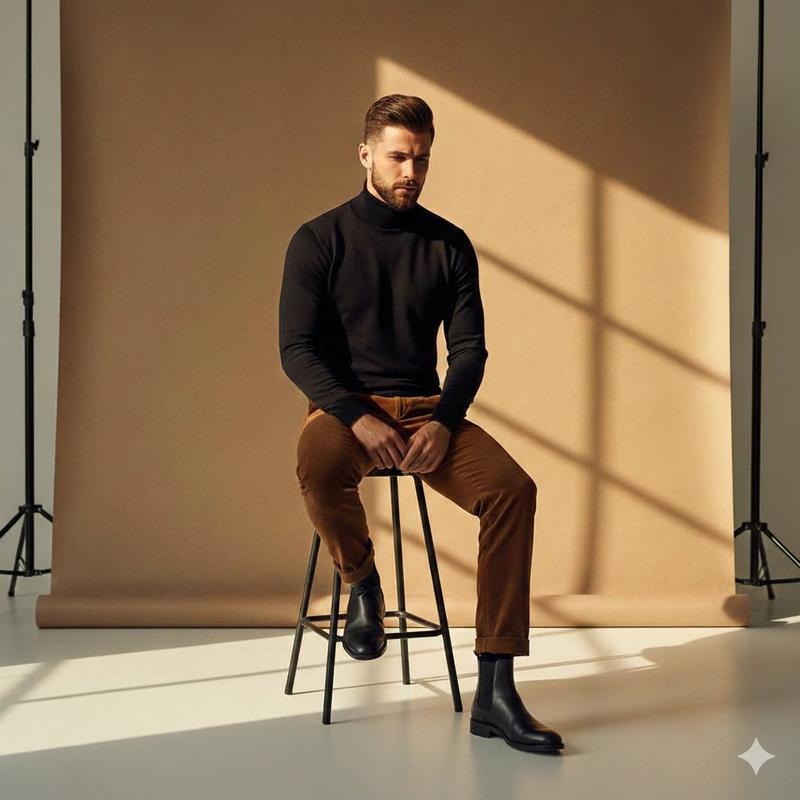
A young man sits cross-legged on a simple wooden chair, relaxed yet introspective, wearing white over-ear headphones, a black knit sweater, and brown trousers. His face is turned toward the incoming light, eyes calm and reflective.

Interior setting: an intimate creative workspace with warm, textured off-white walls. The background features a corkboard filled with pinned sketches, handwritten notes, and clipped photographs, arranged organically rather than neatly. A tall wooden side shelf on the right holds stacked books, a small indoor plant, and a vintage globe, adding depth and visual balance.

Lighting: rich golden-hour sunlight entering from the left, passing through a window and casting crisp, rectangular window-grid shadows across the subject and the back wall. Strong directional light with warm highlights and soft falloff.

Visual elements: oversized vertical typography reading “{argument name="background text" default="THINK"}” subtly embedded into the background, semi-transparent, softly faded, blending into the wall texture.

Mood & texture: warm, nostalgic, cinematic tone, quiet and contemplative atmosphere, subtle film grain, slight vignette, natural color palette, realistic skin tones, shallow depth of field, high-end photography aesthetic.
Category
创意图片
Model
Nano Banana Pro
Creator
Johnn
Views0
Source ID
87a069a9-138b-49d4-8223-f4b2540ef364
Published
Mar 8, 2026

Guide

About "咖啡馆窗影下的电影感编辑人像"

What is this prompt for?

"咖啡馆窗影下的电影感编辑人像" AI image prompt for Nano Banana Pro (创意图片). 生成一张电影感十足、细节超丰富的编辑肖像照的提示词:一位年轻男子坐在一间舒适的创意工作室里,强调着丰富的黄金时段阳光,将清晰的窗格阴影投射到整个场景中,背景中嵌入了微妙、褪色的排版文字。 ---…

The full copyable prompt and example visuals above are ready for AI image generation or one-click recreate in Picva.

How to use this prompt

  1. Step 1

    Open the prompt detail

    Review the example visuals, category, and full prompt text for "咖啡馆窗影下的电影感编辑人像".

  2. Step 2

    Copy the prompt

    Copy the prompt body from this page, or load it directly in Studio.

  3. Step 3

    Pick a model (Nano Banana Pro)

    Prefer Nano Banana Pro. If you switch models, keep subject and composition and tweak style terms.

  4. Step 4

    Generate and export

    Recreate the look in Picva, or export into your workflow for editing and publishing.

FAQ

What is the "咖啡馆窗影下的电影感编辑人像" prompt?
It is an AI image-generation prompt for Nano Banana Pro in the 创意图片 category. This page includes the full prompt text, example visuals, and a one-click recreate path in Picva.
How do I use this prompt to generate an image?
Copy the prompt from this page, or use Generate / Studio. Paste it into a compatible image model, or recreate the look in Picva with optional reference images.
Which model is this prompt for?
This page lists Nano Banana Pro. Most descriptive prompts also transfer to nearby image models such as GPT Image, Flux, or Midjourney with light style tweaks.
Can I use the result commercially?
You can usually copy the prompt for creation, but commercial use of the final image depends on the model terms, reference-image rights, and the generated content. Follow the source author and platform rules.