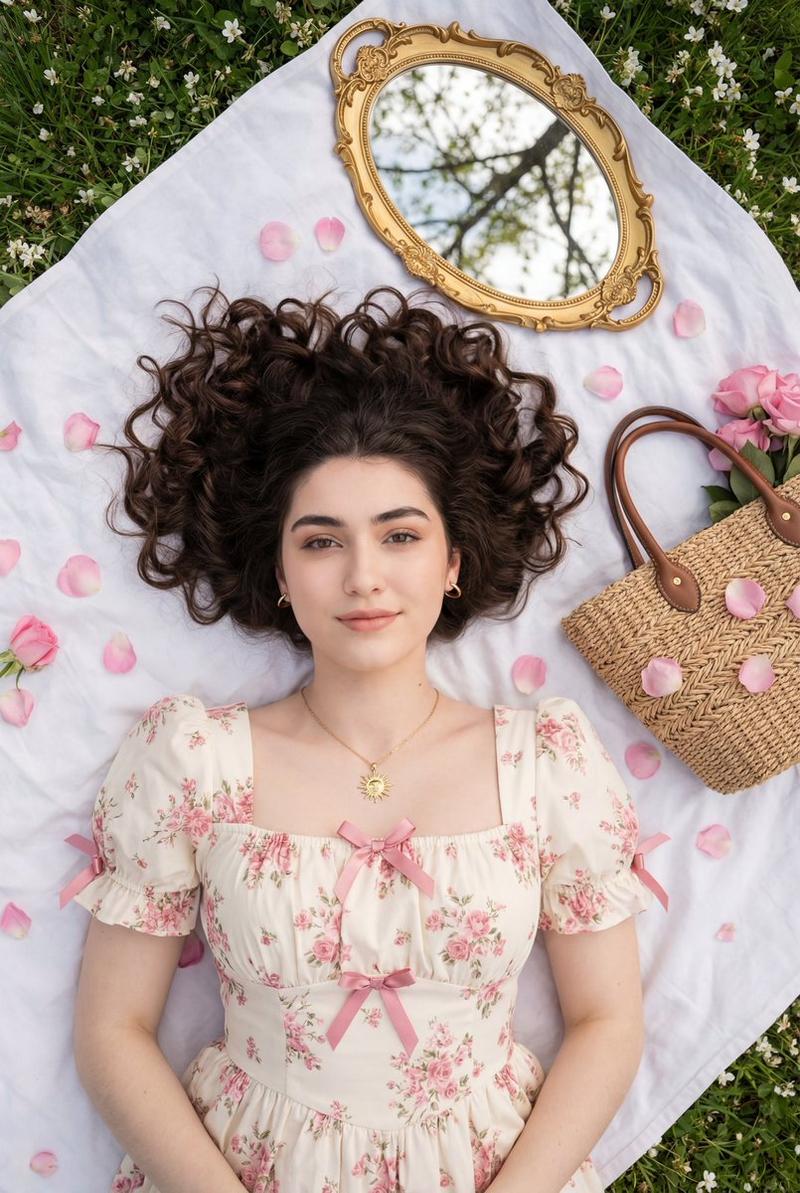
自上而下的浪漫田园风肖像
Prompt
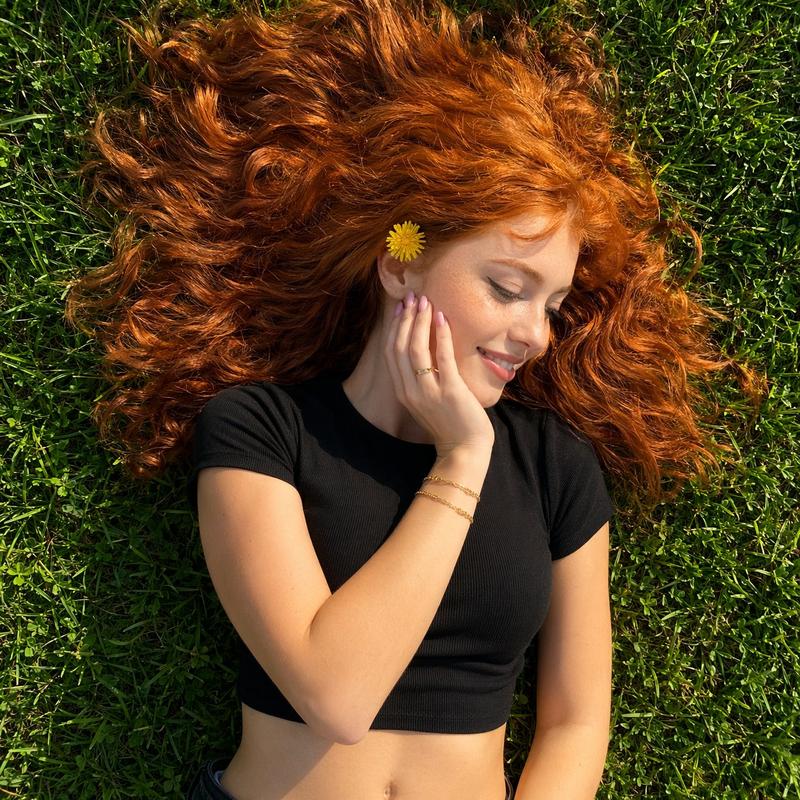
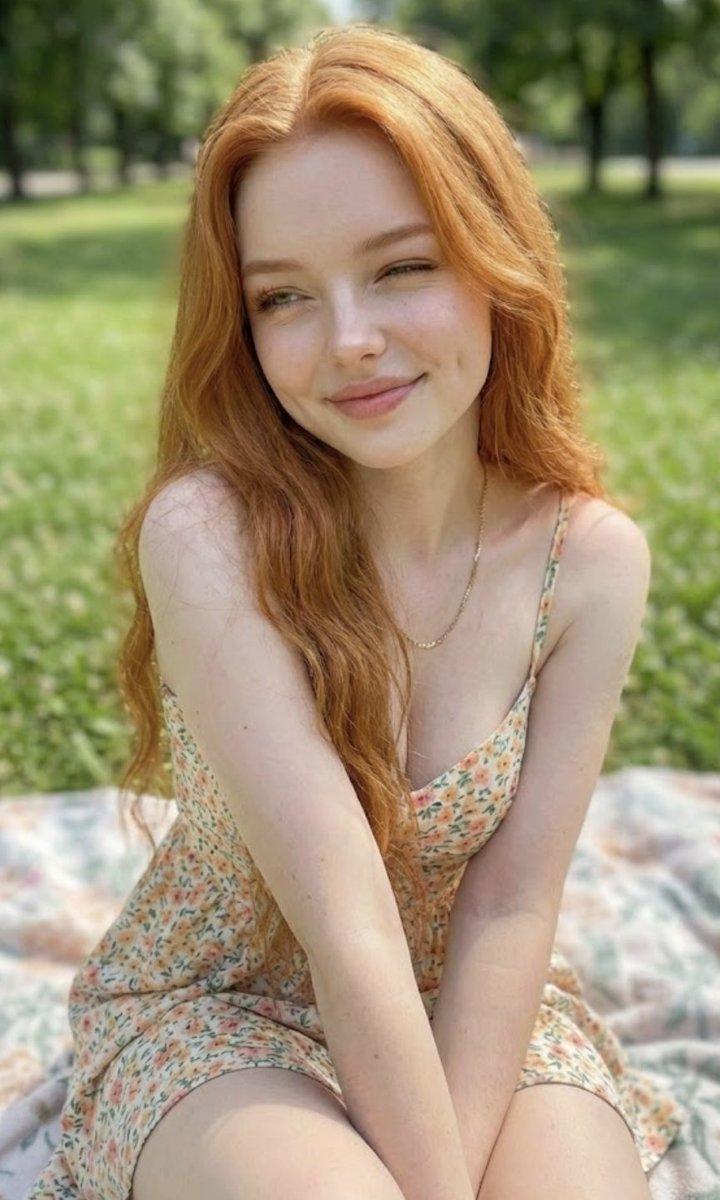
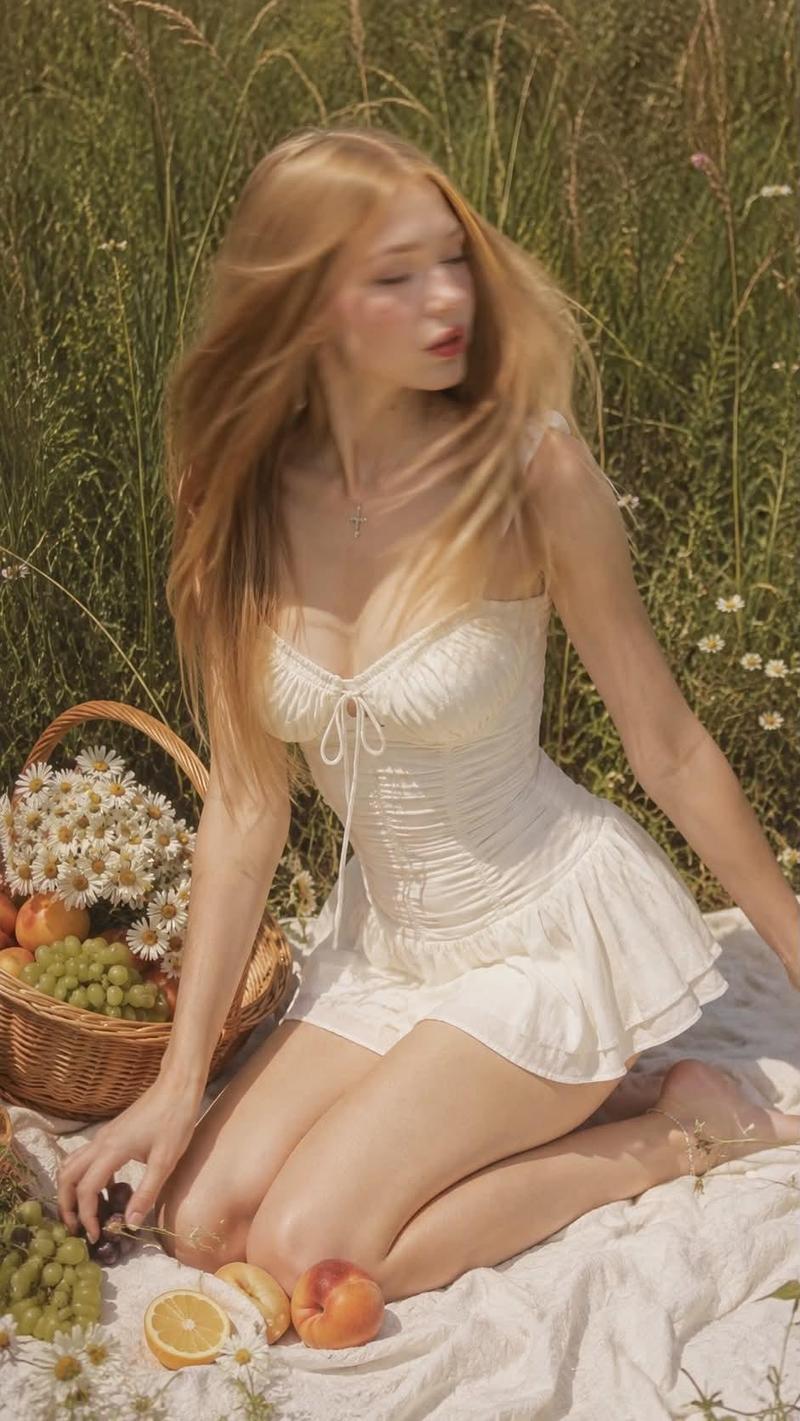
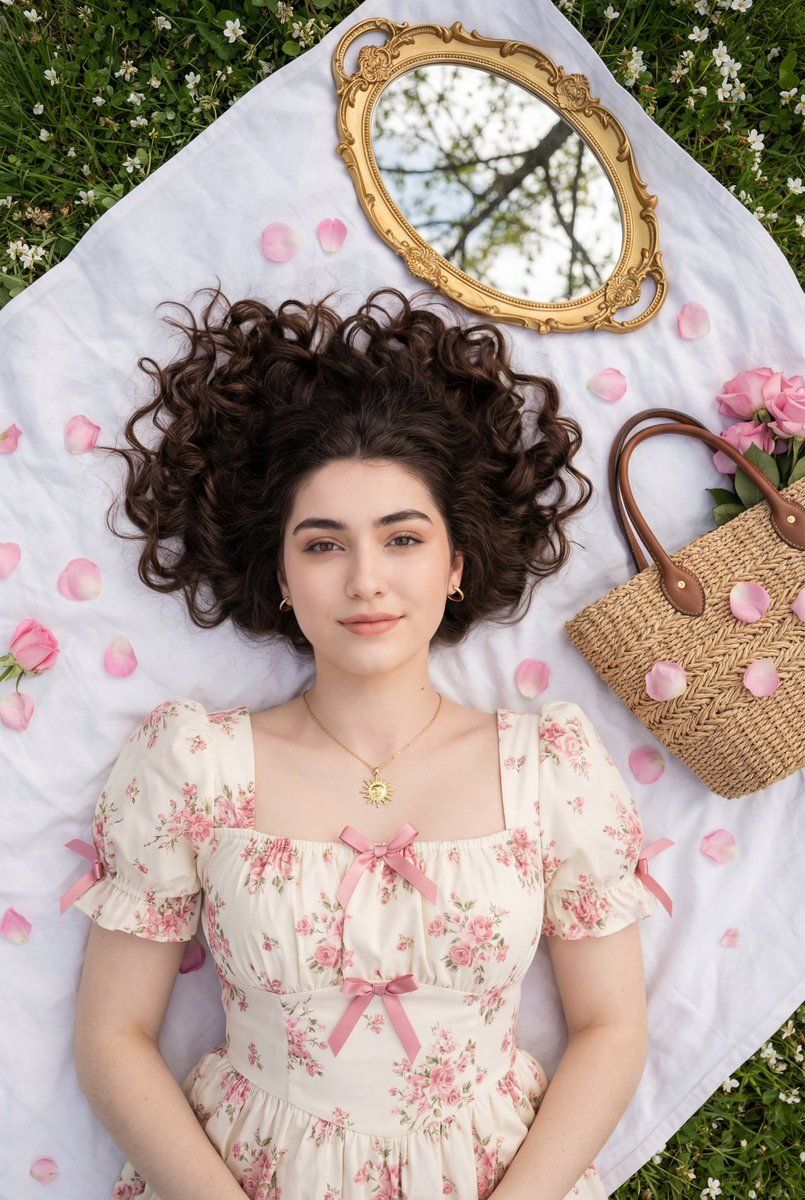
{ "composition": { "framing": "top-down portrait, full upper body visible", "orientation": "vertical", "camera_angle": "overhead flat-lay perspective", "subject_placement": "centered symmetrically, head near top third", "pose": "lying on back, arms bent with hands near hair", "visual_balance": "strong symmetry with mirror aligned above head and basket offset for interest" }, "subject": { "gender_presentation": "female", "age_appearance": "young adult", "skin_tone": "light to medium with neutral-warm undertones", "facial_expression": "soft, composed, subtly romantic", "gaze": "direct eye contact with camera", "hair": { "color": "dark brown", "length": "long", "texture": "naturally curly", "styling": "spread outward in a halo shape", "finish": "glossy and defined curls" }, "makeup": { "style": "romantic soft glam", "complexion": "smooth, luminous finish", "brows": "full and softly sculpted", "eyes": "neutral eyeshadow, defined lashes, subtle liner", "lips": "muted rose-mauve satin finish", "blush": "soft pink" } }, "wardrobe": { "garment_type": "dress", "style": "romantic vintage / cottagecore", "silhouette": "fitted bodice with flowing skirt", "neckline": "square neckline", "sleeves": "short puff sleeves", "details": { "bows": "pink ribbon bows at neckline and sleeves", "pattern": "delicate floral print" }, "color_palette": ["ivory", "soft pink"], "fabric_appearance": "lightweight, airy cotton or chiffon-like material" }, "accessories": { "jewelry": { "necklace": "gold sunburst pendant on delicate chain", "earrings": "small gold hoops" }, "bag": { "type": "woven straw handbag", "handles": "brown leather", "placement": "resting on right side near waist" } }, "props": { "flowers": { "type": "{argument name="flower type" default="pink roses"}", "usage": "placed in bag and scattered petals around subject", "petal_distribution": "evenly scattered across white fabric" }, "mirror": { "style": "ornate vintage frame", "color": "antique gold", "reflection": "tree branches and blossoms above" } }, "lighting": { "type": "natural daylight", "quality": "soft and diffused", "direction": "even overhead illumination", "shadows": "minimal, very soft", "mood": "dreamy, ethereal, romantic" }, "color_grading": { "temperature": "neutral to slightly warm", "contrast": "low to moderate", "saturation": "soft, pastel-focused", "overall_palette": [ "ivory white", "blush pink", "leaf green", "antique gold", "natural straw beige" ] }, "background": { "base_layer": "white fabric or blanket", "surroundings": "green grass and small white blossoms at edges", "texture": "soft textile contrasted with natural grass", "environment": "outdoor garden or park setting" }, "technical_traits": { "depth_of_field": "deep, most elements in focus", "sharpness": "high clarity on face and textures", "noise": "minimal", "lens_feel": "standard l- Category
- 创意图片
- Model
- Nano Banana Pro
- Creator
- Zara
- Source ID
- 97eaa7f4-eced-48b5-85c6-dd494e3a0b32
- Published
- Mar 8, 2026
Views0