18

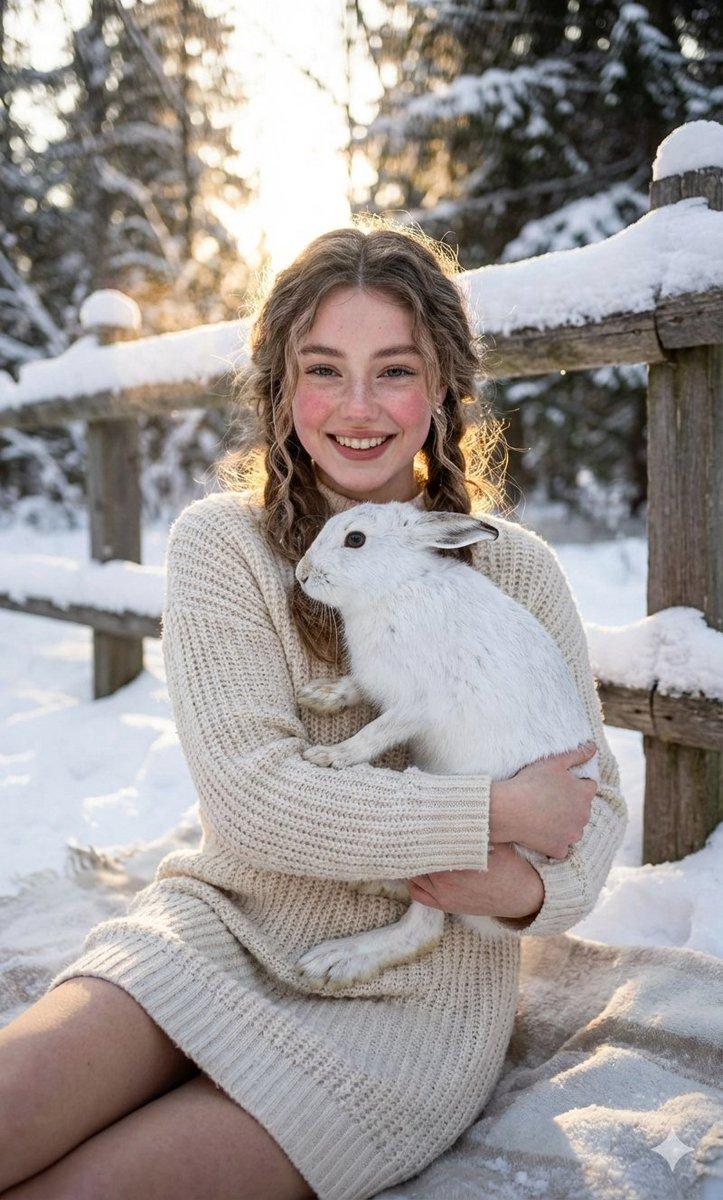
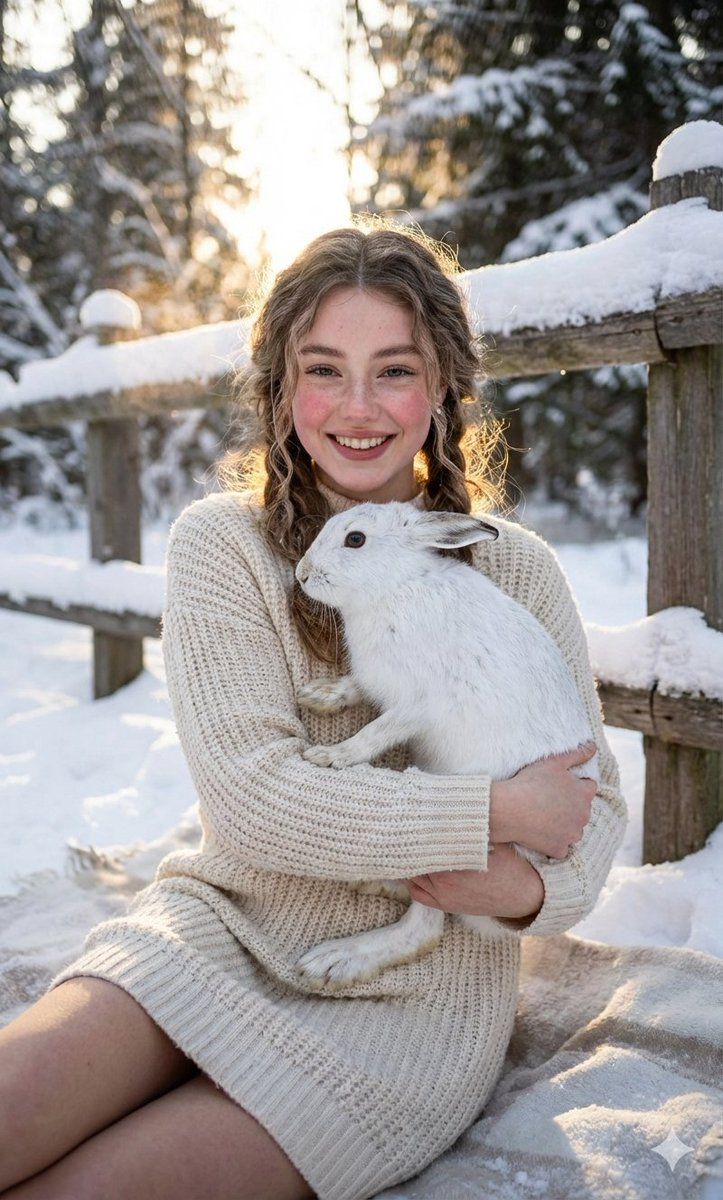
冬日暖心白兔肖像
Enlarge

冬日暖心白兔肖像

Prompt
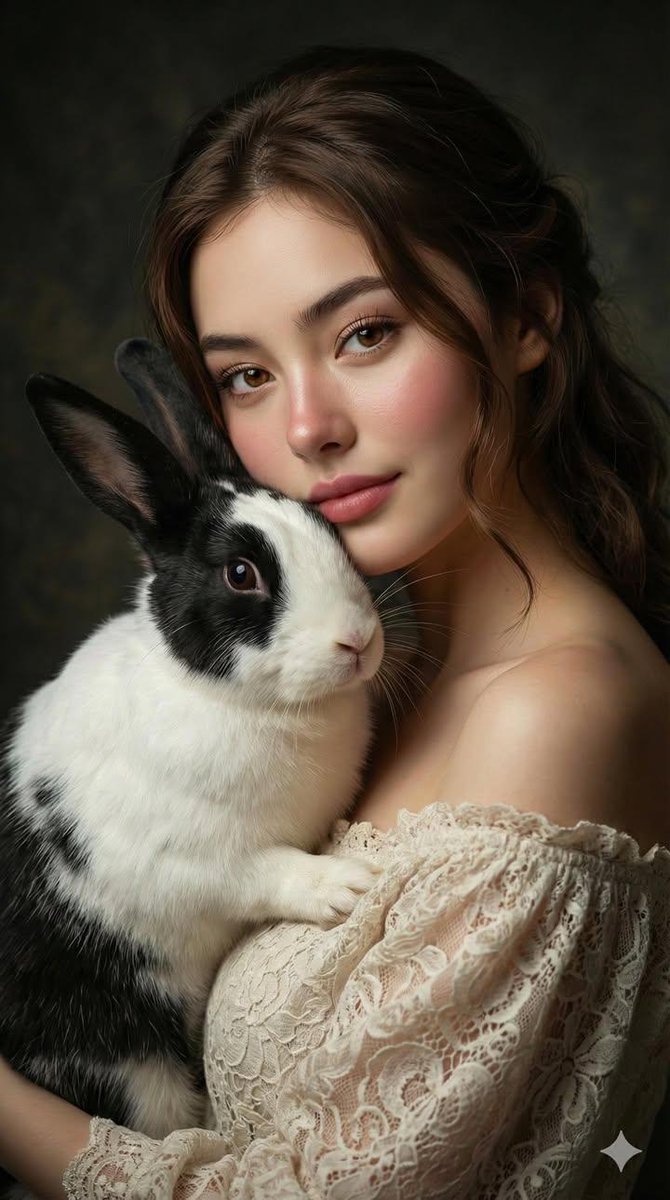
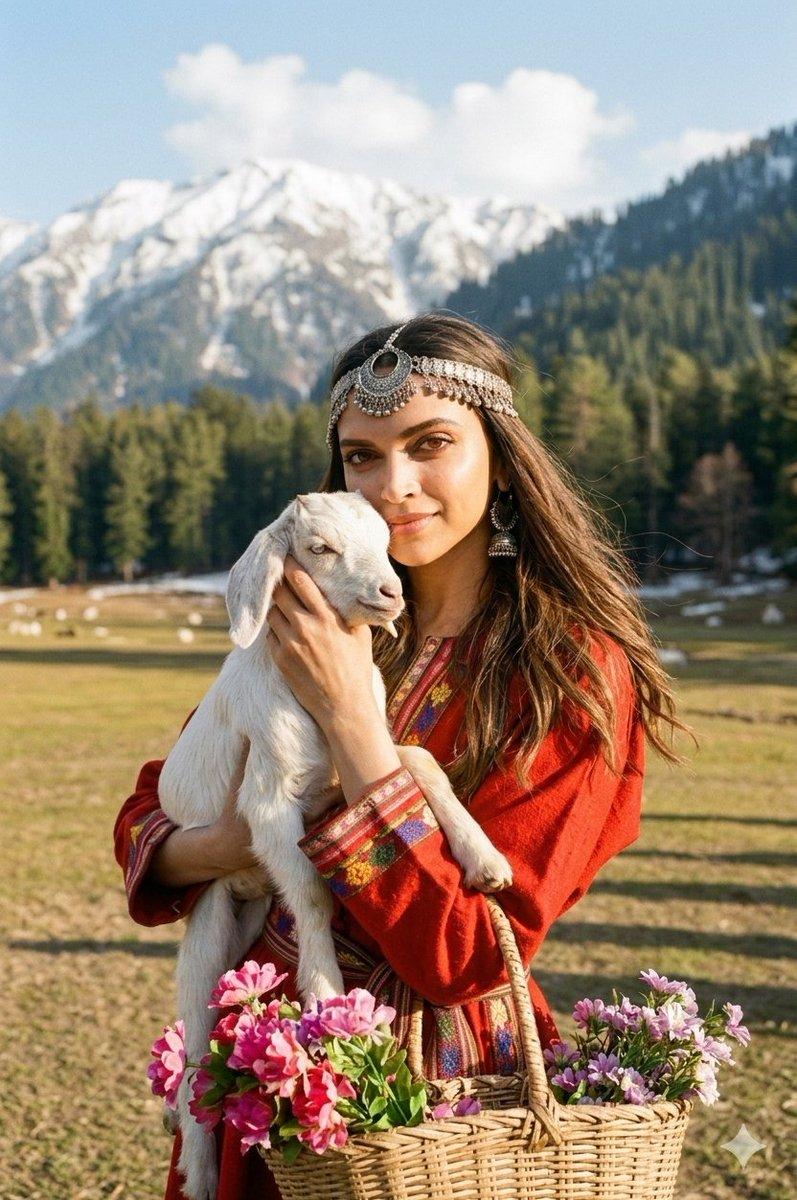
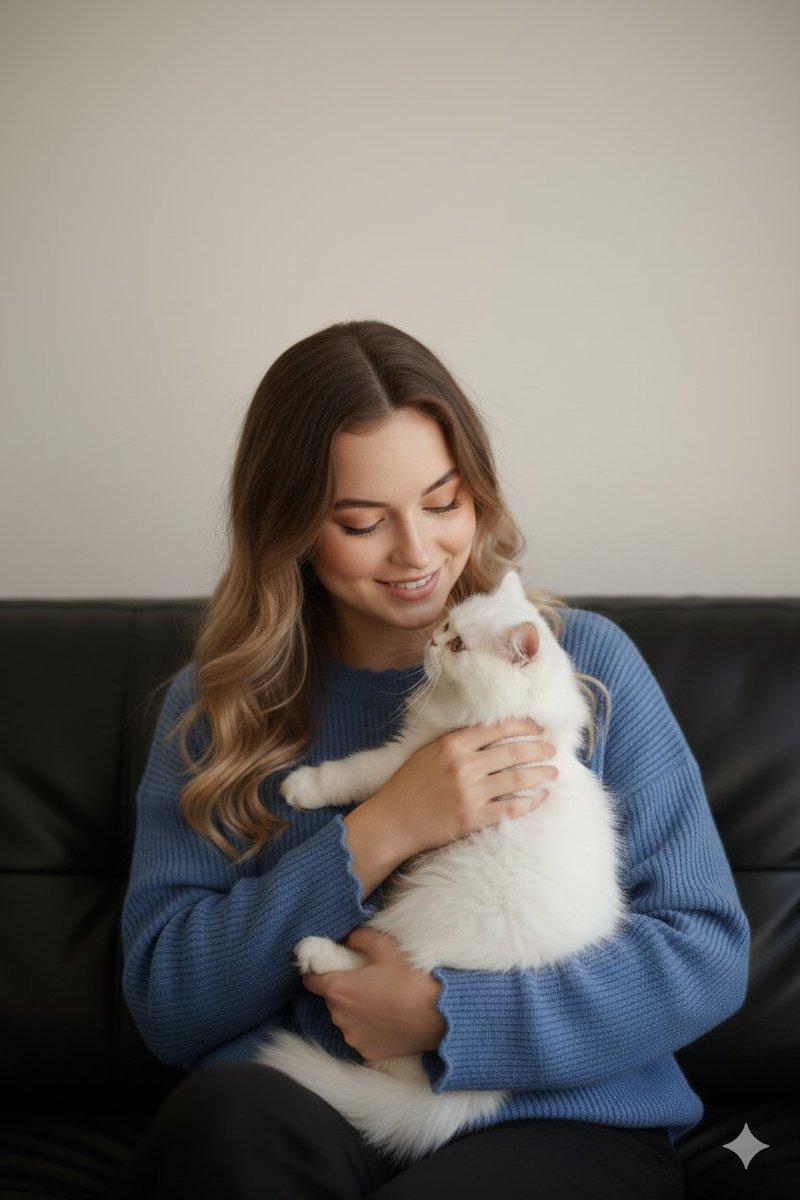
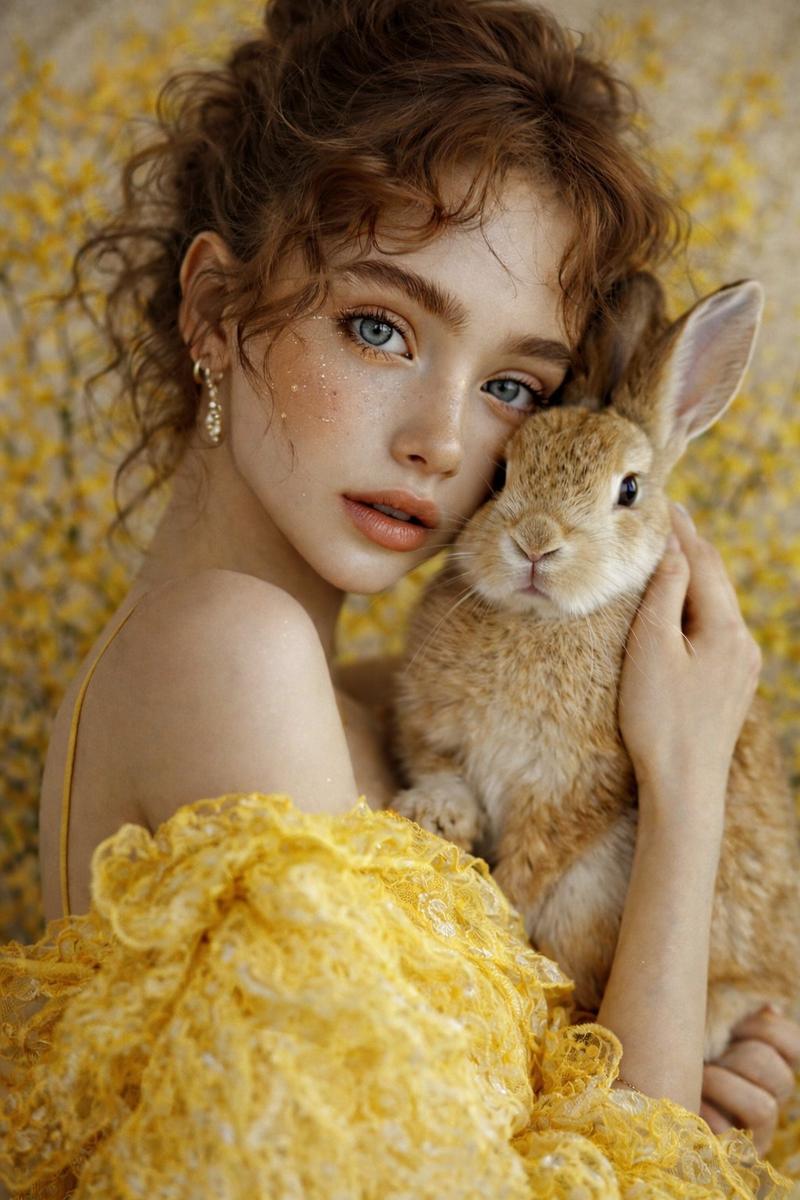
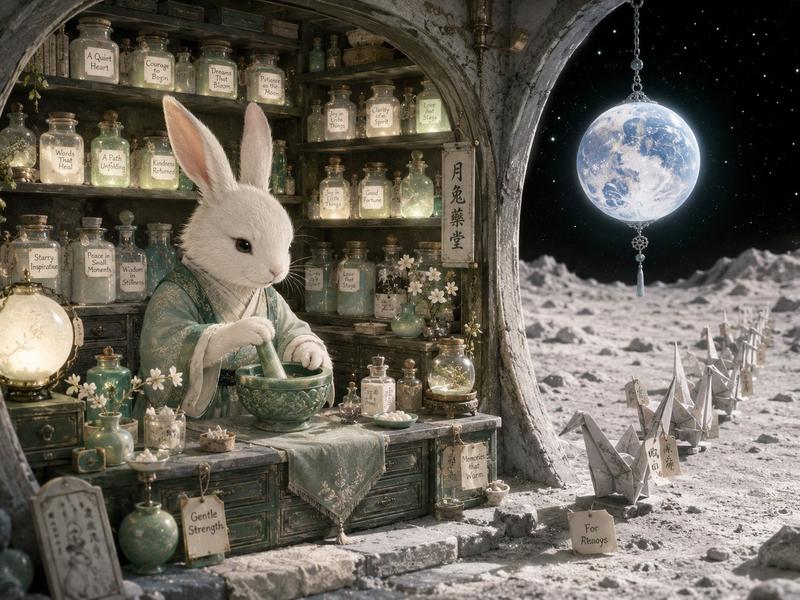
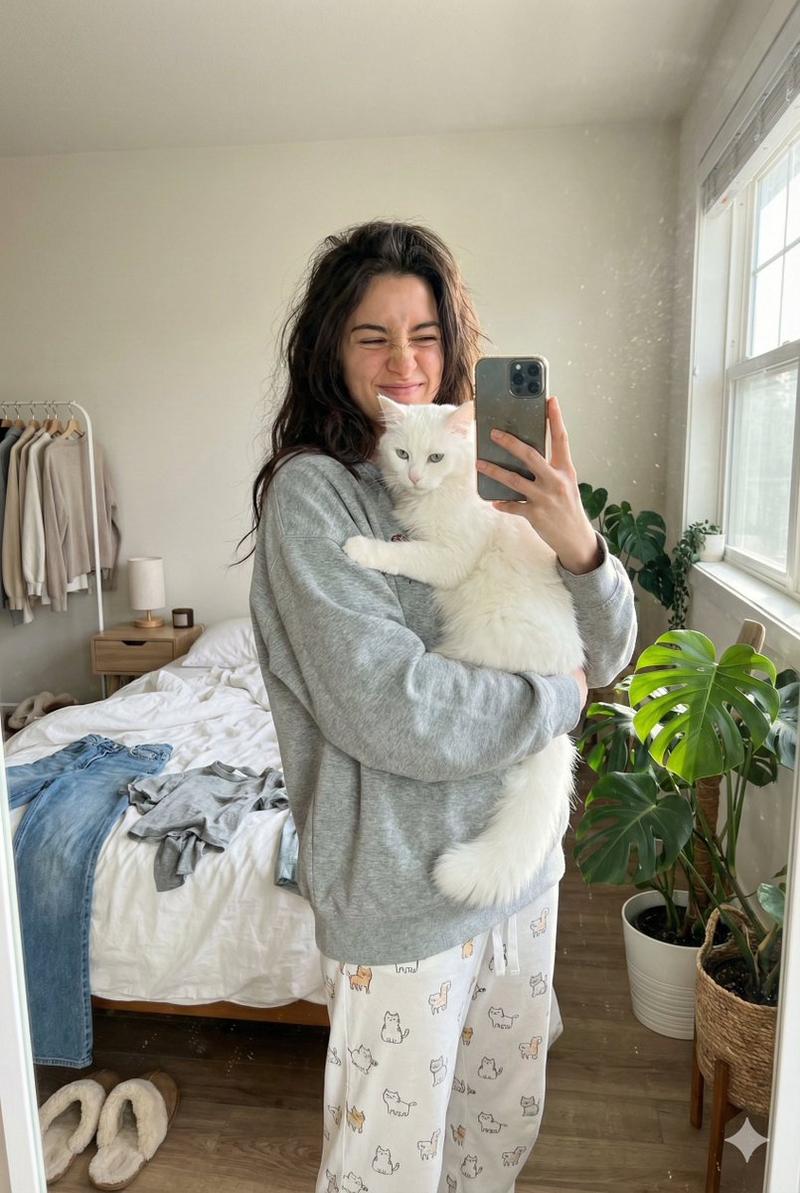
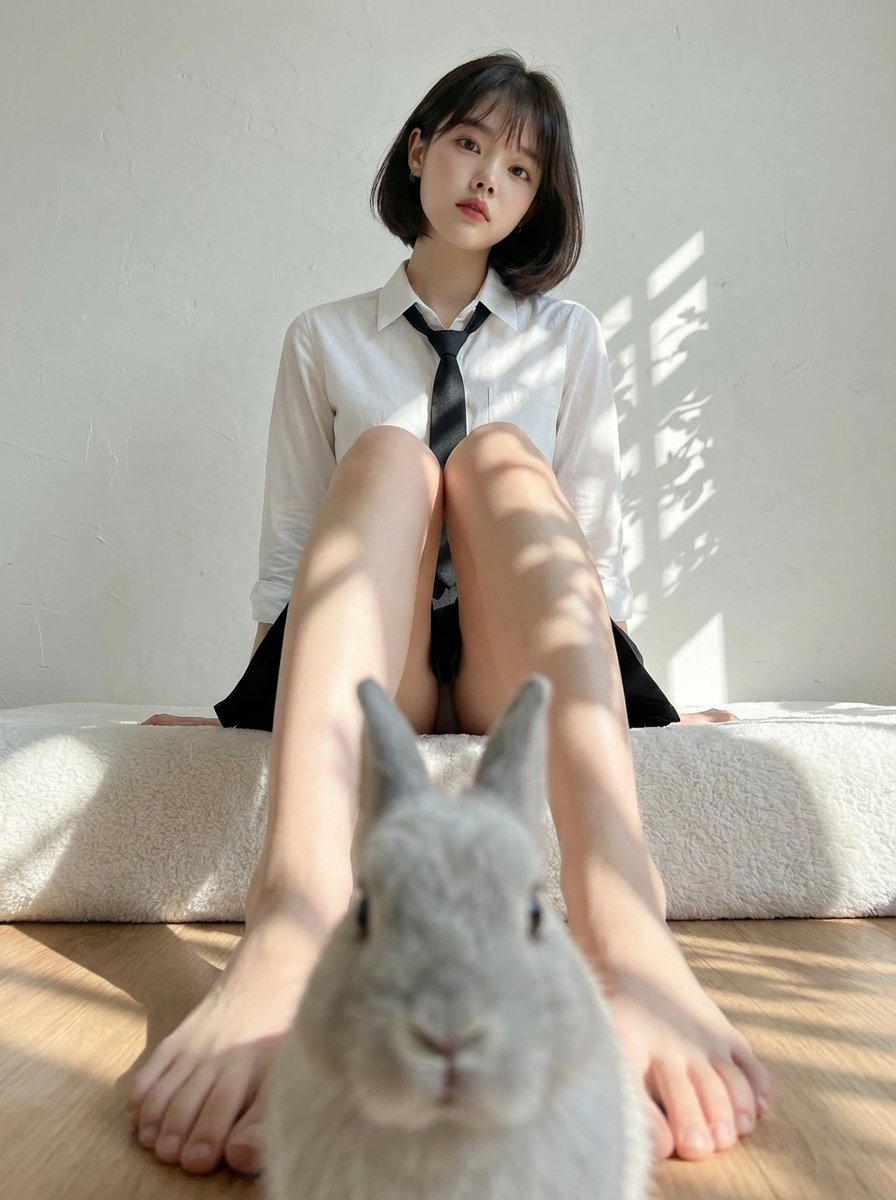
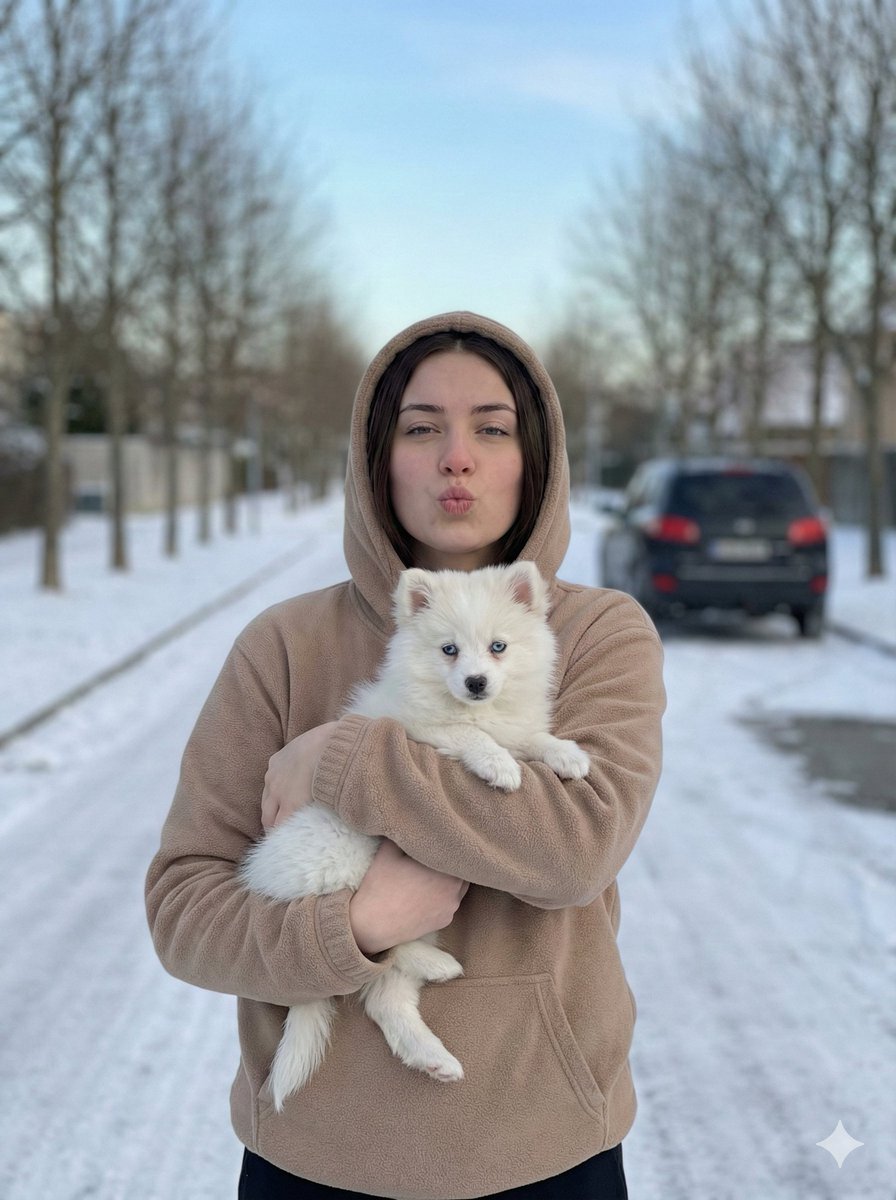
A cozy, intimate winter portrait. A girl from photo with a warm smile and rosy cheeks from the cold cradles a calm white hare in her arms. She is wearing a soft, chunky-knit {argument name="sweater color" default="cream colored"} sweater dress. Her hair is styled in loose messy braids. The makeup is natural and fresh, emphasizing the frost-kissed glow of her skin. The setting, is a quiet, sheltered spot near a rustic wooden fence, with a soft blanket of snow everywhere. A soft, warm backlight from the low winter sun filters through the trees, creating a gentle glow around them and highlighting, the delicate detajleot the hare's fur. The mood is heartwarming, peaceful, and full of quiet joy.
Category
创意图片
Model
Nano Banana Pro
Creator
Harboriis
Views0
Source ID
9d0e61d4-a393-445e-8839-fc508ad19064
Published
Mar 8, 2026

Guide

About "冬日暖心白兔肖像"

What is this prompt for?

"冬日暖心白兔肖像" AI image prompt for Nano Banana Pro (创意图片). 一个描述性的提示,用于生成一张温馨、亲密的冬季肖像,描绘一个女孩怀抱着一只平静的白色野兔。提示详细描述了拍摄对象的形象(粗针毛衣、红润的脸颊、松散的辫子)、场景(白雪覆盖的乡村篱笆)以及光线(冬日低垂的太阳洒…

The full copyable prompt and example visuals above are ready for AI image generation or one-click recreate in Picva.

How to use this prompt

  1. Step 1

    Open the prompt detail

    Review the example visuals, category, and full prompt text for "冬日暖心白兔肖像".

  2. Step 2

    Copy the prompt

    Copy the prompt body from this page, or load it directly in Studio.

  3. Step 3

    Pick a model (Nano Banana Pro)

    Prefer Nano Banana Pro. If you switch models, keep subject and composition and tweak style terms.

  4. Step 4

    Generate and export

    Recreate the look in Picva, or export into your workflow for editing and publishing.

FAQ

What is the "冬日暖心白兔肖像" prompt?
It is an AI image-generation prompt for Nano Banana Pro in the 创意图片 category. This page includes the full prompt text, example visuals, and a one-click recreate path in Picva.
How do I use this prompt to generate an image?
Copy the prompt from this page, or use Generate / Studio. Paste it into a compatible image model, or recreate the look in Picva with optional reference images.
Which model is this prompt for?
This page lists Nano Banana Pro. Most descriptive prompts also transfer to nearby image models such as GPT Image, Flux, or Midjourney with light style tweaks.
Can I use the result commercially?
You can usually copy the prompt for creation, but commercial use of the final image depends on the model terms, reference-image rights, and the generated content. Follow the source author and platform rules.