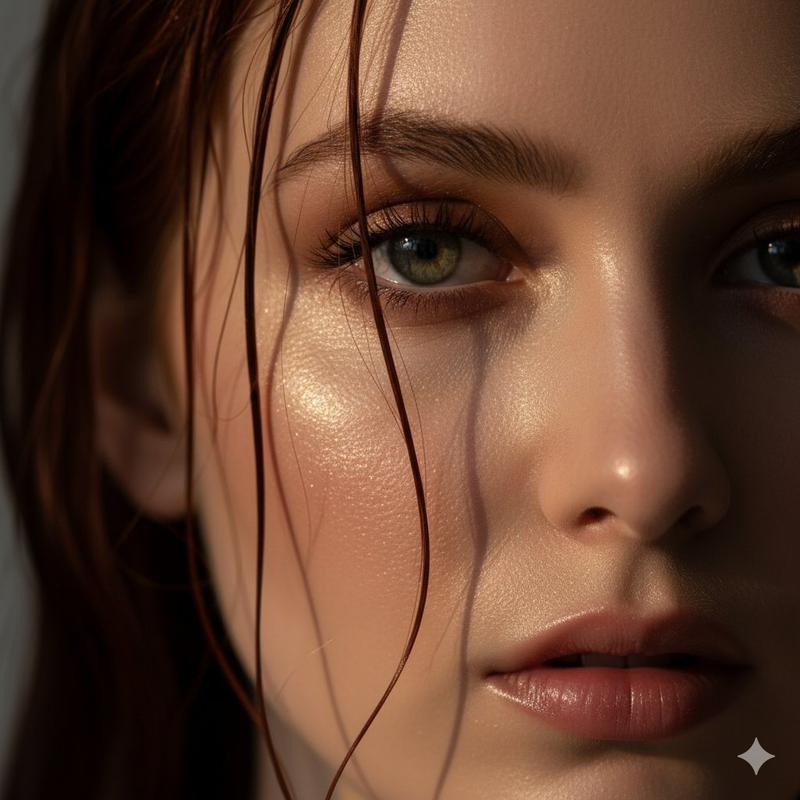
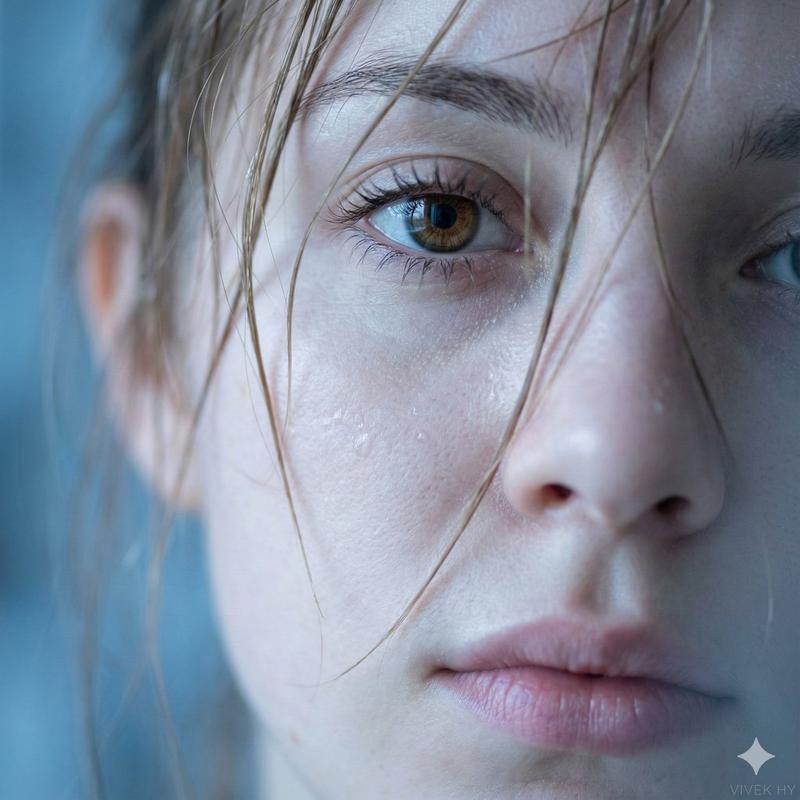
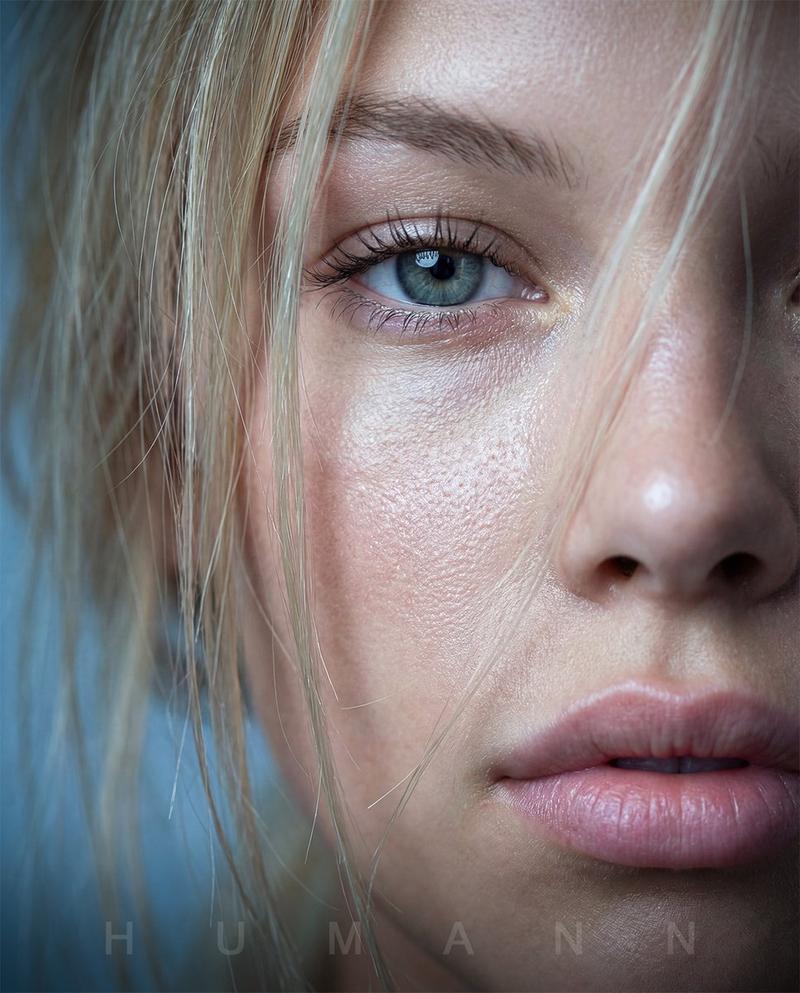
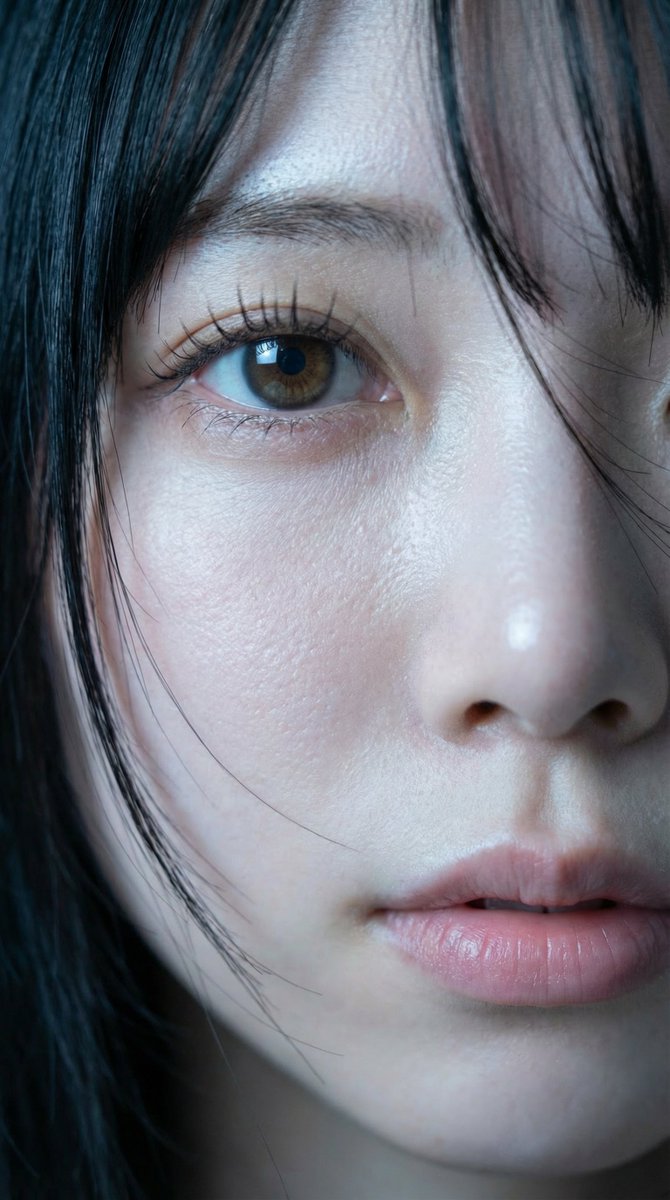
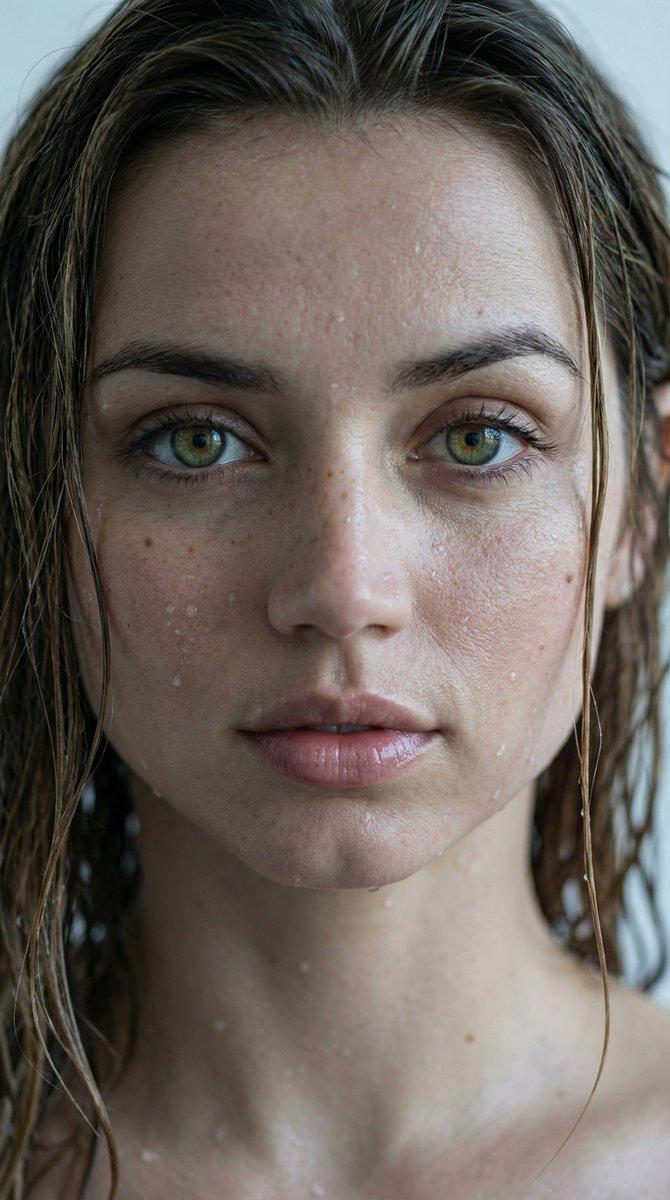
特写肖像提示(聚焦纹理)
Prompt
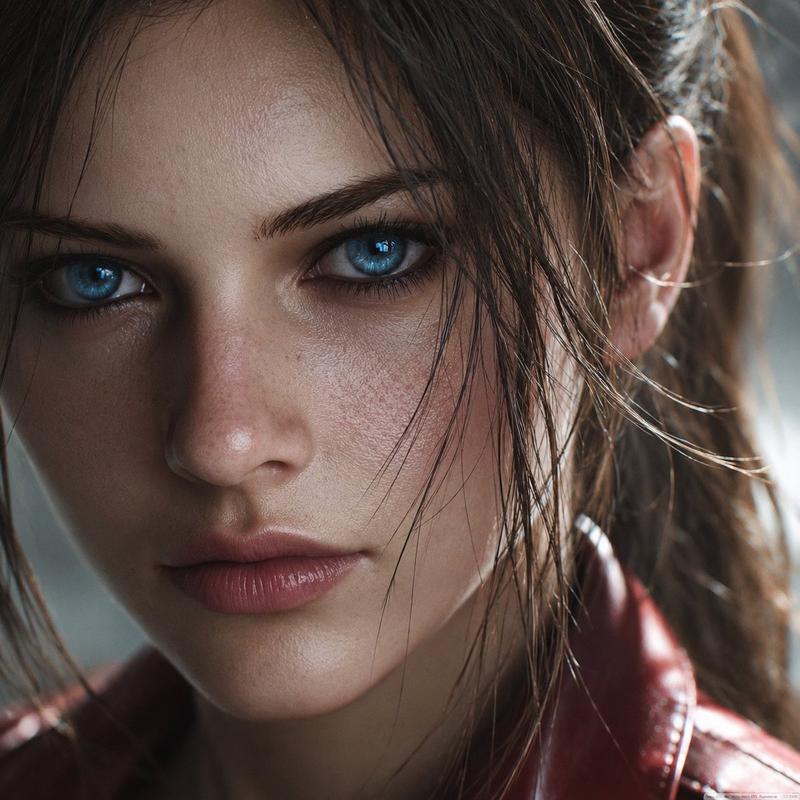
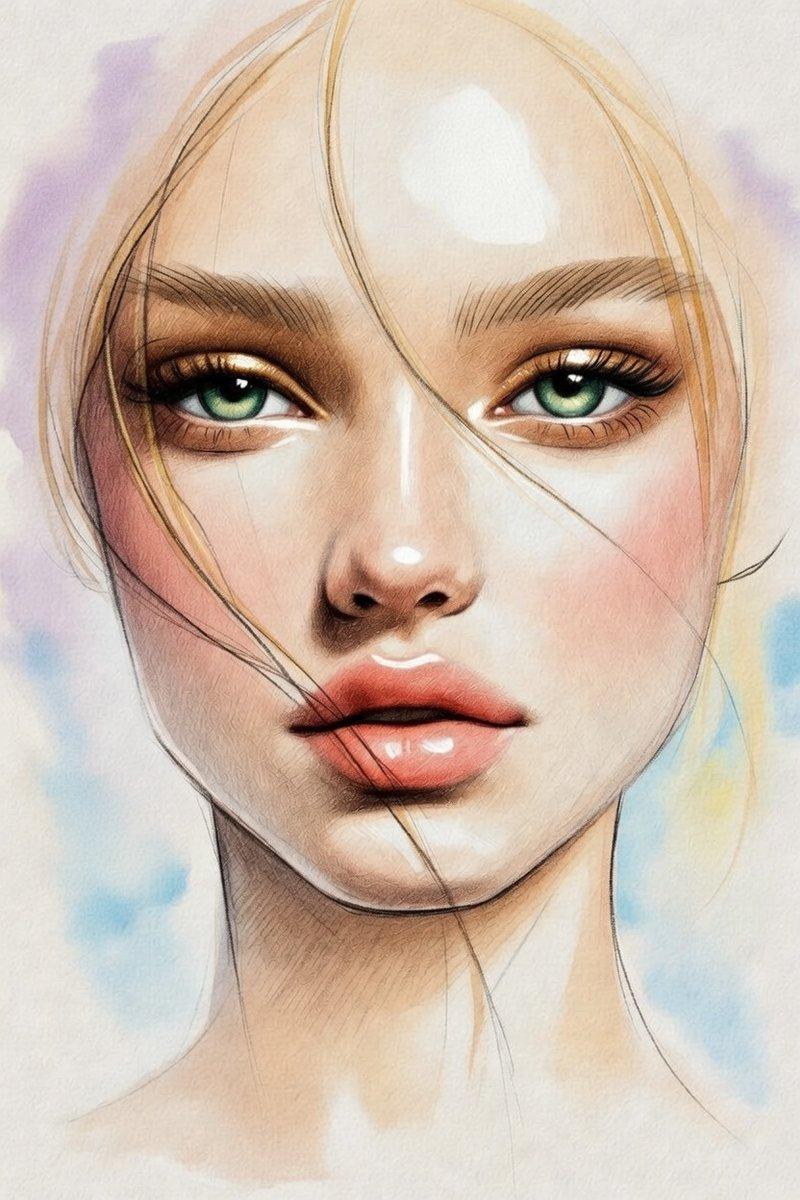
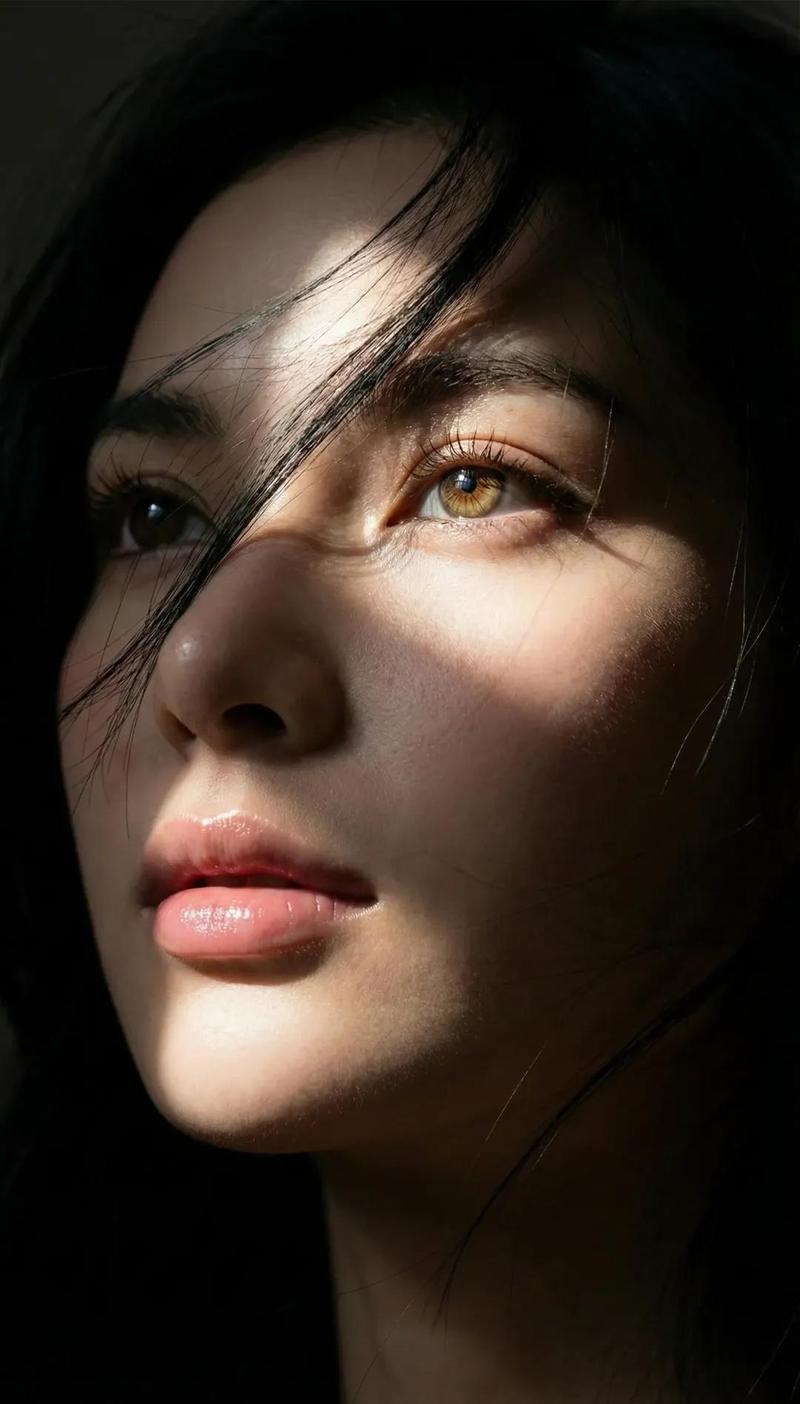
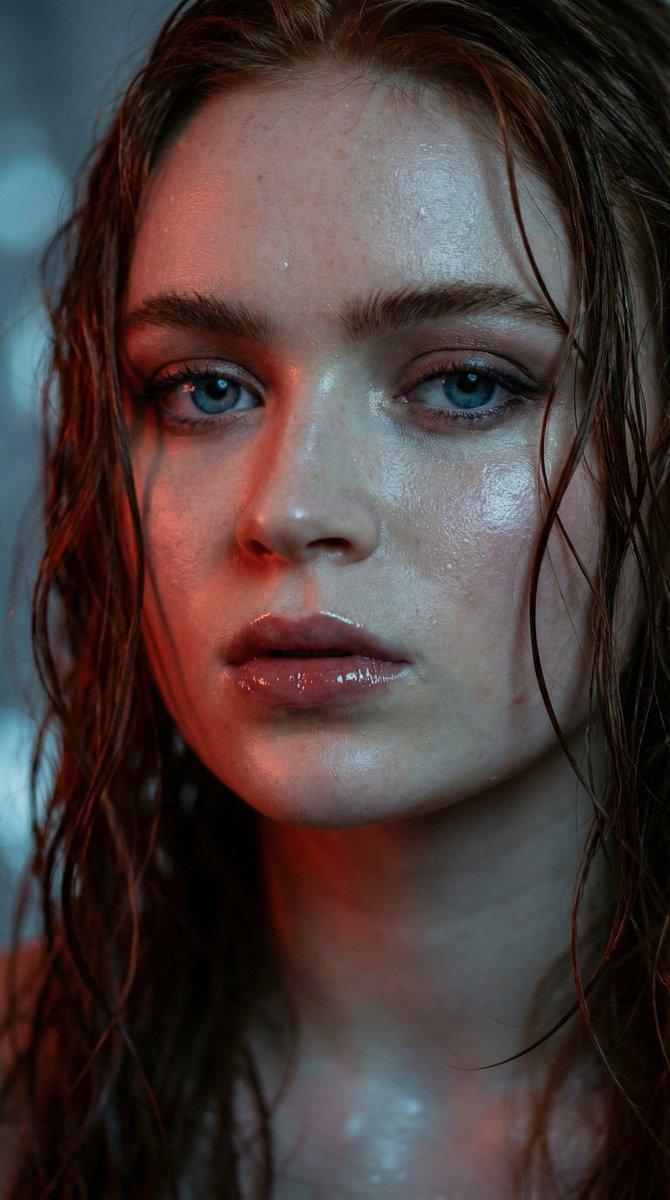
根据这张照片创建极限特写肖像,使用完全相同的面部特征,捕捉强烈的皮肤纹理和水分细节。水润的肌肤闪耀着自然光泽,湿润的发丝部分覆盖眼部区域。眼睛清晰度高
- Category
- 创意图片
- Model
- Nano Banana Pro
- Creator
- 路飞 🏴☠️ AI 研究员🧐
- Source ID
- 396660a3-fdbb-4528-8aee-a16a9fc76fdc
- Published
- Mar 8, 2026
Views0
17

根据这张照片创建极限特写肖像,使用完全相同的面部特征,捕捉强烈的皮肤纹理和水分细节。水润的肌肤闪耀着自然光泽,湿润的发丝部分覆盖眼部区域。眼睛清晰度高
Guide
"特写肖像提示(聚焦纹理)" AI image prompt for Nano Banana Pro (创意图片). 一个针对 Gemini Nano Banana 的提示,要求根据上传的照片生成一张超特写肖像,强调保留完全相同的面部特征,并突出极致的皮肤纹理、湿润细节以及眼睛的锐利焦点,同时湿发部分遮盖脸部。 --…
The full copyable prompt and example visuals above are ready for AI image generation or one-click recreate in Picva.
Step 1
Review the example visuals, category, and full prompt text for "特写肖像提示(聚焦纹理)".
Step 2
Copy the prompt body from this page, or load it directly in Studio.
Step 3
Prefer Nano Banana Pro. If you switch models, keep subject and composition and tweak style terms.
Step 4
Recreate the look in Picva, or export into your workflow for editing and publishing.