16

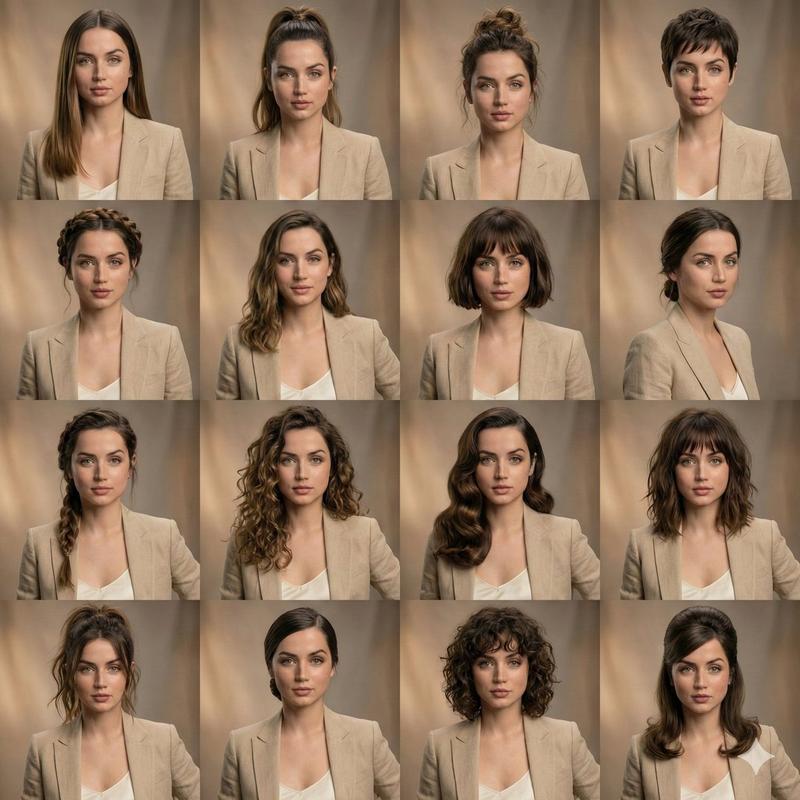
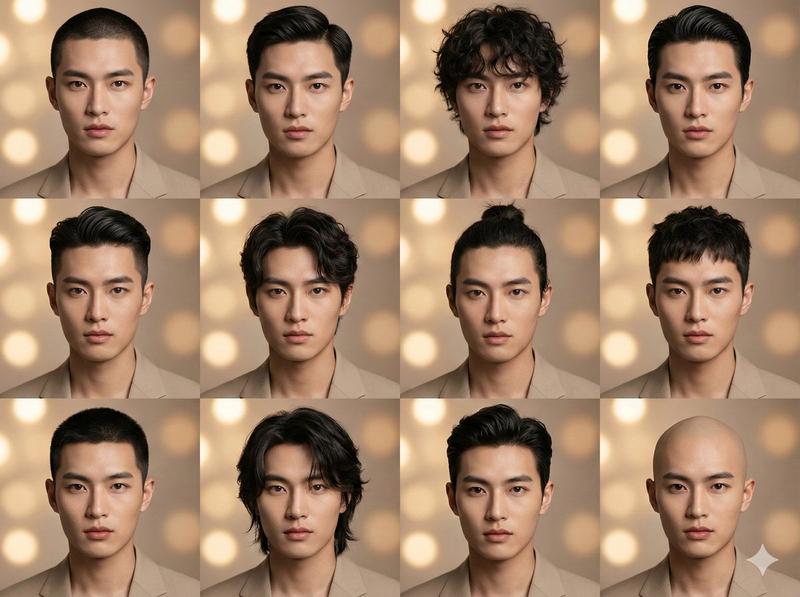
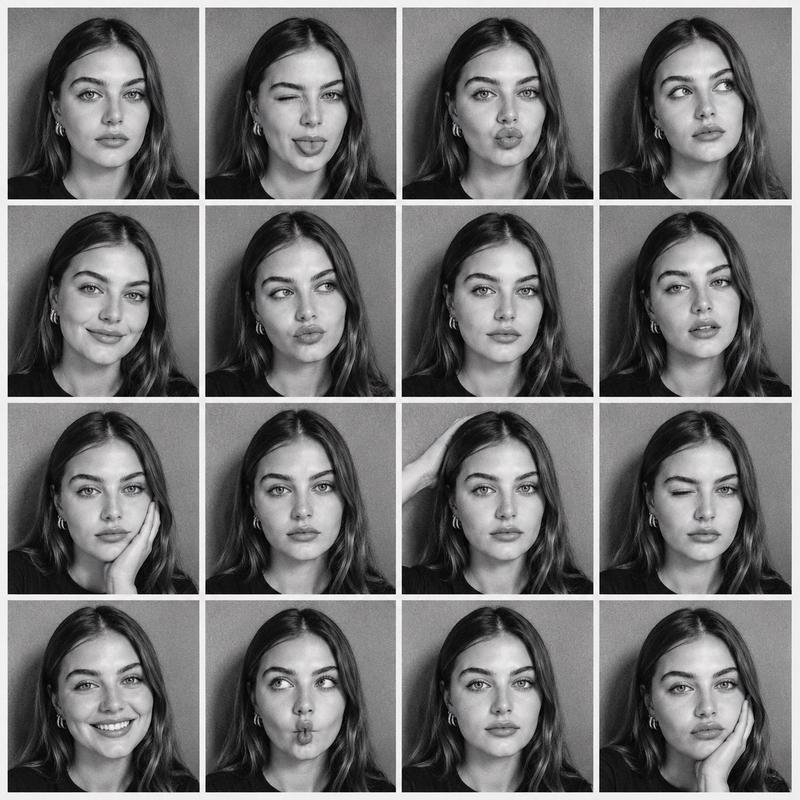
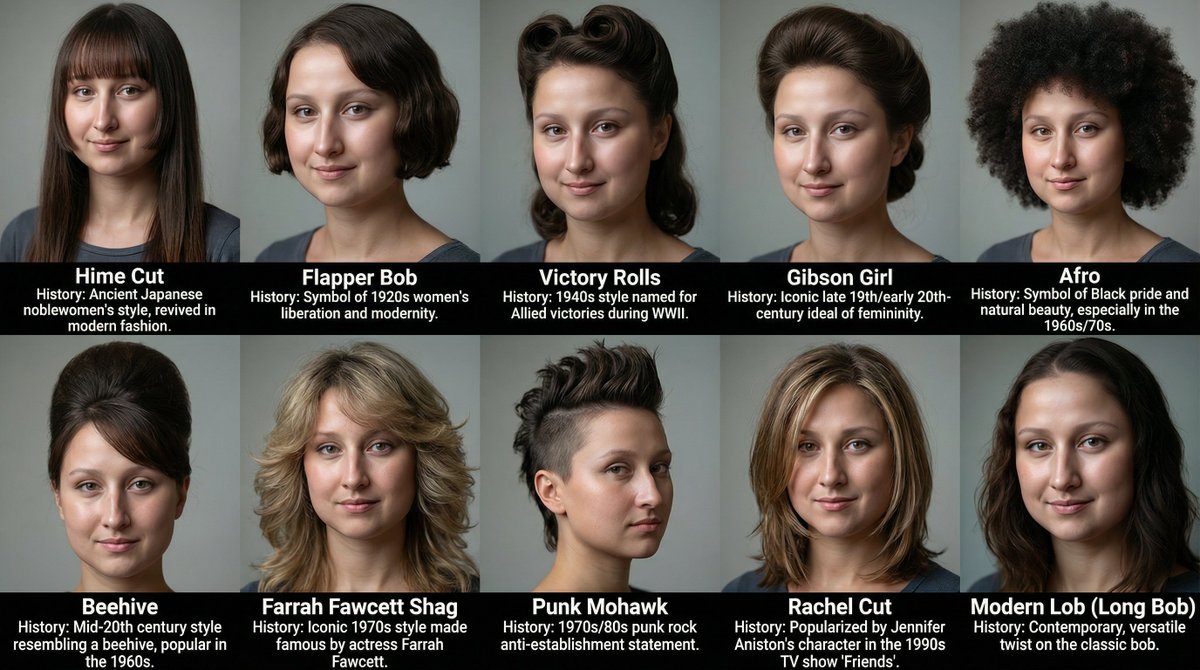
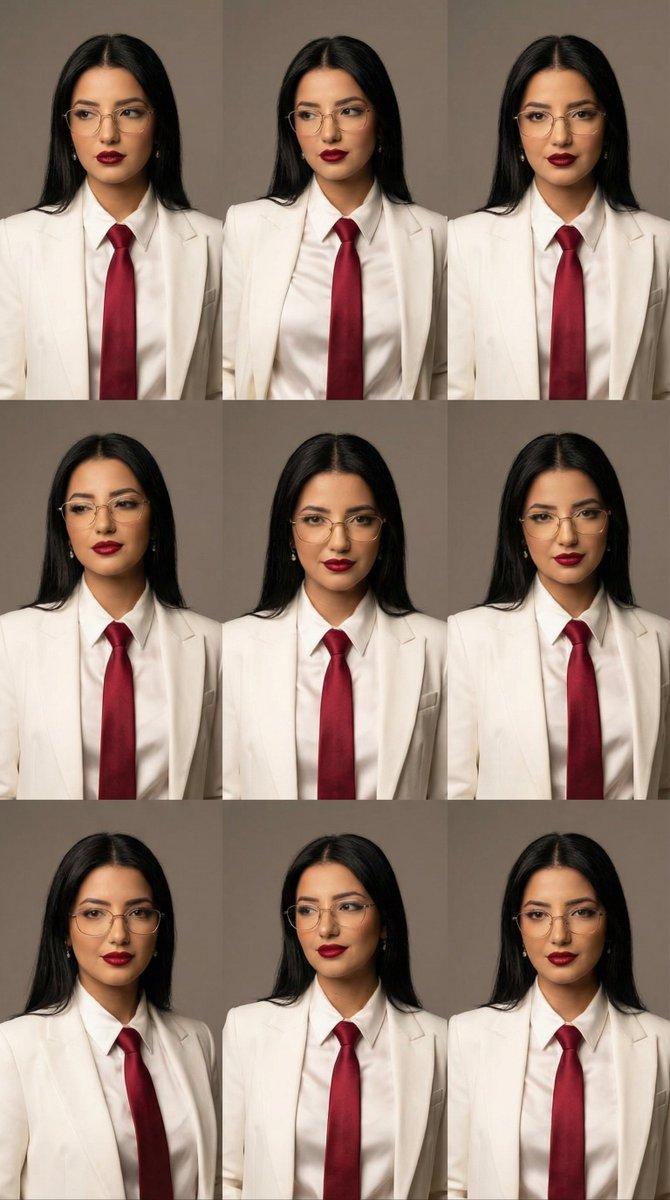
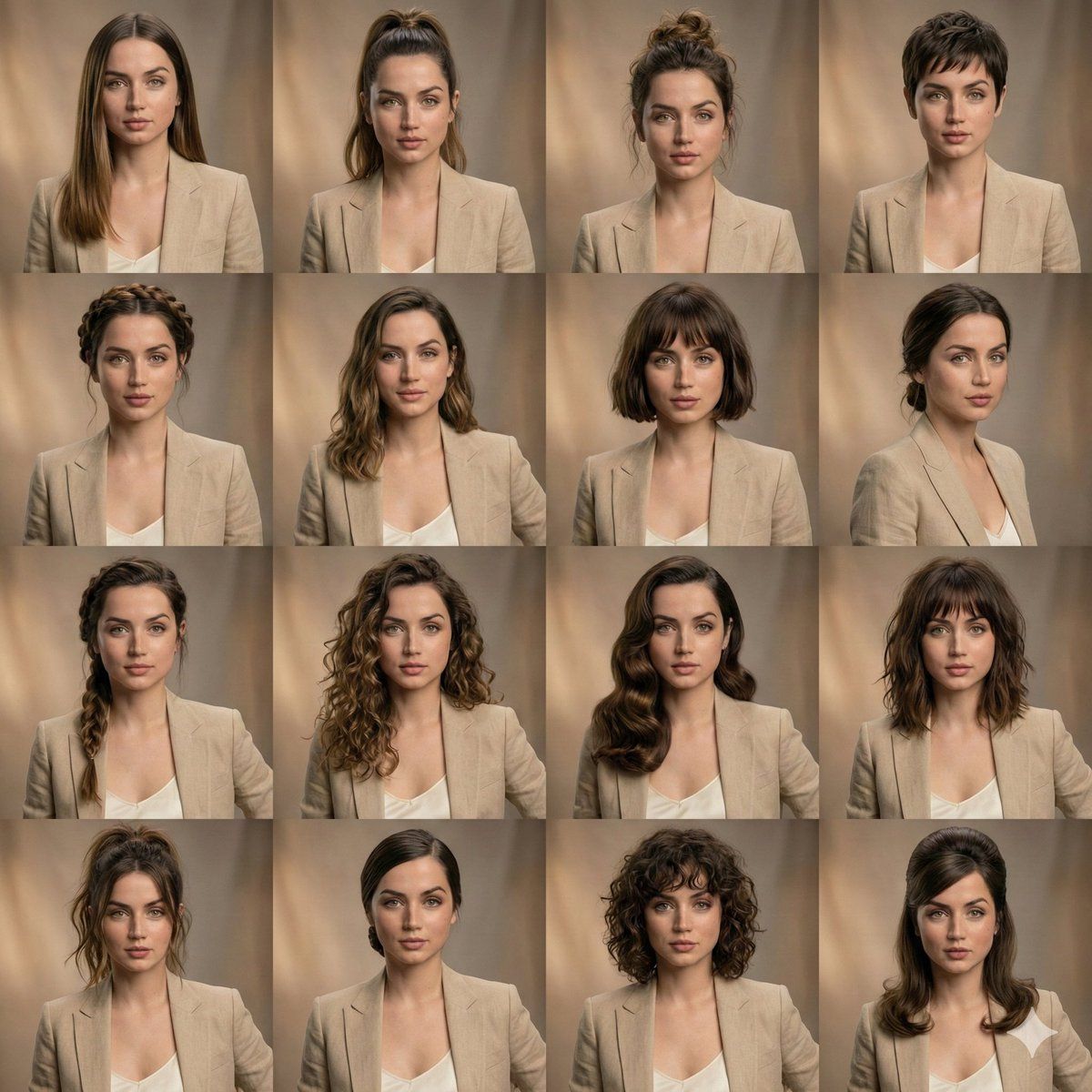
发型变化的编辑美容拼贴画
Enlarge

发型变化的编辑美容拼贴画

Prompt
{
  '场景类型': '{argument name="场景类型" default="编辑美妆拼贴"}',
  '主体': {
    '身份锁定': true,
    '面部一致性': '在所有画面中完美匹配',
    '表情': '不变、中性且放松',
    '肌肤': '逼真纹理、自然毛孔、高保真'
  },
  '布局': {
    '网格': '4x3',
    '构图': '等大小肖像面板',
    '一致性': '每帧面部对齐对称'
  },
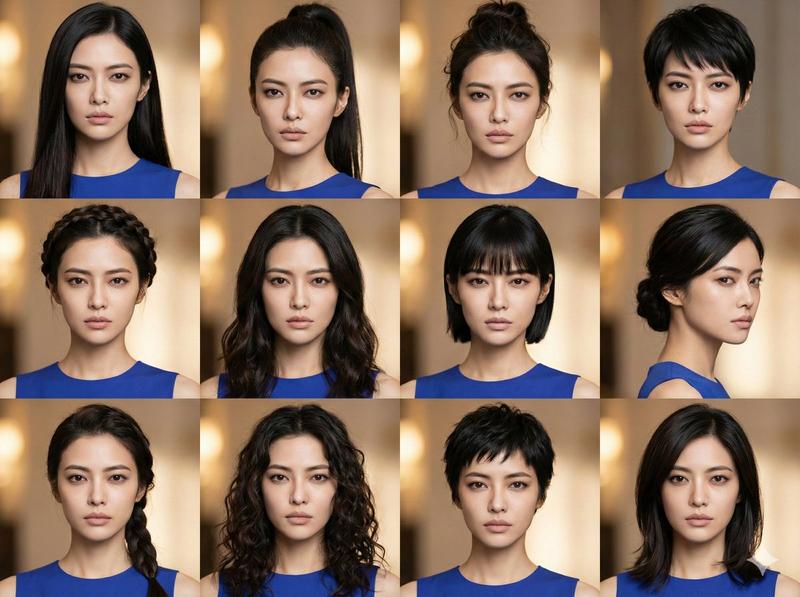
  '发型变化': [
    '{argument name="发型1" default="光滑长直发"}',
    '高马尾',
    '纹理蓬乱发髻',
    '超短发',
    '辫子皇冠',
    '柔软飘逸波浪',
    '齐肩短发',
    '低束发髻',
    '侧边辫',
    '蓬松卷'
  ],
  '造型': {
    '服装': '所有面板中相同中性服装',
    '妆容': '每张照片相同干净美妆'
  },
  '光线': {
    '类型': '柔和棚拍光',
    '色调': '温暖',
    '阴影': '温柔自然'
  },
  '背景': {
    '风格': '微妙模糊棚拍背景',
    '颜色': '温暖中性色调'
  },
  '质量': {
    '细节': '超详细',
    '摄影': '专业肖像',
    '效果': '高端编辑风格'
  }
}
Category
创意图片
Model
Nano Banana Pro
Views0
Source ID
a734815a-8252-4888-890d-8832152757d4
Published
Mar 8, 2026

Guide

About "发型变化的编辑美容拼贴画"

What is this prompt for?

"发型变化的编辑美容拼贴画" AI image prompt for Nano Banana Pro (创意图片). 一个结构化的提示,旨在生成一个 4x3 网格拼贴画,展示同一主体,在所有面板中保持完美的脸部一致性和表情,同时展示十种不同的发型,非常适合使用参考图像进行美妆编辑或虚拟试戴。 --- ```json…

The full copyable prompt and example visuals above are ready for AI image generation or one-click recreate in Picva.

How to use this prompt

  1. Step 1

    Open the prompt detail

    Review the example visuals, category, and full prompt text for "发型变化的编辑美容拼贴画".

  2. Step 2

    Copy the prompt

    Copy the prompt body from this page, or load it directly in Studio.

  3. Step 3

    Pick a model (Nano Banana Pro)

    Prefer Nano Banana Pro. If you switch models, keep subject and composition and tweak style terms.

  4. Step 4

    Generate and export

    Recreate the look in Picva, or export into your workflow for editing and publishing.

FAQ

What is the "发型变化的编辑美容拼贴画" prompt?
It is an AI image-generation prompt for Nano Banana Pro in the 创意图片 category. This page includes the full prompt text, example visuals, and a one-click recreate path in Picva.
How do I use this prompt to generate an image?
Copy the prompt from this page, or use Generate / Studio. Paste it into a compatible image model, or recreate the look in Picva with optional reference images.
Which model is this prompt for?
This page lists Nano Banana Pro. Most descriptive prompts also transfer to nearby image models such as GPT Image, Flux, or Midjourney with light style tweaks.
Can I use the result commercially?
You can usually copy the prompt for creation, but commercial use of the final image depends on the model terms, reference-image rights, and the generated content. Follow the source author and platform rules.